
Pinggy
Public URLs for localhost without downloading any binary.
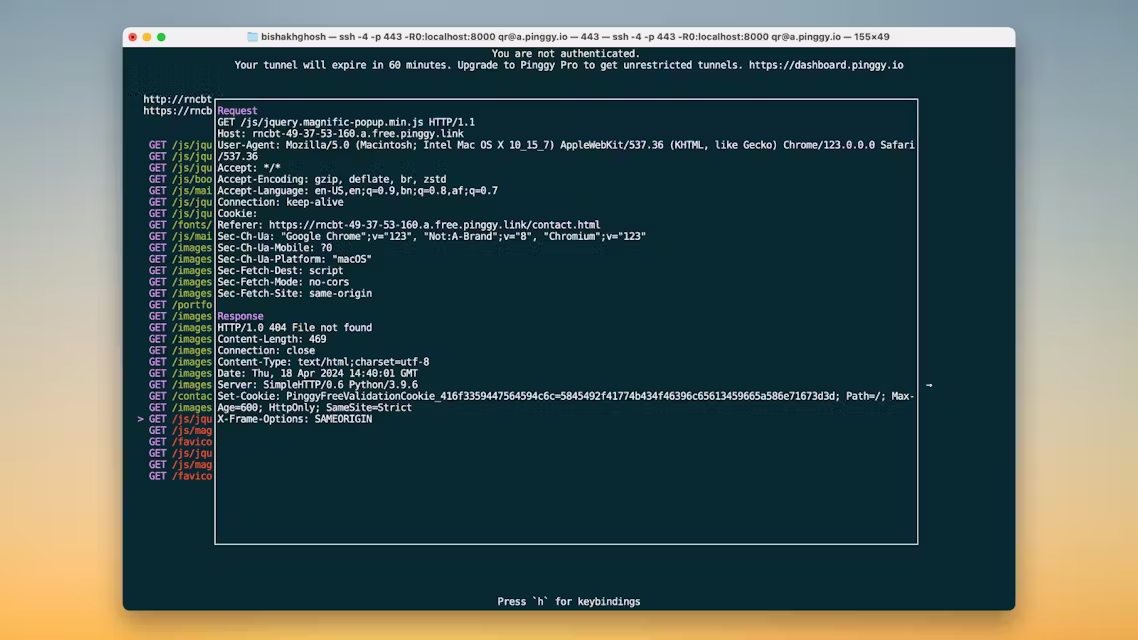
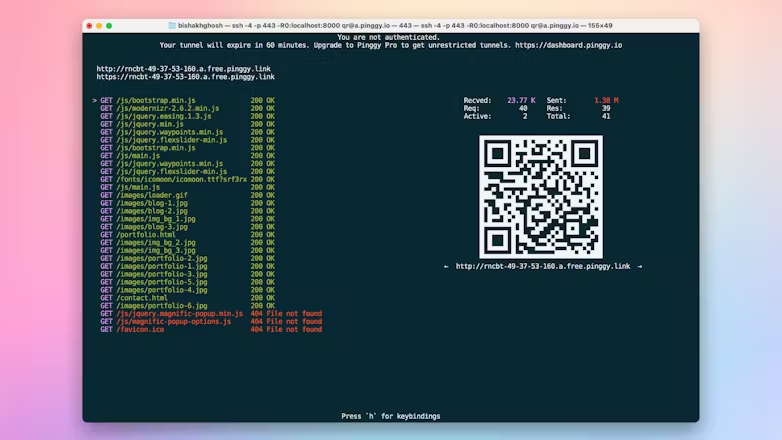
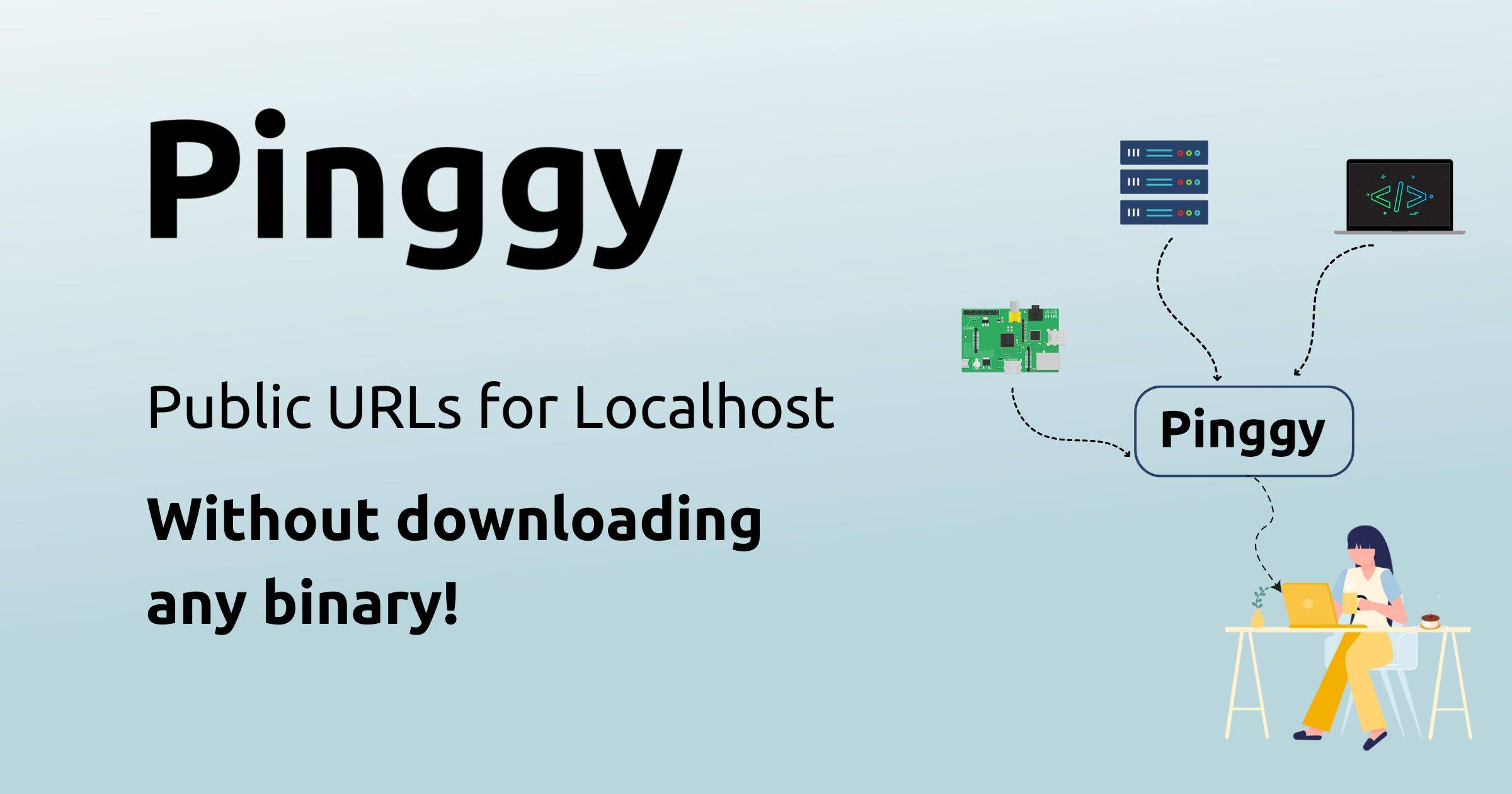
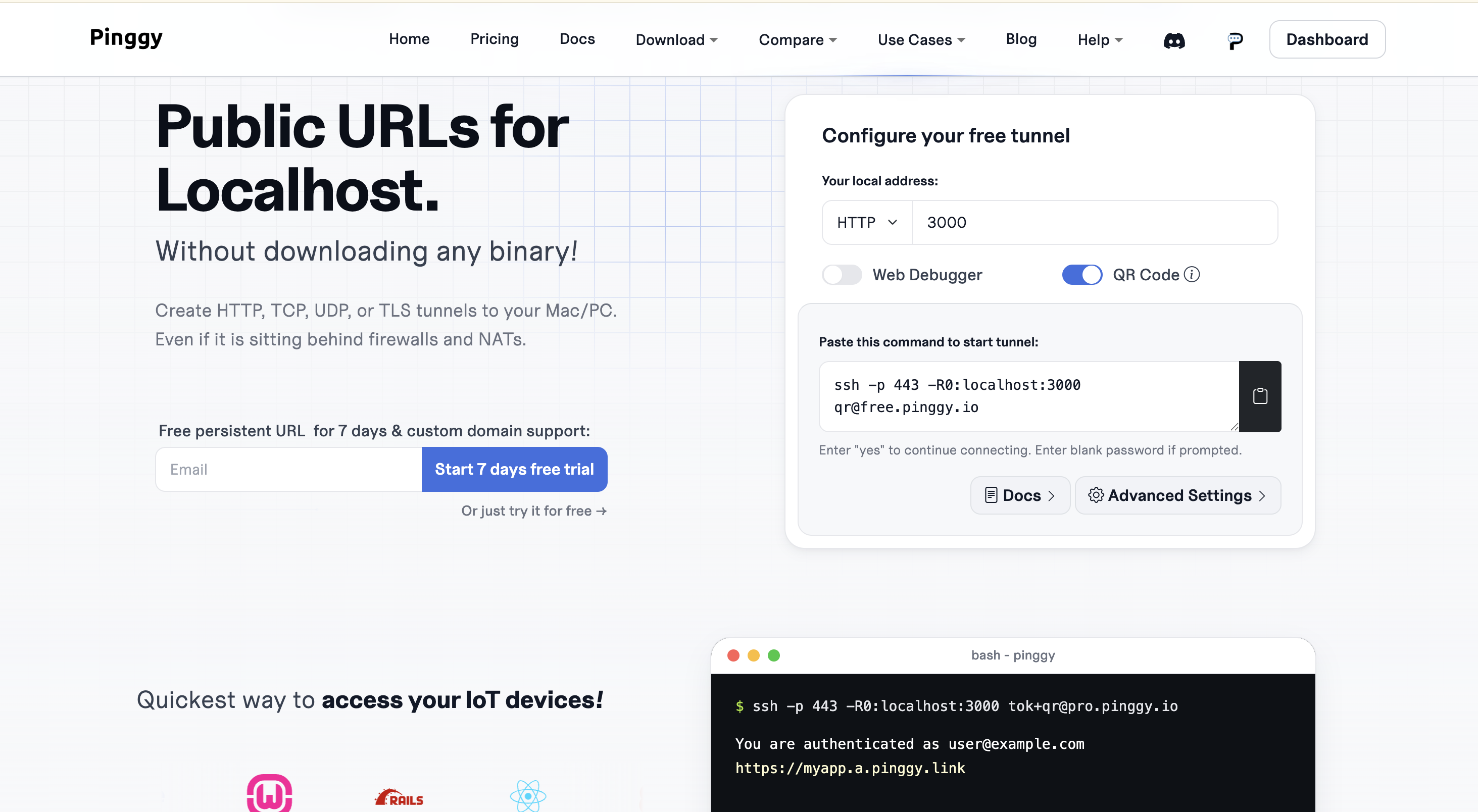
Pinggy stands out as the simplest localhost tunneling solution. With Pinggy, you can effortlessly create HTTP, TCP, UDP, or TLS tunnels to your localhost, enabling instant access to your websites or applications, even behind firewalls and NATs.
No need to download anything, no complex server configurations - just streamlined, secure access for developers, teams, and innovators. Whether you’re sharing an app for testing or showcasing your work remotely, Pinggy makes it intuitive and stress-free.

Features
- No installation required: Create public URLs for localhost without downloading any software or binaries.
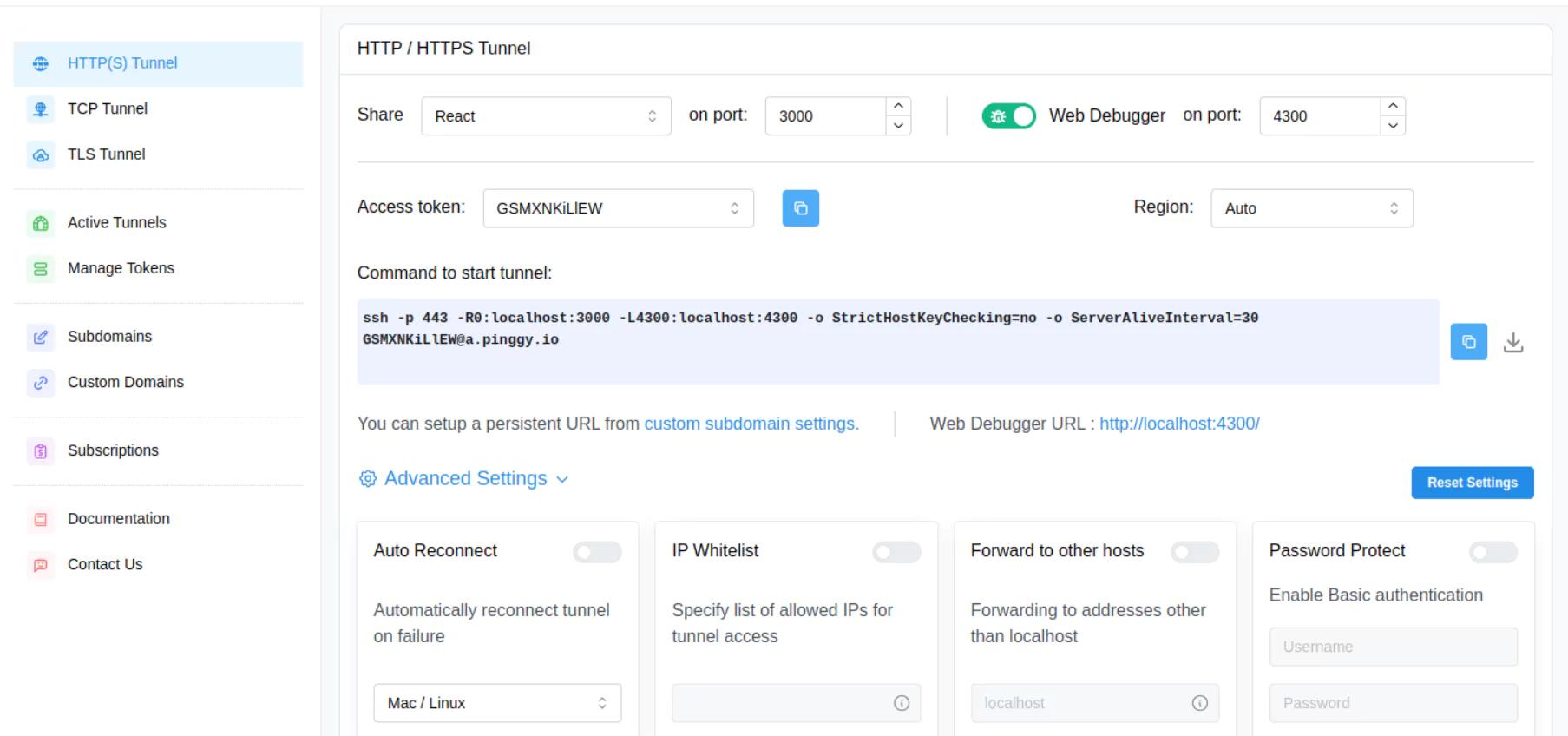
- Instant localhost tunneling: Expose local applications to the internet in seconds using a single command.
- Supports multiple protocols: Create secure HTTP, TCP, UDP, and TLS tunnels from one platform.
- Works behind NAT and firewalls: Access local services remotely without port forwarding or router configuration.
- Secure encrypted connections: Keep traffic protected with built-in secure tunneling.
- Webhook testing: Easily test webhooks from GitHub, Stripe, Slack, Twilio, and other services.
- Custom domains and reserved subdomains: Use consistent, branded URLs for development and demonstrations.
- SSH-based connectivity: Lightweight SSH-powered tunneling with minimal setup and configuration.
- Cross-platform compatibility: Works seamlessly on Windows, macOS, Linux, cloud VMs, and containers.
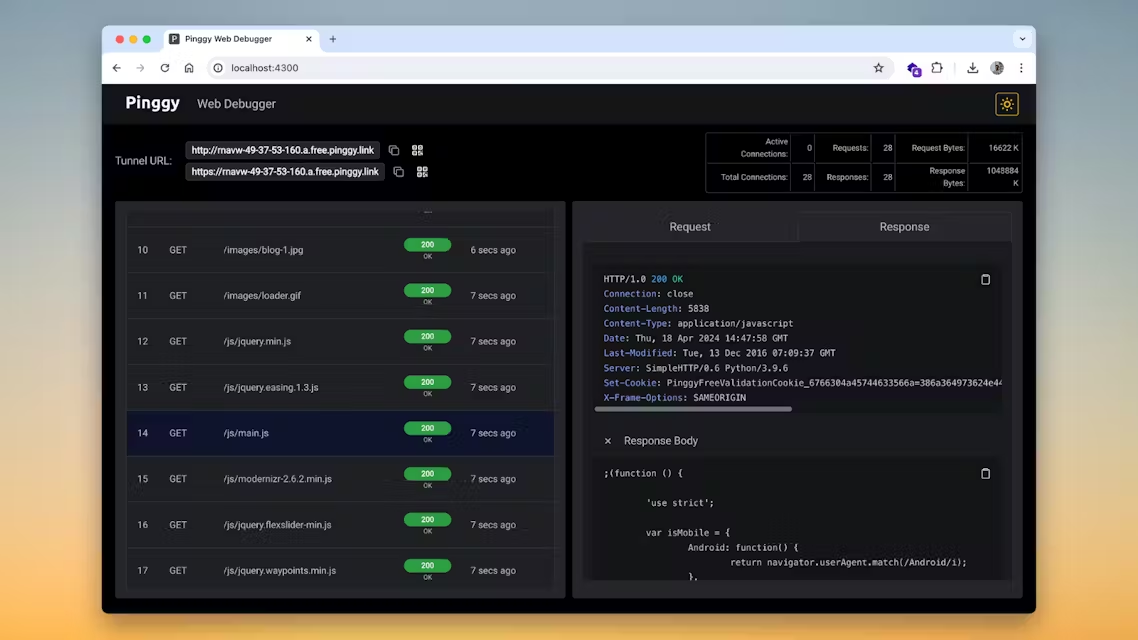
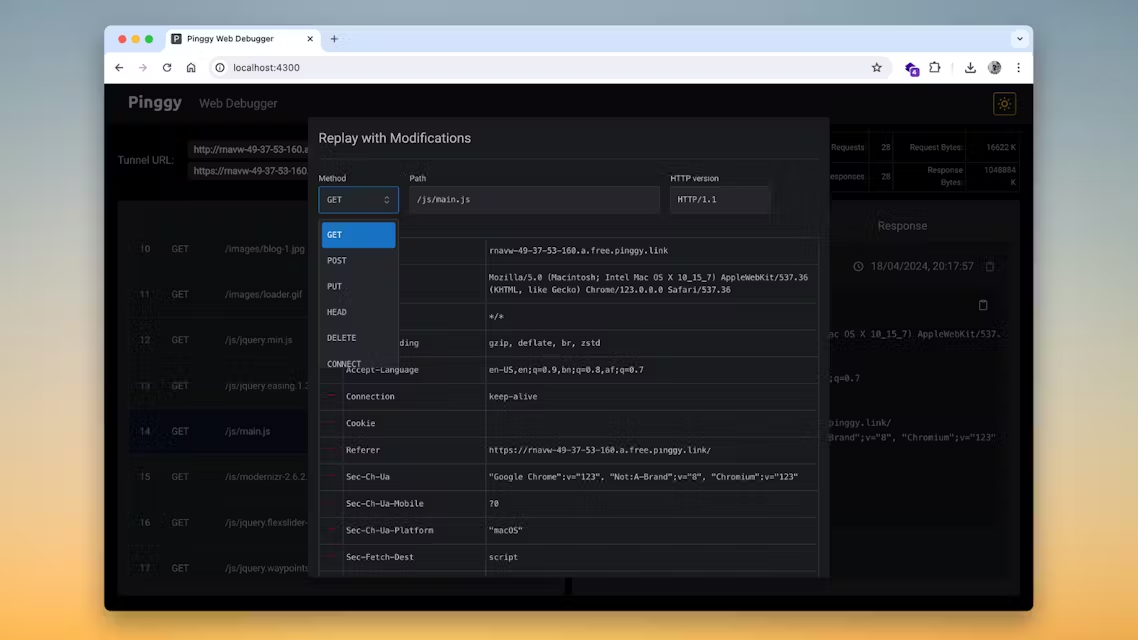
- Developer-friendly and lightweight: Fast setup, minimal configuration, and ideal for testing, debugging, remote demos, and team collaboration.
Use Cases
- Webhook Testing: Receive webhook events from services like GitHub, Stripe, Slack, and Twilio on your local machine.
- Local Website Sharing: Share websites and web applications running on localhost with clients, teammates, or testers.
- Remote Development: Access local development environments securely from anywhere.
- API Testing: Expose local REST APIs for integration testing and third-party development.
- Live Product Demos: Demonstrate applications and prototypes without deploying them to a public server.
- IoT Device Access: Connect to and monitor devices running behind NAT or firewalls.
- Mobile App Development: Test mobile applications against locally hosted backend services.
- Team Collaboration: Share local projects with remote team members for debugging and feedback.
- CI/CD and Automation: Create temporary public endpoints for automated testing and deployment workflows.
- Learning and Development: Host coding projects, assignments, and experiments online without managing servers.

Comments


Pinggy has great potential and offers some useful features, but I encountered a few issues that could be improved. Please contact me so I can share detailed feedback and suggest the changes I'd like to see. Email: [email protected]
Premium Products


















































Sponsors
Buy
Makers

Makers
Comments
Pinggy has great potential and offers some useful features, but I encountered a few issues that could be improved. Please contact me so I can share detailed feedback and suggest the changes I'd like to see. Email: [email protected]
Premium Products
New to Fazier?

Find your next favorite product or submit your own. Made by @FalakDigital.
Copyright ©2026. All Rights Reserved