
PinBoardSaver
Download entire Pinterest boards in one click
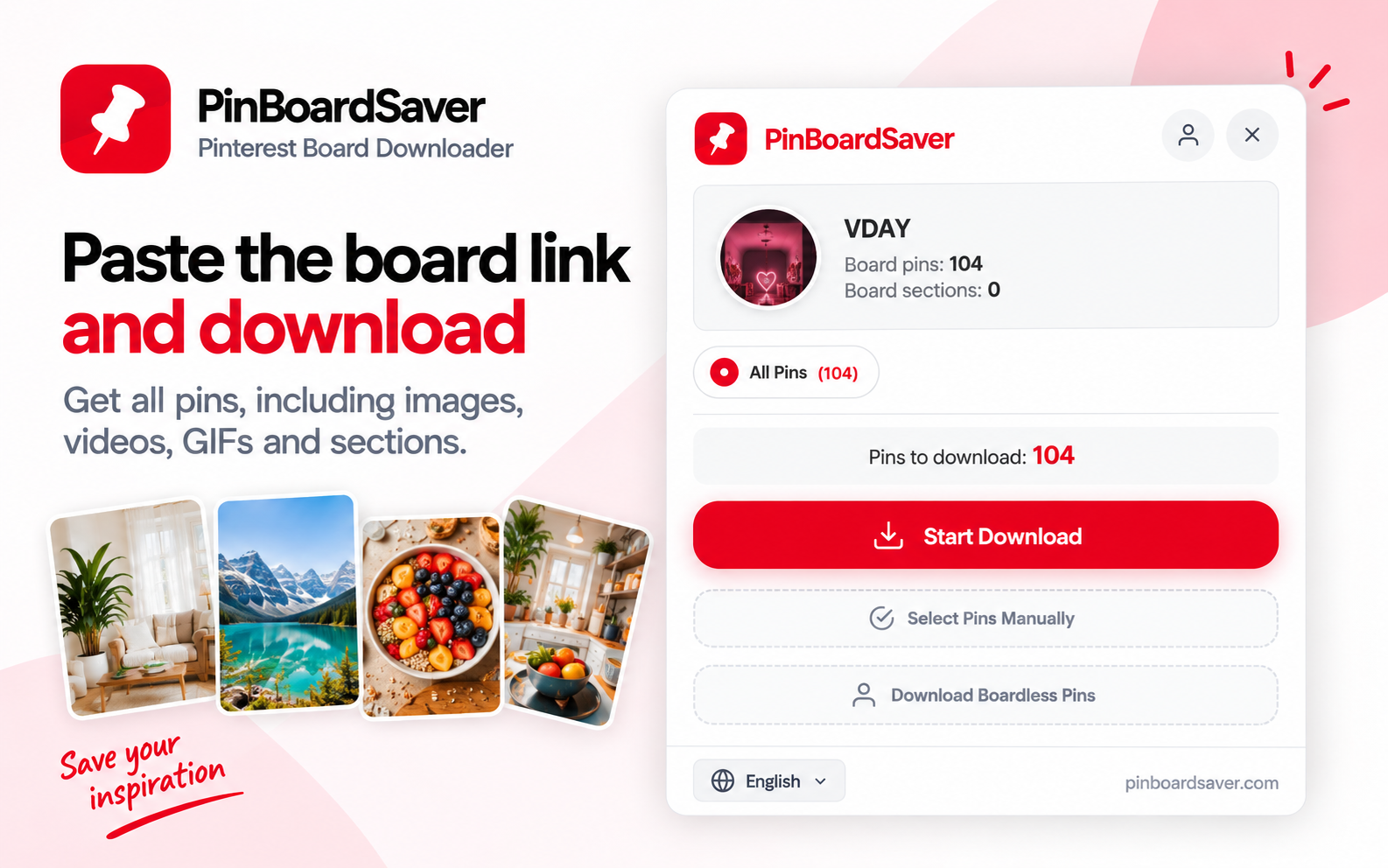
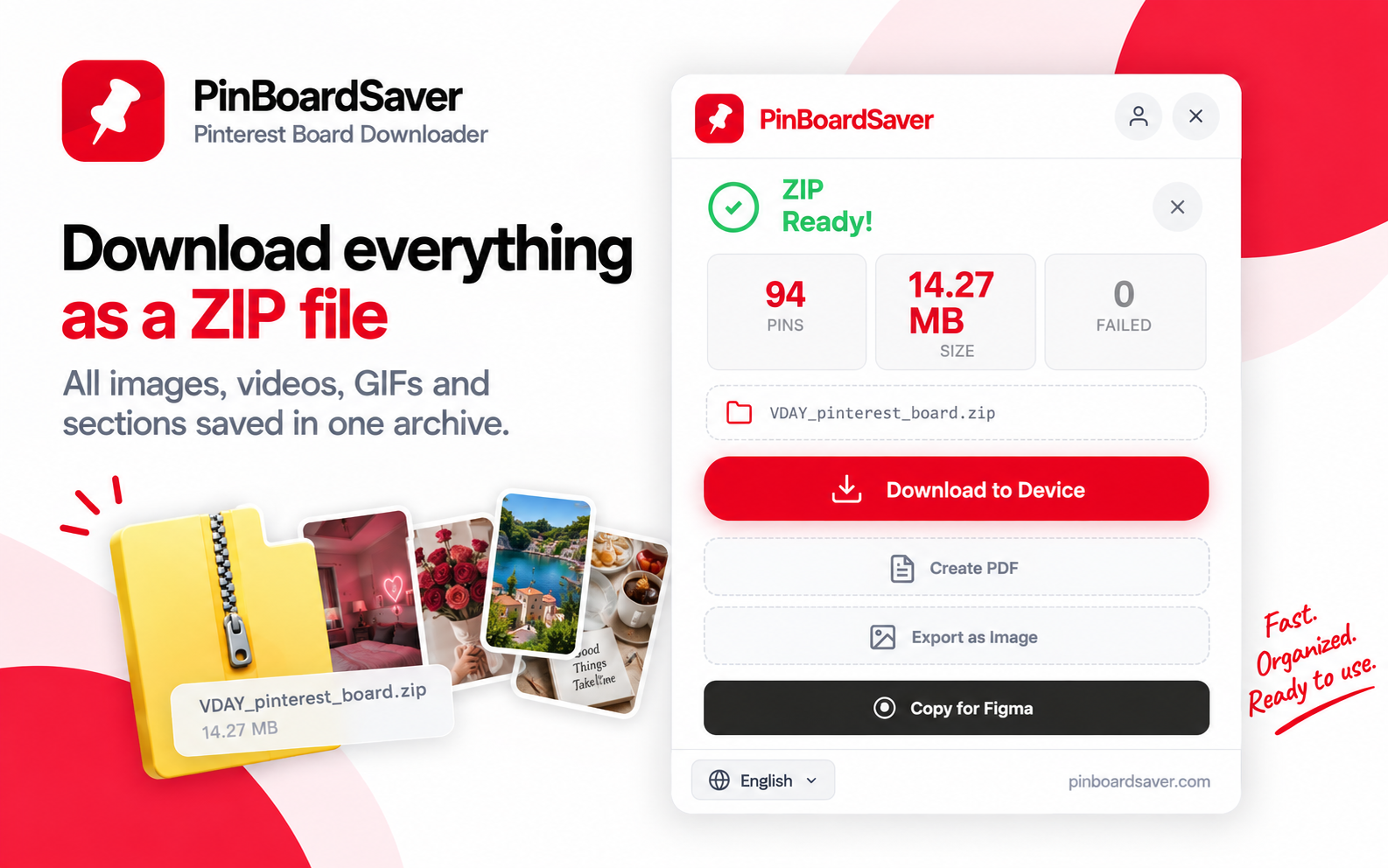
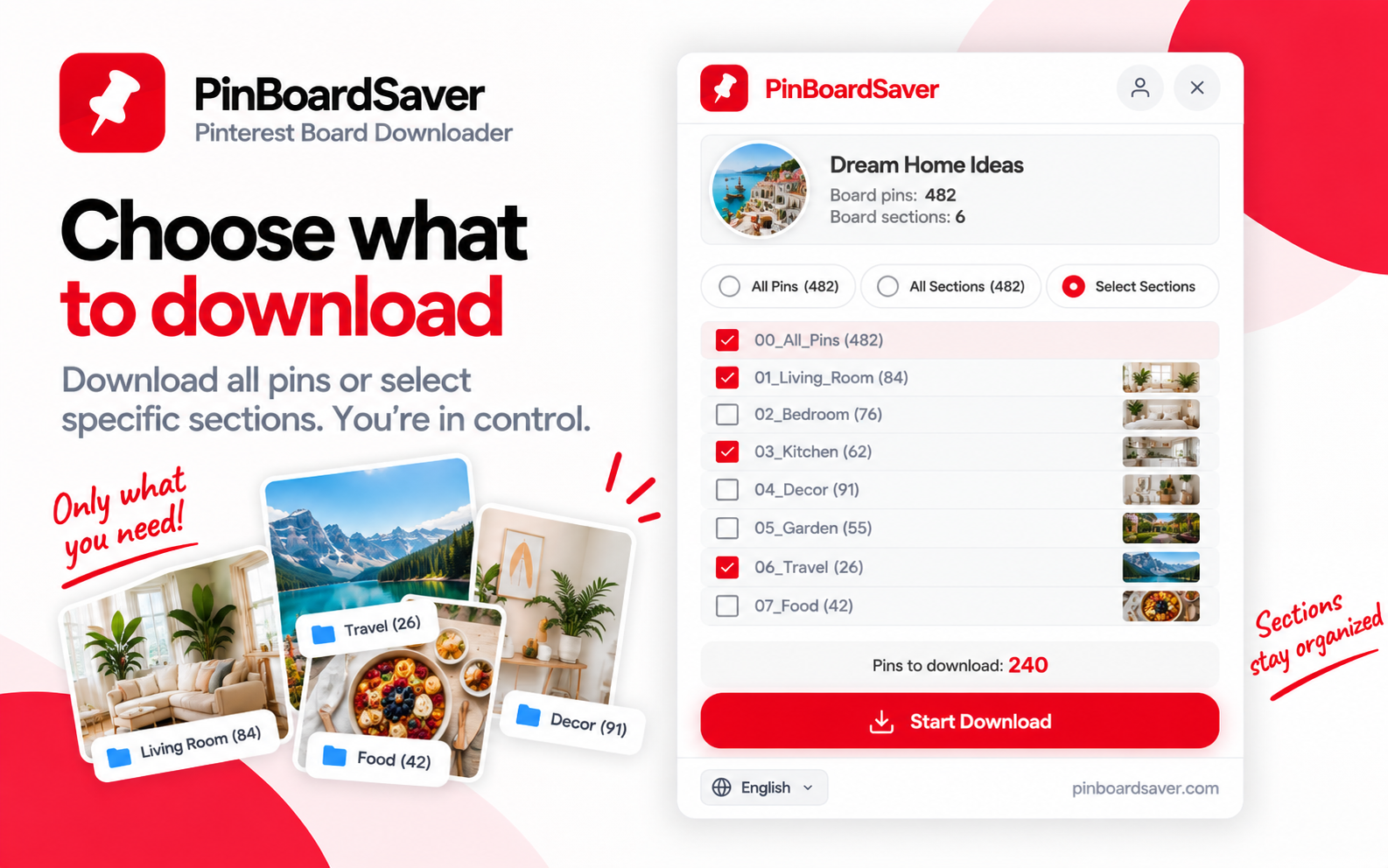
PinBoardSaver is a Chrome extension that downloads entire Pinterest boards in one click — not just the first screen of pins. Save a whole board, a single section, a profile or only hand-picked pins. Images, GIFs and videos are saved in original quality into an organized ZIP with folders that match the board sections, or exported as a print-ready PDF moodboard. No Pinterest login required. Free for the first 20 pins; weekly plan $5.99 or lifetime access $39.
Features
• Download all pins from a board, a section, a whole profile or hand-picked pins
• Images, GIFs and videos in original quality
• Organized ZIP with folders matching board sections, auto-named files
• Print-ready PDF moodboard (masonry grid or one pin per page)
• Free web tool to download a single pin without installing anything
• Figma plugin to bring Pinterest references into Figma
• Works in Chrome, Edge, Brave and Arc
Use Cases
• Interior designers turning a board into a client-ready moodboard PDF
• Wedding planners and stylists keeping offline copies of inspiration boards
• Designers moving references into Photoshop, InDesign or Figma
• Backing up your own boards before deleting or reorganizing them

Comments


Hi Fazier! I built PinBoardSaver because saving a Pinterest board for a client meant clicking pins one by one, and Pinterest only loads the first screen of a board. Now one click gets the whole board, keeps sections as folders, and can turn it into a print-ready PDF moodboard. Would love your feedback, especially from designers and planners who live in Pinterest.
Premium Products






















































Sponsors
Buy

Comments
Hi Fazier! I built PinBoardSaver because saving a Pinterest board for a client meant clicking pins one by one, and Pinterest only loads the first screen of a board. Now one click gets the whole board, keeps sections as folders, and can turn it into a print-ready PDF moodboard. Would love your feedback, especially from designers and planners who live in Pinterest.
Premium Products
New to Fazier?

Find your next favorite product or submit your own. Made by @FalakDigital.
Copyright ©2026. All Rights Reserved