
Pic2URL
Turn images into direct URLs — no sign-up required
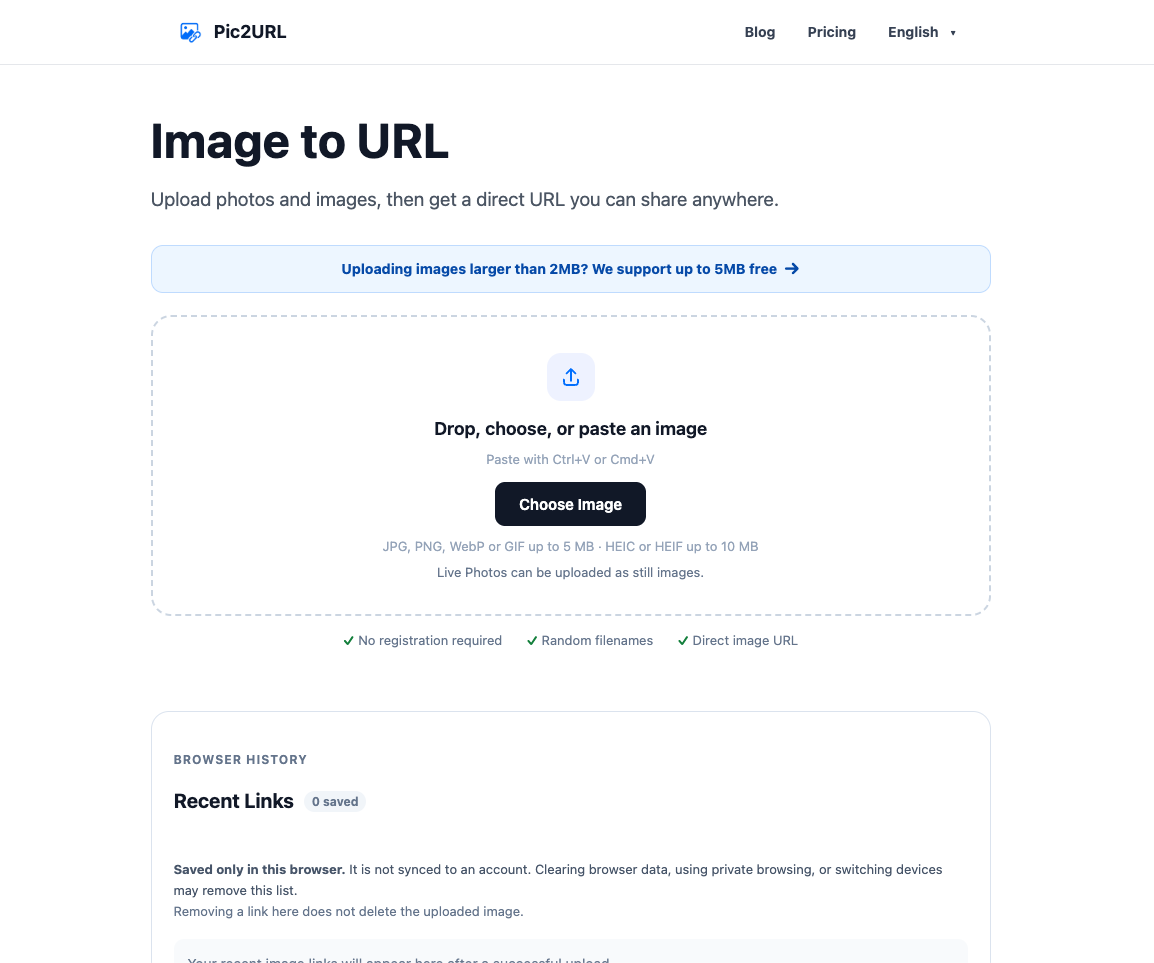
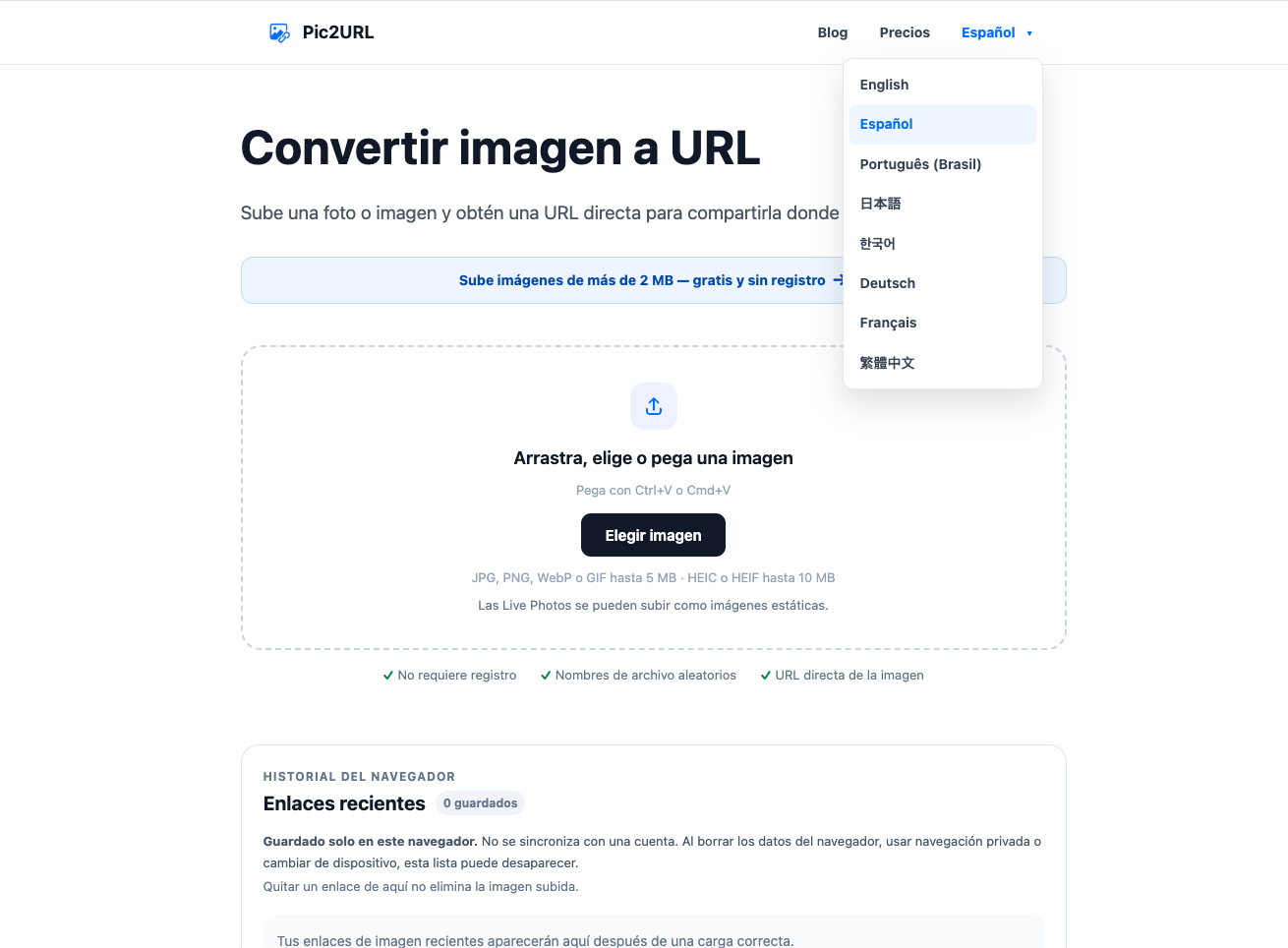
Pic2URL is a free online image hosting tool for turning images into direct, shareable URLs without creating an account.
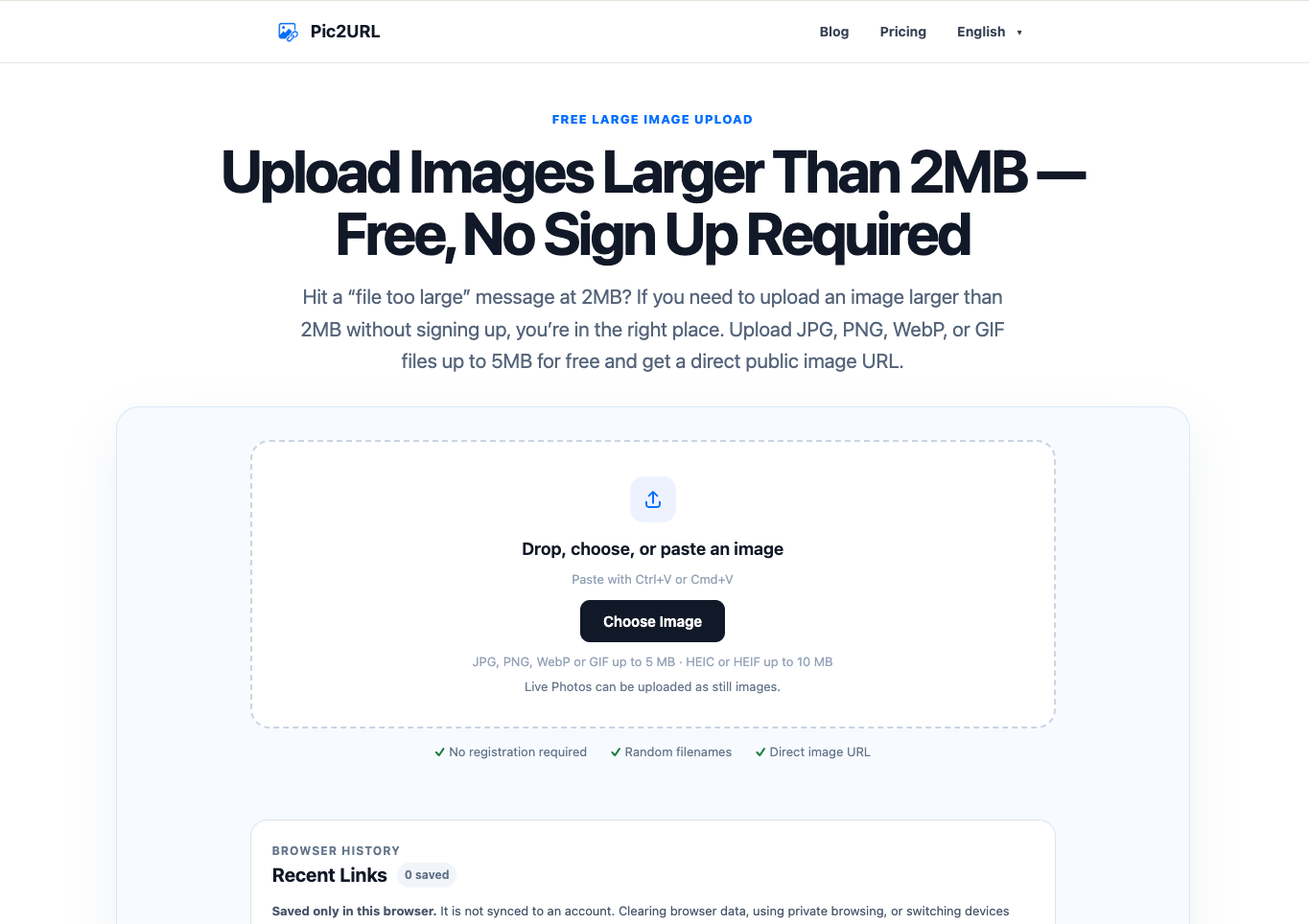
Upload, drag and drop, or paste an image from your clipboard. Pic2URL supports JPG, PNG, WebP and GIF files up to 5 MB, plus HEIC and HEIF photos up to 10 MB that are automatically converted to JPEG.
After uploading, users can copy the image as a Direct URL, Markdown, HTML or BBCode link. Recent links can also be saved locally in the browser for quick access.
Features
• No account or registration required
• Direct public image URLs
• Drag-and-drop and clipboard uploads
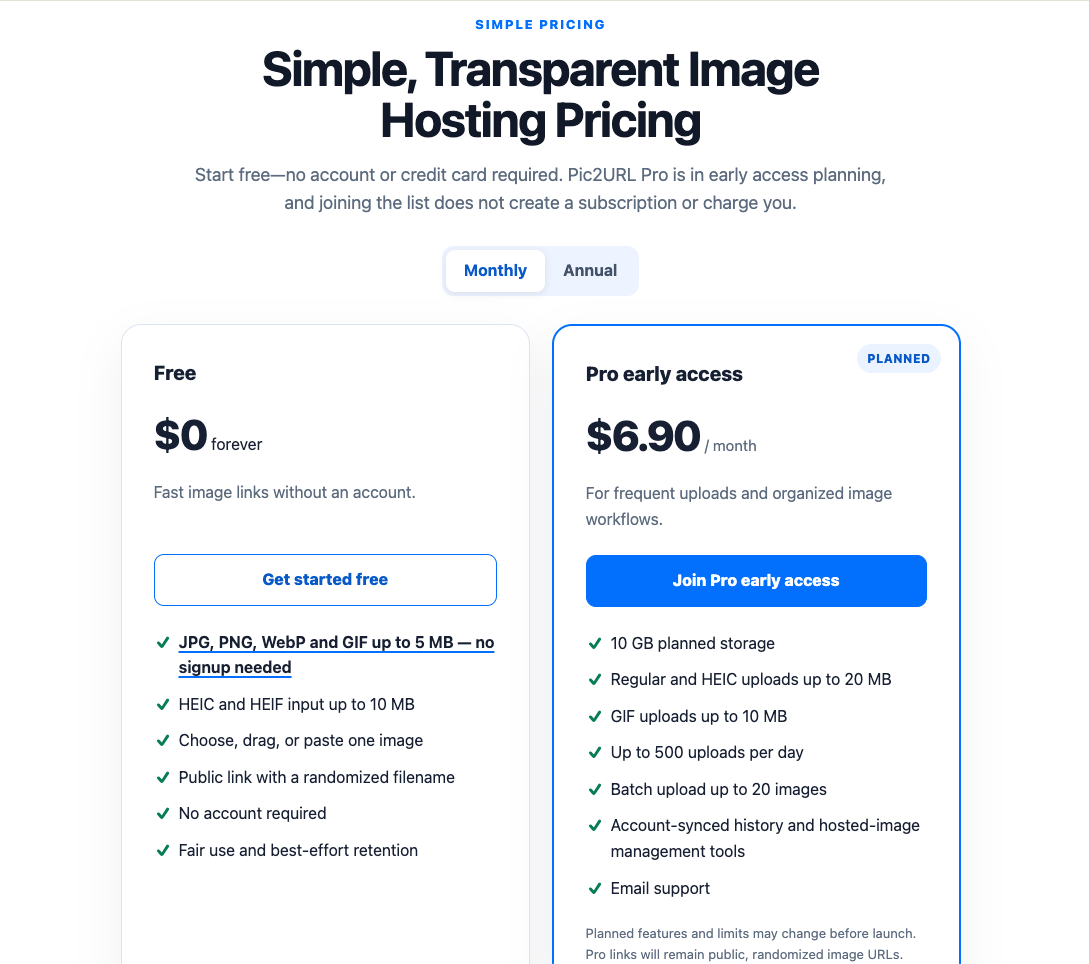
• JPG, PNG, WebP and GIF support up to 5 MB
• HEIC and HEIF support up to 10 MB
• Automatic HEIC and HEIF to JPEG conversion
• Direct URL, Markdown, HTML and BBCode output
• Browser-based Recent Links history
• Randomized image filenames
• Animated GIF support
Use Cases
• Share screenshots in forums and online communities
• Add image links to Markdown documentation and GitHub projects
• Embed images in websites and blog posts
• Share product photos and design references
• Send screenshots in support tickets and team conversations
• Convert iPhone HEIC or HEIF photos into shareable JPEG links
• Generate HTML or BBCode image links without writing the markup manually

Comments


I built Pic2URL because getting a simple direct image link often felt more complicated than it should be. Many services require an account, push users into dashboards, or add features I simply don’t need when I just want to upload an image and copy a URL. So I made Pic2URL around a very simple workflow: upload, drag, or paste an image, then copy the direct URL. I’ve since added Markdown, HTML and BBCode output, HEIC/HEIF support, and local recent-link history while trying to keep the core experience lightweight. I’m still actively improving it, so feedback on the upload flow, missing formats, or features you’d actually use is very welcome.
Premium Products






























Sponsors
Buy

Makers
Makers
Comments
I built Pic2URL because getting a simple direct image link often felt more complicated than it should be. Many services require an account, push users into dashboards, or add features I simply don’t need when I just want to upload an image and copy a URL. So I made Pic2URL around a very simple workflow: upload, drag, or paste an image, then copy the direct URL. I’ve since added Markdown, HTML and BBCode output, HEIC/HEIF support, and local recent-link history while trying to keep the core experience lightweight. I’m still actively improving it, so feedback on the upload flow, missing formats, or features you’d actually use is very welcome.
Premium Products
New to Fazier?

Find your next favorite product or submit your own. Made by @FalakDigital.
Copyright ©2025. All Rights Reserved