PhotoToA4
Fit photos to A4 & A-series, export print-ready PDFs
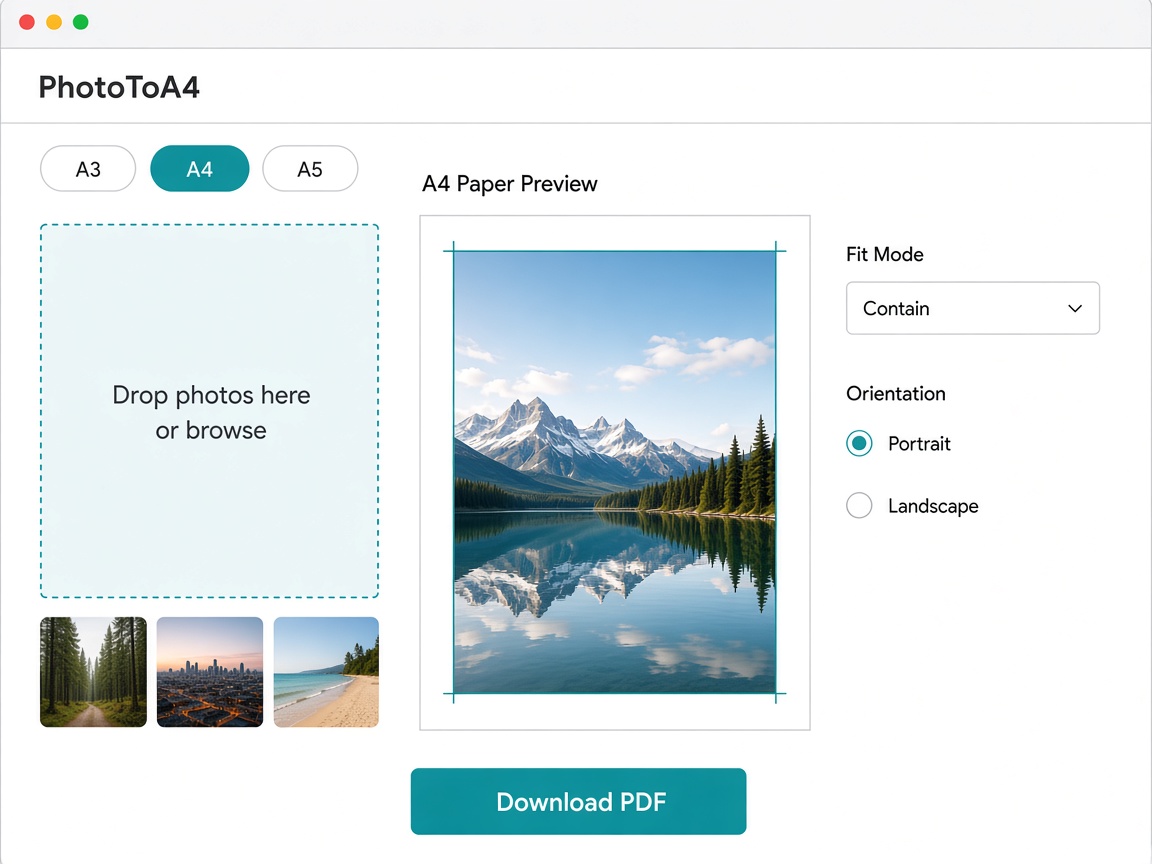
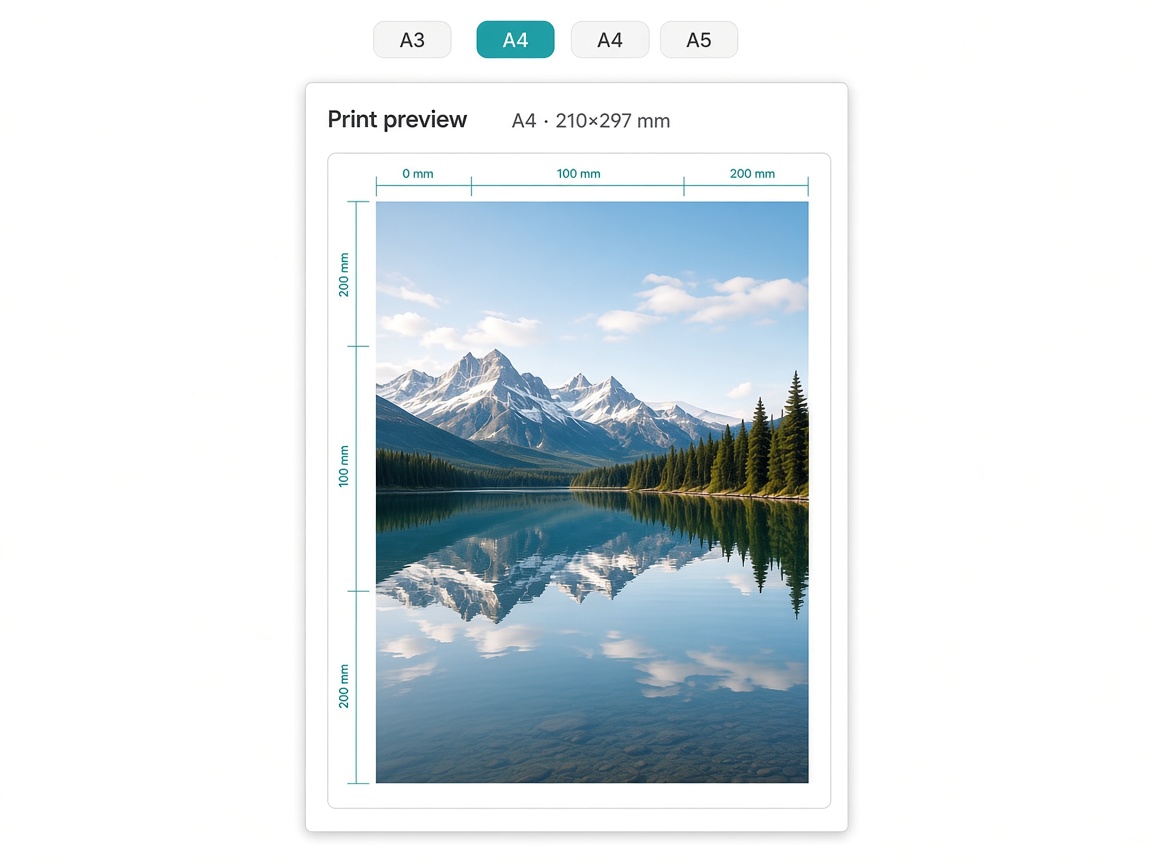
PhotoToA4 helps you fit any photo to A4 and other A-series paper sizes in the browser. Preview margins and orientation, then export print-ready PDF or image files without guessing printer settings.
Features
- Fit photos to A4, A3, A5 and more A-series sizes
- Print preview with margins and orientation
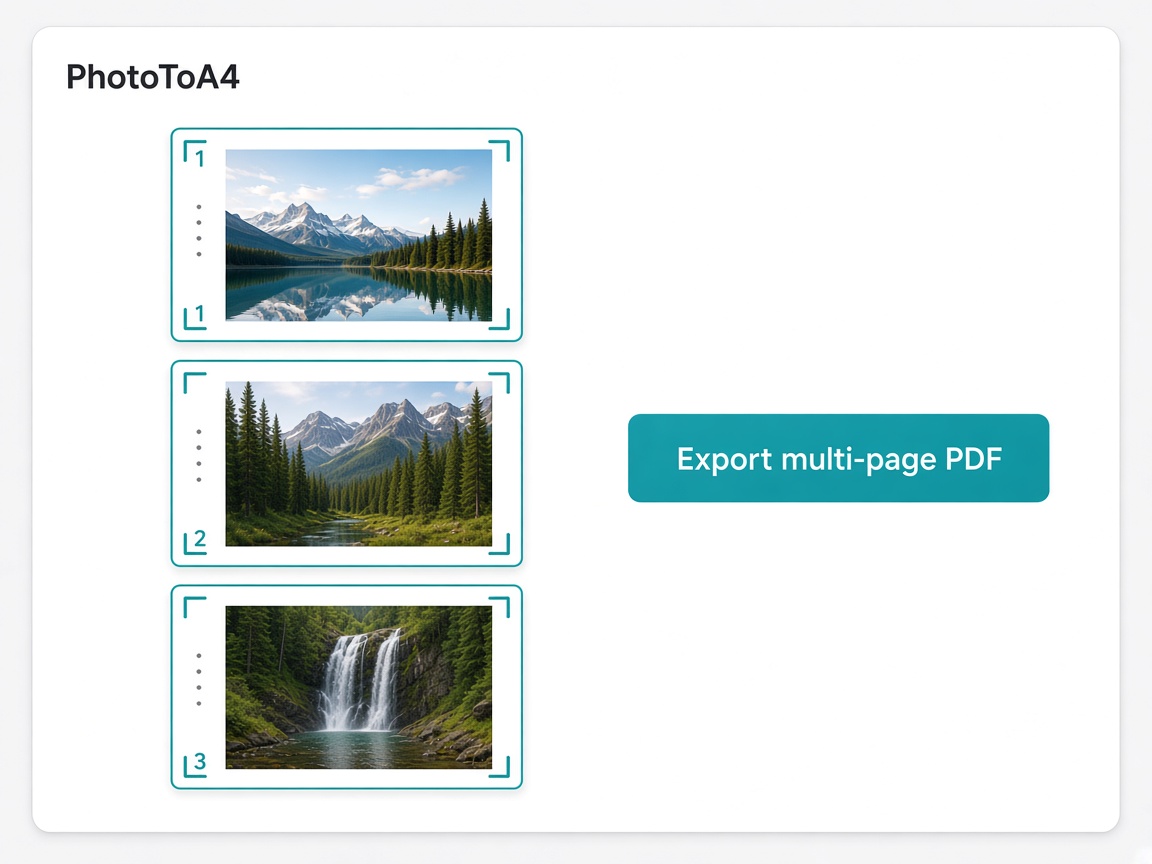
- Export PDF, PNG, and Word (plan-dependent)
- Runs in the browser for everyday print jobs
- Free plan for A4 basics; Pro unlocks more sizes and exports
Use Cases
- Students printing phone photos onto A4 worksheets
- Teachers preparing handouts from camera-roll images
- Freelancers exporting portfolio pages to real paper sizes
- Small businesses fitting product photos to A5 flyers

Comments


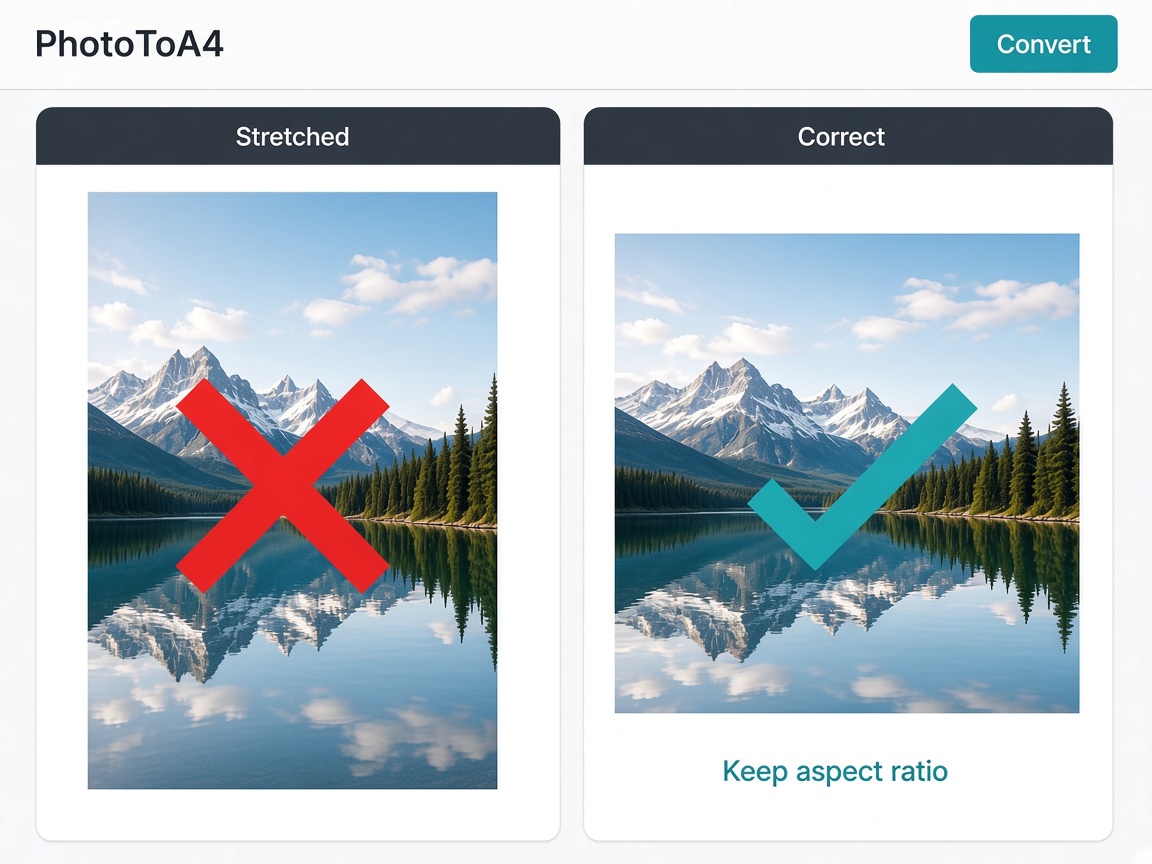
I built PhotoToA4 after watching people struggle to print phone photos on real A4 paper — generic “image to PDF” tools stretch images or ignore margins. The idea is simple: upload photos → pick A4 (or A1–A5) → preview fit/margins → export a print-ready file in the browser. Would love feedback on fit modes and print preview accuracy. If you print photos for school, work, or clients, tell me what still breaks for you.

This solves a genuinely annoying problem — everyone has fought with printer dialogs to fit a phone photo onto A4. Doing it in the browser with a margin and orientation preview, then exporting a print-ready PDF, is the right approach. A batch mode for fitting several photos at once (event handouts, portfolios) would be a great addition.

Fitting the photo to the paper is the easy half; what usually bites is resolution. A4 at 300 dpi needs about 2480x3508 px, so a 12 MP phone photo is fine, but the same photo on A3 drops to roughly 240 dpi, and a saved web image or a screenshot can fall far lower. Does the preview warn when the source would print below a chosen dpi at the selected size? And does it account for the non-printable margin most printers add (usually a few millimetres), or only the margin you set? A small effective-dpi readout next to the paper size would answer both before anyone wastes paper.
The in-browser print preview with margins and orientation for A4 and other A-series sizes solves a real annoyance with generic image-to-PDF tools. Is there an option to place several photos on one A4 page, for example a 2x2 grid for ID photos or worksheets? That layout seems like a common need for the students and teachers you mention.

I make A4 and A5 table cards with QR codes for cafés, so print accuracy matters a lot to me. When a small image is fitted to A4, how is it upscaled? Smooth resampling blurs QR codes and logos, so a "keep sharp edges" mode for line art would be really useful. Also, is the exported PDF sized exactly, so that printing at "Actual size" keeps measurements true? For a QR code that decides whether it still scans.

PhotoToA4 looks like a useful tool for anyone who wants to resize and arrange photos on an A4 page quickly. A simple and convenient solution for preparing images for printing. Thanks for sharing this project! My website: https://ffbeta.site/
Premium Products















































Sponsors
Buy

Makers
Makers
Comments
I built PhotoToA4 after watching people struggle to print phone photos on real A4 paper — generic “image to PDF” tools stretch images or ignore margins. The idea is simple: upload photos → pick A4 (or A1–A5) → preview fit/margins → export a print-ready file in the browser. Would love feedback on fit modes and print preview accuracy. If you print photos for school, work, or clients, tell me what still breaks for you.
This solves a genuinely annoying problem — everyone has fought with printer dialogs to fit a phone photo onto A4. Doing it in the browser with a margin and orientation preview, then exporting a print-ready PDF, is the right approach. A batch mode for fitting several photos at once (event handouts, portfolios) would be a great addition.
Fitting the photo to the paper is the easy half; what usually bites is resolution. A4 at 300 dpi needs about 2480x3508 px, so a 12 MP phone photo is fine, but the same photo on A3 drops to roughly 240 dpi, and a saved web image or a screenshot can fall far lower. Does the preview warn when the source would print below a chosen dpi at the selected size? And does it account for the non-printable margin most printers add (usually a few millimetres), or only the margin you set? A small effective-dpi readout next to the paper size would answer both before anyone wastes paper.
The in-browser print preview with margins and orientation for A4 and other A-series sizes solves a real annoyance with generic image-to-PDF tools. Is there an option to place several photos on one A4 page, for example a 2x2 grid for ID photos or worksheets? That layout seems like a common need for the students and teachers you mention.
I make A4 and A5 table cards with QR codes for cafés, so print accuracy matters a lot to me. When a small image is fitted to A4, how is it upscaled? Smooth resampling blurs QR codes and logos, so a "keep sharp edges" mode for line art would be really useful. Also, is the exported PDF sized exactly, so that printing at "Actual size" keeps measurements true? For a QR code that decides whether it still scans.
PhotoToA4 looks like a useful tool for anyone who wants to resize and arrange photos on an A4 page quickly. A simple and convenient solution for preparing images for printing. Thanks for sharing this project! My website: https://ffbeta.site/
Premium Products
New to Fazier?

Find your next favorite product or submit your own. Made by @FalakDigital.
Copyright ©2026. All Rights Reserved