
PhotoMerge.app
Merge photos side by side, in grids or overlays, free
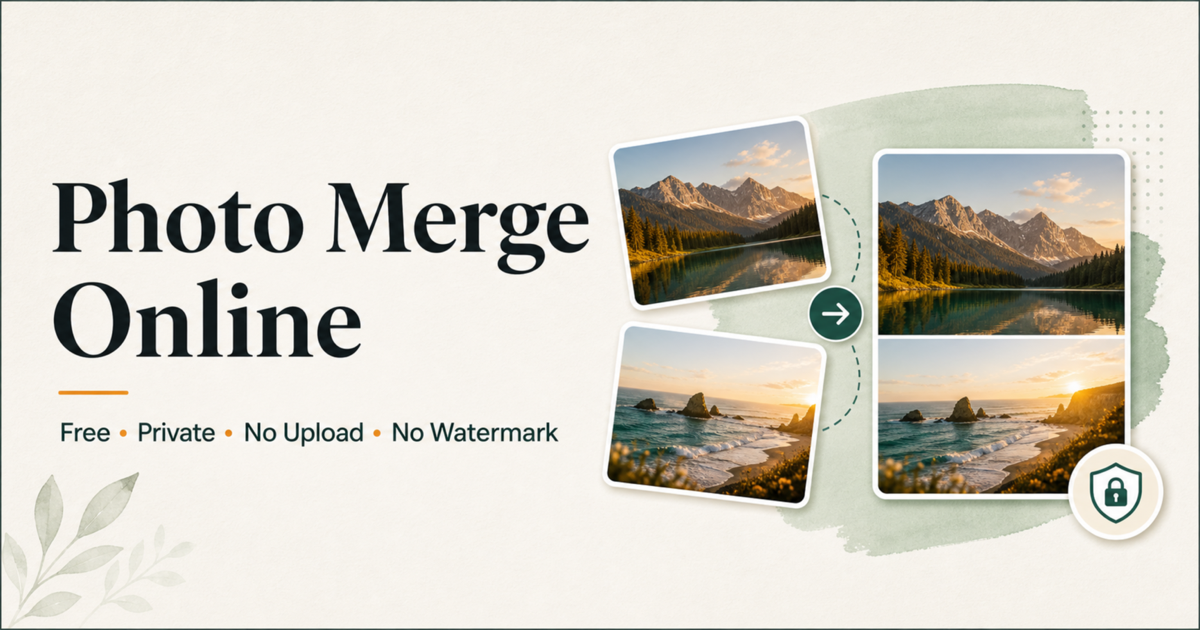
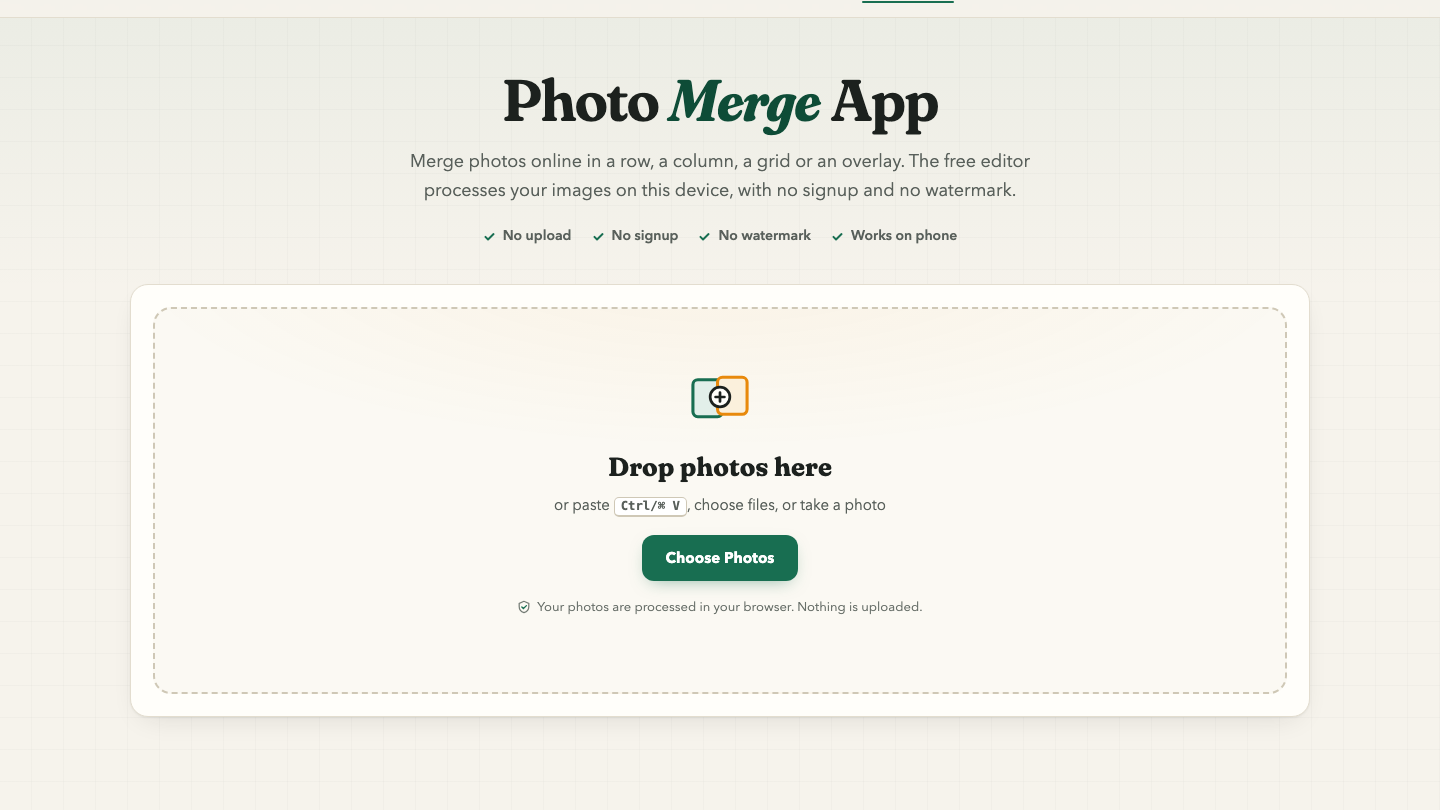
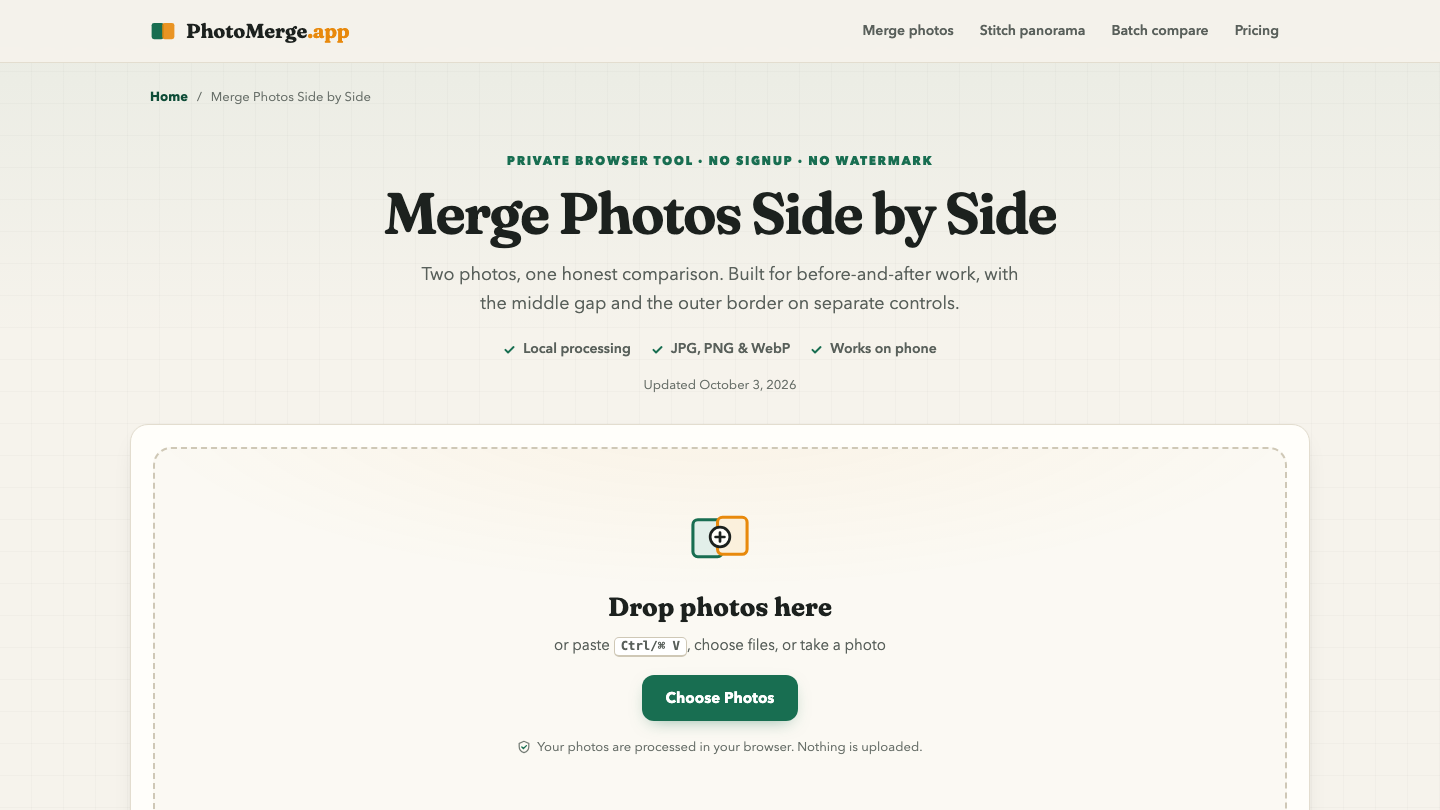
PhotoMerge.app is a free, focused photo merger that runs entirely in your browser. Drop in photos or screenshots and combine them in a row, a column, a grid or an overlay, then export JPG, PNG or WebP. Images are processed on your device and never uploaded, there is no signup and no watermark, and it works on phones.
Everything is free. Optional PhotoMerge Pro ($4.99 one-time for 30 days, no auto-renewal) adds unlimited full-resolution exports, full batch ZIP export and no ads.
Features
Side by side, vertical, grid and overlay layouts with spacing, labels, backgrounds, aspect ratios and blend modes.
Local processing: no upload, no signup, no watermark.
Export to JPG, PNG or WebP, or copy to the clipboard.
Extra tools: panorama stitcher and batch before & after comparisons.
Use Cases
Before and after comparisons for fitness, renovation or design work.
Stitching phone screenshots into one long image.
Product photo grids for listings and catalogs.
Front and back ID or document scans on one page.

Comments


Hi Fazier! I built PhotoMerge.app because most photo merge tools either upload your images, add a watermark or ask you to sign up. This one does the merging right in your browser: side by side, vertical, grid or overlay, with labels and spacing controls, then export JPG, PNG or WebP. Typical uses are before/after shots, stitching screenshots and product photo grids. I'd love feedback on which layouts or presets you'd want next.
Premium Products


















































Sponsors
Buy

Comments
Hi Fazier! I built PhotoMerge.app because most photo merge tools either upload your images, add a watermark or ask you to sign up. This one does the merging right in your browser: side by side, vertical, grid or overlay, with labels and spacing controls, then export JPG, PNG or WebP. Typical uses are before/after shots, stitching screenshots and product photo grids. I'd love feedback on which layouts or presets you'd want next.
Premium Products
New to Fazier?

Find your next favorite product or submit your own. Made by @FalakDigital.
Copyright ©2026. All Rights Reserved