
Photo Tray
Your Windows utility belt for everyday photo tasks.
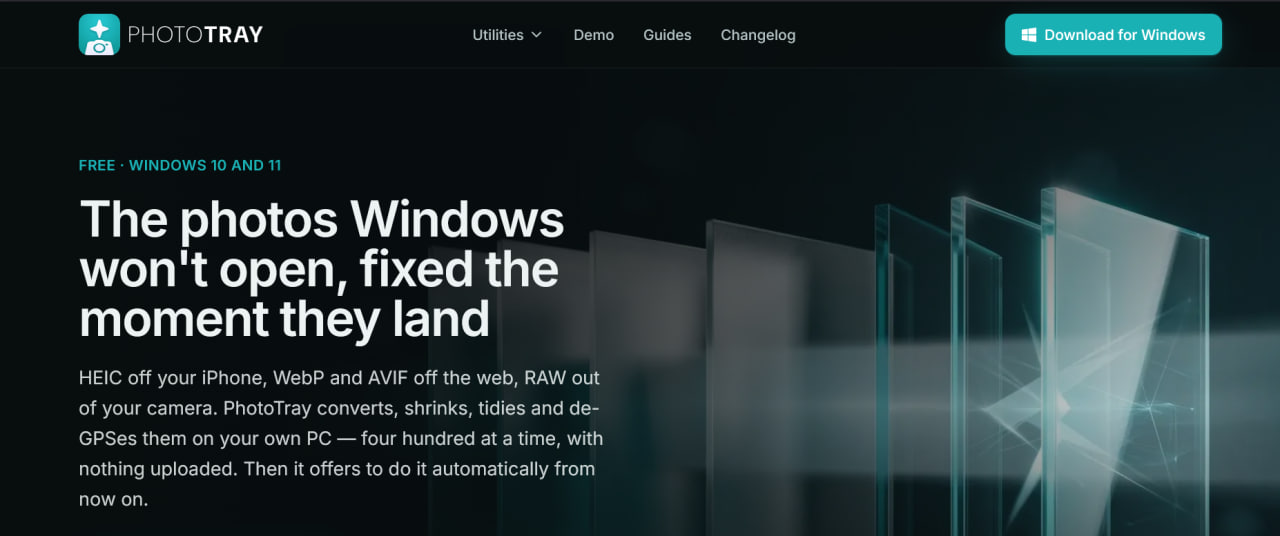
PhotoTray is a Windows desktop application that acts as an all‑in‑one utility belt for working with photos, built around a simple principle: everything happens locally on your own machine, with no uploads, no file‑size caps, and no account required.
It's designed for people who regularly wrangle images from iPhones, cameras, and the web and who care about keeping those files private.
Features
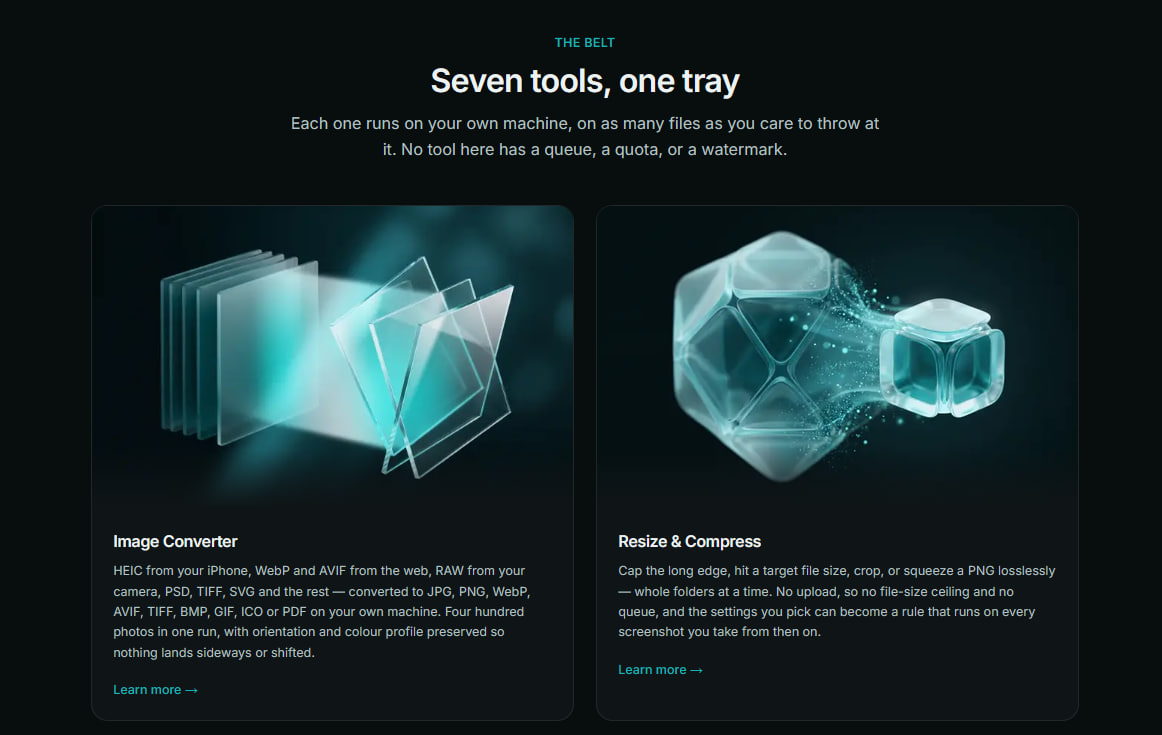
Convert — Change image formats freely: read HEIC, WebP, AVIF, RAW, PSD, TIFF, and SVG, and export to JPG, PNG, WebP, AVIF, TIFF, BMP, GIF, ICO, or PDF.
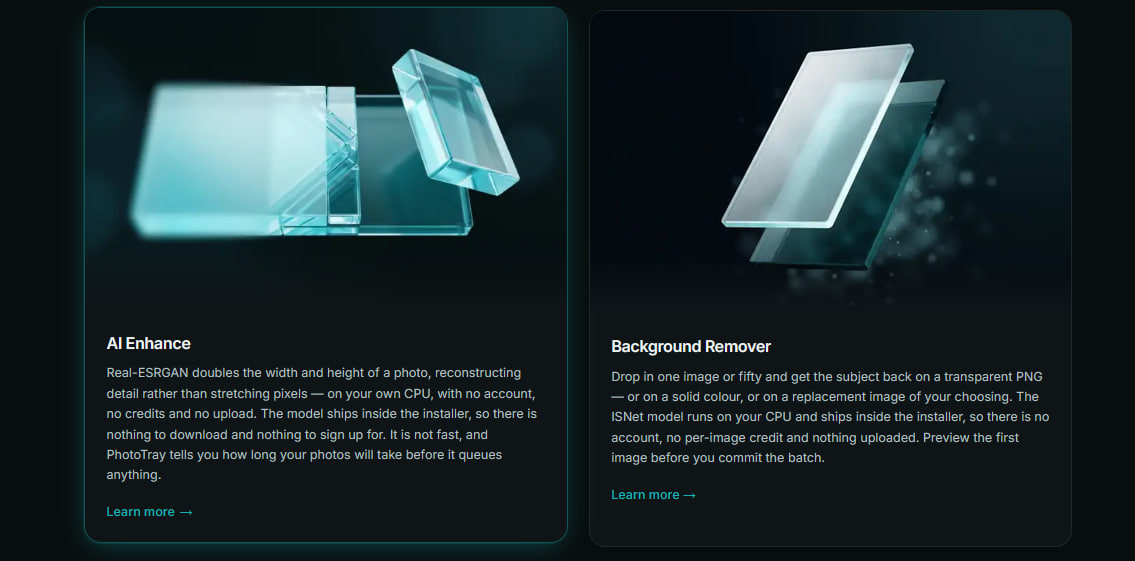
Enhance — Improve the image itself: 2× AI upscaling with Real‑ESRGAN and local background removal via the ISNet model.
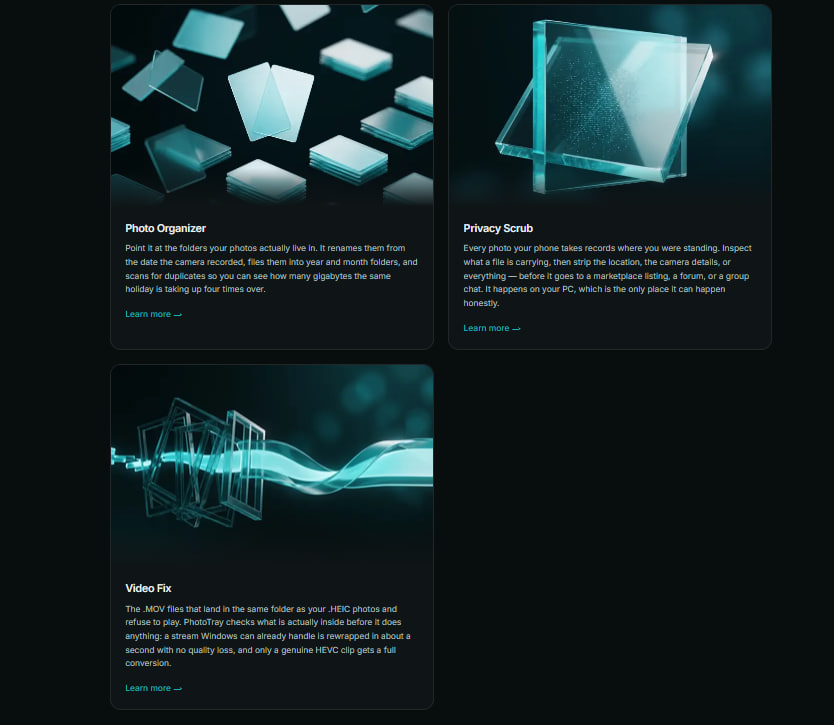
Organize — Tidy up your library: auto‑rename by date, sort into year/month folders, and flag duplicates.
Protect — Guard your privacy before sharing: strip GPS coordinates and metadata from photos.
Repair — Fix broken files: resolve .MOV video compatibility issues.
Use Cases
- For those who have daily photo needs and want to ensure privacy while getting the job done.

Comments


Photo Tray is a free, local Windows image tool that supports format conversion (HEIC/WebP, etc.), AI-powered image enlargement and background removal, image renaming and editing, and metadata removal to protect privacy—all without uploading images. It's incredibly convenient, secure, and efficient for post-processing product images generated by LoraAI https://www.loraai.pro/ .
Photo Tray is a free, local Windows image tool that supports format conversion (HEIC/WebP, etc.), AI-powered image enlargement and background removal, image renaming and editing, and metadata removal to protect privacy—all without uploading images. It's incredibly convenient, secure, and efficient for post-processing product images generated by LoraAI https://www.loraai.pro/ .

Premium Products


















































Sponsors
Buy
Makers

Makers
Comments
Photo Tray is a free, local Windows image tool that supports format conversion (HEIC/WebP, etc.), AI-powered image enlargement and background removal, image renaming and editing, and metadata removal to protect privacy—all without uploading images. It's incredibly convenient, secure, and efficient for post-processing product images generated by LoraAI https://www.loraai.pro/ .
Photo Tray is a free, local Windows image tool that supports format conversion (HEIC/WebP, etc.), AI-powered image enlargement and background removal, image renaming and editing, and metadata removal to protect privacy—all without uploading images. It's incredibly convenient, secure, and efficient for post-processing product images generated by LoraAI https://www.loraai.pro/ .
Premium Products
New to Fazier?

Find your next favorite product or submit your own. Made by @FalakDigital.
Copyright ©2026. All Rights Reserved