
Photo Extender
AI tool to extend image backgrounds and uncrop photos.
Revolutionize Your Visuals with Photo Extender
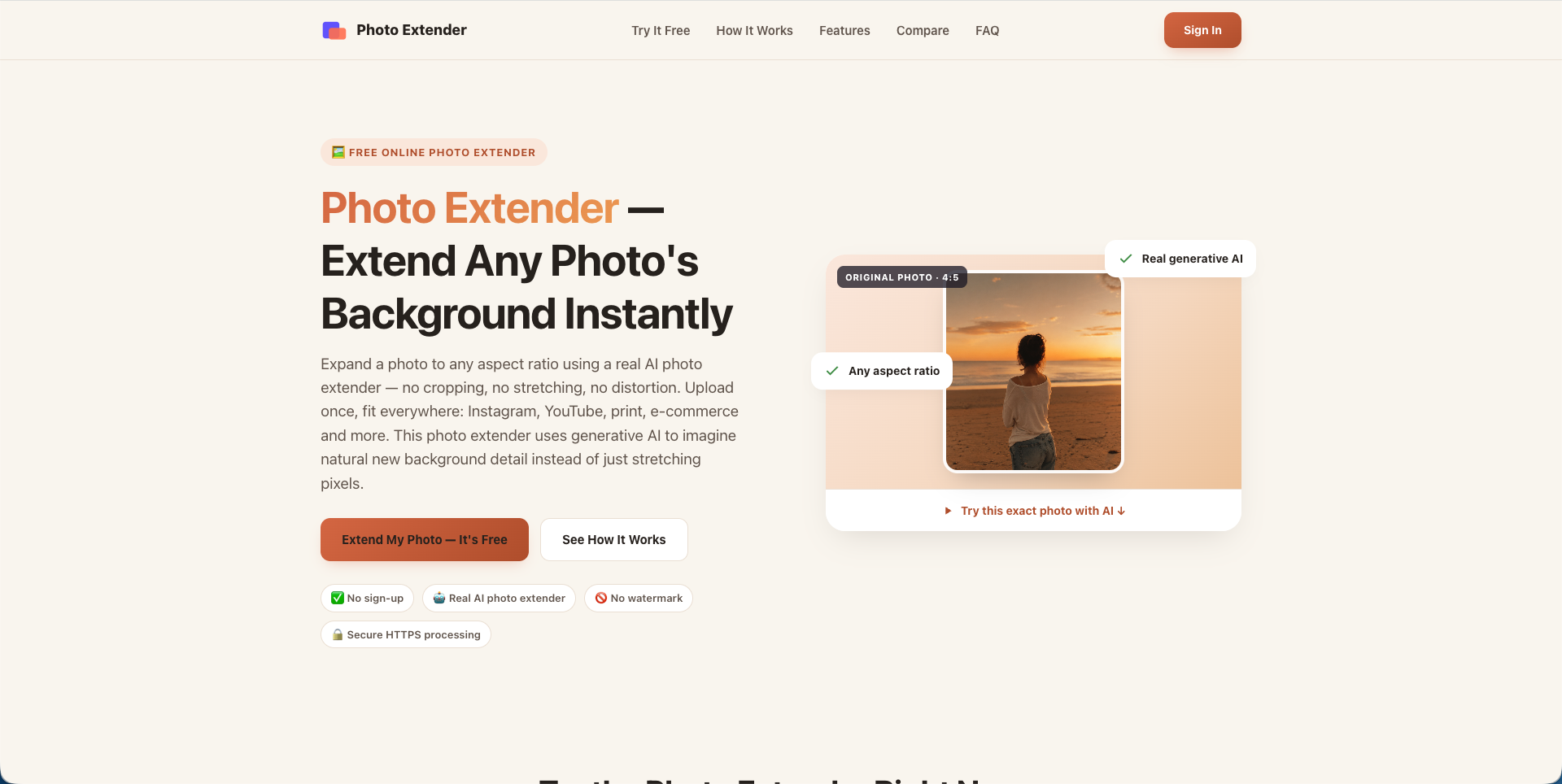
Photo Extender is a cutting-edge AI image editor designed to help you seamlessly expand your creative boundaries. Whether you are looking to fix framing issues or create stunning visuals for social media, our tool provides professional-grade results in seconds using advanced outpainting technology.
- Master the art of composition by learning how to extend a photo background effortlessly with AI.
- Optimize your social media presence and discover how to make a picture fit an Instagram story without losing quality or cropping out important details.
- Restore missing elements and find out how to uncrop a photo to reveal a wider perspective.
- User-friendly interface suitable for both beginners and professional designers.
Unlock the full potential of your photography and transform your images with our intuitive AI tools today.

Features
Photo Extender is an advanced AI-powered image editor designed to help users expand their creative boundaries. By leveraging sophisticated machine learning algorithms, it allows for seamless background extensions and professional-grade image modifications without the need for manual editing skills.
- AI Image Expansion: Intelligently generates and fills in new visual content to extend the borders of any photo naturally.
- Advanced Uncropping: Effortlessly reconstructs the surrounding environment of a tightly cropped image to restore its original context.
- Social Media Optimization: Quickly adapts photos to fit specific aspect ratios, such as Instagram Stories, by extending the background rather than stretching the subject.
- Seamless Background Extension: Creates realistic textures and consistent lighting when widening landscapes or portraits.
- High-Quality Output: Delivers sharp, high-resolution results suitable for both personal projects and professional digital content.
Use Cases
Photo Extender leverages advanced AI technology to help creators, marketers, and casual users overcome the limitations of original photo framing. Whether you are looking to enhance a personal memory or professional asset, this tool provides seamless background expansion for various scenarios.
- Social Media Optimization: Easily extend image backgrounds to fit specific aspect ratios like Instagram Stories or Pinterest pins without cropping out important subjects.
- Professional Design: Expand vertical or horizontal margins to create perfect breathing room or space for text overlays on website banners and digital advertisements.
- Photo Recovery: Use the AI uncrop feature to restore missing edges of a photograph or to fix a shot where the subject was framed too tightly.
- Creative Content Creation: Generate realistic landscape continuations for artistic projects, ensuring a natural look that blends perfectly with the original pixels.

Comments




Uncropping is genuinely useful for listing photos shot in portrait that need to fit a 4:3 frame without black bars. What I'd check before relying on it: whether perspective lines stay straight after the extension — on interior shots with strong floor and wall edges the outpainted area often bends the geometry slightly, and that's the tell. Same for any text or signage near the edge; duplicated lettering is the other giveaway.


The comparison table against Fotor, Firefly and Canva is a good touch, mostly because it says plainly which ones need an account. One thing I noticed on the page: each generation takes 60 to 120 seconds and costs 5 credits, but I couldn't see that cost next to the Extend button before pressing it. A small "this uses 5 credits" hint might help people on the free daily credits. I'm also curious how it handles long straight lines, like a horizon or a window edge, when the extension is wide.
Photo Extender tackles a common frustration: a photo looks great, but the crop doesn’t fit the format you need. I like the option to choose both the target ratio and where the image should expand—that’s especially useful when adapting product photos or social content without cutting off the subject. Saved presets for recurring formats, like an Instagram Story or a YouTube banner, could make repeat edits even faster. Are presets something you’re considering?


Premium Products

















































Awards
View all
Awards
View allMakers

Makers
Comments
Uncropping is genuinely useful for listing photos shot in portrait that need to fit a 4:3 frame without black bars. What I'd check before relying on it: whether perspective lines stay straight after the extension — on interior shots with strong floor and wall edges the outpainted area often bends the geometry slightly, and that's the tell. Same for any text or signage near the edge; duplicated lettering is the other giveaway.
The comparison table against Fotor, Firefly and Canva is a good touch, mostly because it says plainly which ones need an account. One thing I noticed on the page: each generation takes 60 to 120 seconds and costs 5 credits, but I couldn't see that cost next to the Extend button before pressing it. A small "this uses 5 credits" hint might help people on the free daily credits. I'm also curious how it handles long straight lines, like a horizon or a window edge, when the extension is wide.
Photo Extender tackles a common frustration: a photo looks great, but the crop doesn’t fit the format you need. I like the option to choose both the target ratio and where the image should expand—that’s especially useful when adapting product photos or social content without cutting off the subject. Saved presets for recurring formats, like an Instagram Story or a YouTube banner, could make repeat edits even faster. Are presets something you’re considering?
Premium Products
New to Fazier?

Find your next favorite product or submit your own. Made by @FalakDigital.
Copyright ©2026. All Rights Reserved