
pfpcrop
Crop profile pictures with live platform previews
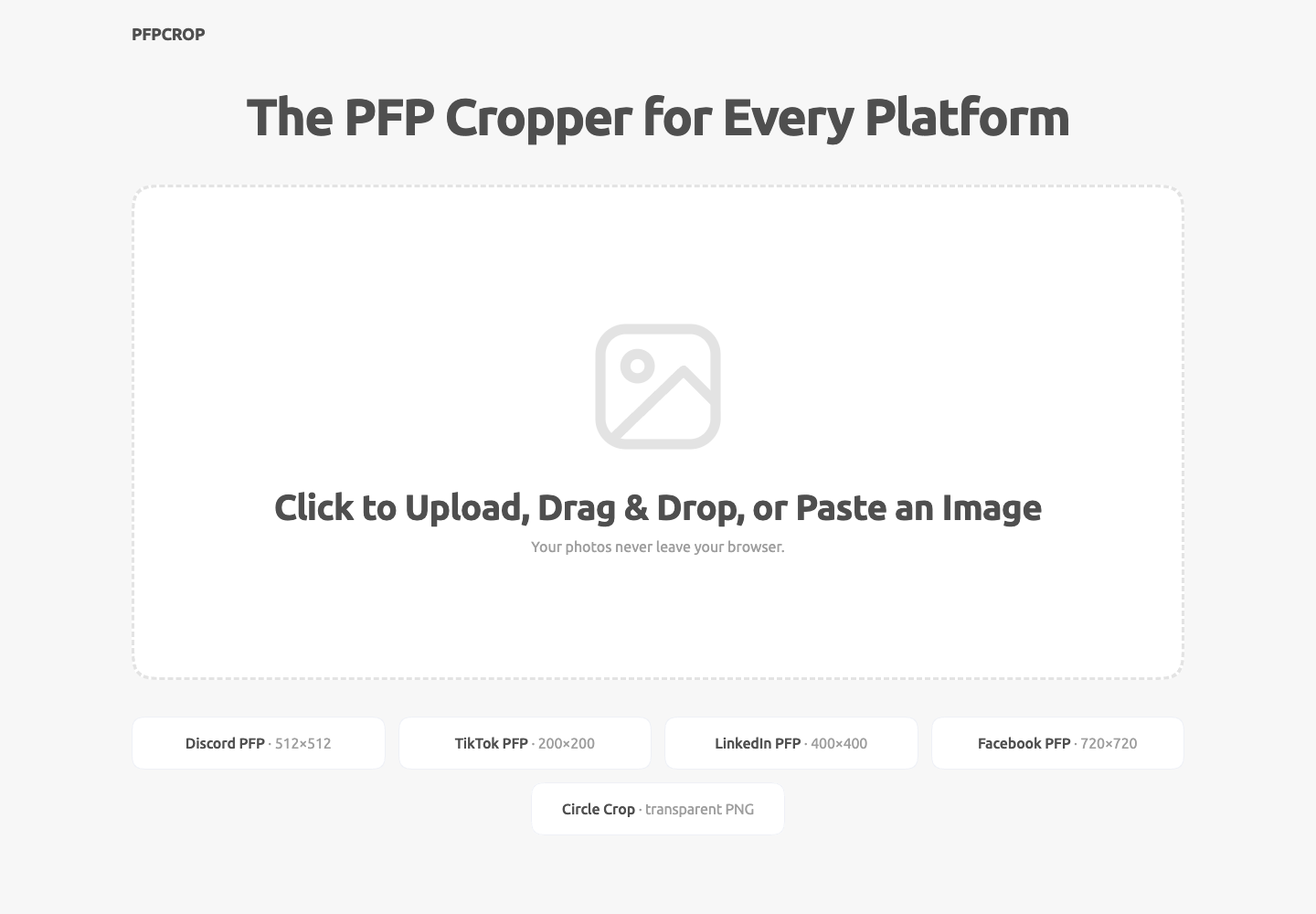
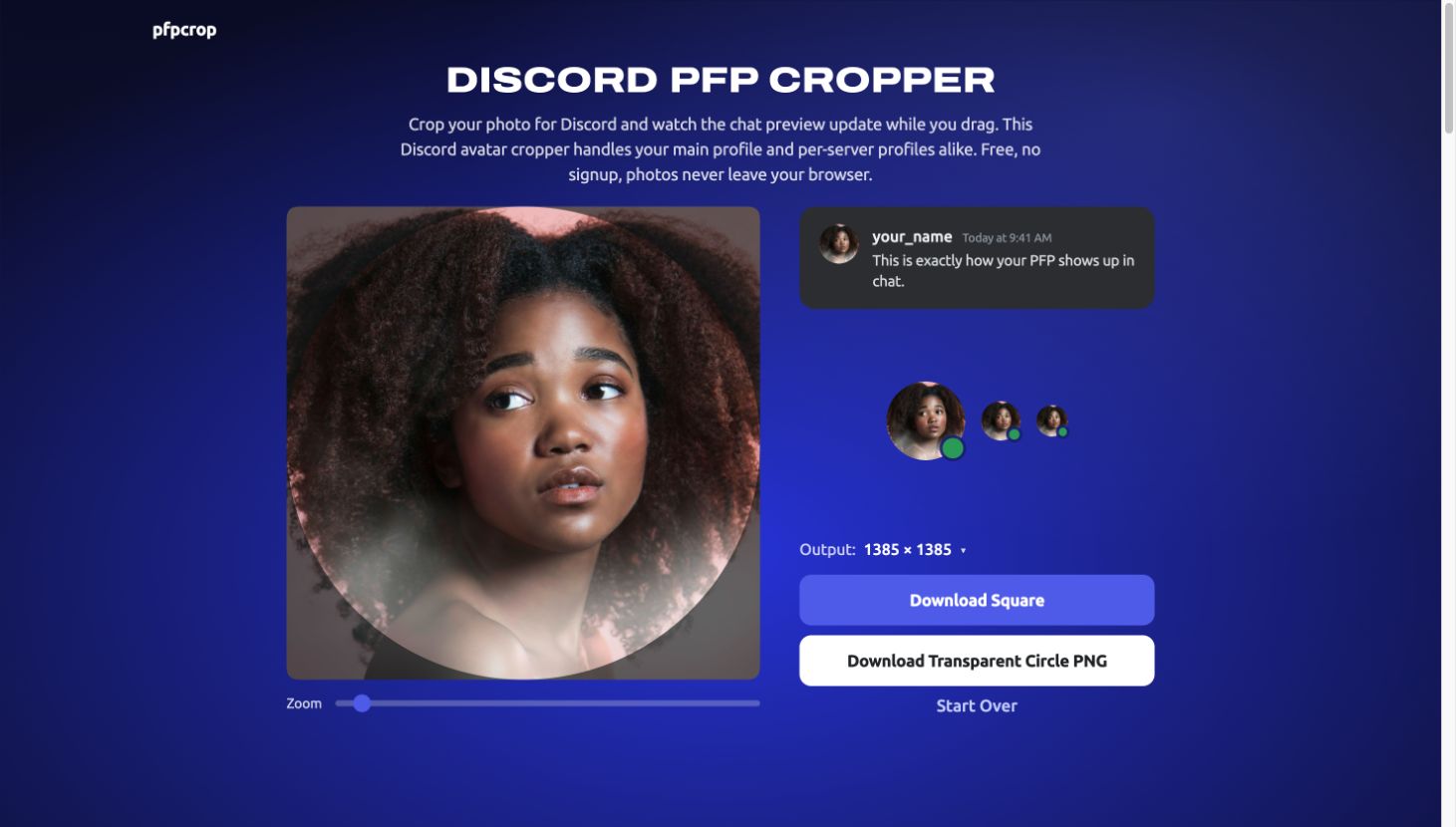
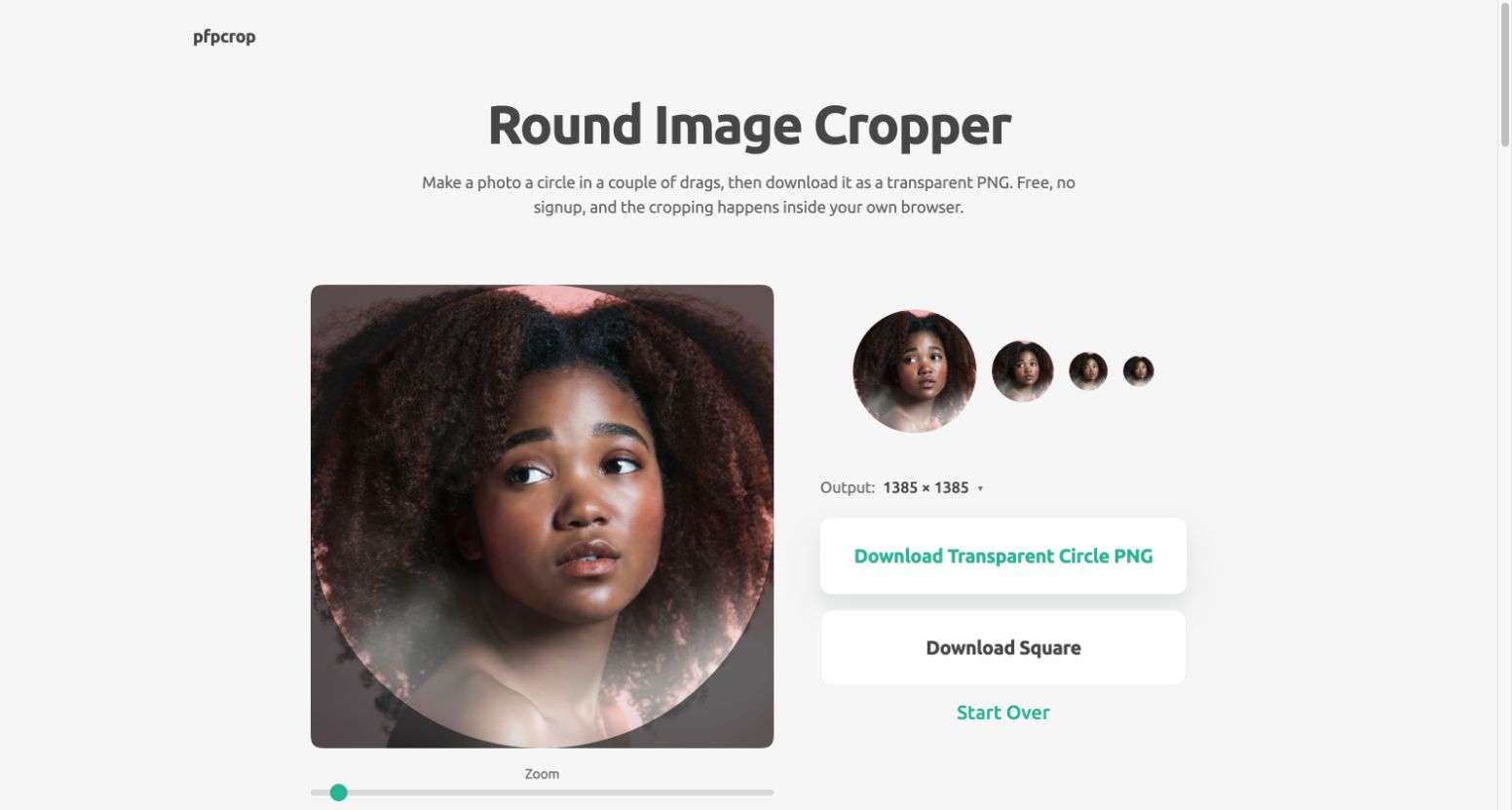
pfpcrop is a free browser tool for cropping profile pictures. Upload a photo, adjust the crop, and preview it for Discord, TikTok, LinkedIn, or Facebook. Download a square image or a transparent circle PNG. Photos are processed on your device.
Features
- Adjust the crop position and zoom.
- Preview profile pictures for different platforms.
- Export square images or transparent circle PNGs.
Use Cases
- Prepare profile pictures for social accounts.
- Check how a photo looks inside a circular avatar.
- Crop the same photo for different platforms.

Comments


Showing the crop at small avatar sizes right next to the editor is the useful part. Most crops look fine at 800px and fall apart at 32px, so you catch it before uploading. One question: the page says iPhone HEIC photos need converting to JPG first. Since everything already runs in the browser, have you considered decoding HEIC client-side (e.g. libheif compiled to WASM)? A lot of people cropping a profile picture will be uploading straight from their phone, so that may be the first error many of them see.



Exporting a transparent circle PNG is a nice touch, since most croppers only give you the square. Does the export pick a size per platform (for example the recommended pixel size for Discord vs LinkedIn), or is it always one fixed size? A small note on the recommended upload size next to each preview would save people a second trip to the platform's help page.
Premium Products













































Sponsors
Buy

Makers

Makers
Comments
Showing the crop at small avatar sizes right next to the editor is the useful part. Most crops look fine at 800px and fall apart at 32px, so you catch it before uploading. One question: the page says iPhone HEIC photos need converting to JPG first. Since everything already runs in the browser, have you considered decoding HEIC client-side (e.g. libheif compiled to WASM)? A lot of people cropping a profile picture will be uploading straight from their phone, so that may be the first error many of them see.
Exporting a transparent circle PNG is a nice touch, since most croppers only give you the square. Does the export pick a size per platform (for example the recommended pixel size for Discord vs LinkedIn), or is it always one fixed size? A small note on the recommended upload size next to each preview would save people a second trip to the platform's help page.
Premium Products
New to Fazier?

Find your next favorite product or submit your own. Made by @FalakDigital.
Copyright ©2026. All Rights Reserved