Personal Planner
A free planner for the gap between your plan and reality
That 30-minute task took an hour. Tomorrow's plan should probably remember that.
Personal Planner is a free daily planner for people who keep making plans but want to understand what actually happens to them.
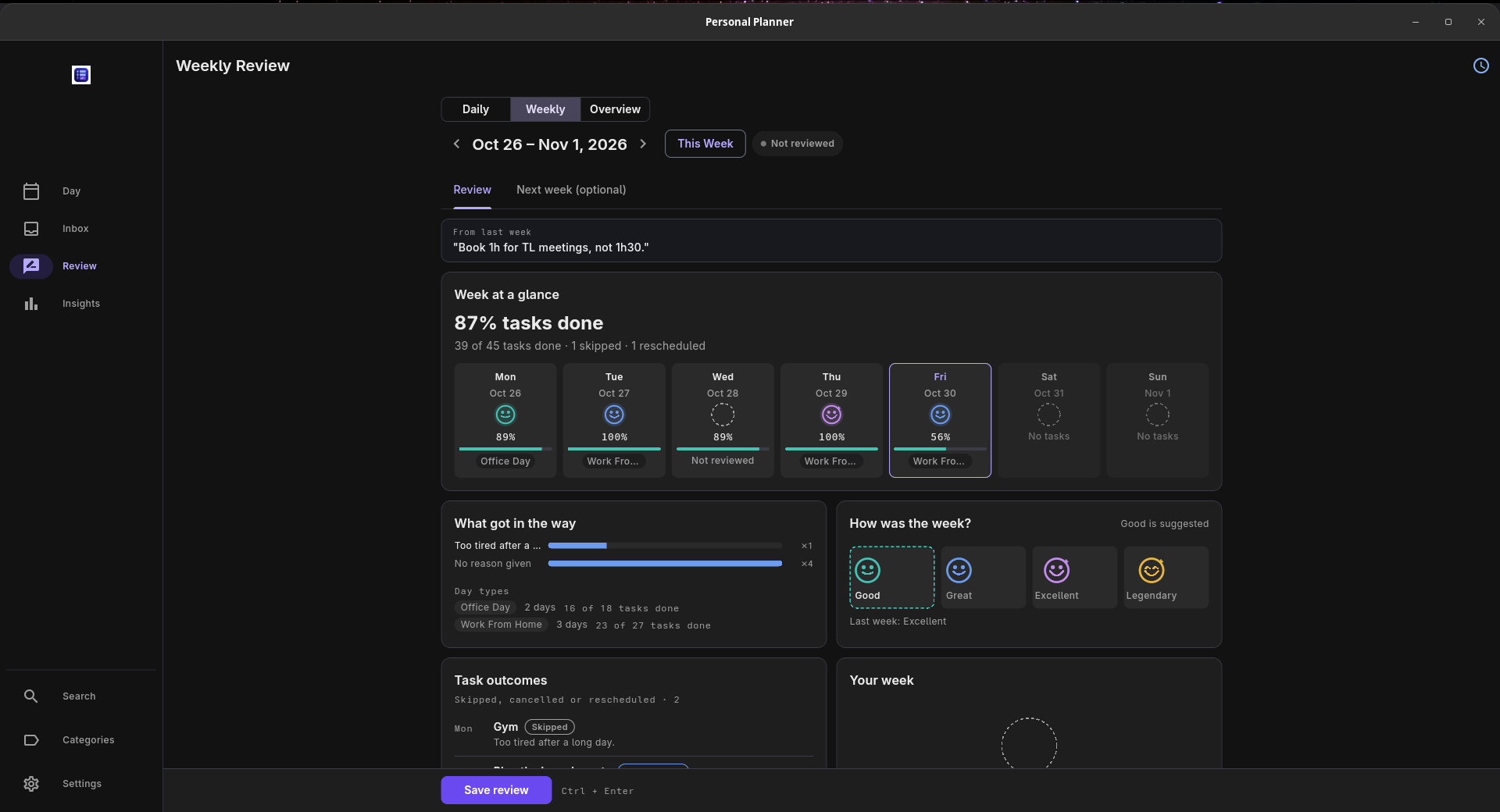
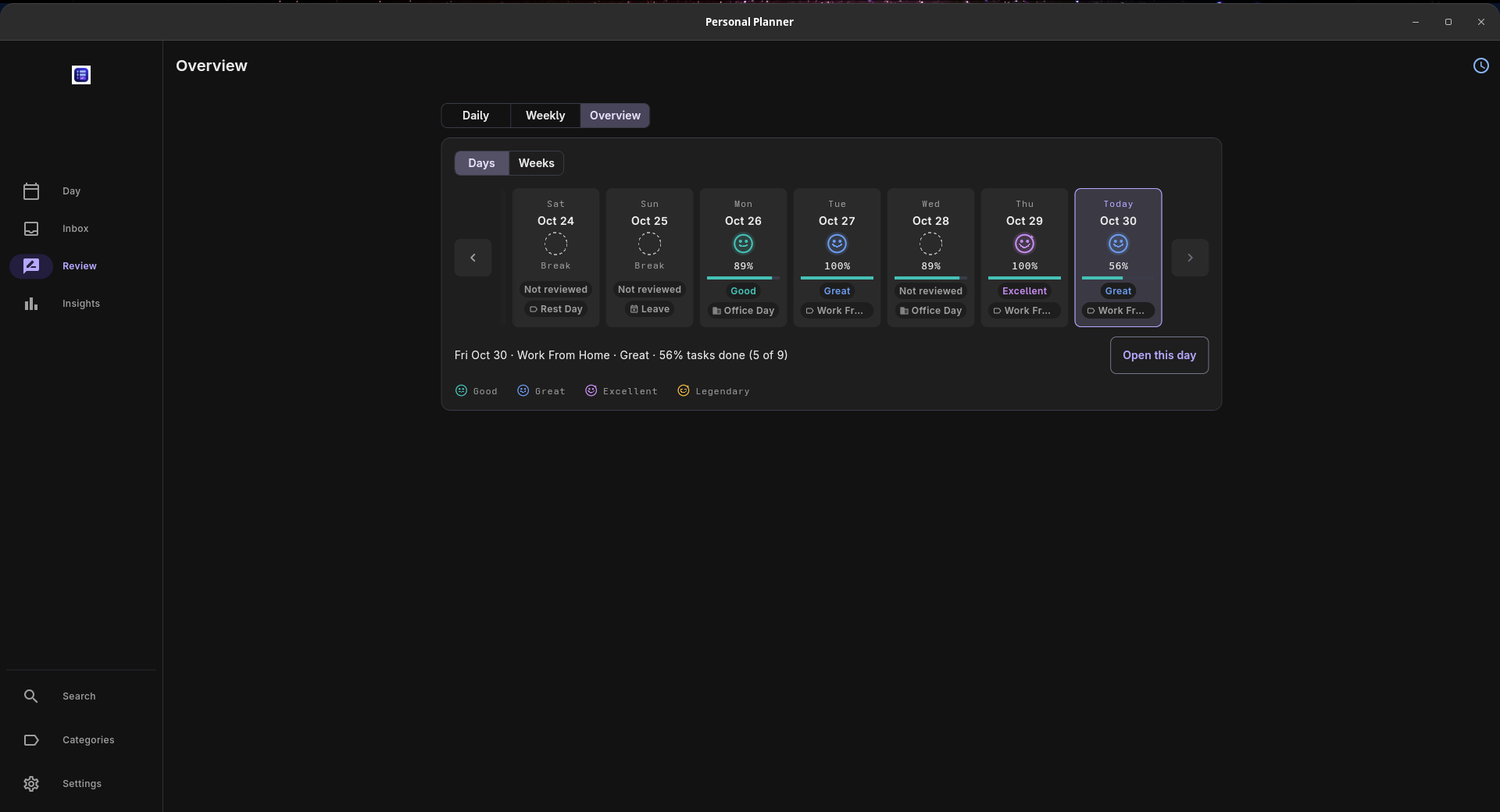
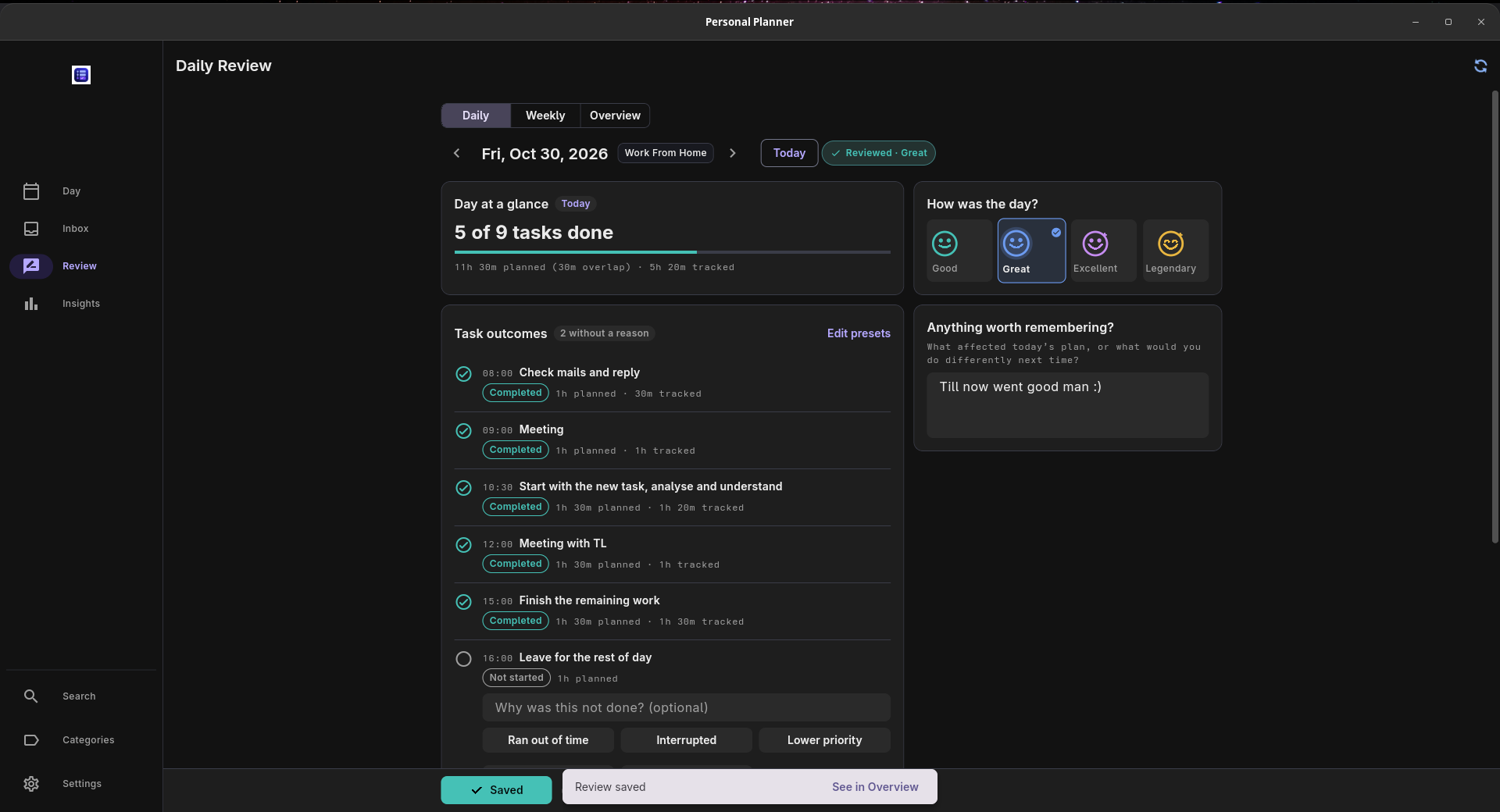
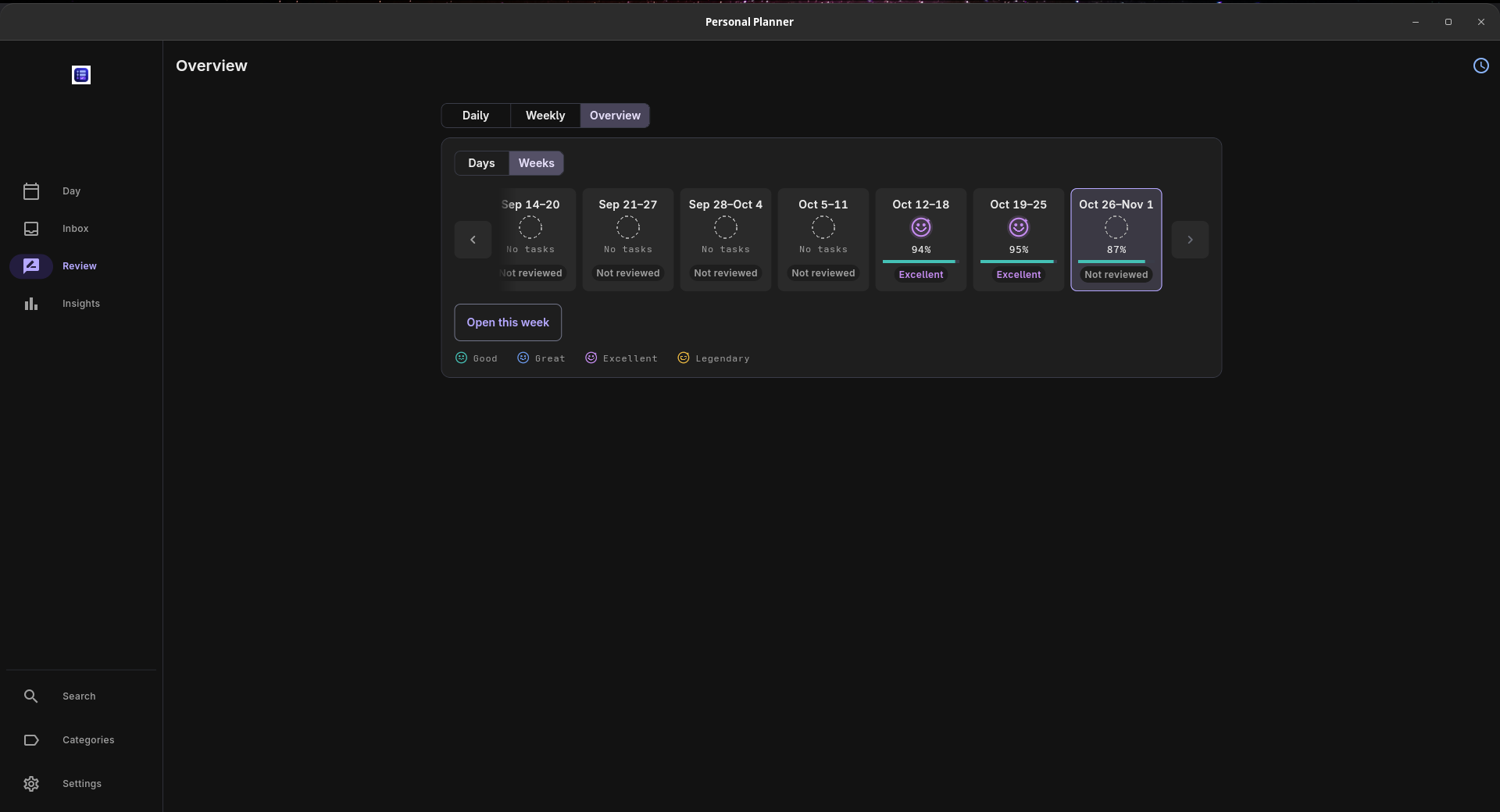
Put tasks on a day or week timeline, start a timer when you work, and compare your estimates with the time you actually spent. Daily and weekly reviews keep your tasks, tracked time and notes together, so you can look back at what got finished, what slipped, and why.
I built it because I kept underestimating tasks, then making the same estimates again the next morning. I wanted something useful to look back on before planning another week. I use it every day myself.
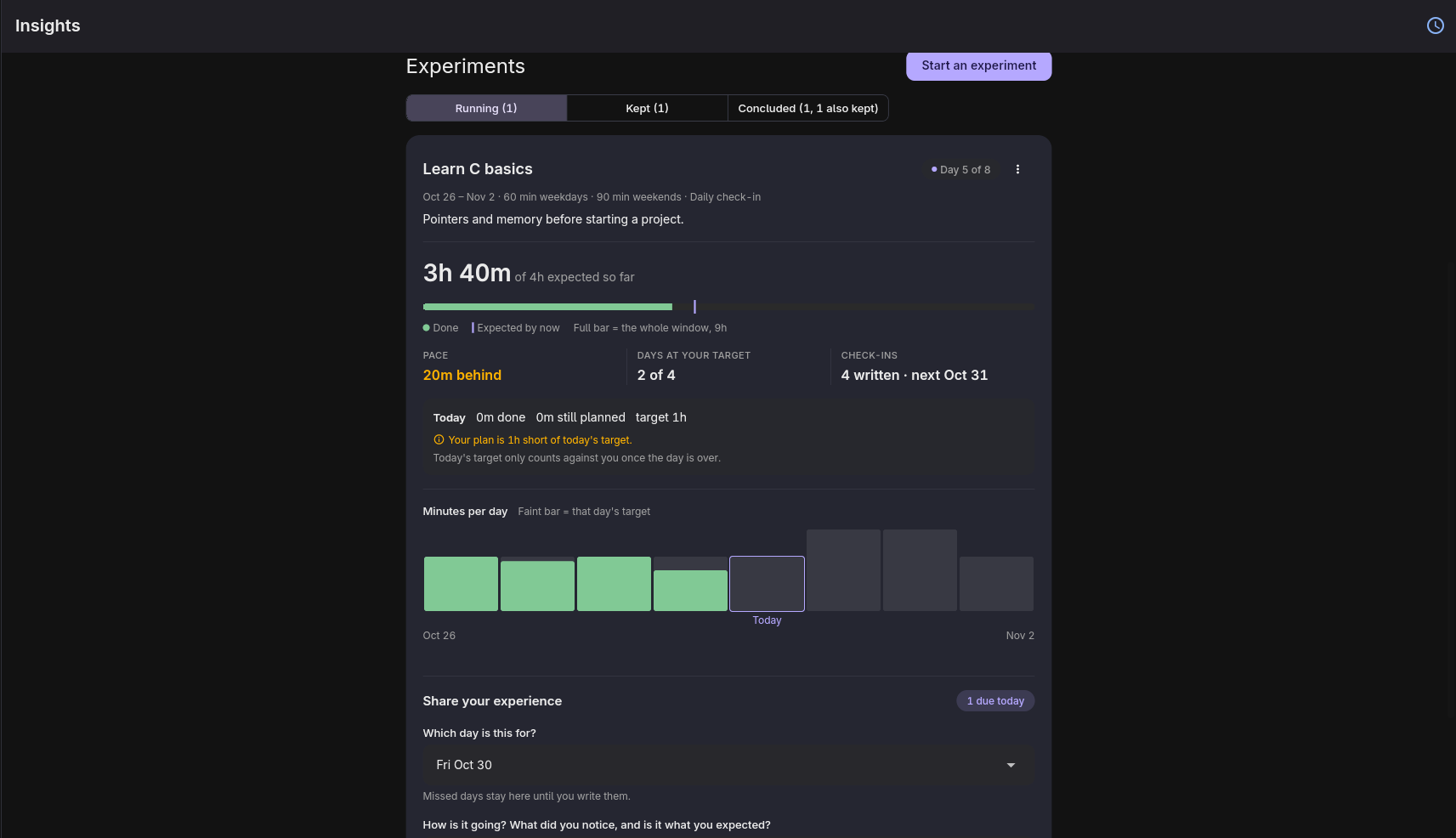
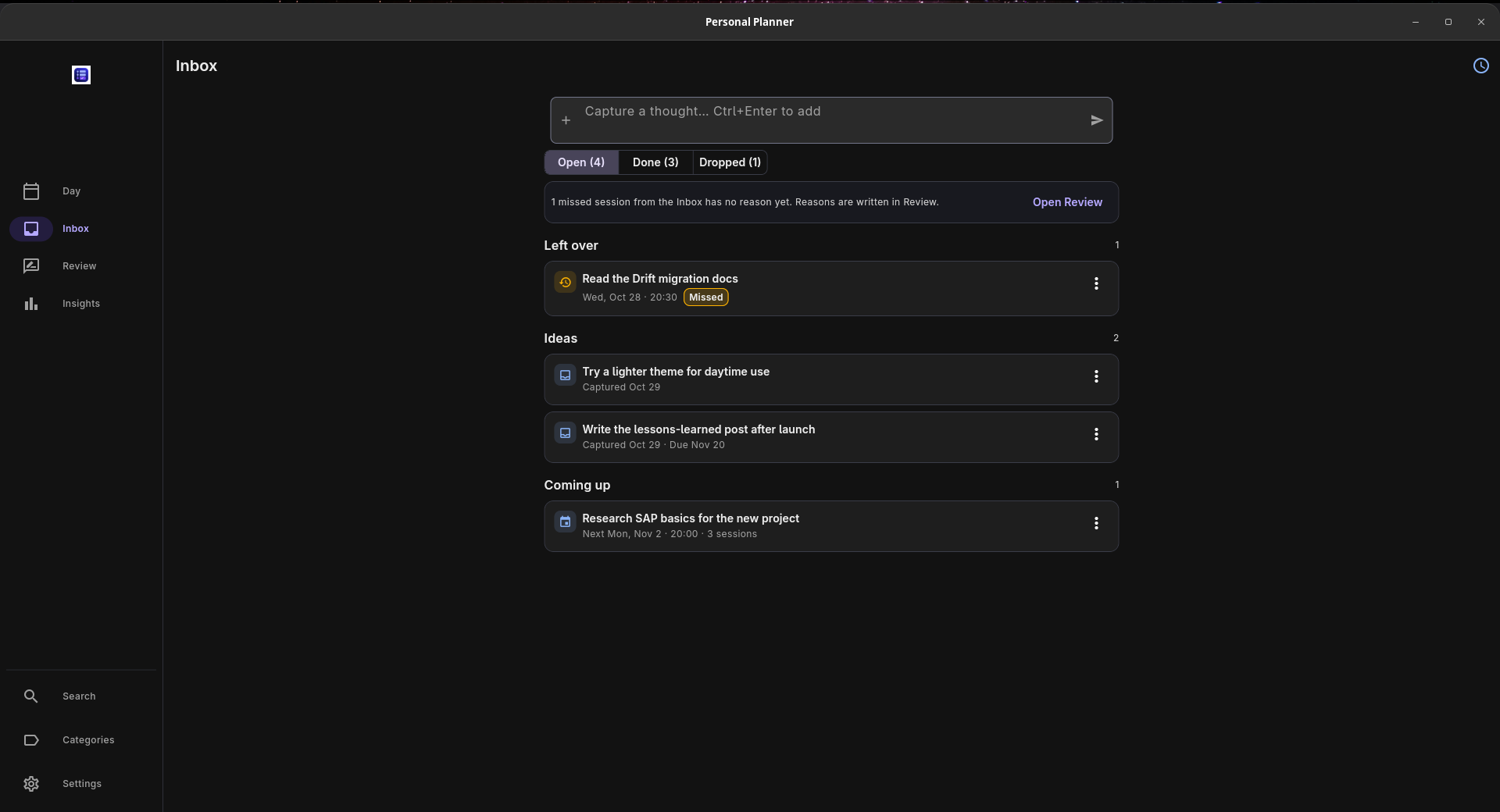
Recurring tasks and templates save you from rebuilding regular plans. An inbox holds ideas for later, while experiments let you follow a routine using time you've already recorded.
It runs on Windows, macOS, Linux and Android. You can use it offline without an account, with your data stored on your device. Optional sync uses your own Supabase project and requires setup.
Personal Planner is free and open source under the MIT license. No subscriptions or paid feature tiers.
Features
- Plan your day and week with draggable time blocks.
- Time your tasks and compare planned minutes with actual time spent.
- Review completed and unfinished work alongside your own notes.
- Reuse recurring tasks and templates for regular plans.
- Capture ideas in an inbox and schedule them later.
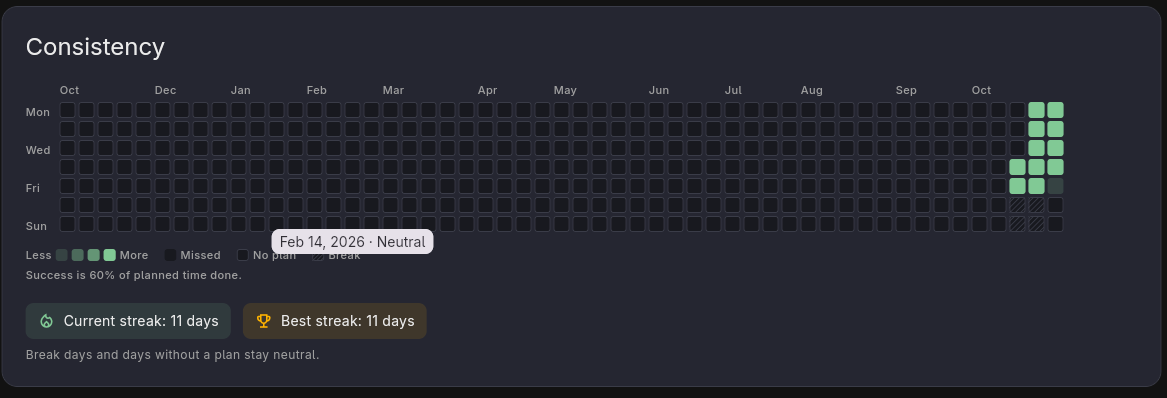
- Follow routines through experiments, heatmaps and streaks.
- Work offline without an account, with built-in backup and restore.
- Optionally sync across devices through your own Supabase project.
Use Cases
- Plan a workday around the time you have, then check which tasks took longer than expected.
- Set aside study sessions and compare the time planned with the time actually spent.
- Review the week before planning the next one, with your tasks, tracked time and notes in view.
- Try a routine for a few weeks and follow your consistency using recorded task time.
- Keep a personal planner on your device that works without an internet connection or account.

Comments


Hey everyone, I'm Karthik, the person behind Personal Planner. I'm quite good at giving a task 30 minutes, spending an hour on it, and somehow expecting it to take 30 minutes again tomorrow. That's where this started. I wanted to look back at a day and understand it: what I finished, what took longer, and why a few things kept moving to tomorrow. Personal Planner lets me put tasks on a timeline, time them while I work, and review the day or week with my notes beside the actual numbers. When I make the next plan, I have something to go on. This is my first independently released app, and I use it every day. It's free and open source, runs on Windows, macOS, Linux and Android, and works offline without an account. There are no subscriptions or paid feature tiers. If you try it, I'd love to hear about the review side: when you look back at your week, what's the first thing you want to know? Thanks for taking a look!
Premium Products



















































Sponsors
Buy

Makers
Makers
Comments
Hey everyone, I'm Karthik, the person behind Personal Planner. I'm quite good at giving a task 30 minutes, spending an hour on it, and somehow expecting it to take 30 minutes again tomorrow. That's where this started. I wanted to look back at a day and understand it: what I finished, what took longer, and why a few things kept moving to tomorrow. Personal Planner lets me put tasks on a timeline, time them while I work, and review the day or week with my notes beside the actual numbers. When I make the next plan, I have something to go on. This is my first independently released app, and I use it every day. It's free and open source, runs on Windows, macOS, Linux and Android, and works offline without an account. There are no subscriptions or paid feature tiers. If you try it, I'd love to hear about the review side: when you look back at your week, what's the first thing you want to know? Thanks for taking a look!
Premium Products
New to Fazier?

Find your next favorite product or submit your own. Made by @FalakDigital.
Copyright ©2026. All Rights Reserved