Pditor
AI-first PDF Workspace to Edit, Chat, OCR, and Auto-Redact.
Handling heavy documents on a daily basis often turns into a huge headache. Whether you need to skim through a 100-page report, remove sensitive client details before emailing a contract, or simply convert and edit a few files, you usually end up jumping between 3 or 4 different clunky websites.
We built Pditor to eliminate this daily tool-juggling and give you a complete, high-speed document workspace under one simple roof.
Instead of forcing you to choose between legacy PDF editors and modern AI apps, Pditor combines both seamlessly:
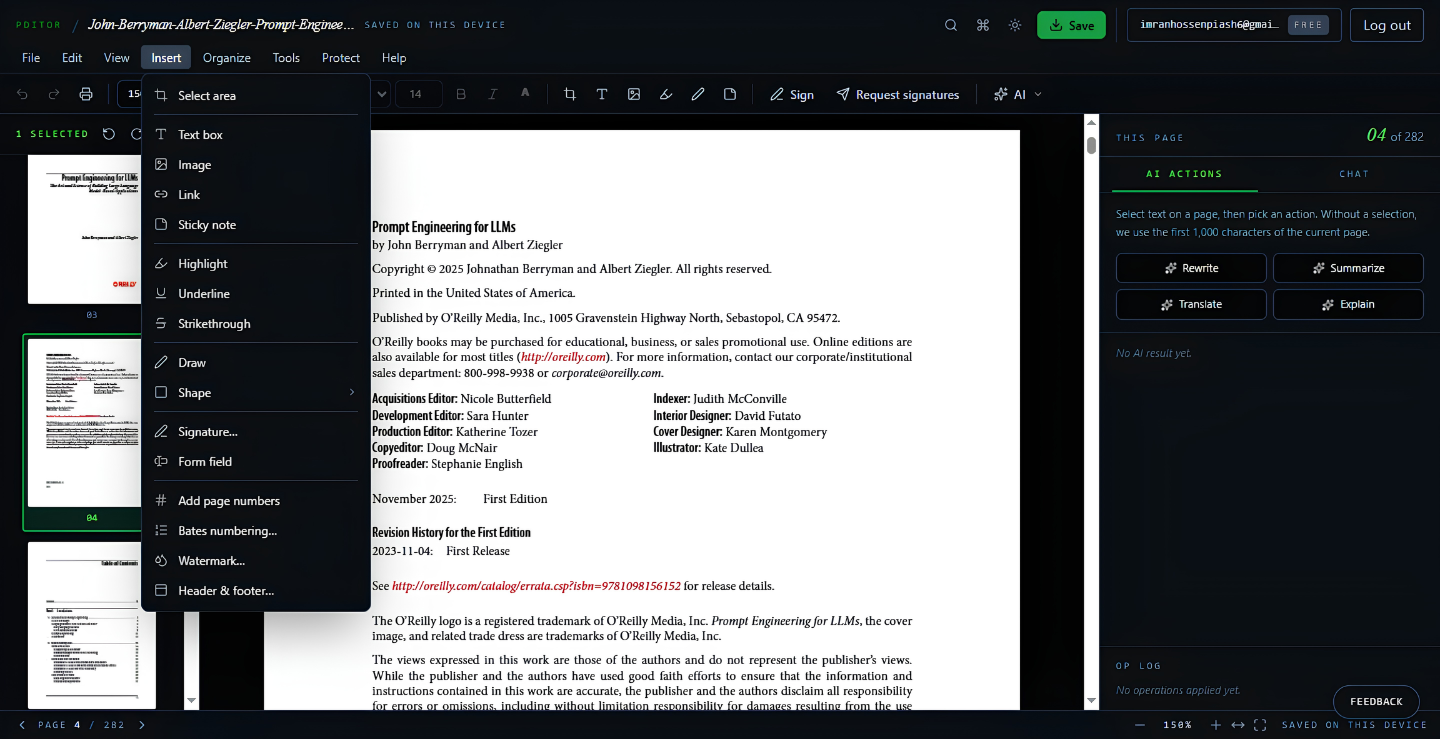
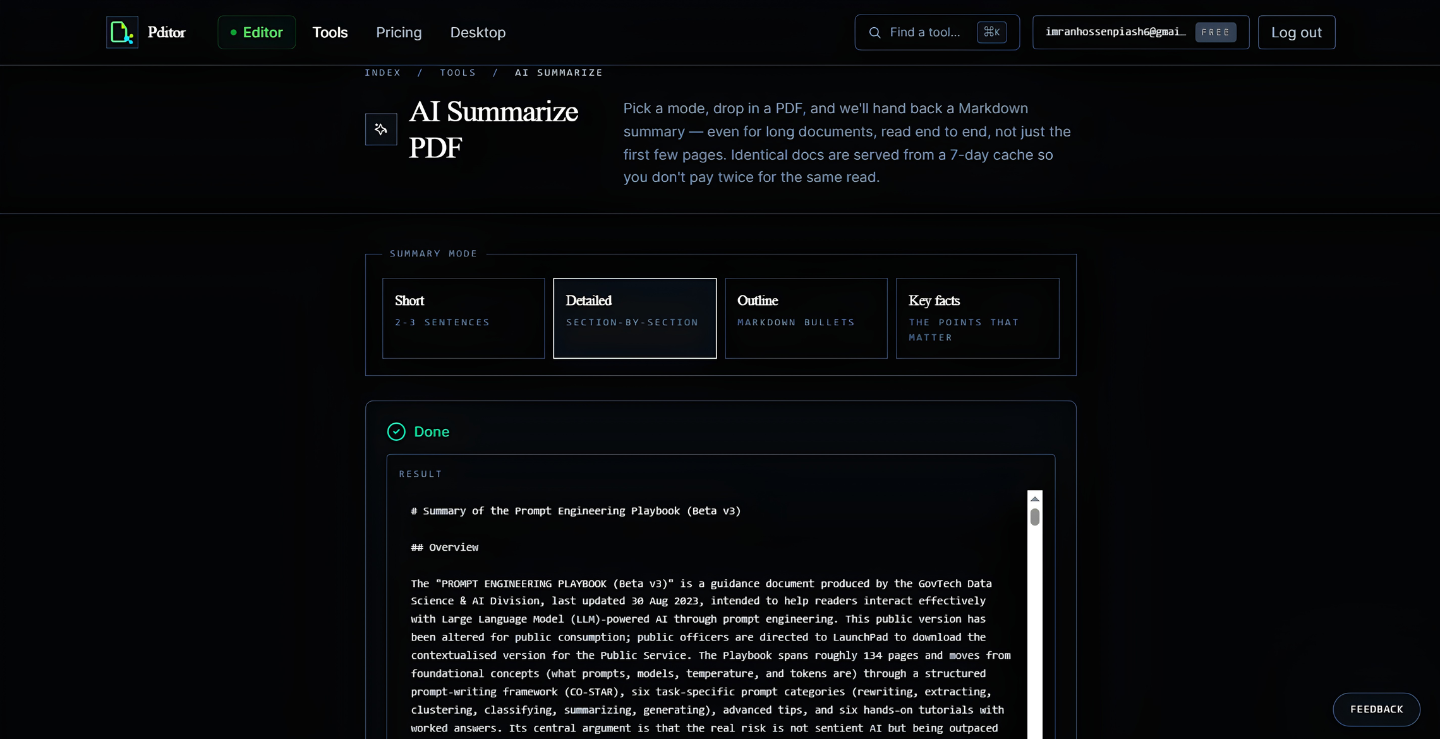
• Interactive AI Chat: Ask questions directly to your PDF and extract instant summaries with page citations.
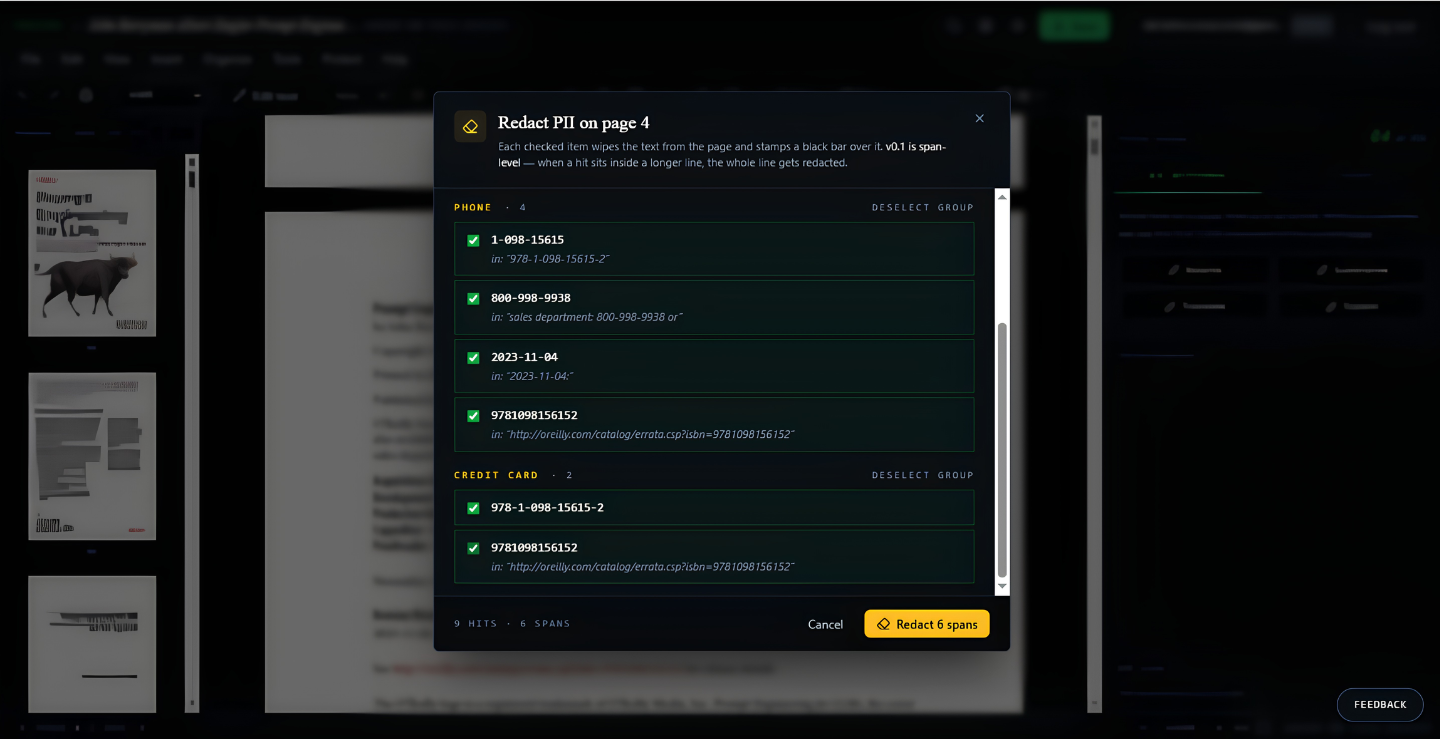
• Automated PII Redaction: Protect privacy effortlessly with AI that automatically spots and masks sensitive details like emails, SSNs, and financial data.
• Smart Document Comparison: Compare two document drafts side-by-side to track changes without manual proofreading.
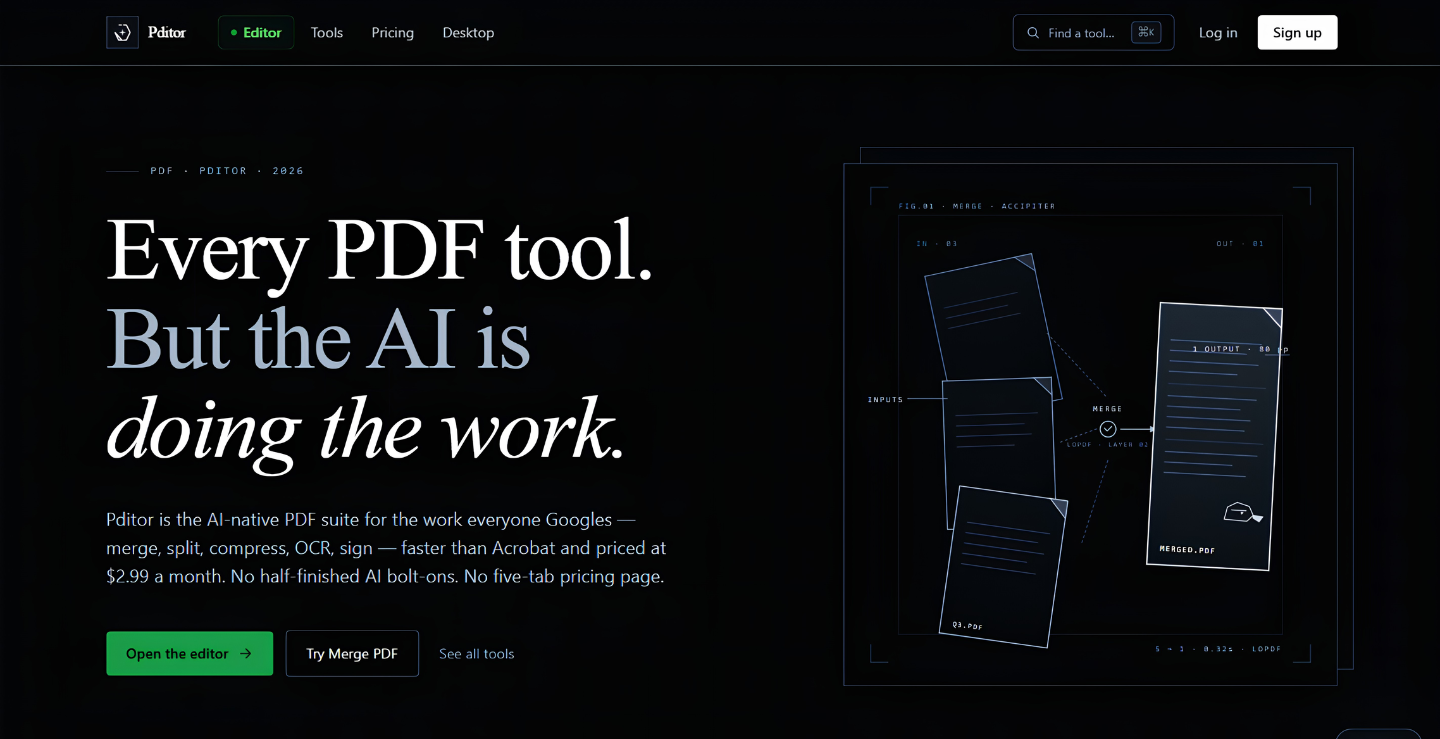
• Core Utility Suite: Fast OCR conversion, merging, splitting, and compressing without losing document formatting.
Built for legal teams, researchers, students, and modern businesses who just want a faster, stress-free way to work with documents.
Features
- Ask questions, extract insights, and get instant summaries from long documents with page citations.
- Automatically scan, detect, and mask sensitive personal data like emails, phone numbers, and IDs before sharing.
- Complete PDF editing suite including high-accuracy OCR, merge, split, compress, and file conversions alongside advanced AI features.
- Spot layout and text differences between two PDF versions side-by-side without manual checking.
- Easily fill out static or interactive PDF forms, insert text, add digital signatures, and export ready-to-share documents.
Use Cases
Pditor Use Cases:
- AI-Powered Document Analysis: Instantly extract insights, ask complex questions, and get accurate summaries with page citations from long documents.
- Automated Data Privacy & Masking: Protect confidential information by automatically scanning, detecting, and redacting sensitive data like emails, phone numbers, and IDs before sharing.
- All-in-One PDF Editing Suite: Streamline document workflows with high-accuracy OCR, merging, splitting, compressing, format converting, and AI editing features.
- Side-by-Side Version Comparison: Save time by automatically detecting layout and text differences between two PDF versions without manual proofreading.
- Effortless Form Filling & Digital Signatures: Easily complete static or interactive PDF forms, insert text, add secure digital signatures, and export ready-to-share files.

Comments

Hey Fazier community! 👋 Like many of you, I spent years jumping between 4-5 different tools just to handle basic document tasks—one for editing text, another for compressing files, a separate tool for OCR, and expensive subscriptions for AI summaries or sensitive data redaction. It was slow, frustrating, and honestly a complete workflow killer. That’s why we built Pditor. We wanted a single, clean workspace where you can handle all your core PDF editing—merging, splitting, converting, filling forms—while harnessing practical AI tools that actually save you time. Need to redact personal data before sharing? Done automatically. Have a 50-page contract to review? Just chat with the doc and pull instant insights with page citations. No heavy installations, no feature bloat—just speed, security, and smart automation. We’d love for you to give Pditor a try and share your honest feedback. What features would make your document workflow even smoother? Let us know in the comments below.
Premium Products












































Sponsors
Buy

Makers
Makers
Comments
Hey Fazier community! 👋 Like many of you, I spent years jumping between 4-5 different tools just to handle basic document tasks—one for editing text, another for compressing files, a separate tool for OCR, and expensive subscriptions for AI summaries or sensitive data redaction. It was slow, frustrating, and honestly a complete workflow killer. That’s why we built Pditor. We wanted a single, clean workspace where you can handle all your core PDF editing—merging, splitting, converting, filling forms—while harnessing practical AI tools that actually save you time. Need to redact personal data before sharing? Done automatically. Have a 50-page contract to review? Just chat with the doc and pull instant insights with page citations. No heavy installations, no feature bloat—just speed, security, and smart automation. We’d love for you to give Pditor a try and share your honest feedback. What features would make your document workflow even smoother? Let us know in the comments below.
Premium Products
New to Fazier?

Find your next favorite product or submit your own. Made by @FalakDigital.
Copyright ©2026. All Rights Reserved