
PDFuck - Free Online PDF Tools
Merge, split, compress, convert, rotate, and edit PDF files
PDFuck is a comprehensive suite of free online PDF tools that operate entirely in your browser, ensuring your files never leave your device. Key features include:
Privacy-focused: All processing happens locally with no file uploads
40+ tools: Merge, split, compress, convert, rotate, and edit PDFs
No registration: Completely free with no watermarks or limitations
Browser-based: Works on all modern browsers (Chrome, Firefox, Safari, Edge)
File format support: Handles PDF, PNG, JPG, WebP, Word, Excel, PowerPoint
Ideal for students, professionals, and anyone needing quick PDF manipulation without compromising privacy. The tools are organized into four main categories: Organize, Convert, Edit, and Security, making it easy to find the right tool for any PDF task.
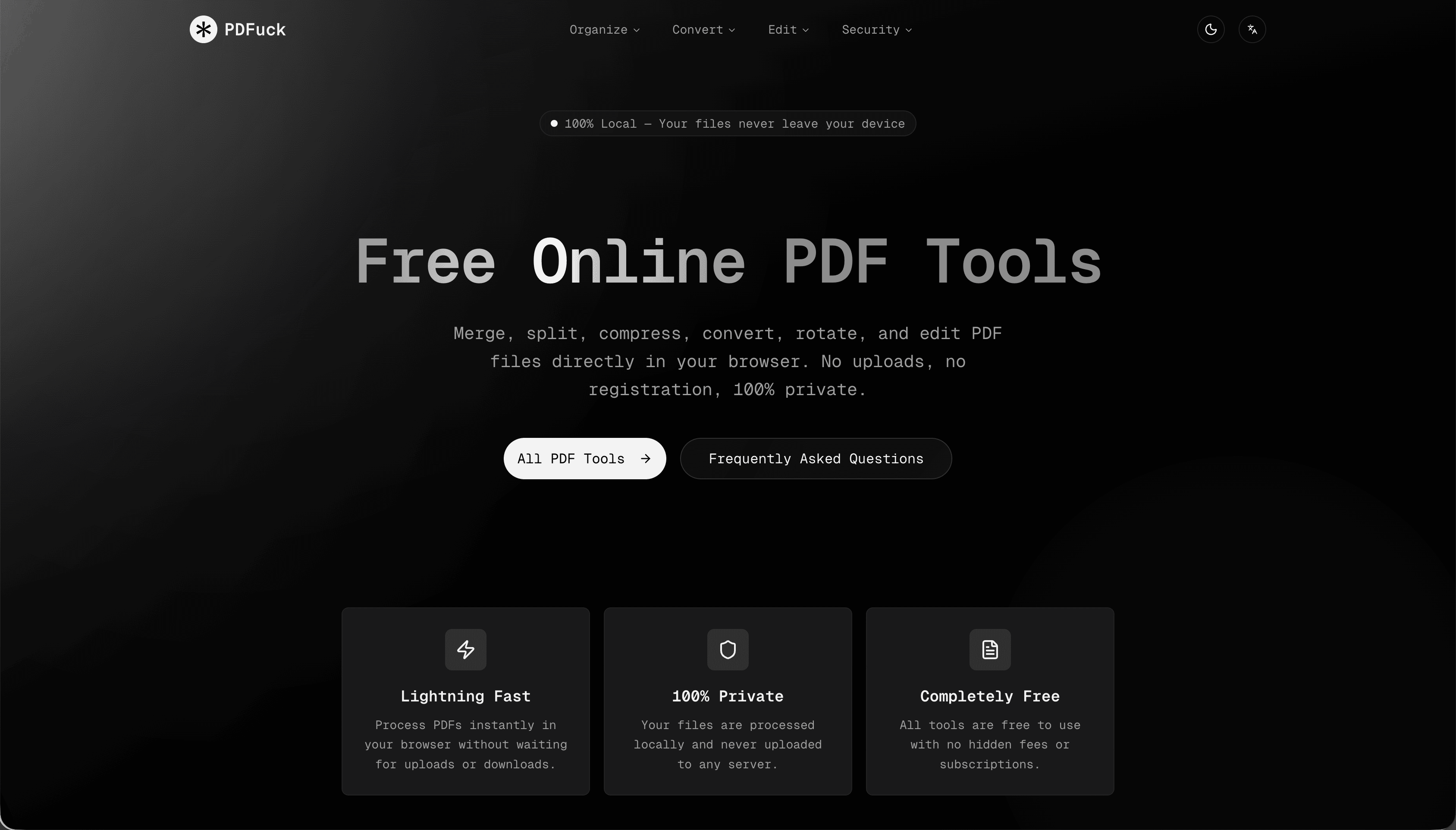
Features
PDFuck provides dozens of tools for merging, splitting, rotating, and compressing PDFs, along with powerful converters for formats like images and office documents. All processing is done locally in the browser, so documents never leave the user’s computer, and every feature is available without registration, payment, or intrusive branding, making it suitable for both personal and professional use.
Use Cases
PDFuck is ideal for office workers, students, and freelancers who need to quickly prepare and optimize PDFs for email, submission, or printing, without installing extra software or relying on cloud services. It is also well suited to legal, finance, and HR teams handling confidential files, as well as IT and security teams that want to verify digital signatures and document integrity before sharing or archiving important PDFs.

Comments


Strong value proposition — local processing + no registration is a big trust signal. Browser-side handling is especially useful for legal, finance, and HR workflows where document privacy matters. Quick merge/compress tools without installs can save a lot of friction for teams that handle PDFs daily. Nice positioning for both everyday users and security-conscious professionals.


The privacy-first approach here is genuinely impressive — processing everything locally in the browser means sensitive documents like legal contracts or HR files never touch a server. That's a real trust advantage over most PDF tools. The 40+ tools covering merge, split, compress, convert, and edit in one place is a big win for professionals who usually juggle multiple apps. Would love to see batch processing for multiple files at once.
The privacy-first approach here is genuinely impressive — processing everything locally in the browser means sensitive documents like legal contracts or HR files never touch a server. That is a real trust advantage over most PDF tools. The 40+ tools covering merge, split, compress, convert, and edit in one place is a big win for professionals who usually juggle multiple apps. Would love to see batch processing for multiple files at once.
Genuinely impressed by the privacy-first design here. Local browser processing means sensitive legal, HR, or finance docs never touch external servers, which is a strong trust advantage. Having 40+ tools in one place without registration removes real friction for daily users. Would love to see batch processing as a next feature for teams handling multiple PDFs regularly.


First off, love the name. But beyond that, PDFuck is actually legit. I’m so over those massive PDF sites that are basically 90% ads and 10% tool. I just used their PDF to Word converter and it was way smoother than I expected. The UI is super clean and minimal—it honestly feels like a breath of fresh air compared to the clunky alternatives. It’s rare to find a suite this comprehensive that doesn't try to paywall you every five seconds. Solid work!


Premium Products










































Sponsors
Buy



Makers

Makers
Comments
Strong value proposition — local processing + no registration is a big trust signal. Browser-side handling is especially useful for legal, finance, and HR workflows where document privacy matters. Quick merge/compress tools without installs can save a lot of friction for teams that handle PDFs daily. Nice positioning for both everyday users and security-conscious professionals.
The privacy-first approach here is genuinely impressive — processing everything locally in the browser means sensitive documents like legal contracts or HR files never touch a server. That's a real trust advantage over most PDF tools. The 40+ tools covering merge, split, compress, convert, and edit in one place is a big win for professionals who usually juggle multiple apps. Would love to see batch processing for multiple files at once.
The privacy-first approach here is genuinely impressive — processing everything locally in the browser means sensitive documents like legal contracts or HR files never touch a server. That is a real trust advantage over most PDF tools. The 40+ tools covering merge, split, compress, convert, and edit in one place is a big win for professionals who usually juggle multiple apps. Would love to see batch processing for multiple files at once.
Genuinely impressed by the privacy-first design here. Local browser processing means sensitive legal, HR, or finance docs never touch external servers, which is a strong trust advantage. Having 40+ tools in one place without registration removes real friction for daily users. Would love to see batch processing as a next feature for teams handling multiple PDFs regularly.
First off, love the name. But beyond that, PDFuck is actually legit. I’m so over those massive PDF sites that are basically 90% ads and 10% tool. I just used their PDF to Word converter and it was way smoother than I expected. The UI is super clean and minimal—it honestly feels like a breath of fresh air compared to the clunky alternatives. It’s rare to find a suite this comprehensive that doesn't try to paywall you every five seconds. Solid work!
Premium Products
New to Fazier?

Find your next favorite product or submit your own. Made by @FalakDigital.
Copyright ©2026. All Rights Reserved