
PDFSnap
Combine photos into one PDF in your browser, no upload
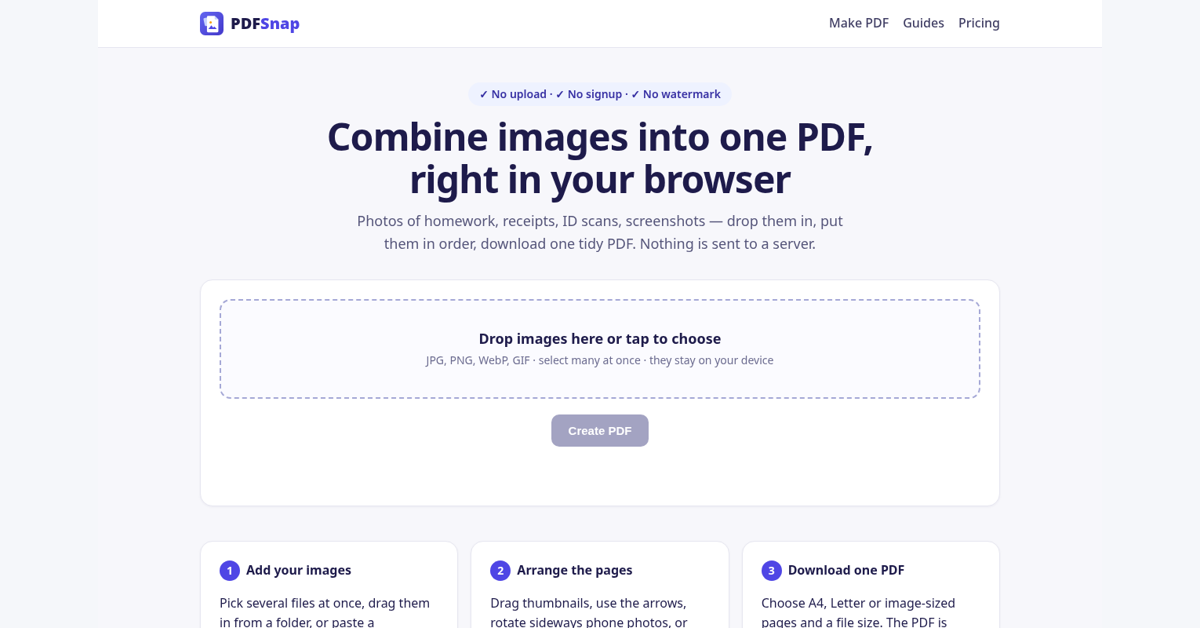
PDFSnap merges photos, scans and screenshots into a single PDF right in your browser. Reorder, rotate, pick A4 or Letter, and split long screenshots into pages. Free, no signup, and your files never leave your device.
Features
Combine JPG, PNG and HEIC images into one PDF
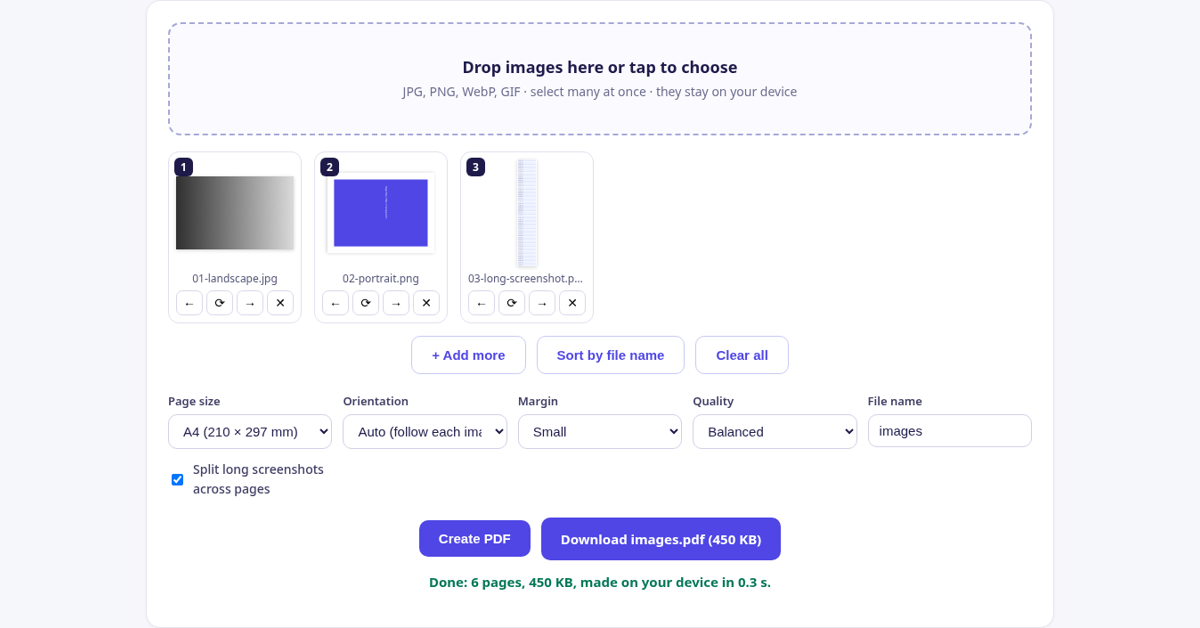
Drag to reorder and rotate pages
A4, Letter or fit-to-image page sizes
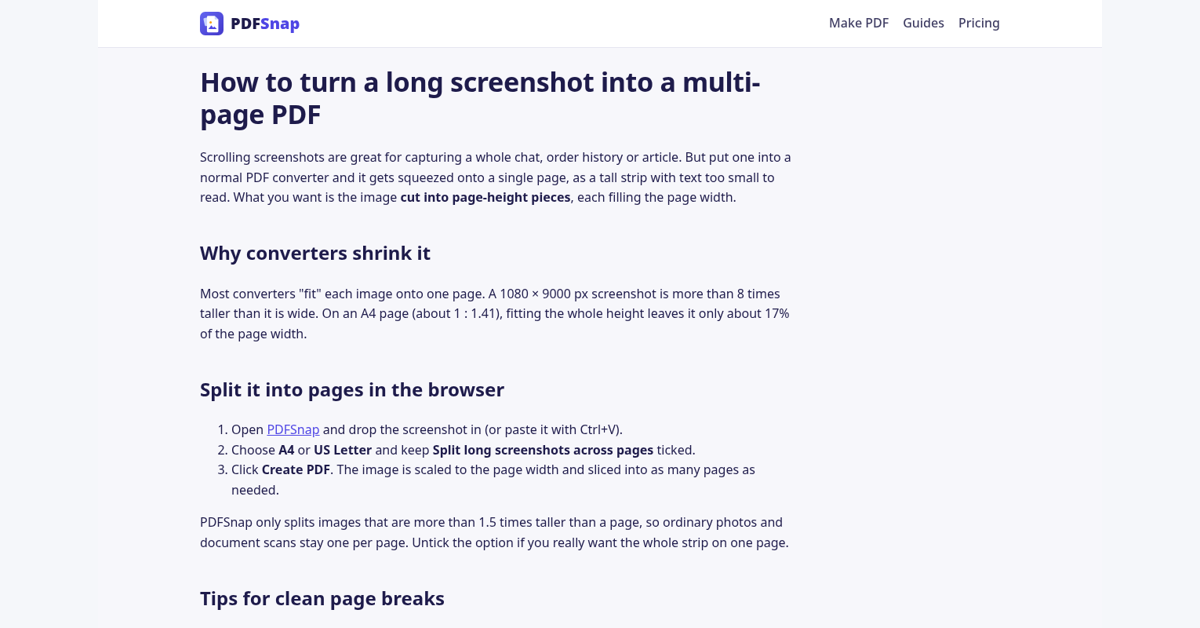
Split long screenshots into multi-page PDFs
100% in-browser: no upload, no signup
Use Cases
Turn phone photos of receipts or documents into one PDF
Send scanned homework or forms as a single file
Save long chat or web screenshots as a readable PDF
Comments


Splitting long screenshots into pages is a nice touch. How do you choose where to cut? A fixed page height can slice a line of text in half; snapping the break to the nearest near-blank row of pixels usually gives much cleaner pages. Also curious how you handle HEIC outside Safari, since it's the only browser that decodes it natively. Is there a WASM decoder for the others?
Premium Products

















































Makers
Makers
Comments
Splitting long screenshots into pages is a nice touch. How do you choose where to cut? A fixed page height can slice a line of text in half; snapping the break to the nearest near-blank row of pixels usually gives much cleaner pages. Also curious how you handle HEIC outside Safari, since it's the only browser that decodes it natively. Is there a WASM decoder for the others?
Premium Products
New to Fazier?

Find your next favorite product or submit your own. Made by @FalakDigital.
Copyright ©2026. All Rights Reserved