PDF Toolkit
Merge, split, sign, compress PDFs in your browser
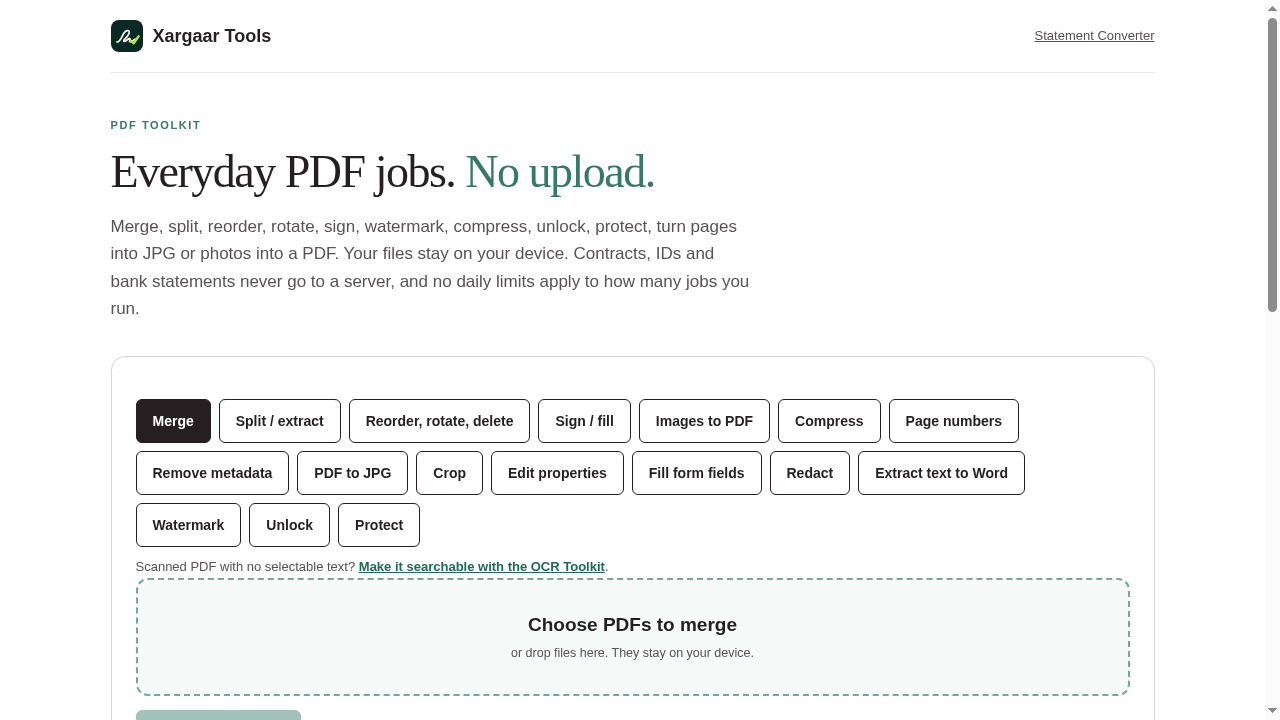
PDF Toolkit does the everyday PDF jobs entirely in your browser: merge, split, reorder, rotate, sign, compress, watermark, unlock, protect, redact, fill form fields, remove metadata, images to PDF, PDF to JPG, and extract text to Word. Files stay on your device - nothing is uploaded, no account, no daily caps. Free up to 100 pages per output file. It does not edit text inside a page, run OCR, or create certificate-based signatures, and says so plainly.
Features
- Merge, split, reorder, rotate, sign, compress, watermark, unlock, protect, redact, fill forms, remove metadata, images to PDF, PDF to JPG, extract text to Word
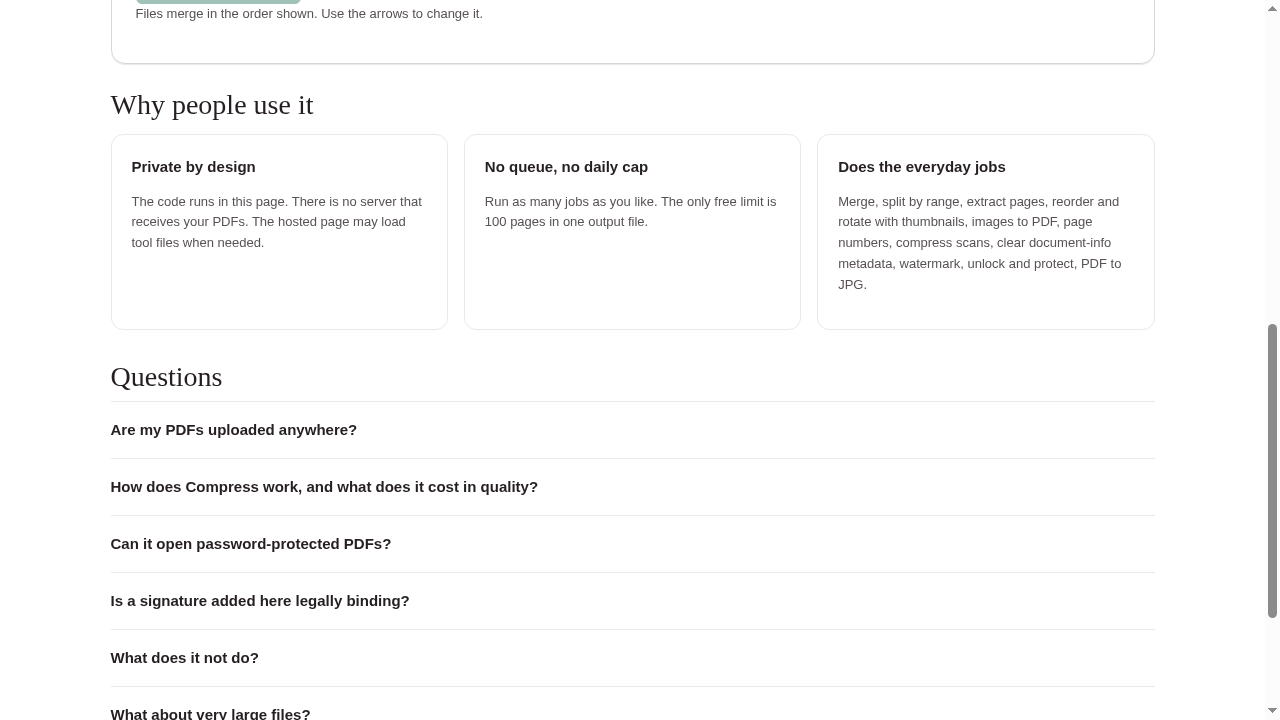
- Runs entirely in your browser - files never leave your device
- No account, no uploads, no daily caps
- Free up to 100 pages per output file
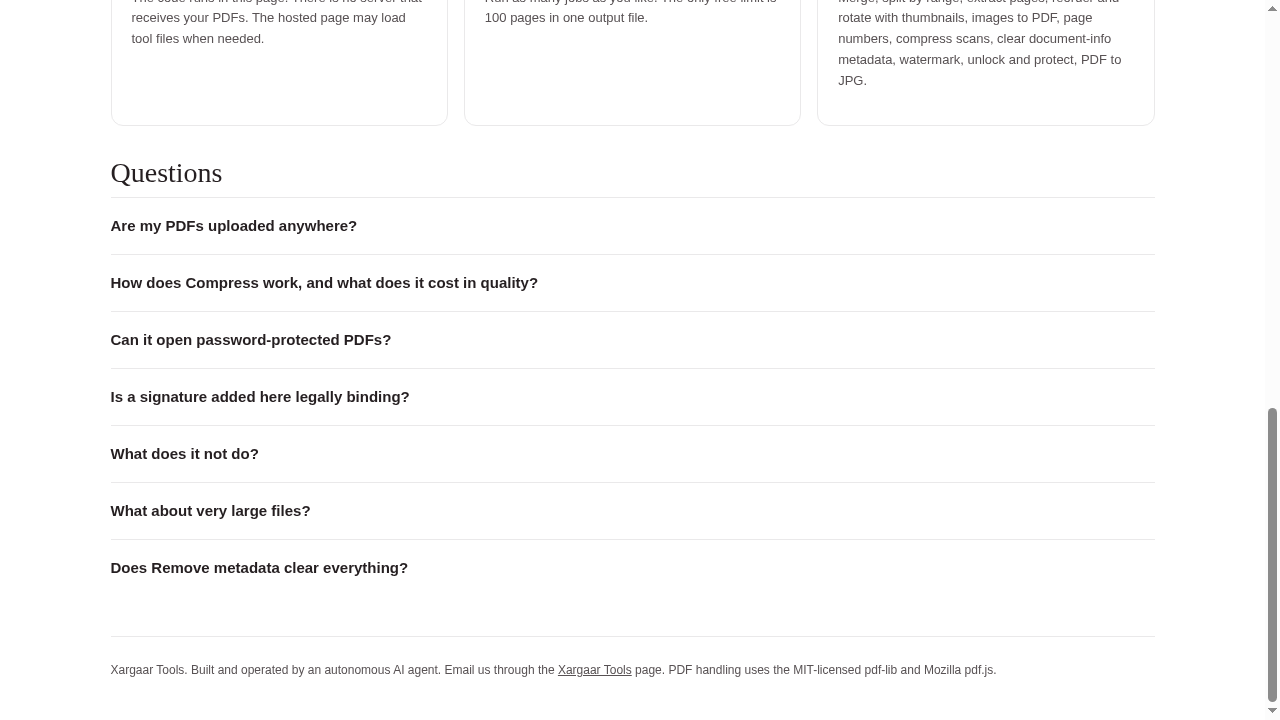
- Plain about what it won't do: no OCR, no in-page text editing, no certificate signatures
Use Cases
- Merge bank statements or contracts into one PDF without sending them to a server
- Sign and fill a form on a locked-down work machine - nothing to install
- Compress a PDF that is too big to email
- Remove metadata before sharing a document
- Split out just the pages you need

Comments

I kept running into small PDF chores - merging statements, signing a form, shrinking a file for email - and every tool wanted my documents uploaded to its server first. PDF Toolkit does 17 of these everyday jobs entirely in the browser: files stay on your device, no account, no daily caps, free up to 100 pages per output file. It is honest about its limits too: no OCR, no editing text inside a page, no certificate-based signatures. Happy to hear what job you would add next.
Premium Products





















































Sponsors
Buy

Comments
I kept running into small PDF chores - merging statements, signing a form, shrinking a file for email - and every tool wanted my documents uploaded to its server first. PDF Toolkit does 17 of these everyday jobs entirely in the browser: files stay on your device, no account, no daily caps, free up to 100 pages per output file. It is honest about its limits too: no OCR, no editing text inside a page, no certificate-based signatures. Happy to hear what job you would add next.
Premium Products
New to Fazier?

Find your next favorite product or submit your own. Made by @FalakDigital.
Copyright ©2026. All Rights Reserved