PDF Convert Now
Merge, compress, convert, and manage PDF files online.
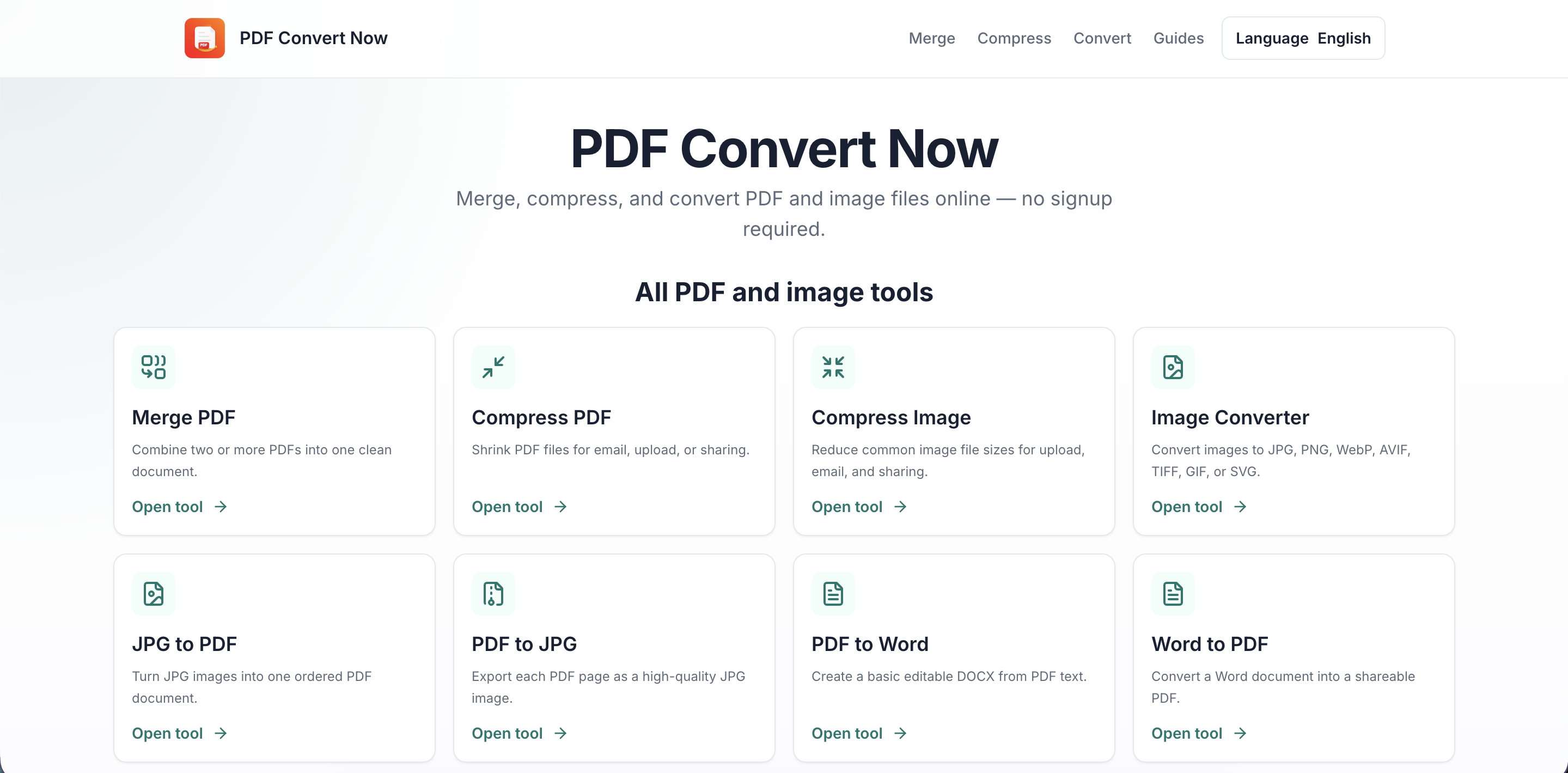
PDF Convert Now is a free online PDF and document conversion platform that provides fast, simple, and convenient tools for working with PDF files and images. You can merge PDF files, compress PDF documents, split PDFs, rotate pages, convert PDF to Word, convert Word to PDF, convert PDF to JPG or PNG, and convert JPG, PNG, and other image files to PDF.
Designed for students, professionals, businesses, and everyday users, PDF Convert Now makes it easy to manage documents without installing desktop software or creating an account. All tools are accessible directly from your web browser and are designed to work across desktop and mobile devices.
Whether you need to reduce PDF file size for email or online submission, combine multiple PDF documents into one file, extract pages from a PDF, convert images into a PDF document, or change a PDF into an editable Word file, PDF Convert Now provides straightforward online tools to get the job done quickly.
The platform supports a growing range of document and image formats, including PDF, JPG, JPEG, PNG, WebP, Word, HWP, and DWG. With dedicated tools for PDF conversion, image conversion, compression, merging, splitting, and document management, PDF Convert Now offers an all-in-one solution for common file-processing needs.
PDF Convert Now is built with simplicity and convenience in mind, making online PDF conversion accessible without complicated software or technical knowledge. Whether you are working with business documents, school assignments, scanned files, images, reports, or everyday paperwork, you can use the available online tools to convert and manage your files efficiently.
Explore PDF Convert Now for free PDF tools, online PDF converters, PDF compression, PDF merging, document conversion, image-to-PDF conversion, PDF-to-image conversion, and other useful file management tools—all available online in one convenient place.
Features
PDF Tools
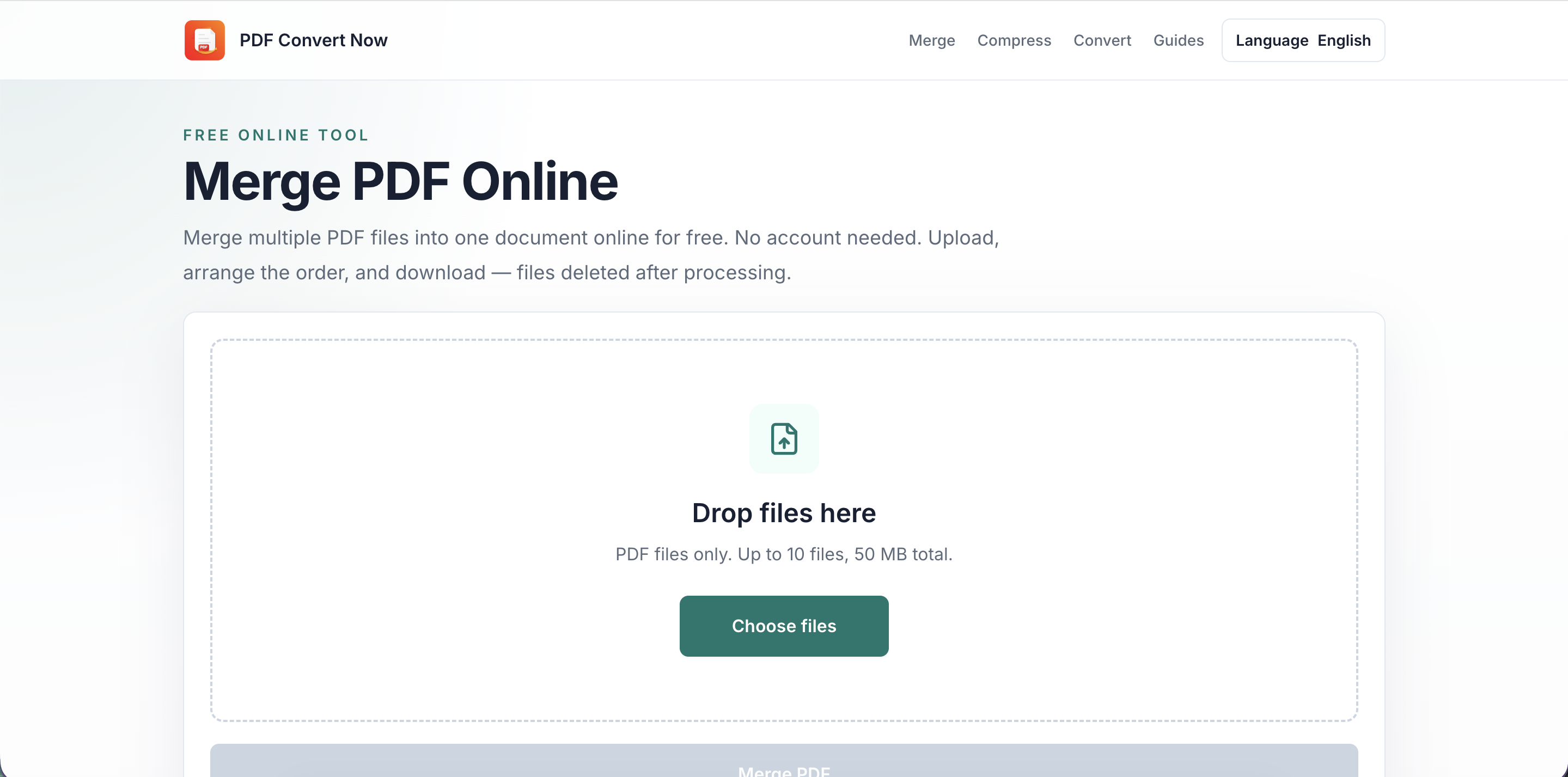
- Merge PDF — Combine multiple PDF files into a single document.
- Split PDF — Split a PDF into separate files or extract specific pages.
- Compress PDF — Reduce PDF file size for email, uploads, sharing, and storage.
- Rotate PDF — Rotate individual pages or entire PDF documents.
- PDF to Word — Convert PDF documents into editable Word files.
- PDF to JPG — Convert PDF pages into JPG images.
- PDF to PNG — Convert PDF pages into PNG images.
🖼️ Image & Document Conversion
- JPG to PDF — Convert JPG and other supported images into PDF documents.
- PNG to PDF — Turn PNG images into PDF files.
- Word to PDF — Convert Word documents into PDF.
- HWP to PDF — Convert HWP documents to PDF.
- DWG to PDF — Convert CAD/DWG files into PDF.
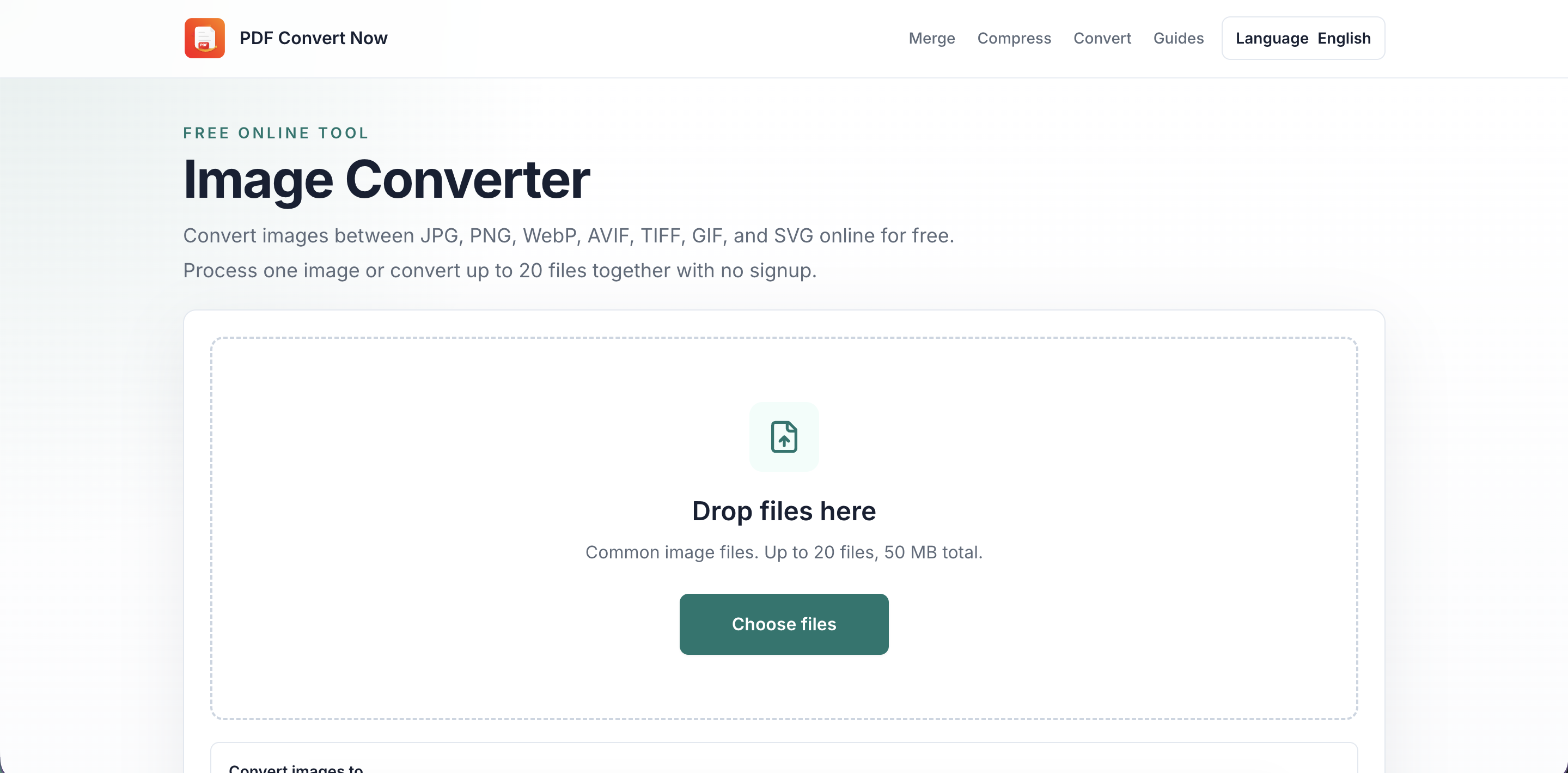
- Image Converter — Convert images between supported formats.
- Image Compressor — Reduce image file sizes while maintaining useful quality.
Use Cases
- Students: Convert notes, merge assignments, and compress PDFs.
- Businesses: Manage reports, invoices, contracts, and documents.
- Job Seekers: Combine resumes, certificates, and portfolios.
- Professionals: Convert and organize documents for clients.
- Everyday Users: Convert images, merge files, and reduce file sizes.
- Mobile Users: Manage PDFs and documents directly from a browser.

Comments


The compression page clearly states the 50 MB input limit and the readability trade-off for scanned pages. Could you add a target output size, such as 1 MB or 5 MB, for upload portals? Showing whether the result meets that target, with a clear warning when it cannot be reached without excessive quality loss, would make this workflow more predictable.


Premium Products

































Sponsors
Buy

Makers

Makers
Comments
The compression page clearly states the 50 MB input limit and the readability trade-off for scanned pages. Could you add a target output size, such as 1 MB or 5 MB, for upload portals? Showing whether the result meets that target, with a clear warning when it cannot be reached without excessive quality loss, would make this workflow more predictable.
Premium Products
New to Fazier?

Find your next favorite product or submit your own. Made by @FalakDigital.
Copyright ©2026. All Rights Reserved