
Passports.pics
Free online maker for official passport, visa & ID photos
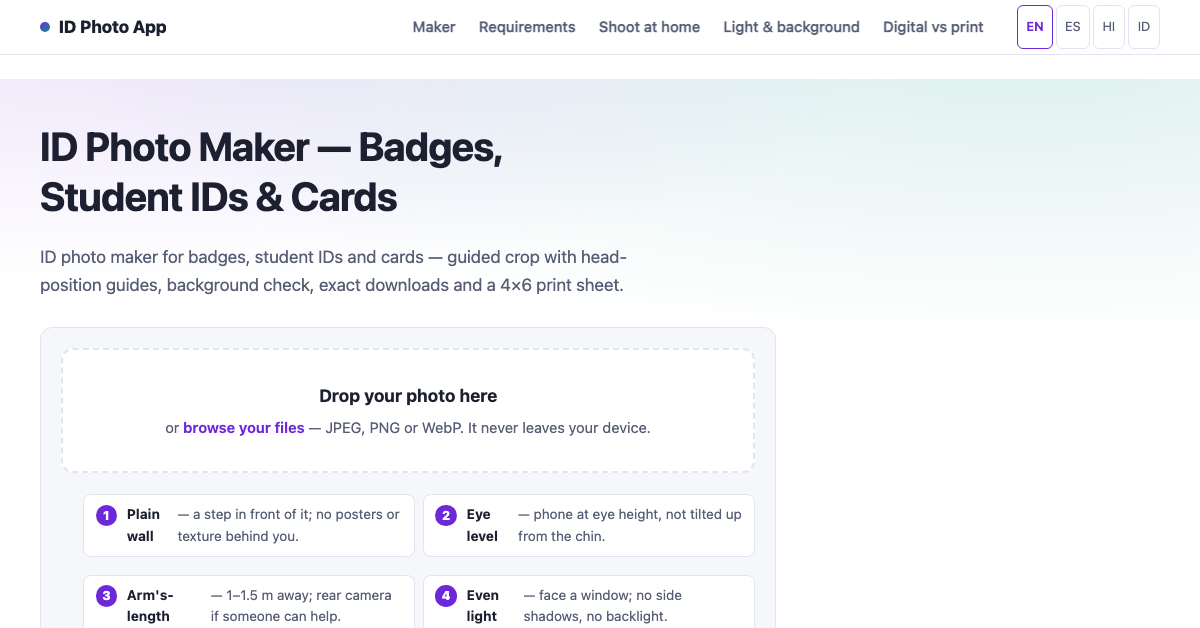
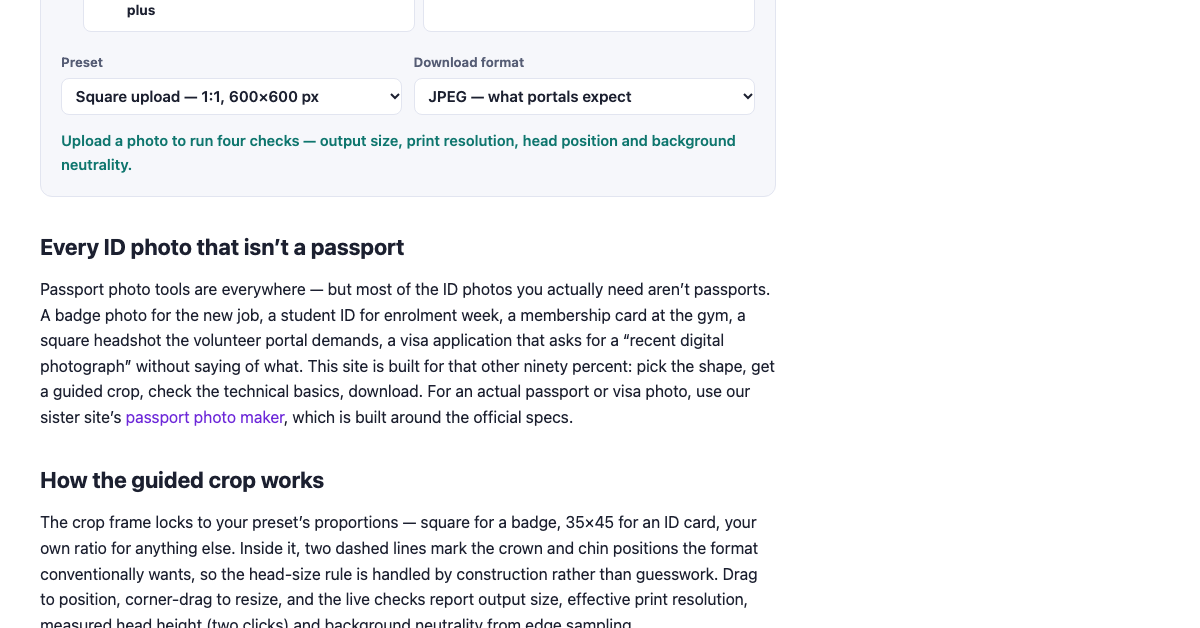
Free online ID photo maker for badges, student IDs and cards. Upload a photo, crop it with head-position guides, check the background, and download the exact size plus a 4x6 print sheet. Runs entirely in the browser — photos never leave your device.
Features
Guided crop locked to each format's ratio
Head-position guides for crown and chin
Live checks: output size, print dpi, head height, background tone
Exact-size downloads (JPEG/PNG) plus a 4x6 print sheet
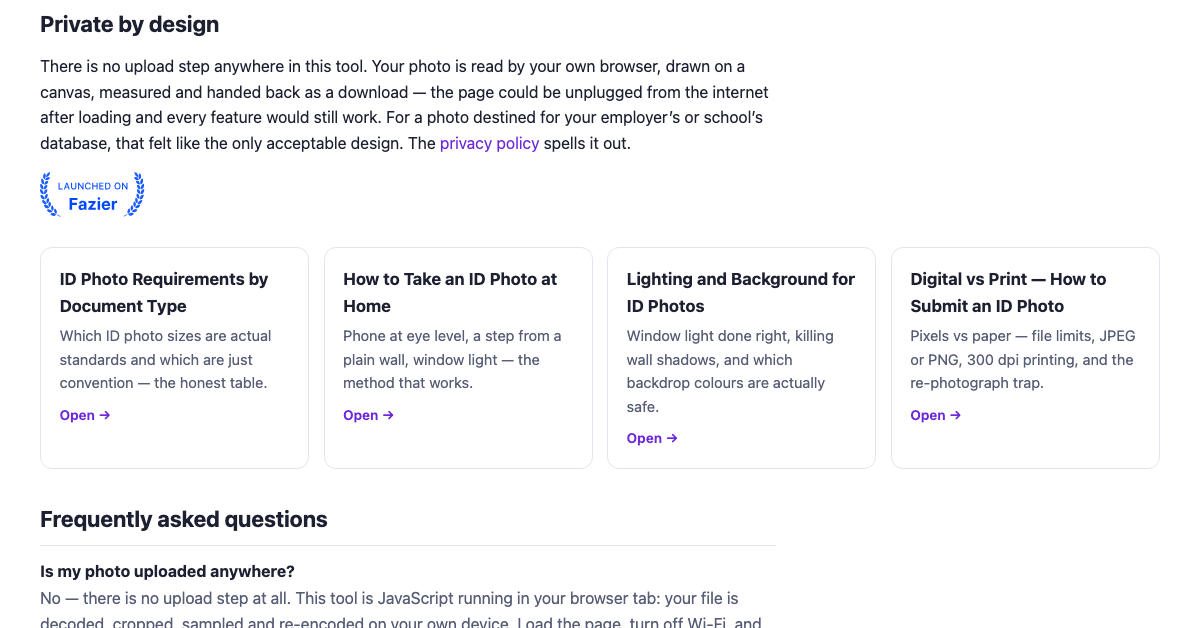
No account, no upload — everything runs on your device
Use Cases
Badge photos for a new job or gym membership
Student ID photos at enrolment
Square headshots for volunteer portals and apps
Compliant photos for visa and ID applications

Comments


The live checks for head height and background tone are the part that would save me the most time — I usually only find out an ID photo is wrong after a portal rejects it. Does the 4x6 print sheet arrange multiple copies automatically, or can you choose how many copies fit on the sheet before downloading?

This fits a real pain for job applicants: most public-sector application files in Morocco ask for paper ID photos in the 35 x 45 mm format on a white background, and candidates often only learn the size or background was wrong when the file is refused. Is there a preset for 35 x 45 mm, and does the background check flag off-white or shadowed backgrounds? Running everything in the browser with no upload is a big plus for ID photos.

The live head-height check is the feature that matters most — wrong head proportions are the top reason ID photos get rejected, and most DIY tools just crop to a ratio without measuring anything. The crown-and-chin guides solve the same problem visually. One question: how does the background-tone check work? Most official specs require plain white or off-white backgrounds, and shadows near the head are what usually trip people up — does it flag uneven lighting, or just measure the overall tone?
The live checks for head height and background tone are the standout here — those are exactly the small details that usually cause an otherwise fine photo to get rejected. I also like the 4x6 print sheet option, since most people still need a physical copy and ordering individual prints is wasteful. Running everything on-device with no upload is the right call for ID photos too.
Premium Products












































Sponsors
Buy

Makers
Makers
Comments
The live checks for head height and background tone are the part that would save me the most time — I usually only find out an ID photo is wrong after a portal rejects it. Does the 4x6 print sheet arrange multiple copies automatically, or can you choose how many copies fit on the sheet before downloading?
This fits a real pain for job applicants: most public-sector application files in Morocco ask for paper ID photos in the 35 x 45 mm format on a white background, and candidates often only learn the size or background was wrong when the file is refused. Is there a preset for 35 x 45 mm, and does the background check flag off-white or shadowed backgrounds? Running everything in the browser with no upload is a big plus for ID photos.
The live head-height check is the feature that matters most — wrong head proportions are the top reason ID photos get rejected, and most DIY tools just crop to a ratio without measuring anything. The crown-and-chin guides solve the same problem visually. One question: how does the background-tone check work? Most official specs require plain white or off-white backgrounds, and shadows near the head are what usually trip people up — does it flag uneven lighting, or just measure the overall tone?
The live checks for head height and background tone are the standout here — those are exactly the small details that usually cause an otherwise fine photo to get rejected. I also like the 4x6 print sheet option, since most people still need a physical copy and ordering individual prints is wasteful. Running everything on-device with no upload is the right call for ID photos too.
Premium Products
New to Fazier?

Find your next favorite product or submit your own. Made by @FalakDigital.
Copyright ©2026. All Rights Reserved