
PassportCrop: Passport Size Photo Maker
Crop a compliant passport photo in 10 seconds — right in
PassportCrop: free passport and ID photo cropper that runs in your browser
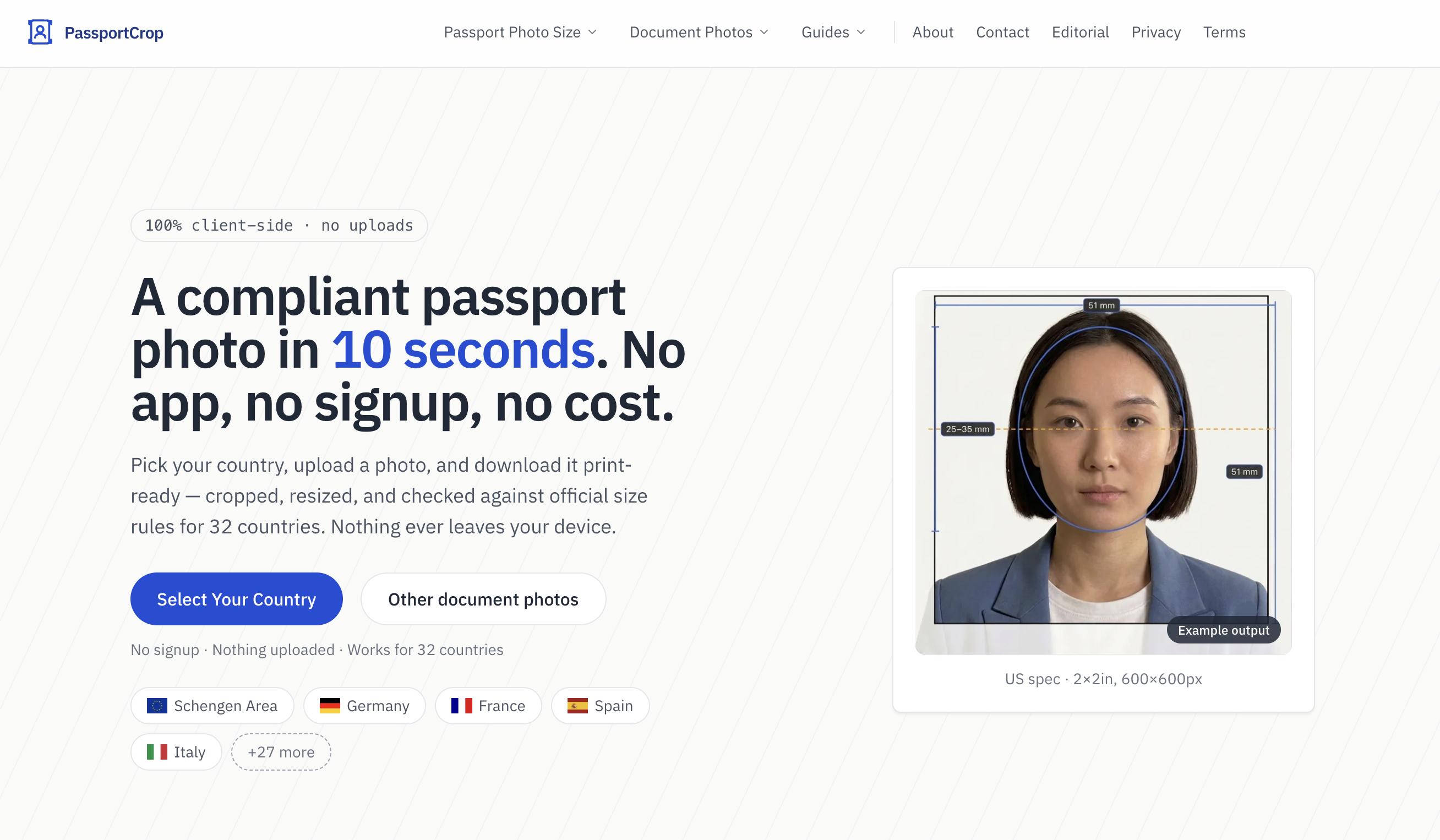
Passport photo rules are annoying. Every country wants a different size, a different head height, and a different background. Many online tools put a watermark on the result, ask you to sign up, or upload your face to a server you know nothing about.
PassportCrop is a free, browser-based tool for cropping and resizing photos to passport and document specifications. You pick a country or document type, add a photo, and get a correctly sized image ready to print or upload.
How it works
1. Choose the country or document. There are 32 countries, including the US, UK, India, Canada, Australia, Germany, France, Japan, Brazil and the Schengen area. Sizes range from 35x45mm to 51x51mm, 50x70mm and 40x60mm depending on where you're applying.
2. Upload an existing photo, or take one live in your browser.
3. Line your face up with the on-screen guide, which shows the head-height and size rules for that country. The specs come from official sources, and the site names and dates them.
4. Optionally swap the background for a flat, plain colour. It doesn't change your face or invent scenery.
5. Download the single photo, or a 4x6 inch print sheet with multiple copies that you can take straight to a photo counter.
Beyond passports
The same crop-and-resize job comes up all the time, so PassportCrop also covers OCI cards, PAN and Aadhaar, UK and Indian driving licences, Canadian PR cards and citizenship photos, India PSK, student IDs, CV photos and LinkedIn headshots. It also resizes signatures for exams like SSC and RRB.
Privacy
Your photo is cropped and exported inside your browser using the HTML canvas. It never gets uploaded to a server. Once the page has loaded, the tool keeps working even if your connection drops.
Cost
Nothing. There's no account, watermark, resolution cap or paid tier. The site is supported by ads.
What it doesn't do
It doesn't retouch. There's no skin smoothing, blemish removal or AI enhancement. It can't guarantee your photo will be accepted, and it isn't affiliated with any government passport office. For printing, the site recommends glossy photo paper, since some offices reject ordinary printouts.
If your country isn't listed, send a request through the contact page. A country gets added once there's an official source for its photo specs.

Comments

Premium Products









































Sponsors
Buy
Makers

Makers
Comments
Premium Products
New to Fazier?

Find your next favorite product or submit your own. Made by @FalakDigital.
Copyright ©2026. All Rights Reserved