
PagePack
Save every file of a web page as one ZIP, from DevTools
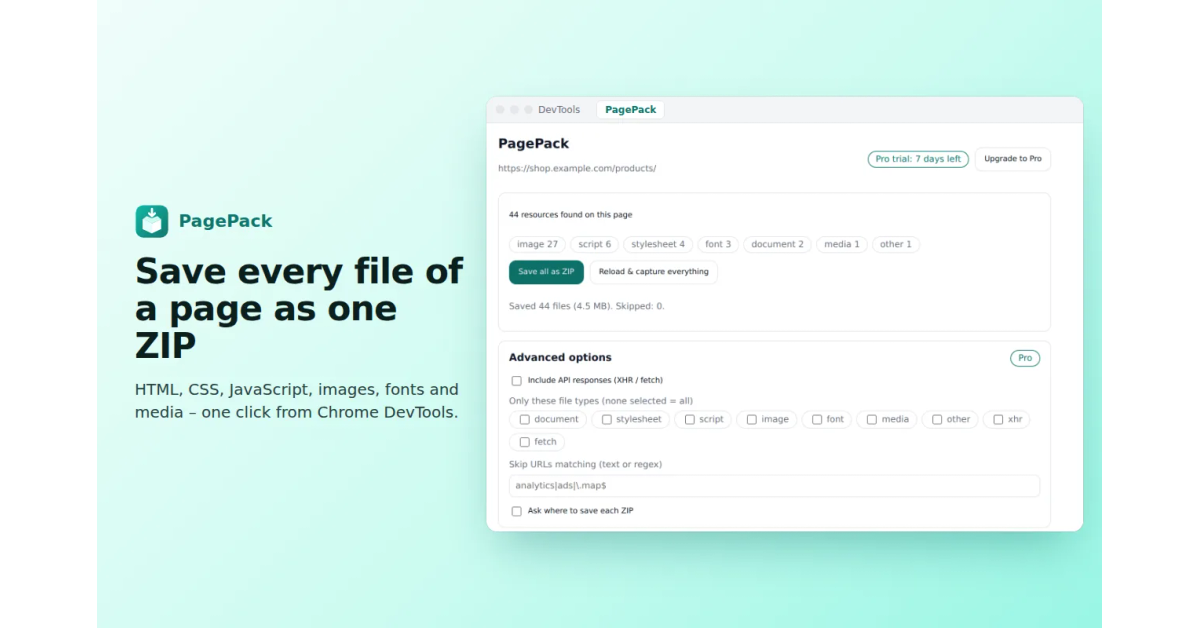
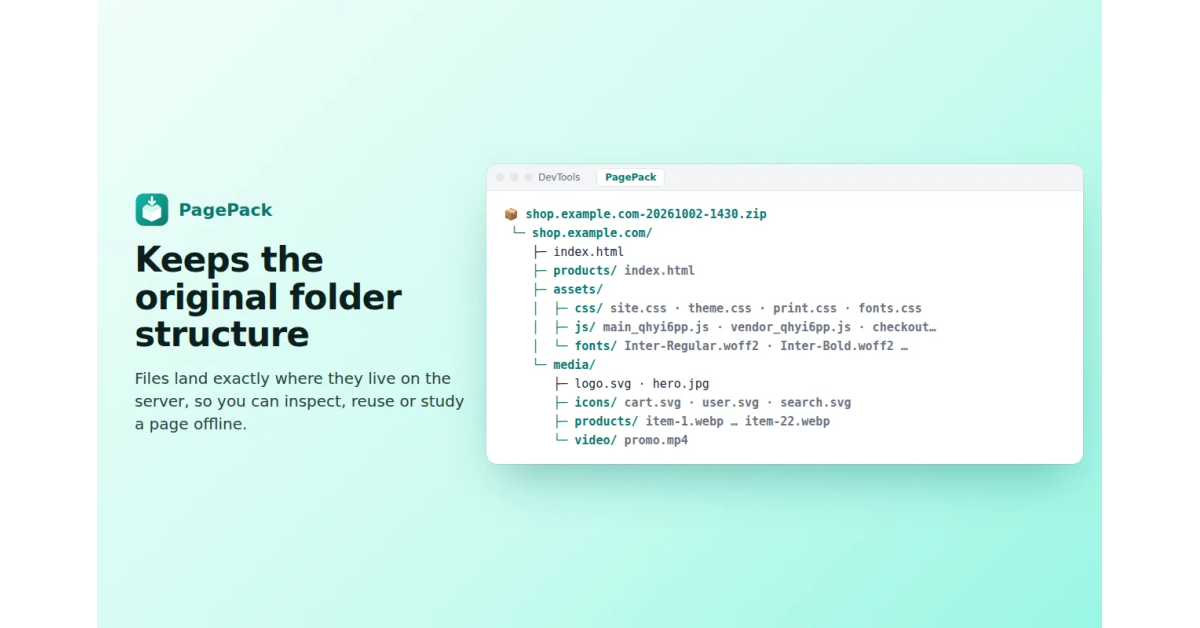
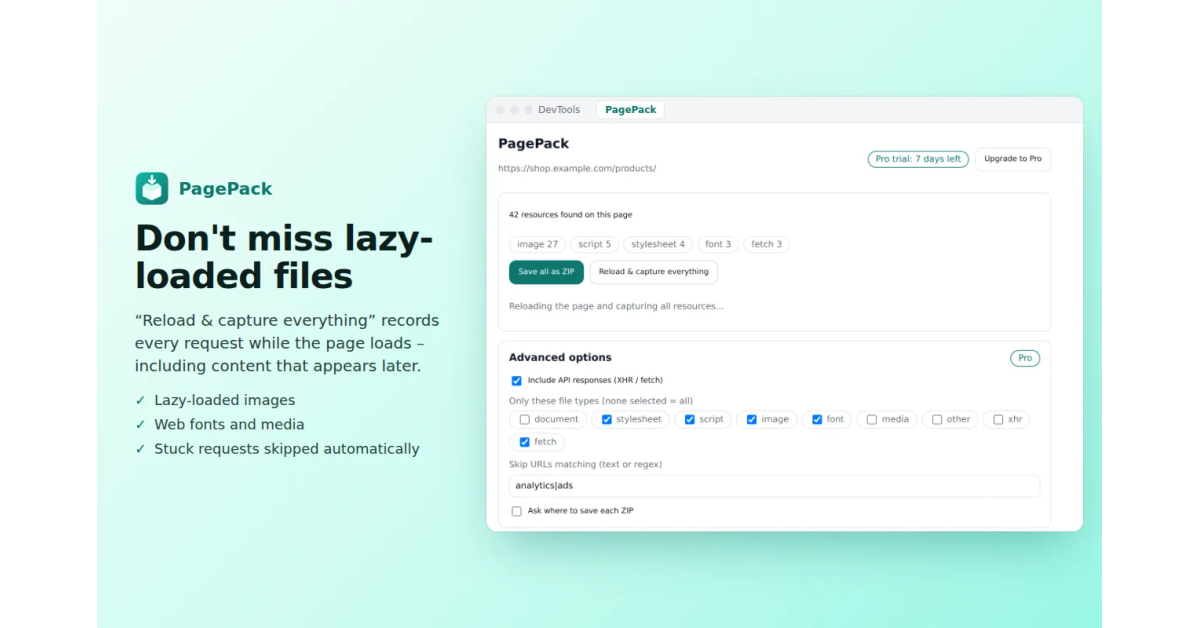
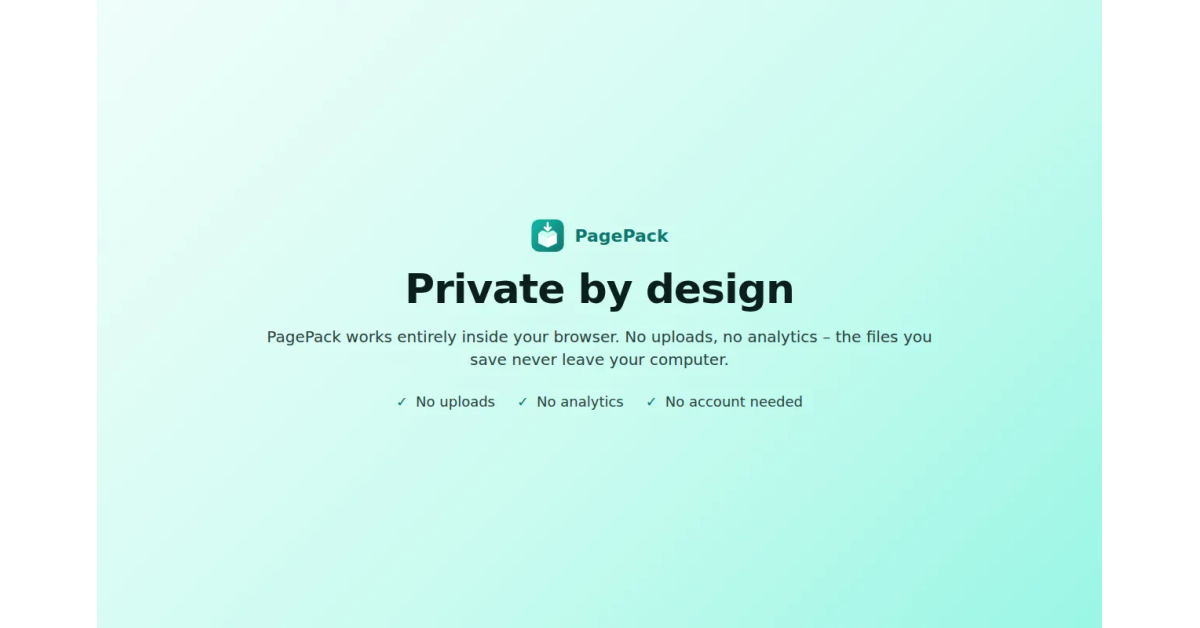
PagePack adds a tab to Chrome DevTools that saves a complete copy of the page you are inspecting (HTML, CSS, JavaScript, images, fonts and media) as a single ZIP that keeps the website's original folder structure. Files that load late, like lazy-loaded images and fonts, are included too. It's a modern replacement for the old "Save All Resources" extension, and everything runs locally: nothing is uploaded, no tracking.
Features
One-click capture of every file the page loads, saved as one ZIP
Keeps the website's original folder structure
Includes lazy-loaded images and fonts
100% local: no uploads, no tracking
Use Cases
Keep an offline copy of a page you're studying or debugging
Grab all the assets of your own site from production
Replace the old "Save All Resources" extension

Comments


Hi Fazier! I'm Alessio, a chef by day who builds small Chrome tools in his spare time. I used the old "Save All Resources" extension a lot, and when it stopped keeping up with newer Chrome versions I rebuilt it properly: PagePack captures everything the page loads (including lazy-loaded files) and saves it as one ZIP with the original folders. It's free, runs 100% locally, and I'd love your feedback: what breaks, what's missing, what's confusing?
Premium Products












































Sponsors
Buy

Makers
Makers
Comments
Hi Fazier! I'm Alessio, a chef by day who builds small Chrome tools in his spare time. I used the old "Save All Resources" extension a lot, and when it stopped keeping up with newer Chrome versions I rebuilt it properly: PagePack captures everything the page loads (including lazy-loaded files) and saves it as one ZIP with the original folders. It's free, runs 100% locally, and I'd love your feedback: what breaks, what's missing, what's confusing?
Premium Products
New to Fazier?

Find your next favorite product or submit your own. Made by @FalakDigital.
Copyright ©2026. All Rights Reserved