
Page Screenshot Pro
The screenshot extension your AI client can drive (MCP).
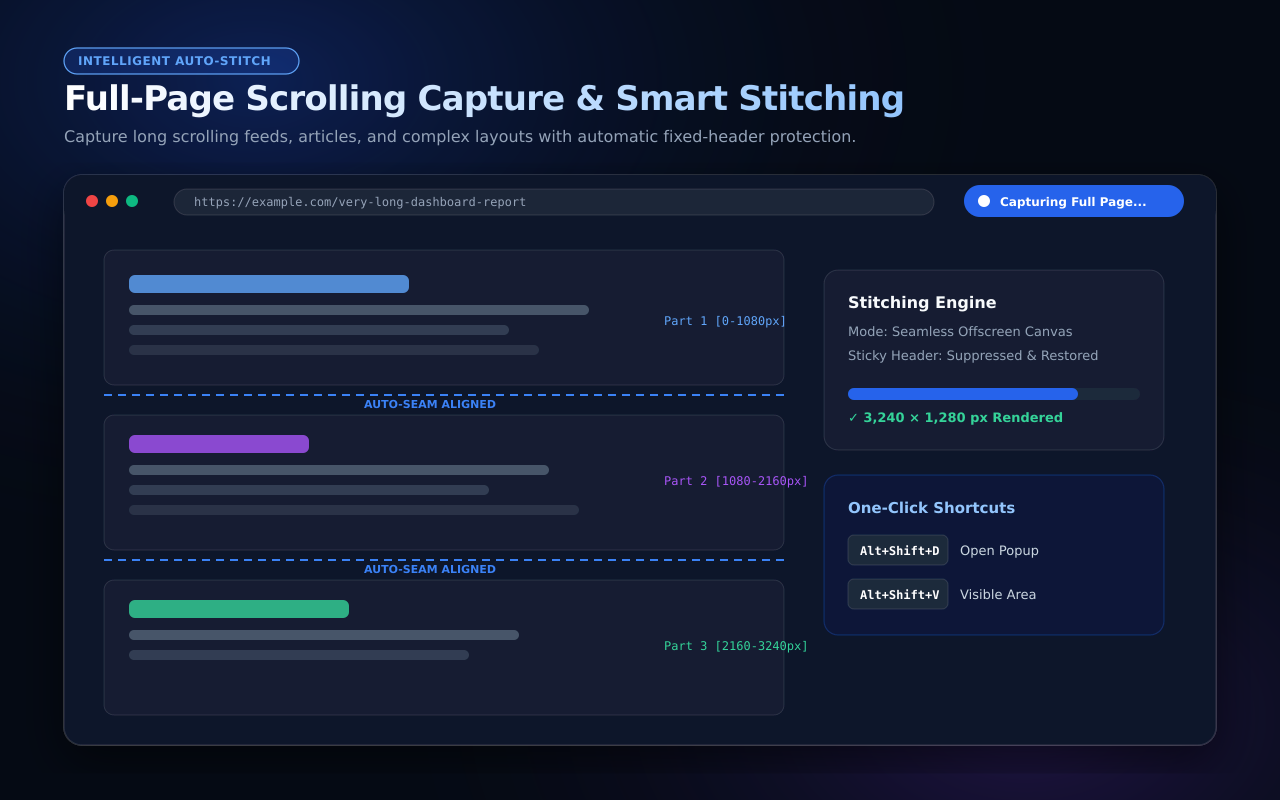
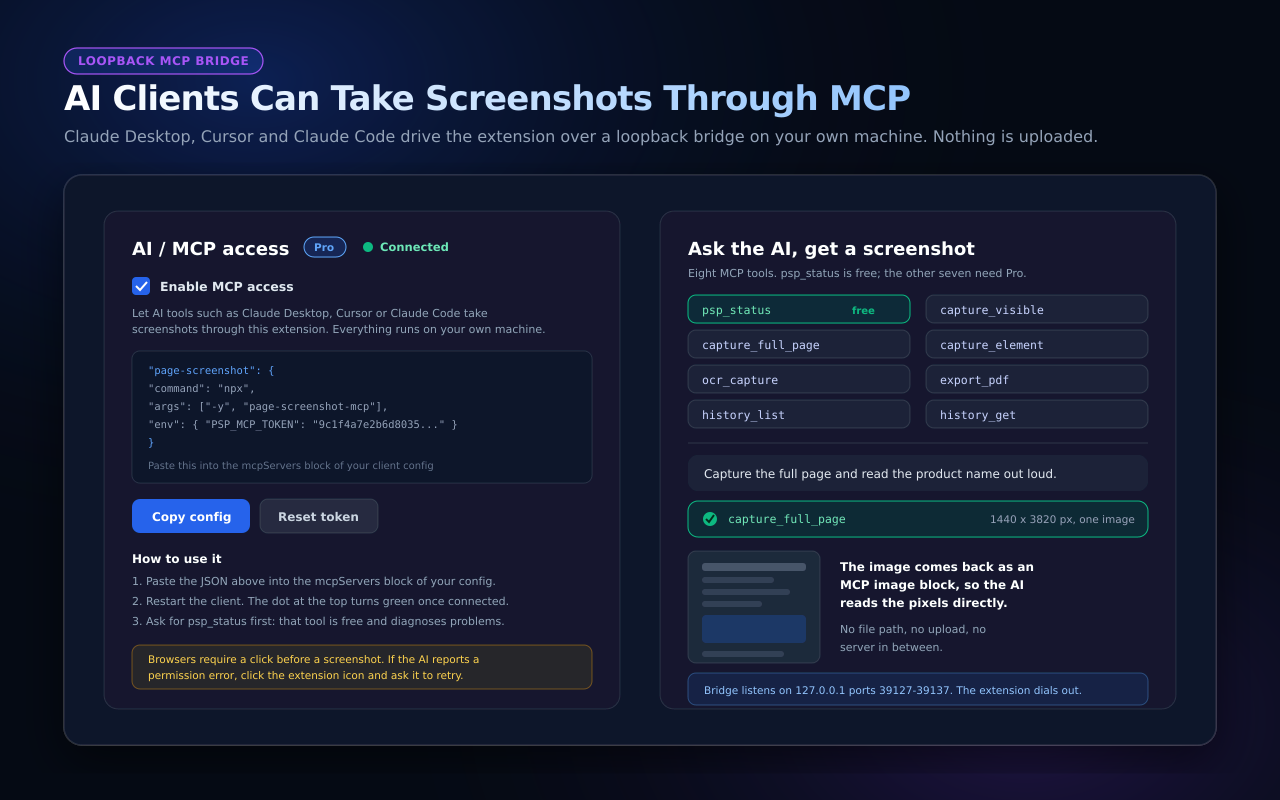
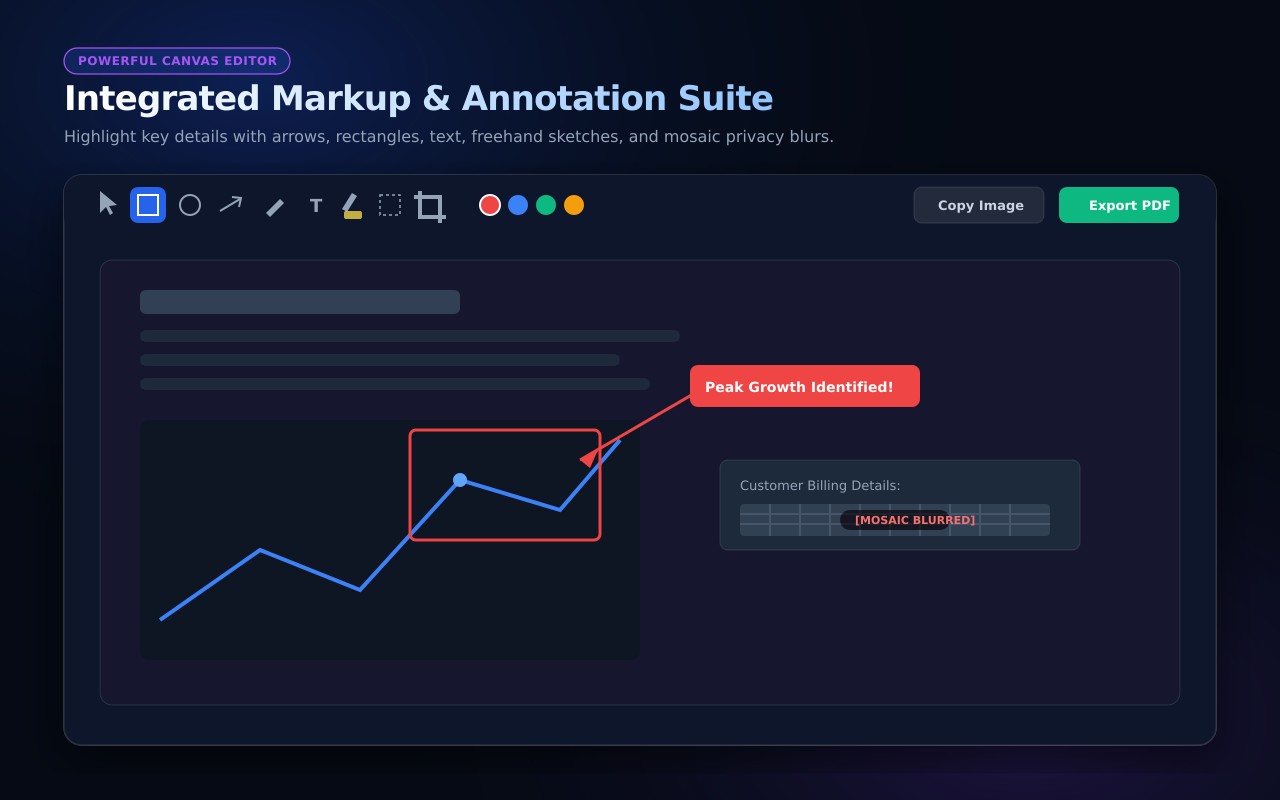
Full-page screenshots that line up — stitched screen by screen inside your browser. Page Screenshot Pro expands infinite scroll before capturing, waits for lazy images to decode, keeps sticky headers from repeating, and captures pages wider than the window as a grid. Shots open in a free nine-tool annotation editor (arrows, text, mosaic, crop and more) and export to PNG, JPG or PDF; Chinese and English OCR runs entirely offline. Free for 20 captures a day. Pro ($4.99/month, $19.90/year, $39.90 one-time) adds element capture, PDF merge, unlimited captures and MCP access — Claude Desktop, Cursor and Claude Code can screenshot through a local bridge (npm: page-screenshot-mcp), with images never leaving the machine. No account, no analytics, no uploads.

Comments

Premium Products

























































Find your next favorite product or submit your own. Made by @FalakDigital.
Copyright ©2026. All Rights Reserved