Outloud Reader
Photograph a page and hear it read aloud, phrase by phrase
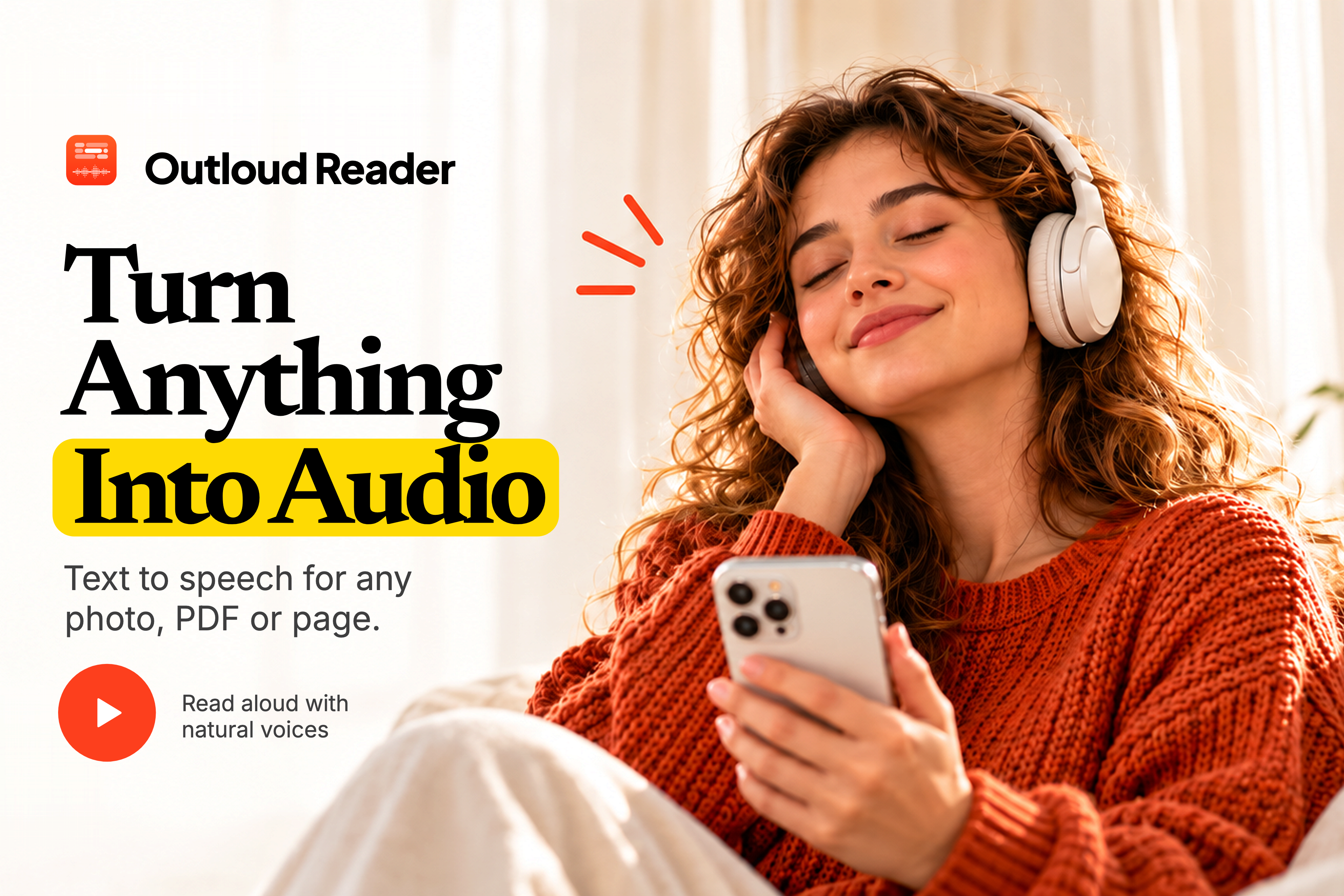
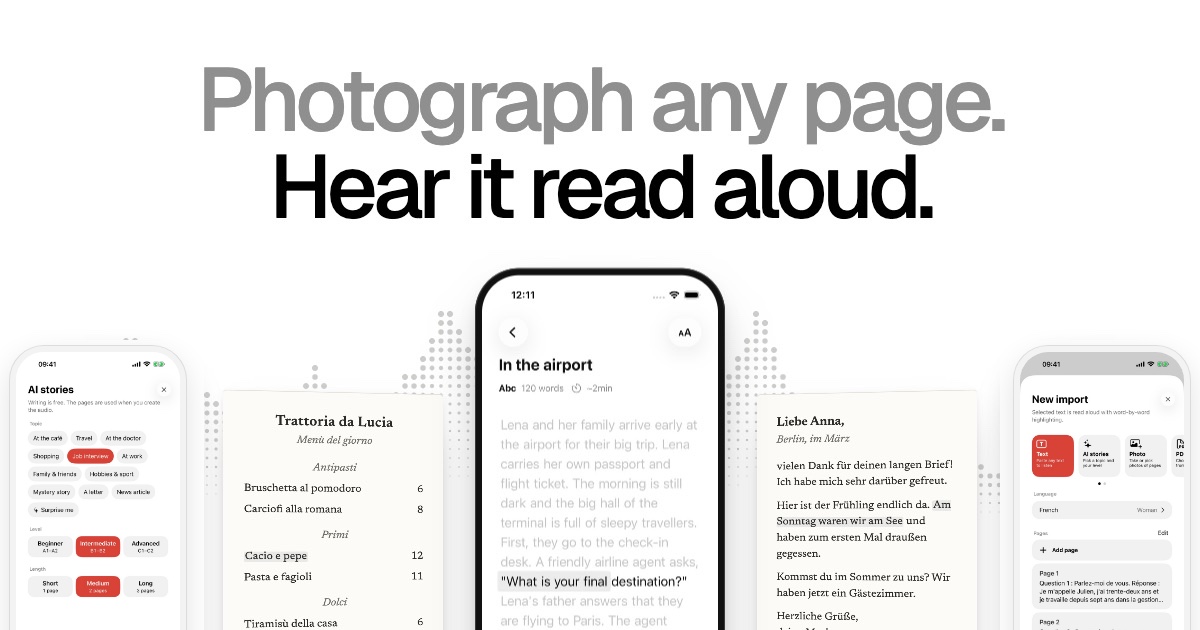
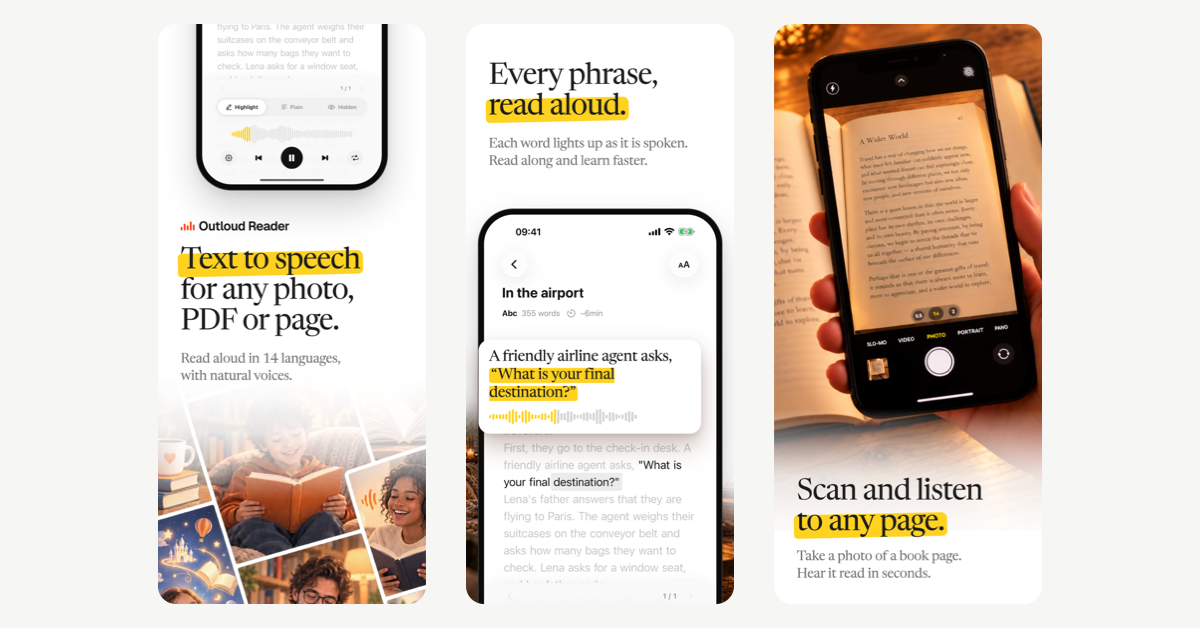
Outloud Reader turns the text you have into audio you can follow. Photograph a book page, a worksheet or a letter, pick photos or screenshots from your gallery, open a PDF (scanned pages too) or paste an article: the text is recognised and read aloud in a natural voice while each phrase is highlighted, so your eyes and ears stay in the same place. No sign-up. Free to download with a few free pages, then page packs or Premium; prices are shown in the app. For iPhone, iPad and Android.
Features
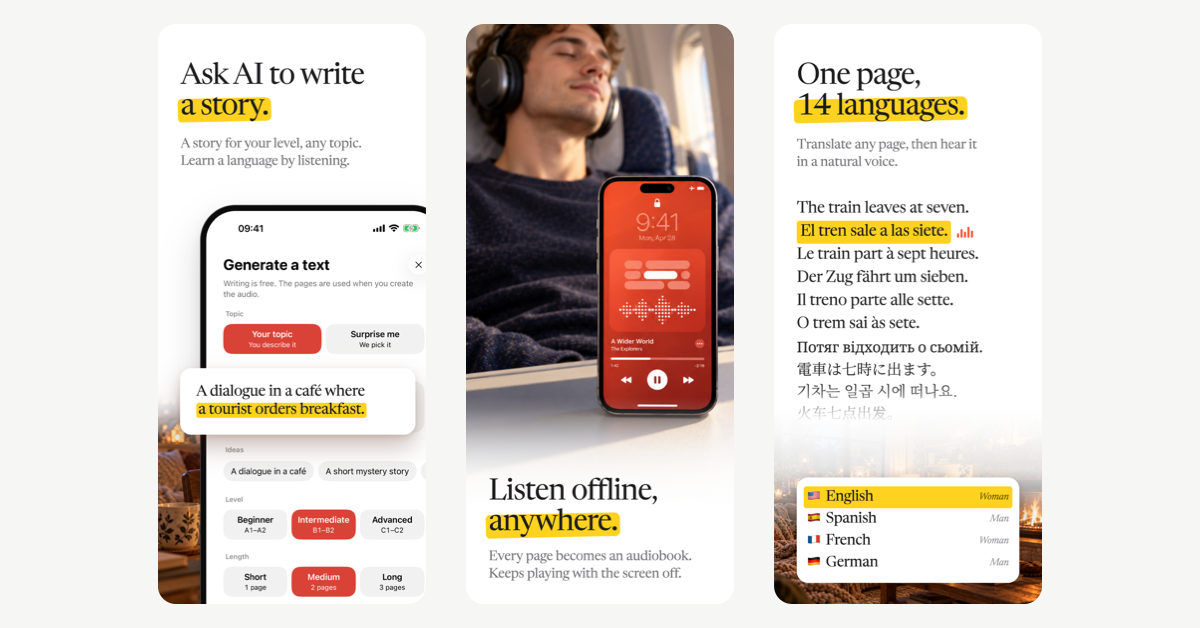
14 languages, with a woman's or a man's voice. Hear a page as printed, or have it translated into another of the 14 languages first. Speed from 0.5x to 1.25x, repeat a sentence up to five times, or hide the text and just listen. Books stay in your library and play again for free, offline and with the screen off. AI stories at your level (A1-C2) for reading and listening practice.
Use Cases
- Language learners hear how a page from their textbook sounds and follow along.
- Students revise lecture notes and handouts by ear.
- People with dyslexia or ADHD read with their eyes and ears together.
- Anyone listens to articles, PDFs and paper books on a walk or a commute.
- Travellers photograph a menu or a sign and hear it translated.

Comments


Hey All! 👋 I'm the solo developer behind "Outloud Reader" application. How was this idea born ? My wife has been learning English for many years but she never gets real practice. One day she told me it would be great to have an app that could turn any photo of text into audio, so she could practice her listening skills while walking or driving. That's what inspired me to build "Outloud Reader". Yes, I know there are many text-to-speech apps but most of them just read the text or cost too much. What does it do ? Snap a photo of a page, open a PDF, or paste text — and hear it read aloud in a natural voice Every phrase lights up as it's spoken, so you can read along Natural voices in 14 languages, with a woman's or a man's voice in most of them If you learning a language it could translate the page into language you learn if you don't have what to listen ask AI to write a short text at your level (A1–C2) and convert it to aduio All audio stays on your phone, so it works offline Your library syncs across your devices, so you can start on your phone and keep listening on your tablet Is it free or a subscription? The app is free to download and gives you your first pages to see how it works. Turning a photo, PDF or text into audio costs money and requires subscription or pre-paid pages that never expire and can be used any time. All the audio you've created stays yours to listen to as much as you like, no subscription needed. No ads. Any feedback, bugs or ideas are very welcome!
Premium Products























































Sponsors
Buy

Comments
Hey All! 👋 I'm the solo developer behind "Outloud Reader" application. How was this idea born ? My wife has been learning English for many years but she never gets real practice. One day she told me it would be great to have an app that could turn any photo of text into audio, so she could practice her listening skills while walking or driving. That's what inspired me to build "Outloud Reader". Yes, I know there are many text-to-speech apps but most of them just read the text or cost too much. What does it do ? Snap a photo of a page, open a PDF, or paste text — and hear it read aloud in a natural voice Every phrase lights up as it's spoken, so you can read along Natural voices in 14 languages, with a woman's or a man's voice in most of them If you learning a language it could translate the page into language you learn if you don't have what to listen ask AI to write a short text at your level (A1–C2) and convert it to aduio All audio stays on your phone, so it works offline Your library syncs across your devices, so you can start on your phone and keep listening on your tablet Is it free or a subscription? The app is free to download and gives you your first pages to see how it works. Turning a photo, PDF or text into audio costs money and requires subscription or pre-paid pages that never expire and can be used any time. All the audio you've created stays yours to listen to as much as you like, no subscription needed. No ads. Any feedback, bugs or ideas are very welcome!
Premium Products
New to Fazier?

Find your next favorite product or submit your own. Made by @FalakDigital.
Copyright ©2026. All Rights Reserved