Orbit
Understand your AI better, Move faster, Build more
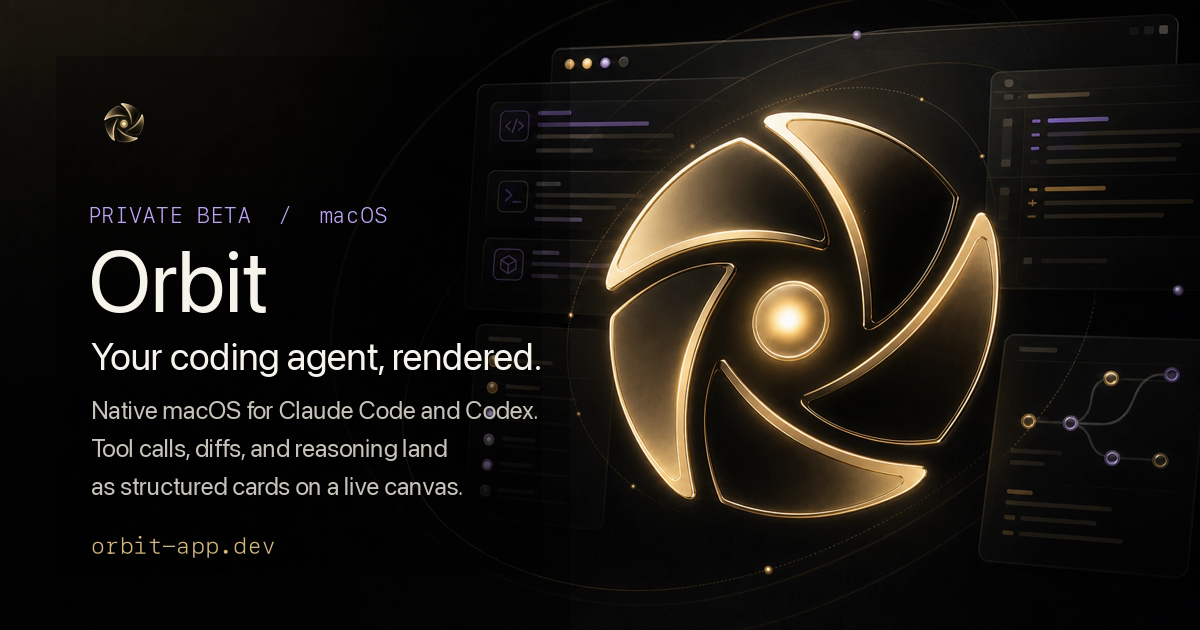
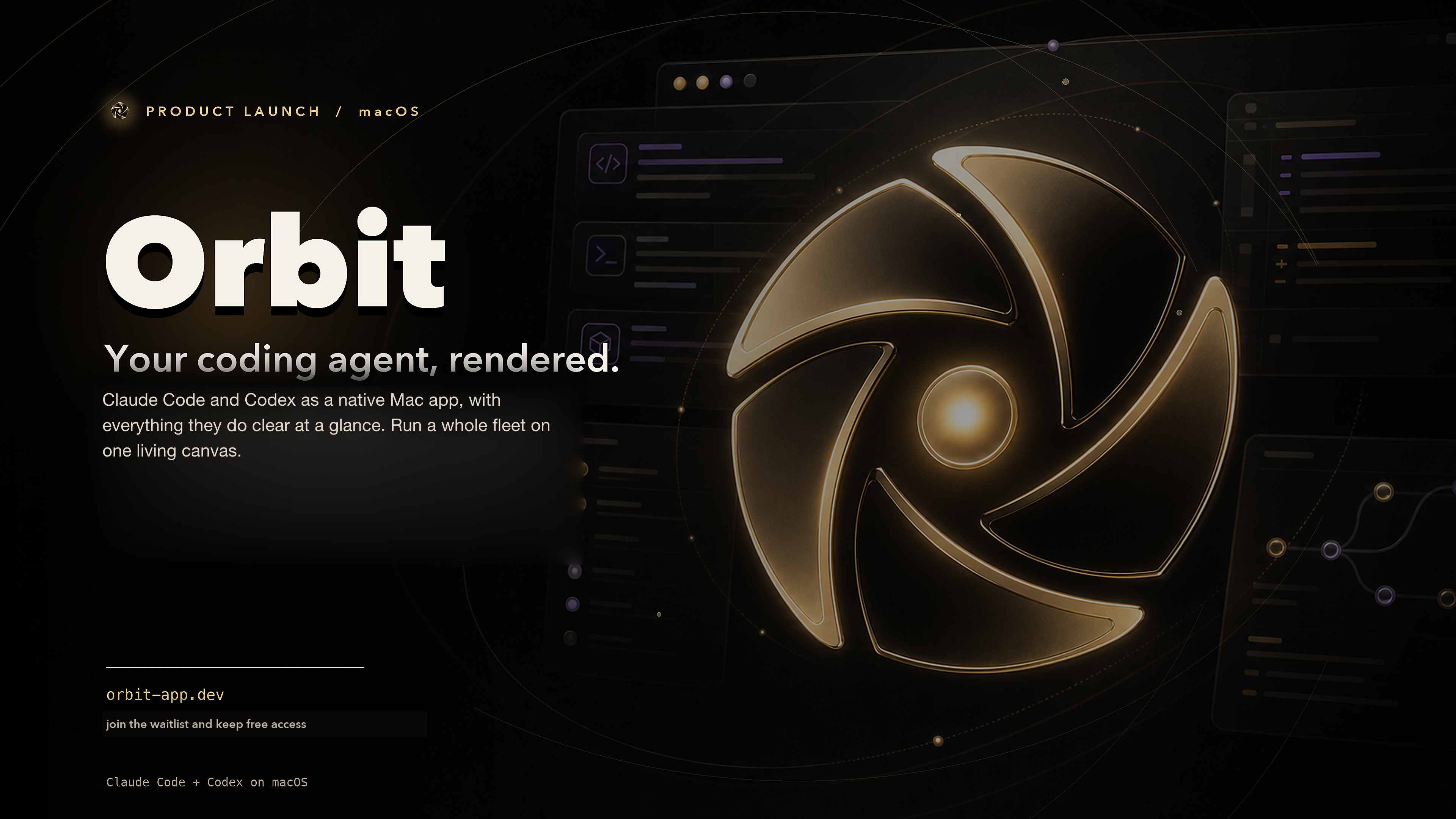
Orbit is a native Mac app for coding with AI agents. Run Claude Code and Codex side by side, watch them work on a live canvas, and ship from one window. No browser tabs, no copy-paste between tools. Spawn an agent, point it at your code, and see every step it takes in real time.
Features
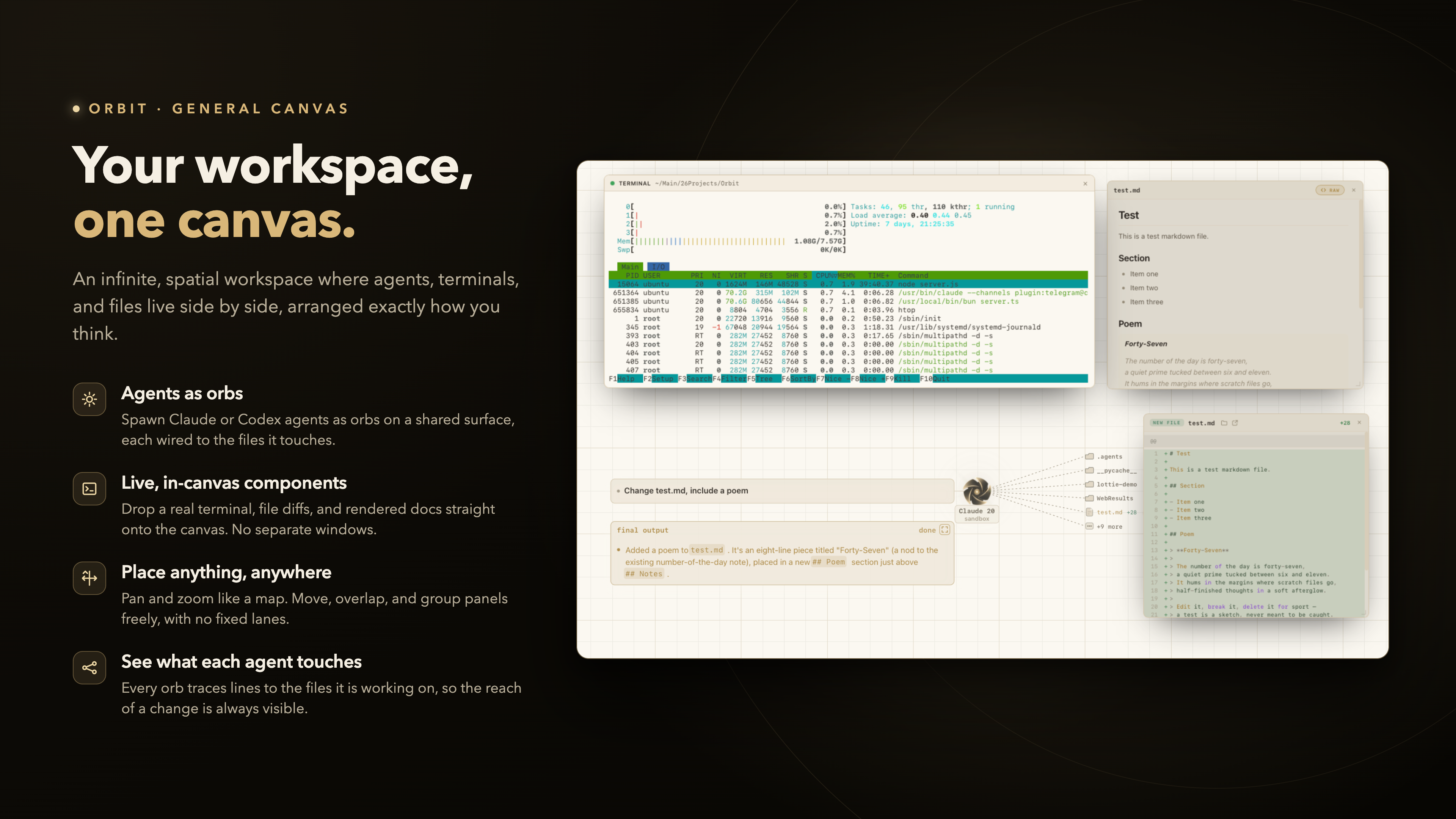
- Multi-agent canvas: spawn agents as orbs, drag them anywhere, run many at once
- Wire agents together: chain a planner into a builder with queue based logic
- Claude Code and Codex on equal footing, pick the right one per task
- Live visual stage: watch exactly what each agent is doing as it happens
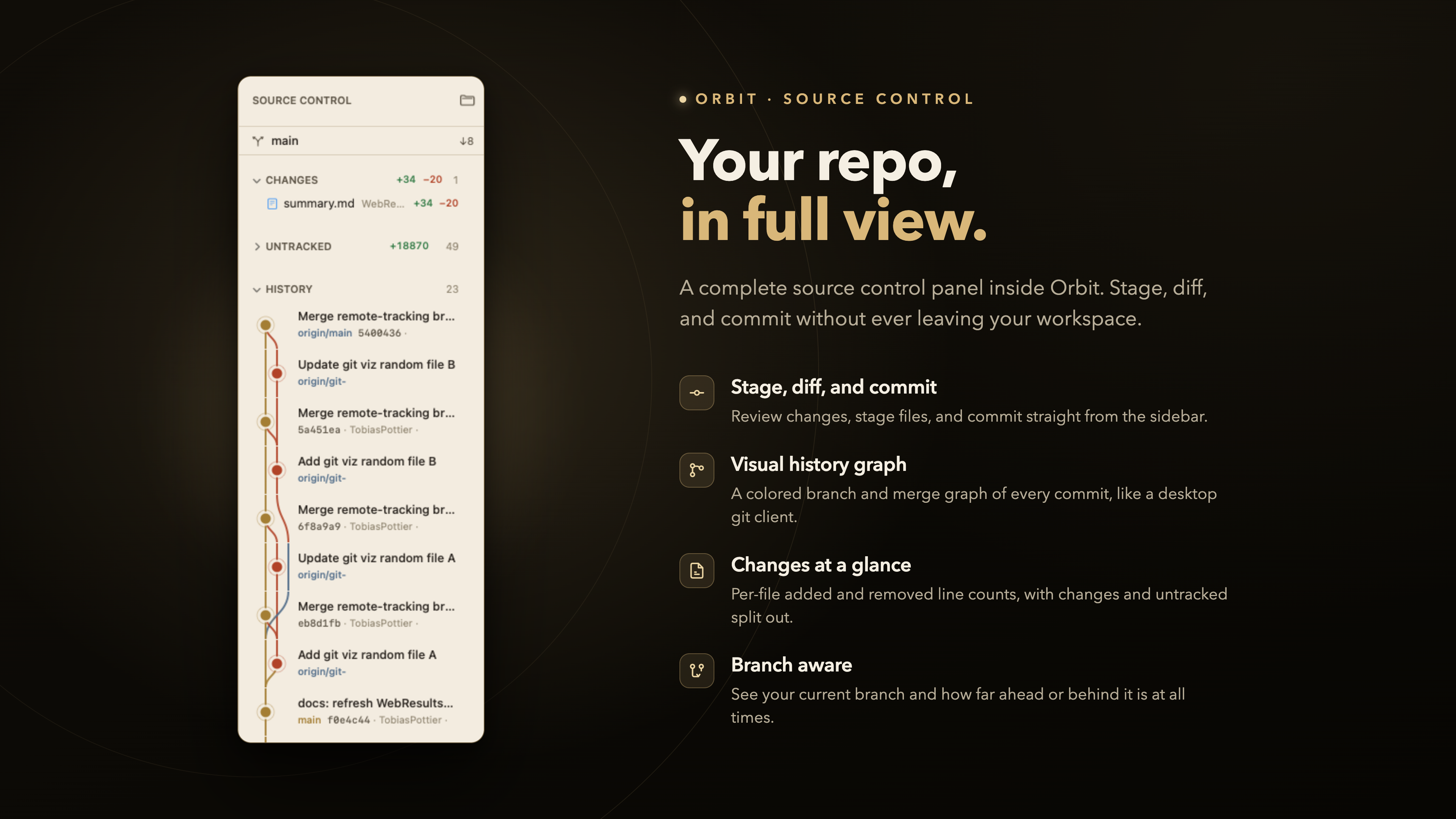
- Built-in Git: stage, view diffs, and commit without leaving the app
- File explorer and @ file tagging to aim agents at the right code fast
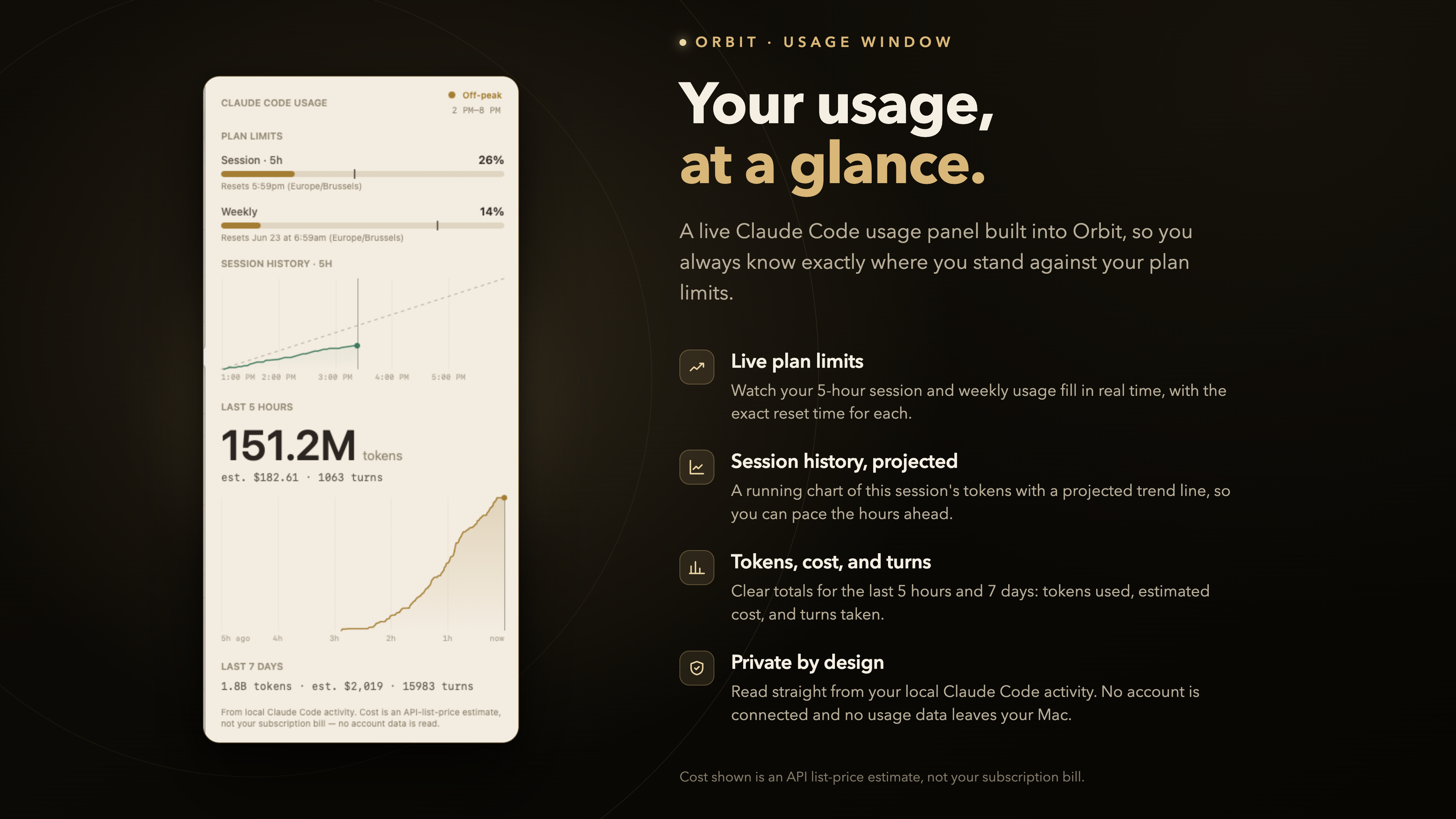
- Usage console: track Claude and Codex limits in one place
- Permission prompts you control: allow once or always allow
- Session history and resume, per project
Use Cases
- Run several agents in parallel across one feature
- Pair a planning agent with a building agent and wire the handoff
- Review, diff, and commit AI changes with the built-in Git tools
- Watch your Claude and Codex usage so you never hit a wall mid-task
- Pick up yesterday's session exactly where you left off

Comments



Hey everyone, maker of Orbit here. I built this because I was living in the terminal running Claude Code and Codex all day, and it got messy fast. Multiple agents going at once, no way to see what any of them were actually doing, constant tab-switching to check git, and copy-pasting context between tools. I wanted one window where I could just watch the work happen. So Orbit started as a simple idea: what if every agent was an orb on a canvas? You spawn one, drag it anywhere, point it at your code, and see each step in real time. Then I added the things I kept reaching for: built-in git with diffs, @ file tagging, usage tracking for both Claude and Codex, and the ability to wire one agent's output into the next. It's native Mac, no Electron, no browser. Claude and Codex get equal footing because I use both and didn't want to pick a side. I'd genuinely love your feedback. What's your current setup for running coding agents? What feels broken about it? Happy to answer anything about how it works under the hood. Thanks for checking it out.
Premium Products













































Sponsors
Buy

Makers
Makers
Comments
Hey everyone, maker of Orbit here. I built this because I was living in the terminal running Claude Code and Codex all day, and it got messy fast. Multiple agents going at once, no way to see what any of them were actually doing, constant tab-switching to check git, and copy-pasting context between tools. I wanted one window where I could just watch the work happen. So Orbit started as a simple idea: what if every agent was an orb on a canvas? You spawn one, drag it anywhere, point it at your code, and see each step in real time. Then I added the things I kept reaching for: built-in git with diffs, @ file tagging, usage tracking for both Claude and Codex, and the ability to wire one agent's output into the next. It's native Mac, no Electron, no browser. Claude and Codex get equal footing because I use both and didn't want to pick a side. I'd genuinely love your feedback. What's your current setup for running coding agents? What feels broken about it? Happy to answer anything about how it works under the hood. Thanks for checking it out.
Premium Products
New to Fazier?

Find your next favorite product or submit your own. Made by @FalakDigital.
Copyright ©2026. All Rights Reserved