
opus6.video
Turn a prompt into a motion graphics video, edit by chat
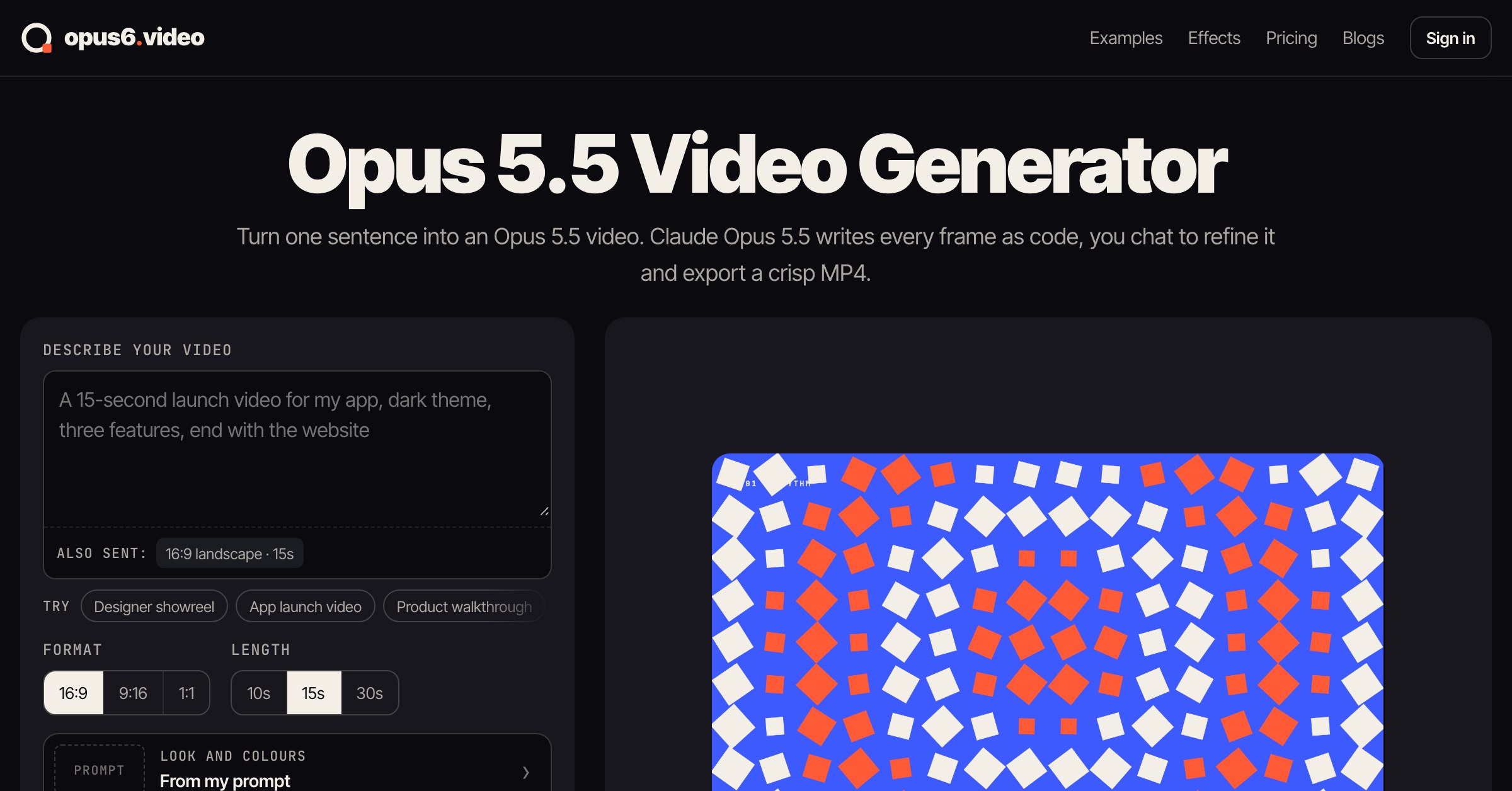
opus6.video is an AI video generator for motion graphics. Describe the video you want in one sentence, and Claude Opus 5.5 writes every frame as code, then renders it to a crisp 1080p MP4.
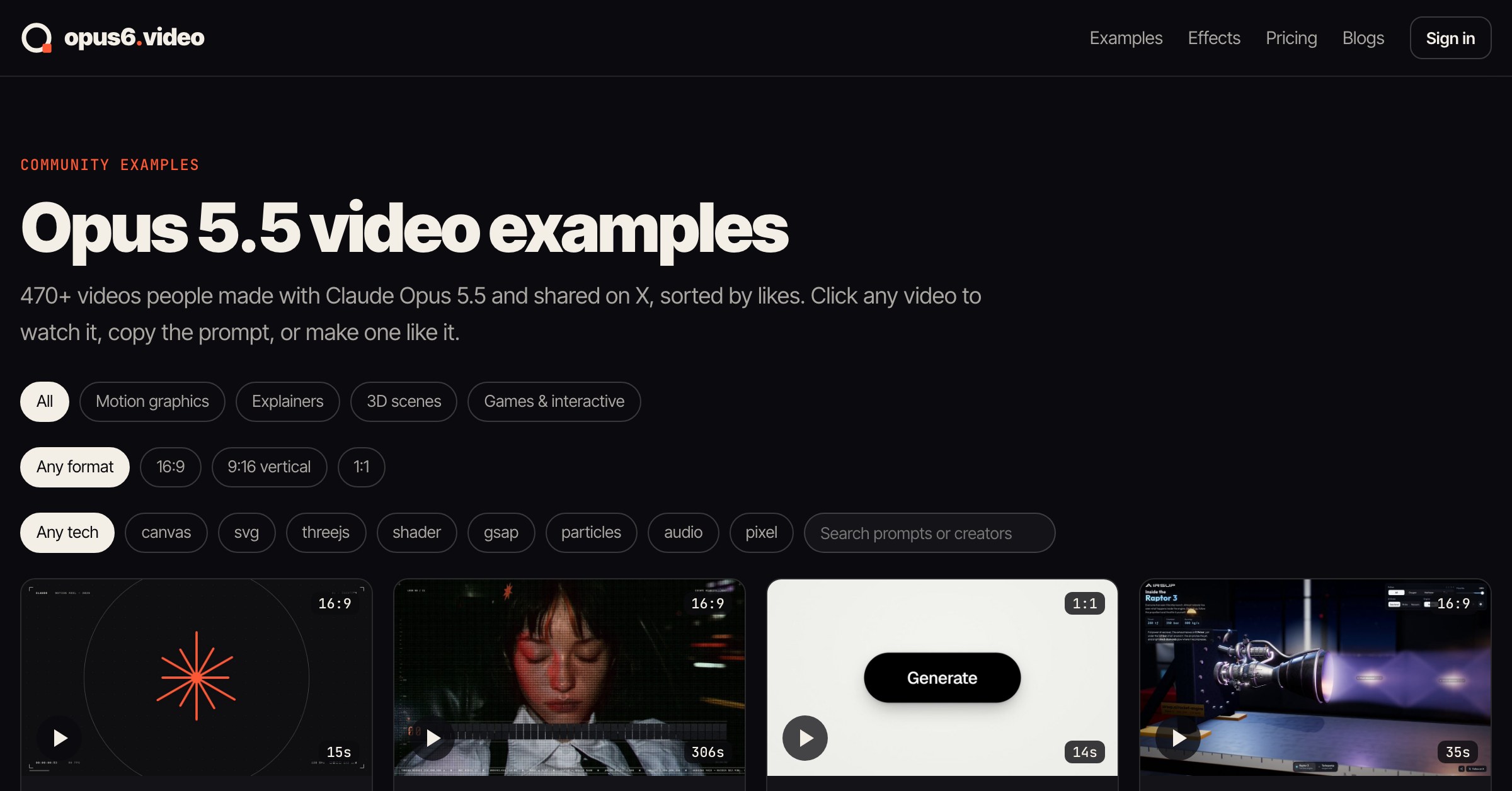
Because the video is code, titles, numbers and logos come out sharp and correctly spelled. You refine it by chatting ("make the title bigger", "slow down the intro") instead of re-rolling a new random clip. Browse 470+ example videos with their prompts to get started.
Features
- Text to video: describe a video in one sentence
- Edit by chat: only the part you mention changes
- 16:9, 9:16 and 1:1 formats; 10, 15 or 30 seconds
- Free 1080p MP4 export
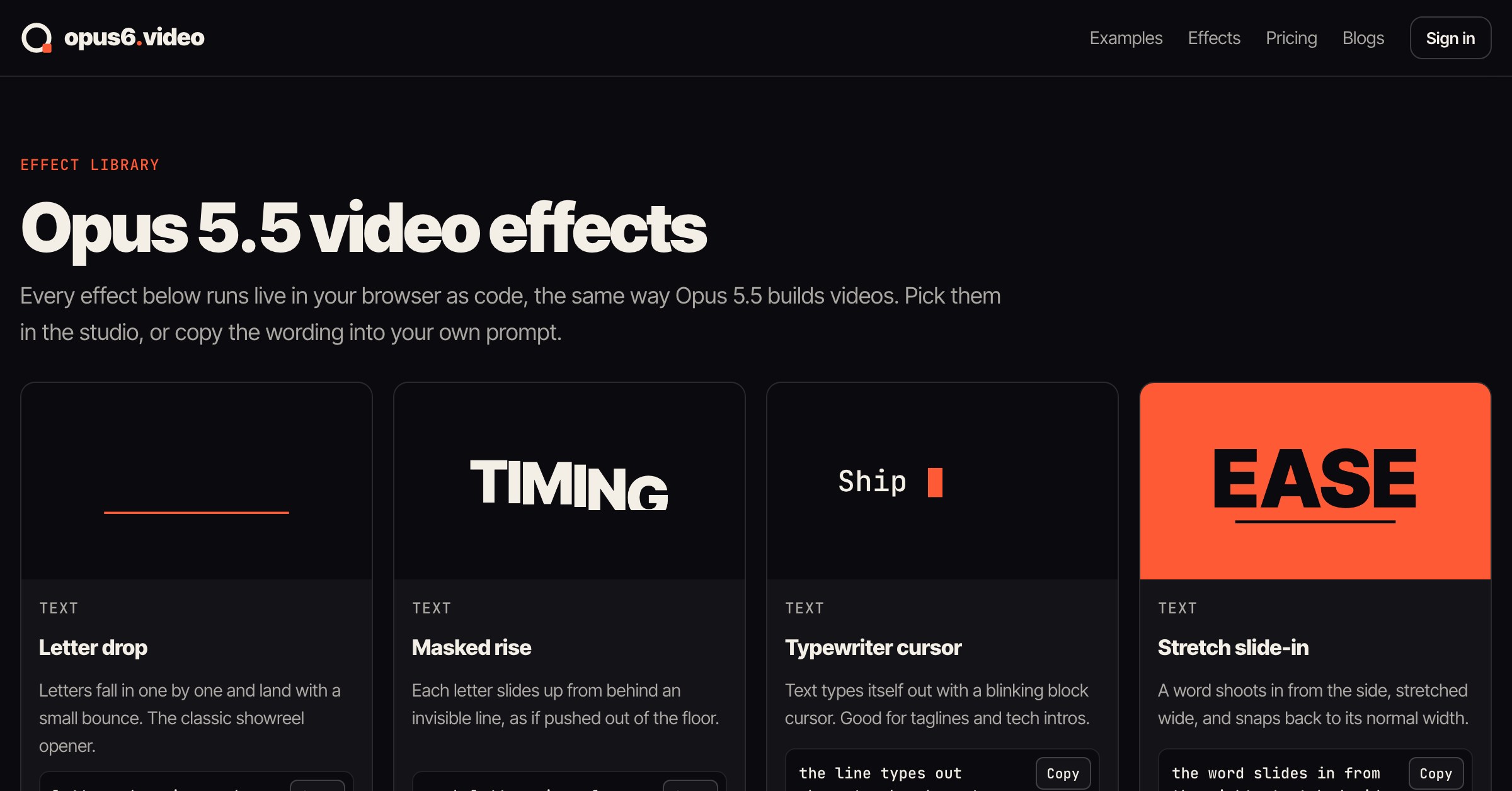
- 470+ example videos with their prompts, plus a motion effect library
Use Cases
- Product launch and promo videos
- App walkthroughs and feature explainers
- Kinetic typography and logo reveals
- Animated charts and data stories
- Vertical clips for TikTok, Reels and Shorts

Comments


The prompt-linked examples make it easier to understand what a motion-graphics prompt can produce, and editing by chat sounds more controllable than regenerating a whole clip. When a user changes one element, can they review or restore earlier versions of that section, and does the export retain the same timing across 16:9, 9:16 and 1:1? That would help teams iterate on explainers without losing a version they already approved.
Premium Products






















































Sponsors
Buy

Makers
Makers
Comments
The prompt-linked examples make it easier to understand what a motion-graphics prompt can produce, and editing by chat sounds more controllable than regenerating a whole clip. When a user changes one element, can they review or restore earlier versions of that section, and does the export retain the same timing across 16:9, 9:16 and 1:1? That would help teams iterate on explainers without losing a version they already approved.
Premium Products
New to Fazier?

Find your next favorite product or submit your own. Made by @FalakDigital.
Copyright ©2026. All Rights Reserved