
Optimize My Image
Free Online Image Compressor | Optimize My Image
Optimize My Image
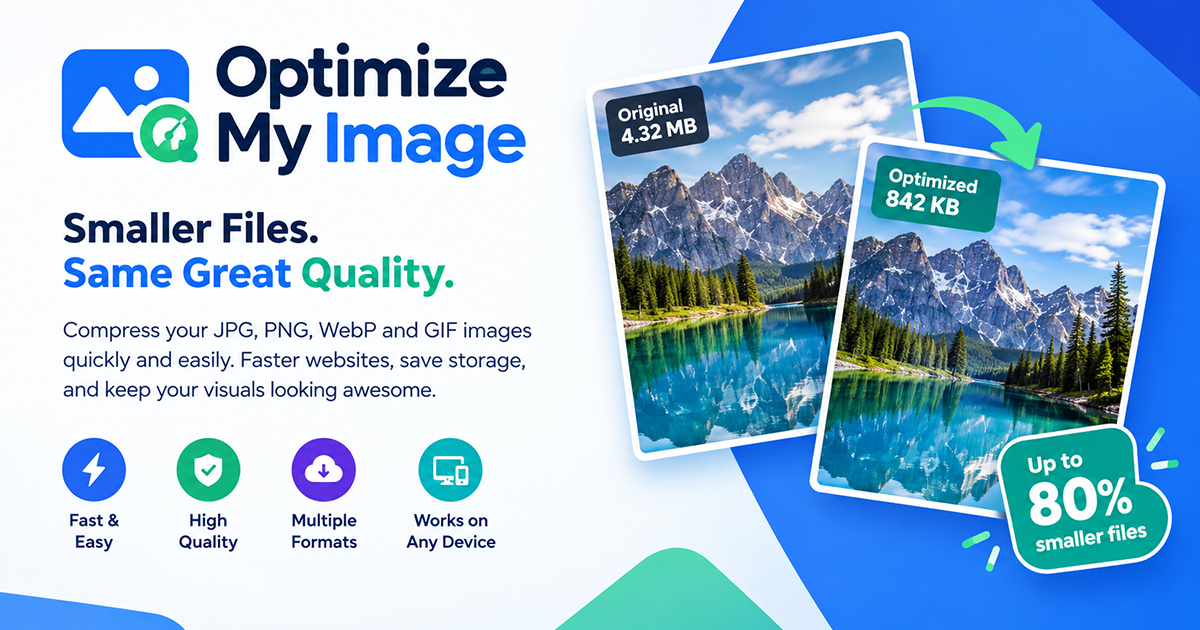
Optimize My Image is a free online image compression and optimization tool designed to help users reduce image file sizes while maintaining good visual quality. It provides a simple, browser-based way to compress images without requiring software installation, complicated settings, or a paid subscription.
Whether you're a web designer, graphic designer, developer, content creator, blogger, business owner, or simply someone who needs to reduce the size of their images, Optimize My Image makes image compression quick and accessible.
Compress Images Online
Large image files can take up unnecessary storage space and make websites slower to load. Optimize My Image helps reduce image file sizes so images are easier to upload, share, store, and use on websites and digital platforms.
Simply select your images, let the tool process them, and download the optimized versions when they're ready.
Designed for Everyday Image Optimization
Optimize My Image can be useful for:
- Web designers optimizing images for websites
- WordPress users reducing media file sizes
- Graphic designers preparing images for web use
- Developers optimizing website assets
- Bloggers reducing image sizes before publishing
- Social media creators preparing images for upload
- Online businesses optimizing product images
- Students and professionals who need smaller image files
- Anyone who wants to reduce image file sizes quickly
Simple and Easy to Use
The tool is designed with simplicity in mind. You don't need to install an image-editing application or learn complicated compression settings.
Upload your image, allow Optimize My Image to process it, review the result, and download the compressed file.
The interface is designed to make the process straightforward even for users who aren't familiar with image optimization.
No Usage Credits
One of the main ideas behind Optimize My Image is to provide image compression without the frustration of running out of credits or having to constantly monitor a limited number of compressions.
You can use the tool whenever you need to optimize your images without worrying about a monthly compression allowance.
Why Optimize Images?
Image optimization can be an important part of maintaining a fast and efficient website. Large images can increase page weight, consume more storage and bandwidth, and potentially contribute to slower loading times.
By reducing unnecessary image file size before uploading images to a website, users can create lighter web pages and more efficient digital content.
Built for Designers and Web Creators
Optimize My Image was created with practical everyday use in mind, particularly for people who work with images regularly.
For designers and developers who frequently prepare graphics for websites, having a quick compression tool available can save time and simplify the workflow.
Website: Optimize My Image https://optimizemyimage.netlify.app/
Features
Instead of opening a desktop application just to reduce an image's file size, users can access the tool directly from their browser.
Key Features
- Online image compression
- Easy-to-use interface
- No software installation required
- No usage-credit system
- Compress images directly from your browser
- Preview original and compressed images
- View compression results and savings
- Download optimized images
- Designed for designers, developers, bloggers, businesses, and everyday users
A Simple Image Optimization Solution
Optimize My Image focuses on one thing: making image compression easy and accessible.
Whether you're optimizing a single image for a website or preparing multiple images for digital use, the goal is to provide a straightforward compression experience without unnecessary complexity.
Optimize My Image is a practical online solution for anyone who wants to reduce image file sizes and prepare images for the web.

Comments


😩 **Ever needed to compress a bunch of images… only to hit the usage limit?** You compress a few images… Then suddenly: **“You’ve reached your limit.”** 😑 As a designer, I got tired of dealing with that. So I decided to build my own solution. 💡 🚀 **Optimize My Image** A simple online image compressor with **no usage limits**. Compress your images whenever you need—without worrying about credits running out. 🖼️ JPG • PNG • WebP ⚡ Fast & easy 💻 No software installation ♾️ No usage limits Try it for free: 👉 https://optimizemyimage.netlify.app/ **Compress more. Worry less.** 🚀
Premium Products












































Sponsors
Buy

Makers
Makers
Comments
😩 **Ever needed to compress a bunch of images… only to hit the usage limit?** You compress a few images… Then suddenly: **“You’ve reached your limit.”** 😑 As a designer, I got tired of dealing with that. So I decided to build my own solution. 💡 🚀 **Optimize My Image** A simple online image compressor with **no usage limits**. Compress your images whenever you need—without worrying about credits running out. 🖼️ JPG • PNG • WebP ⚡ Fast & easy 💻 No software installation ♾️ No usage limits Try it for free: 👉 https://optimizemyimage.netlify.app/ **Compress more. Worry less.** 🚀
Premium Products
New to Fazier?

Find your next favorite product or submit your own. Made by @FalakDigital.
Copyright ©2026. All Rights Reserved