
OpenSubs
Free AI subtitle generator that runs in your browser
What is OpenSubs?
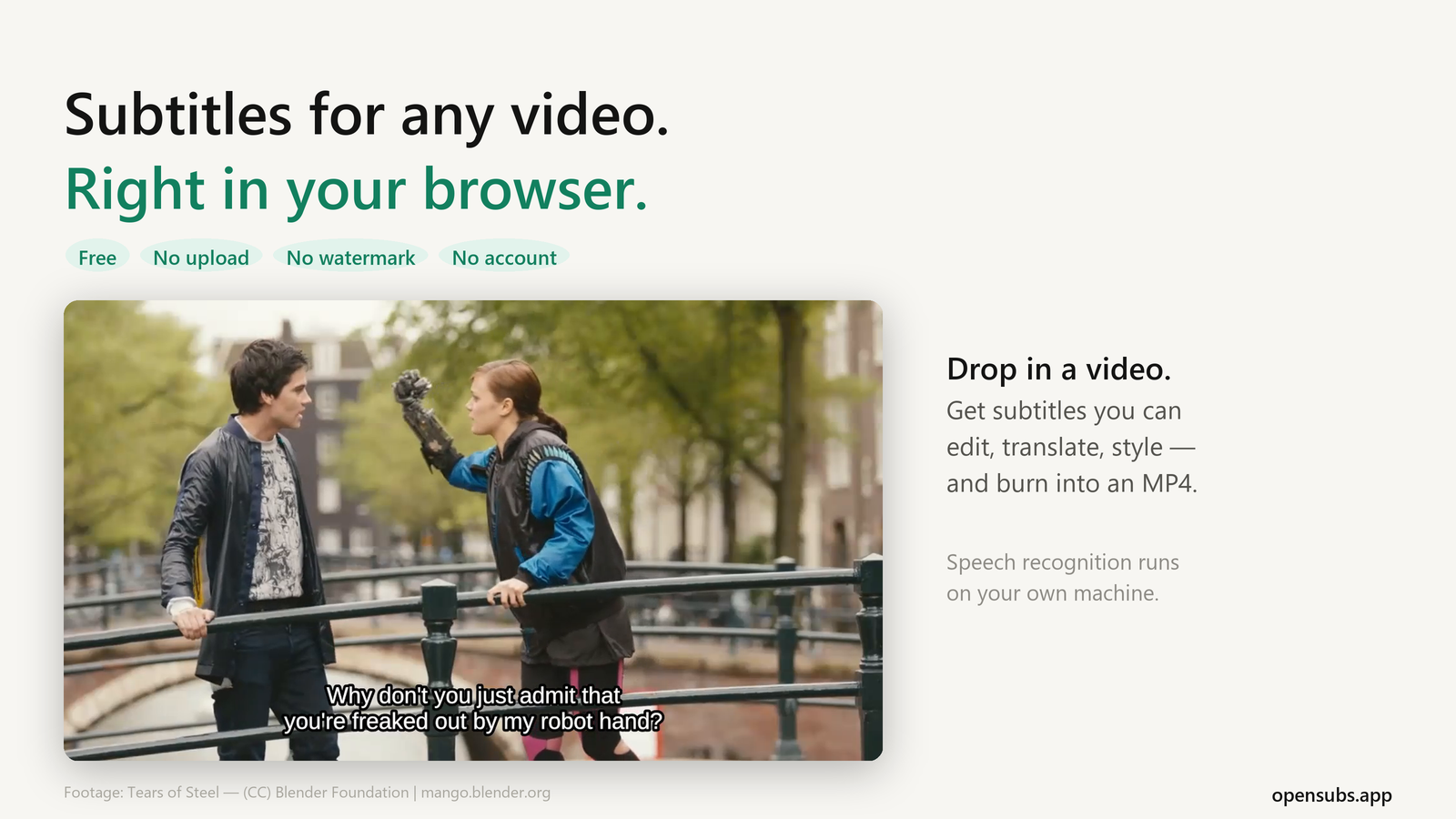
OpenSubs is a free subtitle generator that runs entirely in your browser. Drop in a video file and it transcribes the speech with Whisper on your own machine, then lets you edit, translate, style and export the subtitles. The video is never uploaded: there is no upload endpoint in the product.
Pricing
Free. No account, no watermark. The source code is published under AGPL-3.0: https://github.com/open-subs/opensubs
Features
Features
Local speech recognition. Whisper runs in the browser tab (WebGPU when available, otherwise WebAssembly). Pick a model from 40 MB to 250 MB; it downloads once and is cached.
Automatic language detection. Or set the spoken language yourself.
Edit every line. Fix the text of any subtitle before you export.
Translate subtitles into 20 languages. In Chrome this runs on your device for free, using the browser's built-in translation. Timings stay unchanged.
Caption styles. Choose a preset, add word-by-word highlighting, and preview it over your own footage.
Export. Download .srt, .vtt or .ass, or an MP4 with the subtitles burned into the picture, ready for Instagram, TikTok or YouTube Shorts.
Open an existing subtitle file. Import .srt or .vtt to translate it, restyle it or convert between formats, no video needed.
Optional: your own API key. For a larger model or a weak device, send the audio to OpenAI, Groq or Google Gemini with your own key. This is off by default.
Use Cases
Who is it for?
Creators adding captions to short-form video
Anyone subtitling recordings they don't want to upload: lectures, interviews, client calls, family videos
Translators and editors who need a quick SRT/VTT conversion or translation

Comments



Running Whisper, subtitle editing, translation, and burn-in in one browser workflow is unusually complete. For long videos, the key practical question is recovery: does OpenSubs autosave transcript and timing edits locally, and can a project resume after a tab crash or browser restart without retranscribing the file? A visible estimate of model download size and expected device memory would also help users choose between the 40 MB and 250 MB models.
Premium Products












































Sponsors
Buy

Makers

Makers
Comments
Running Whisper, subtitle editing, translation, and burn-in in one browser workflow is unusually complete. For long videos, the key practical question is recovery: does OpenSubs autosave transcript and timing edits locally, and can a project resume after a tab crash or browser restart without retranscribing the file? A visible estimate of model download size and expected device memory would also help users choose between the 40 MB and 250 MB models.
Premium Products
New to Fazier?

Find your next favorite product or submit your own. Made by @FalakDigital.
Copyright ©2026. All Rights Reserved