
OLED Control
The settings your LG OLED remote hides
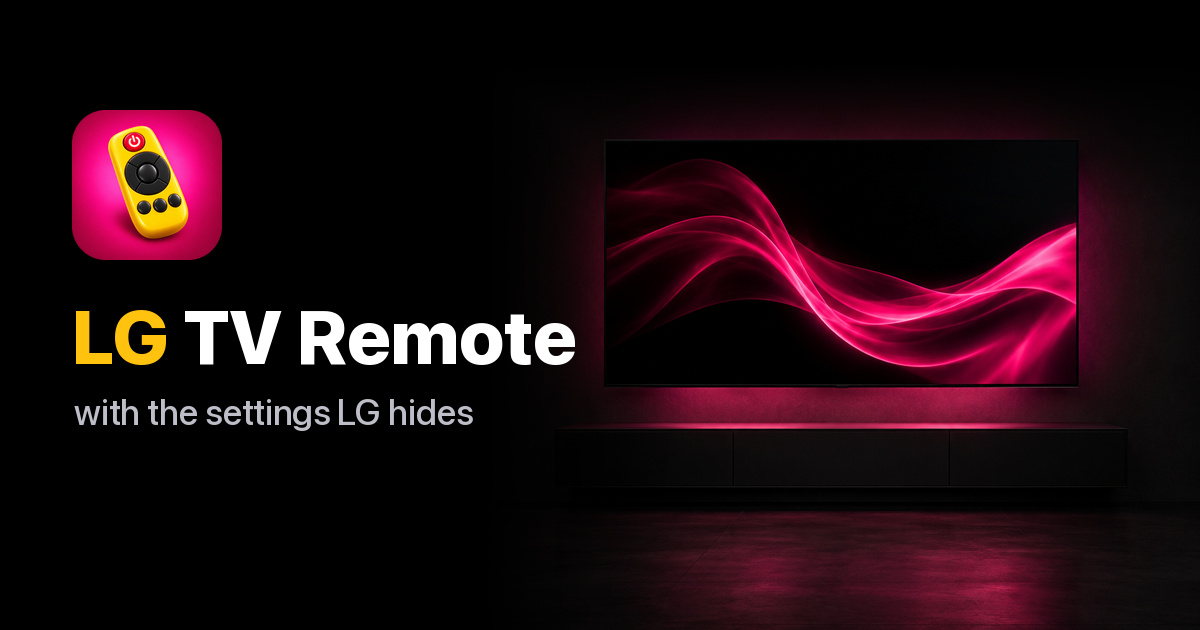
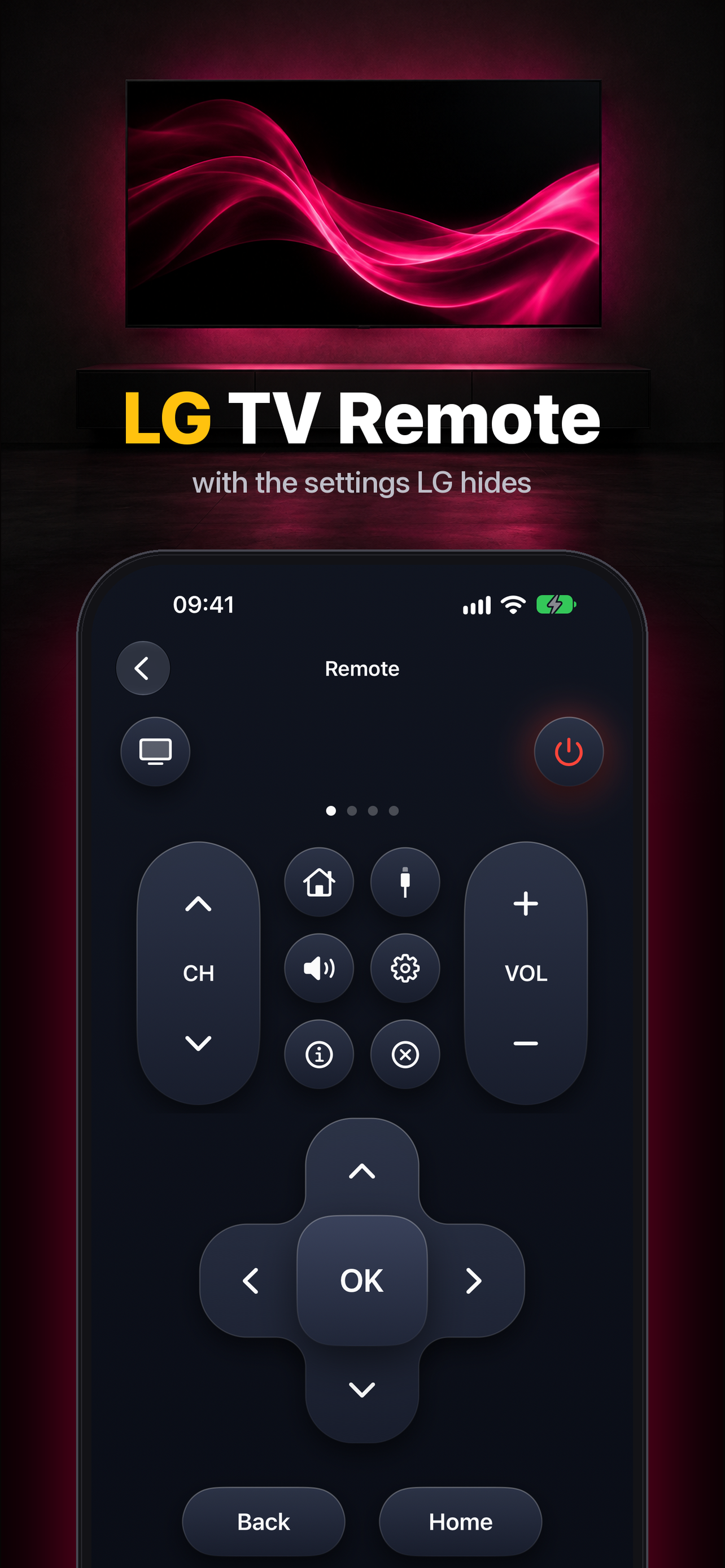
OLED Control turns your iPhone, Android phone, Mac or Windows PC into a remote and settings toolkit for LG OLED TVs. Switch inputs, open TV apps and wake the TV in one tap, then go further than the LG remote allows. TV commands run over your local network; no LG account needed. The remote is free; Pro (weekly or a one-time lifetime unlock) adds the advanced picture and calibration controls.
Features
- Fast remote: inputs, apps, volume and wake-on-LAN
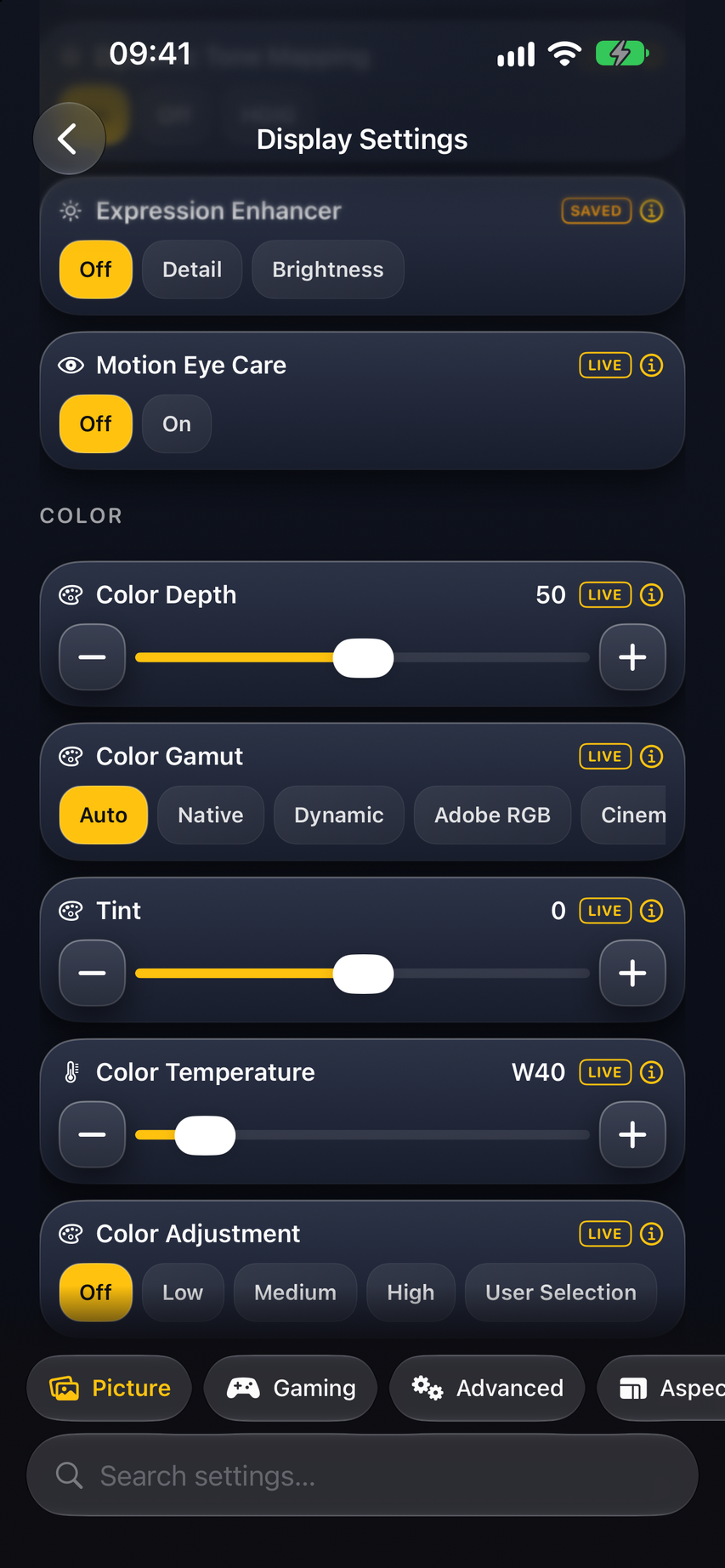
- Turn off TPC and GSR auto-dimming
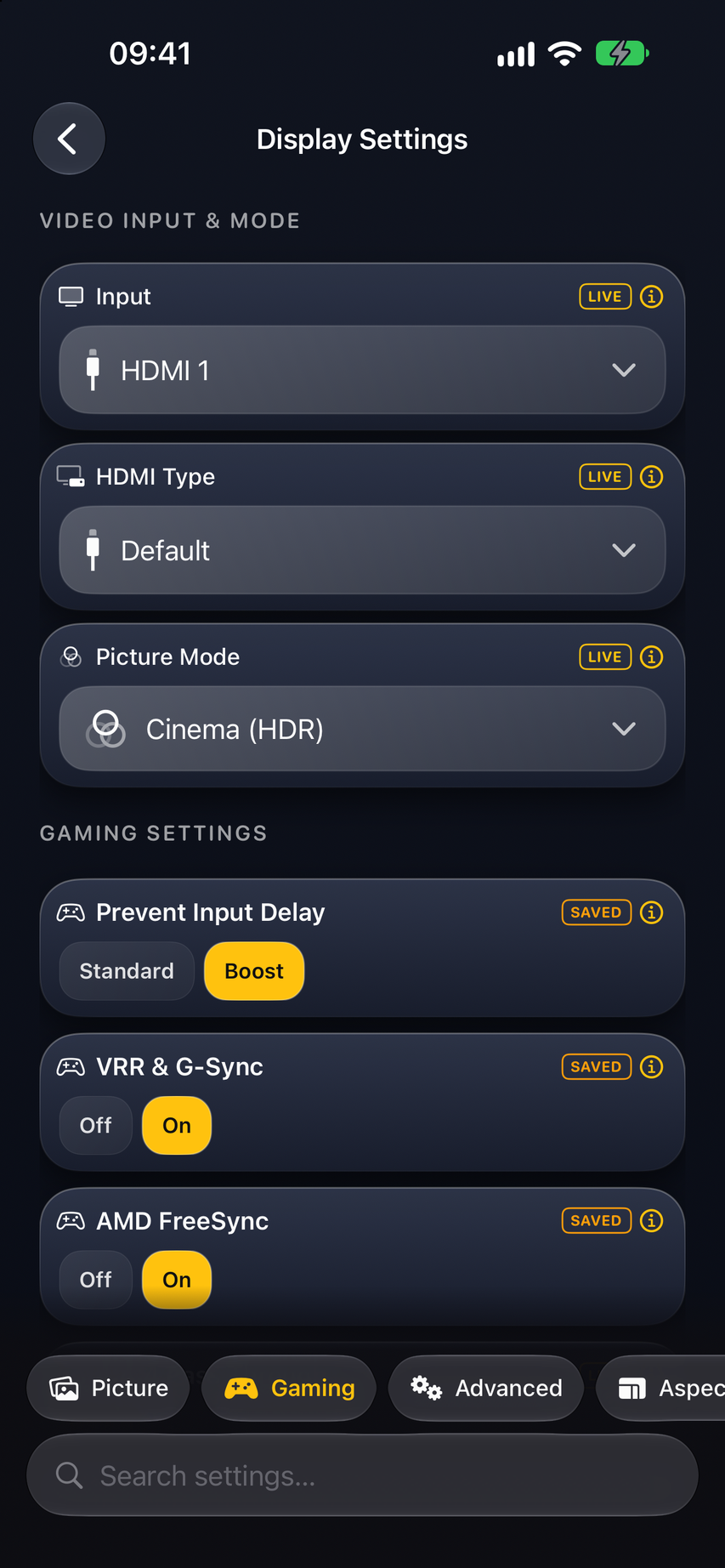
- Peak Brightness and HGIG for HDR gaming
- Fix raised black levels with Video Range
- Presets and macros per input
Use Cases
- Stop the screen from dimming during movies and games
- Set up HDR gaming on a PS5, Xbox or PC with HGIG
- Fix grey blacks from a console or PC source
- Control the TV from a phone or desk when the remote is lost

Comments

Hi Fazier! I bought an LG OLED and kept digging through menus and service codes to get the picture right. OLED Control puts those settings one tap away on every device I own: turn off TPC/GSR dimming, set Peak Brightness, switch HGIG for gaming, fix black levels, and save presets per input. The remote part is free. I'm one indie developer, so I'd love to hear which settings you want next.
Premium Products























































Sponsors
Buy

Makers
Makers
Comments
Hi Fazier! I bought an LG OLED and kept digging through menus and service codes to get the picture right. OLED Control puts those settings one tap away on every device I own: turn off TPC/GSR dimming, set Peak Brightness, switch HGIG for gaming, fix black levels, and save presets per input. The remote part is free. I'm one indie developer, so I'd love to hear which settings you want next.
Premium Products
New to Fazier?

Find your next favorite product or submit your own. Made by @FalakDigital.
Copyright ©2026. All Rights Reserved