
Oimi AI Studio
Create AI images, videos and music on one canvas
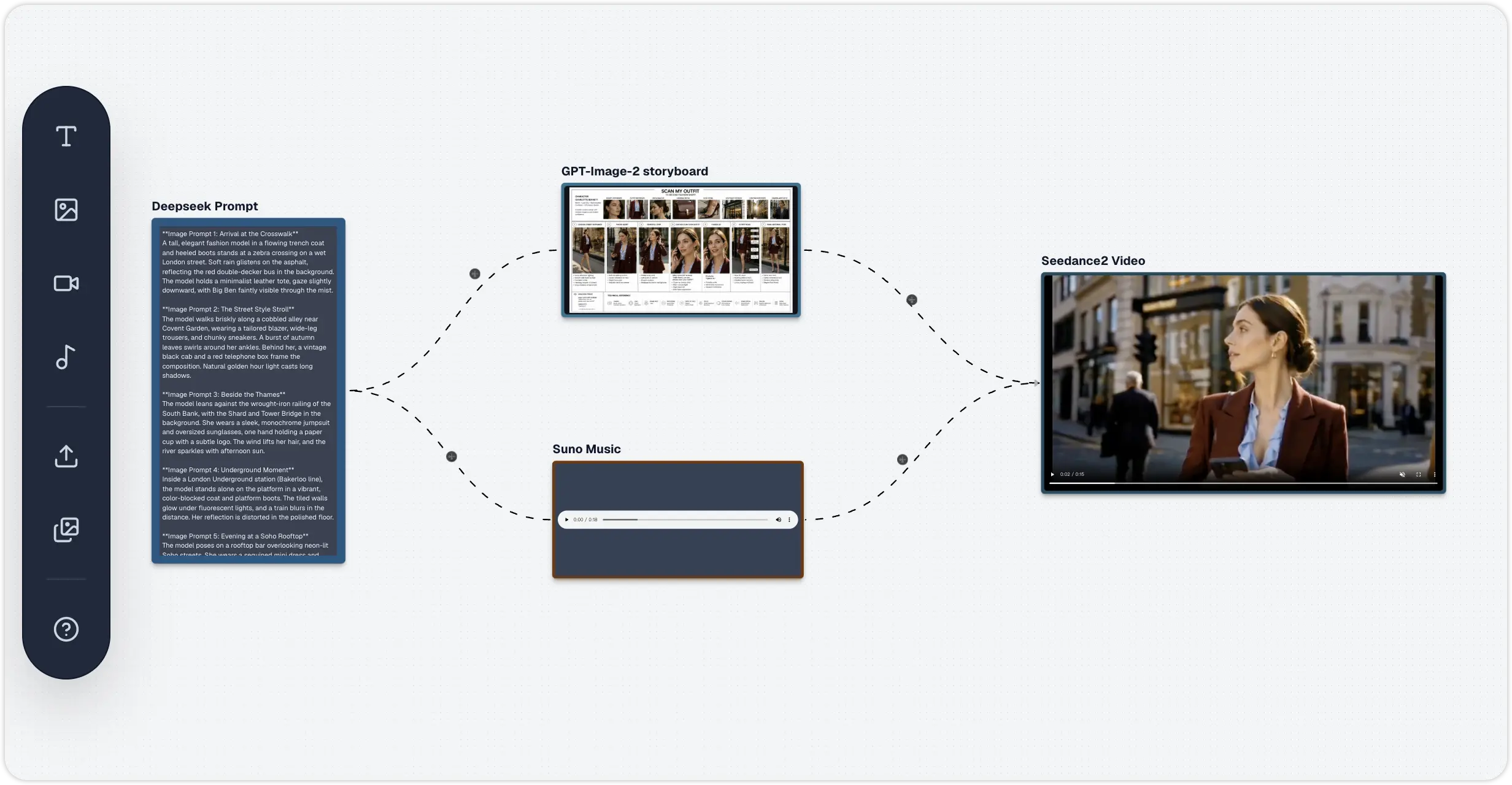
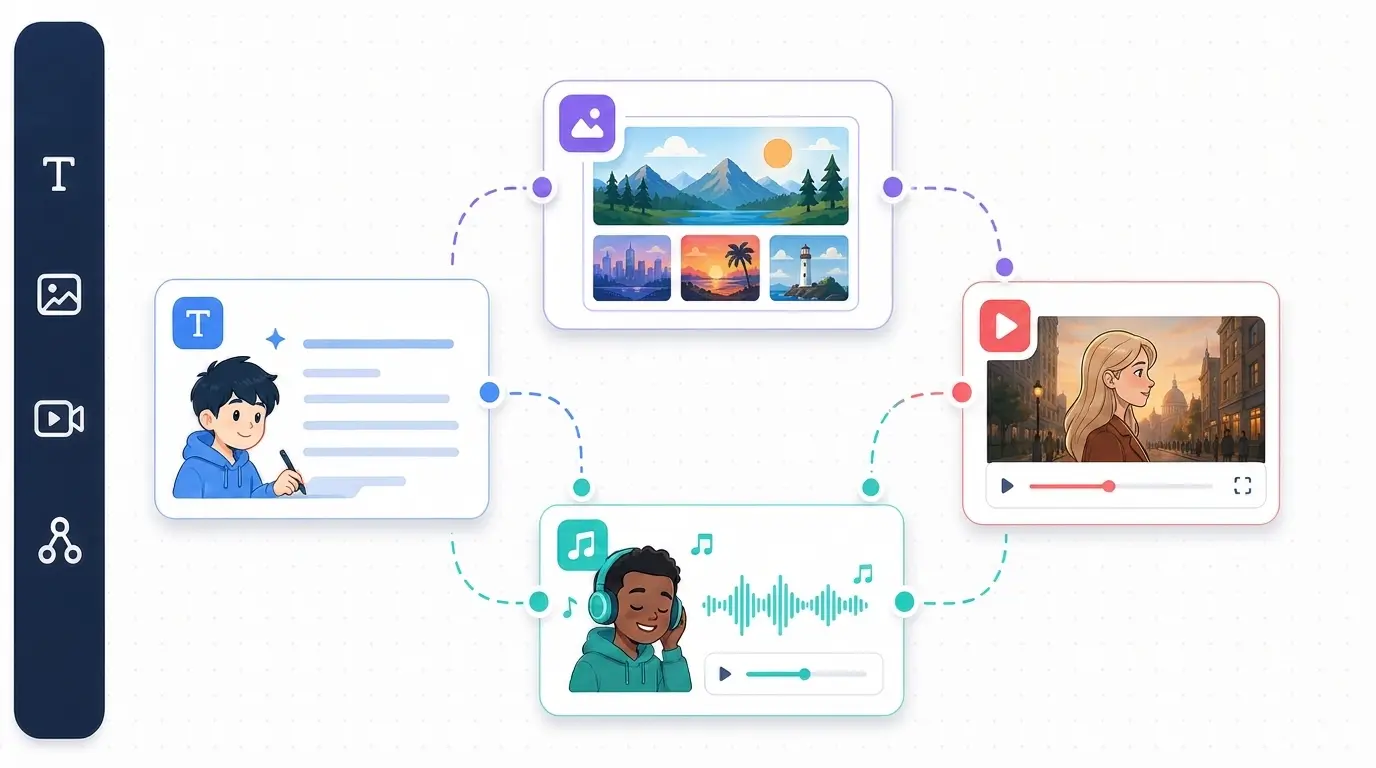
Oimi AI is a browser-based infinite canvas for AI creation. Generate images, videos and music in one workflow instead of juggling separate tools for each model — a single reference photo can become a finished, multi-shot video in minutes.
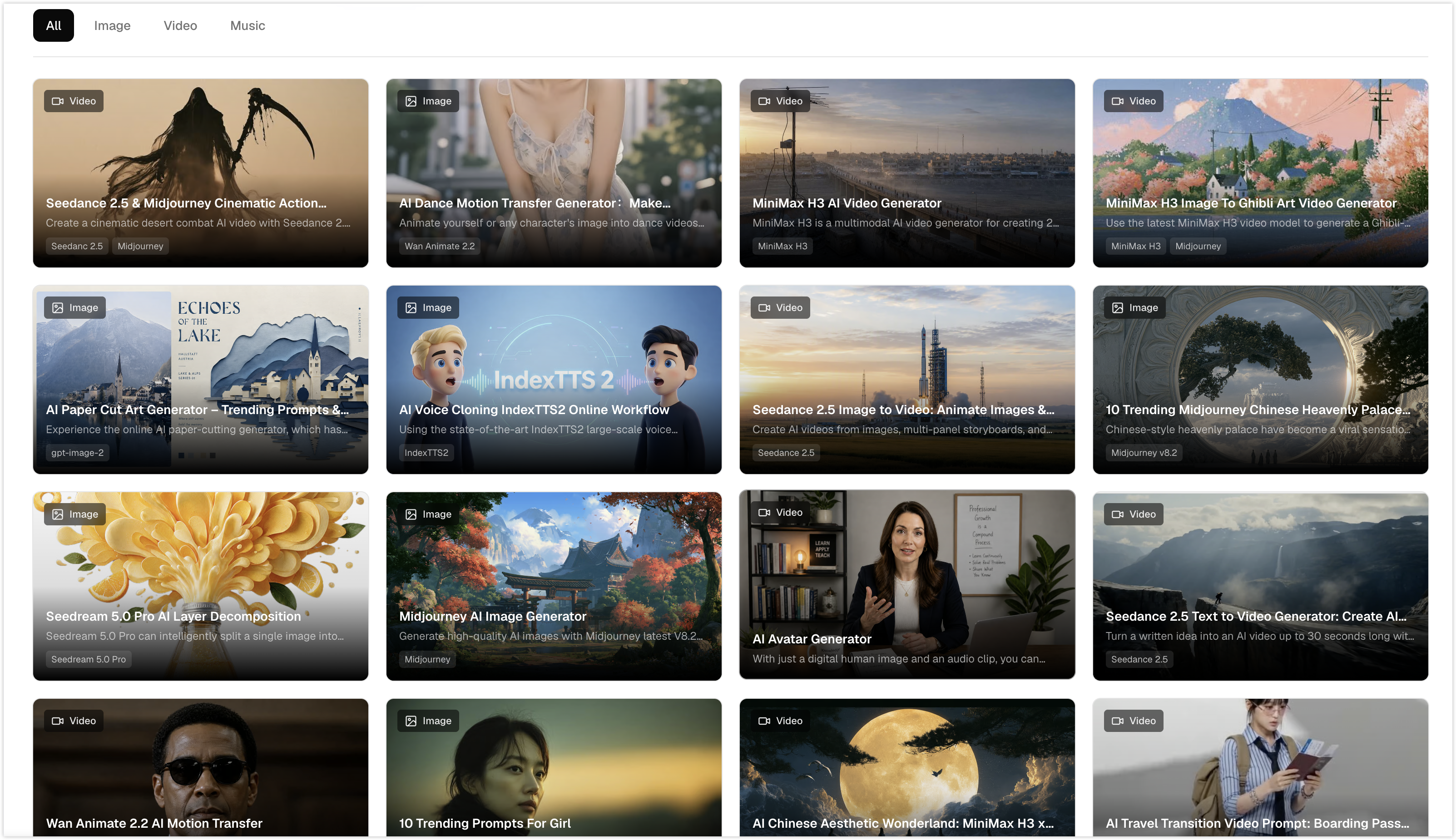
It brings leading models together in one place: GPT Image 2/2.5 and Nano Banana Pro/2 for images, Seedance 2.0/2.5 for video, and Suno for original music with lyrics. 20+ ready-made templates bundle the model, prompt and settings together, so you start from a working example instead of a blank prompt.
Freemium and browser-based — free credits on signup, no installation, works on any OS.
Features
- Infinite canvas: generate, edit and combine images, video and music in one workspace — no exporting between apps
- Multi-model in one place: GPT Image 2/2.5, Nano Banana Pro, Seedance 2.0, Grok Imagine Video and SUNO, More than 30+ top models
- Storyboard-to-video: turn one photo into a multi-shot video with a consistent character and motivated camera moves
- 20+ templates that ship the model, prompt and settings together
- Photo animation: turn a single photo into a cinematic clip
- Agent support: your can create and chat with agent on canvas
- Original music generation with lyrics (SUNO)
- Runs entirely in the browser — free credits on signup, no install, any OS
Use Cases
- Turn a product photo into a finished promo video with soundtrack, in minutes
- Storyboard a multi-shot scene, keep the character consistent across shots, then generate the video
- E-commerce: remove backgrounds and stage product shots without a photoshoot
- Social content: animate a single photo into a clip for Reels, Shorts or TikTok
- Draft an original jingle or soundtrack with lyrics for a launch or ad
- Compare outputs from different models side by side on one canvas before committing credits

Comments


Oimi started from our own frustration: making one video meant five tabs — an image model, a video model, a music tool, an editor — and a lot of manual downloading in between. We kept losing the thread of the idea while moving files around, so we put everything on one canvas instead. Now a single photo can go from reference image to a storyboarded, multi-shot video with its own soundtrack, all in the browser. It's early, we're shipping weekly, and we'd rather hear what's broken from you than from a bug report — if you try it, tell us where the workflow still fights you.


Great fit for AI category and content creation https://aivoov.com/
Premium Products






















































Sponsors
Buy

Comments
Oimi started from our own frustration: making one video meant five tabs — an image model, a video model, a music tool, an editor — and a lot of manual downloading in between. We kept losing the thread of the idea while moving files around, so we put everything on one canvas instead. Now a single photo can go from reference image to a storyboarded, multi-shot video with its own soundtrack, all in the browser. It's early, we're shipping weekly, and we'd rather hear what's broken from you than from a bug report — if you try it, tell us where the workflow still fights you.
Great fit for AI category and content creation https://aivoov.com/
Premium Products
New to Fazier?

Find your next favorite product or submit your own. Made by @FalakDigital.
Copyright ©2026. All Rights Reserved