
nod
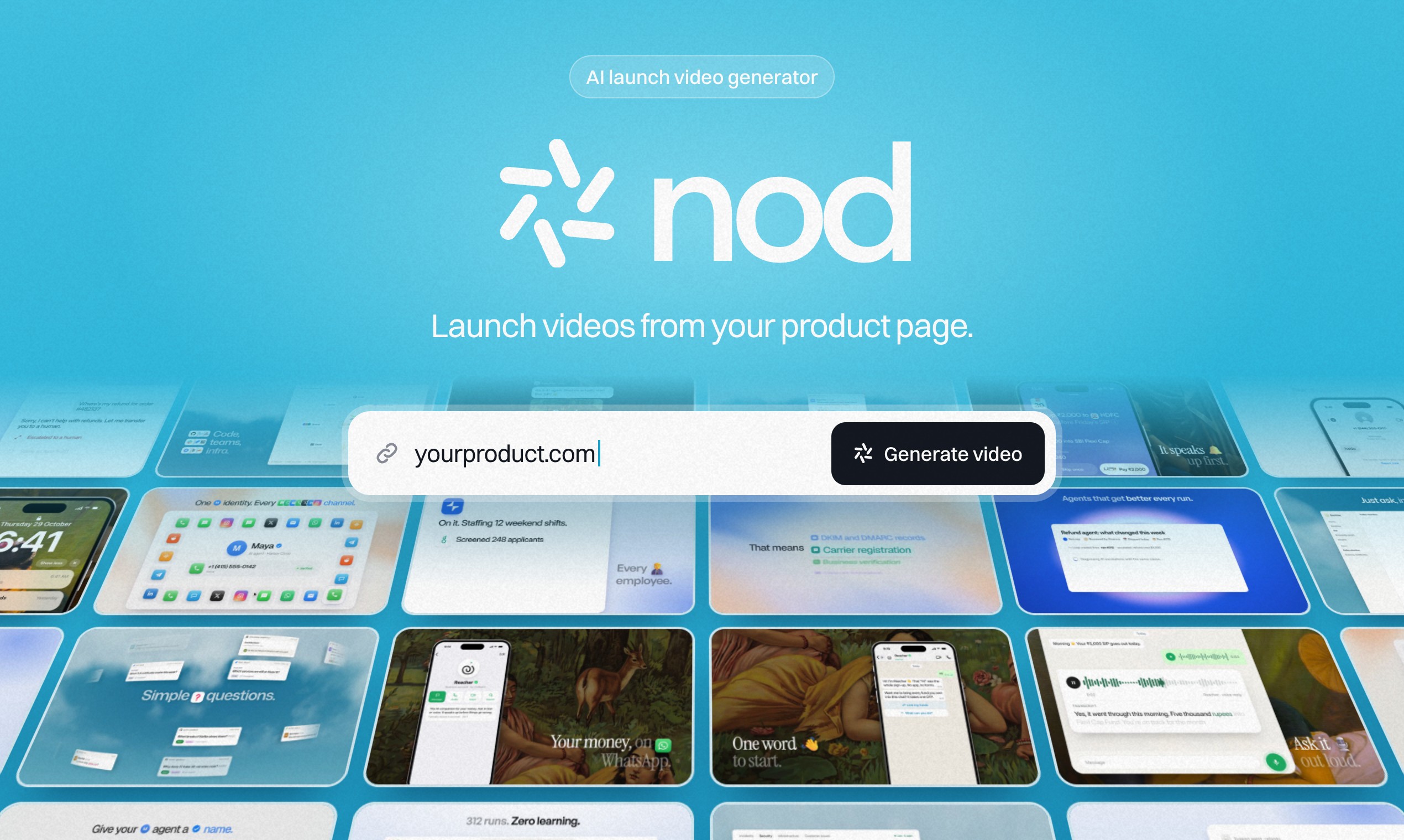
Launch videos from your product page
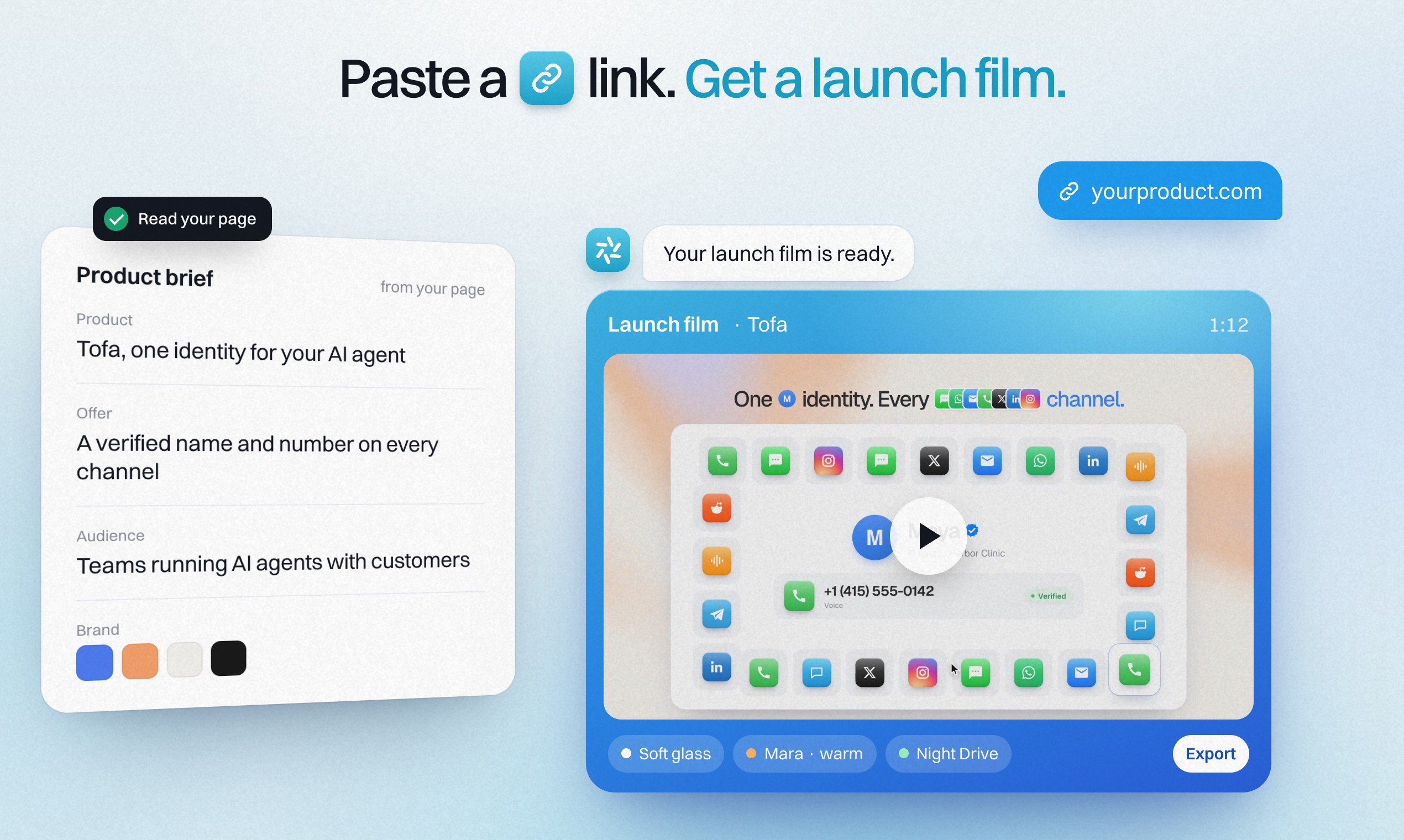
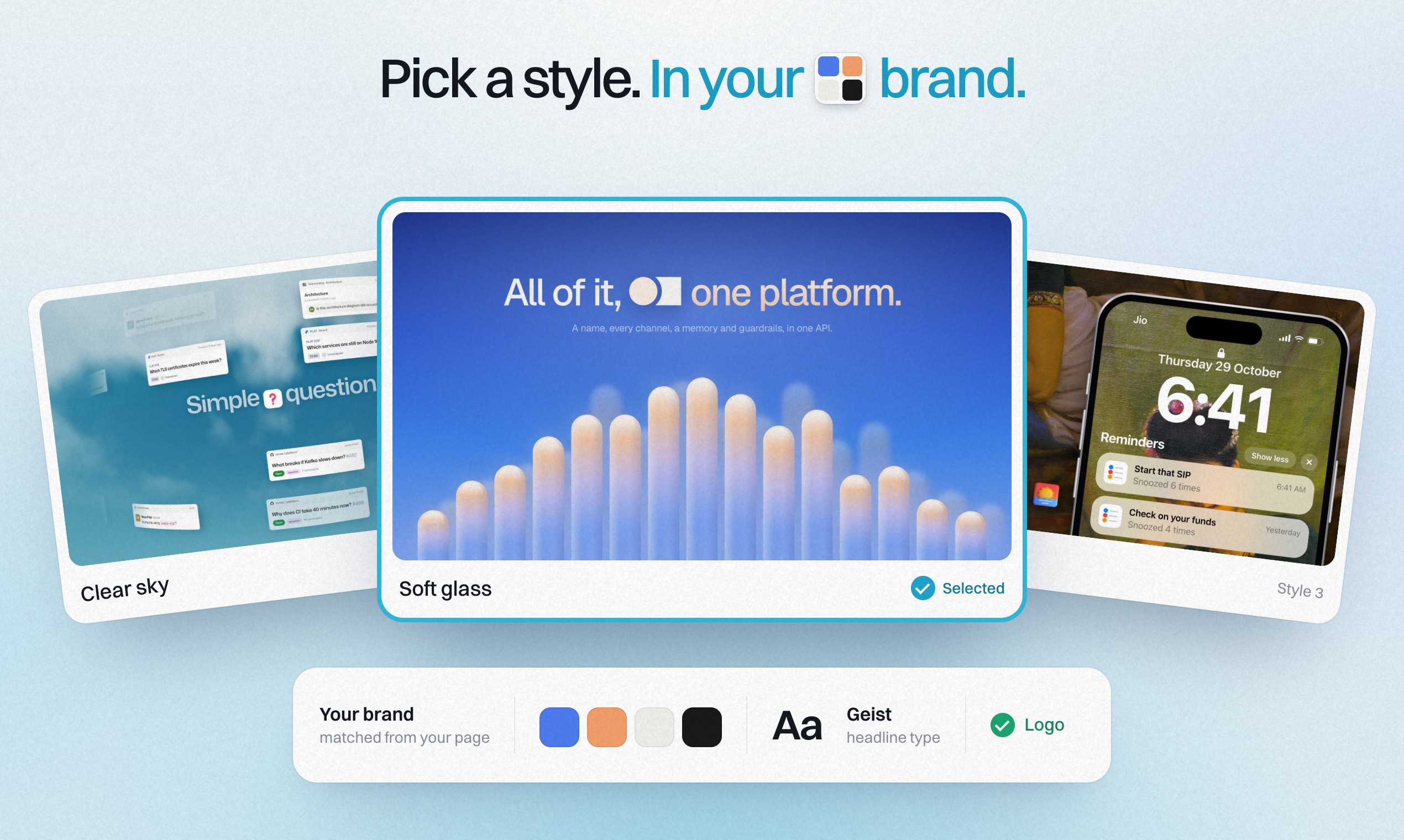
nod is an AI launch video generator for software products. Paste your product page link and nod reads the page to understand what the product does, the offer and who it is for, then designs style frames in your brand for you to choose from.
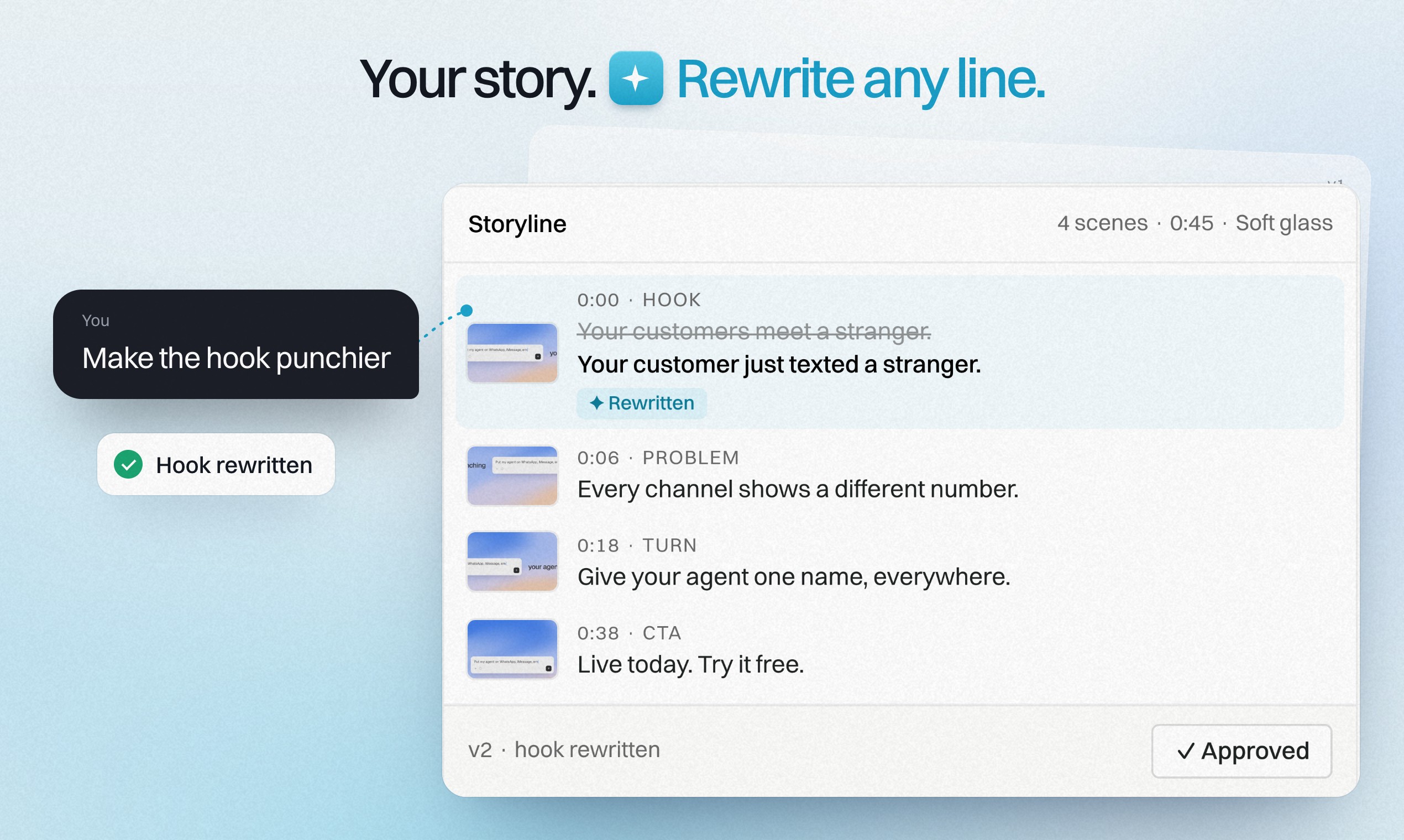
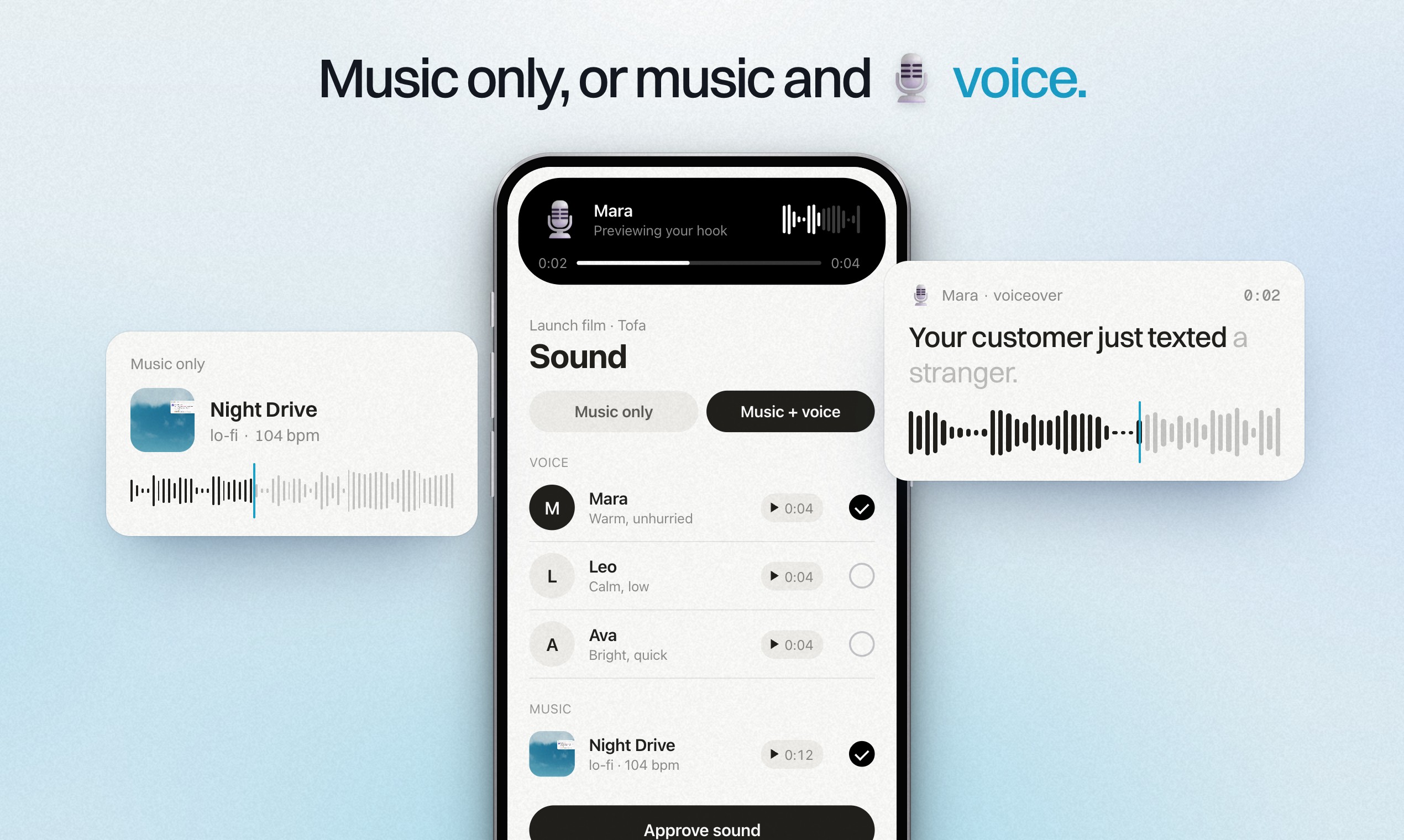
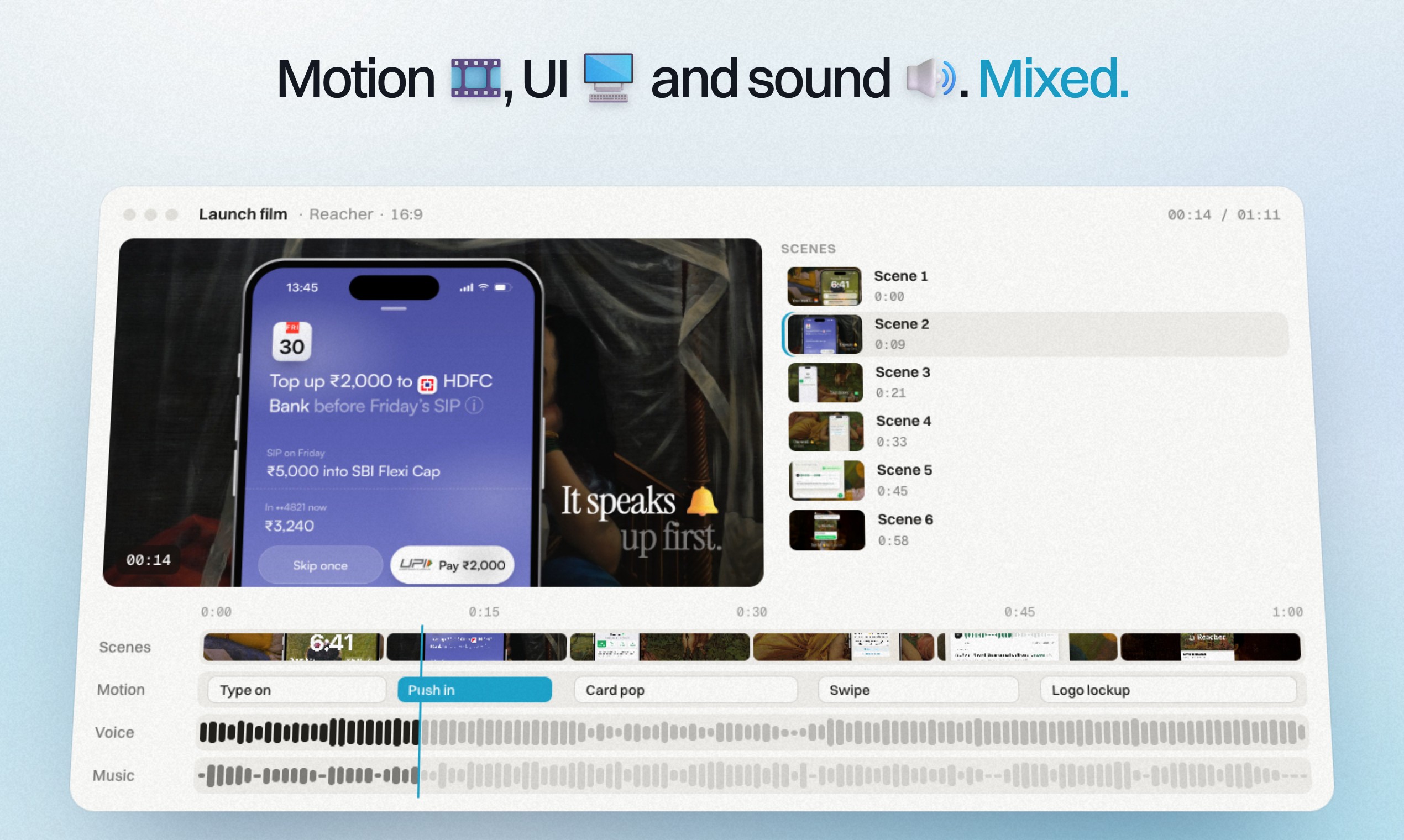
It writes the storyline and script, which you can change by prompt, and lets you pick music only or music with an AI voiceover. Once you approve, nod builds the video: motion graphics, designed UI scenes, voiceover and a music mix, ready for Product Hunt, X, LinkedIn or your landing page.
Plans start at $69 a month for one video, with a 14-day money-back guarantee on your first video.
Features
- Paste a product page URL to start
- On-brand style frames to choose from
- Script written for you, editable by prompt
- Music only, or music plus AI voiceover with a choice of voices
- Motion graphics and designed UI scenes, no stock footage or avatars
- Exports a 16:9 master plus 9:16 and 1:1 cuts
Use Cases
- Product Hunt launch videos
- Feature announcement videos
- Waitlist teasers
- Landing page videos
- Social launch posts for X and LinkedIn

Comments


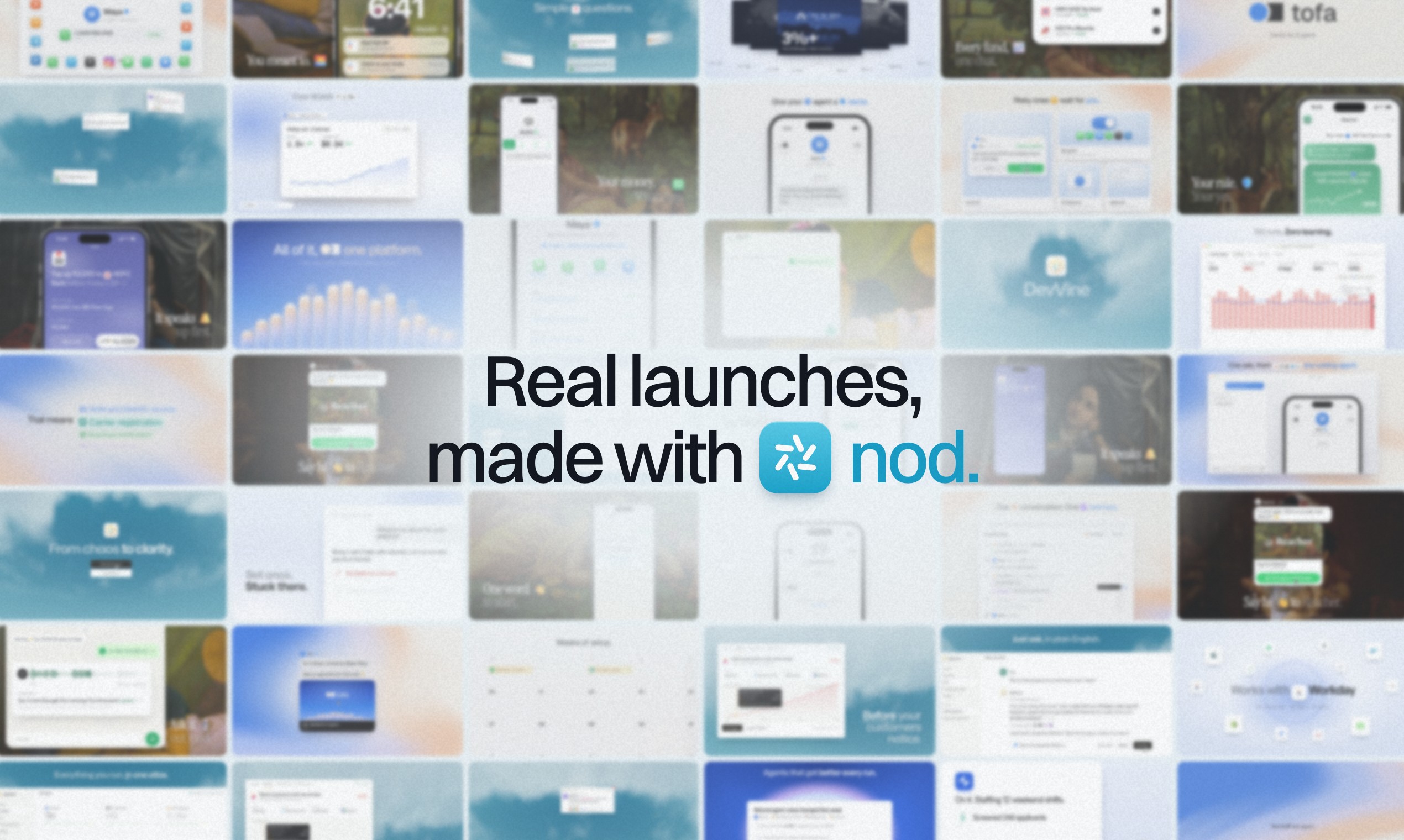
Hi Fazier! nod turns your product page into a launch video. Paste your link, pick a style frame, edit the script by prompt, and choose music only or music with a voiceover. nod then builds an export-ready film with motion graphics and designed UI scenes. Every film on jusnod.com was made this way. I'd love feedback on the script step: is editing by prompt enough, or would you rather edit line by line?
Premium Products




















































Sponsors
Buy

Makers
Makers
Comments
Hi Fazier! nod turns your product page into a launch video. Paste your link, pick a style frame, edit the script by prompt, and choose music only or music with a voiceover. nod then builds an export-ready film with motion graphics and designed UI scenes. Every film on jusnod.com was made this way. I'd love feedback on the script step: is editing by prompt enough, or would you rather edit line by line?
Premium Products
New to Fazier?

Find your next favorite product or submit your own. Made by @FalakDigital.
Copyright ©2026. All Rights Reserved