
Netfox
Your home network, in plain English. No cloud.
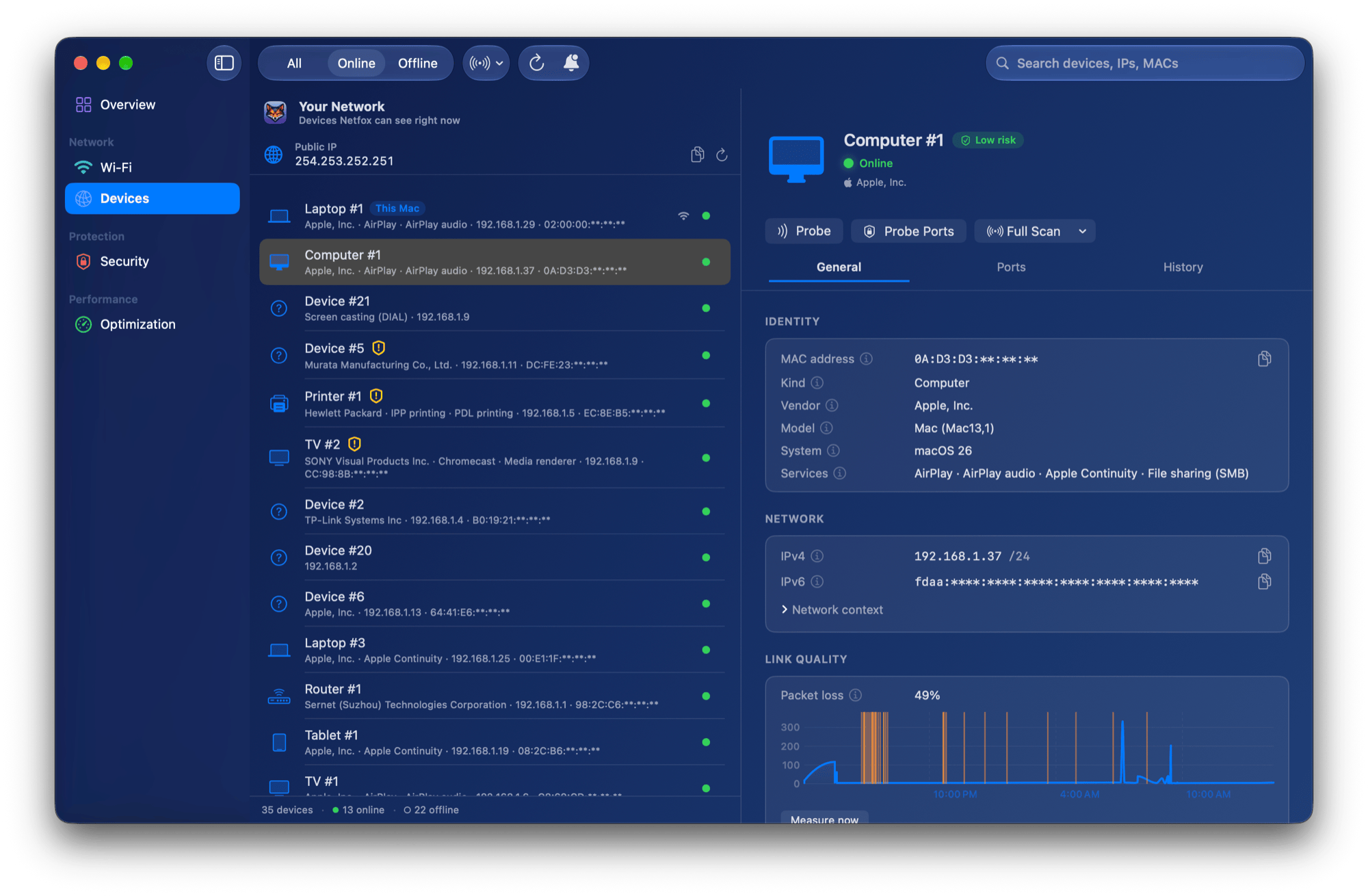
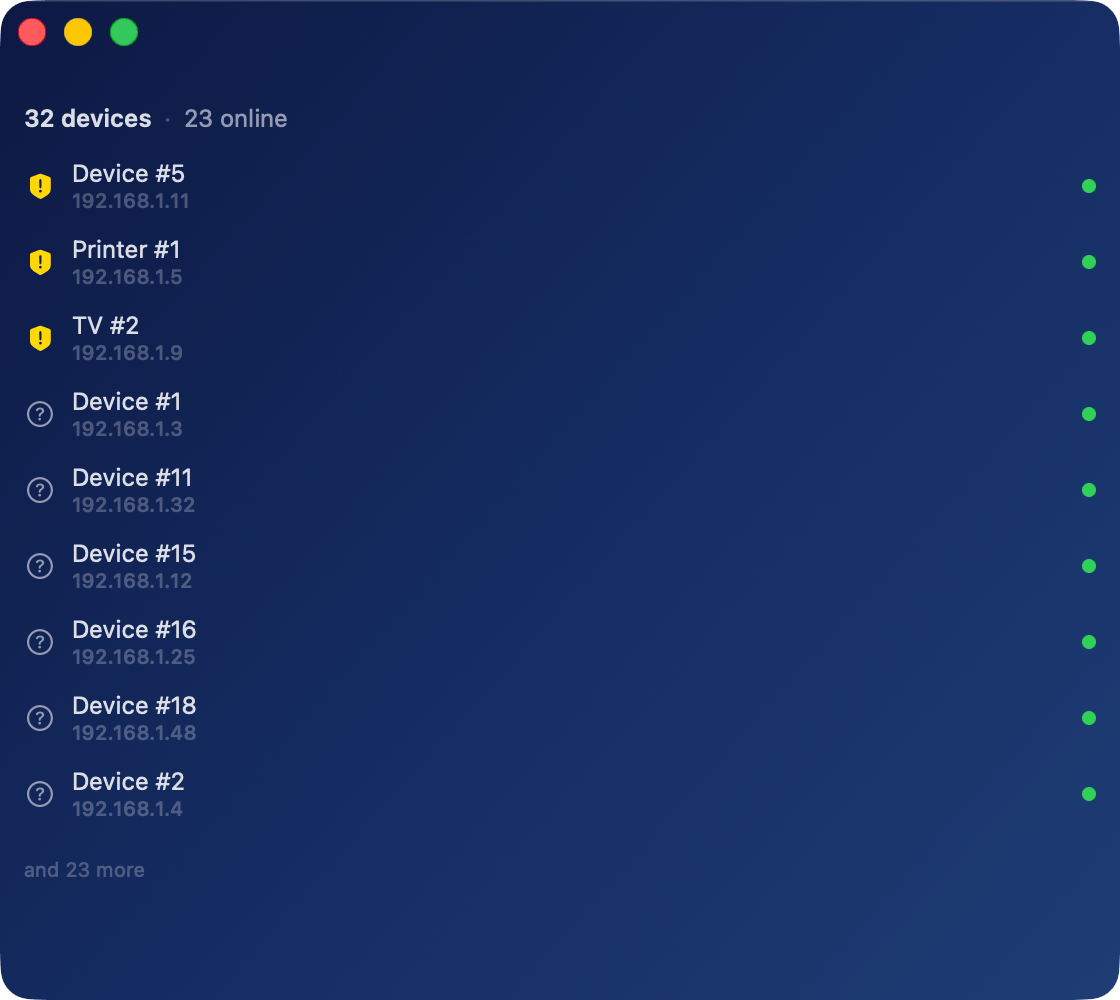
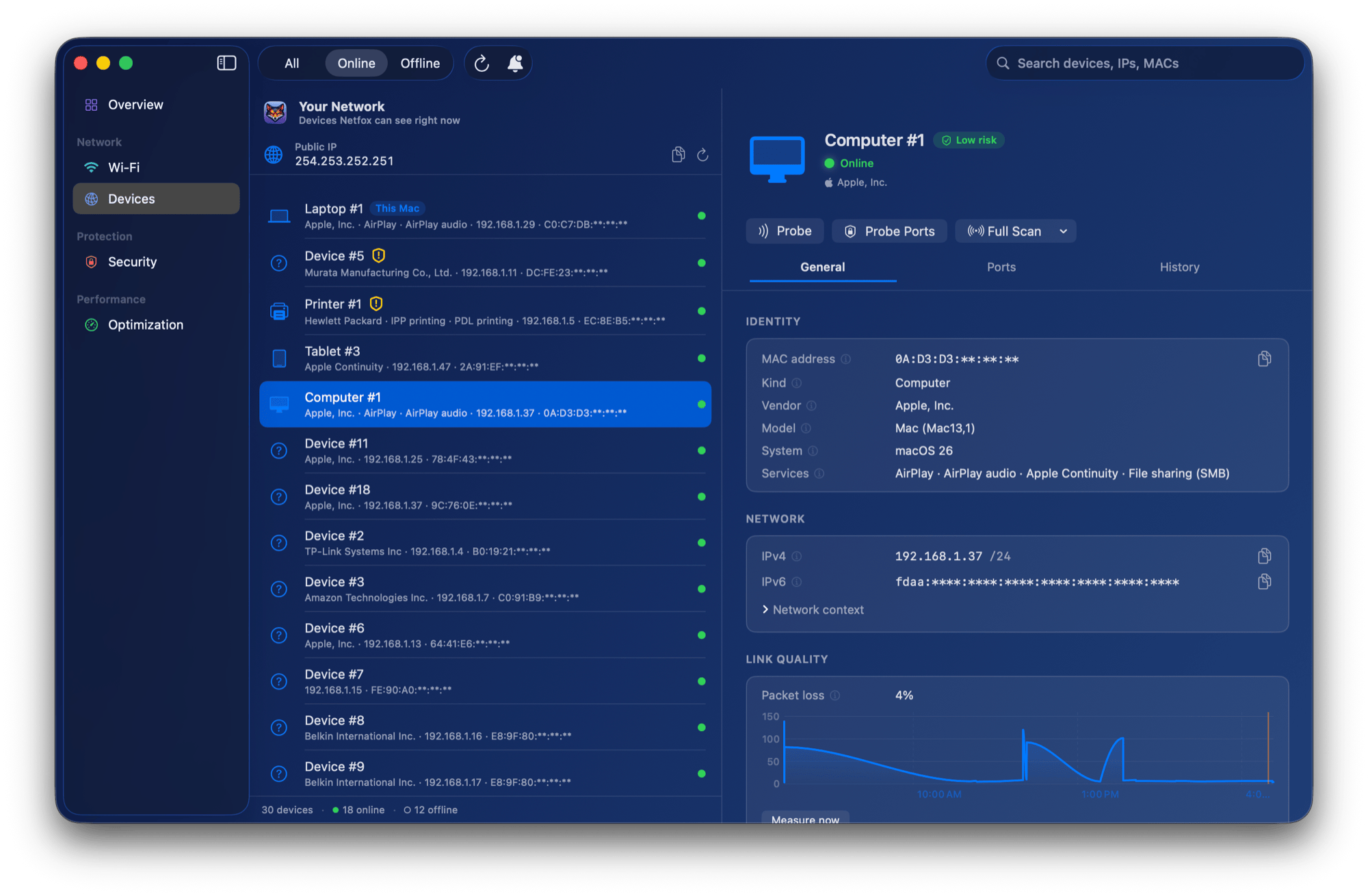
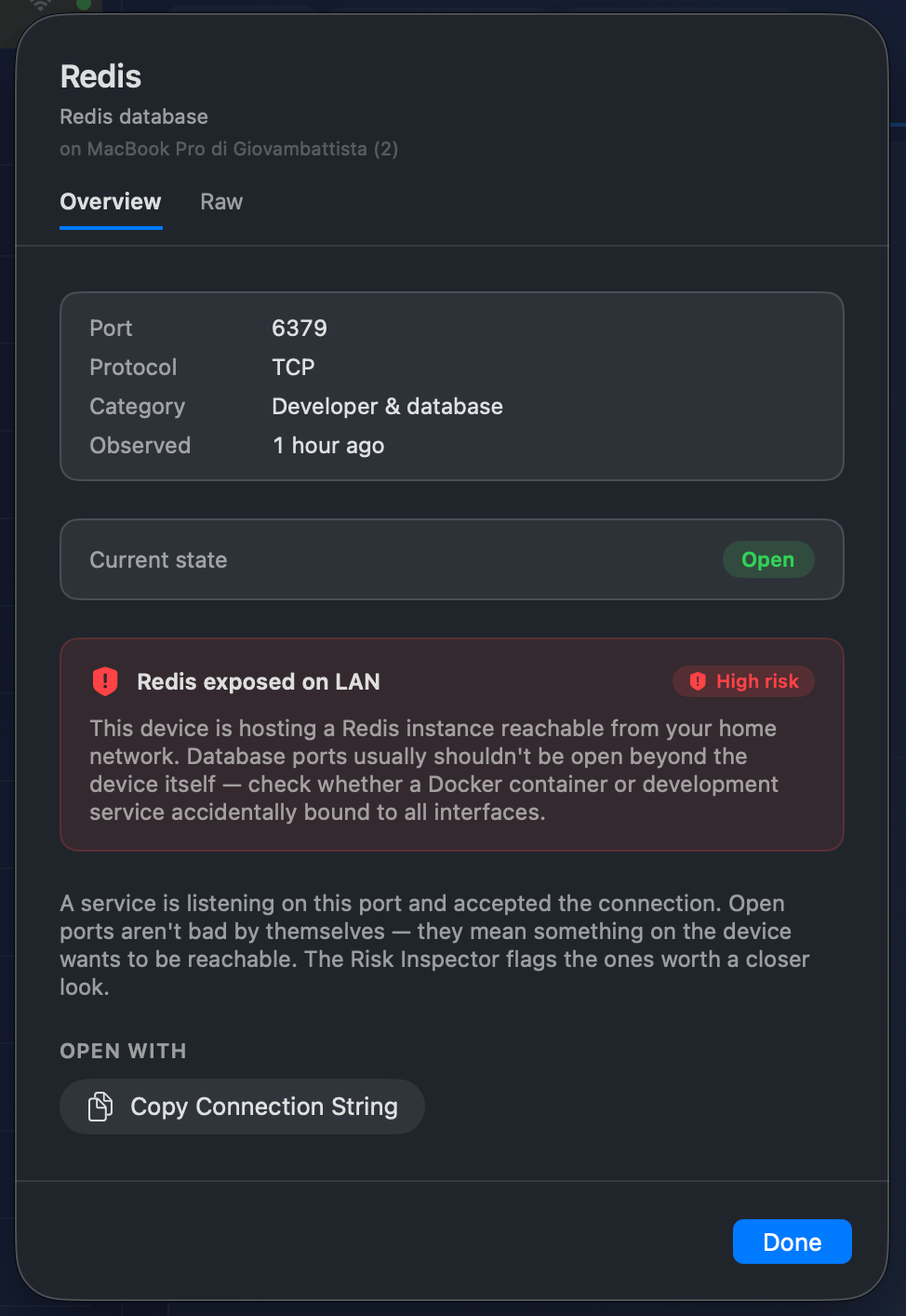
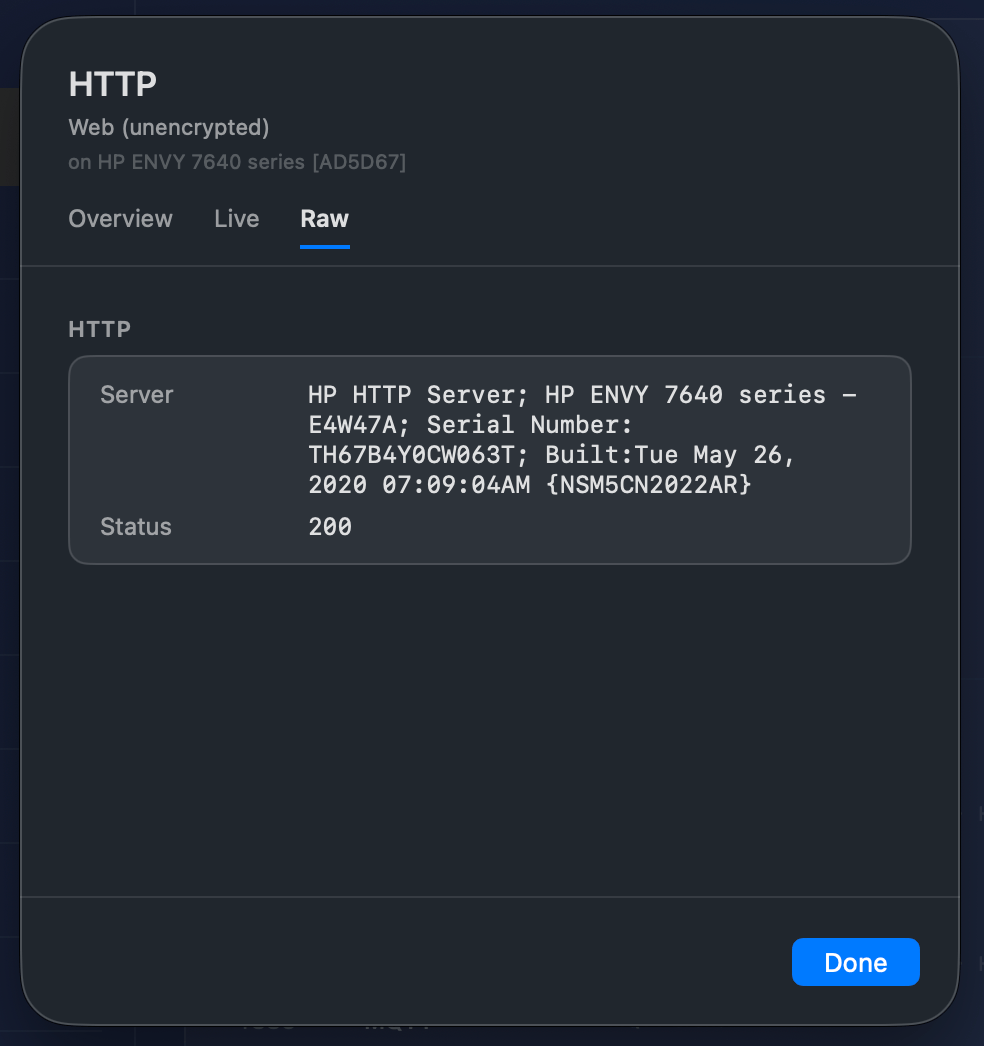
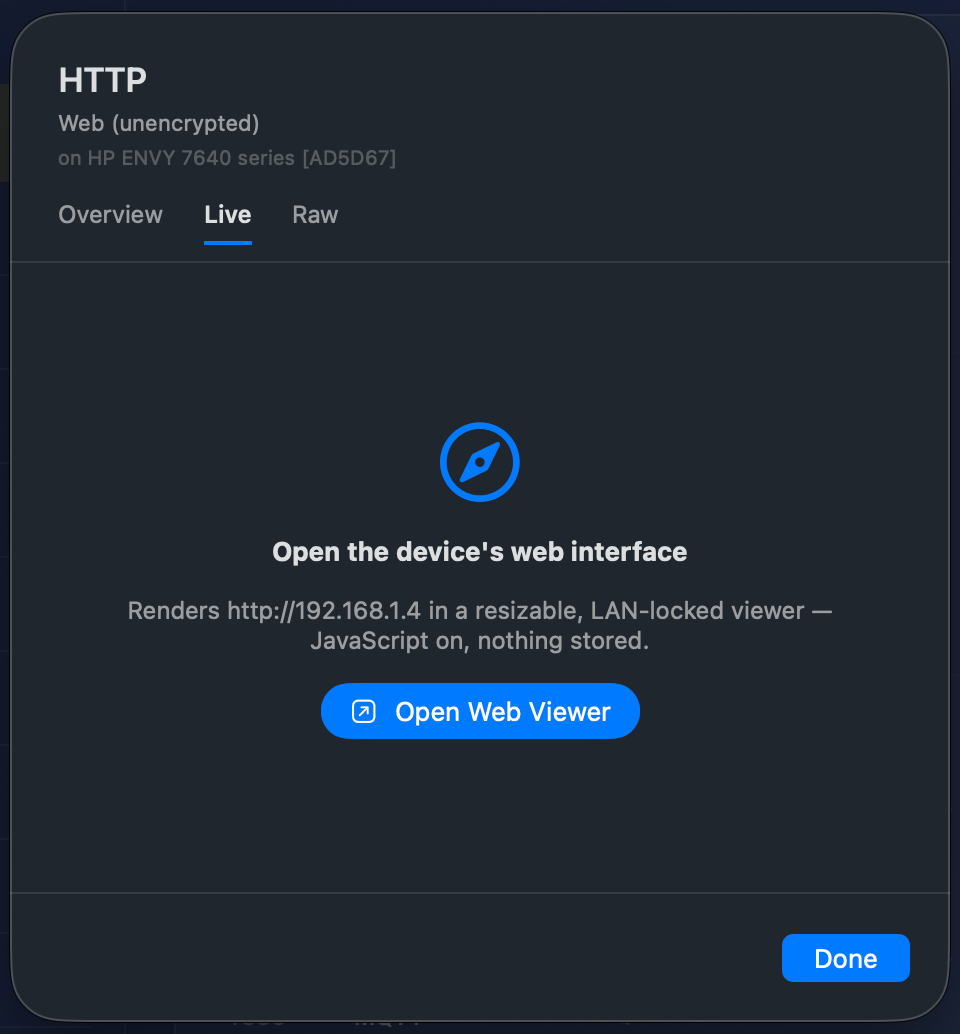
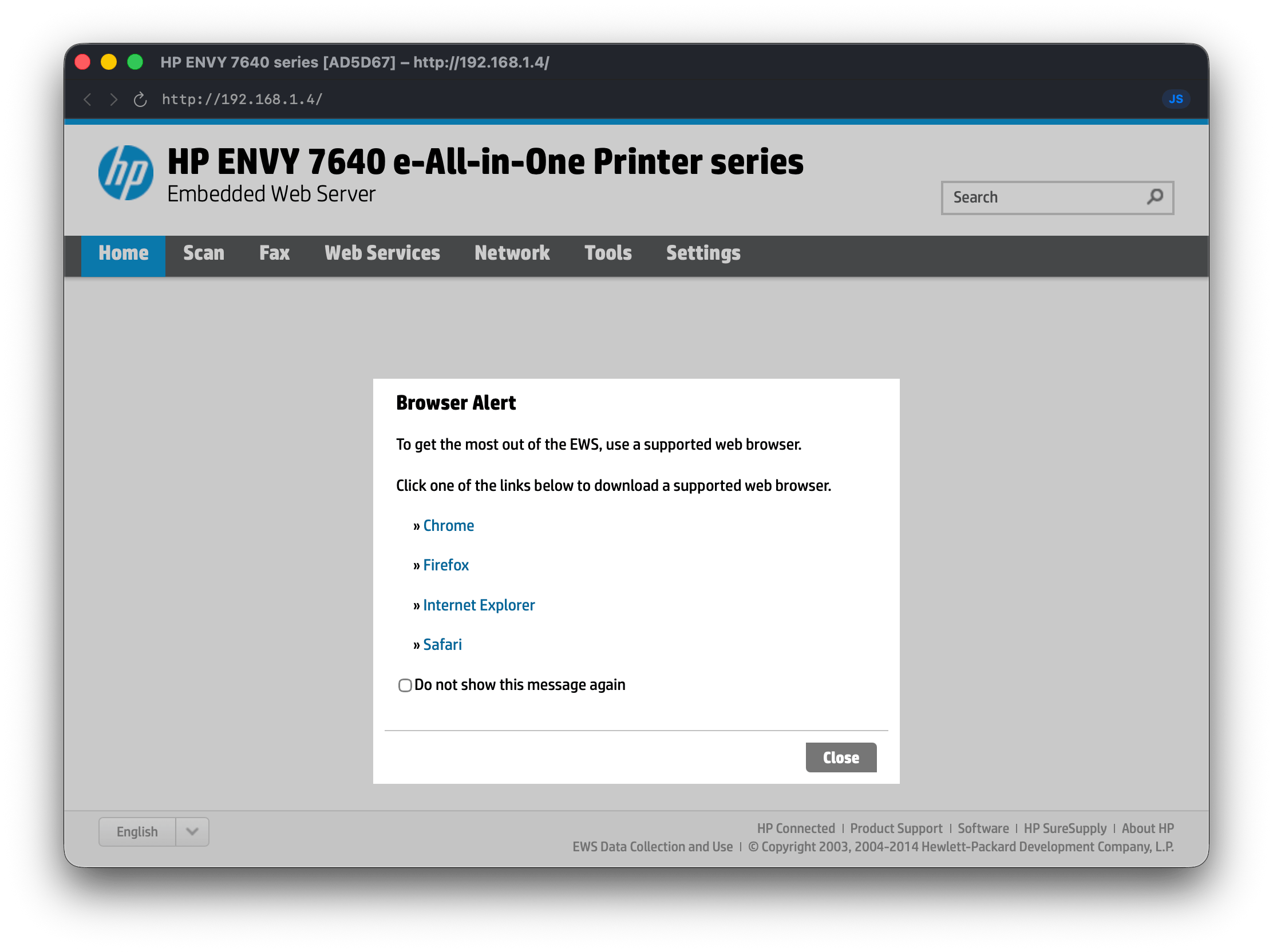
Netfox is a native macOS app that turns raw network data into plain English. That cryptic "ESP-8A2F" becomes "Espressif gadget running a web server on port 80" — and Netfox catches the dev server or Postgres database you accidentally left open on the LAN. It discovers every device on your network (via Bonjour, ARP, SSDP, NetBIOS and active probing), keeps a per-device history, checks reachable devices against the ports that matter at home, and flags what looks risky in language you can actually act on. No cloud, no account, no telemetry — everything stays on your Mac. Built in SwiftUI for macOS 15.6+, universal binary, signed and notarized, localized in 7 languages.

Features
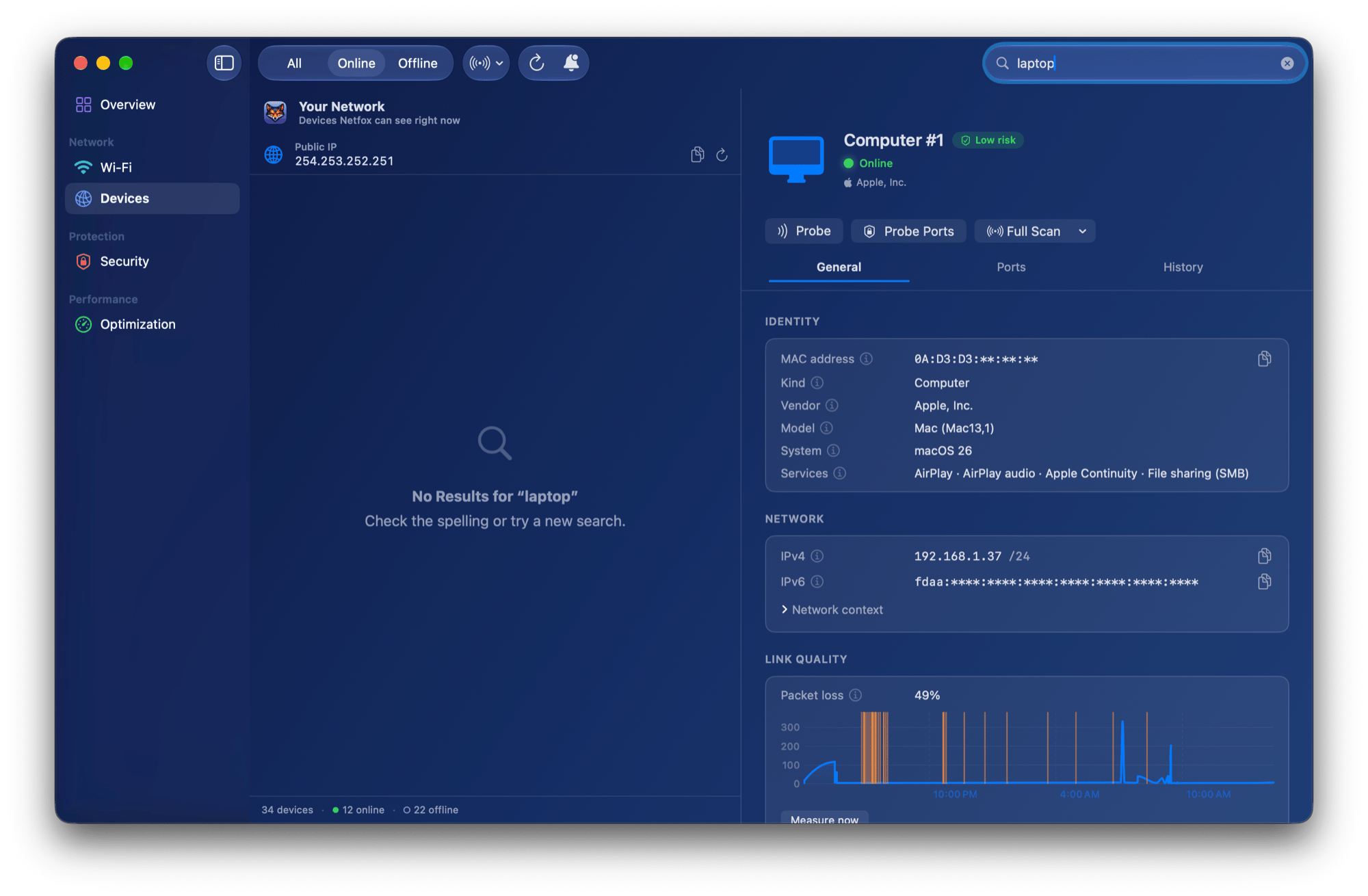
- Plain-English identity: vendor, category, open ports and server banner instead of hex and MAC addresses
- Multi-source discovery: Bonjour, ARP, SSDP, NetBIOS and active probing merged into one row per device
- Per-device history: first seen, last seen, every online/offline and IP/vendor change, kept across launches
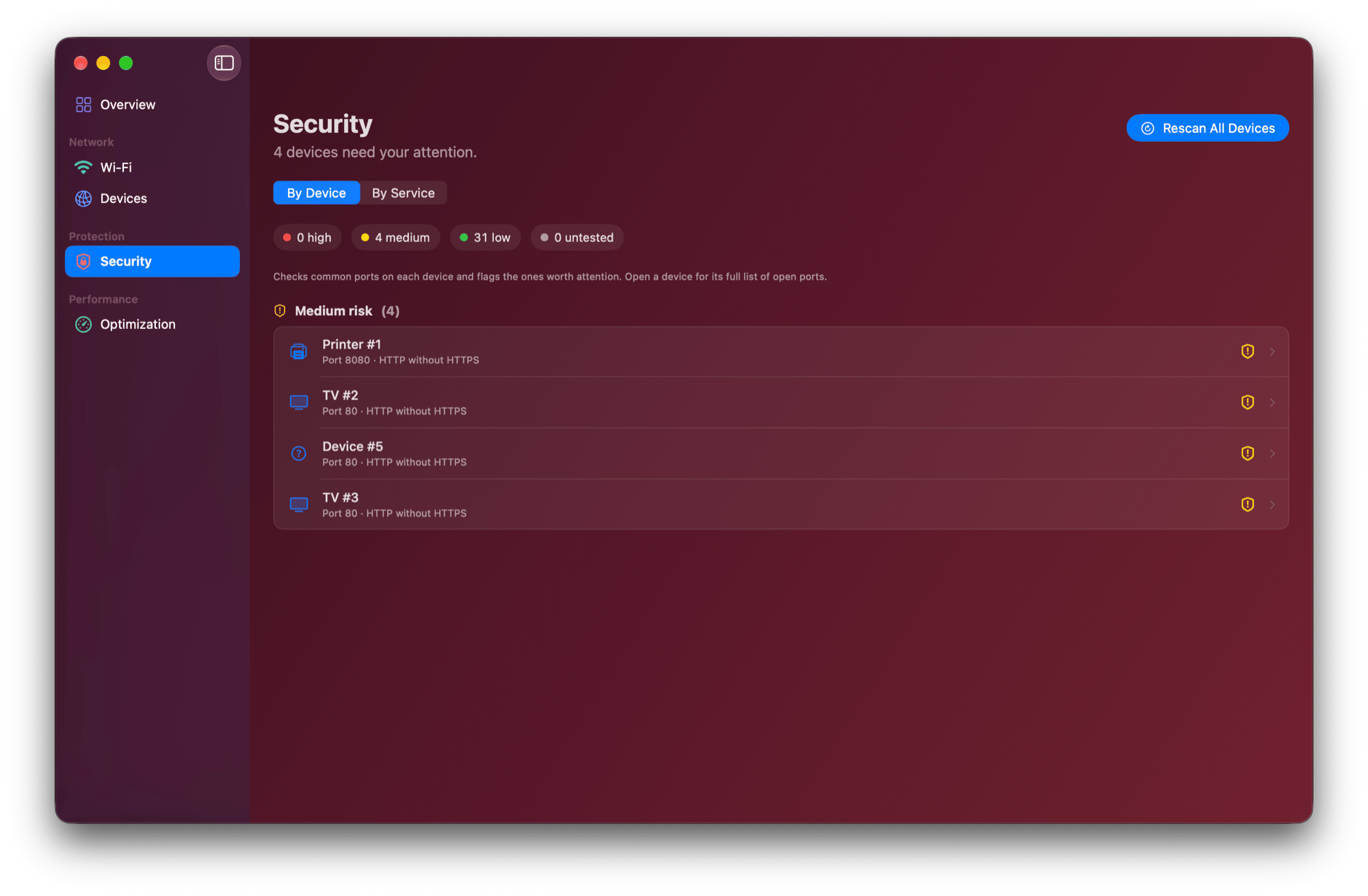
- Risk-aware security: one-click Scan All checks every reachable device against curated home-network ports, each finding explained in plain English
- Spot exposed services: finds risky open ports on your Mac and LAN (dev DBs, homelab dashboards) a router app never surfaces
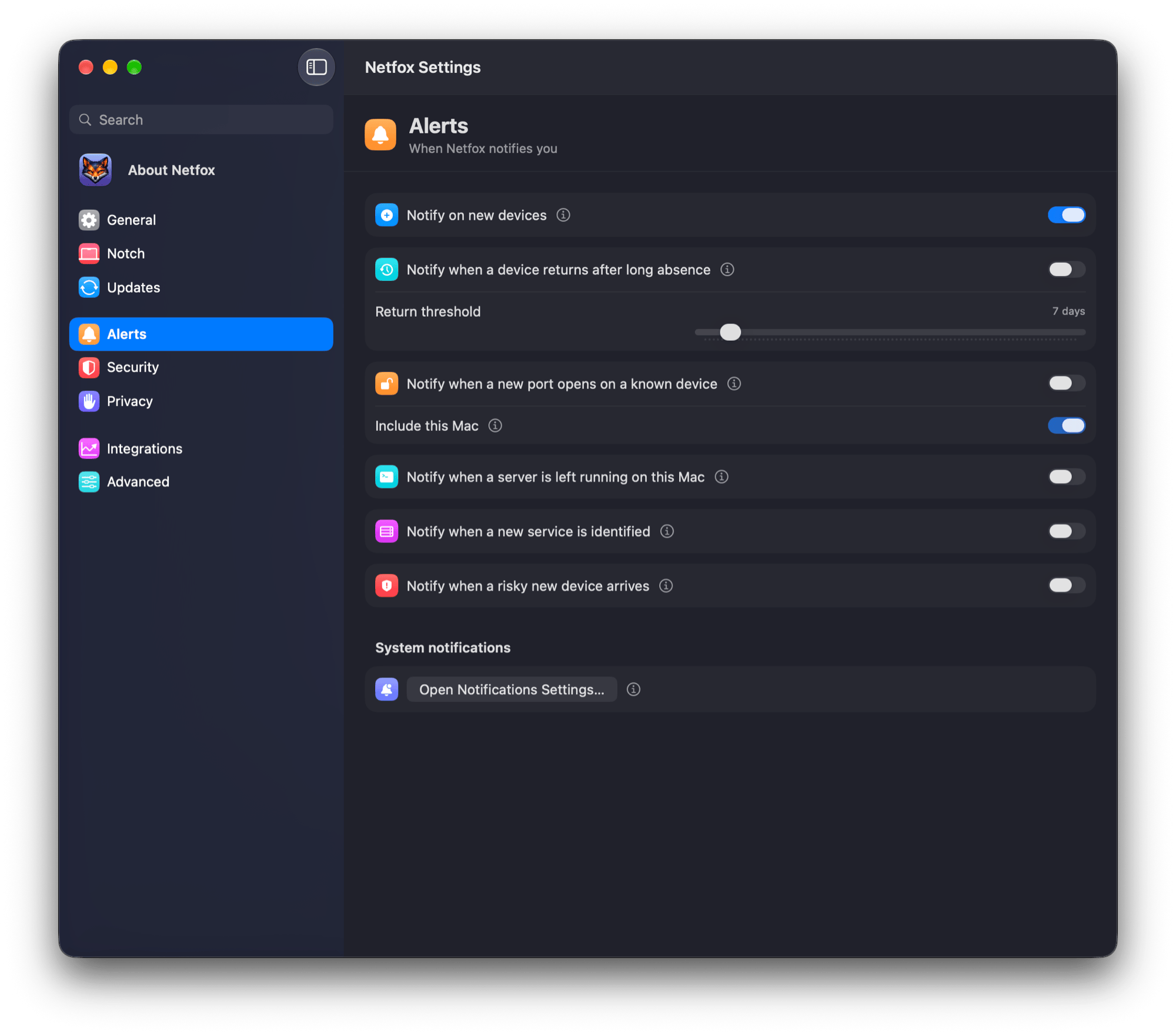
- Five kinds of alert: new device, returning device, risky arrival, port-state change, new service
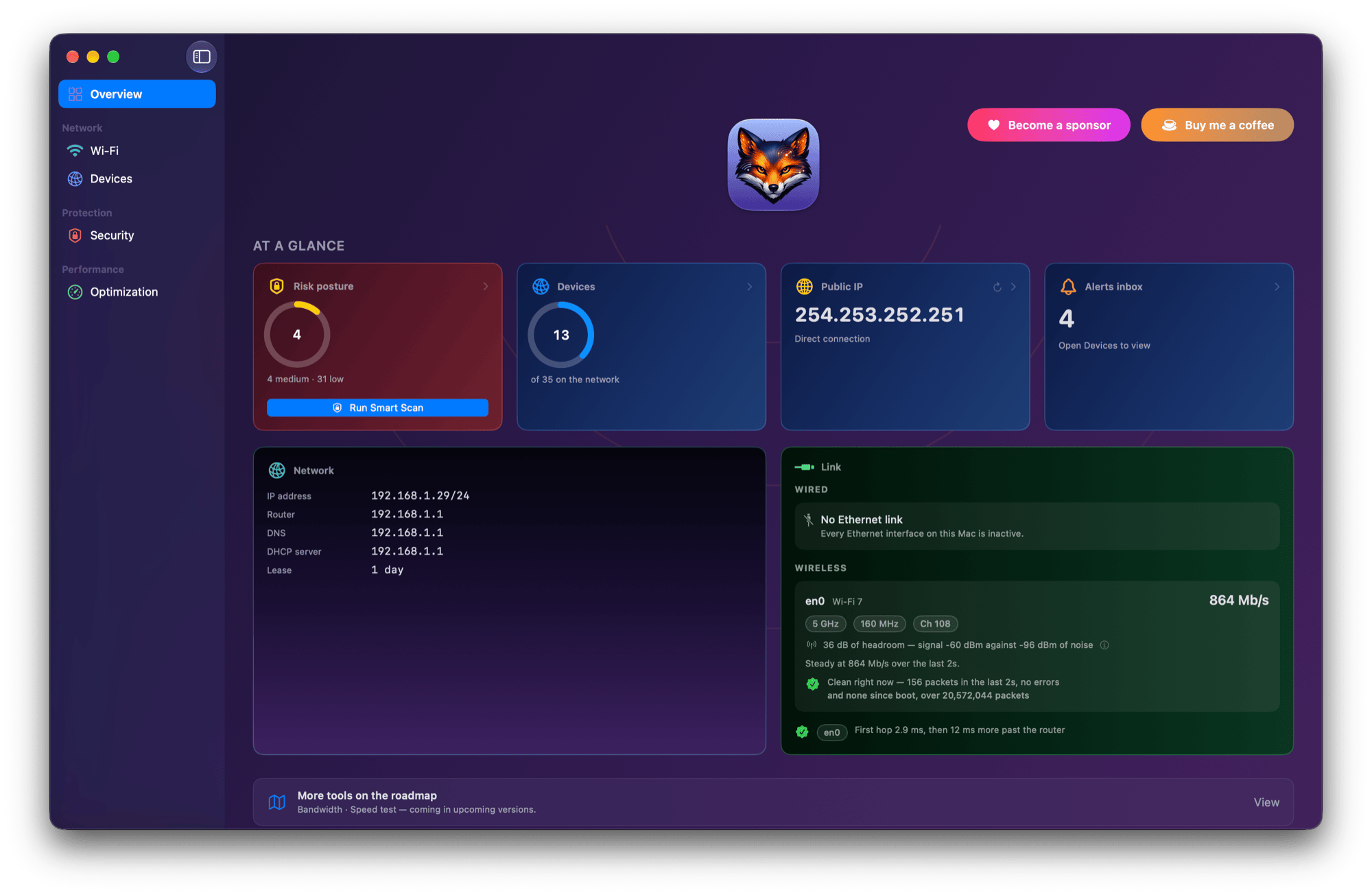
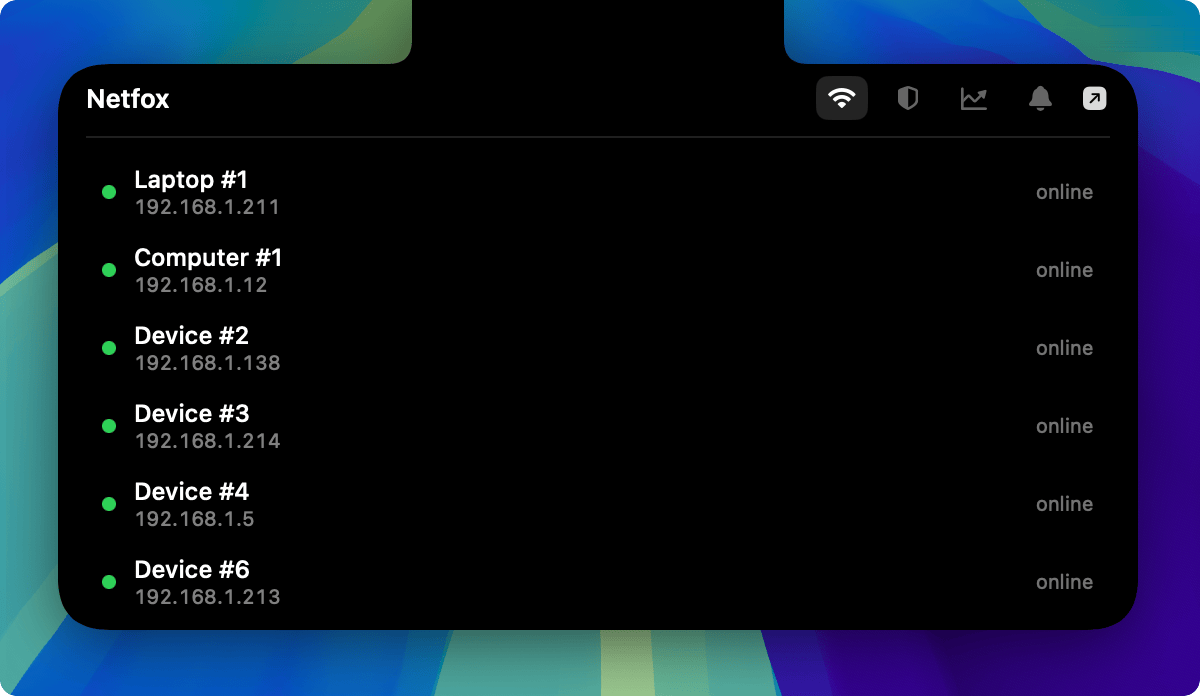
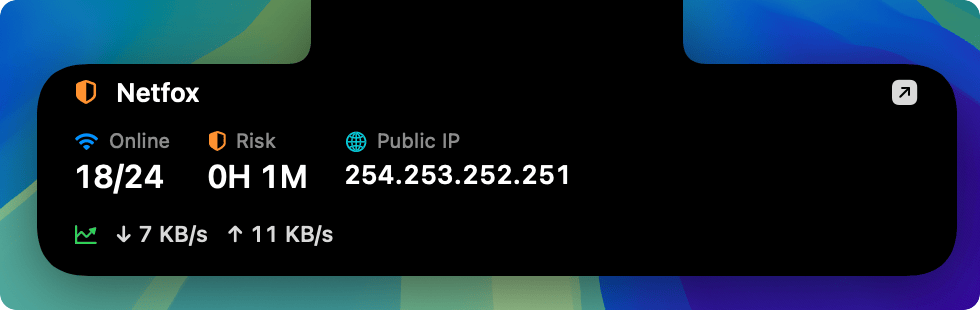
- Menu bar at a glance: devices online, risk level, public IP, VPN and alerts without opening the app
- 100% native SwiftUI, no Electron, universal binary (Apple Silicon + Intel)
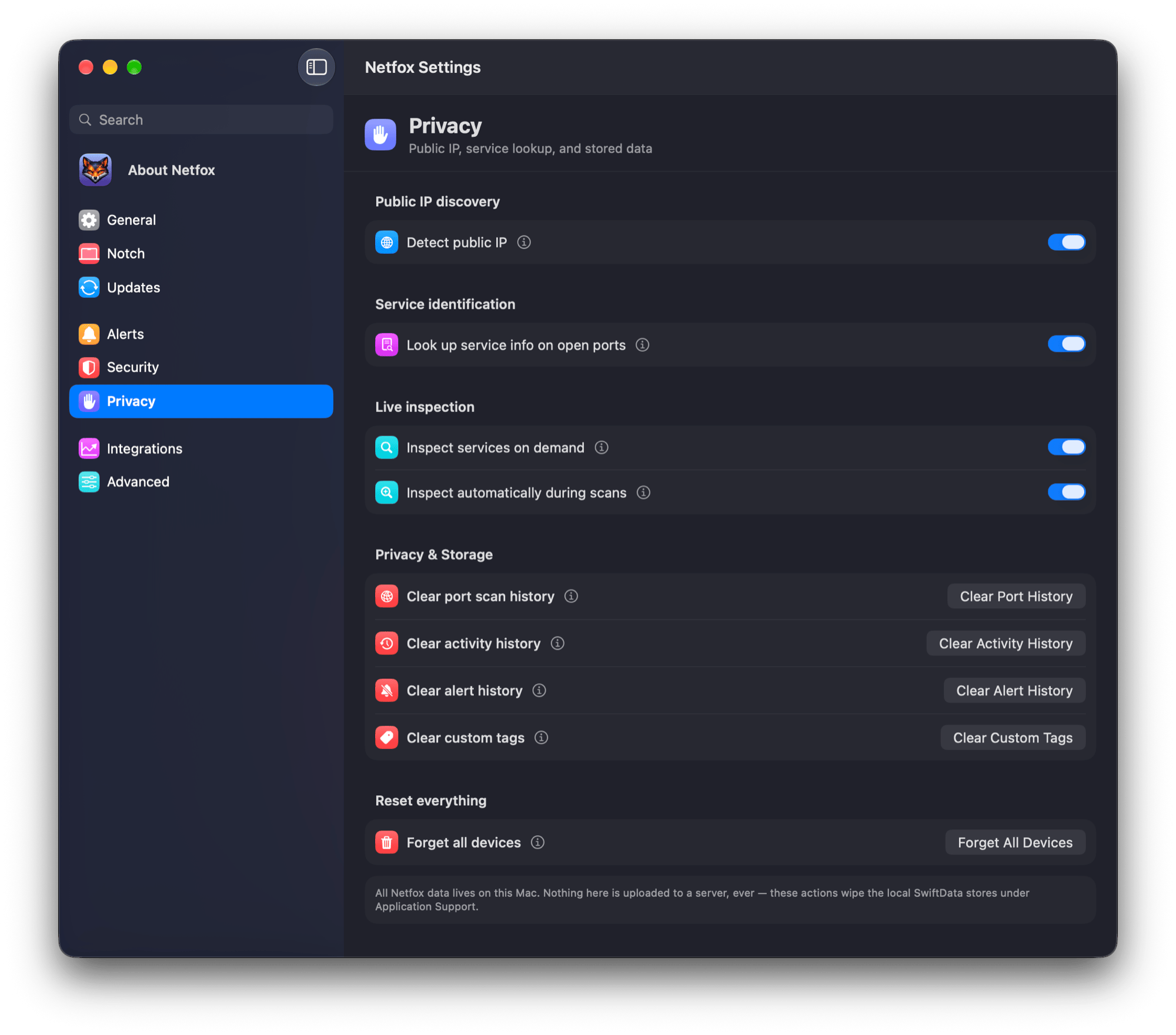
- No account, no cloud, no telemetry — plus a Demo Mode that masks names/MACs for safe screenshots
Use Cases
- See what's really connected to your home network, named in plain English
- Catch a dev server or database you left exposed to the whole LAN
- Identify unknown or silent IoT devices by vendor and service
- Get alerted when a new or risky device joins the network
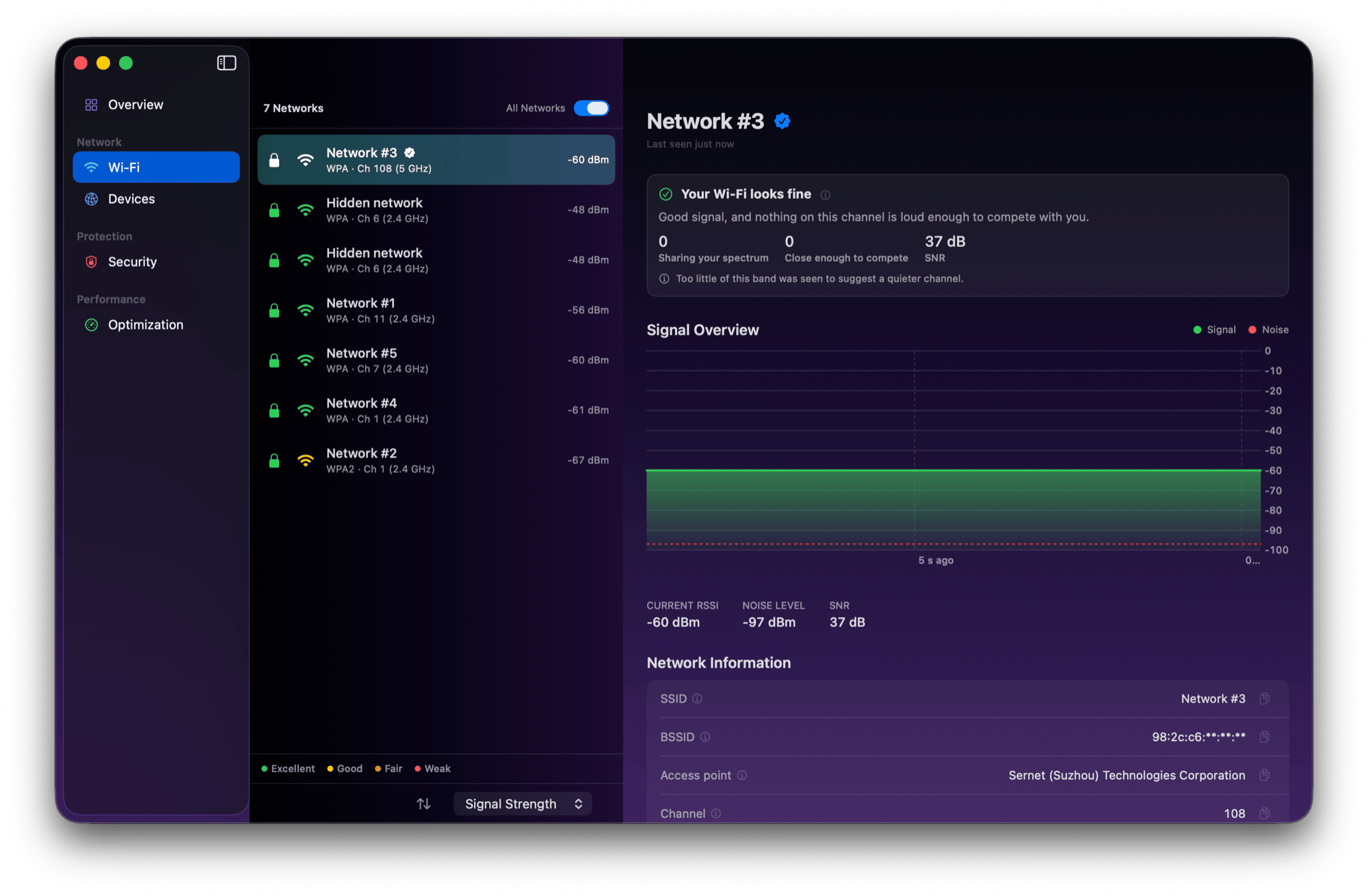
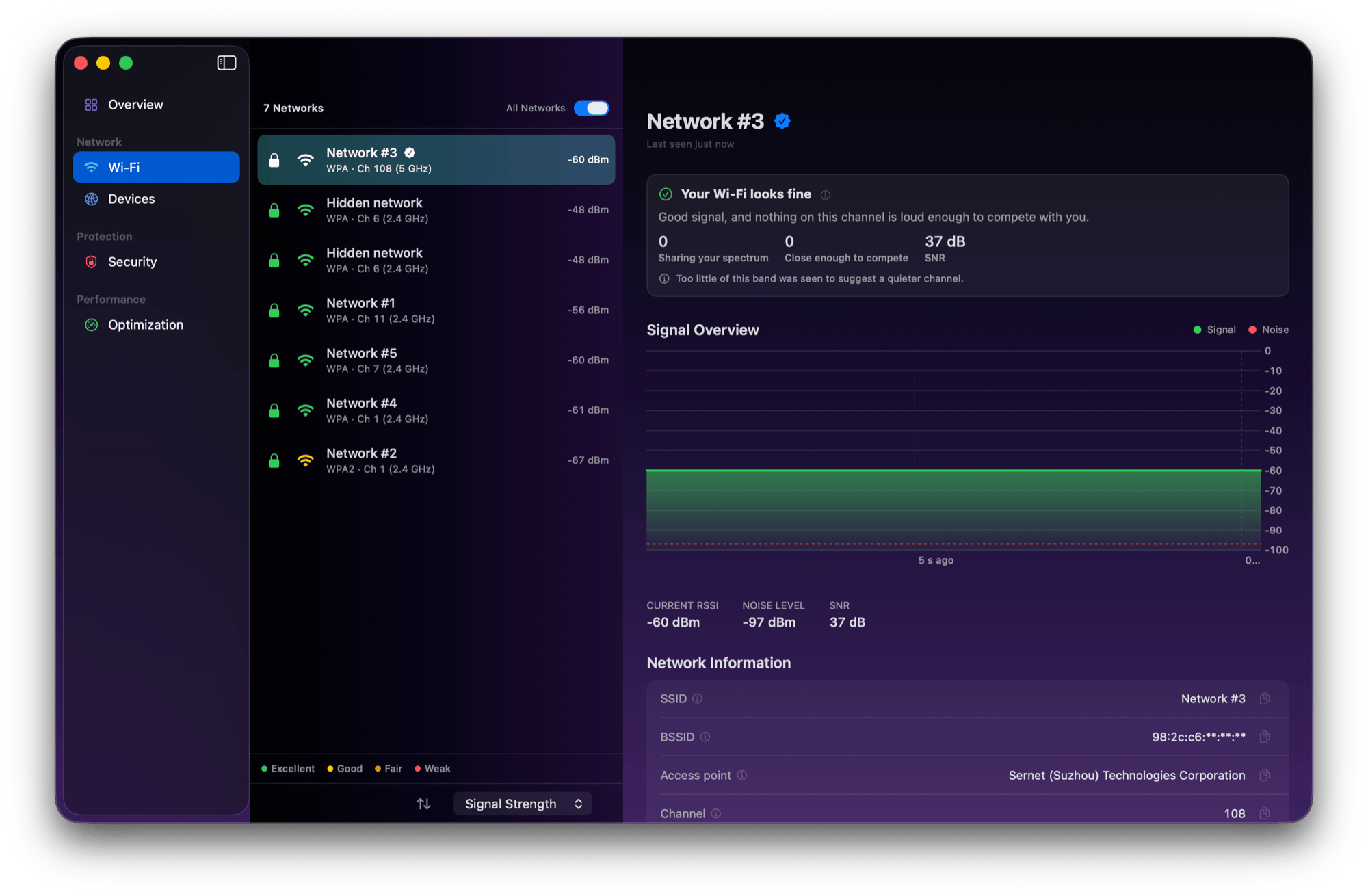
- Check your Wi-Fi security, channel and signal strength at a glance
- Keep a history of every device without shipping any data to the cloud

Comments

Turning cryptic device names like ESP-8A2F into plain-English descriptions is a really nice touch, and merging Bonjour, ARP, SSDP and NetBIOS into one row per device sounds like it removes a lot of duplicate noise. Does the per-device history also flag when a known device suddenly changes its vendor or open ports, so you'd notice a spoofed device? A short 'what to do about this' hint next to each risky finding would make it even friendlier for non-technical users.

The "dev server or Postgres you left open on the LAN" use case is the one that would actually get me to install this, more than the device list. Does Scan All also check the Mac's own firewall state, or only open ports it can reach from outside? And the Demo Mode for screenshots is a really thoughtful detail for people posting network questions in forums.


Plain-English device names plus a per-device history, all on the Mac with no account, is a nice combination. Is the main audience home users who want to know what's on their Wi-Fi, or developers checking for an exposed dev server? Search note: I googled "mac app to see devices on my home network" (Google, US settings). Page 1 is LanScan, Fing and Network Analyzer on the App Store, Fing Desktop, NetSpot, PingKit, NirSoft and a Reddit thread asking for network monitoring app recommendations. Netfox isn't there yet; that Reddit thread is an easy first place to be mentioned. I run AI Knows Us, so this kind of search check is what I do.
Having every device merged into one row from Bonjour, ARP, SSDP and NetBIOS sounds really handy for a messy home network. When Netfox flags a risky open port like a forgotten dev database, does it suggest how to close it, or only explain the risk? I would love to use this to check what my smart TV and IoT gadgets are exposing.


Keeping the device history on the Mac, with no account and no telemetry, is the right privacy bar for a LAN scanner. I would still want a CSV export of that history so I can diff it after a router swap, instead of the app being the only copy of what was on the network last month. Does active probing stay off until I turn it on, so a first scan does not wake every IoT device?

The Demo Mode that masks names and MACs is a thoughtful touch; it's what lets people share screenshots of a tool like this safely. Catching a dev database left open on the LAN is a real problem on shared flats and co-working Wi-Fi. Does Scan All do anything intrusive, like login attempts, or only open-port checks and banners?

Merging Bonjour, ARP, SSDP and NetBIOS into one row per device is the part router apps never get right. How do you handle phones that use private Wi-Fi addresses? iOS and Android rotate the MAC per network, and sometimes over time, so I'd expect the "new device" alert to fire for a phone that's already known. Do you match on the Bonjour name or other signals to keep its history in one row?


The per-device history plus the 'risky arrival' alert is the part I'd use most. Router apps list MACs but never tell you a dev Postgres got left open on the LAN. Does Scan All probe only a curated home-port list, or can you add custom ports for homelab setups? Also curious if device history survives a MAC randomization change on phones.


Turning cryptic names like ESP-8A2F into plain-English descriptions, combined with local-only/no-cloud/no-account, is a really compelling combination. Per-device history and the “risky arrival” alert are especially useful for catching a dev Postgres you forgot to close. Two questions: ① Does Scan All only check a curated home-port list, or can users add custom ports for homelab setups? ② When phones use private Wi-Fi addresses/MAC randomization, does the history merge them via Bonjour names or other signals, or do they show up as new devices? A short “how to fix this” hint next to each risky finding would make it even friendlier for non-technical users.
Turning ESP-8A2F into 'Espressif gadget running a web server on port 80' is exactly what a non-technical household needs; that is the screen I'd show my partner. One question: if I name a device once (say, the kids' tablet), does that label survive IP changes? Phones and tablets with private Wi-Fi addresses rotate their MAC, so I'm curious how the per-device history keeps track of them.
Premium Products






















































Sponsors
Buy


Comments
Turning cryptic device names like ESP-8A2F into plain-English descriptions is a really nice touch, and merging Bonjour, ARP, SSDP and NetBIOS into one row per device sounds like it removes a lot of duplicate noise. Does the per-device history also flag when a known device suddenly changes its vendor or open ports, so you'd notice a spoofed device? A short 'what to do about this' hint next to each risky finding would make it even friendlier for non-technical users.
The "dev server or Postgres you left open on the LAN" use case is the one that would actually get me to install this, more than the device list. Does Scan All also check the Mac's own firewall state, or only open ports it can reach from outside? And the Demo Mode for screenshots is a really thoughtful detail for people posting network questions in forums.
Plain-English device names plus a per-device history, all on the Mac with no account, is a nice combination. Is the main audience home users who want to know what's on their Wi-Fi, or developers checking for an exposed dev server? Search note: I googled "mac app to see devices on my home network" (Google, US settings). Page 1 is LanScan, Fing and Network Analyzer on the App Store, Fing Desktop, NetSpot, PingKit, NirSoft and a Reddit thread asking for network monitoring app recommendations. Netfox isn't there yet; that Reddit thread is an easy first place to be mentioned. I run AI Knows Us, so this kind of search check is what I do.
Having every device merged into one row from Bonjour, ARP, SSDP and NetBIOS sounds really handy for a messy home network. When Netfox flags a risky open port like a forgotten dev database, does it suggest how to close it, or only explain the risk? I would love to use this to check what my smart TV and IoT gadgets are exposing.
Keeping the device history on the Mac, with no account and no telemetry, is the right privacy bar for a LAN scanner. I would still want a CSV export of that history so I can diff it after a router swap, instead of the app being the only copy of what was on the network last month. Does active probing stay off until I turn it on, so a first scan does not wake every IoT device?
The Demo Mode that masks names and MACs is a thoughtful touch; it's what lets people share screenshots of a tool like this safely. Catching a dev database left open on the LAN is a real problem on shared flats and co-working Wi-Fi. Does Scan All do anything intrusive, like login attempts, or only open-port checks and banners?
Merging Bonjour, ARP, SSDP and NetBIOS into one row per device is the part router apps never get right. How do you handle phones that use private Wi-Fi addresses? iOS and Android rotate the MAC per network, and sometimes over time, so I'd expect the "new device" alert to fire for a phone that's already known. Do you match on the Bonjour name or other signals to keep its history in one row?
The per-device history plus the 'risky arrival' alert is the part I'd use most. Router apps list MACs but never tell you a dev Postgres got left open on the LAN. Does Scan All probe only a curated home-port list, or can you add custom ports for homelab setups? Also curious if device history survives a MAC randomization change on phones.
Turning cryptic names like ESP-8A2F into plain-English descriptions, combined with local-only/no-cloud/no-account, is a really compelling combination. Per-device history and the “risky arrival” alert are especially useful for catching a dev Postgres you forgot to close. Two questions: ① Does Scan All only check a curated home-port list, or can users add custom ports for homelab setups? ② When phones use private Wi-Fi addresses/MAC randomization, does the history merge them via Bonjour names or other signals, or do they show up as new devices? A short “how to fix this” hint next to each risky finding would make it even friendlier for non-technical users.
Turning ESP-8A2F into 'Espressif gadget running a web server on port 80' is exactly what a non-technical household needs; that is the screen I'd show my partner. One question: if I name a device once (say, the kids' tablet), does that label survive IP changes? Phones and tablets with private Wi-Fi addresses rotate their MAC, so I'm curious how the per-device history keeps track of them.
Premium Products
New to Fazier?

Find your next favorite product or submit your own. Made by @FalakDigital.
Copyright ©2026. All Rights Reserved