
NeatInvoice
Send invoices. Follow up until you're paid.
NeatInvoice is an invoicing workspace built for freelancers, solo consultants, and small teams who invoice regularly and want a calm place to draft, send, track, and follow up without enterprise bloat.
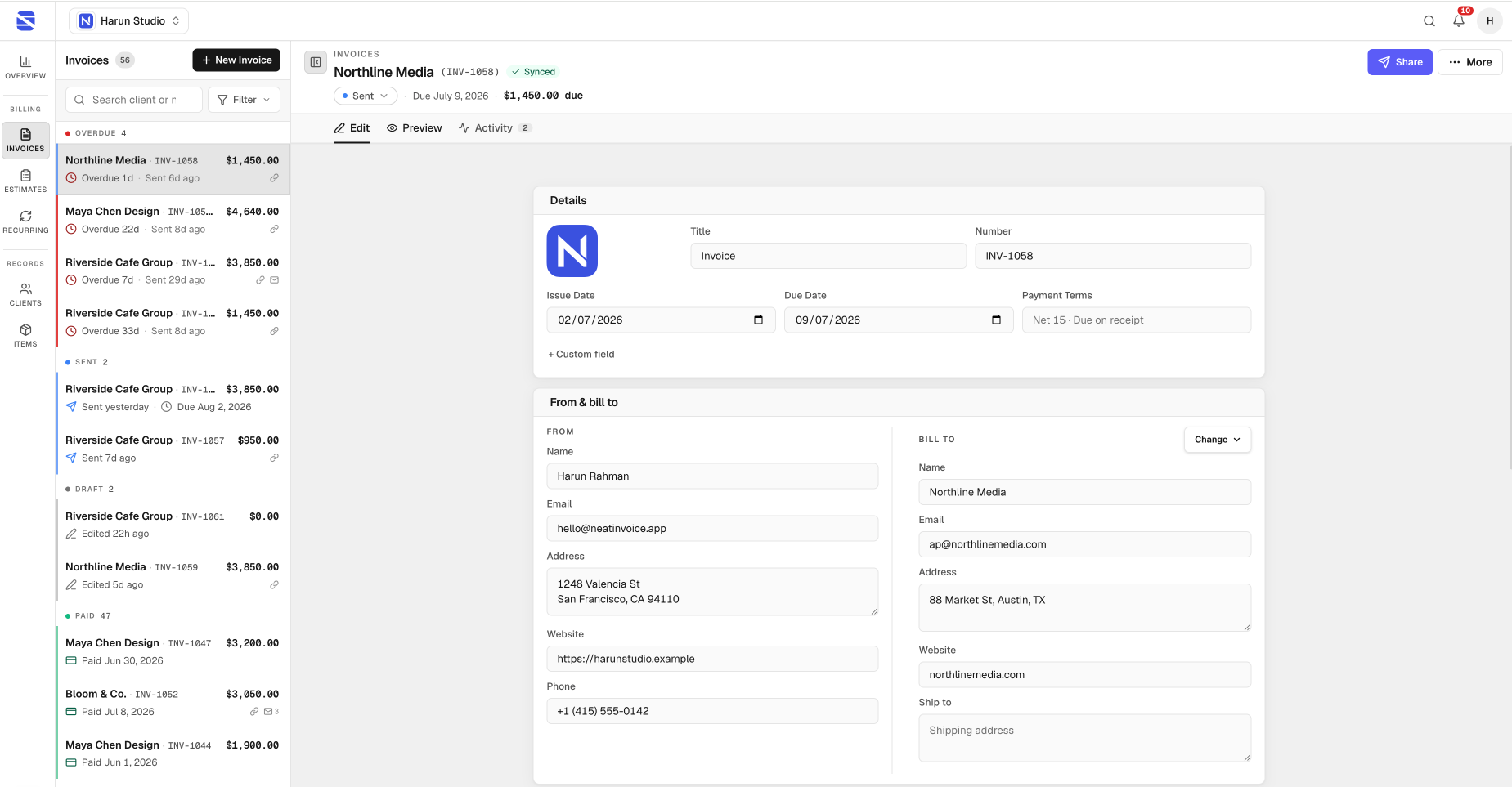
Create and send
Build professional invoices and estimates with clients, line items, tax/discount, payment details, and multi-language labels. Share a live client link (clients open it in the browser, no account) or download a PDF. A free invoice generator at /invoice-generator works with no sign-up for one-off PDFs.
Track and follow up
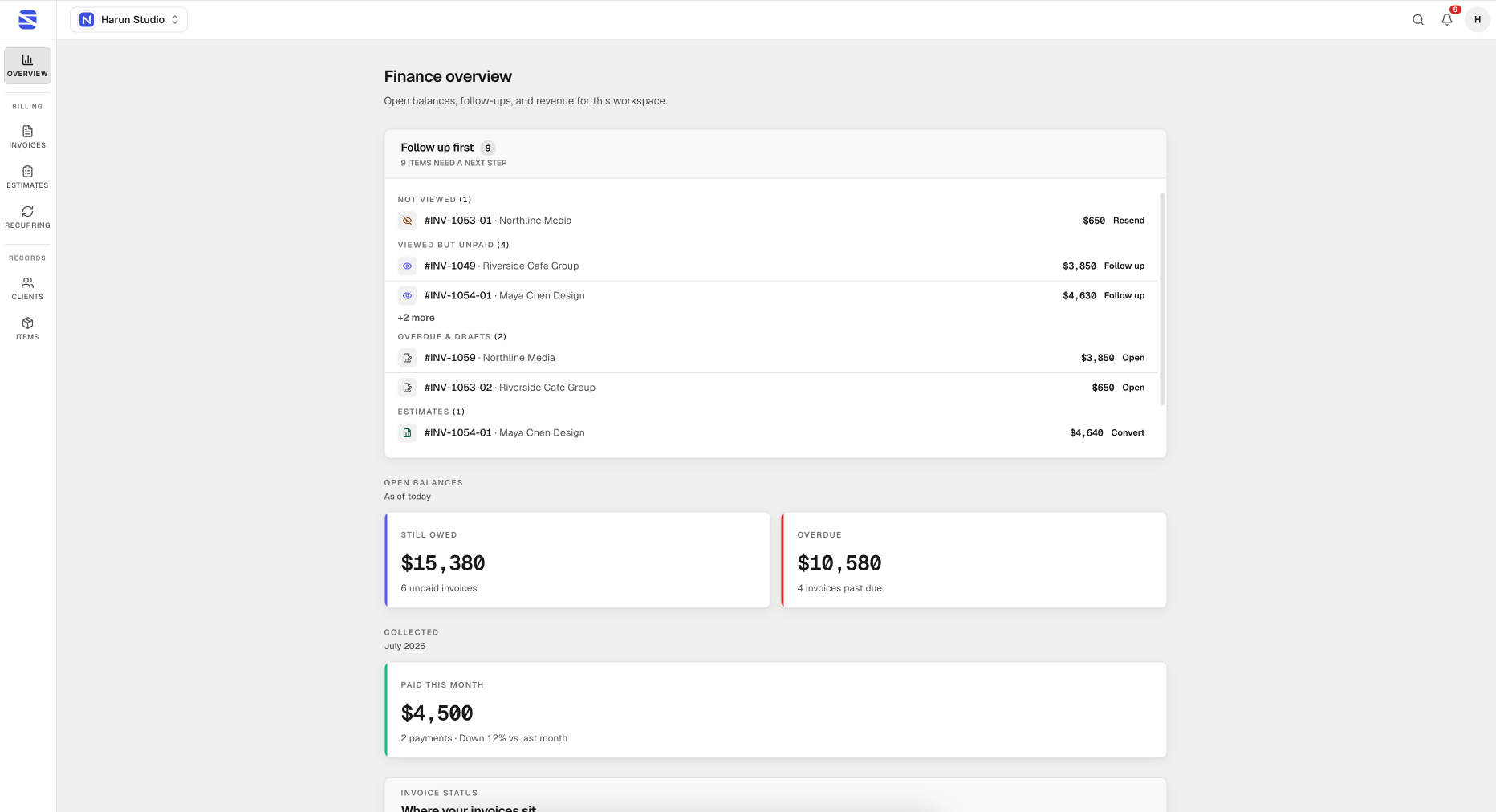
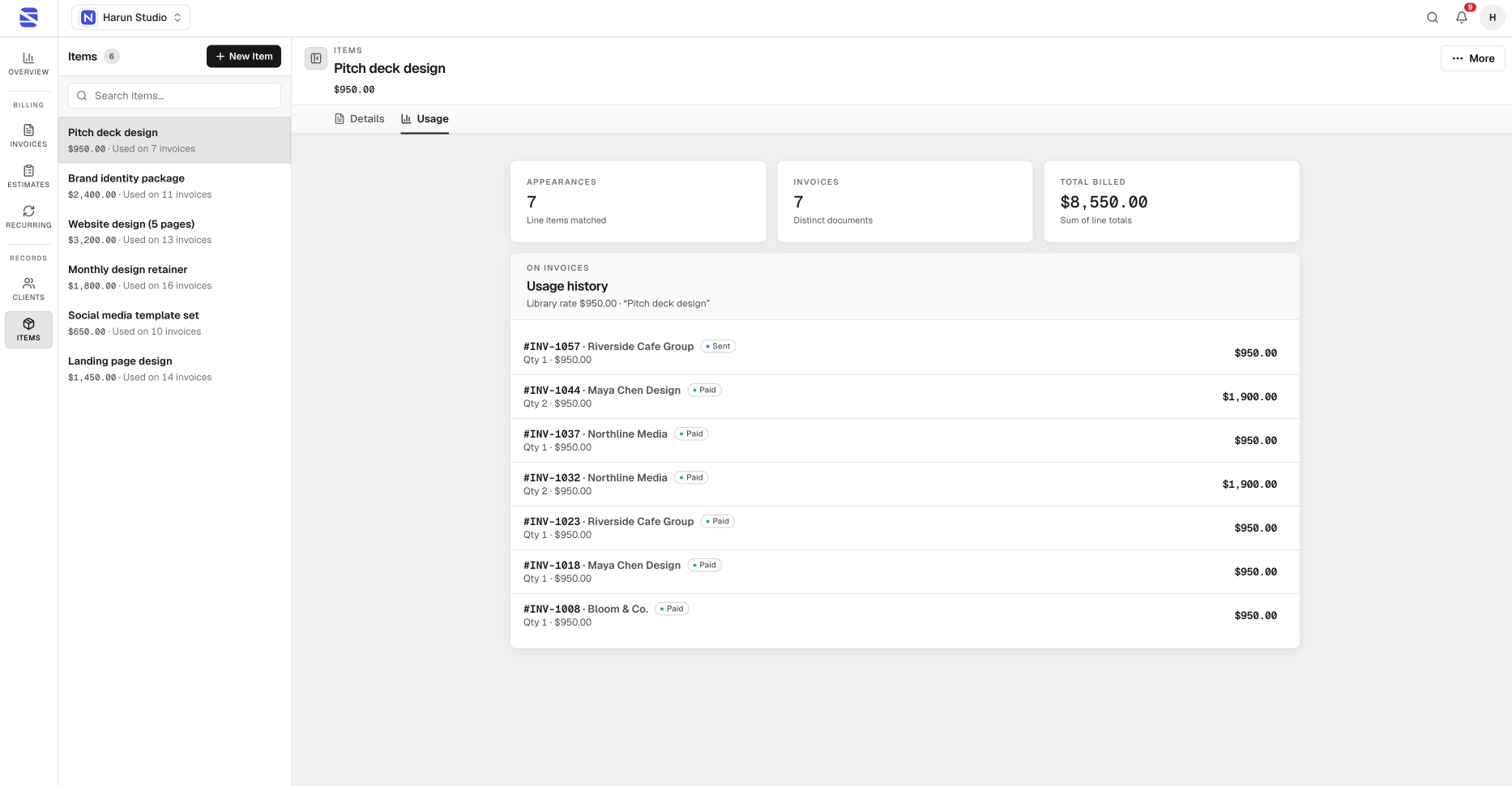
See when clients open your invoice, what’s still owed, and what’s overdue. The finance overview shows open balances, needs-attention items, and revenue trends. Paid plans add email delivery, payment reminders, and recurring schedules. Per-invoice activity lives in the editor; the library is your full filterable ledger.
Work the way you already do
Local-first drafts stay on your device; signed-in accounts sync across devices. Switch between business workspaces (brands), reuse saved clients and items, and search the workspace with ⌘K. NeatInvoice does not process payments — you add your own bank details or links (Stripe, PayPal, Wise, etc.).
Plans
Cloud workspace is trial-first: 7-day free trial on Solo or Studio (no card). Solo is one brand with unlimited invoices/clients/items (fair use), live links, overview, email, reminders, and recurring. Studio adds up to 5 workspaces and higher email volume. Start at neatinvoice.app (https://neatinvoice.app).
Features
• Local-first invoice editor (works offline; syncs when signed in)
• Professional invoices with line items, tax, discount, shipping, notes, and signature
• Estimates / quotes in the same workspace
• PDF download
• Invoice status: draft, sent, paid, overdue, cancelled
• Payment terms, due date, and payment date
• Bank details and payment links (you own the payment rails)
• Multi-language invoice labels
• Live client links with view tracking
• Public invoice viewer (no client account)
• Link protection: password, expiry, view limit
• Email invoices from Share (live link in the email)
• Payment reminders (3 / 7 / 14 days after due)
• Email delivery status in Share
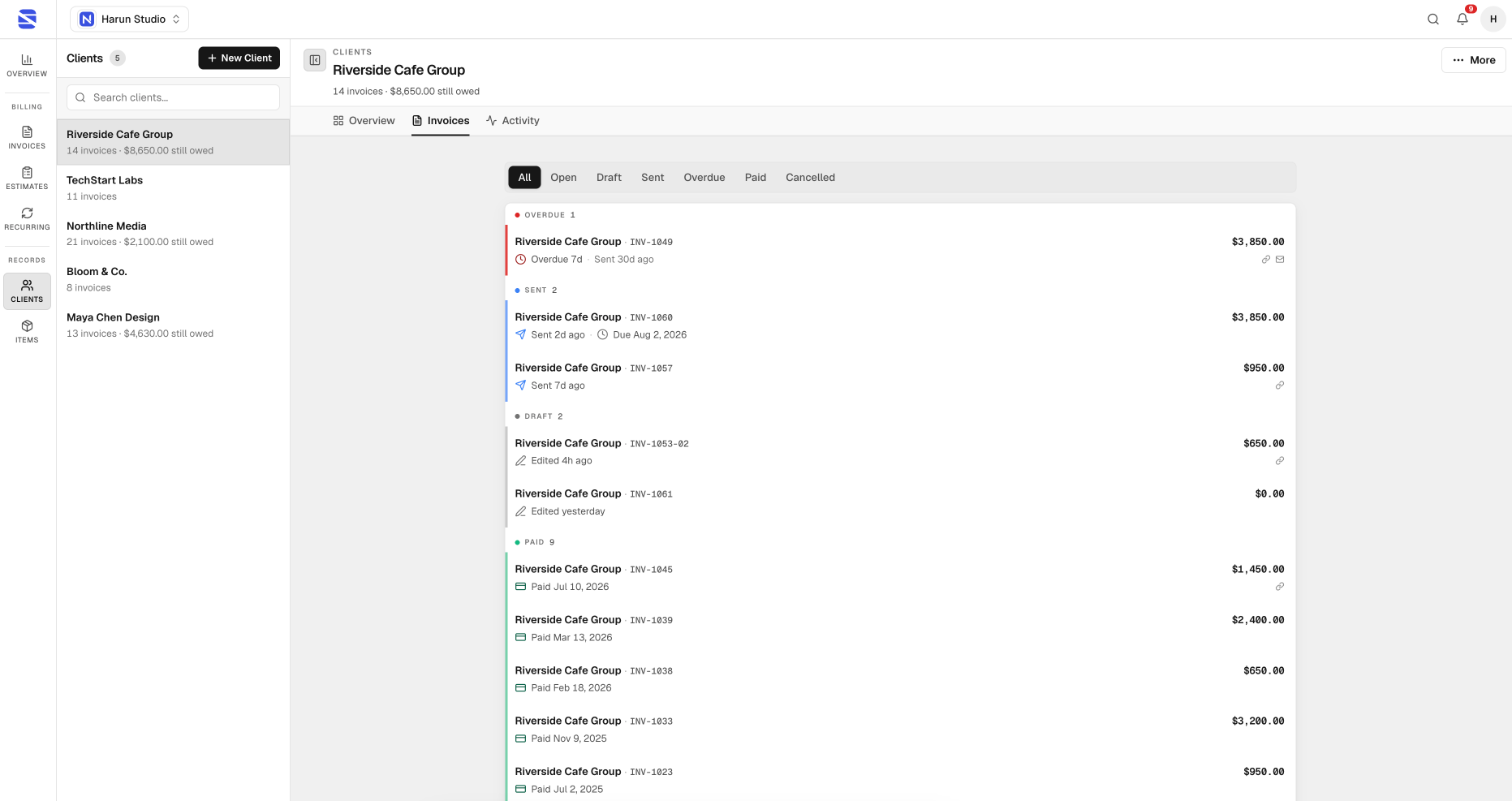
• Saved clients and reusable line items
• Multiple business workspaces (brands)
• Recurring invoice schedules with optional auto-send
• Finance overview: still owed, overdue, paid this month
• Needs-attention follow-up queue
• Revenue trend chart and table
• Filterable invoices library (status, client, due timing, search)
• Per-document activity timeline
• Global workspace search (⌘K / Ctrl+K)
• In-app notifications
• Duplicate invoices
• Free guest PDF generator (no sign-up)
• 7-day free trial (Solo or Studio, no card)
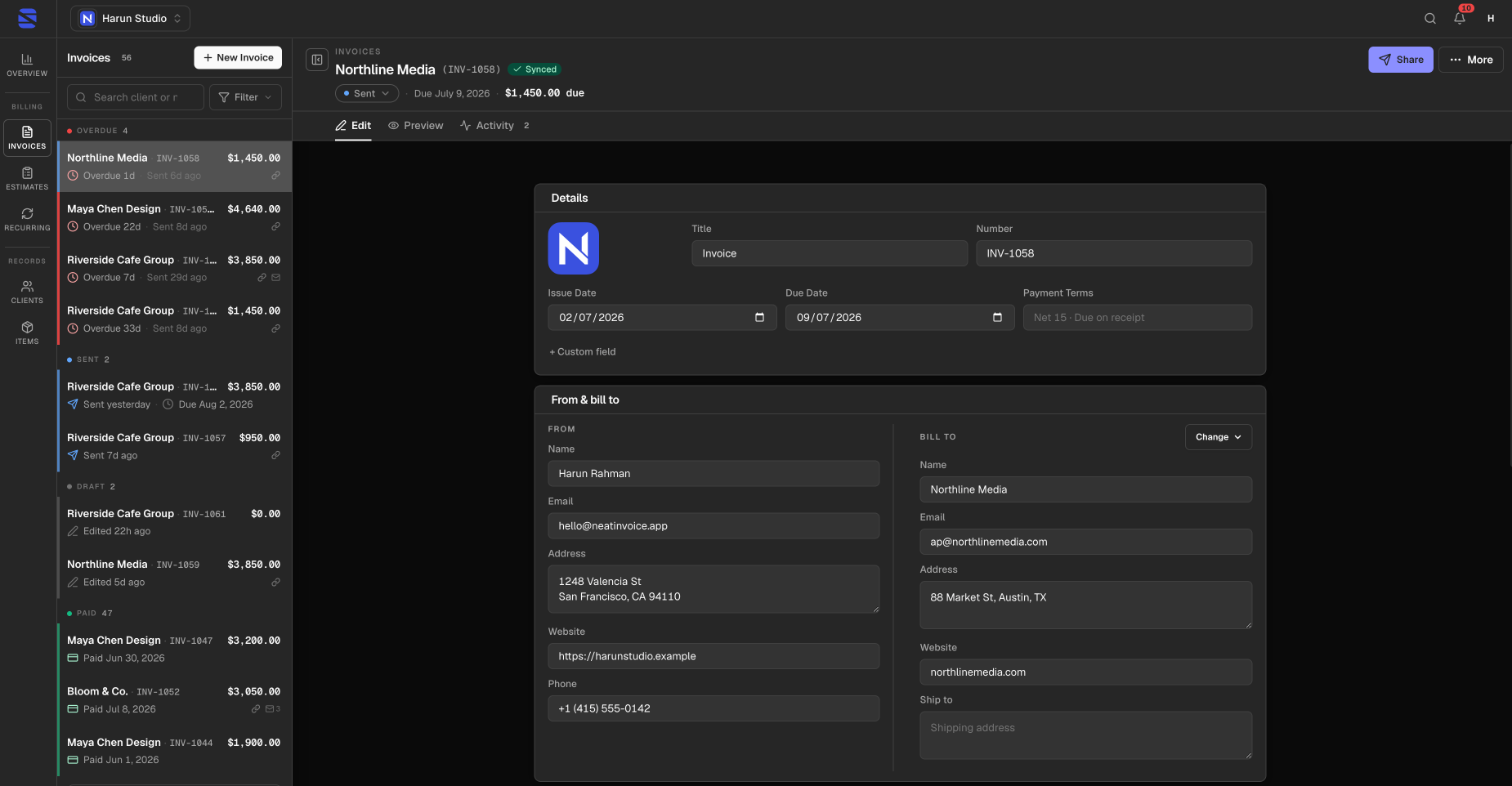
• Dark and light theme
• Desktop rail + library panel; mobile-friendly shell
Use Cases
1. Freelancer — monthly client billing
Draft invoice → publish live link → email or paste in chat → track open → mark paid when money lands → overview shows still owed vs paid this month.
2. Consultant — project invoice + follow-up
Send invoice after delivery; if not paid, set reminder and use Needs attention / overdue filters so nothing sits forgotten.
3. Small studio / multi-brand
Run separate business workspaces (Studio): different logo, currency, language, and invoice prefix per brand; switch without mixing libraries.
4. Retainer / subscription-style work
Set a recurring schedule (e.g. monthly) with blueprint client + line items; optional auto-send; review generated occurrence invoices separately from the blueprint.
5. Proposal before work
Create an estimate, share with the client; when accepted, create / send the related invoice from the same workspace.
6. “Did they even open it?”
Publish live link, share it, check view tracking and document Activity instead of guessing whether the client saw the invoice.
7. One-off PDF only (no account)
Use free invoice generator for a single PDF; upgrade / trial later if they need sync, live links, and overview.
8. Cash-flow desk every morning
Open Overview: still owed, overdue, paid this month → click KPI → filtered Invoices list → Follow up with Share open.
9. Reuse without retyping
Save clients and items; pick them when creating the next invoice so rates and contact details stay consistent.
10. Side projects + main brand
Solo keeps one brand clean; Studio (or multiple profiles within plan limits) separates legal entity / DBA without a second tool.

Comments



I built NeatInvoice because freelancing invoicing kept breaking into two tools: a PDF generator for “looks professional,” and a spreadsheet for “did they pay?” What I wanted for myself: • Draft invoices that feel like a real document (not a form buried in settings) • Share a live link clients can open without an account • See when they viewed it, what’s still owed, and what needs follow-up • Keep work local-first so drafts don’t vanish if the network does So NeatInvoice is a calm invoicing workspace for freelancers and small teams: editor + library, live client links with view tracking, finance overview (still owed / overdue / paid this month), email, reminders, and recurring schedules on paid plans. There’s also a free PDF generator if you just need one invoice today. I launched with a 7-day free trial on Solo or Studio — no card required. I’d love feedback from anyone who invoices for a living: what’s the one step you still hate after you hit “send”?

NeatInvoice has great potential! A few improvements could make it even better. I'd love to share my feedback and suggestions. Email: [email protected]


Premium Products










































Sponsors
Buy

Makers
Makers
Comments
I built NeatInvoice because freelancing invoicing kept breaking into two tools: a PDF generator for “looks professional,” and a spreadsheet for “did they pay?” What I wanted for myself: • Draft invoices that feel like a real document (not a form buried in settings) • Share a live link clients can open without an account • See when they viewed it, what’s still owed, and what needs follow-up • Keep work local-first so drafts don’t vanish if the network does So NeatInvoice is a calm invoicing workspace for freelancers and small teams: editor + library, live client links with view tracking, finance overview (still owed / overdue / paid this month), email, reminders, and recurring schedules on paid plans. There’s also a free PDF generator if you just need one invoice today. I launched with a 7-day free trial on Solo or Studio — no card required. I’d love feedback from anyone who invoices for a living: what’s the one step you still hate after you hit “send”?
NeatInvoice has great potential! A few improvements could make it even better. I'd love to share my feedback and suggestions. Email: [email protected]
Premium Products
New to Fazier?

Find your next favorite product or submit your own. Made by @FalakDigital.
Copyright ©2026. All Rights Reserved