NativeConvert
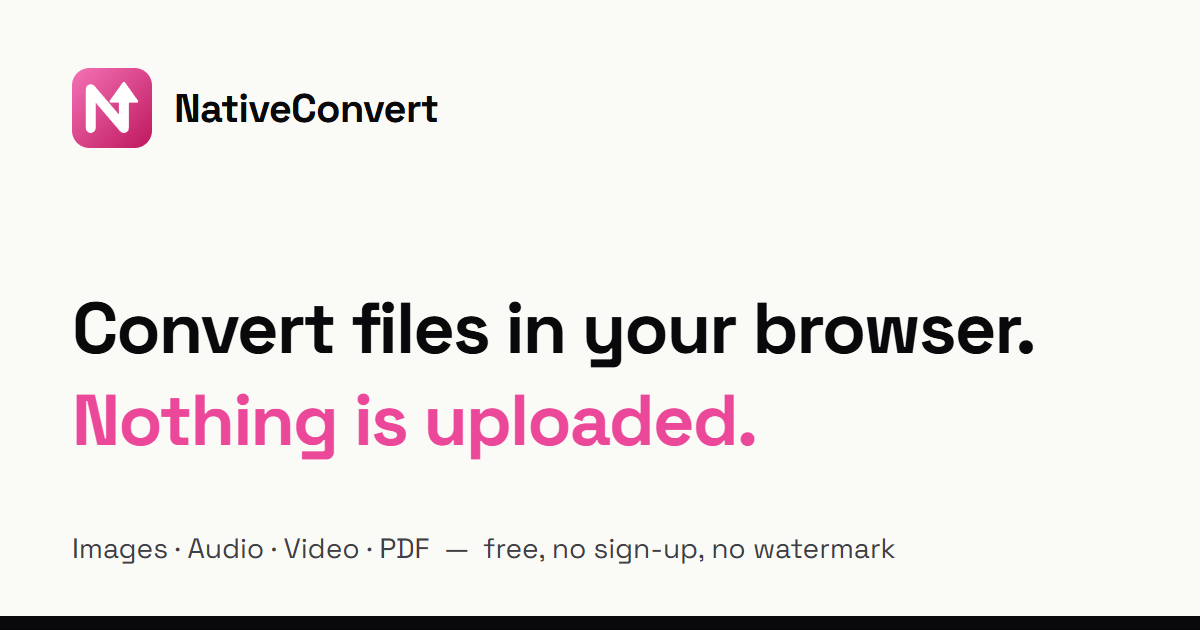
Free file converter that never uploads your files
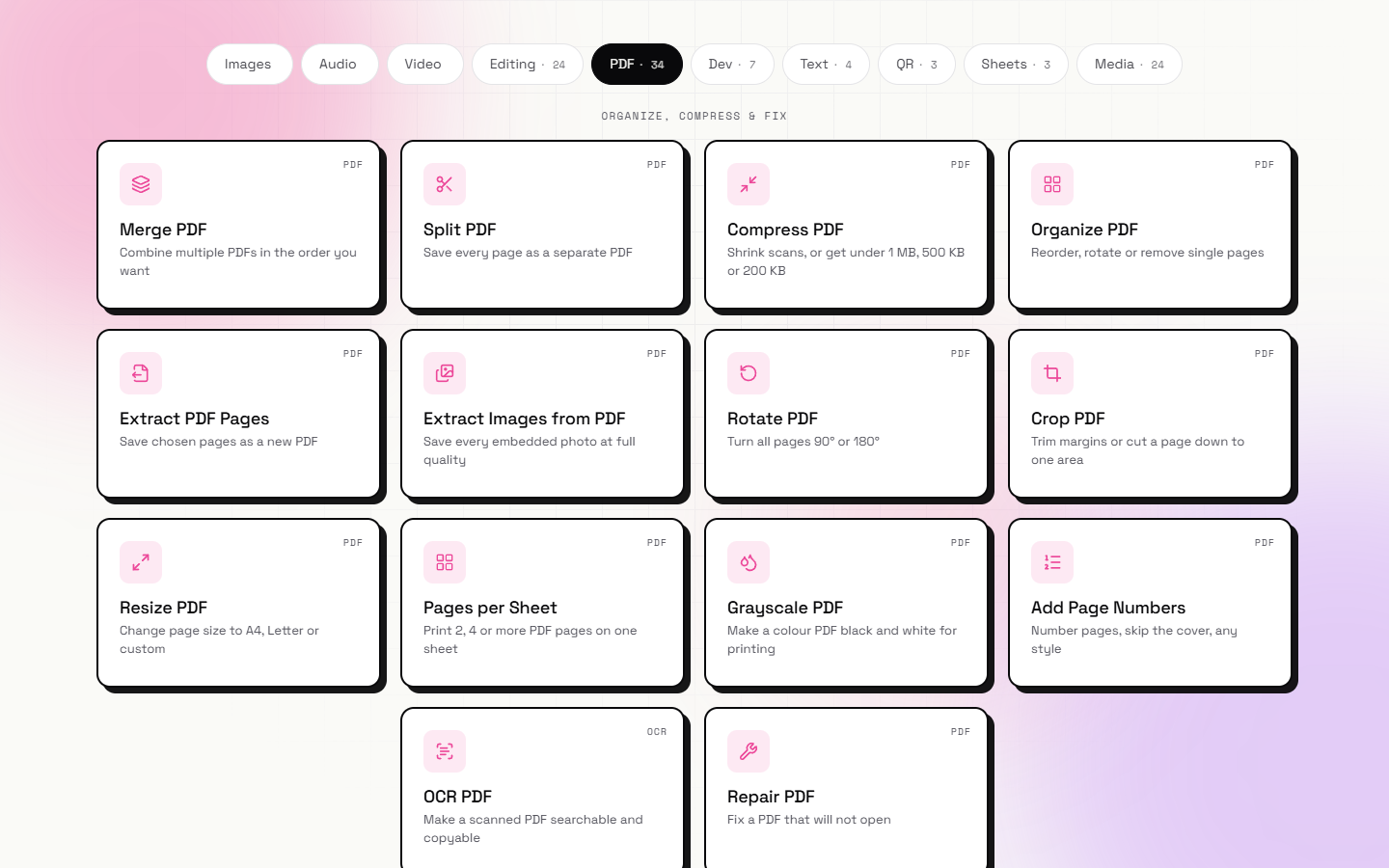
Features
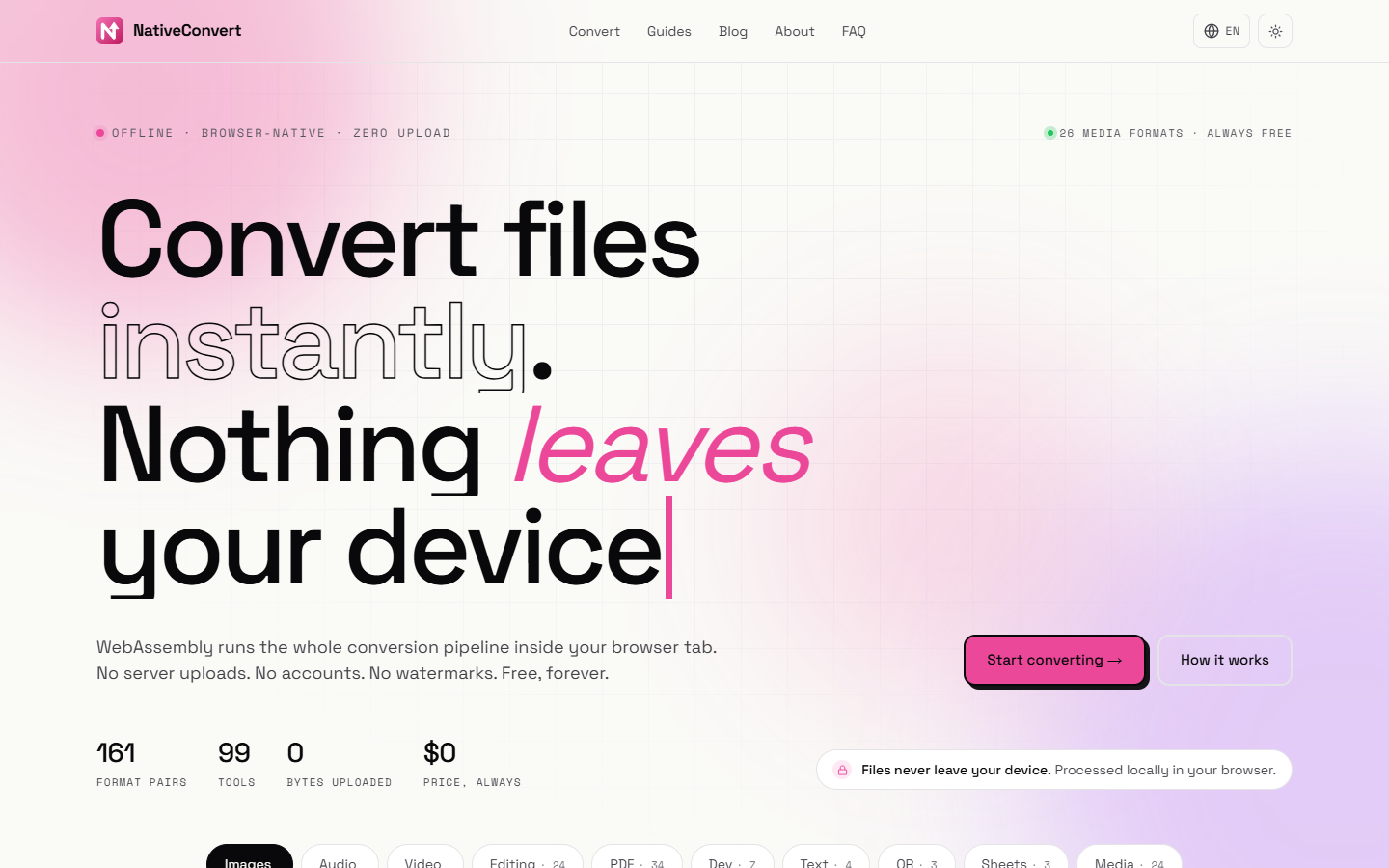
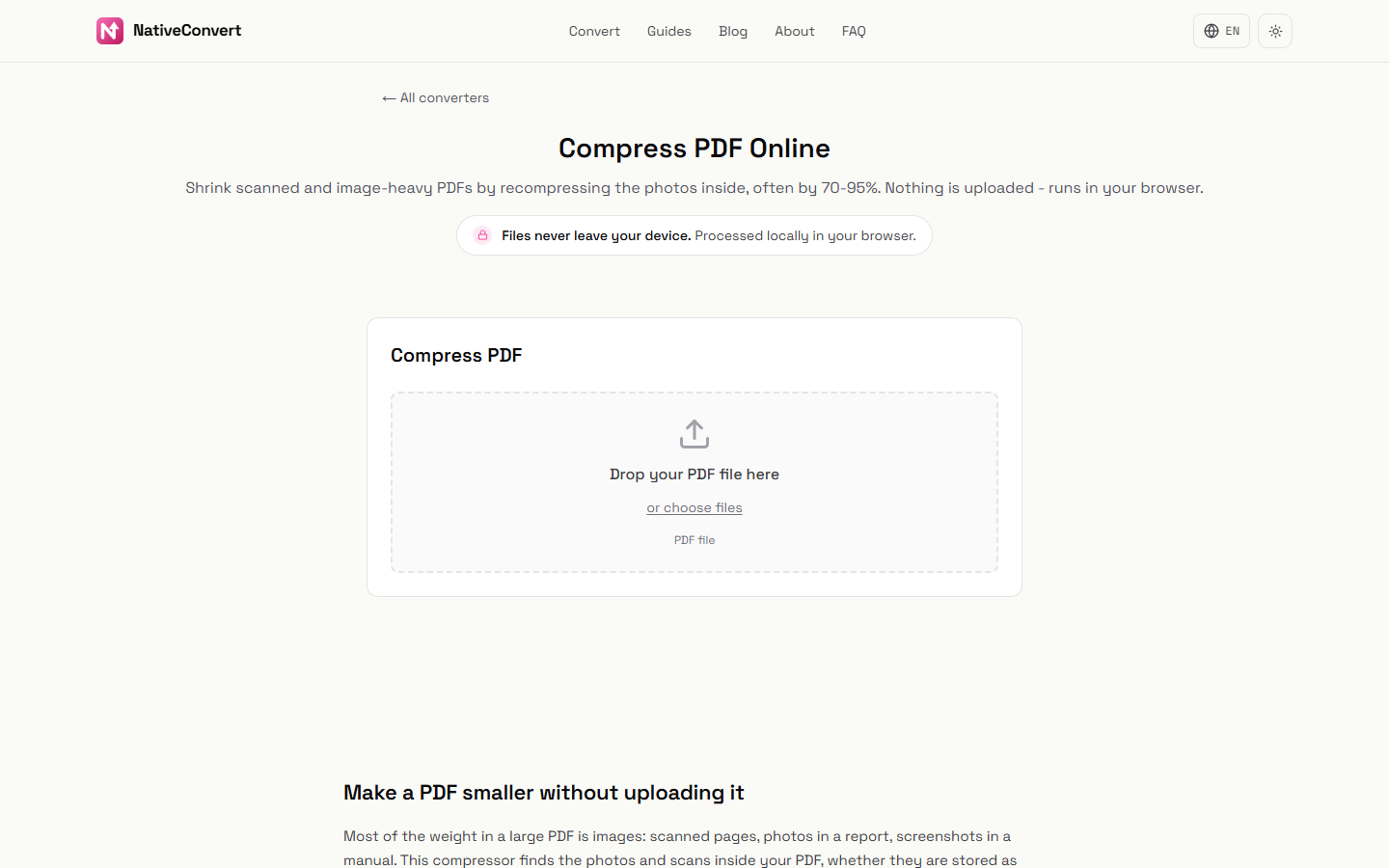
160+ format pairs: HEIC, WebP, AVIF, MP4, MOV, MKV, MP3, WAV, FLAC and more. PDF tools: compress, merge, split, sign, OCR, redact. Image tools: background remover, AI upscaler, GIF maker. Audio and video: trim, compress, speech to text.
Use Cases
Convert iPhone HEIC photos to JPG. Shrink a PDF for an upload form. Turn a video into MP3. Remove a background or EXIF data without sending the file anywhere.

Comments

Hi Fazier! I built NativeConvert because every online converter I tried uploaded my files to its servers first. NativeConvert does the work inside your browser tab with WebAssembly (FFmpeg.wasm, pdf.js, Whisper and others), so photos, PDFs and recordings never leave your device. You can check it yourself: open DevTools, Network tab, and convert a file. Honest limits: very large videos are slower than on a server, and there is no Word to PDF yet. Feedback very welcome!
Premium Products



















































Sponsors
Buy

Makers
Makers
Comments
Hi Fazier! I built NativeConvert because every online converter I tried uploaded my files to its servers first. NativeConvert does the work inside your browser tab with WebAssembly (FFmpeg.wasm, pdf.js, Whisper and others), so photos, PDFs and recordings never leave your device. You can check it yourself: open DevTools, Network tab, and convert a file. Honest limits: very large videos are slower than on a server, and there is no Word to PDF yet. Feedback very welcome!
Premium Products
New to Fazier?

Find your next favorite product or submit your own. Made by @FalakDigital.
Copyright ©2026. All Rights Reserved