
Nanofile
Shrink files ~68% without uploading them anywhere
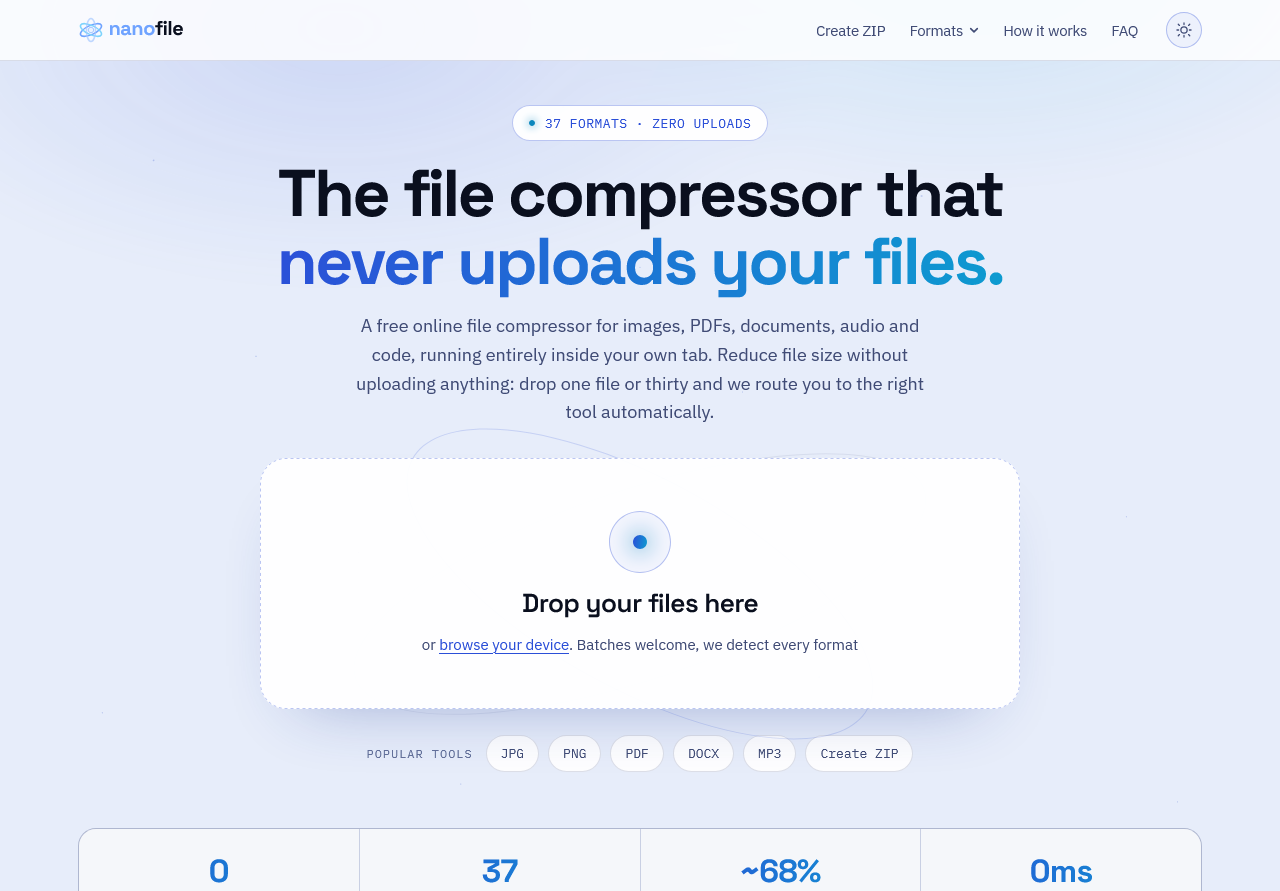
Nanofile is a free file compressor that runs entirely inside your browser tab. There is no upload endpoint, so your files never leave your device.
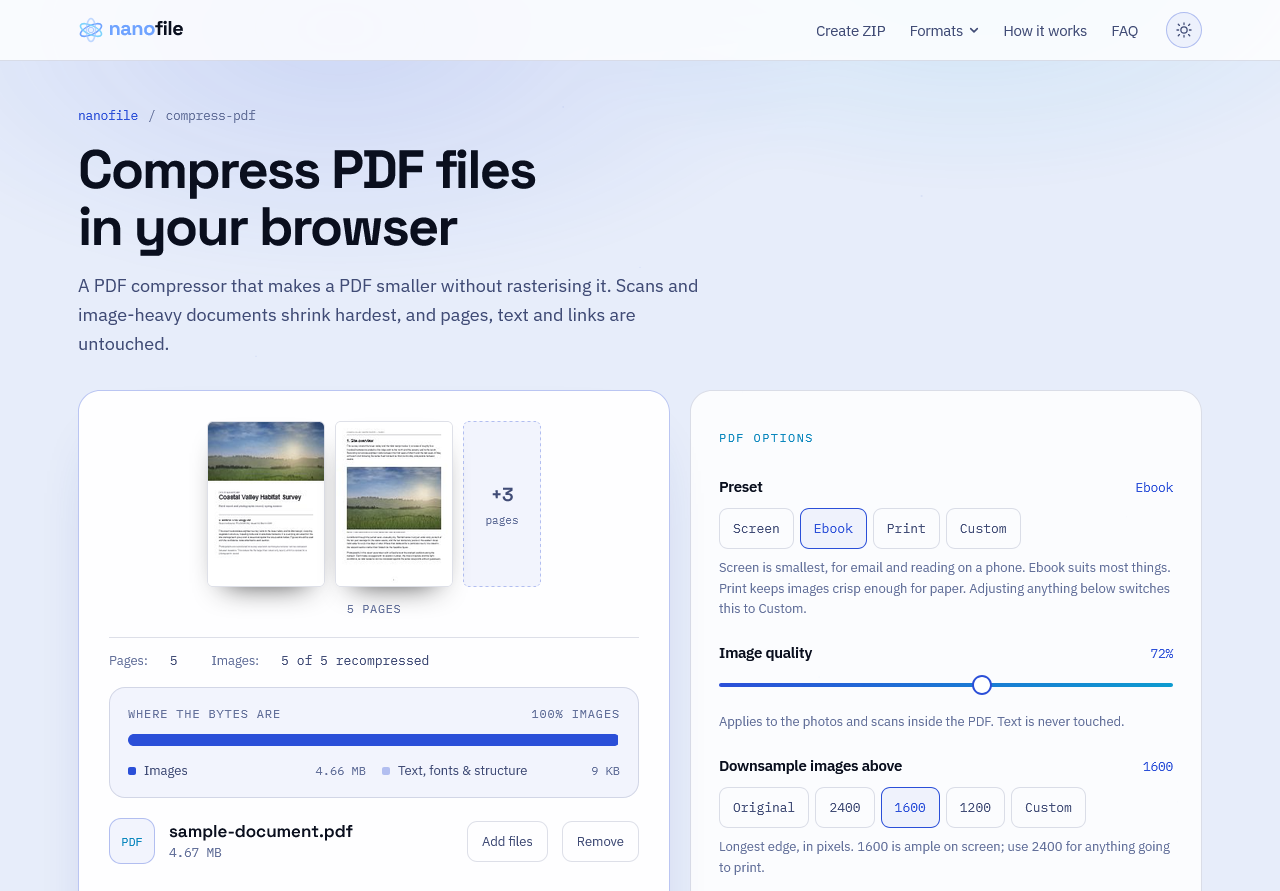
One drop zone handles 37+ formats: images (JPG, PNG, WEBP, GIF, TIFF, AVIF, HEIC), documents (PDF, DOCX, XLSX, PPTX, ODT), vectors (SVG, EPS), code (HTML, CSS, JS, XML, JSON), audio (MP3, WAV, OGG, FLAC, M4A, AAC), fonts and 3D assets (TTF, OTF, WOFF2, EPUB, GLB, STL), plus ZIP and CBZ creation. Format is detected by magic bytes, so mislabelled files still route correctly. Median reduction is around 68%.
No account, no watermarks, no daily limits, no queue. It even works with your network disconnected after the page loads.
Built by Convert Case Ltd, the team behind convertcase.net and vidshift.io.
Features
- 100% client side: no upload endpoint, so nothing to intercept
- 37 formats in one drop zone, from JPG and PDF to WOFF2, FLAC and STL
- Format auto-detection by magic bytes
- Batch processing across a whole folder
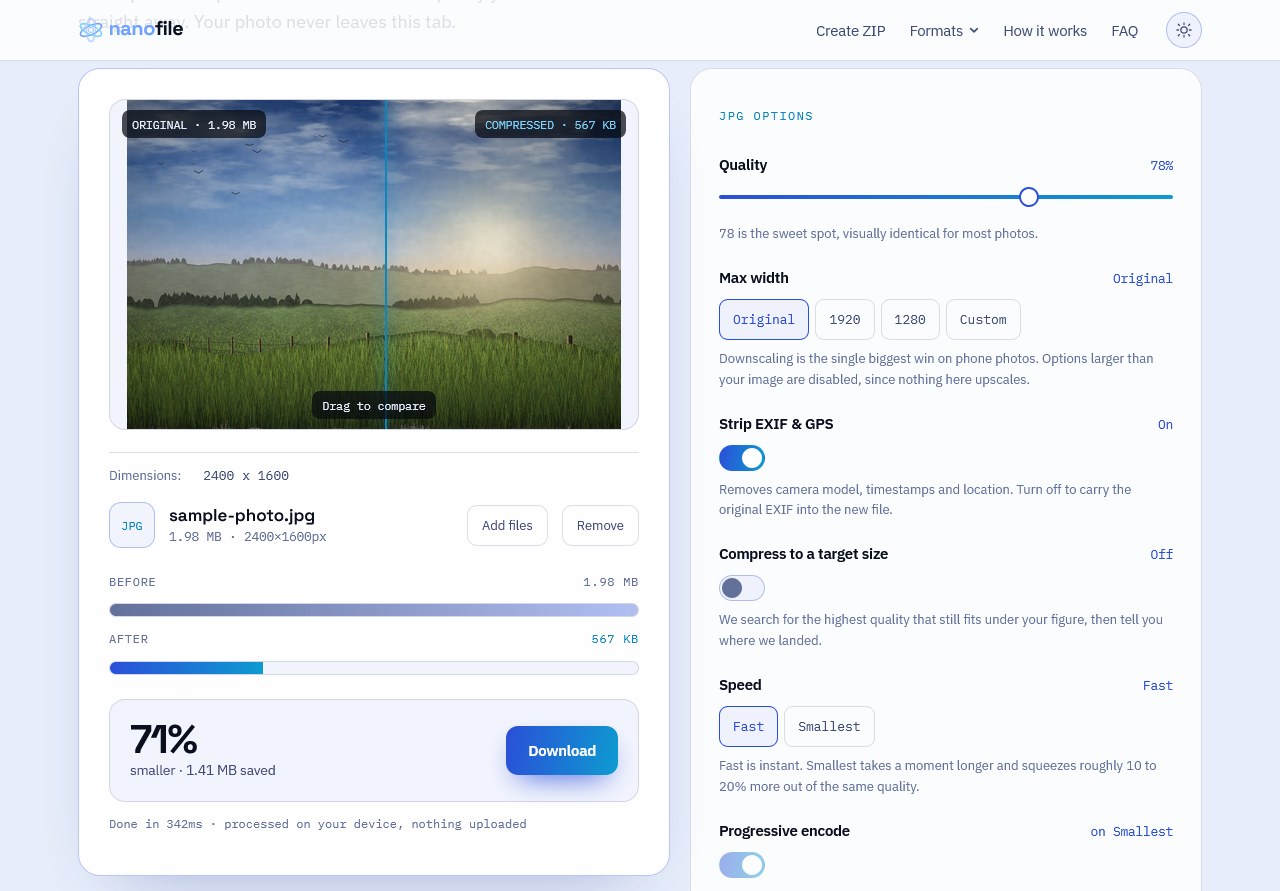
- Side by side preview before you save
- Around 68% median reduction, up to 95% on fonts
- Works offline after the page loads
- Free, no account, no watermarks, no daily limits
Use Cases
- Get a file under an email or upload size limit
- Batch optimise images for a website or store listing
- Shrink a PDF, DOCX, XLSX or PPTX for sharing
- Compress confidential documents that must not touch a third party server
- Minify HTML, CSS, JS and JSON for faster page loads
- Subset and compress web fonts
- Reduce audio for podcasts or voice notes
- Bundle files into a ZIP or CBZ
Fazier Deal

Comments




Nanofile Your product has strong potential, but I found a few key improvements that could make it even better. I'd love to share my feedback and suggestions—please contact me at [email protected].

Sowiks does automatic compression too, but server-side after upload, so "never leaves the device" is the part I'm most curious about here — in-browser codecs can get memory-hungry fast once you're batching a whole folder. Have you hit real ceilings on mobile Safari specifically, or has that mostly been a non-issue outside desktop Chrome? Detecting format by magic bytes instead of trusting the extension is a nice touch too — that catches the mislabeled-file case that trips up a lot of similar tools.

The "without uploading them anywhere" part is the real differentiator for me — most compressors quietly round-trip your files through a server. Curious what you're using under the hood for the ~68% ratio: is it format-aware (re-encoding images/PDFs differently) or one general-purpose algorithm? And is there a file-size ceiling where the browser tab starts to struggle?

Magic-byte detection instead of trusting the extension is the detail that stands out to me — that's exactly the kind of edge case that's easy to skip when you're moving fast. I do something similar with format handling on calculate.at's converters, and it's always the mislabeled or malformed inputs that eat the most debugging time, not the clean ones. With 37 formats in one drop zone, was there one pair that turned out way harder to disambiguate than expected?

The "no upload endpoint, nothing to intercept" pitch is exactly why we keep TidyCalcs' calculators client-side too — it's a real trust advantage once people notice it. With 37 formats routed through magic-byte detection and batch processing across a whole folder, how are you keeping the drop zone fast — single worker thread for the whole pipeline, or parallelizing across files?

The thing nobody warns you about with client side only is support. I ship a local-first desktop app and the flip side of never seeing user data is that when someone tells you it produced a broken file, you have nothing. No logs, no repro, just a stranger's word and a file you cannot look at. With 37 formats in play the failure modes must be wildly different between STL, HEIC and DOCX. Do people end up mailing you the input file, or do you mostly only fix the ones you can reproduce yourself?
Premium Products
























































Fazier Deal
Sponsors
Buy

Awards
View all
Awards
View allMakers

Makers
Comments
Nanofile Your product has strong potential, but I found a few key improvements that could make it even better. I'd love to share my feedback and suggestions—please contact me at [email protected].
Sowiks does automatic compression too, but server-side after upload, so "never leaves the device" is the part I'm most curious about here — in-browser codecs can get memory-hungry fast once you're batching a whole folder. Have you hit real ceilings on mobile Safari specifically, or has that mostly been a non-issue outside desktop Chrome? Detecting format by magic bytes instead of trusting the extension is a nice touch too — that catches the mislabeled-file case that trips up a lot of similar tools.
The "without uploading them anywhere" part is the real differentiator for me — most compressors quietly round-trip your files through a server. Curious what you're using under the hood for the ~68% ratio: is it format-aware (re-encoding images/PDFs differently) or one general-purpose algorithm? And is there a file-size ceiling where the browser tab starts to struggle?
Magic-byte detection instead of trusting the extension is the detail that stands out to me — that's exactly the kind of edge case that's easy to skip when you're moving fast. I do something similar with format handling on calculate.at's converters, and it's always the mislabeled or malformed inputs that eat the most debugging time, not the clean ones. With 37 formats in one drop zone, was there one pair that turned out way harder to disambiguate than expected?
The "no upload endpoint, nothing to intercept" pitch is exactly why we keep TidyCalcs' calculators client-side too — it's a real trust advantage once people notice it. With 37 formats routed through magic-byte detection and batch processing across a whole folder, how are you keeping the drop zone fast — single worker thread for the whole pipeline, or parallelizing across files?
The thing nobody warns you about with client side only is support. I ship a local-first desktop app and the flip side of never seeing user data is that when someone tells you it produced a broken file, you have nothing. No logs, no repro, just a stranger's word and a file you cannot look at. With 37 formats in play the failure modes must be wildly different between STL, HEIC and DOCX. Do people end up mailing you the input file, or do you mostly only fix the ones you can reproduce yourself?
Premium Products
New to Fazier?

Find your next favorite product or submit your own. Made by @FalakDigital.
Copyright ©2026. All Rights Reserved