
myBankStatementAnalysis
Upload bank statements, get categorized spending charts in s
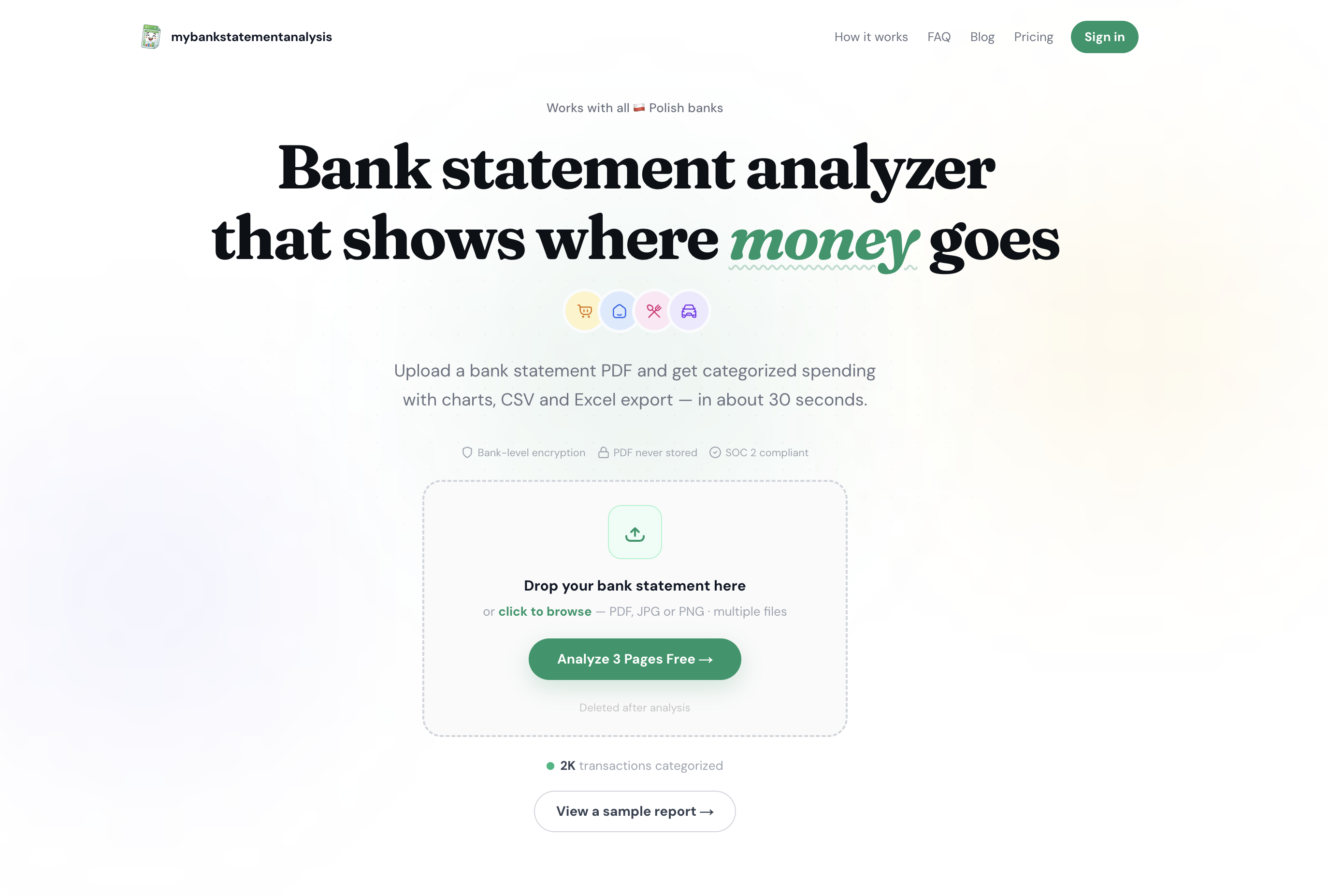
Upload any bank statement PDF and get AI-powered spending categories, money flow charts, and savings insights in 30 seconds. Free to start, no account needed.
Features
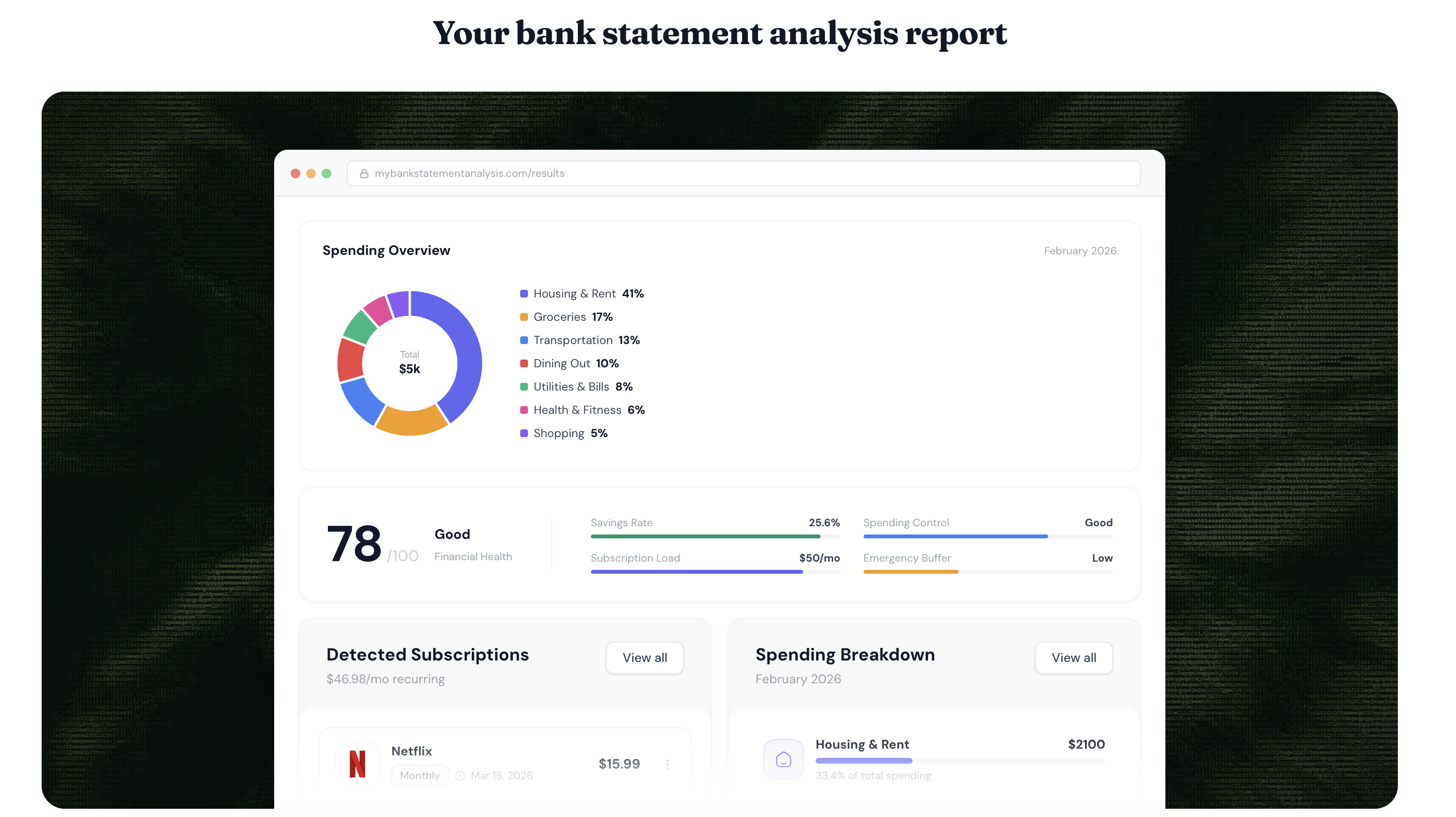
- AI transaction categorization across 19+ spending categories
- Interactive Sankey money flow diagram
- Export to CSV, Excel, QIF, OFX, QBO
- Works with any bank worldwide
- OCR support for scanned/image PDFs
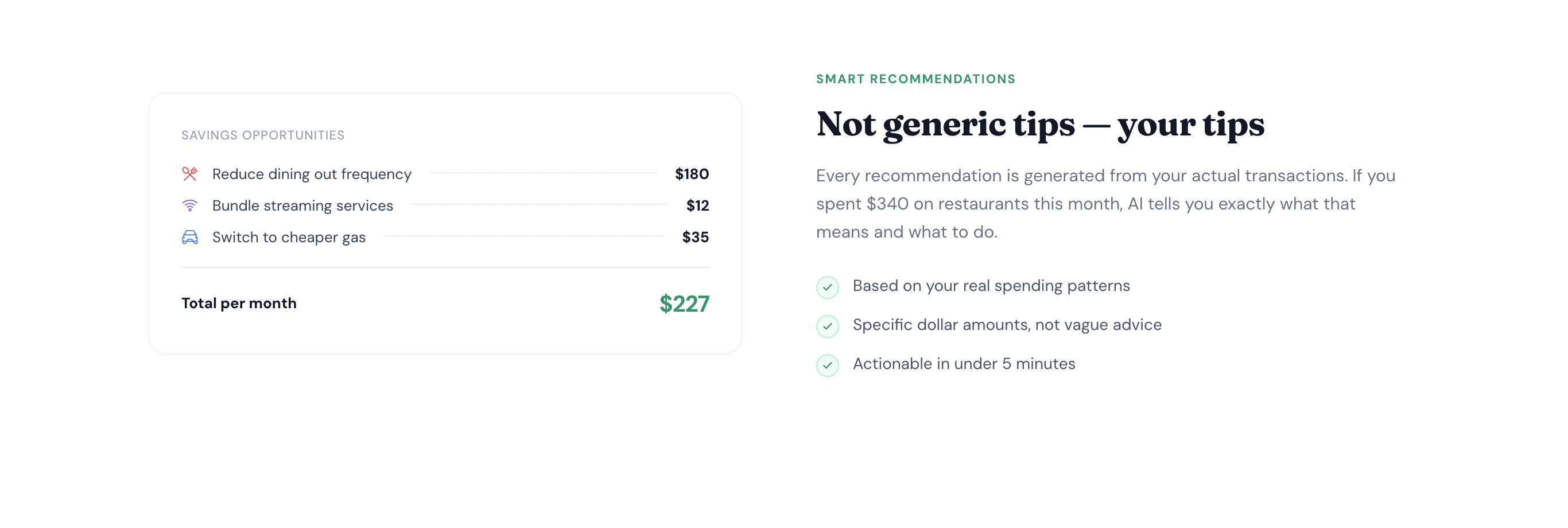
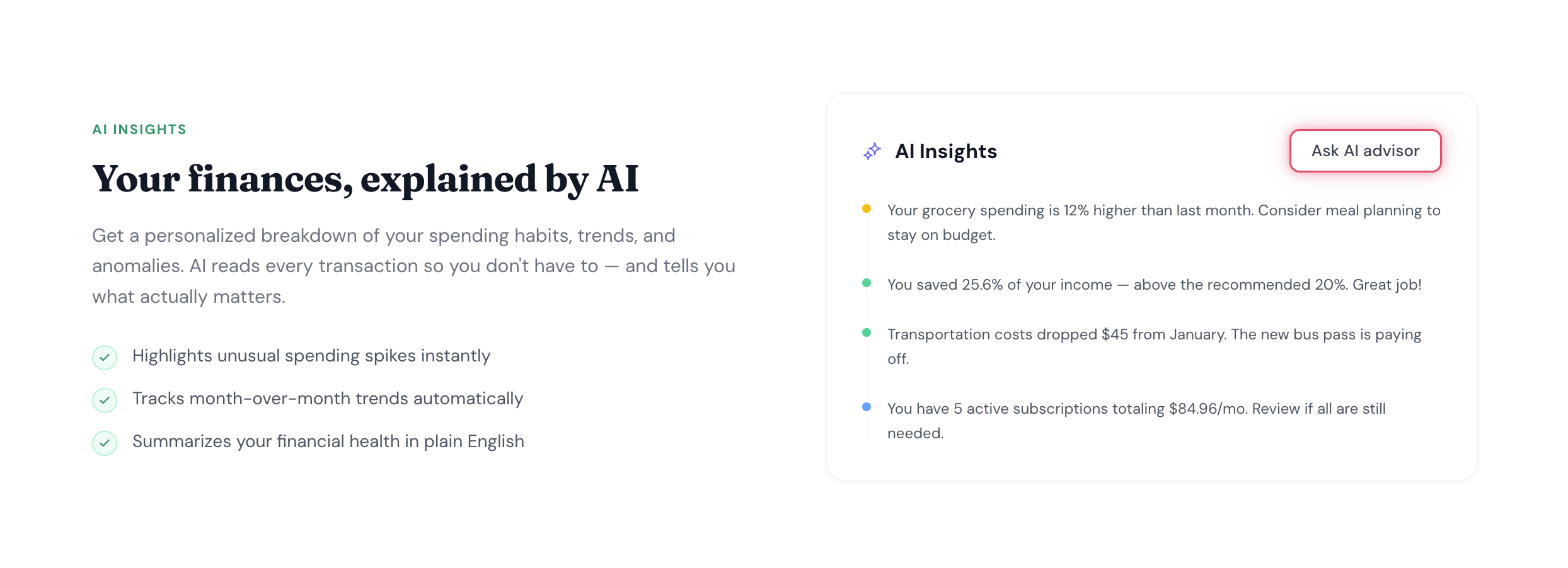
- Personalized savings insights
- No signup required for first 3 pages
Use Cases
- Mortgage & loan applications — organize statements for lenders
- Tax prep — categorize deductible expenses fast
- Budgeting — see exactly where your money goes each month
- Freelancers & self-employed — separate business vs personal spending
- Visa & immigration — prepare financial proof documents
- Divorce & legal proceedings — document financial history
- Landlord screening — verify tenant income quickly
- Bookkeeping — convert bank PDFs to Excel/CSV for accounting software
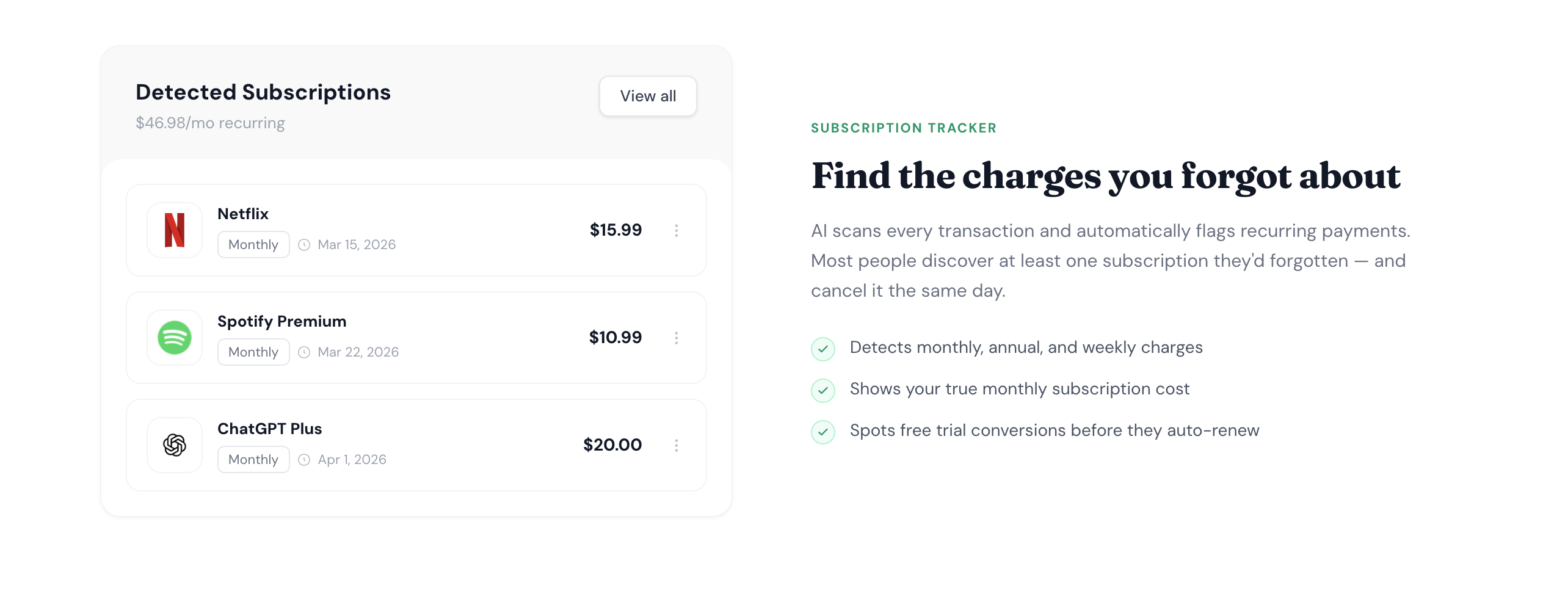
- Debt payoff planning — find subscriptions and recurring charges to cut

Comments


It looks genuinely useful because a lot of people want better control over their money, but not everyone has time to sort transactions manually. I like tools that turn complicated information into something visual and easy to understand. In my experience, people make better financial decisions when they can quickly see where their money is actually going instead of guessing. The no account needed part also makes it feel more approachable for someone who just wants to test it first. It reminds me of how people look for simple access points, even something like the Intuit phone number https://intuit.pissedconsumer.com/customer-service.html , when they want financial tools to feel practical, clear, and less intimidating.
Premium Products




































Sponsors
Buy

Makers

Makers
Comments
It looks genuinely useful because a lot of people want better control over their money, but not everyone has time to sort transactions manually. I like tools that turn complicated information into something visual and easy to understand. In my experience, people make better financial decisions when they can quickly see where their money is actually going instead of guessing. The no account needed part also makes it feel more approachable for someone who just wants to test it first. It reminds me of how people look for simple access points, even something like the Intuit phone number https://intuit.pissedconsumer.com/customer-service.html , when they want financial tools to feel practical, clear, and less intimidating.
Premium Products
New to Fazier?

Find your next favorite product or submit your own. Made by @FalakDigital.
Copyright ©2026. All Rights Reserved