

Features
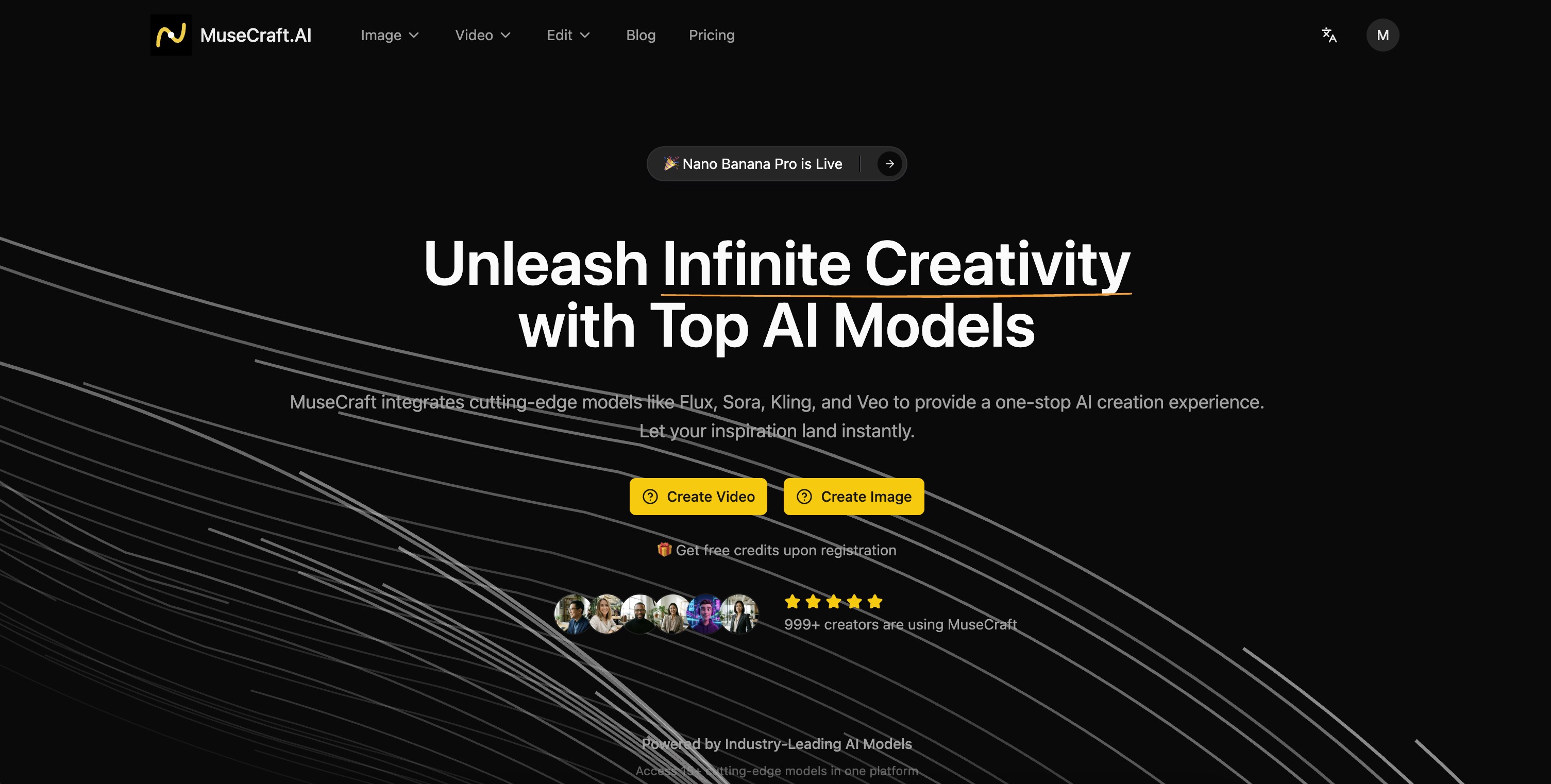
MuseCraft brings together the world's most powerful AI models in one unified platform:
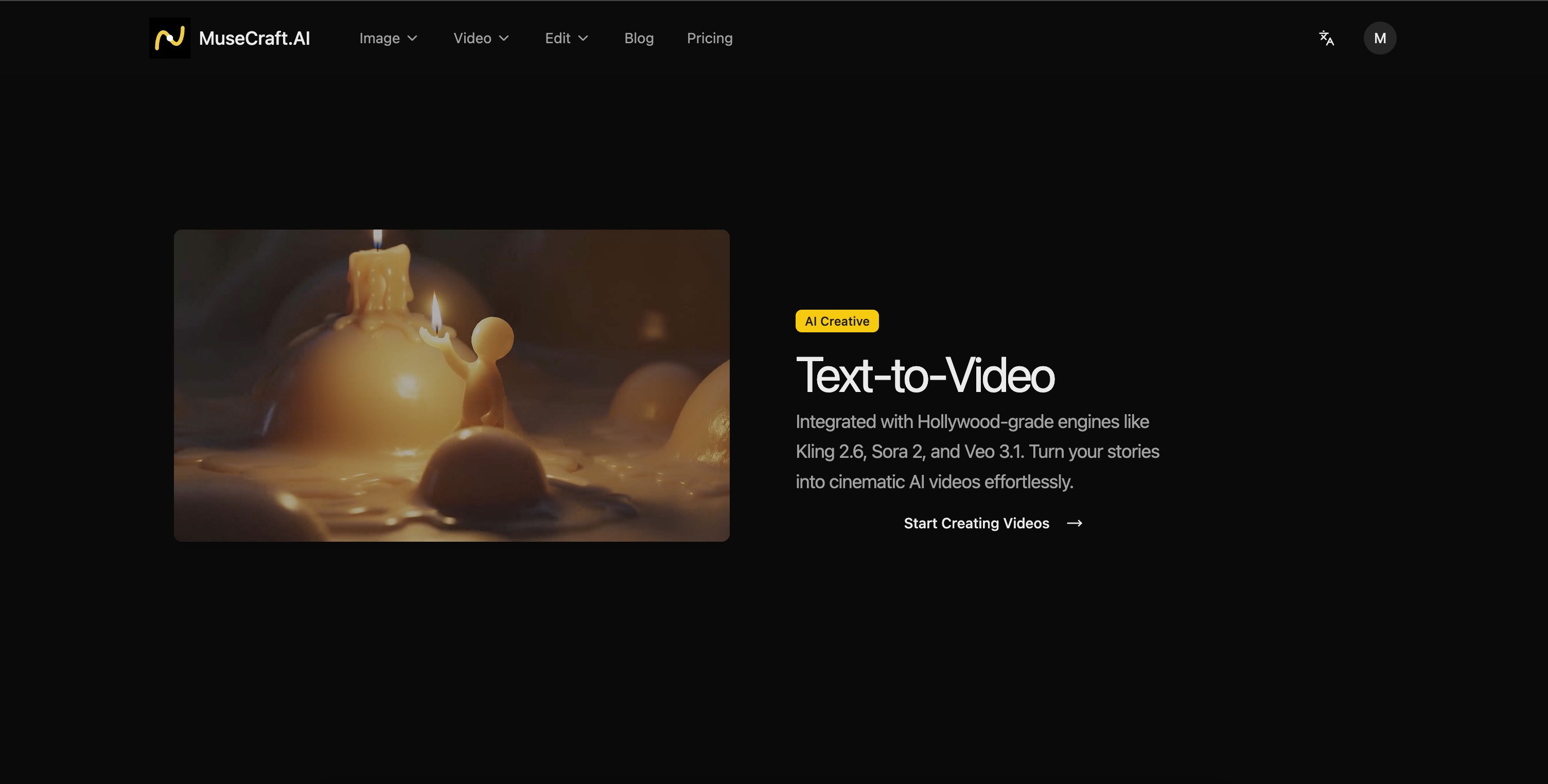
🎬 Video: Sora 2, Veo 3.1, Kling 2.6, Wan 2.6, Hailuo 2.3, Seedance V1
🖼️ Image: FLUX.2 Pro, Seedream 4.5, Nano Banana Pro, Z-Image
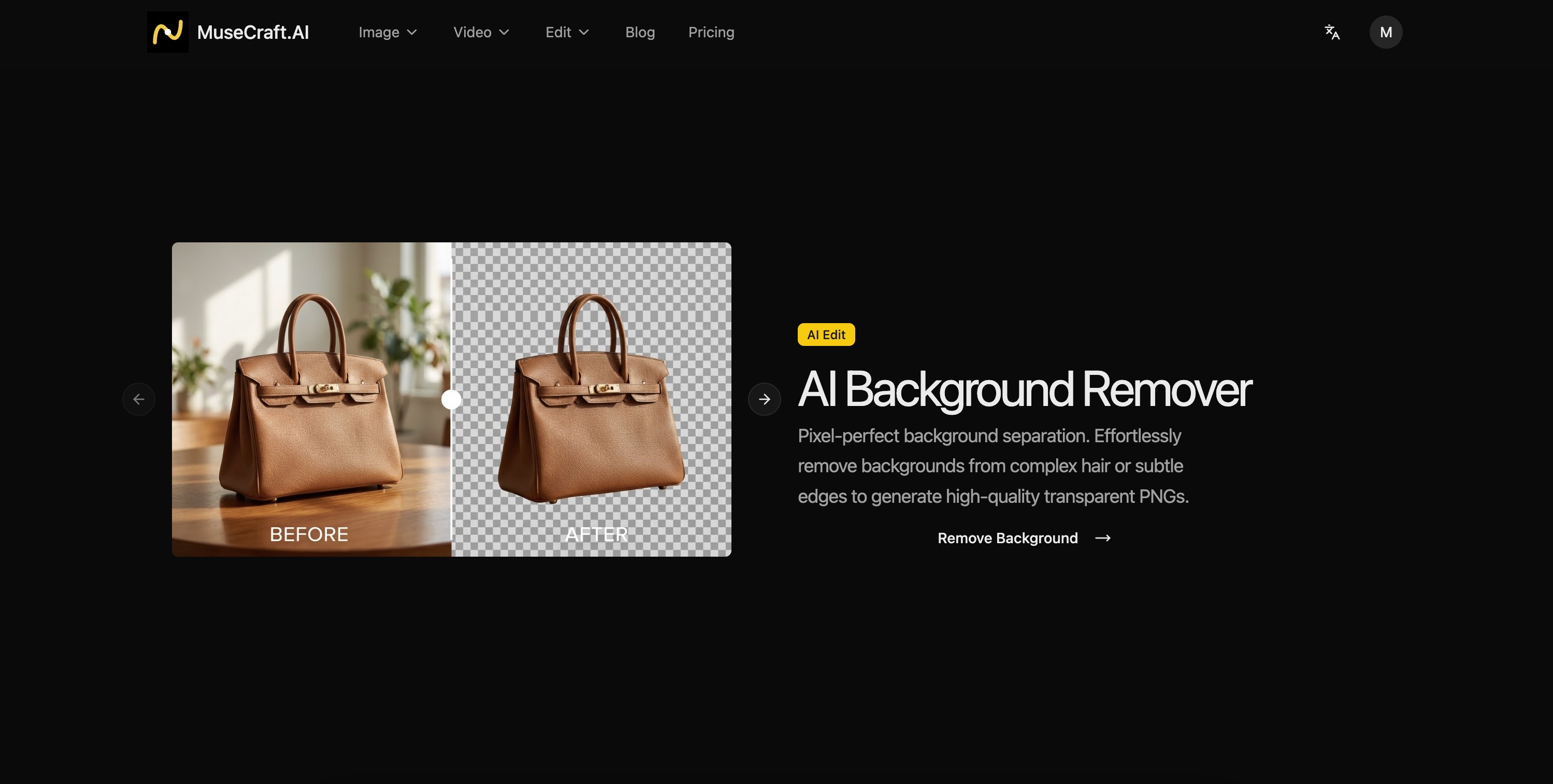
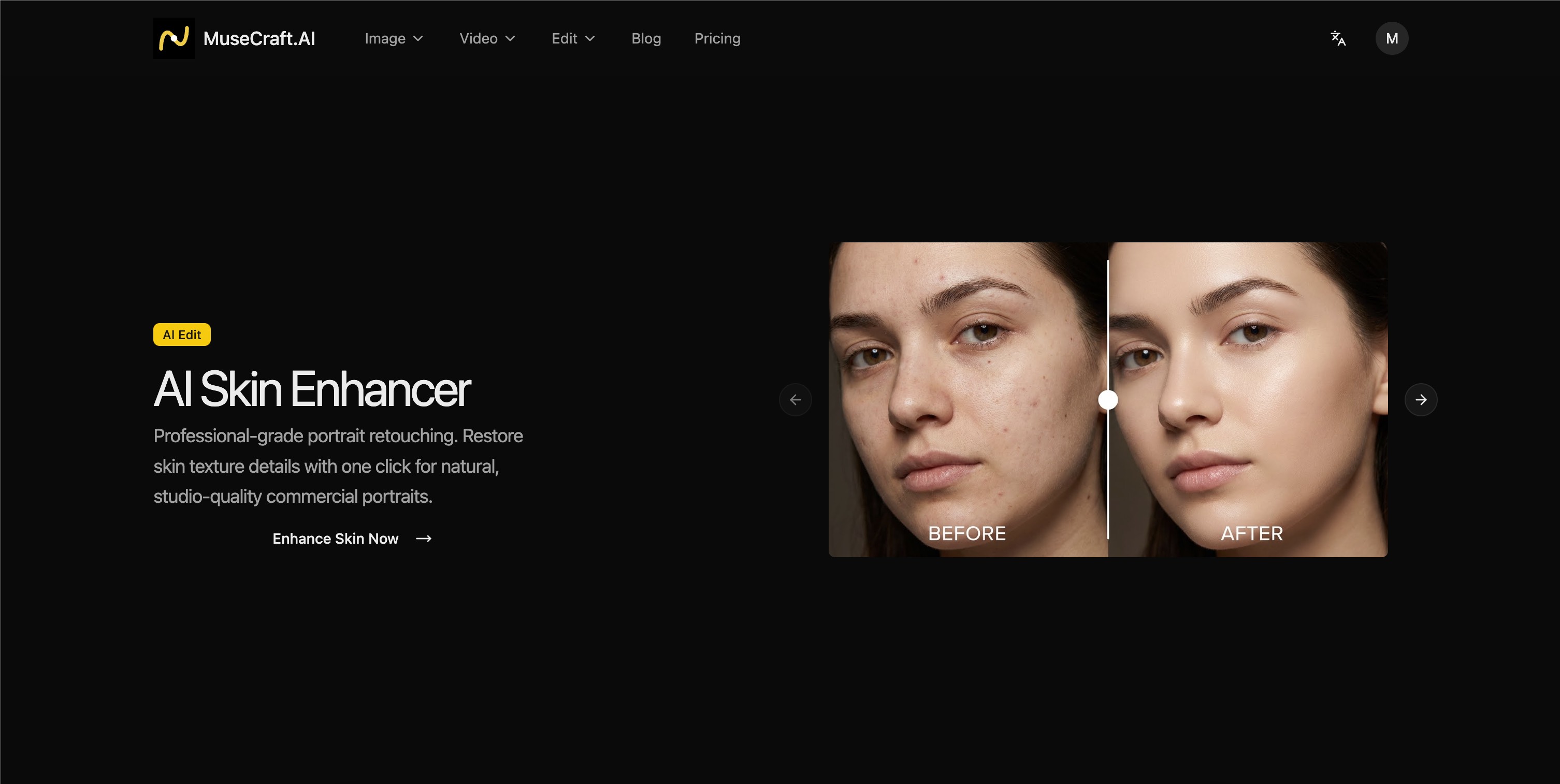
✂️ Edit: Background Remover, Skin Enhancer
No more switching between tools. Create stunning AI-generated content with:
• Simple, unified interface
• Pay-as-you-go credits or unlimited subscriptions
• No API keys or setup required
• Commercial usage rights
Use Cases
🎯 MuseCraft Use Cases
1. 🎬 Short Video Creators
Scenario: TikTok/YouTube Shorts creators need eye-catching video content quickly
Solution:
- Use Kling 2.6 for videos with sound effects
- Use Seedance V1 Lite for cost-effective batch production
- Use Veo 3.1 Fast for rapid creative iteration
Example:
"A cat in a spacesuit dancing on the moon with Earth in the background" → 15-second viral short
2. 🛍️ E-commerce Product Showcase
Scenario: Online sellers need product visuals and video ads
Solution:
- Use Background Remover for instant product cutouts
- Use FLUX.2 Pro for lifestyle product scenes
- Use Wan 2.6 (I2V) to turn product photos into dynamic videos
Example:
White background product photo → AI-generated lifestyle scene → 360° rotating showcase video
3. 📱 Social Media Marketing
Scenario: Marketing teams need consistent high-quality visual content
Solution:
- Use Nano Banana Pro for 4K branded posters
- Use Seedream 4.5 for multi-style image series
- Use Hailuo 2.3 for high-dynamic ad videos
Example:
New product launch → One-click generation for Instagram square + Story vertical + Twitter landscape
4. 🎮 Game/Content Concept Design
Scenario: Indie developers and writers need rapid visual validation
Solution:
- Use FLUX.2 Flex for reference-based character design
- Use Z-Image for low-cost rapid sketching
- Use Sora 2 for game trailer concepts
Example:
Text character description → AI generates multi-angle concept art → Refine selected direction
5. 📺 YouTube Video Production
Scenario: YouTubers need thumbnails, B-roll footage, and intro animations
Solution:
- Use Veo 3.1 Quality for cinematic B-roll
- Use Sora 2 Pro for storyboard creation
- Use Nano Banana Pro for 2K thumbnails
Example:
Science video needs space scenes → AI generates 10-second spaceship flying through nebula
6. 💼 Corporate Marketing
Scenario: Companies need product demos and promotional materials quickly
Solution:
- Use Sora 2 for brand story videos
- Use Skin Enhancer for portrait optimization
- Use FLUX.2 Pro for consistent brand imagery
Example:
Product launch → AI generates feature demo animation + event background video
7. 🎨 Personal Creators
Scenario: Art enthusiasts exploring AI creativity
Solution:
- Use Z-Image (1 credit) for low-cost experimentation
- Use Nano Banana (3 credits) for basic creation
- Annual Unlimited plan for unlimited access to basic models
Example:
Inspiration strikes → Quick generation → Share on social media
8. 📚 Educational Content
Scenario: Educators need teaching videos and illustrations
Solution:
- Use Wan 2.5 for narrated educational animations
- Use Seedream 4.5 for knowledge illustrations
- Use Background Remover for textbook image processing
Example:
History course → AI generates historical scene recreation video

Comments


As a solo developer, I used to spend hours switching between different AI tools — Midjourney for images, Runway for videos, various APIs for different models. Each tool had its own interface, pricing, and learning curve. It was exhausting. I built MuseCraft because I wanted one place where I could access all the best AI models without the hassle. No more juggling subscriptions. No more context switching. Just create. What started as a personal tool to solve my own frustration has grown into something I'm proud to share. Every feature was built with real creative work in mind, not just technical demos. This isn't a VC-backed startup chasing growth metrics. It's a product built by a creator, for creators. I use it every day for my own projects, and I'm committed to making it better. If you try MuseCraft and have feedback, I actually read every message. This is a labor of love, and your input shapes what gets built next. — Matrix990, Founder of MuseCraft


Premium Products



































Sponsors
Buy

Awards
View all
Awards
View allMakers
Makers
Comments
As a solo developer, I used to spend hours switching between different AI tools — Midjourney for images, Runway for videos, various APIs for different models. Each tool had its own interface, pricing, and learning curve. It was exhausting. I built MuseCraft because I wanted one place where I could access all the best AI models without the hassle. No more juggling subscriptions. No more context switching. Just create. What started as a personal tool to solve my own frustration has grown into something I'm proud to share. Every feature was built with real creative work in mind, not just technical demos. This isn't a VC-backed startup chasing growth metrics. It's a product built by a creator, for creators. I use it every day for my own projects, and I'm committed to making it better. If you try MuseCraft and have feedback, I actually read every message. This is a labor of love, and your input shapes what gets built next. — Matrix990, Founder of MuseCraft
Premium Products
New to Fazier?

Find your next favorite product or submit your own. Made by @FalakDigital.
Copyright ©2026. All Rights Reserved