Multimeter
Meters for anything, in your Mac's menu bar
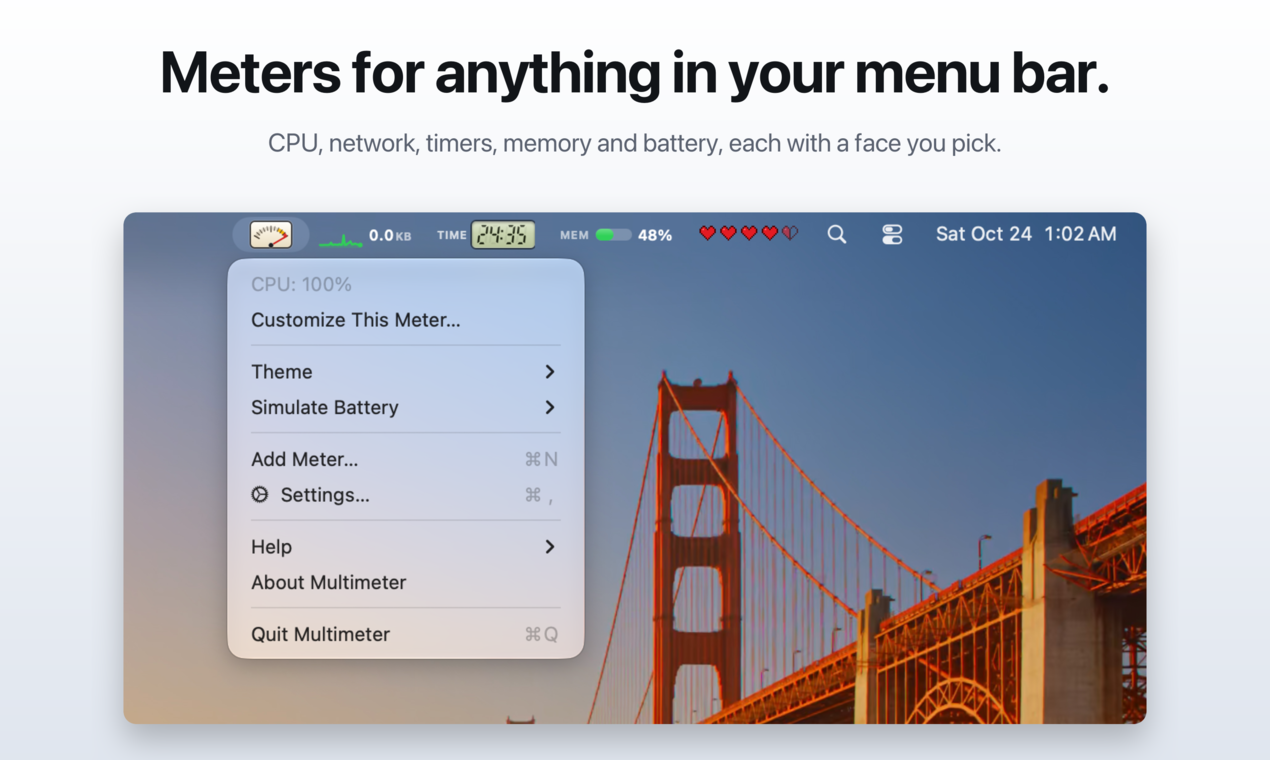
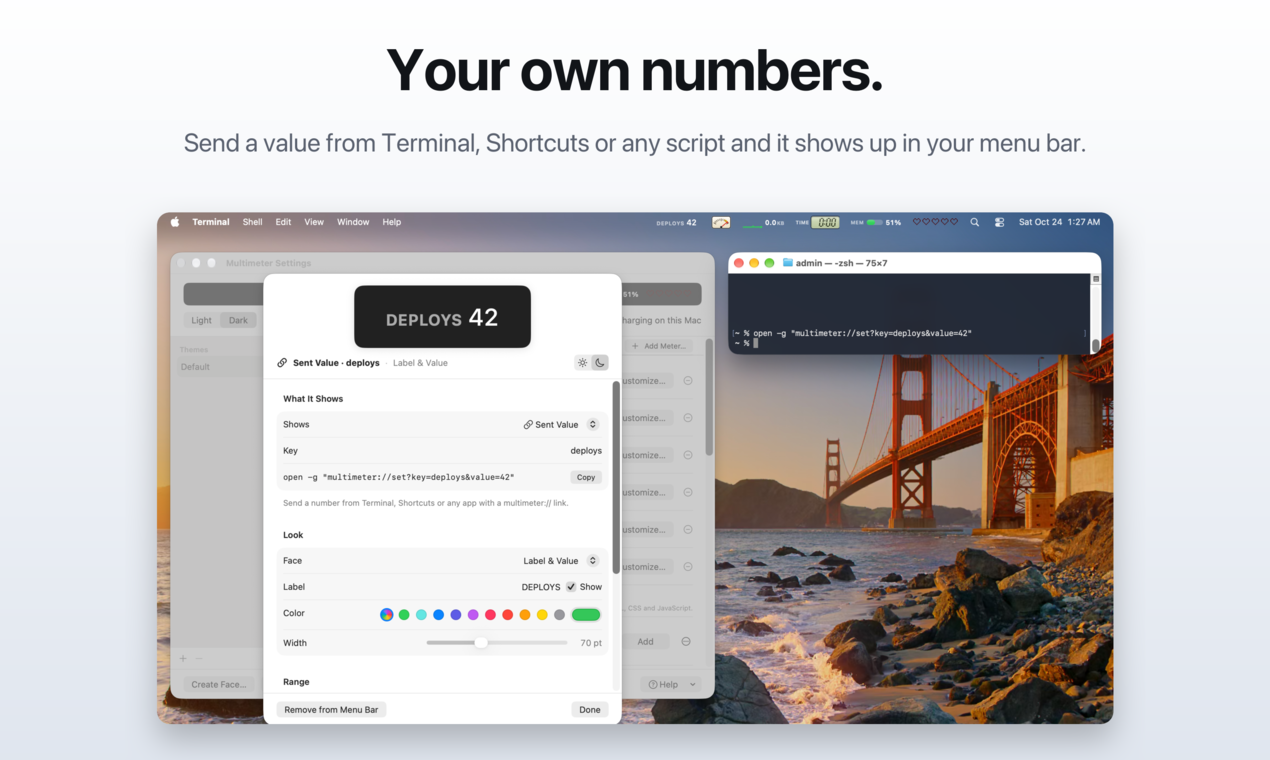
Multimeter is a Mac menu bar app that puts small live meters in your menu bar: battery with charging state and time left, Bluetooth keyboard, mouse and trackpad batteries, power draw in watts, CPU, memory, disk, network, fan speed, timers and countdowns. Send it your own numbers with a multimeter:// link, a JSON URL, a file or a shell script. Each meter gets one of 35 faces, from a needle gauge to LCD digits or nixie tubes. About 3% CPU for five live meters. $19.99 once, macOS 13+.
Features
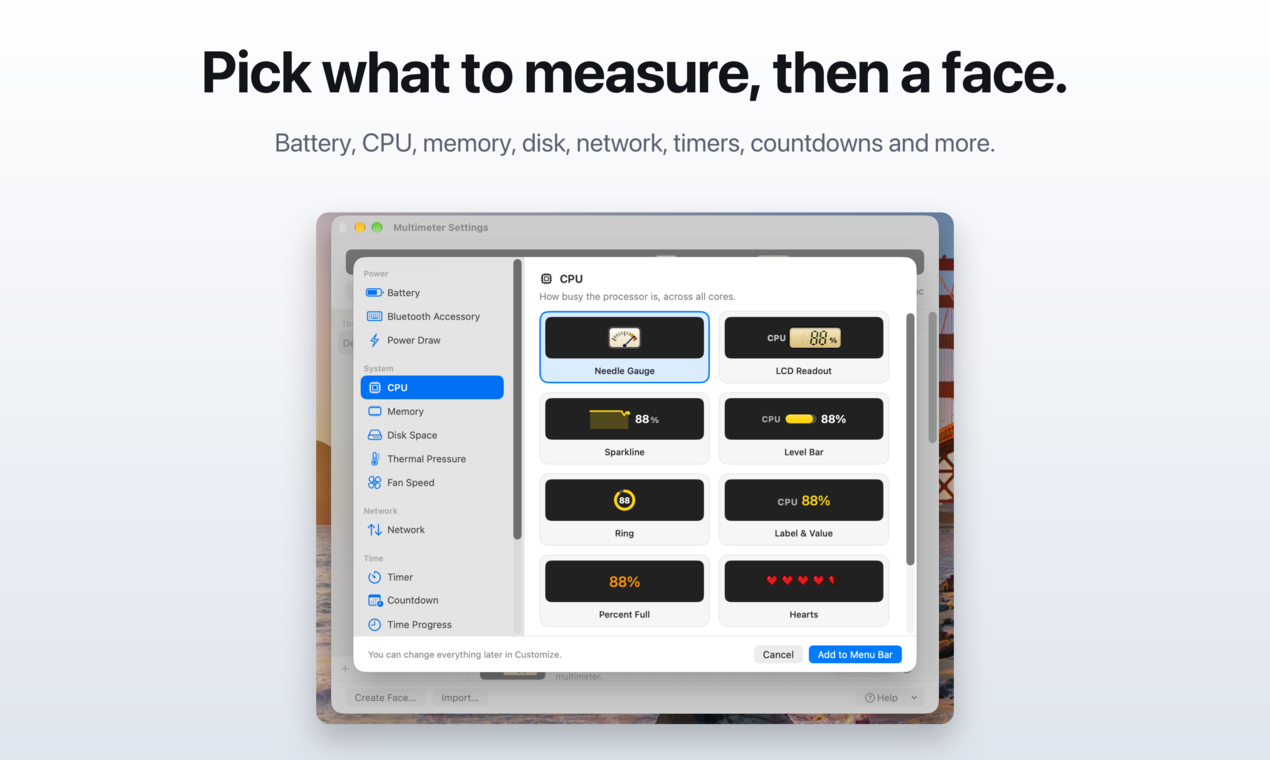
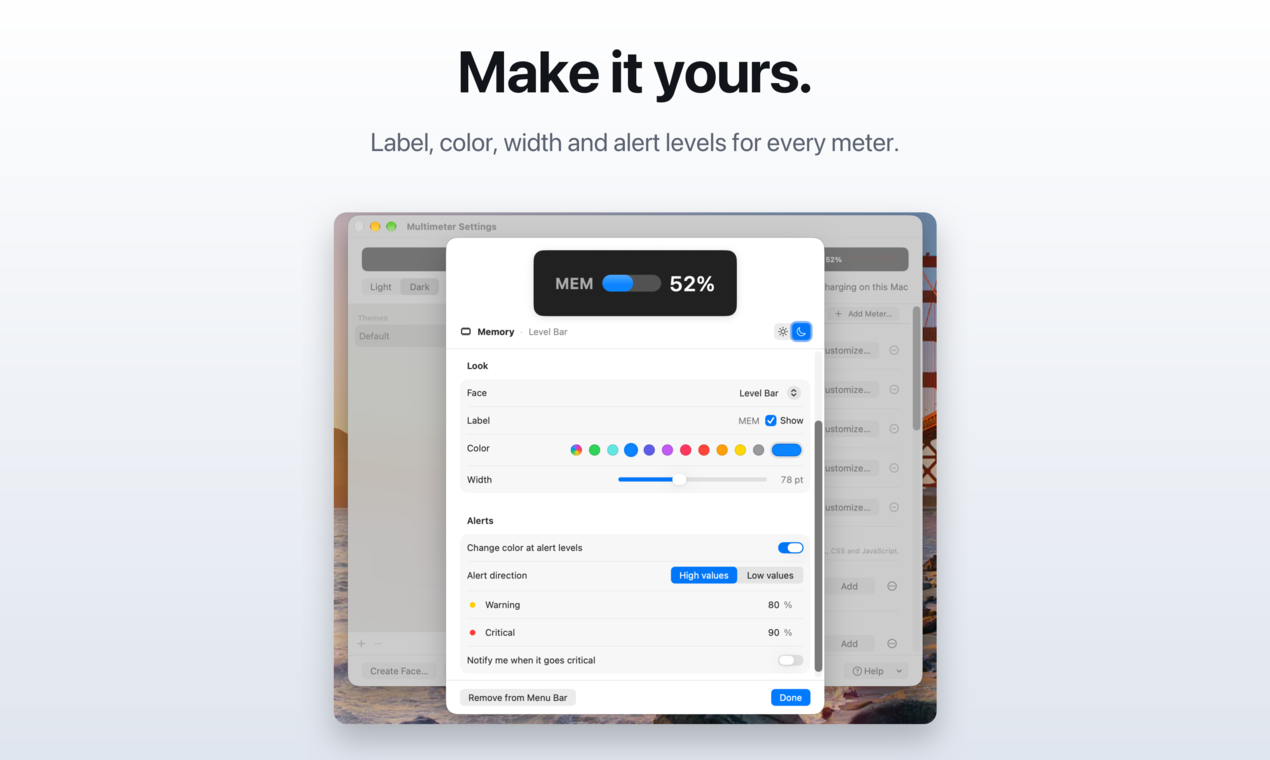
35 faces, from a needle gauge to LCD digits or nixie tubes
Your own numbers from a multimeter:// link, a JSON URL, a file or a shell script
Battery, Bluetooth keyboard, mouse and trackpad batteries, watts, CPU, memory, disk, network, fan speed
Timers and countdowns
Use Cases
Watch battery time left and power draw at a glance
Show a build status or any number from a script in the menu bar
Run a timer or countdown without opening an app

Comments



Premium Products












































Sponsors
Buy
Makers
Makers
Comments
Premium Products
New to Fazier?

Find your next favorite product or submit your own. Made by @FalakDigital.
Copyright ©2026. All Rights Reserved