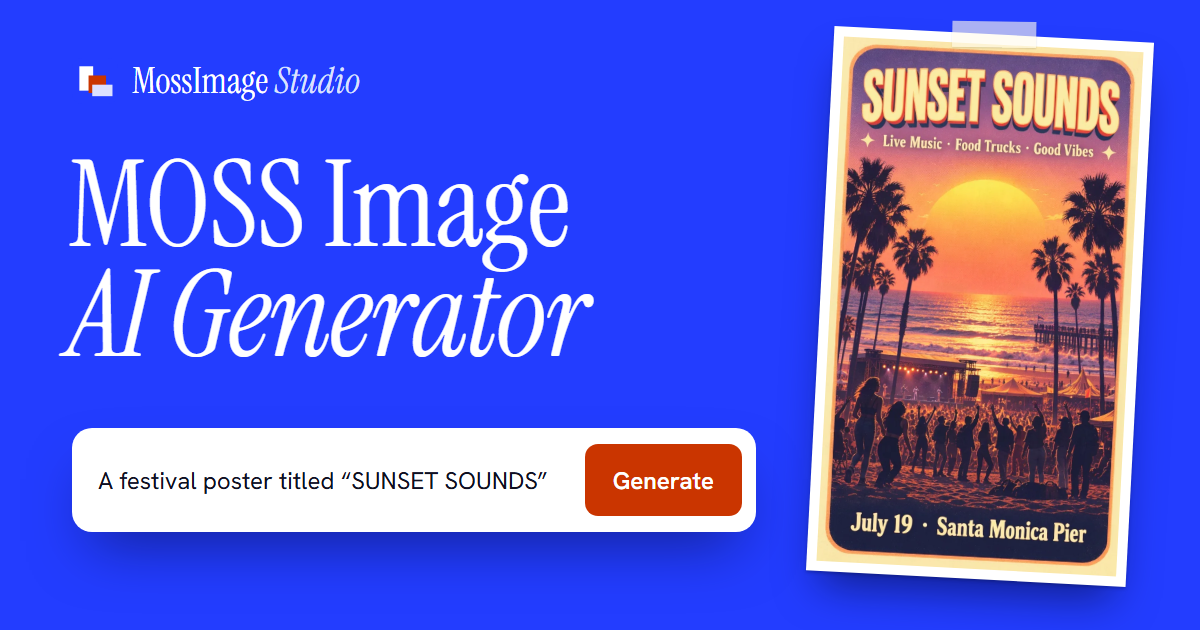
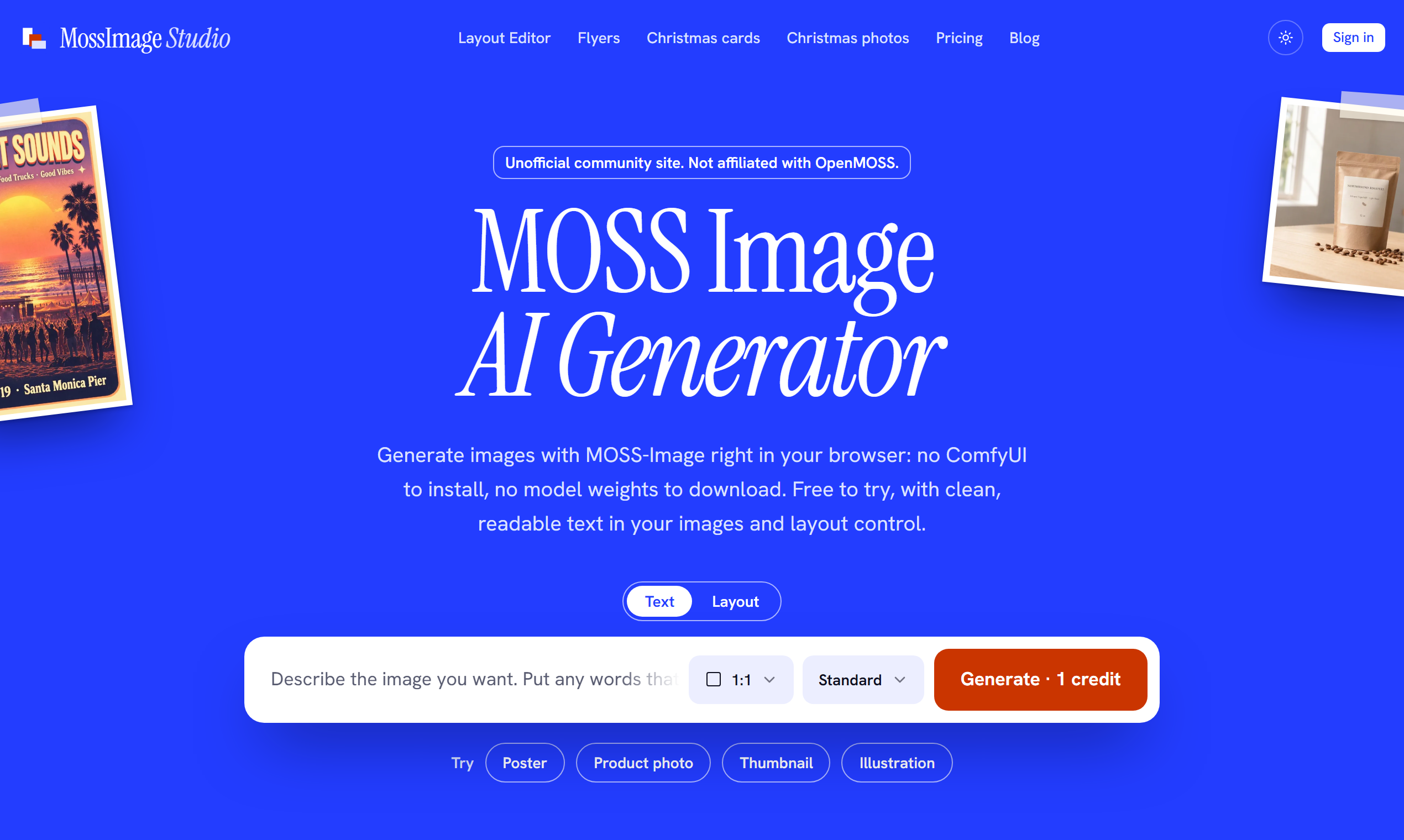
MossImage Studio is an online AI image generator built on MOSS-Image, the open-source text-to-image model from OpenMOSS. Type a prompt in your browser and get posters, flyers, menus, packaging, thumbnails and product shots with clean, readable text. There is no ComfyUI to set up and no model weights to download.
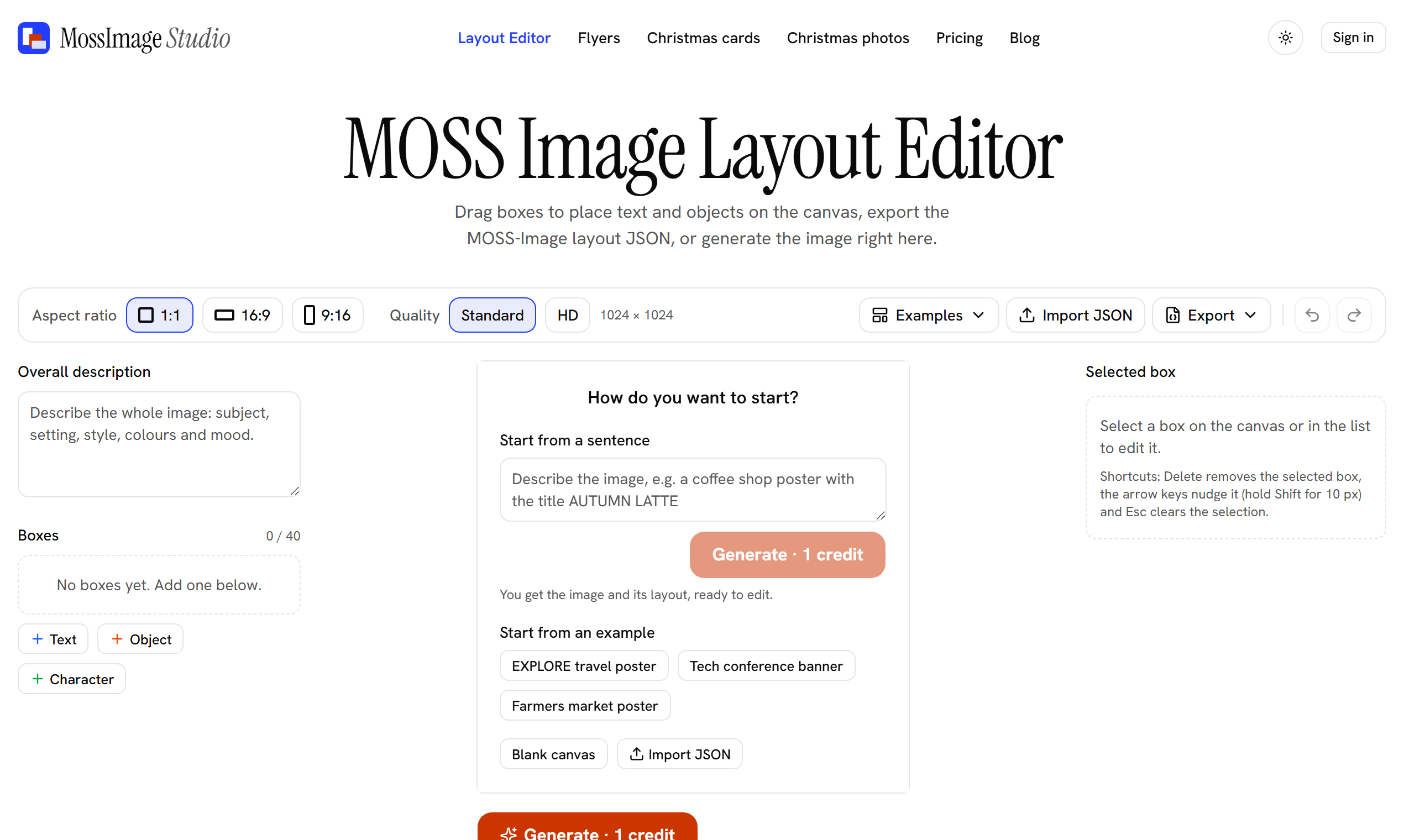
The layout editor lets you drag boxes for text, objects and characters, then generate from that layout or export it as JSON.
New accounts get 3 free credits, and images made with free credits carry a small watermark. Credit packs start at $4.99 as a one-time payment, with no subscription. MossImage Studio is an independent site and is not affiliated with OpenMOSS.
Features
- Readable text in images: titles, prices, labels and captions
- Layout editor: drag boxes to place text, objects and characters
- Import and export layouts as JSON
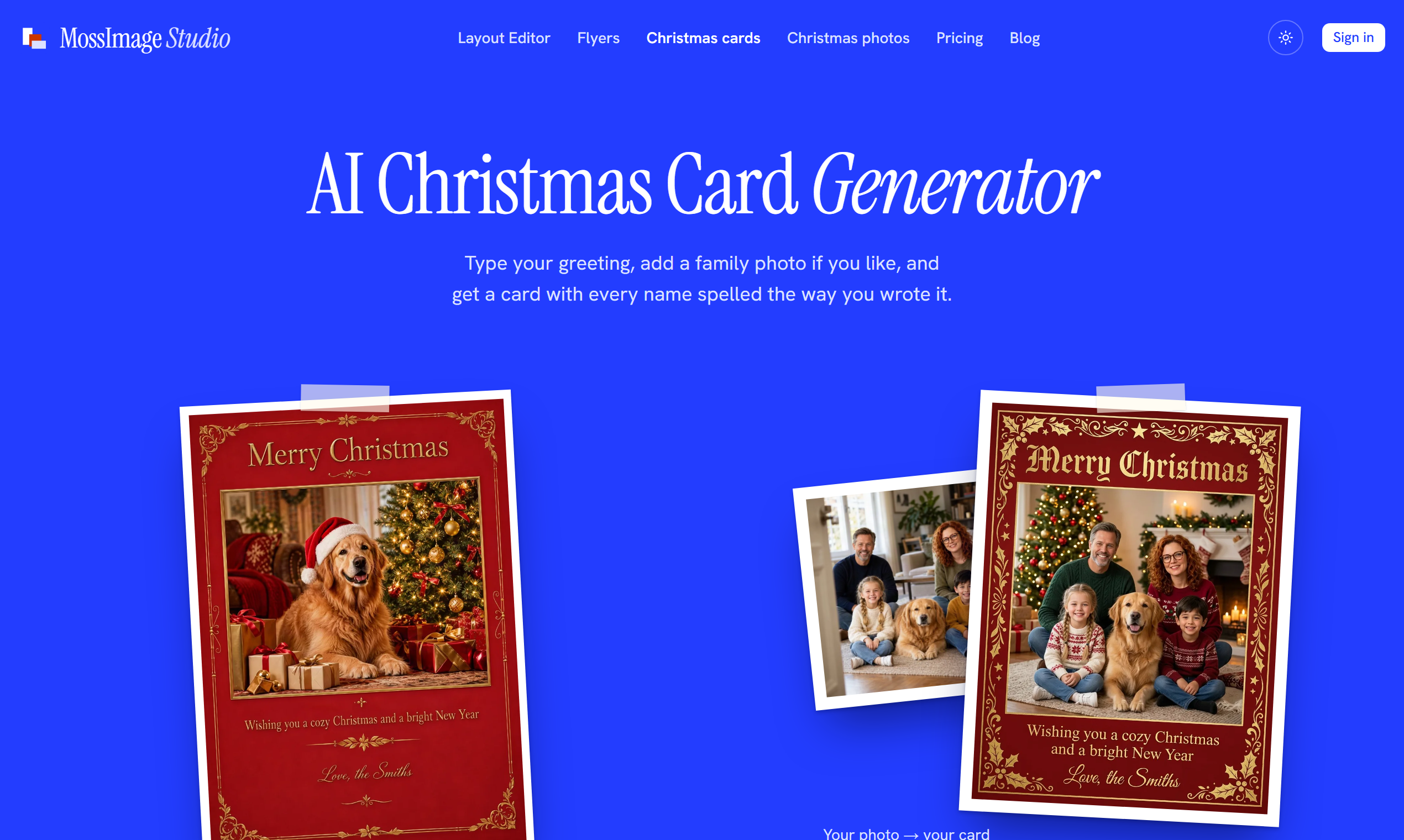
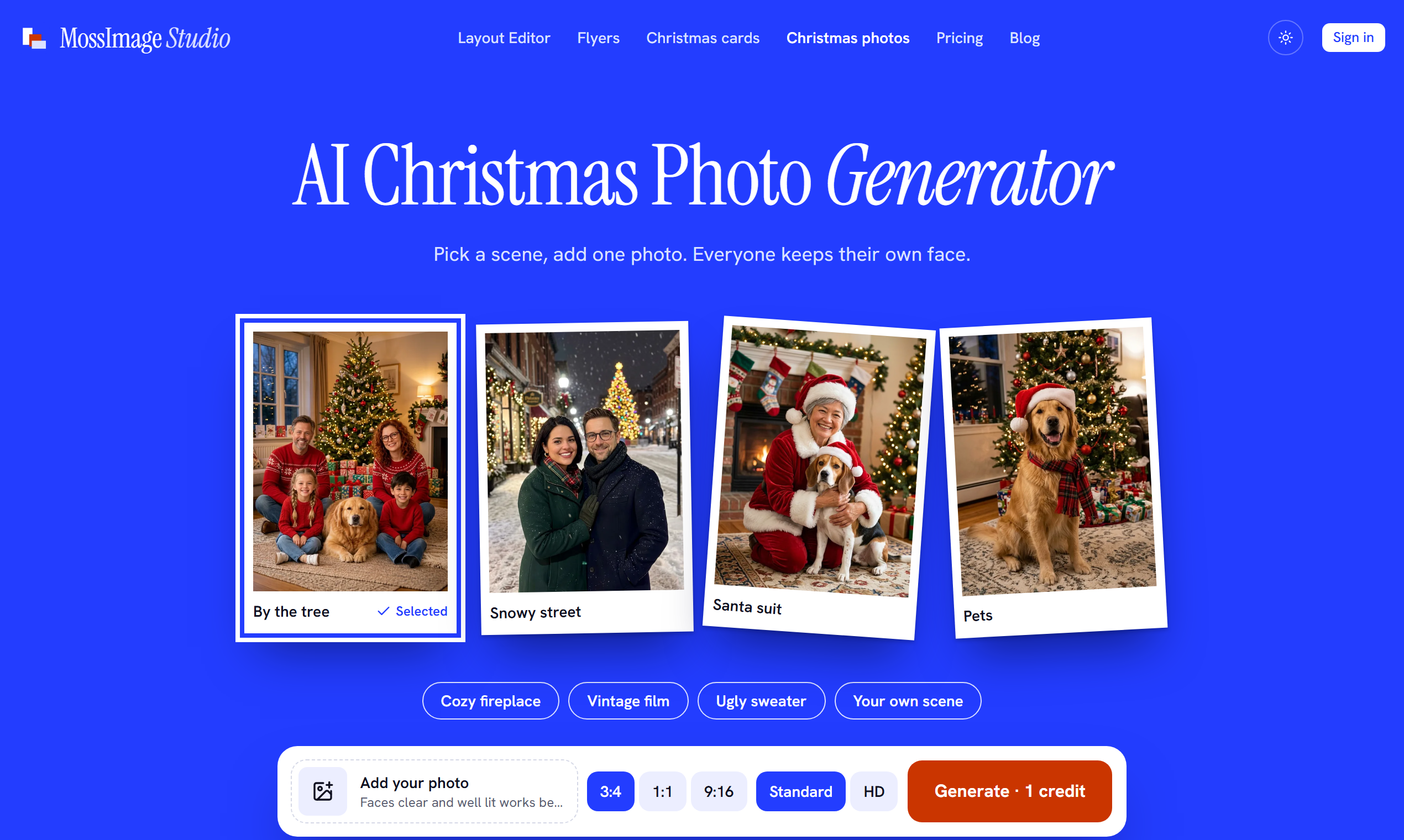
- Ready-made pages for flyers, Christmas cards and Christmas photos
- Nothing to install, it runs in your browser
- One-time credit packs, no subscription
Use Cases
- Event posters and flyers
- Cafe menus and product labels
- YouTube thumbnails and social media posts
- Book covers and invitations
- Christmas cards and holiday photos

Comments


Hi Fazier, I am the maker of MossImage Studio. When I made posters with AI, writing "title at the top, date at the bottom right" in the prompt often left the text in the wrong place. So I put the open-source MOSS-Image model in the browser and added a layout editor: drag a few boxes for the title, date and main image, then generate from that layout. There is no ComfyUI to set up and no model to download. New accounts get 3 free credits. I would love to hear where the text comes out wrong, or where the editor feels awkward.
Premium Products





















































Sponsors
Buy

Comments
Hi Fazier, I am the maker of MossImage Studio. When I made posters with AI, writing "title at the top, date at the bottom right" in the prompt often left the text in the wrong place. So I put the open-source MOSS-Image model in the browser and added a layout editor: drag a few boxes for the title, date and main image, then generate from that layout. There is no ComfyUI to set up and no model to download. New accounts get 3 free credits. I would love to hear where the text comes out wrong, or where the editor feels awkward.
Premium Products
New to Fazier?

Find your next favorite product or submit your own. Made by @FalakDigital.
Copyright ©2026. All Rights Reserved