
Moodly
Save inspiration from anywhere into visual moodboards
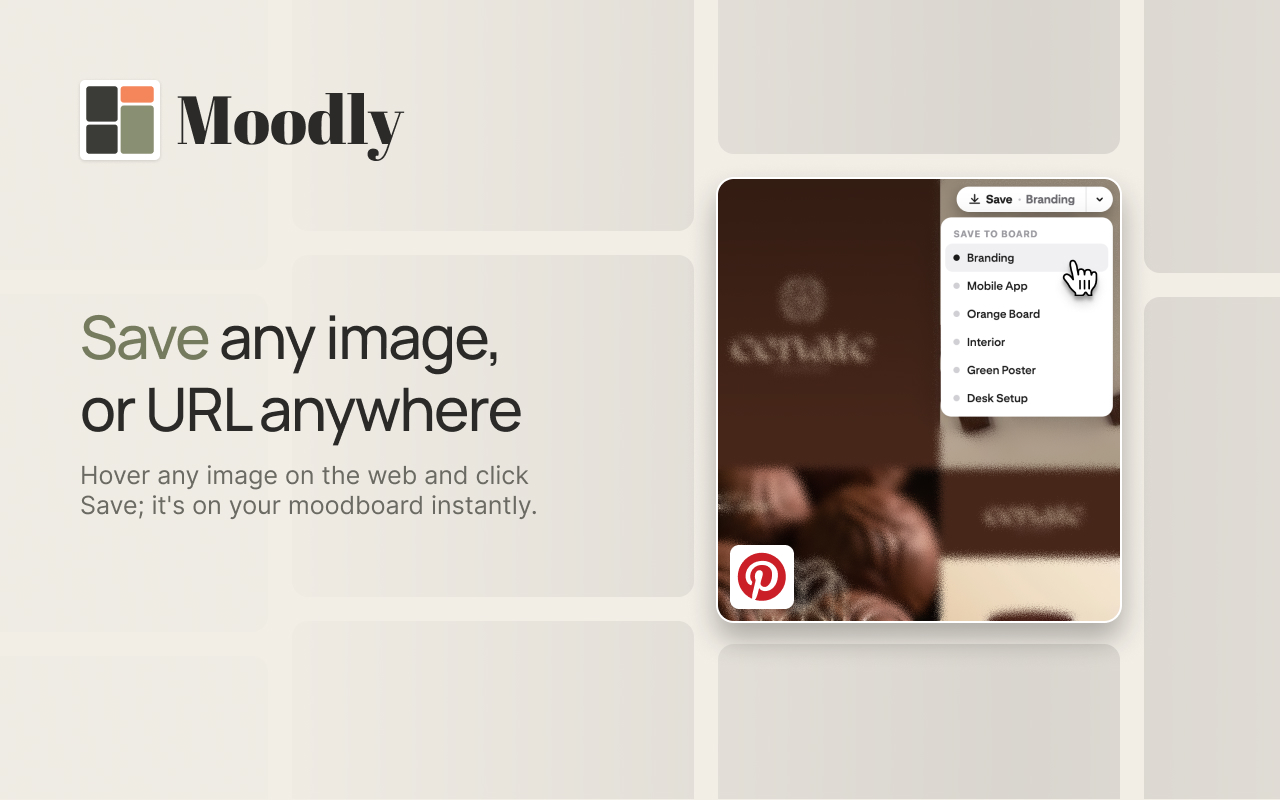
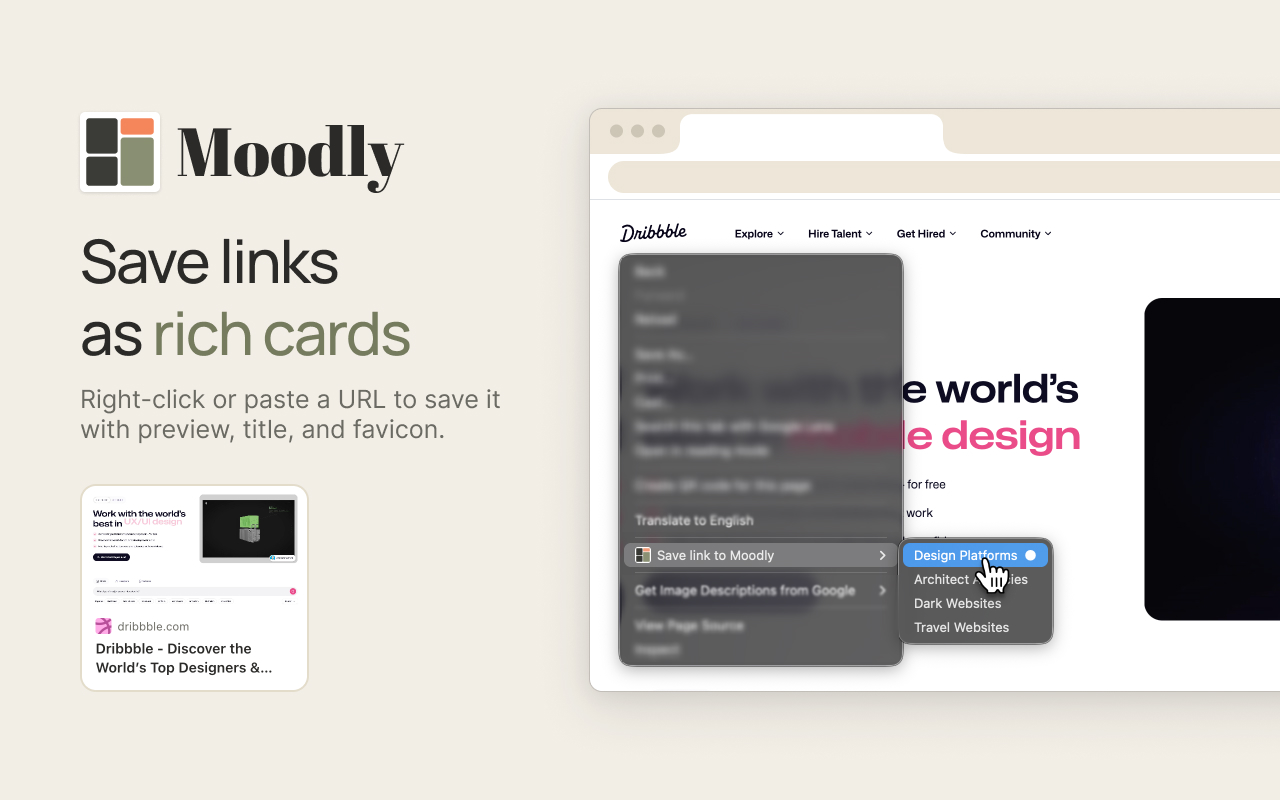
Moodly is a free Chrome extension for people who collect visual references while they browse. Hover any image on any website and a small Save button appears; click it and the image is on your board. Right-click any link and save it the same way. There is no dialog asking which board, no tagging step, and no form standing between you and the thing you just decided to keep.
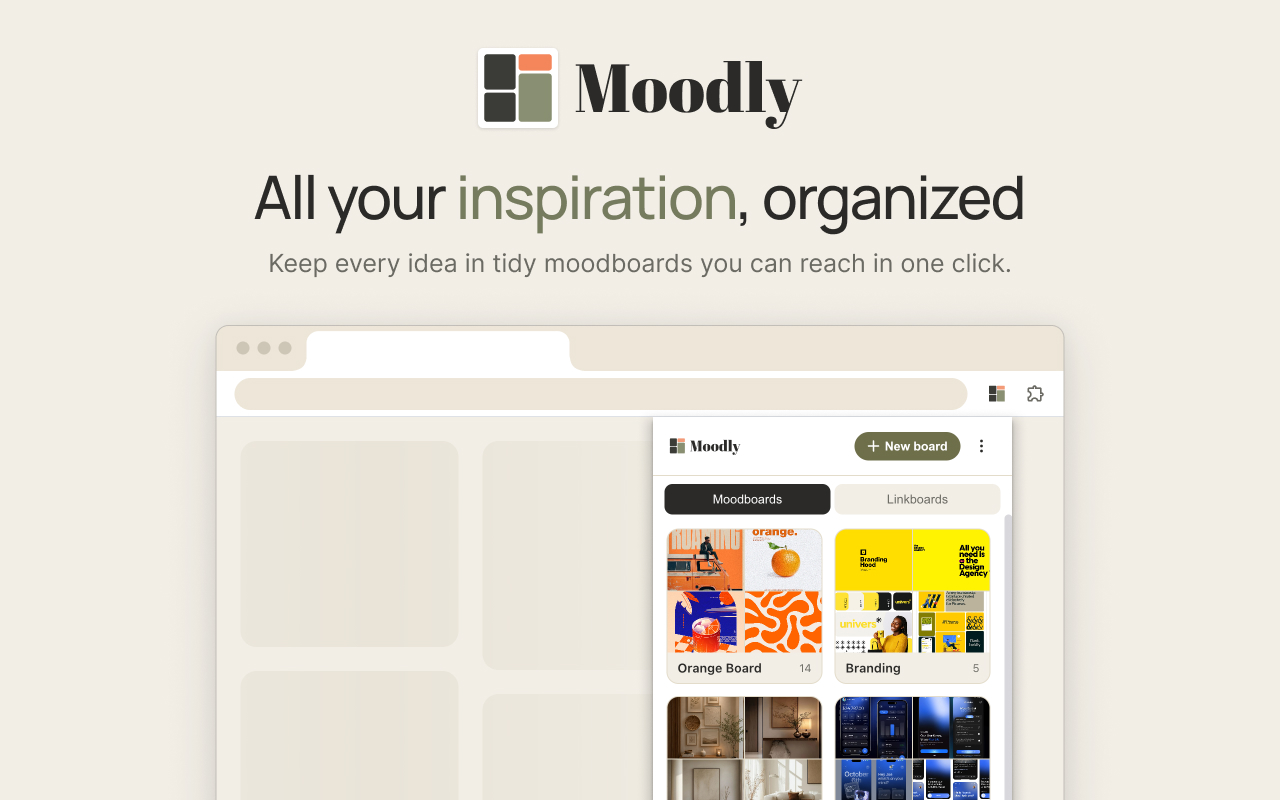
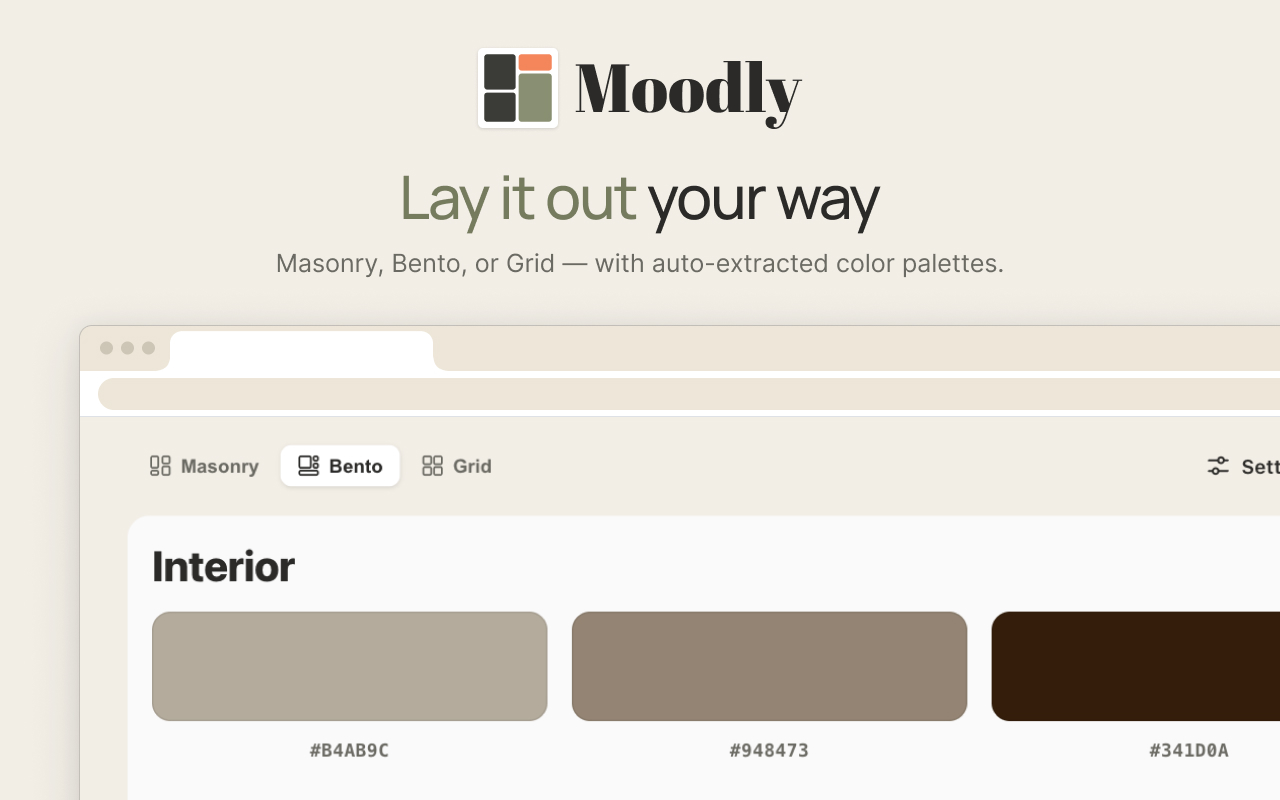
Boards can be rearranged, grouped and previewed as a grid in Masonry, Bento or Grid layouts. Links are saved as rich cards carrying their title, favicon and preview image, and images get their colour palettes extracted automatically into editable swatches.
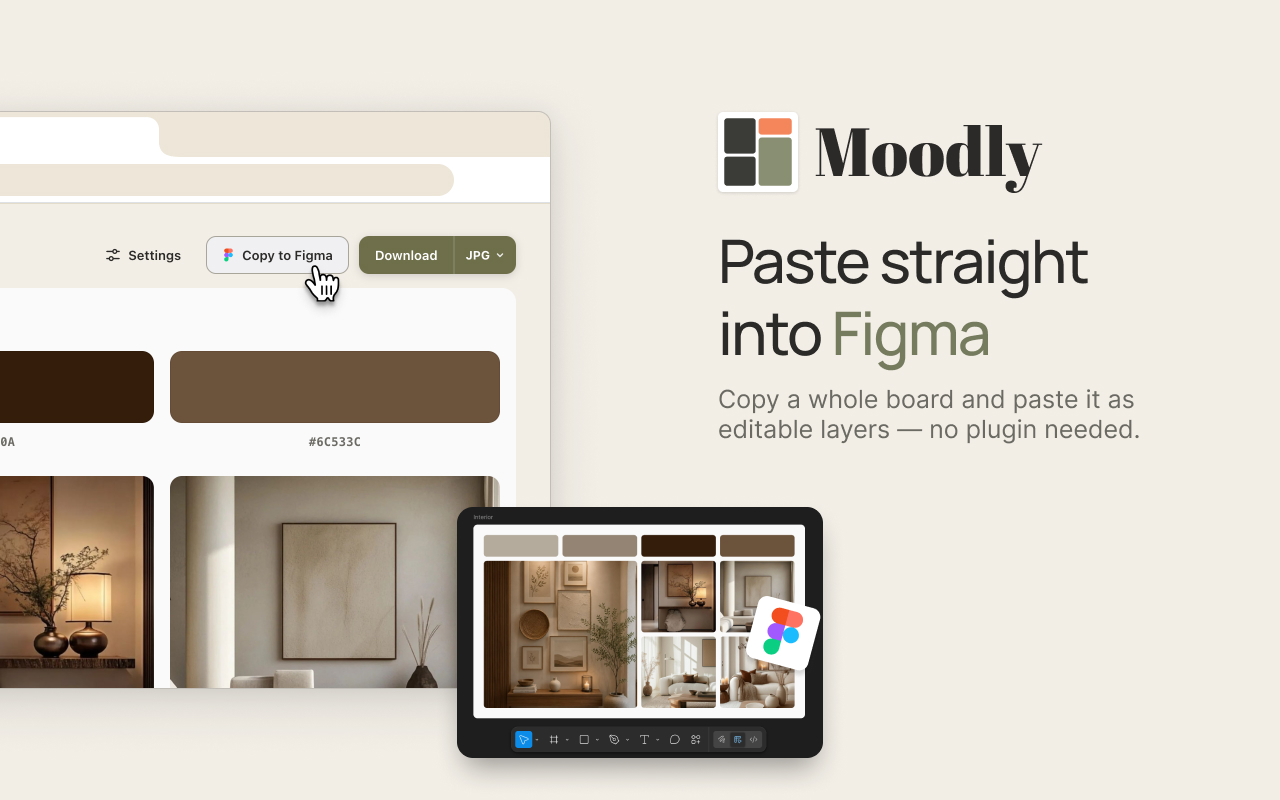
The part designers care about most: Moodly copies a whole board into Figma as real, editable layers, matching your on-screen layout, columns, spacing and corner radius. No plugin, no export/import round trip, no flattened screenshot.
Everything is stored locally in your browser. No account, no server, no tracking. The only network requests fetch a title and preview image for a link you explicitly chose to save.
Features
Hover any image or right-click any link to save it in one click
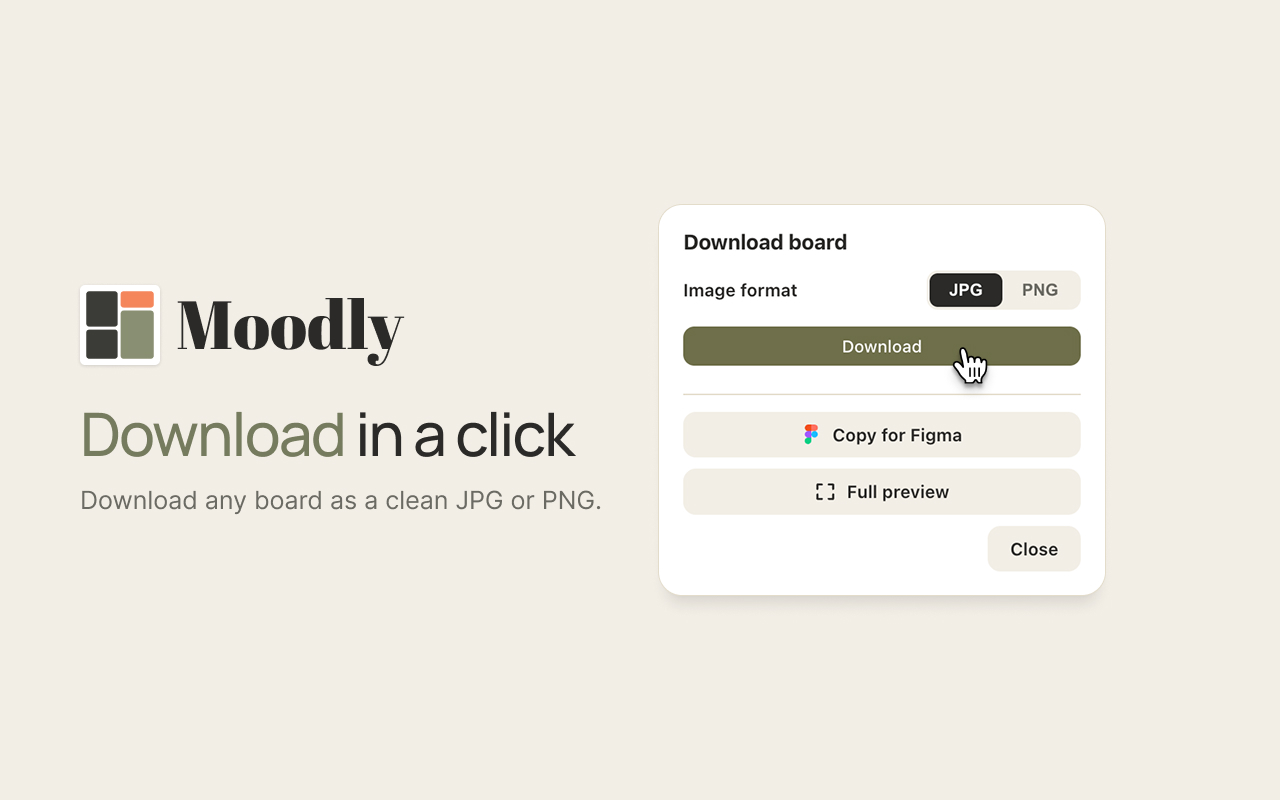
Copy a whole board into Figma as real, editable layers, with no plugin
Save links as rich cards with title, favicon and preview image
Arrange boards in Masonry, Bento or Grid layouts
Auto-extract colour palettes from saved images into editable swatches
Everything stored locally in your browser: no account, no server, no tracking
Free, and works on any website
Use Cases
Collecting competitor screenshots before a redesign
Gathering type and colour references for a brand direction
Saving product pages and articles as a linkboard for ongoing research
Assembling a visual brief to share with a client
Building a moodboard in the browser, then pasting it straight into Figma to start designing

Comments





Since boards live only in the browser, is there a backup-and-restore option that preserves the original source links and editable colour swatches? Figma copy sounds useful for design work, but a portable board backup would also help when moving to another computer or recovering after an extension reinstall.


Hi Fazier 👋 I am a UI/UX Designer myself, I built Moodly because my own reference-gathering was a mess. Screenshots in a downloads folder, links half-saved in a notes app, twenty tabs open because closing one felt like losing something. Every tool I tried asked me to make a decision at the moment of saving — which board, what tag, what note — and that one second of friction was enough that I'd just... not save it. So Moodly has one rule: nothing gets between you and the save. Hover an image, click Save, done. Organising happens later, if at all. The part that took longest was Copy-to-Figma. Most tools give you a flattened screenshot to trace over, which defeats the point. Moodly writes real editable layers to the clipboard — matching your layout, columns, spacing and radius — so a board you assembled in the browser lands in Figma ready to work with. No plugin required. It's also entirely local. No account, no server, no tracking. Your boards live in your browser, and the only network calls fetch a title and preview image for links you explicitly saved. That wasn't a marketing decision — it's the constraint I designed around. It's free. I'd genuinely like to know where it breaks for you, especially on sites with unusual image handling. Happy to answer anything here.



The hover-to-save flow sounds like a great way to keep browsing momentum while collecting references, and preserving links as rich cards is a nice touch. The Figma-style editable layers could be especially useful for turning inspiration into a working layout—does Moodly support shared boards or team collaboration yet?

소액결제현금화 https://mobilepay.neocities.org/ 올바른 금융 지식과 계획성을 바탕으로 소액결제 서비스를 이용하면 예기치 못한 금전적 위기를 슬기롭고 안전하게 대처해 나갈 수 있습니다.
Premium Products















































Sponsors
Buy

Awards
View all
Awards
View allMakers
Makers
Comments
Since boards live only in the browser, is there a backup-and-restore option that preserves the original source links and editable colour swatches? Figma copy sounds useful for design work, but a portable board backup would also help when moving to another computer or recovering after an extension reinstall.
Hi Fazier 👋 I am a UI/UX Designer myself, I built Moodly because my own reference-gathering was a mess. Screenshots in a downloads folder, links half-saved in a notes app, twenty tabs open because closing one felt like losing something. Every tool I tried asked me to make a decision at the moment of saving — which board, what tag, what note — and that one second of friction was enough that I'd just... not save it. So Moodly has one rule: nothing gets between you and the save. Hover an image, click Save, done. Organising happens later, if at all. The part that took longest was Copy-to-Figma. Most tools give you a flattened screenshot to trace over, which defeats the point. Moodly writes real editable layers to the clipboard — matching your layout, columns, spacing and radius — so a board you assembled in the browser lands in Figma ready to work with. No plugin required. It's also entirely local. No account, no server, no tracking. Your boards live in your browser, and the only network calls fetch a title and preview image for links you explicitly saved. That wasn't a marketing decision — it's the constraint I designed around. It's free. I'd genuinely like to know where it breaks for you, especially on sites with unusual image handling. Happy to answer anything here.
The hover-to-save flow sounds like a great way to keep browsing momentum while collecting references, and preserving links as rich cards is a nice touch. The Figma-style editable layers could be especially useful for turning inspiration into a working layout—does Moodly support shared boards or team collaboration yet?
소액결제현금화 https://mobilepay.neocities.org/ 올바른 금융 지식과 계획성을 바탕으로 소액결제 서비스를 이용하면 예기치 못한 금전적 위기를 슬기롭고 안전하게 대처해 나갈 수 있습니다.
Premium Products
New to Fazier?

Find your next favorite product or submit your own. Made by @FalakDigital.
Copyright ©2026. All Rights Reserved