
Mockship
Screenshot editor and mockup generator
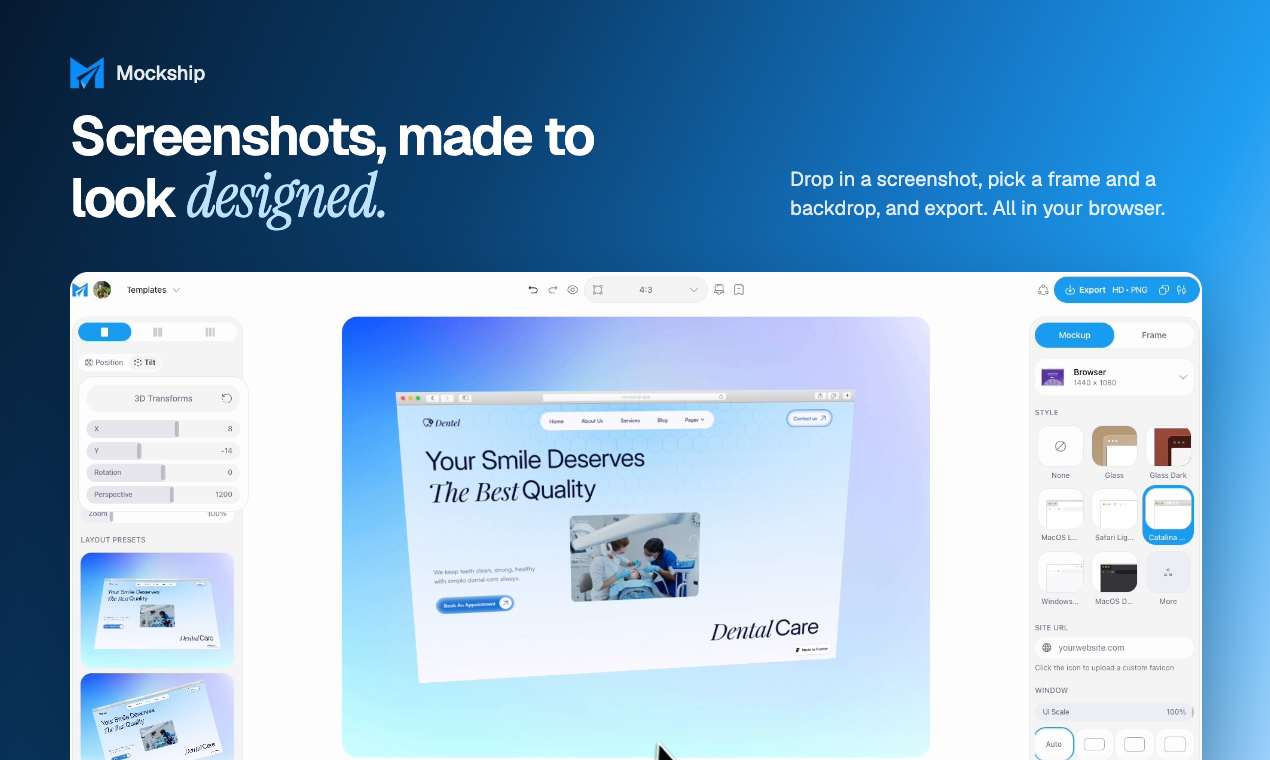
Mockship turns plain screenshots into polished mockups in seconds. Drop in a screenshot, pick a device or browser frame, add a backdrop and effects, and export a launch-ready image. No design skills or Figma needed. It's free to start with no signup, and Pro unlocks 4K/6K exports, a Brand Kit and shareable links.
Features
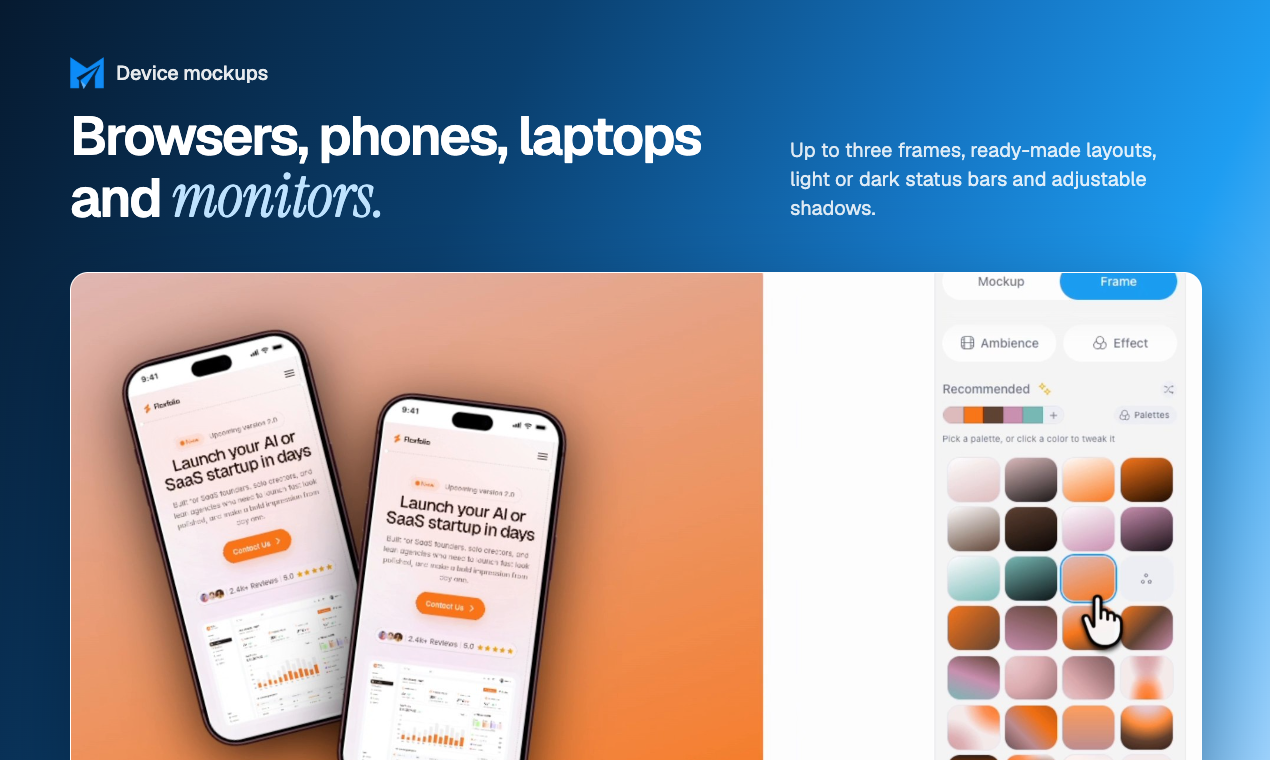
- 22 device frames: iPhone, iPad, MacBook, iMac and Android
- Safari and Chrome browser frames with your own domain in the address bar
- Full-page screenshots kept at full height in one mockup
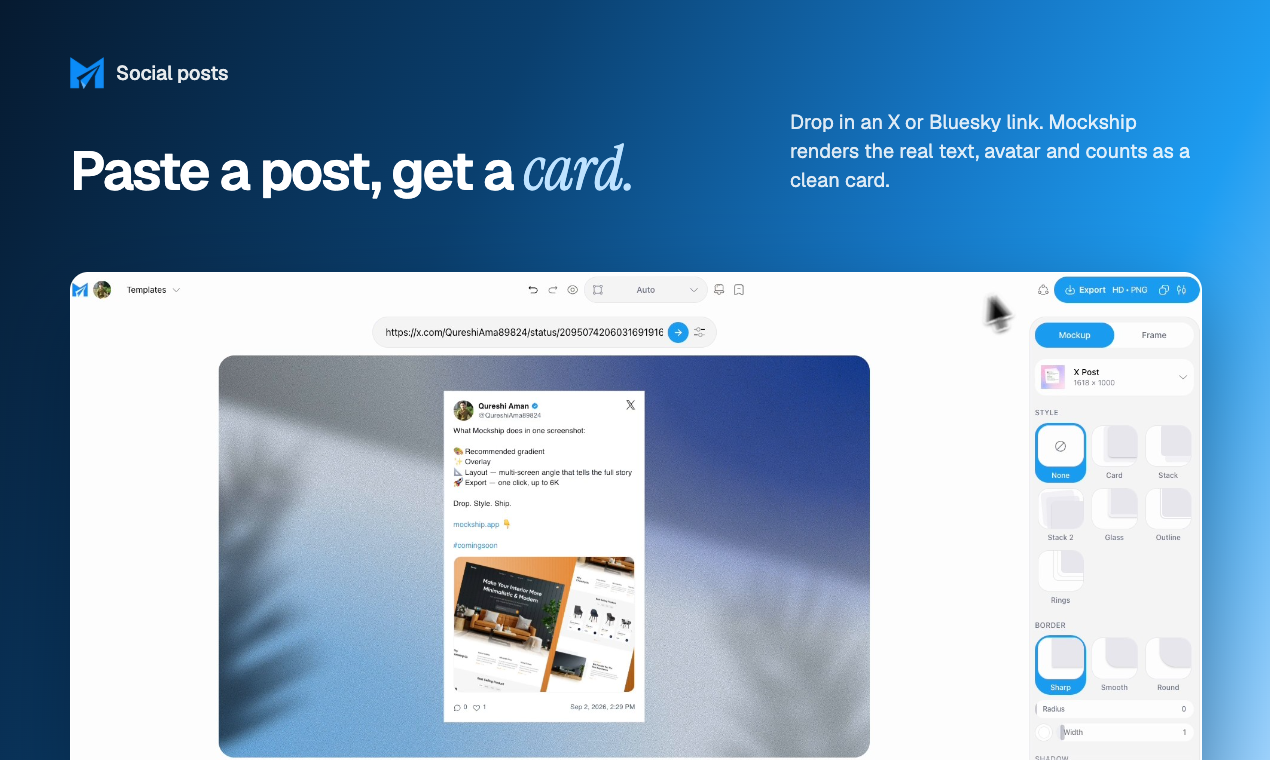
- Turn X or Bluesky post links into clean social cards
- Carousel slides: design one canvas, export it as a set of slides
- Isometric grid mockups to show multiple screens at once
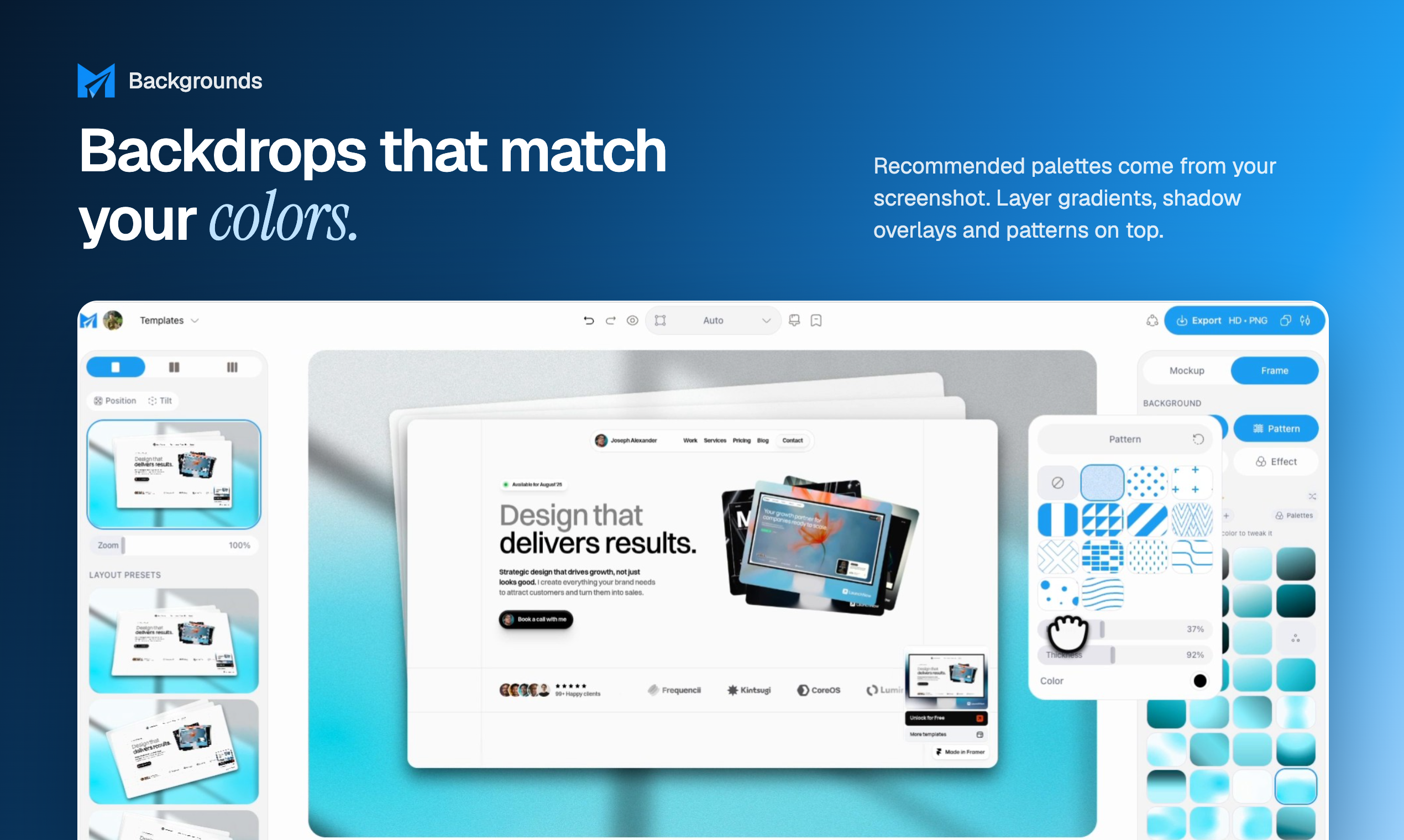
- 158 backdrops, progressive blur, shadow overlays and patterns
- Brand Kit to apply your logo, colours and watermark (Pro)
- Free HD exports with no watermark; 4K, 6K and WebP on Pro
Use Cases
- Website and landing page showcases
- App Store listing screenshots
- Launch posts for Product Hunt, X and LinkedIn
- Carousel posts for social feeds
- Ad creatives
- Presenting client work in a portfolio
- Turning tweets, Bluesky posts and code snippets into shareable images

Comments


Hey Fazier community! 👋 I'm Aman, a frontend developer and the solo maker behind Mockship. Every time I shipped a project or posted on X, I lost way too much time making screenshots look good: opening Figma, hunting for device frames, fixing backgrounds and shadows. I wanted something that just works in the browser, so I built Mockship. You drop in a screenshot, pick a device or browser frame, choose a backdrop, and export. You can also turn X/Bluesky posts into clean cards, keep full-page screenshots at full height, and export carousel slides from one canvas. It's free to use with no signup, and Pro adds 4K/6K exports, Brand Kit and share links. I'm building this in public and shipping updates every week, so I'd love your honest feedback. What should I add next? 🙏
Premium Products















































Makers
Makers
Comments
Hey Fazier community! 👋 I'm Aman, a frontend developer and the solo maker behind Mockship. Every time I shipped a project or posted on X, I lost way too much time making screenshots look good: opening Figma, hunting for device frames, fixing backgrounds and shadows. I wanted something that just works in the browser, so I built Mockship. You drop in a screenshot, pick a device or browser frame, choose a backdrop, and export. You can also turn X/Bluesky posts into clean cards, keep full-page screenshots at full height, and export carousel slides from one canvas. It's free to use with no signup, and Pro adds 4K/6K exports, Brand Kit and share links. I'm building this in public and shipping updates every week, so I'd love your honest feedback. What should I add next? 🙏
Premium Products
New to Fazier?

Find your next favorite product or submit your own. Made by @FalakDigital.
Copyright ©2026. All Rights Reserved