
MiroMiro
Inspect any website's design without DevTools
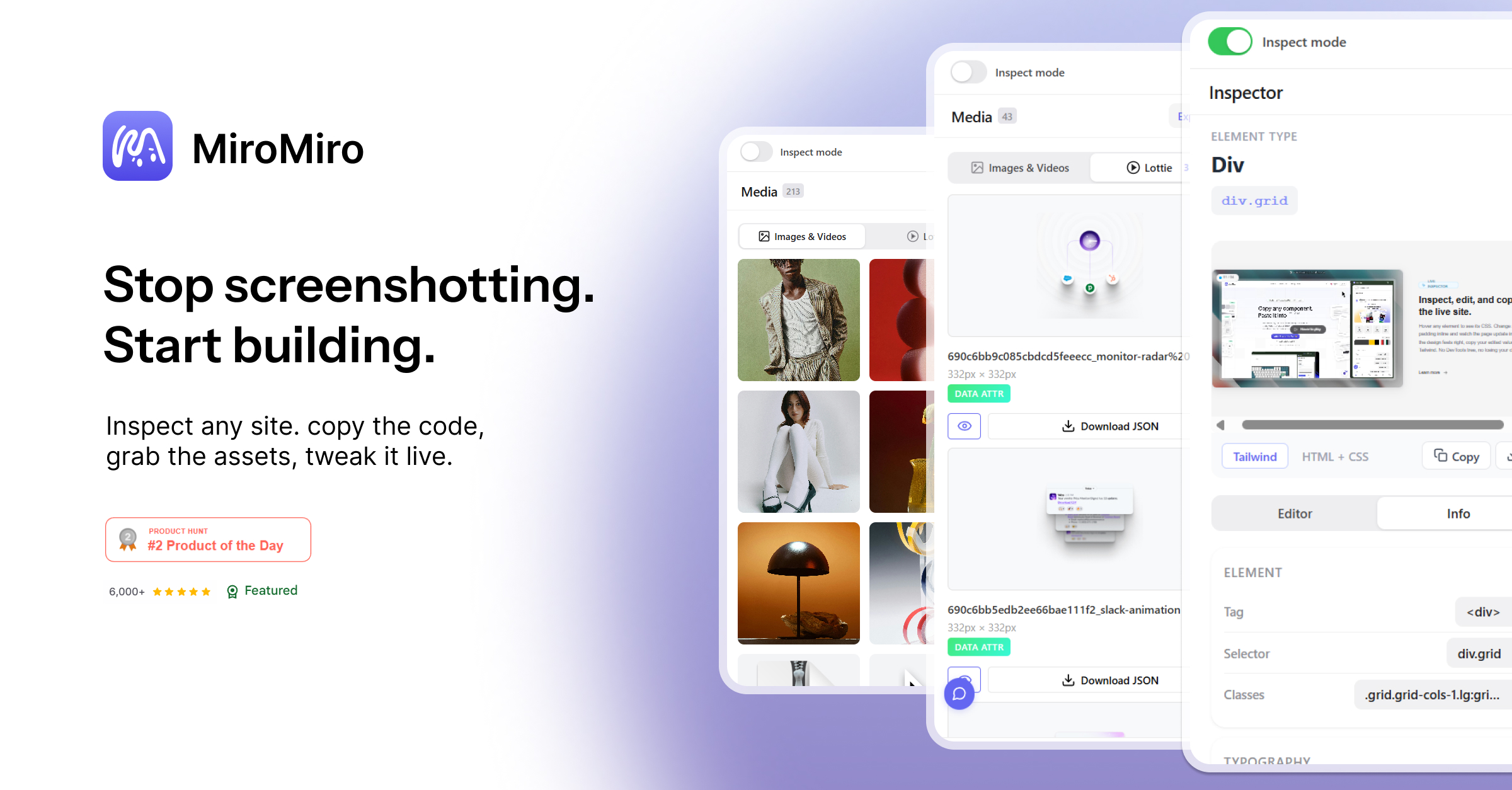
MiroMiro is a Chrome extension for inspecting UI and extracting design assets directly from any website. Instead of jumping between DevTools, Figma, and browser tabs to reverse engineer a design, you just open MiroMiro and get everything in one click. Colors, typography, spacing, icons, assets, all pulled from the live page with no setup needed.
Features
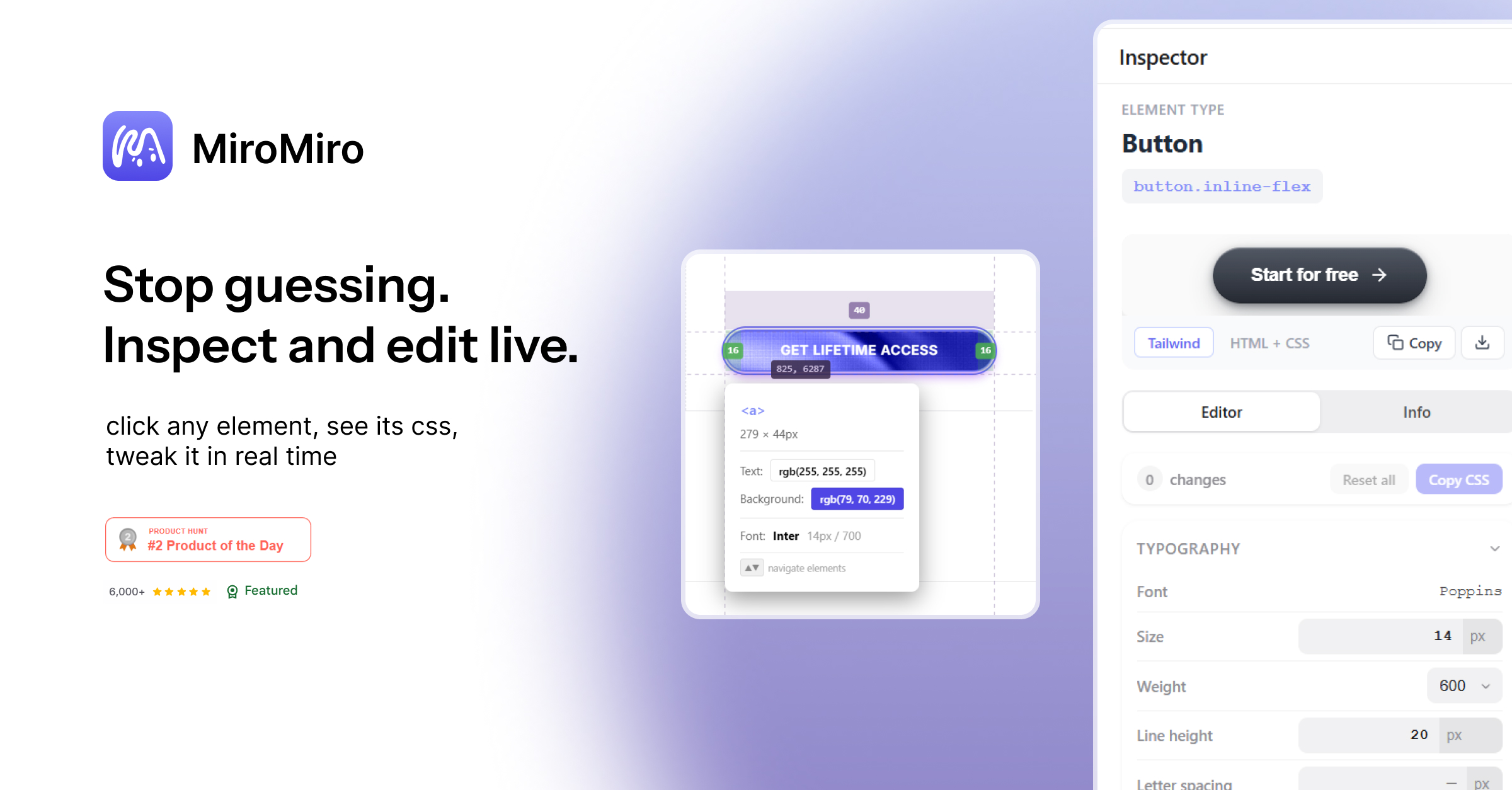
- Live CSS inspector: hover any element, edit colors, fonts, spacing inline, and copy out as CSS or Tailwind
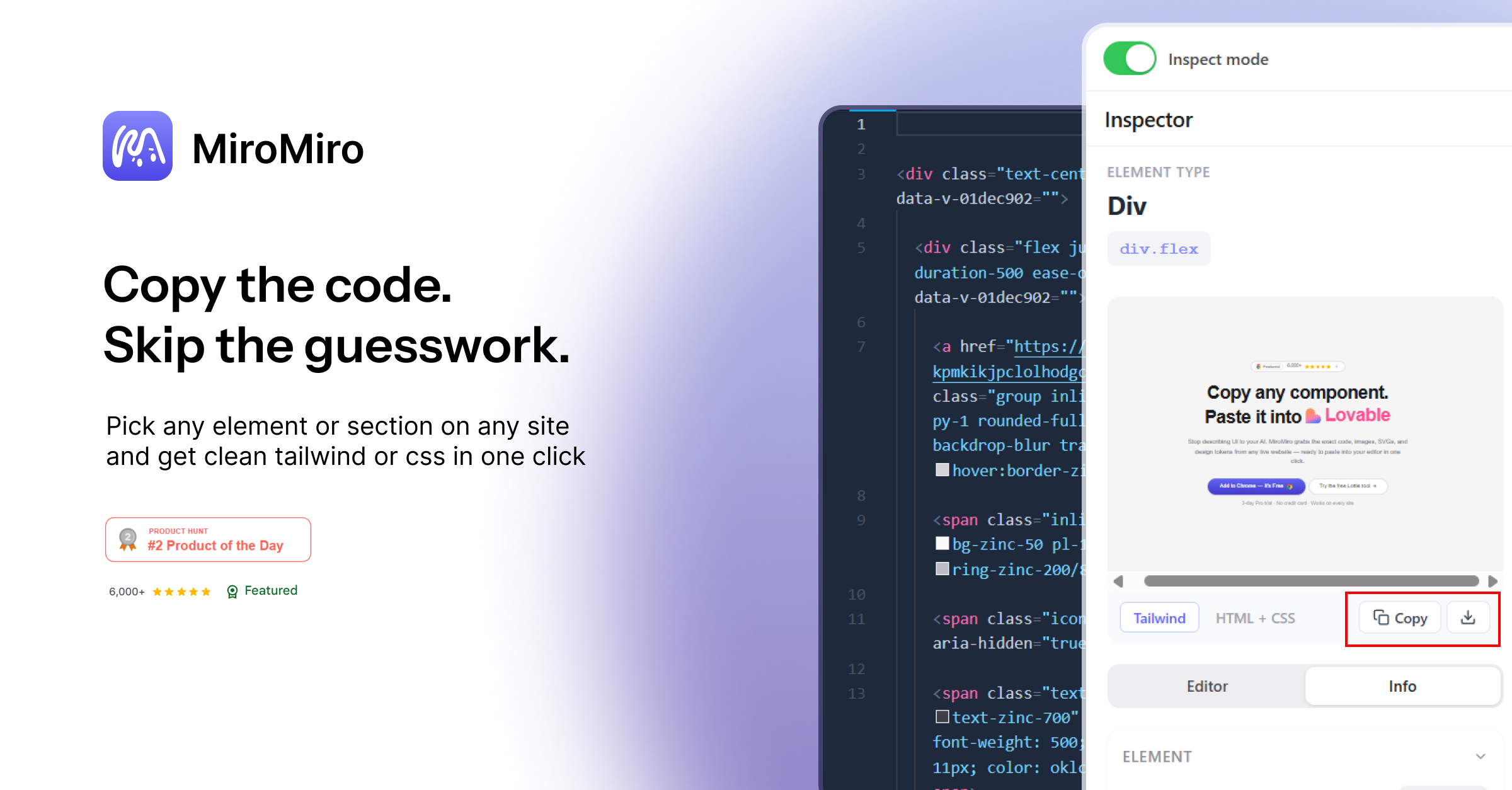
- Inspect and export any element or section as clean, production ready Tailwind + HTML
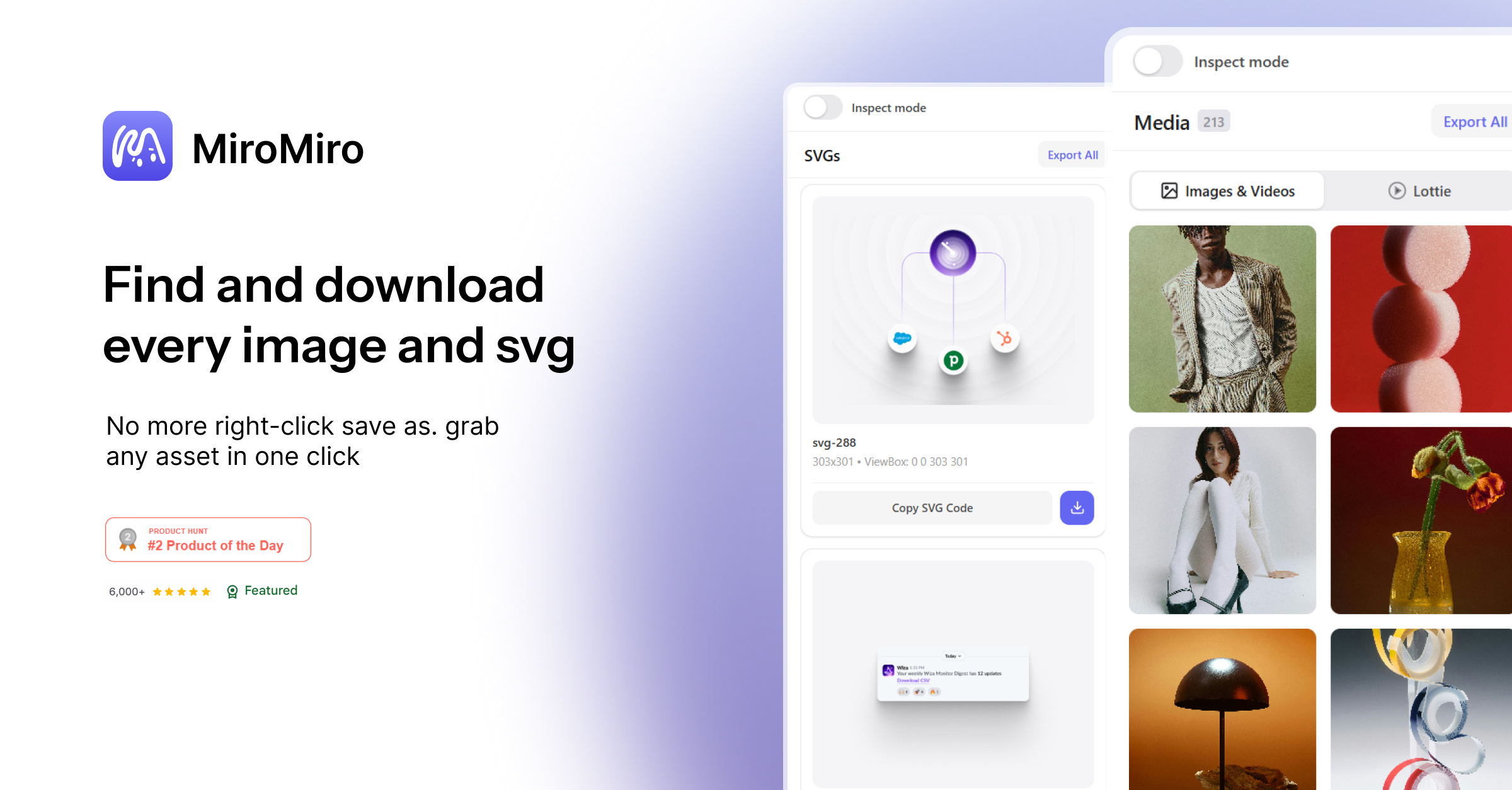
- Asset extractor: download images, videos, SVGs and icons from any page in bulk
- SVG extractor: find and download all SVGs on any page in original quality
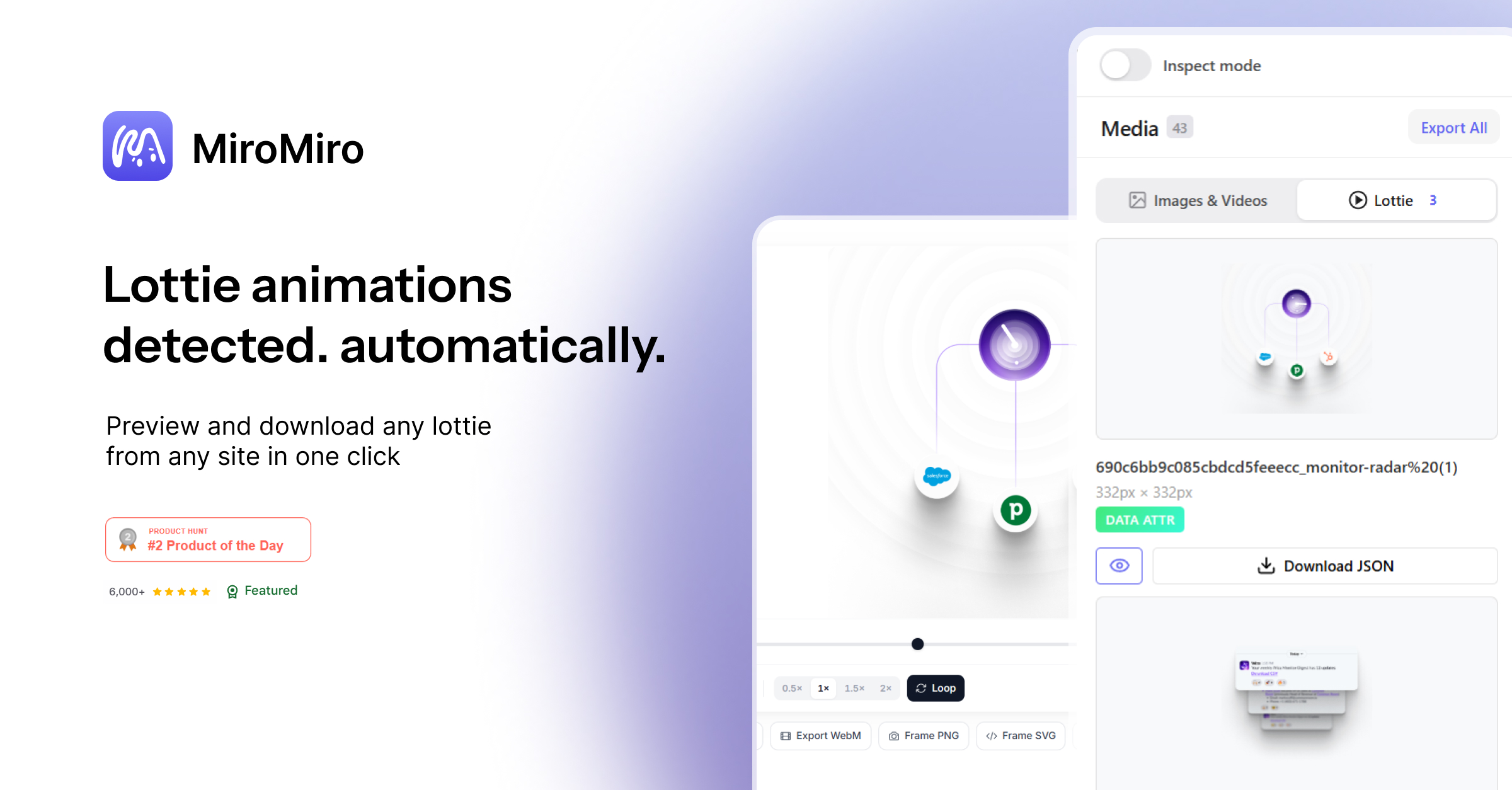
- Lottie extractor: detect and download Lottie JSON files from any site
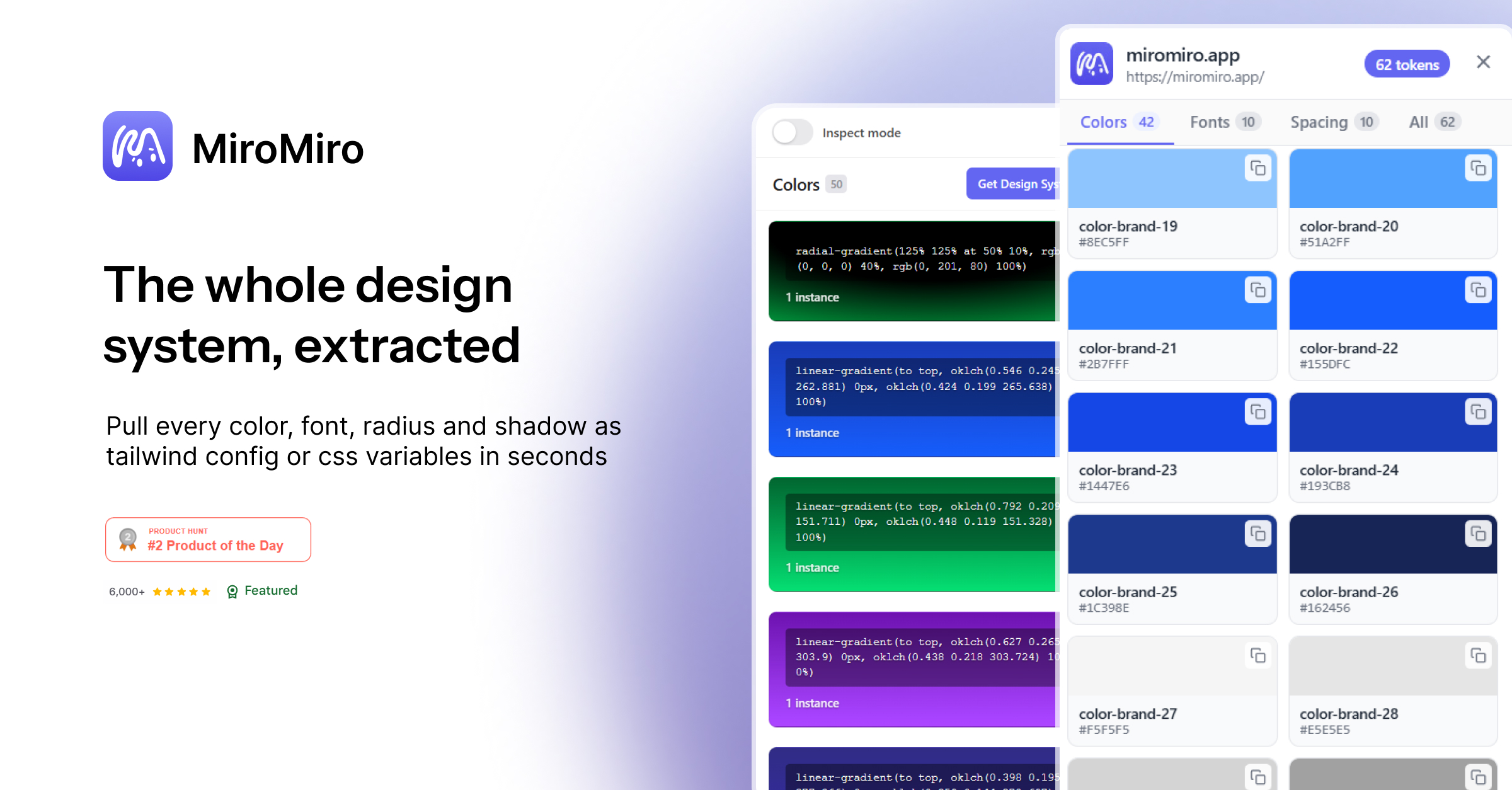
- Color palette extractor: pull brand colors with HEX, RGB and HSL values
- Live contrast checker: test WCAG 2.1 AA and AAA compliance on real websites
- Design tokens extractor: export colors, typography, spacing and shadows as CSS variables or Tailwind config
Use Cases
- Developers inspecting a reference site to copy spacing, fonts or colors without opening DevTools
- AI coders pasting exported Tailwind code straight into Cursor, Claude, v0 or Lovable instead of describing screenshots
- Designers extracting brand color palettes or design tokens from competitor sites
- Anyone downloading images, SVGs or icons from a page without touching the DOM
- Frontend devs grabbing Lottie animations from a live site to drop into their own project
- Freelancers reverse engineering a client's existing site before rebuilding it
- Accessibility focused teams checking contrast ratios on live pages for WCAG compliance
- Design system teams extracting tokens from any site and exporting to Figma or Tailwind config

Comments



The Lottie extractor is a feature I haven't seen in any other inspect tool — that alone makes this worth installing. The WCAG contrast checker built directly into the inspector is also a smart addition, most devs have to switch to a separate tool for that. One thing I'd love to see: a way to export the full design token set (colors + typography + spacing) as a single JSON file alongside the CSS variables and Tailwind config. Would make it much faster to bootstrap a new project from an existing design. Really clean execution overall. How does it handle sites that heavily use CSS-in-JS or dynamic class names like Emotion or styled-components?
This solves a real annoyance — opening DevTools just to inspect a website's layout or spacing feels like overkill for quick design research. Being able to inspect fonts, spacing, colors, and components visually without touching the DOM inspector is a nice workflow improvement for designers. Would love to see export functionality so you can pull detected design tokens directly into a design system or Figma library.

This solves a real annoyance — opening DevTools just to inspect a website's layout or spacing feels like overkill for quick design research. Being able to inspect fonts, spacing, colors, and components visually without touching the DOM inspector is a nice workflow improvement for designers. Would love to see export functionality so you can pull detected design tokens directly into a design system or Figma library.



I like the positioning here: not just another inspector, but a faster way to turn live website UI into usable design assets and code. The design token extraction and WCAG contrast checker are the parts that stand out most to me. One question: can users export a full token package as JSON or Tailwind config for reuse in a design system?





Quotaflow is a useful tool for teams using AI coding agents, LLM APIs, or multiple AI subscriptions who want to improve how their quota and token capacity is used. Instead of letting paid AI resources sit idle or run out unpredictably, Quotaflow helps teams manage temporary access, overflow capacity, and shared AI resource utilization in a more controlled way. For engineering and product teams that care about AI cost efficiency and operational visibility, Quotaflow is worth checking out: https://quotaflow.ai


MiroMiro feels like the missing layer between the browser and Figma — instead of digging through DevTools to pull a hex code here and a font stack there, one click surfaces the whole design system of a live page: colors, type, spacing, icons, assets, all in one panel. What I appreciate is how little setup it asks for; it just works the moment you land on a site, which makes "borrowing" inspiration or auditing a competitor's UI feel less like reverse engineering and more like reading the page natively.
Premium Products





































Sponsors
Buy
Awards
View all
Awards
View allMakers

Makers
Comments
The Lottie extractor is a feature I haven't seen in any other inspect tool — that alone makes this worth installing. The WCAG contrast checker built directly into the inspector is also a smart addition, most devs have to switch to a separate tool for that. One thing I'd love to see: a way to export the full design token set (colors + typography + spacing) as a single JSON file alongside the CSS variables and Tailwind config. Would make it much faster to bootstrap a new project from an existing design. Really clean execution overall. How does it handle sites that heavily use CSS-in-JS or dynamic class names like Emotion or styled-components?
This solves a real annoyance — opening DevTools just to inspect a website's layout or spacing feels like overkill for quick design research. Being able to inspect fonts, spacing, colors, and components visually without touching the DOM inspector is a nice workflow improvement for designers. Would love to see export functionality so you can pull detected design tokens directly into a design system or Figma library.
This solves a real annoyance — opening DevTools just to inspect a website's layout or spacing feels like overkill for quick design research. Being able to inspect fonts, spacing, colors, and components visually without touching the DOM inspector is a nice workflow improvement for designers. Would love to see export functionality so you can pull detected design tokens directly into a design system or Figma library.
I like the positioning here: not just another inspector, but a faster way to turn live website UI into usable design assets and code. The design token extraction and WCAG contrast checker are the parts that stand out most to me. One question: can users export a full token package as JSON or Tailwind config for reuse in a design system?
Quotaflow is a useful tool for teams using AI coding agents, LLM APIs, or multiple AI subscriptions who want to improve how their quota and token capacity is used. Instead of letting paid AI resources sit idle or run out unpredictably, Quotaflow helps teams manage temporary access, overflow capacity, and shared AI resource utilization in a more controlled way. For engineering and product teams that care about AI cost efficiency and operational visibility, Quotaflow is worth checking out: https://quotaflow.ai
MiroMiro feels like the missing layer between the browser and Figma — instead of digging through DevTools to pull a hex code here and a font stack there, one click surfaces the whole design system of a live page: colors, type, spacing, icons, assets, all in one panel. What I appreciate is how little setup it asks for; it just works the moment you land on a site, which makes "borrowing" inspiration or auditing a competitor's UI feel less like reverse engineering and more like reading the page natively.
Premium Products
New to Fazier?

Find your next favorite product or submit your own. Made by @FalakDigital.
Copyright ©2026. All Rights Reserved