
MiniMax H3 Max AI Video Generator
Turn text and images into cinematic AI videos with audio.
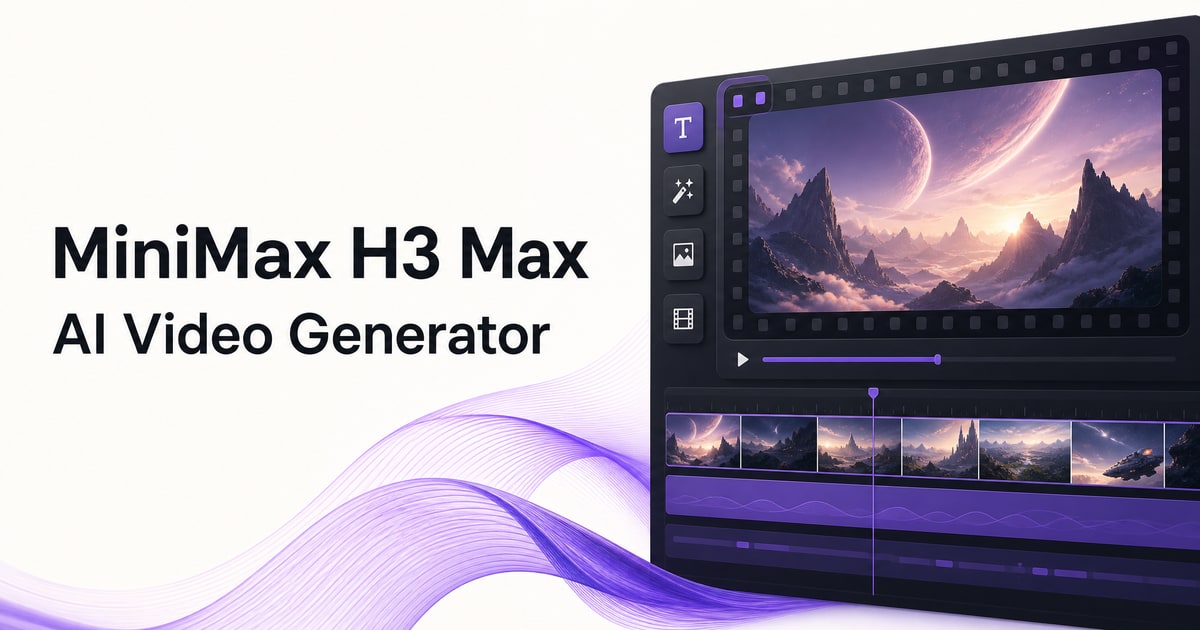
H3 Max is an AI video workspace for turning ideas into short, cinematic videos. Write a scene prompt or upload a reference image or video, then choose the duration, resolution, and aspect ratio to generate a clip with native audio.
The workflow keeps creation in one place: prompt writing, visual references, generation, preview, download, credit balance, and history. It is built for fast concepting as well as polished social clips, product scenes, ad creatives, and cinematic experiments.
Features
- Generate AI videos from text prompts
- Animate reference images into video
- Use reference videos for stronger visual direction
- Control duration, resolution, and aspect ratio
- Create clips with native audio
- Preview, save, and download generated videos
- Keep prompts, credits, and generation history in one workspace
Use Cases
- Create short social media videos and campaign concepts
- Turn product images into motion-ready product scenes
- Explore cinematic shots before a full production
- Prototype ad creative and visual storytelling ideas
- Generate motion tests from images, scenes, and written briefs

Comments

We built H3 Max because AI video creation should feel like a focused creative workflow, not a collection of disconnected tools. With H3 Max, you can start from a written scene, an image, or a reference video, then shape a short clip with controls for duration, resolution, and aspect ratio. The goal is simple: make it easier to move from an idea to a usable video concept, product scene, social clip, or cinematic experiment. We are launching early and would love feedback from creators: Which controls, workflows, or export options would make H3 Max more useful in your everyday work?


MiniMax H3 Max AI Video Generator Your product has strong potential, but I found a few key improvements that could make it even better. I'd love to share my feedback and suggestions—please contact me at [email protected].
Premium Products












































Sponsors
Buy

Comments
We built H3 Max because AI video creation should feel like a focused creative workflow, not a collection of disconnected tools. With H3 Max, you can start from a written scene, an image, or a reference video, then shape a short clip with controls for duration, resolution, and aspect ratio. The goal is simple: make it easier to move from an idea to a usable video concept, product scene, social clip, or cinematic experiment. We are launching early and would love feedback from creators: Which controls, workflows, or export options would make H3 Max more useful in your everyday work?
MiniMax H3 Max AI Video Generator Your product has strong potential, but I found a few key improvements that could make it even better. I'd love to share my feedback and suggestions—please contact me at [email protected].
Premium Products
New to Fazier?

Find your next favorite product or submit your own. Made by @FalakDigital.
Copyright ©2026. All Rights Reserved