
Milometry
Automatic mileage log. Pay once, no account, no cloud.
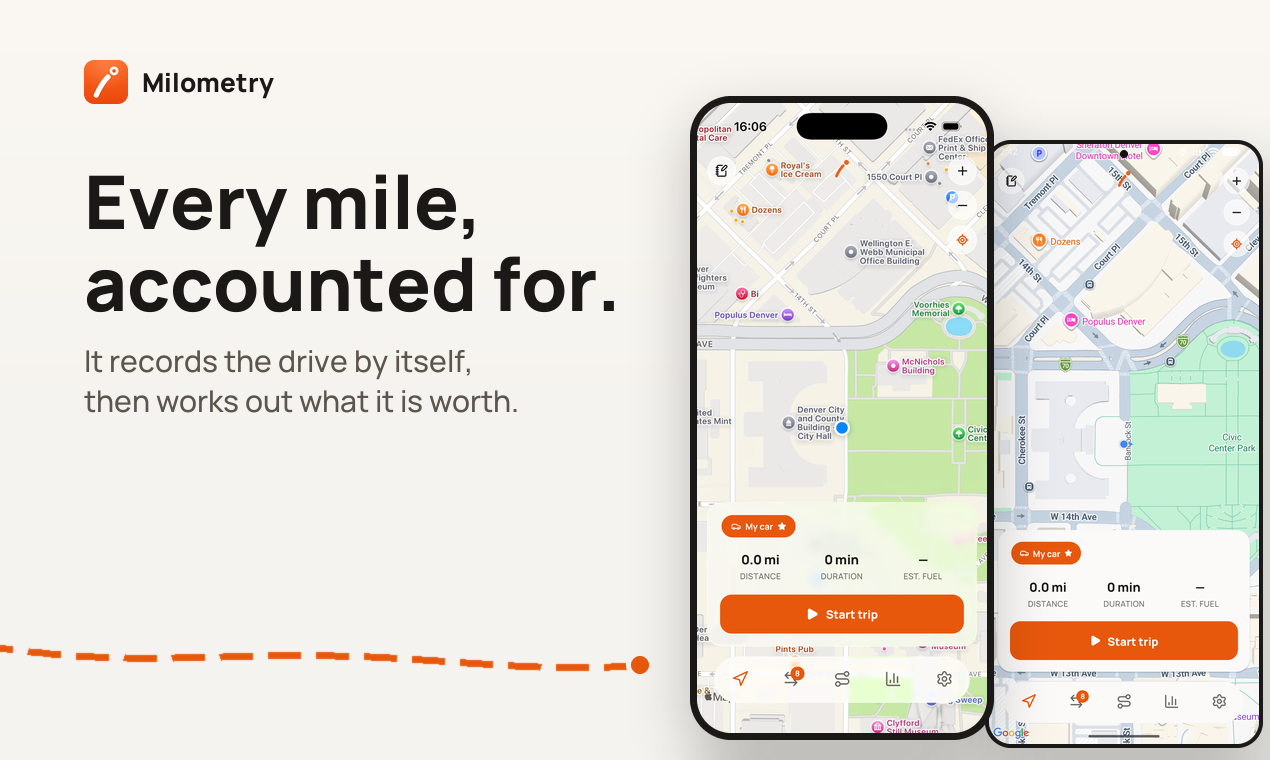
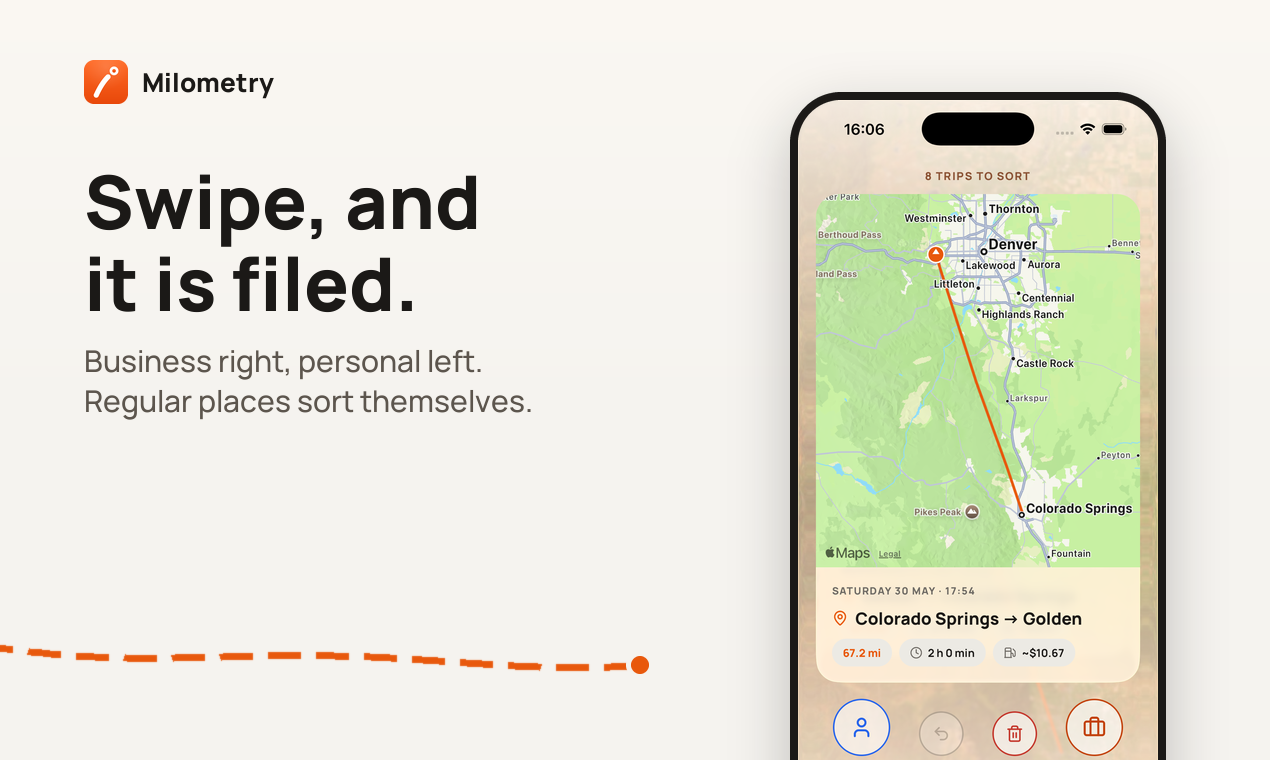
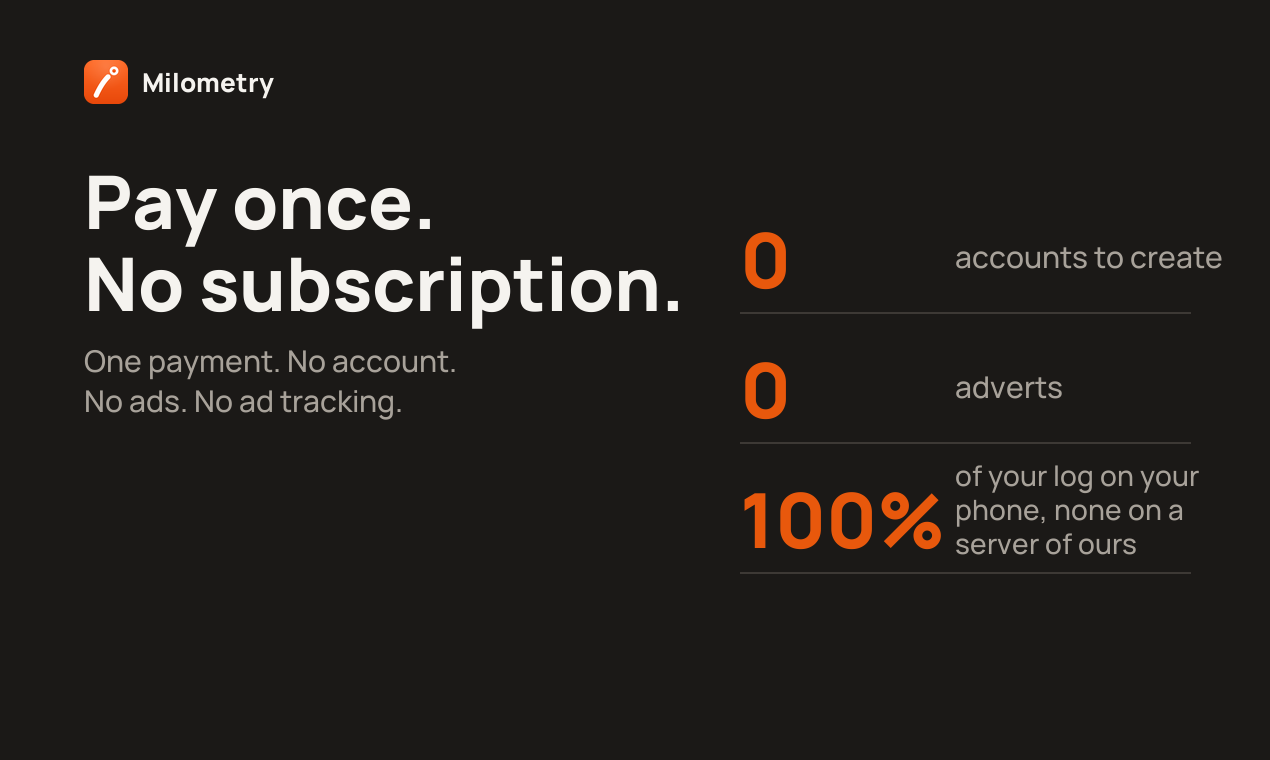
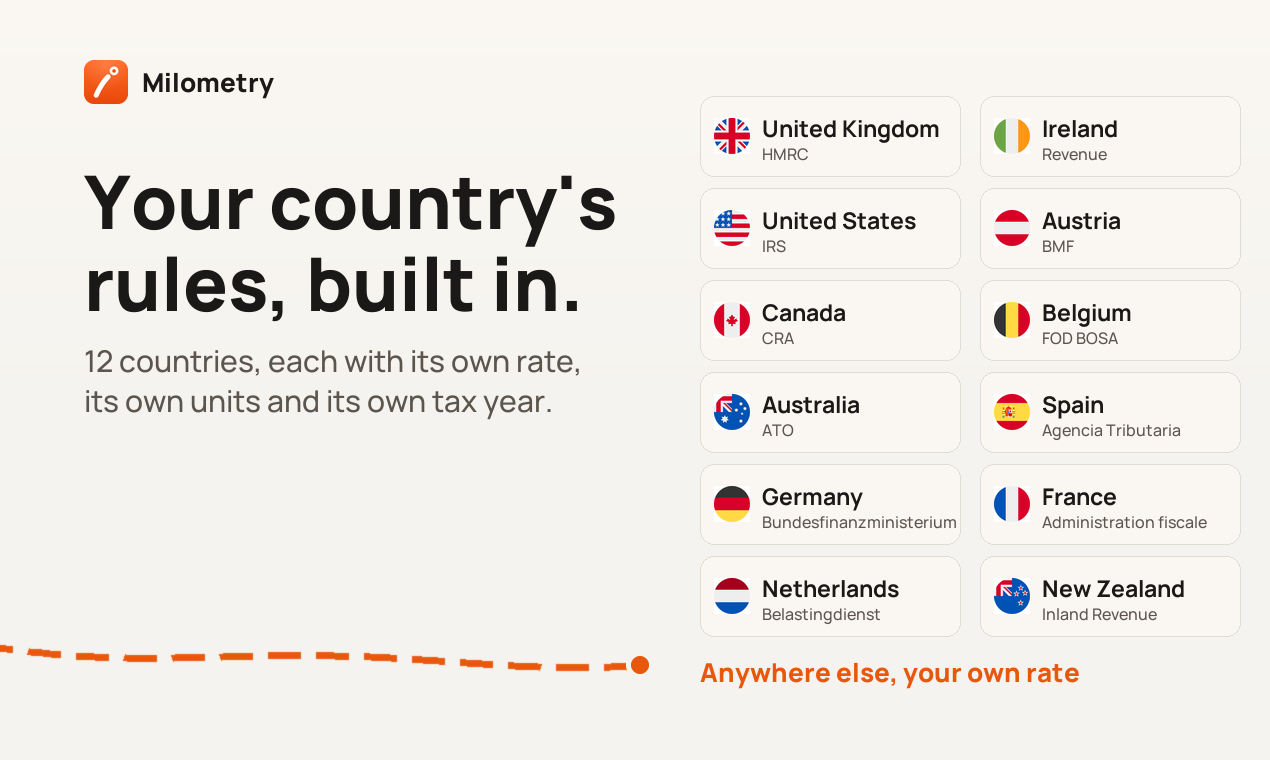
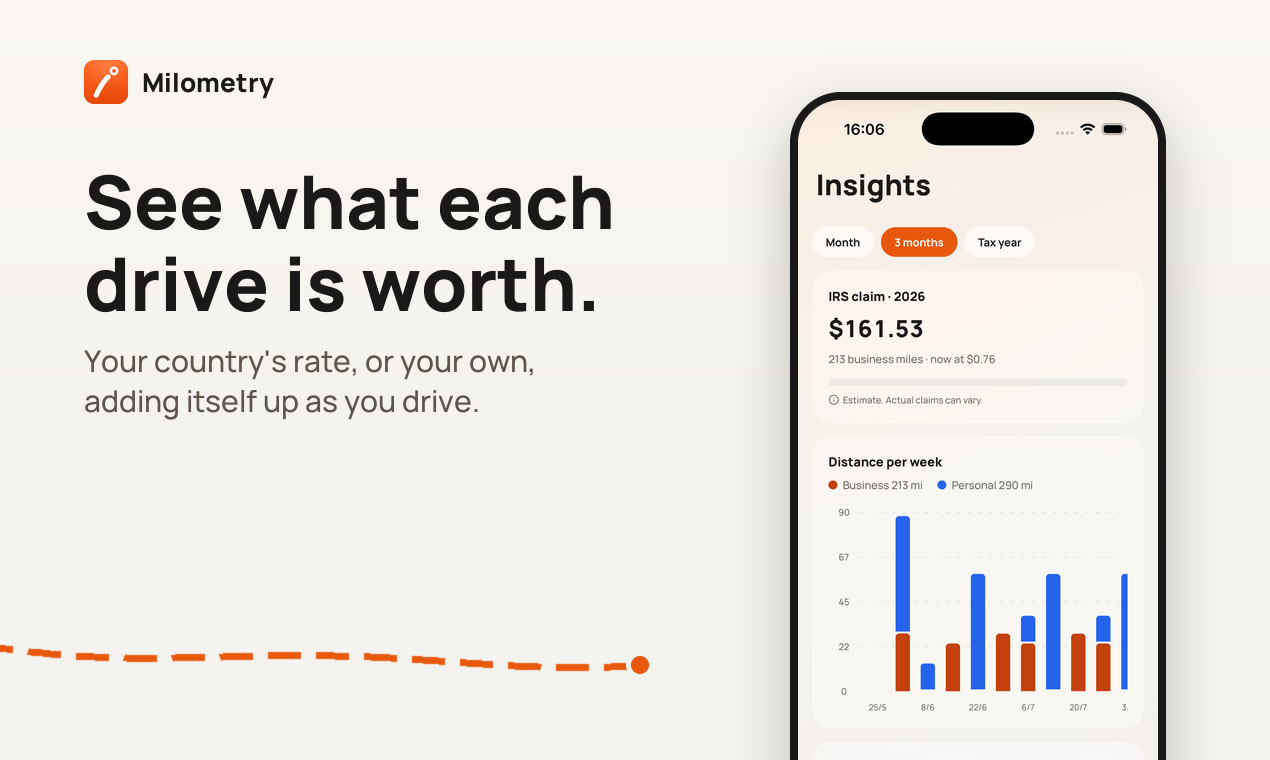
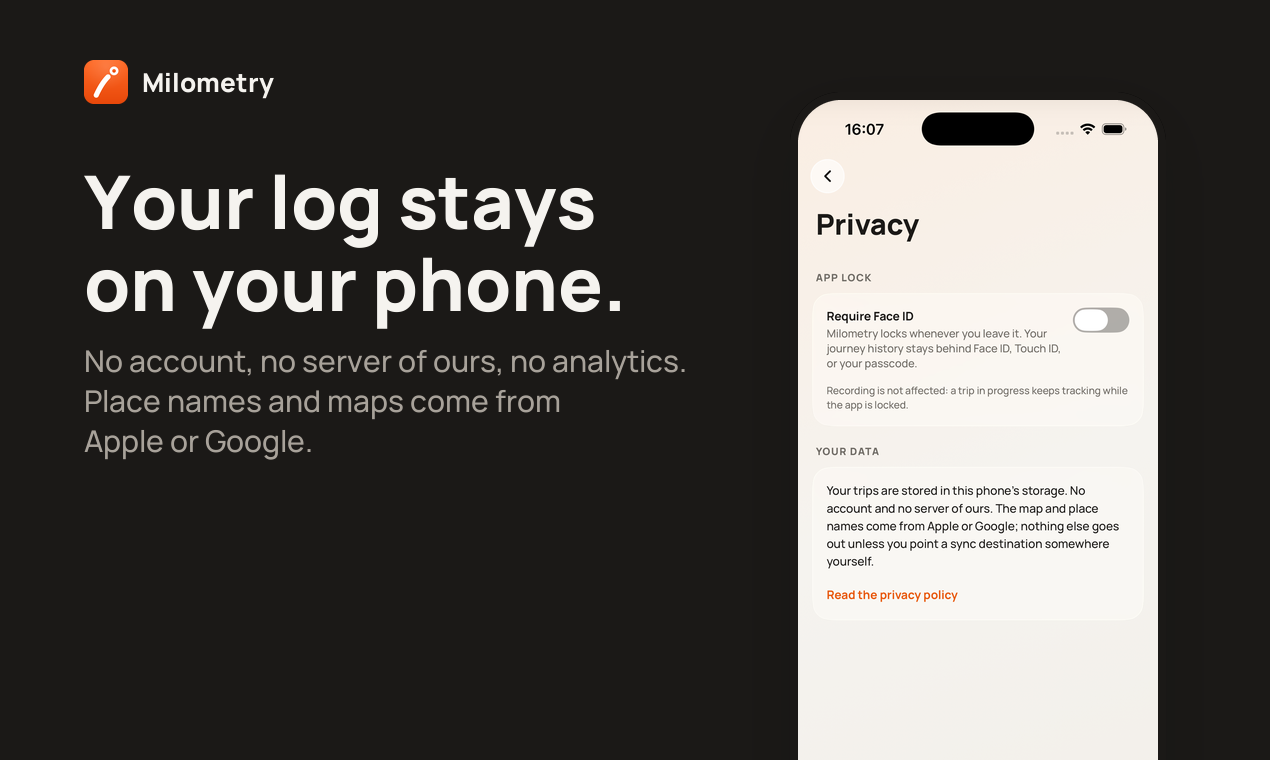
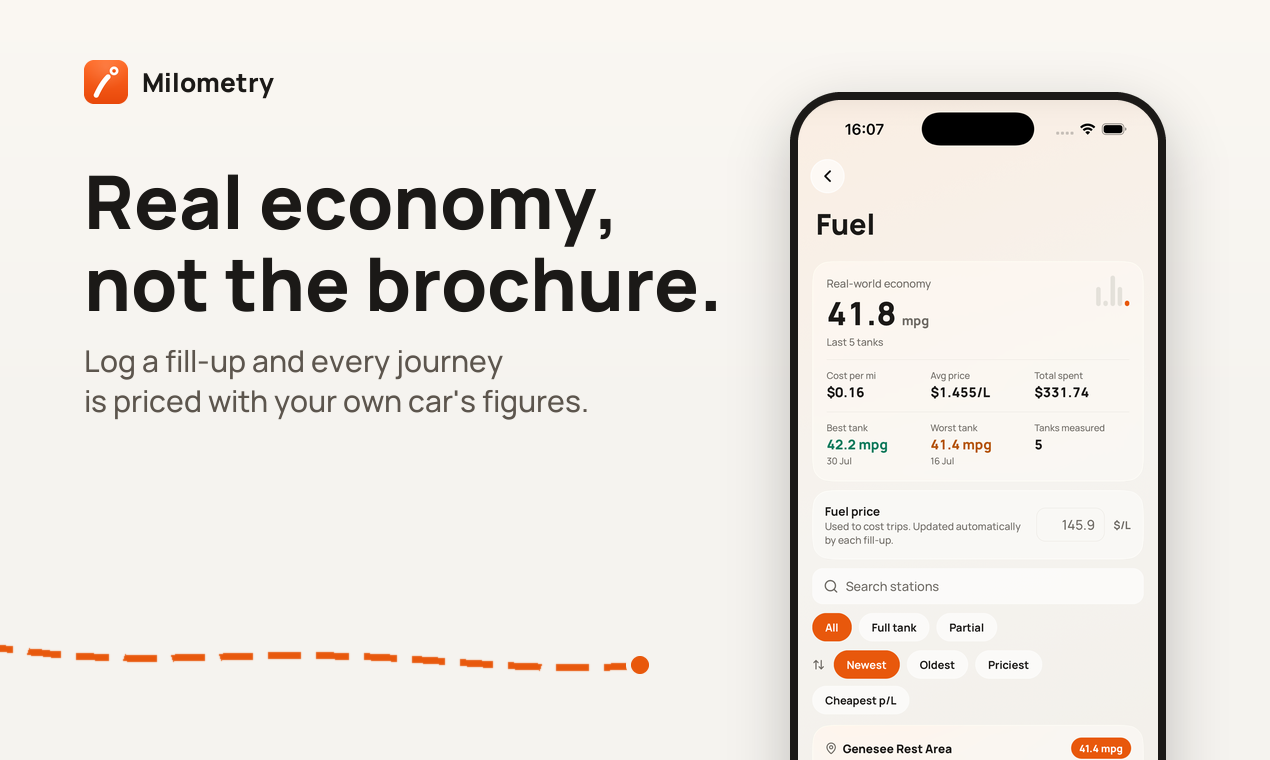
Milometry notices when you drive, records the route, and lets you swipe each trip into business or personal. It adds them up at your country's official mileage rate: rules for 12 countries are built in (IRS, HMRC, CRA, ATO and more), or set your own or your employer's. Real fuel economy from your fill-ups, receipts for parking and tolls, monthly statements, CSV and PDF export. One payment, no subscription, no account, no analytics. The log never leaves your phone. iOS and Android, 6 languages.
Features
- Automatic drive recording, once it is set up
- Swipe to sort business from personal
- Published mileage rates for twelve countries, banded where the rules are
- Your own rate where your country publishes none
- Commuting kept out of the claim
- Monthly and tax year statements as PDF or CSV
- Claim document and spreadsheet export
- Real fuel economy from your own fill-ups
- Parking, tolls and receipts attached to a trip
- Fuel costs split between passengers
- Trim, split, merge and restore trips
- Add a trip by hand, or import a CSV

Comments


Keeping the whole log on the phone with no account is a strong privacy choice for something as sensitive as location history, and built-in rates for 12 countries (IRS, HMRC, CRA, ATO) saves people hunting for the current figure each tax year. Question: how does the automatic drive detection handle battery on Android, and does it still catch short trips like a quick client stop?

Premium Products

















































Sponsors
Buy

Makers

Makers
Comments
Keeping the whole log on the phone with no account is a strong privacy choice for something as sensitive as location history, and built-in rates for 12 countries (IRS, HMRC, CRA, ATO) saves people hunting for the current figure each tax year. Question: how does the automatic drive detection handle battery on Android, and does it still catch short trips like a quick client stop?
Premium Products
New to Fazier?

Find your next favorite product or submit your own. Made by @FalakDigital.
Copyright ©2026. All Rights Reserved