
Melody Creator
Make melodies online and export MIDI or WAV
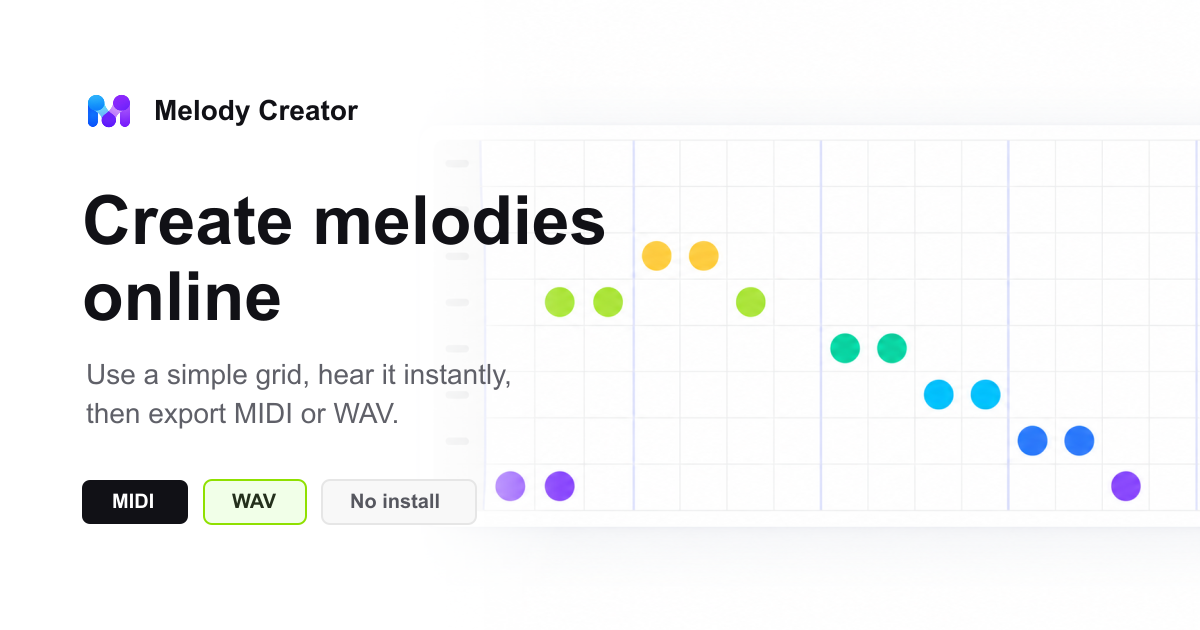
Melody Creator is a focused online tool for turning simple musical ideas into playable melody sketches. Users can place notes on a 16-step grid, choose a key and scale, adjust tempo and instrument sound, add backing chords, and hear the melody loop directly in the browser. The workflow is designed for fast ideation before opening a full DAW. Start from a preset or random idea, edit notes manually, test how the phrase sounds with different scales or chord progressions, then download the result as an editable MIDI file or a WAV audio file. Melody Creator is useful for hooks, motifs, lesson examples, game loops, video cues, and early song ideas. It does not require an account or installation, and the current editor runs in the browser without uploading the melody grid to an app account or cloud project library.
Features
- 16-step melody grid for creating short hooks, motifs, and tune ideas
- Browser playback with tempo, key, scale, instrument, and chord controls
- Presets and random melody ideas for faster creative starts
- MIDI export for editing in DAWs such as GarageBand, Logic, FL Studio, Ableton, and similar apps

Comments


We built Melody Creator as a lightweight browser workspace for quickly shaping musical ideas. Instead of starting with a full production session, you can sketch a melody, hear it loop, add chords, and export MIDI or WAV when the idea is ready. It is designed for practical first drafts, music practice, lesson examples, and creative momentum.

This looks handy for small streamers, who always need a short custom sound for sub or donation alerts and a few seconds of intro sting. Two questions from that angle: can the WAV export be a single pass with a short fade-out instead of a loop, so it drops straight into OBS or an alert tool? And can melodies made here be used on a monetized stream without licensing worries?
Premium Products


















































Makers
Makers
Comments
We built Melody Creator as a lightweight browser workspace for quickly shaping musical ideas. Instead of starting with a full production session, you can sketch a melody, hear it loop, add chords, and export MIDI or WAV when the idea is ready. It is designed for practical first drafts, music practice, lesson examples, and creative momentum.
This looks handy for small streamers, who always need a short custom sound for sub or donation alerts and a few seconds of intro sting. Two questions from that angle: can the WAV export be a single pass with a short fade-out instead of a loop, so it drops straight into OBS or an alert tool? And can melodies made here be used on a monetized stream without licensing worries?
Premium Products
New to Fazier?

Find your next favorite product or submit your own. Made by @FalakDigital.
Copyright ©2026. All Rights Reserved