
Melaya
Choose your AI. Automate the work. Accelerate your growth.
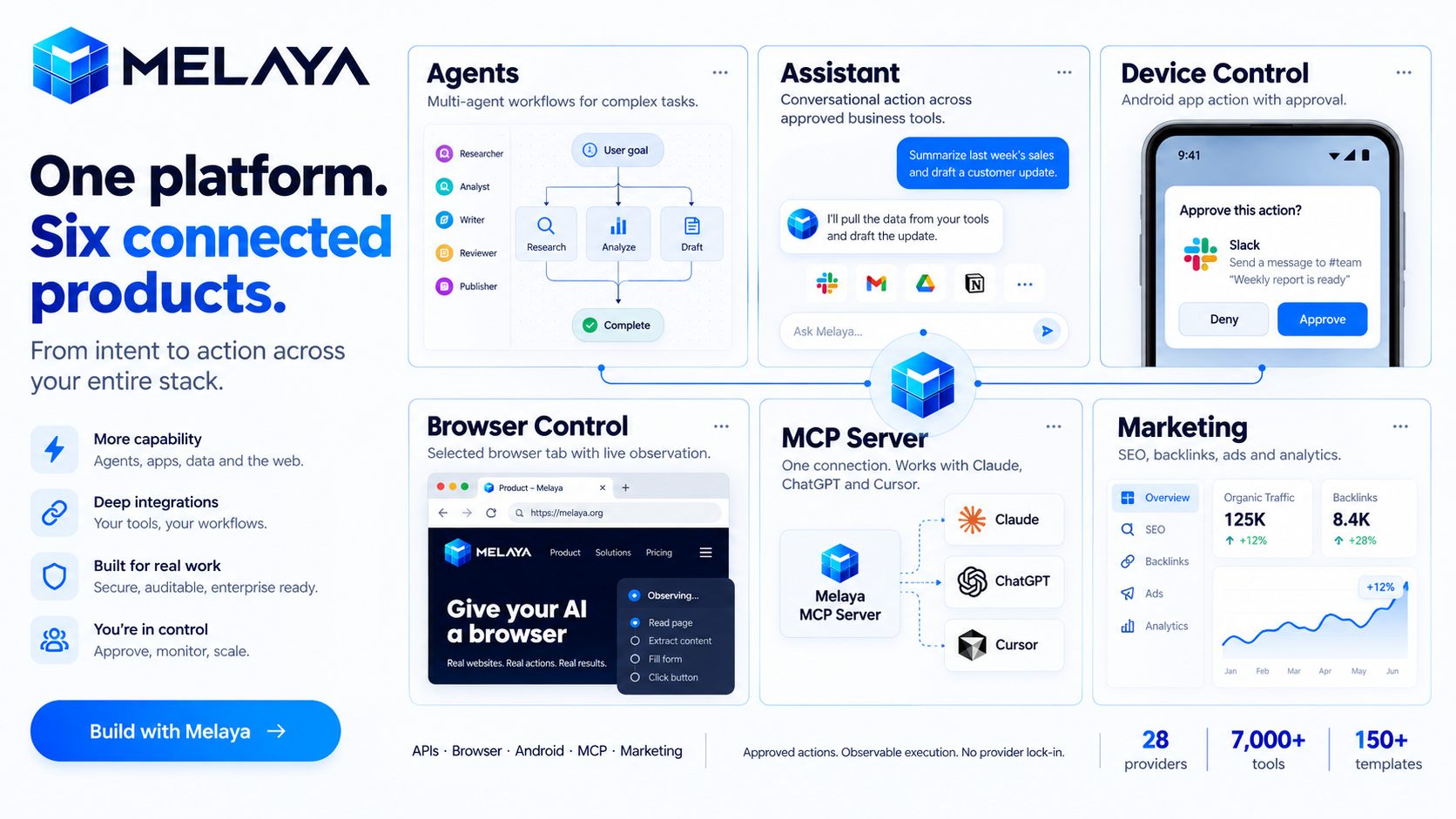
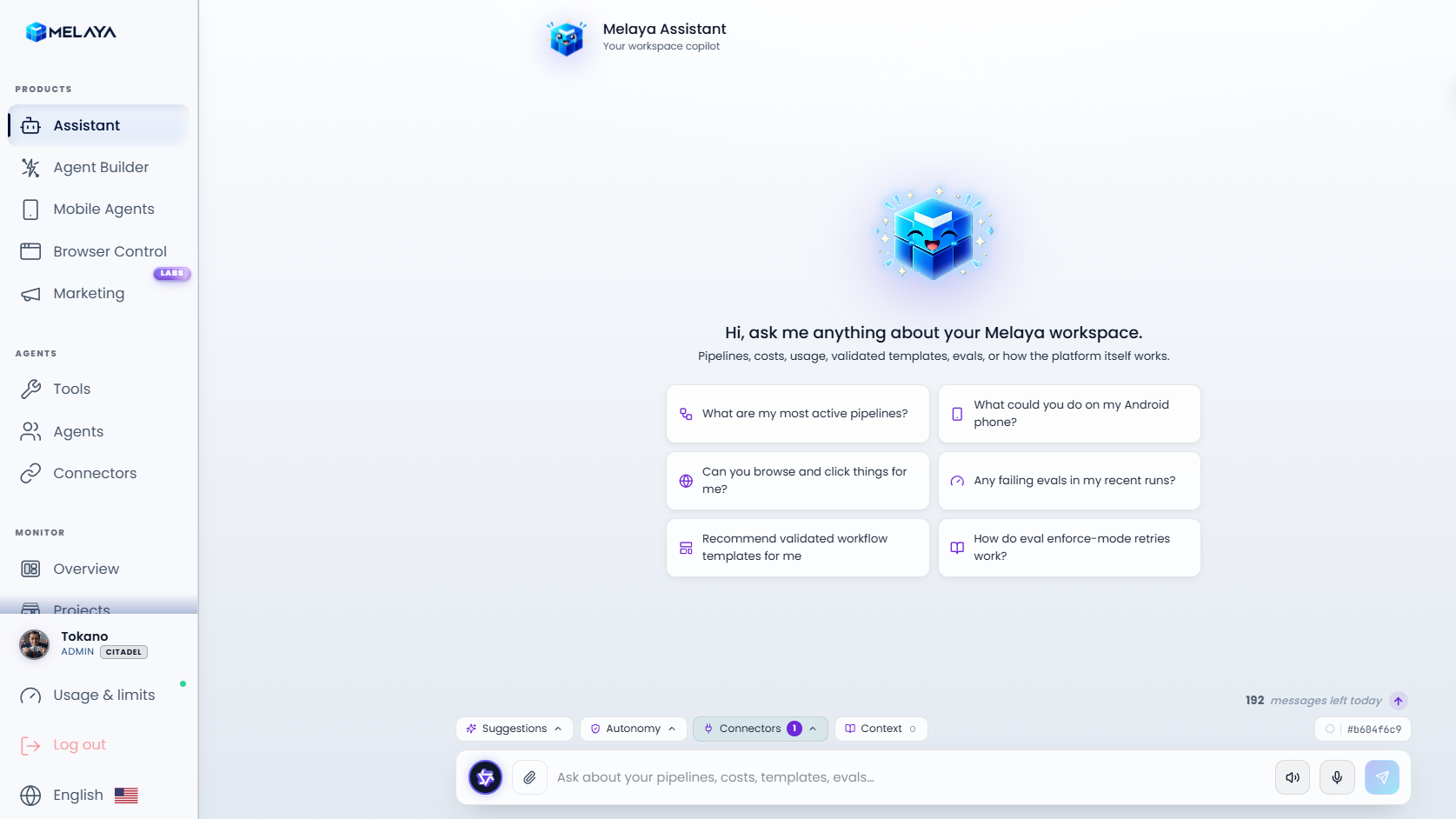
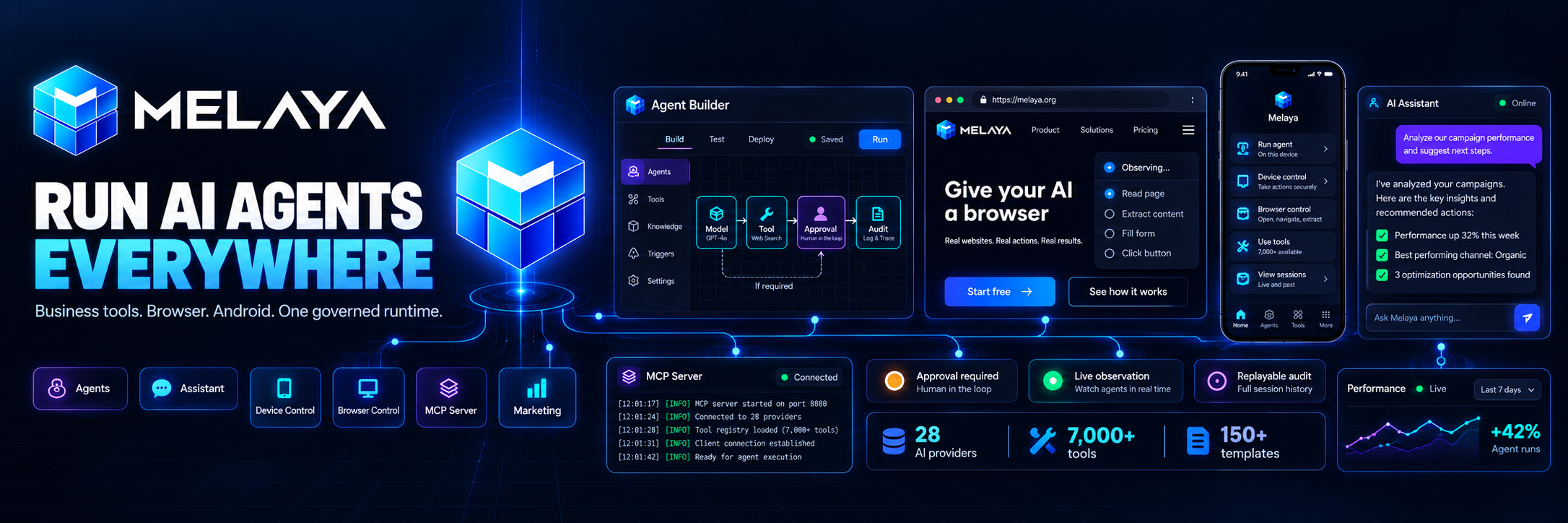
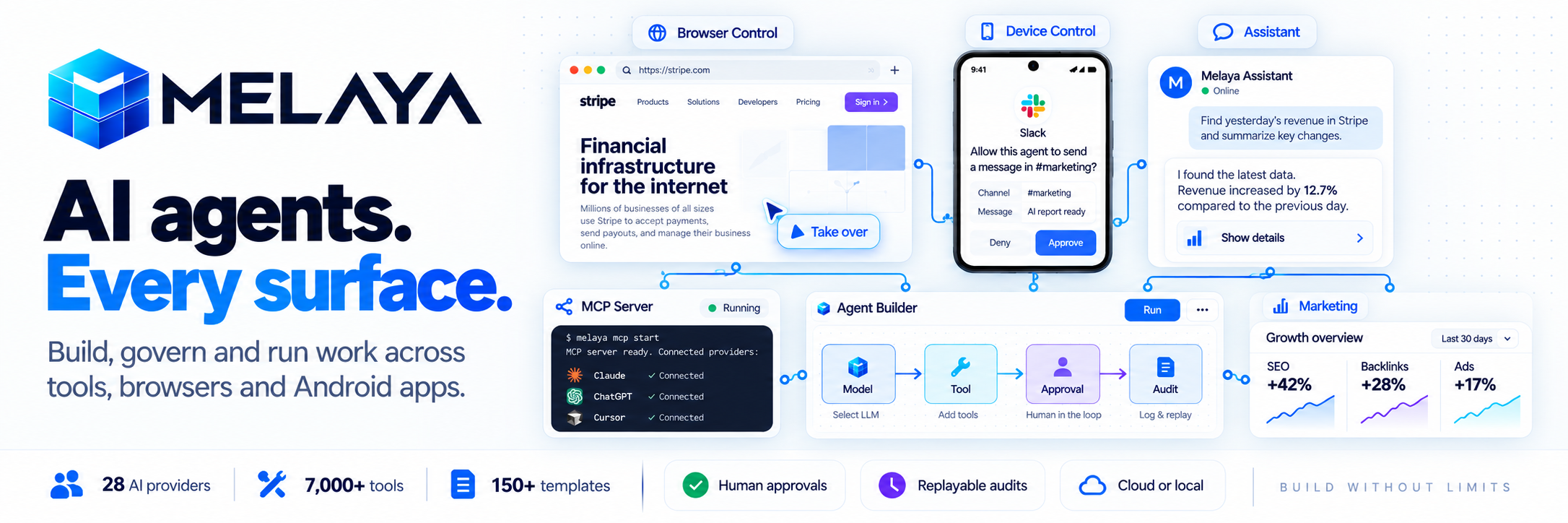
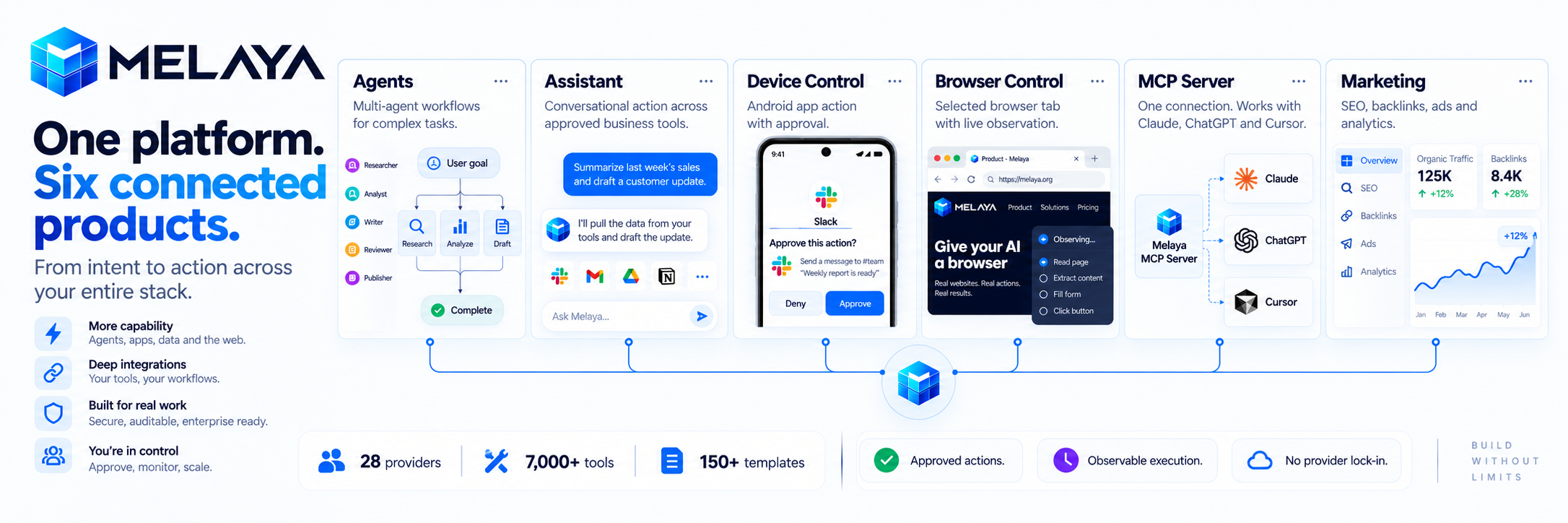
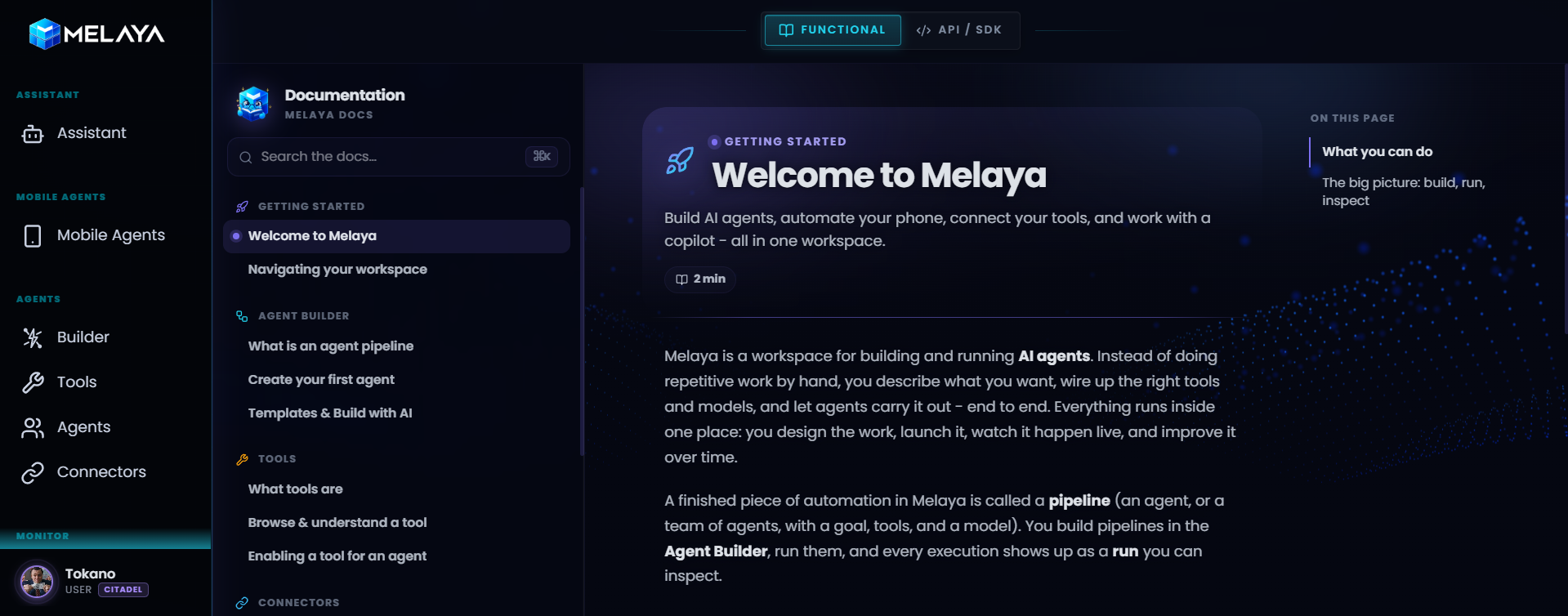
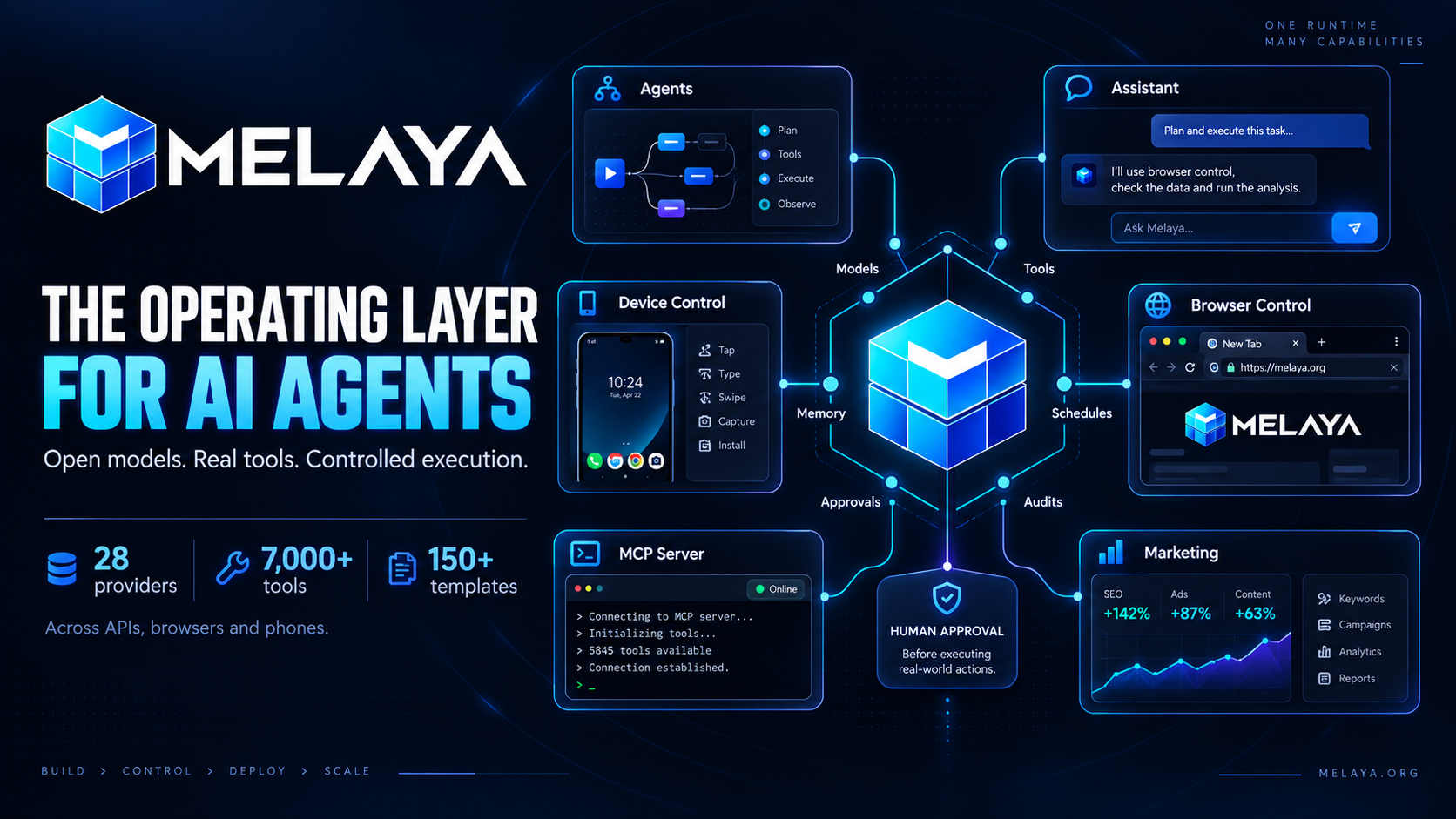
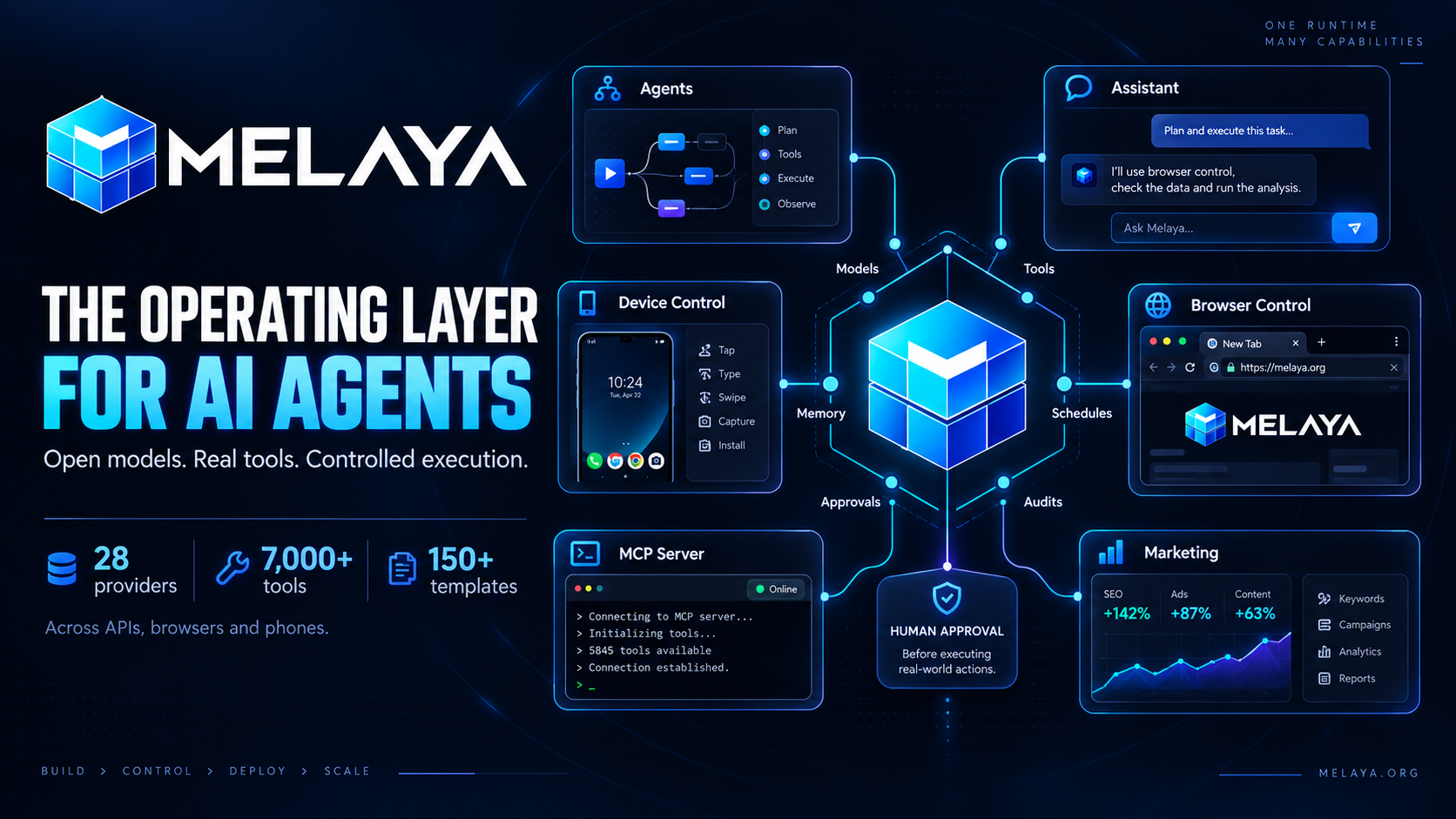
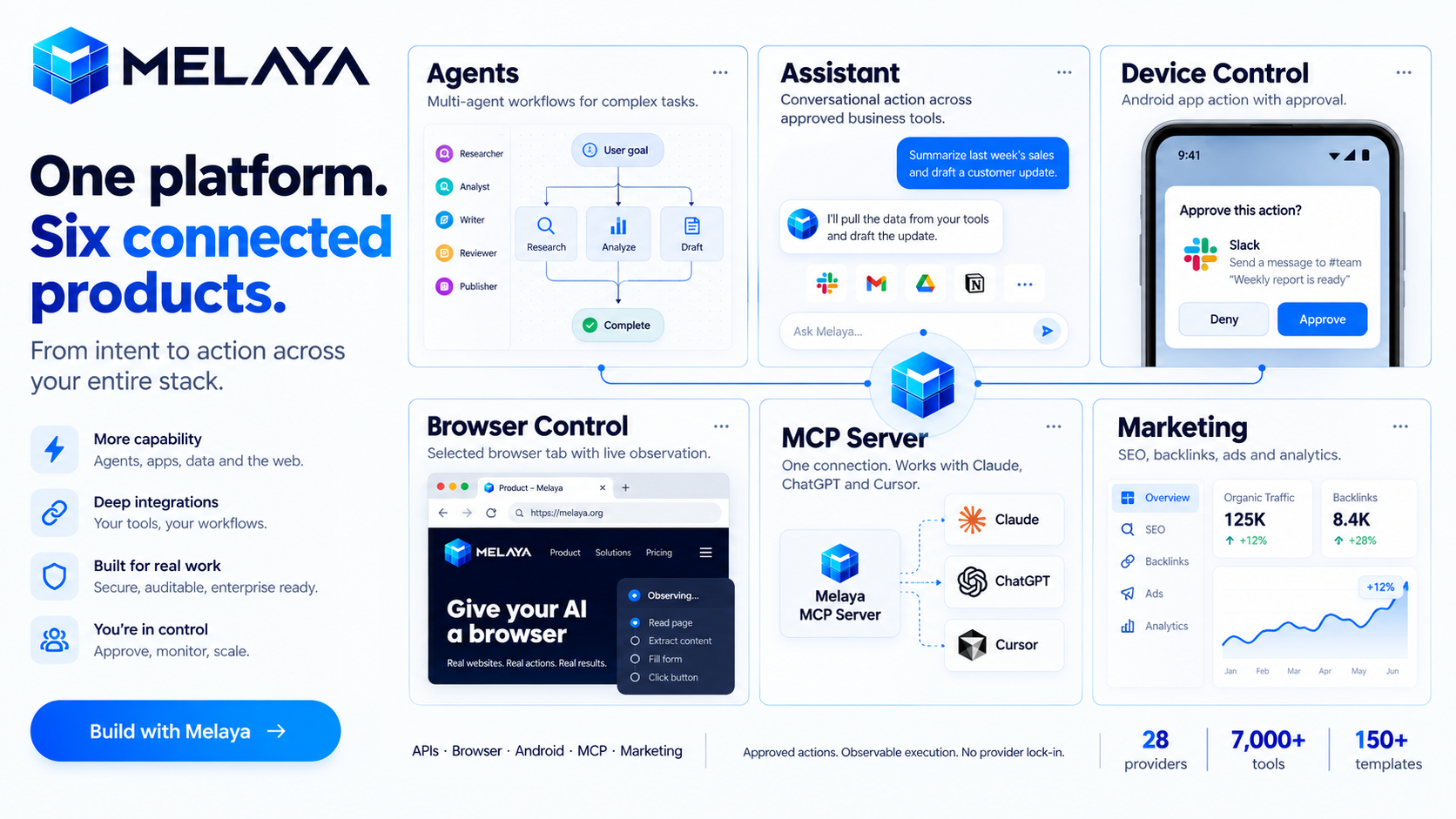
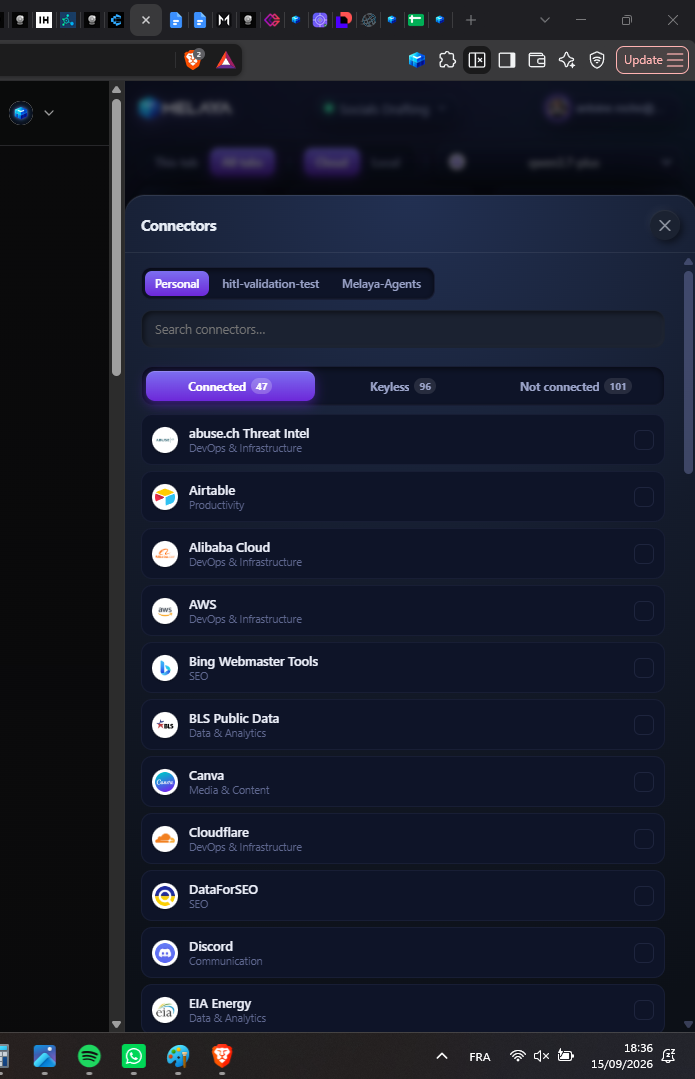
Melaya is a platform for building and running AI agents across business tools, browsers and Android apps, with six connected products:
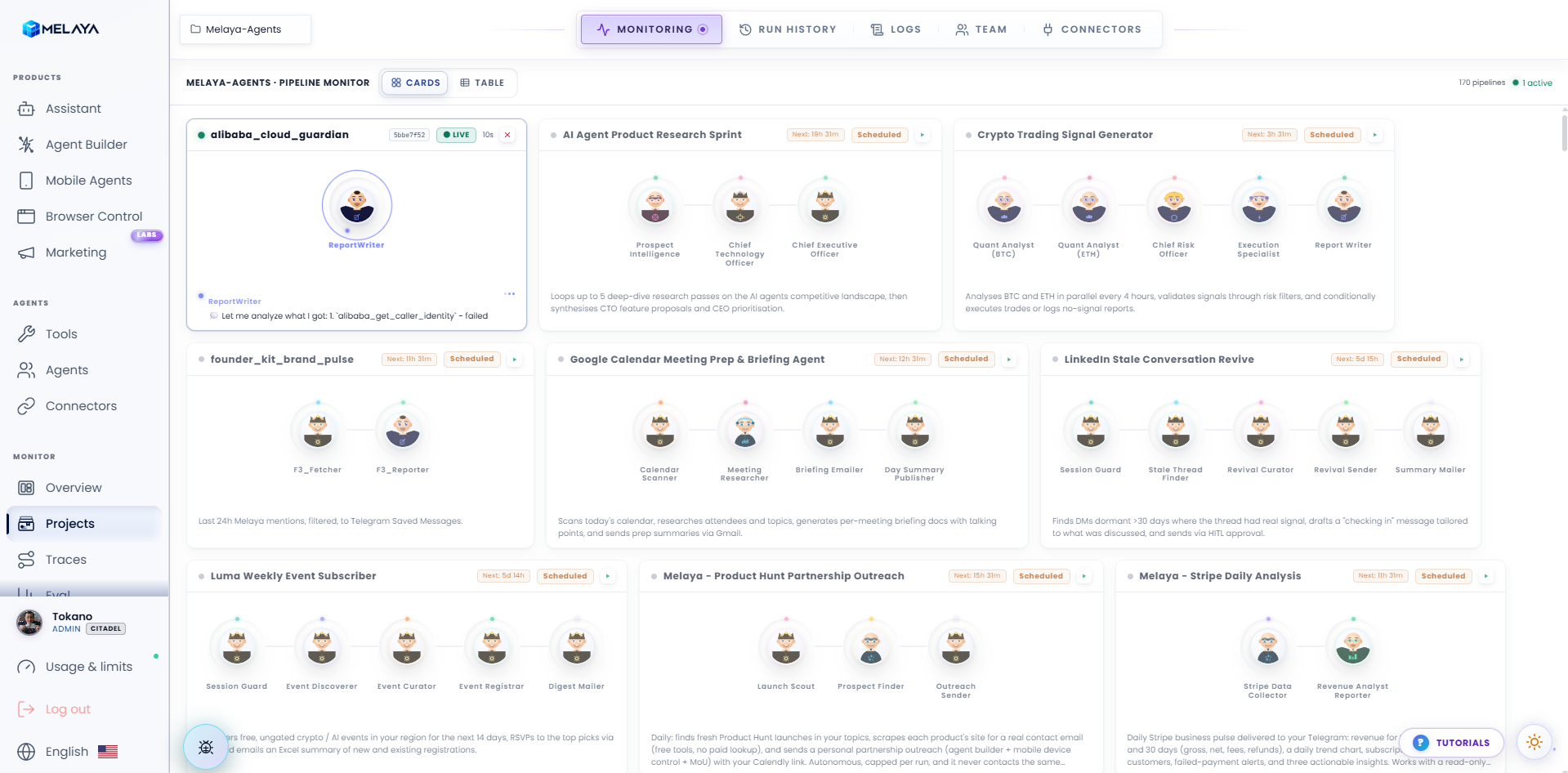
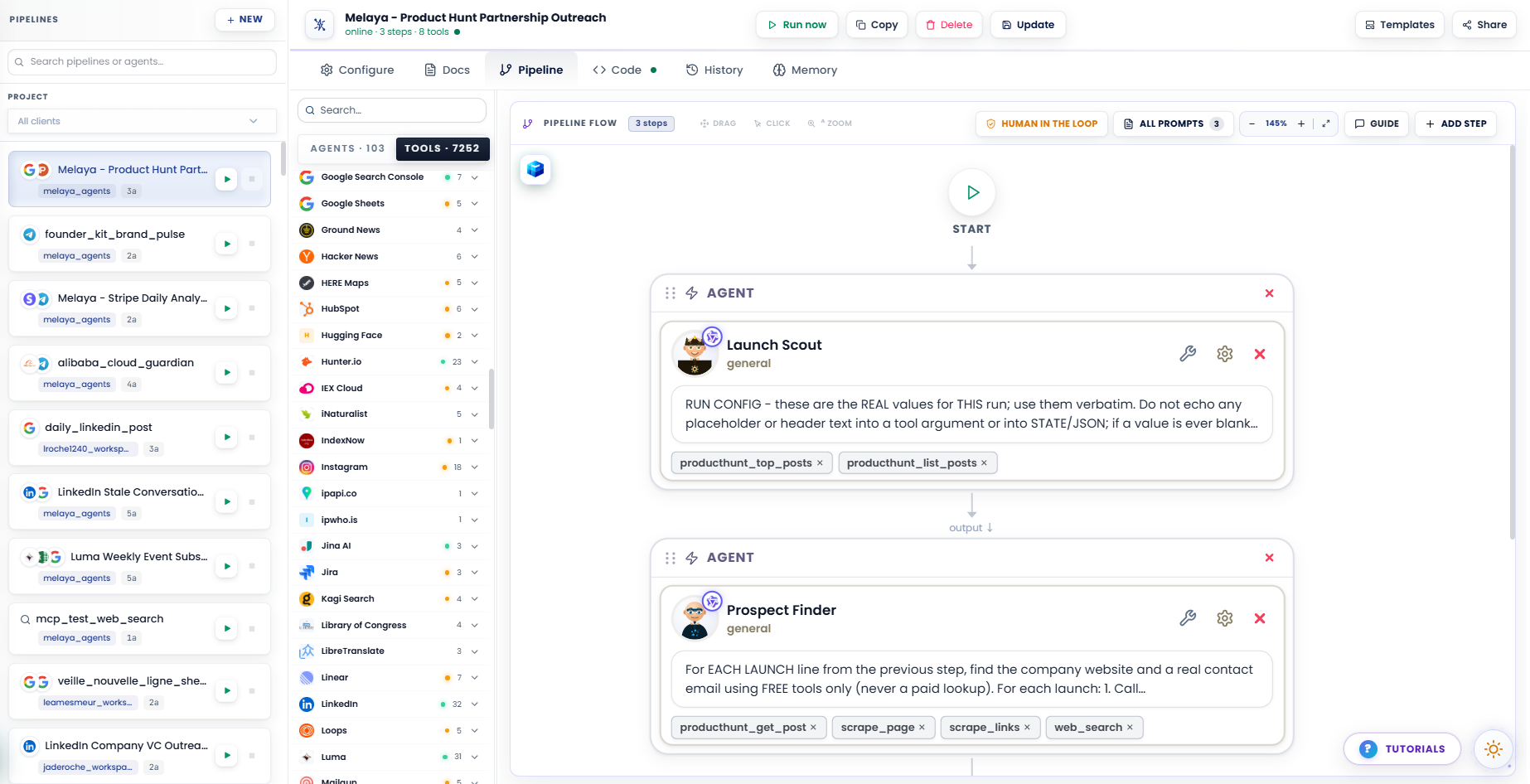
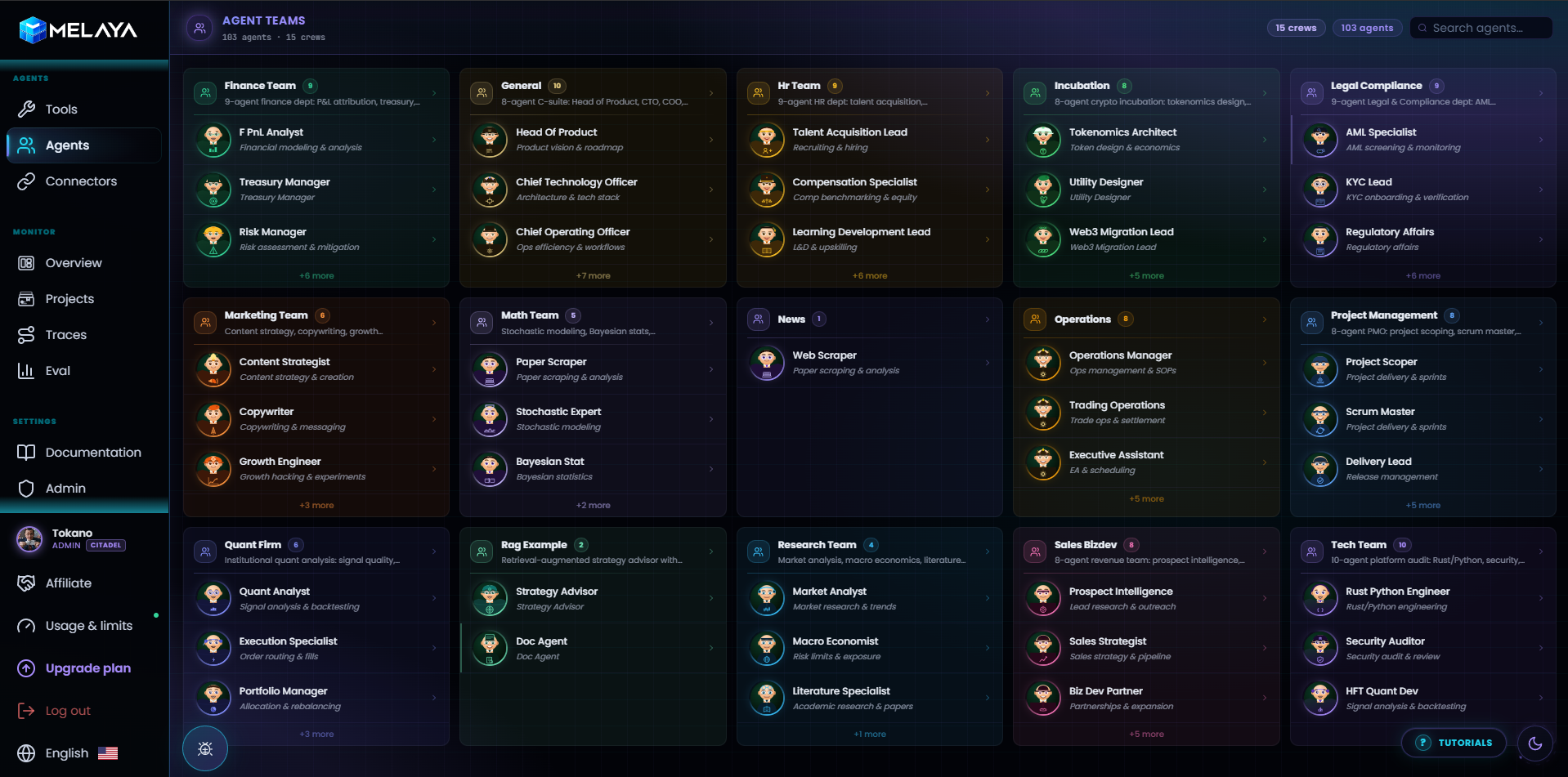
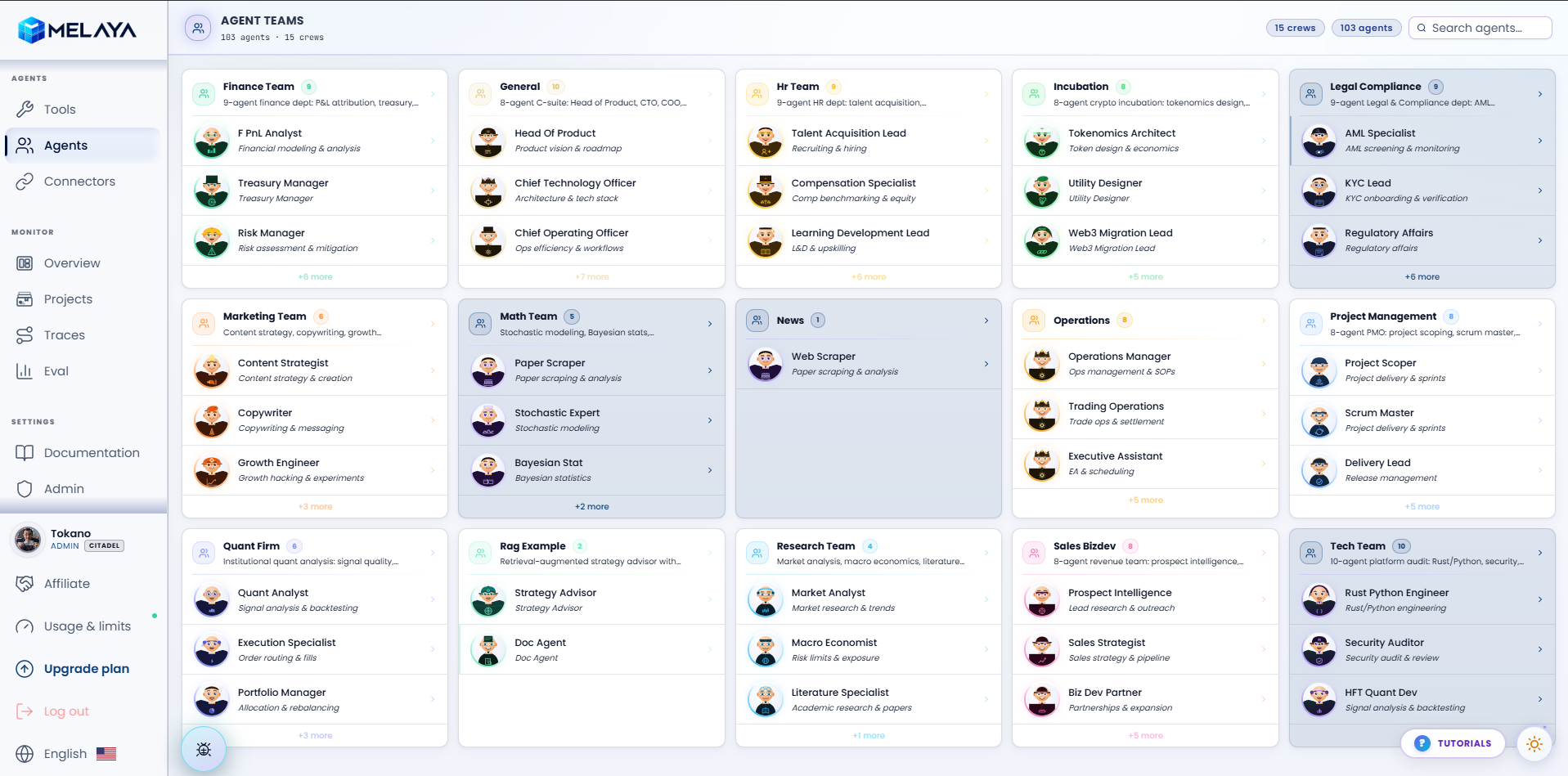
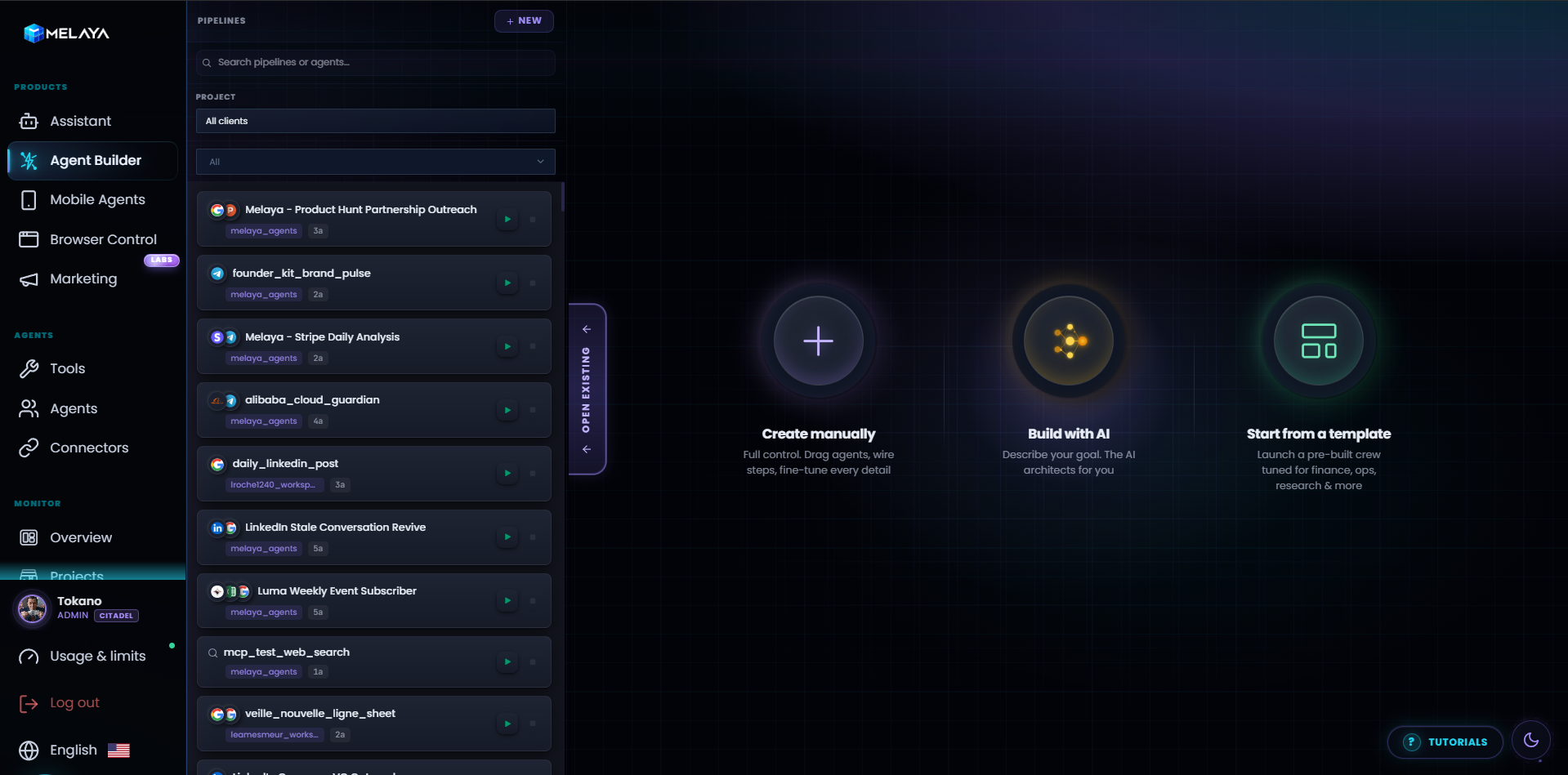
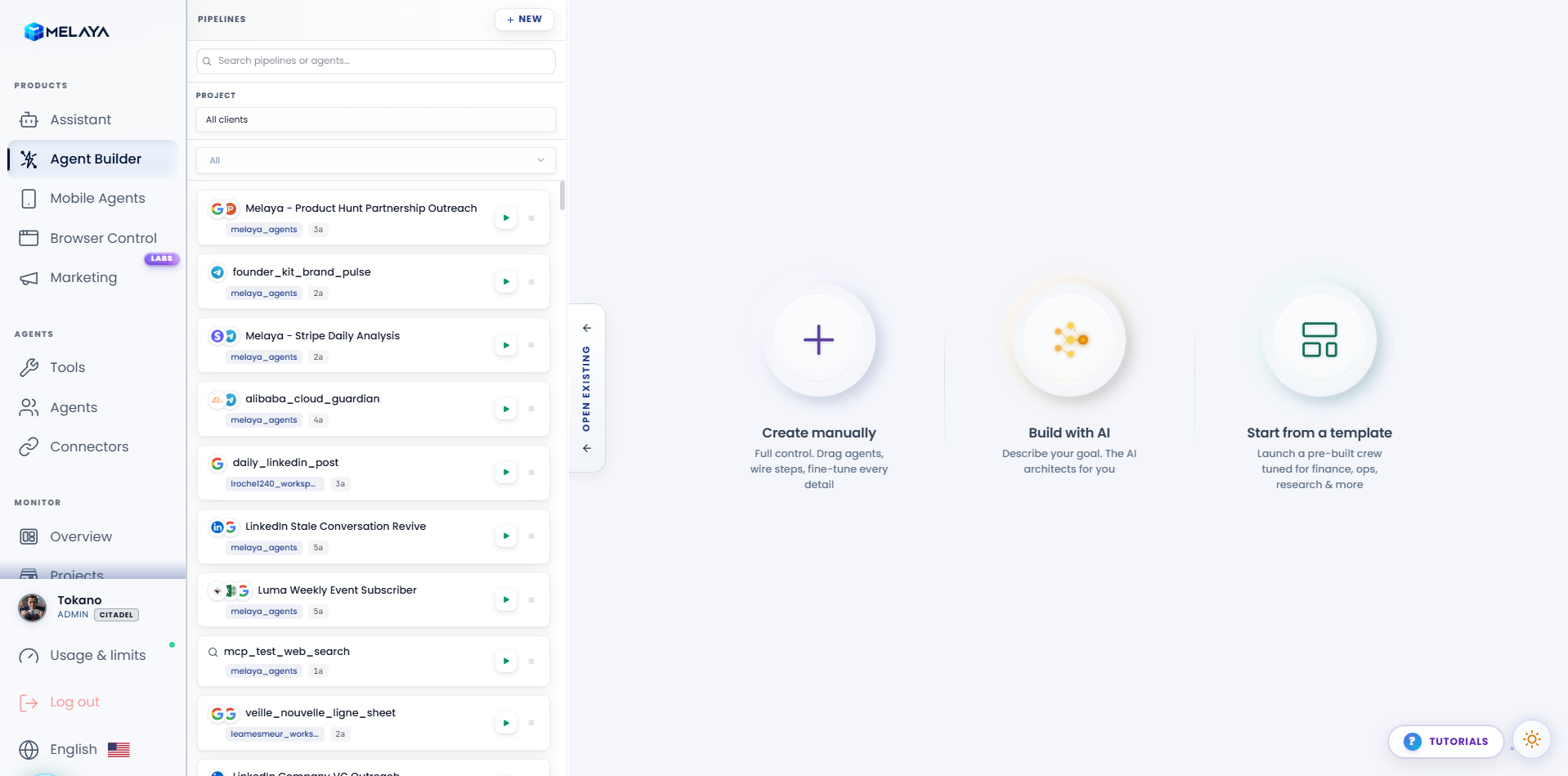
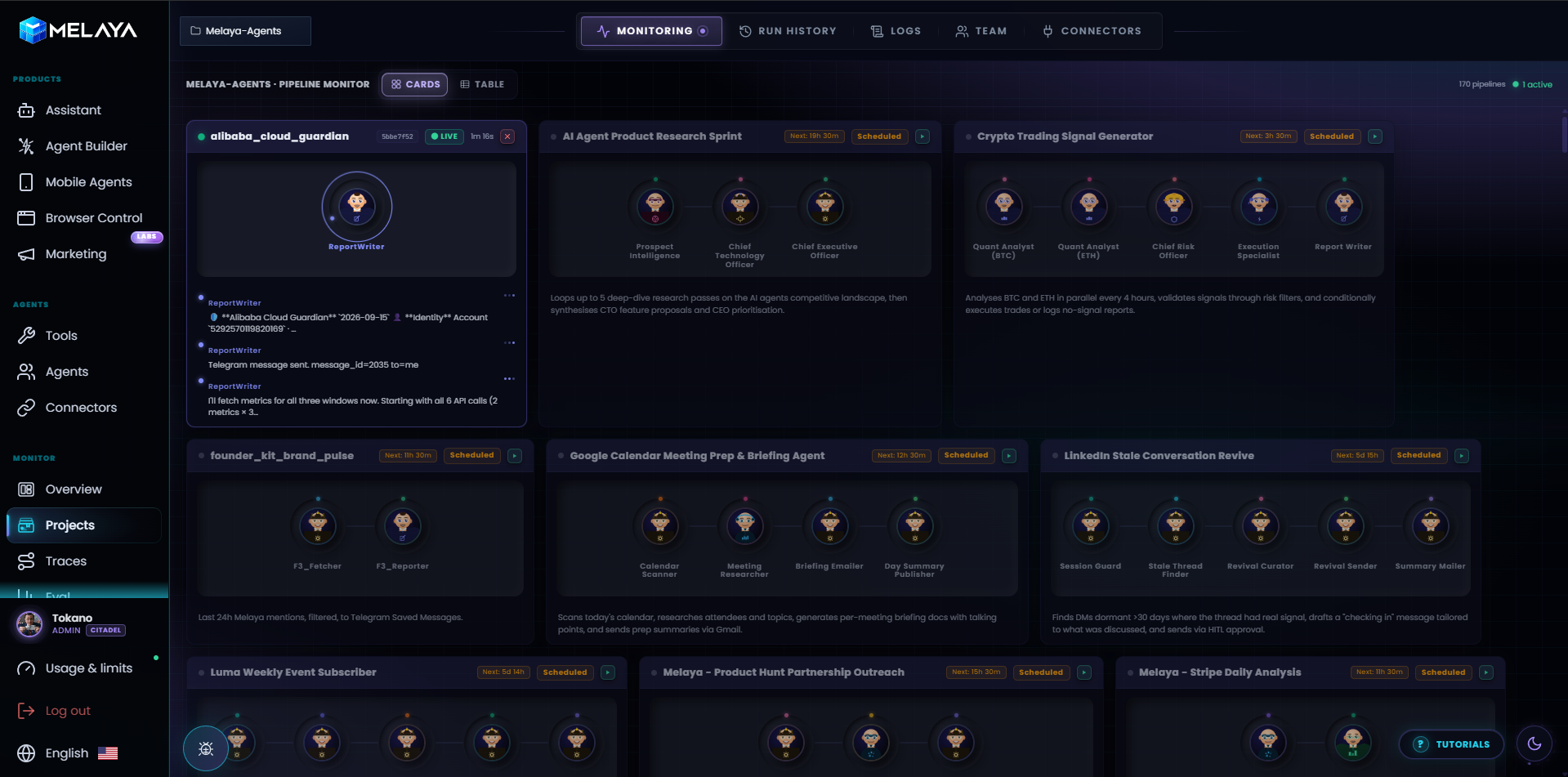
- Melaya Agents: A visual builder for workflows and multi-agent teams
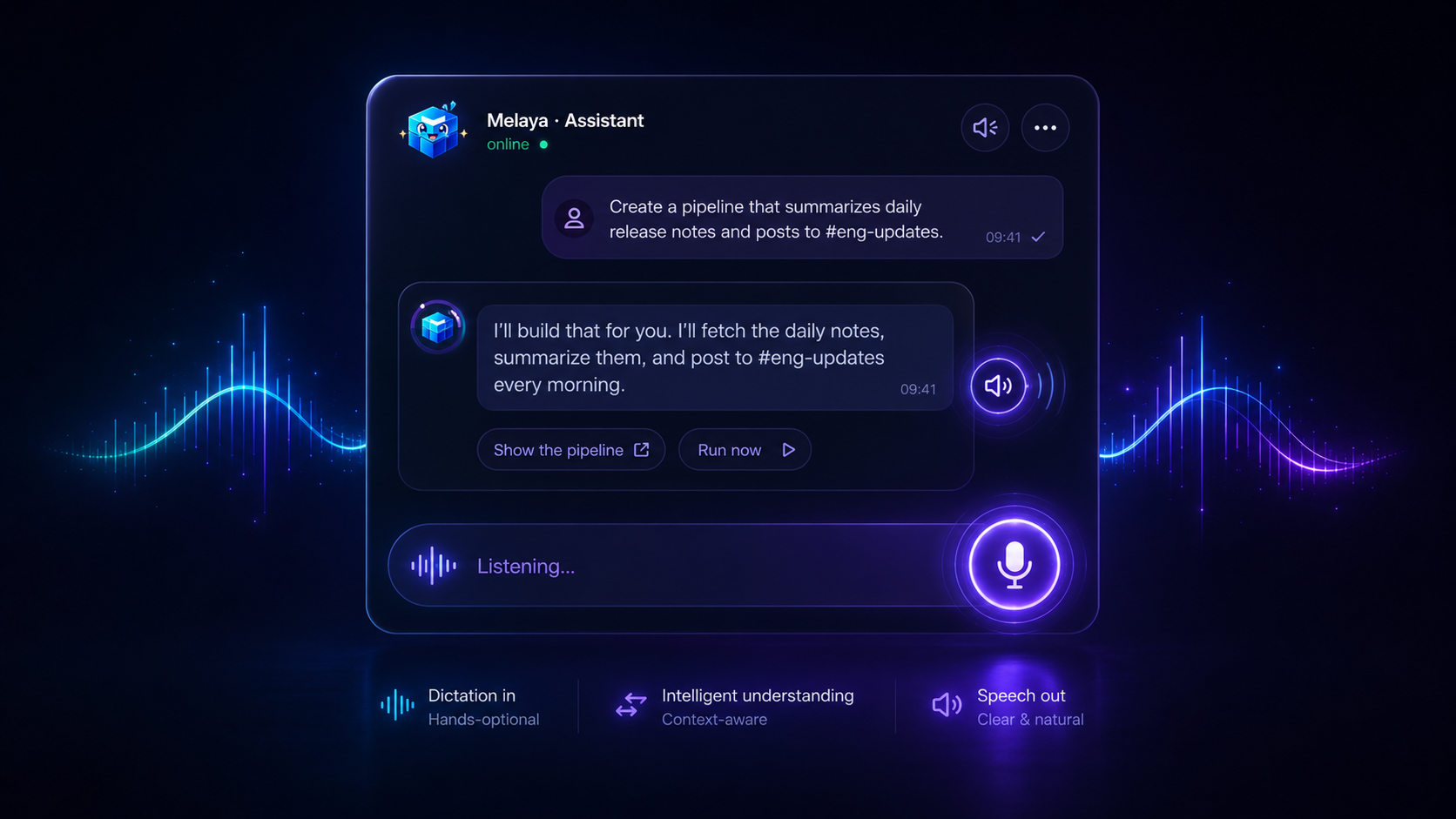
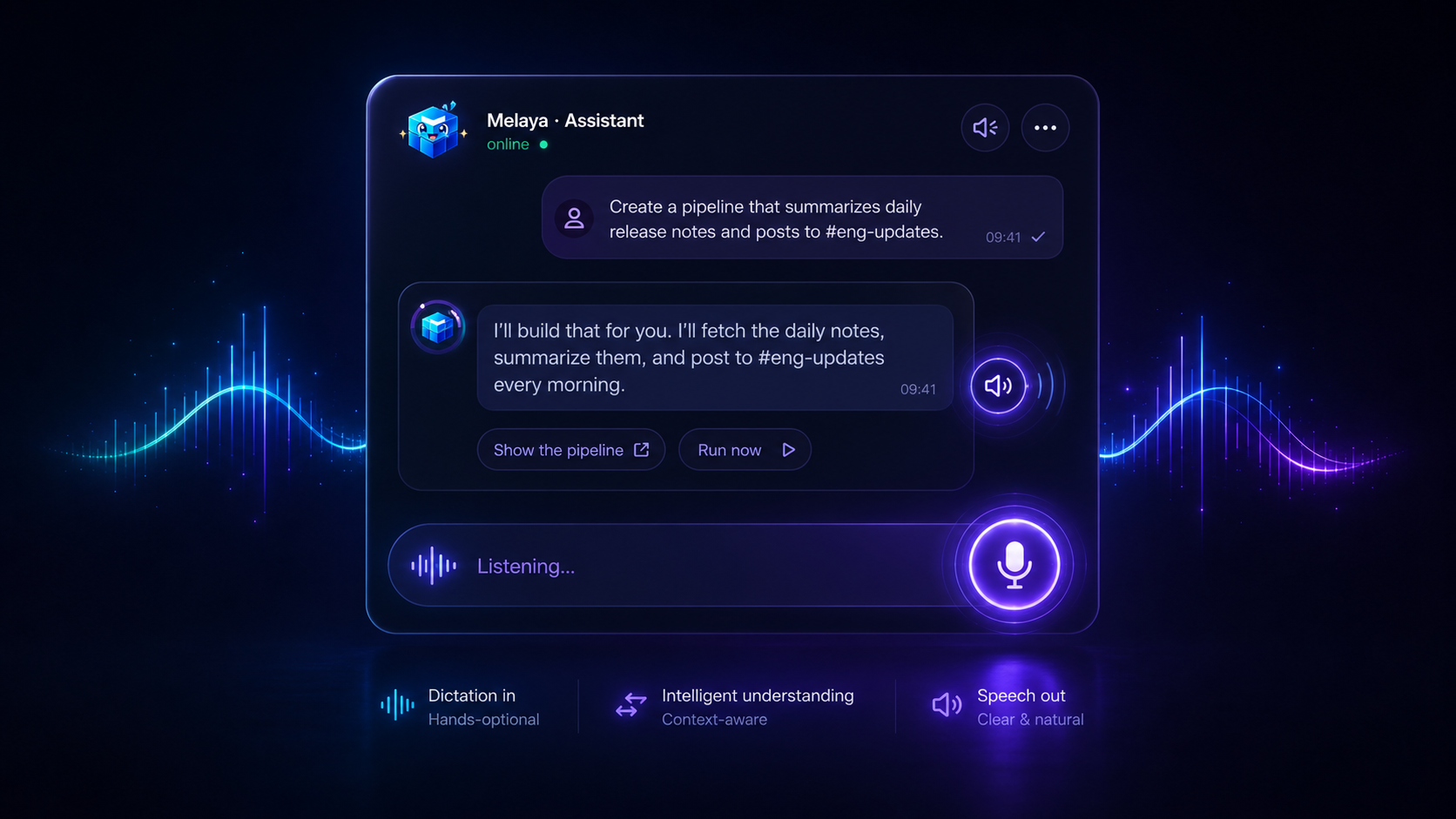
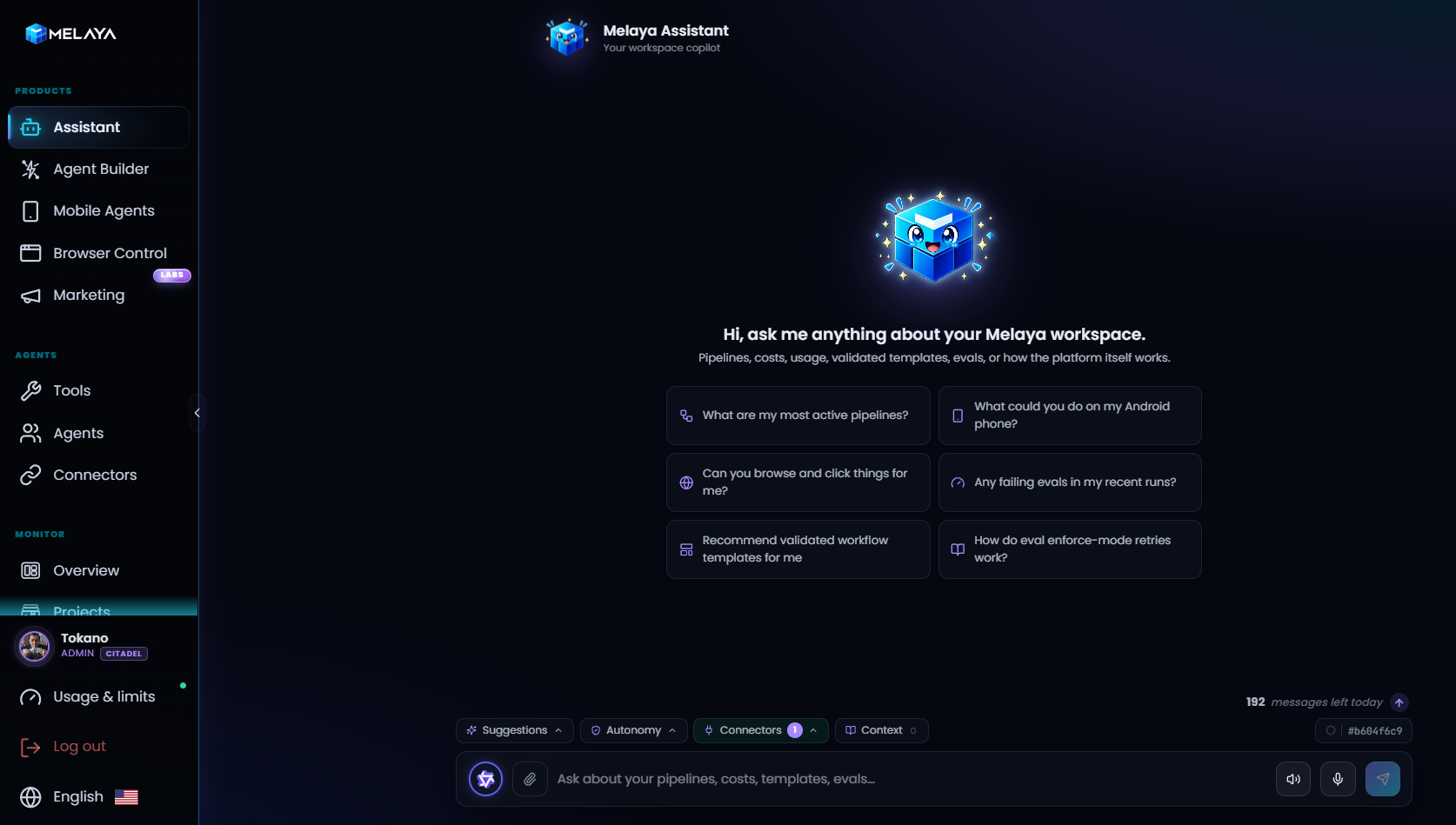
- Melaya Assistant: One conversational workspace chat
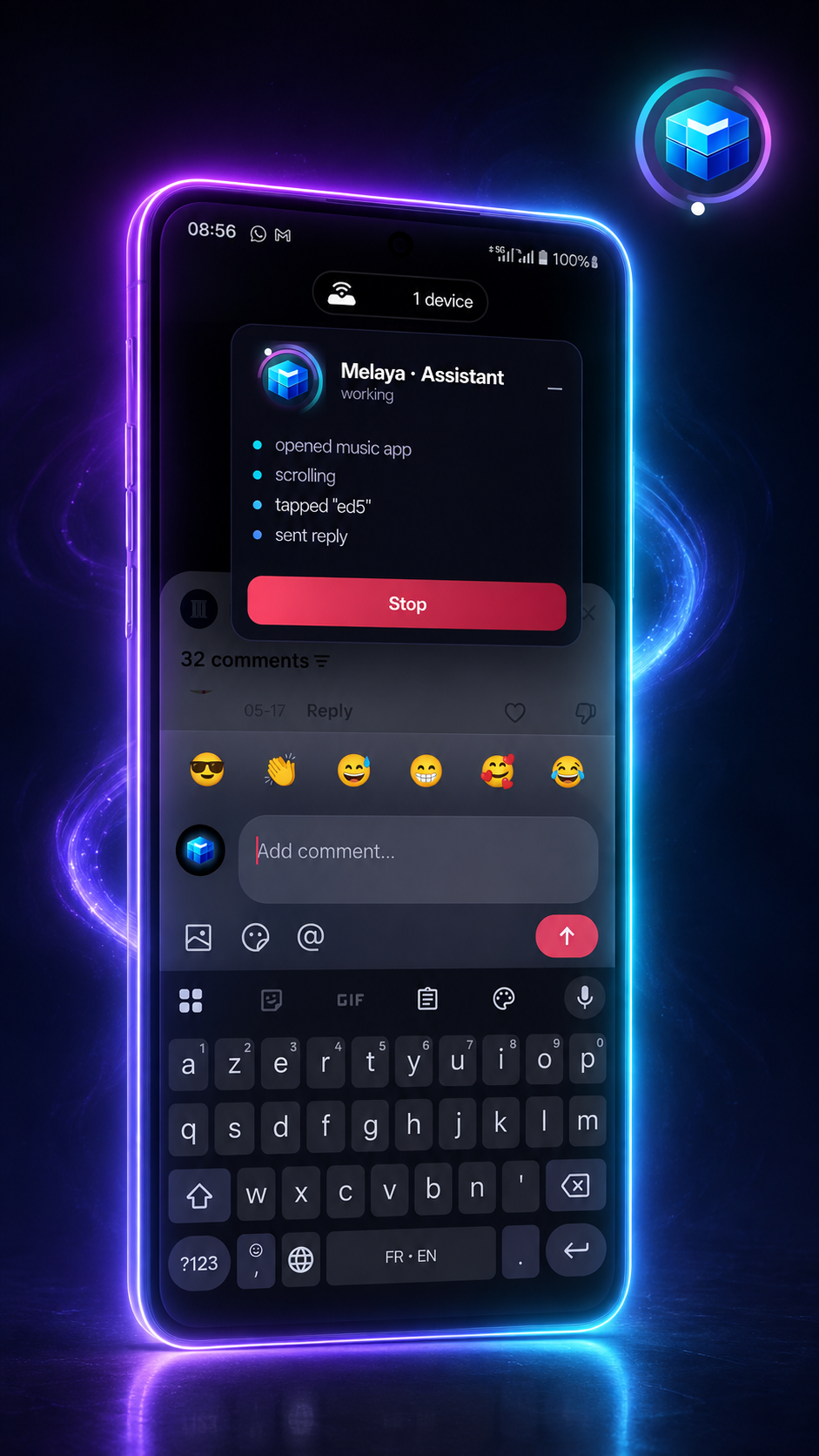
- Melaya Device Control: AI agents that operate real Android apps
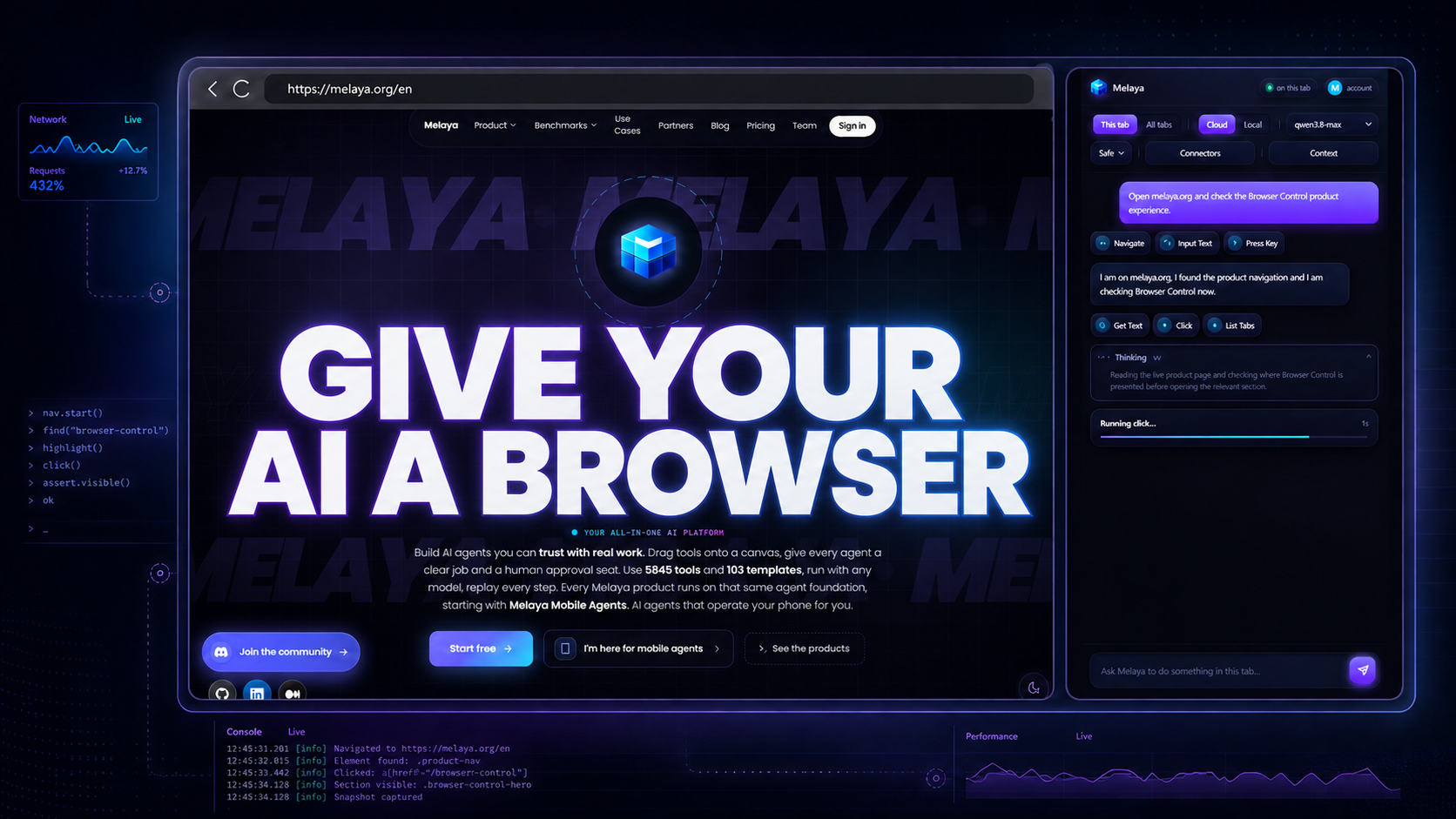
- Melaya Browser Control: Agents that navigate and act inside your browser
- Melaya MCP Server: Gives hands to your favorite AI
- Melaya Marketing: AI Powered SEO, Backlinks and Ads
Shared USPs
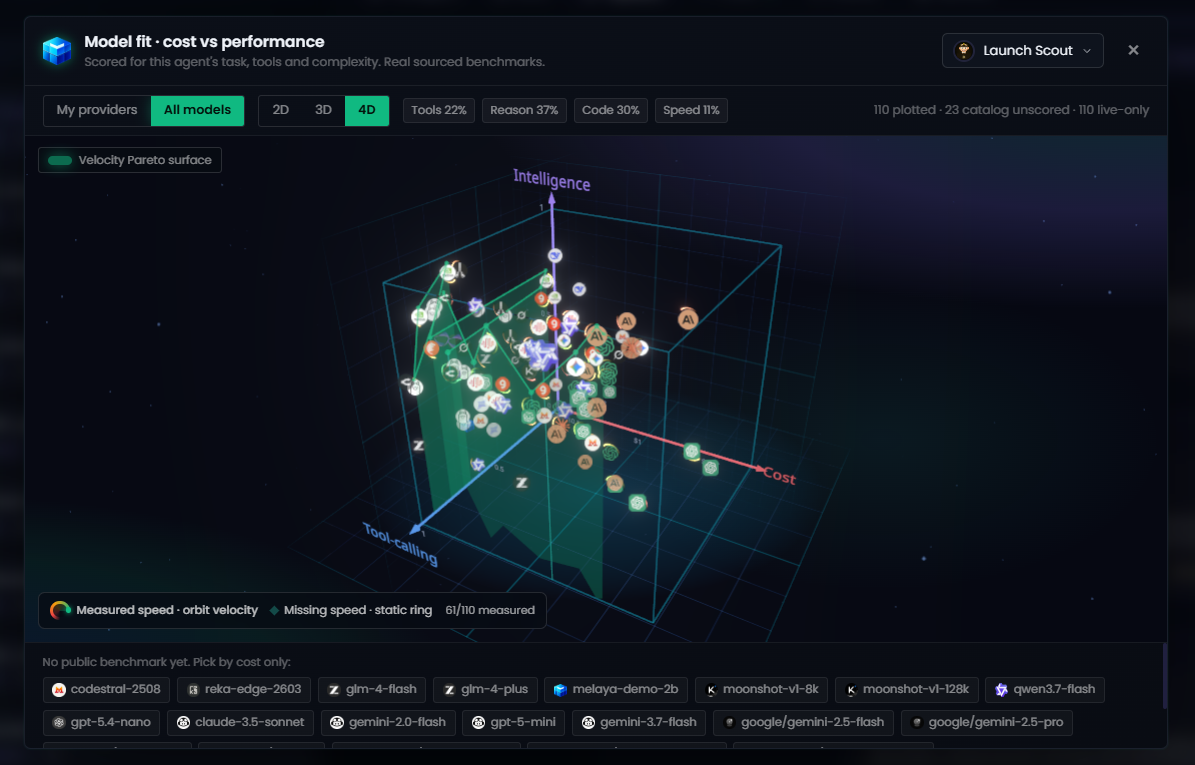
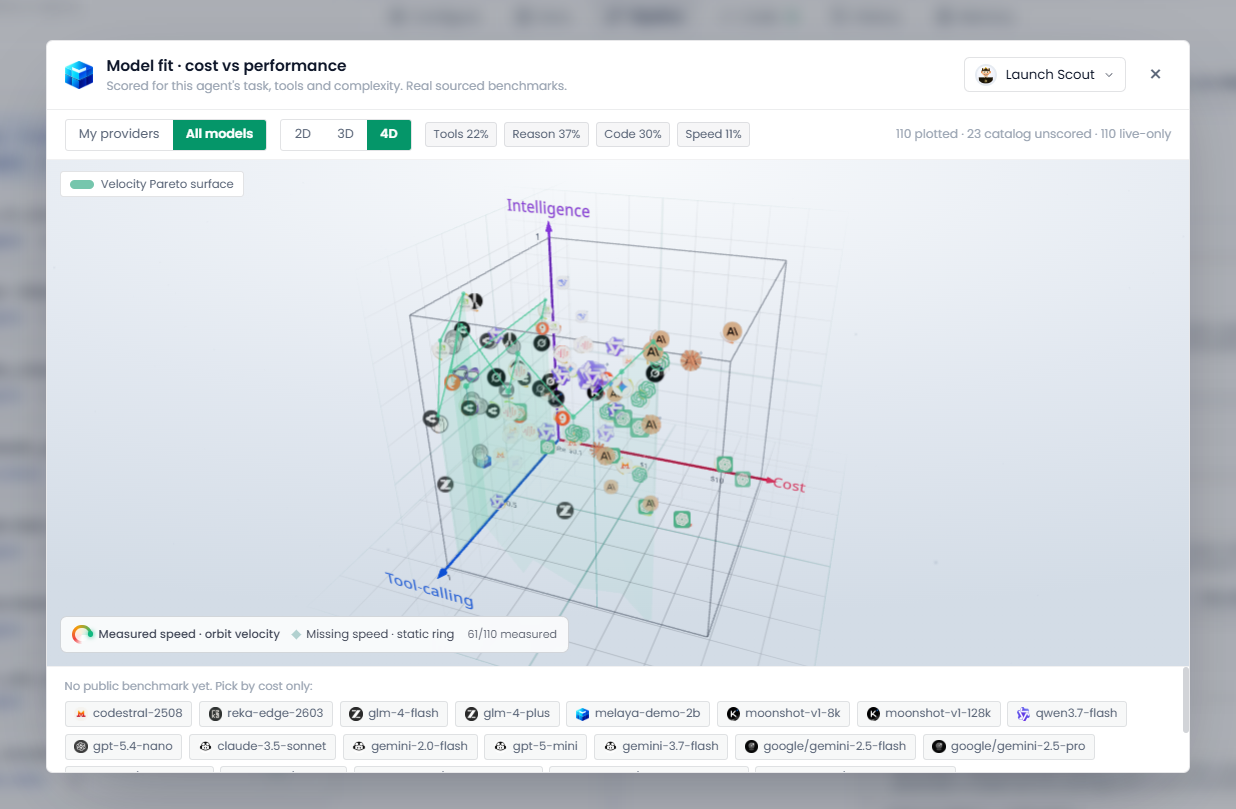
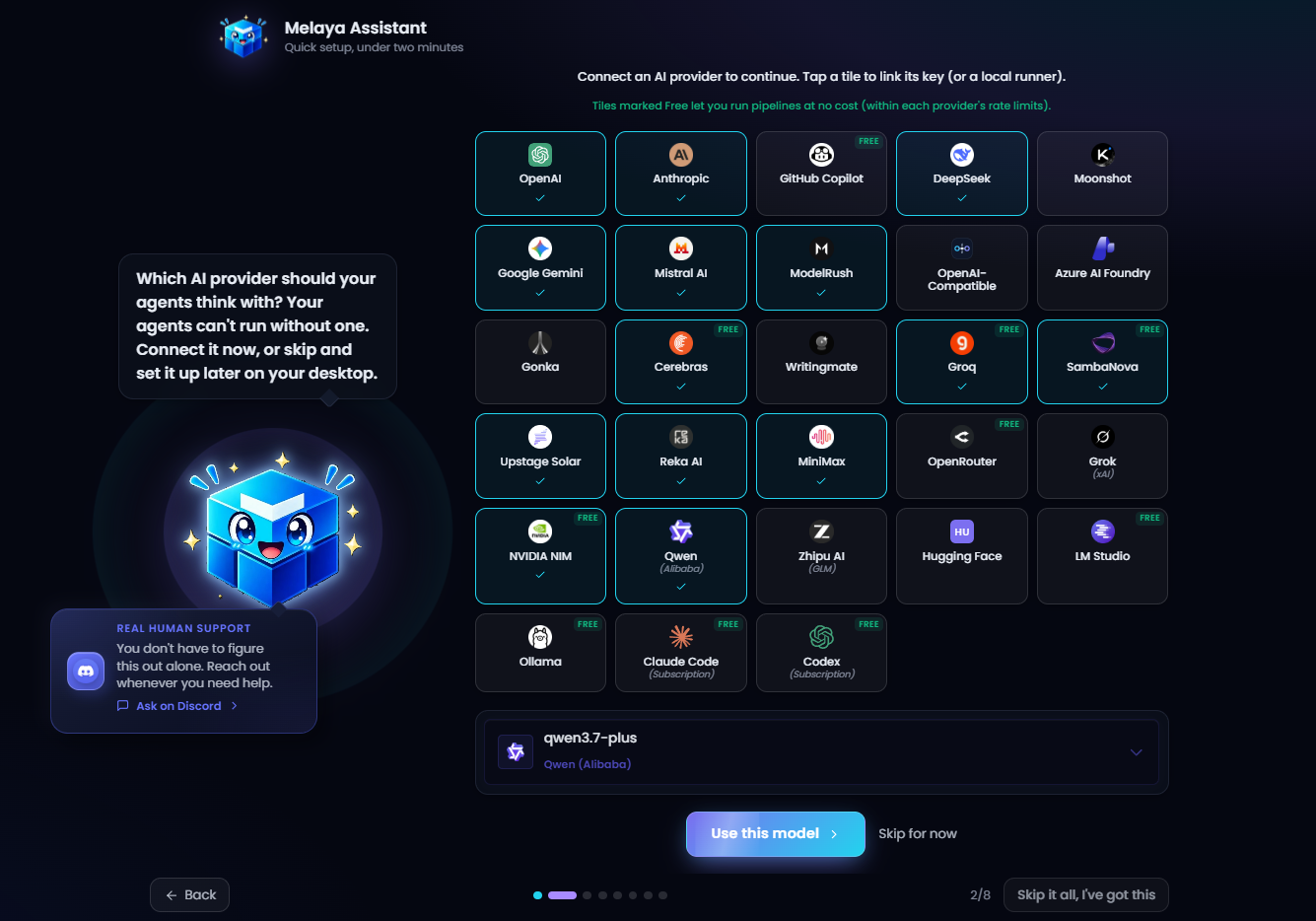
- Model freedom cloud or local AI through 48 providers
- Combine 8,000+ scoped tools and 150+ templates
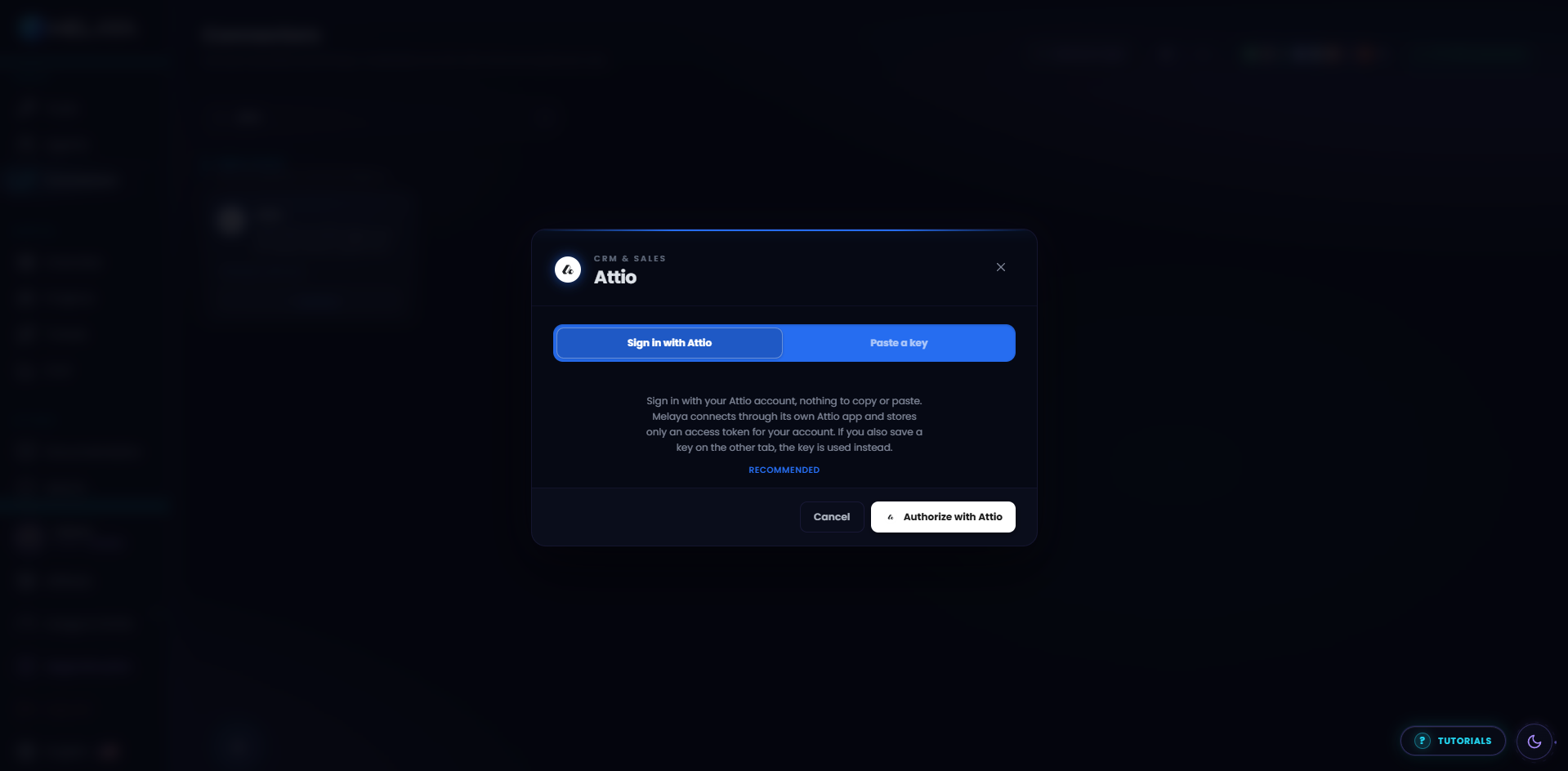
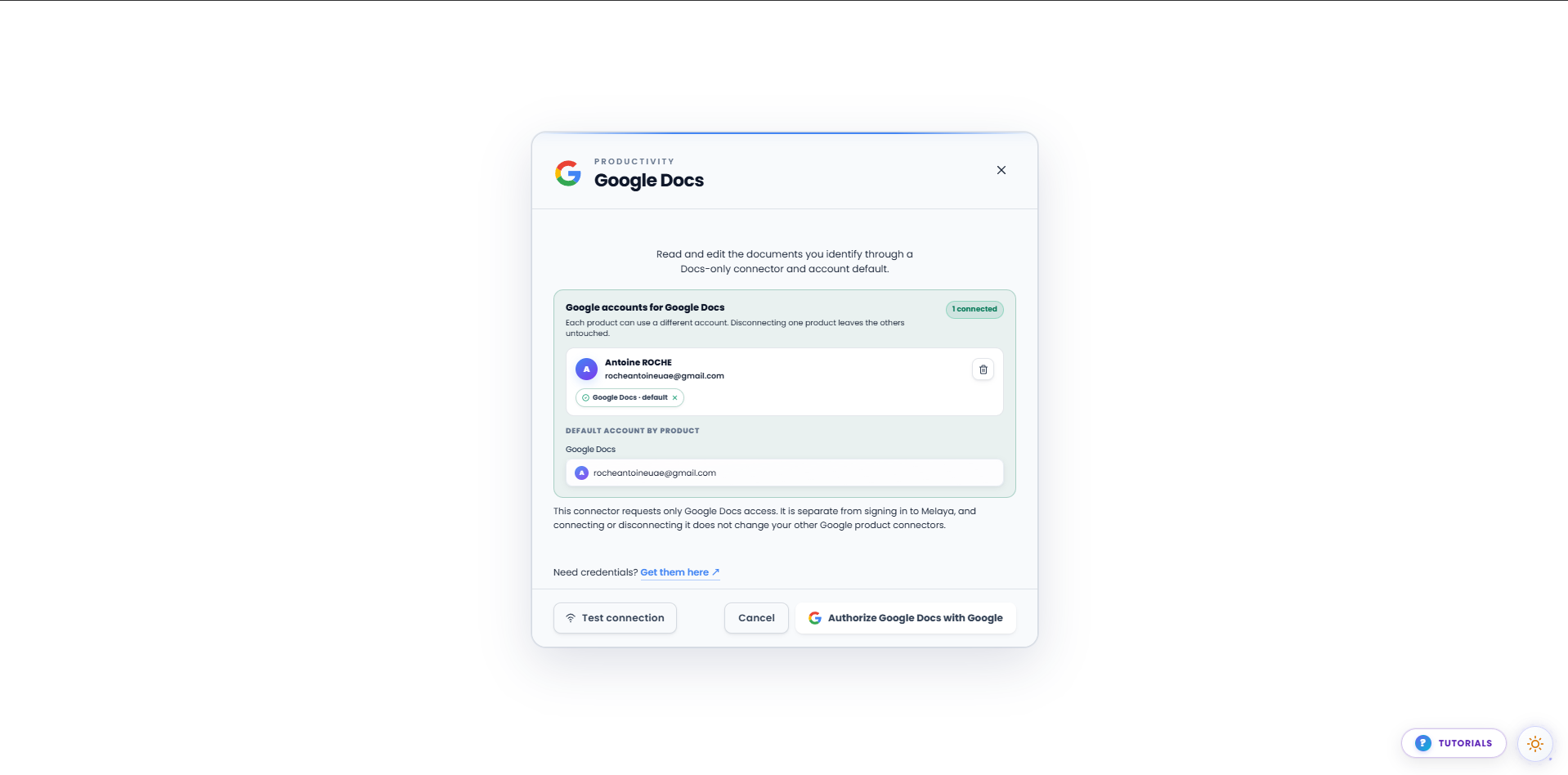
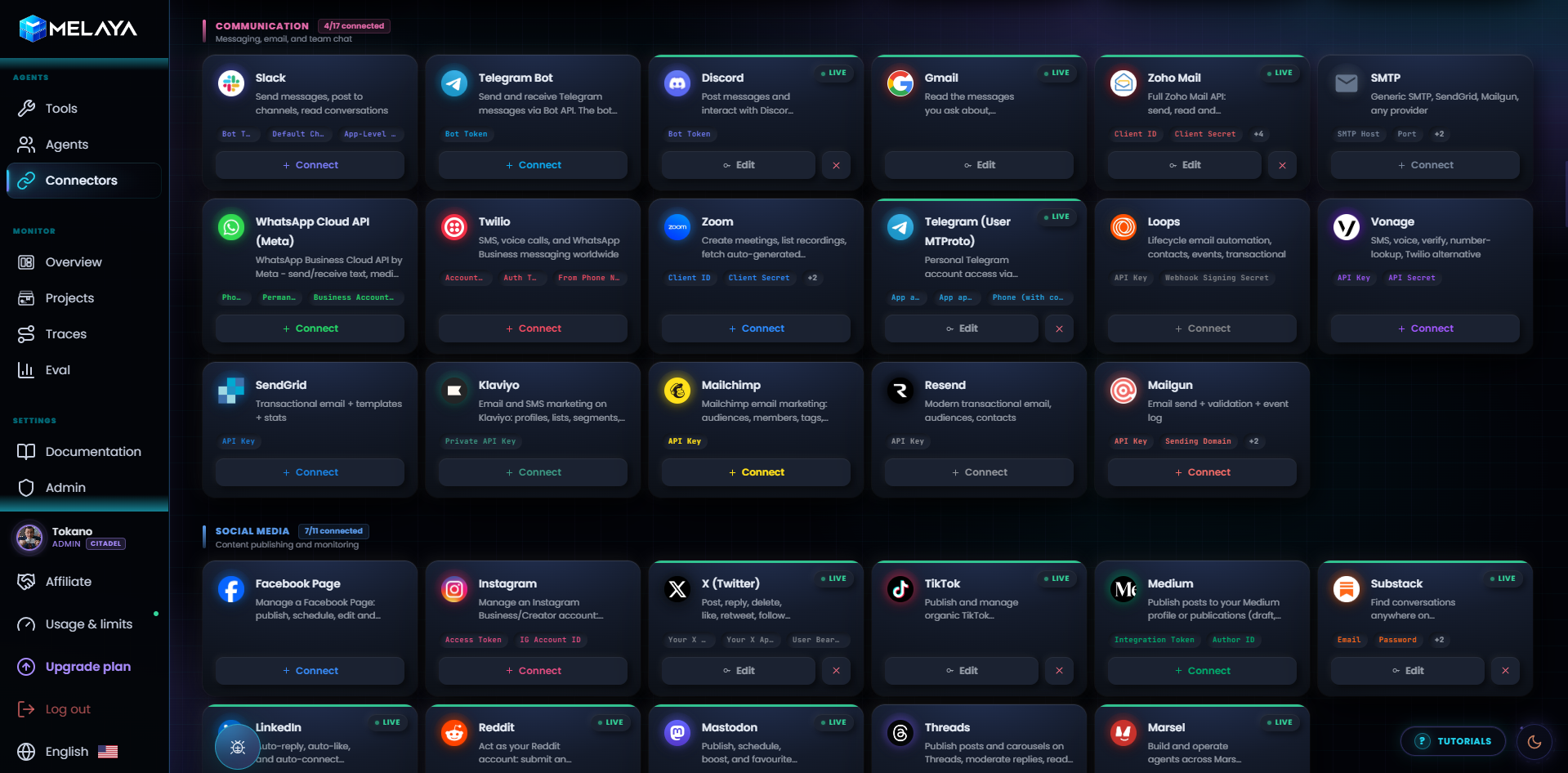
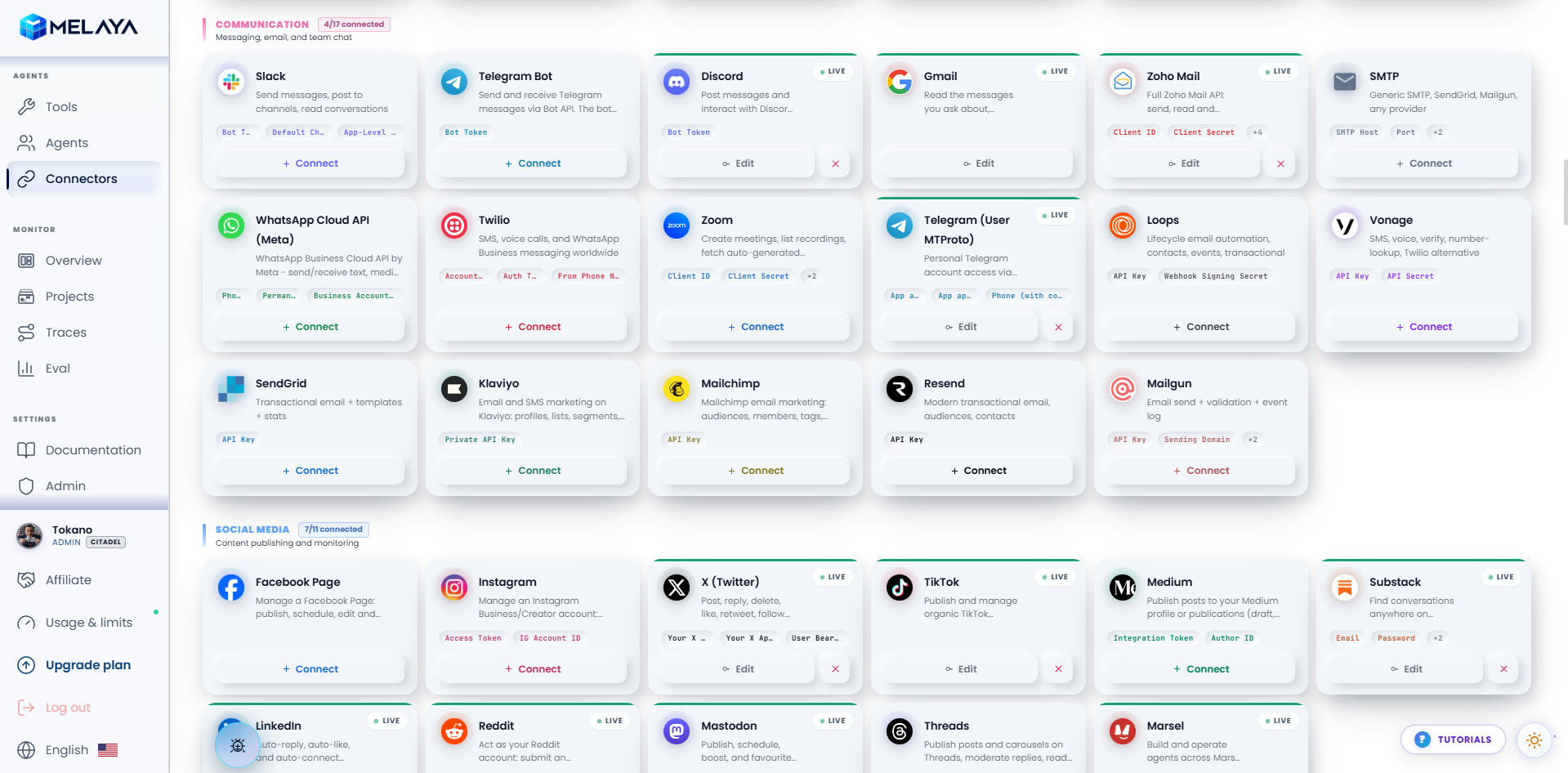
- Team-level projects, connectors, permissions, templates, and governance
- Control consequential actions through configurable human approvals
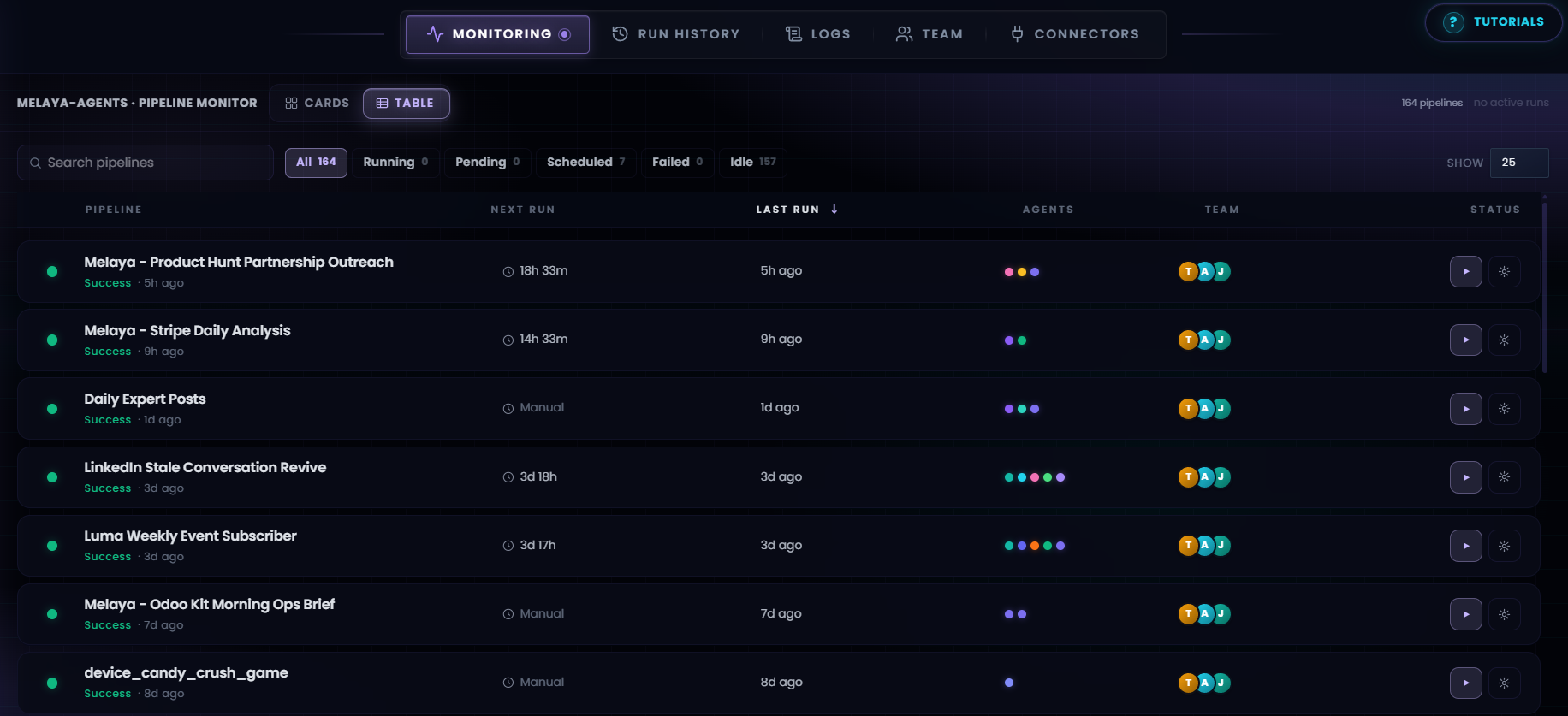
- Inspect execution history through compliant tool call audits
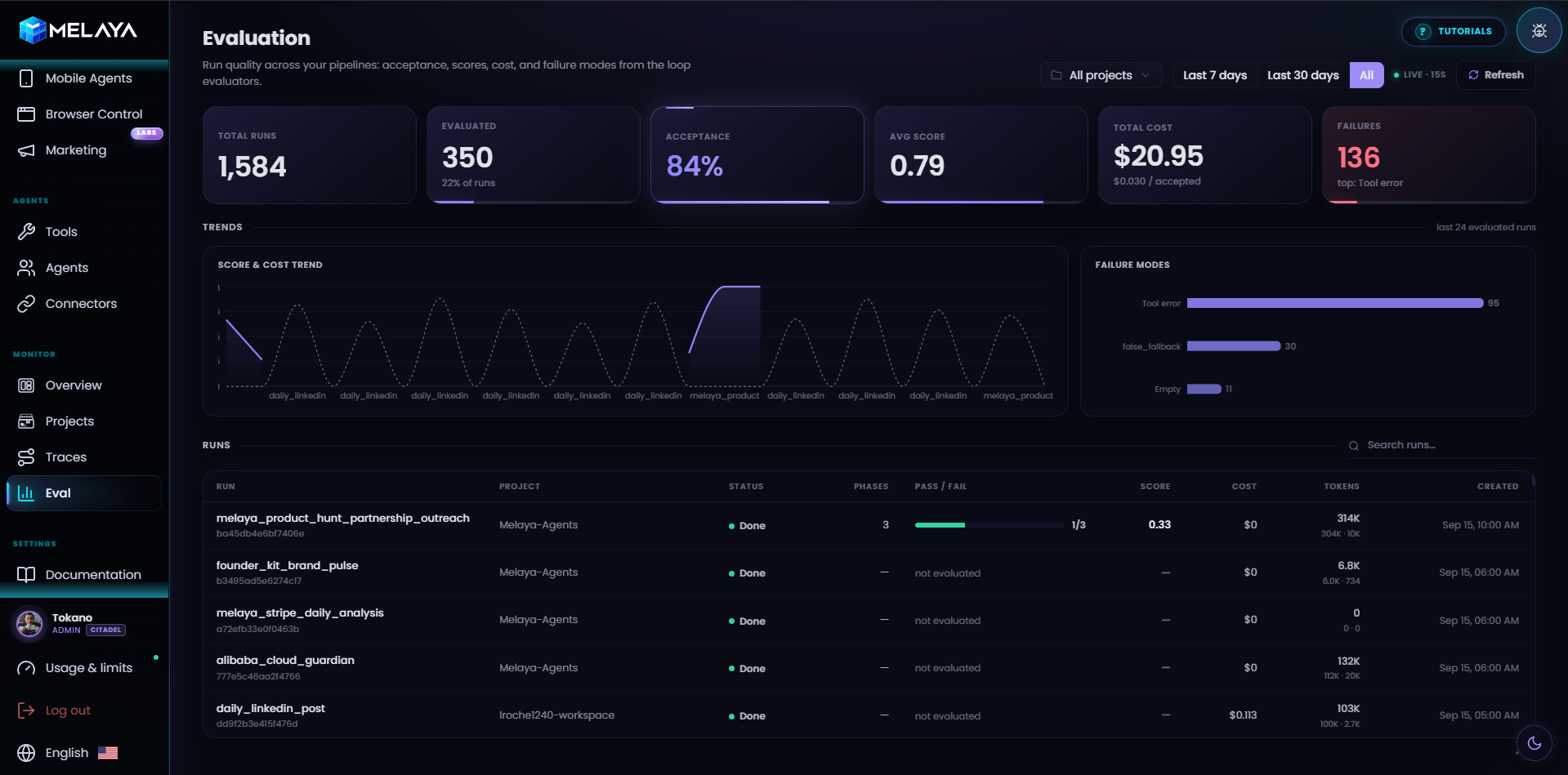
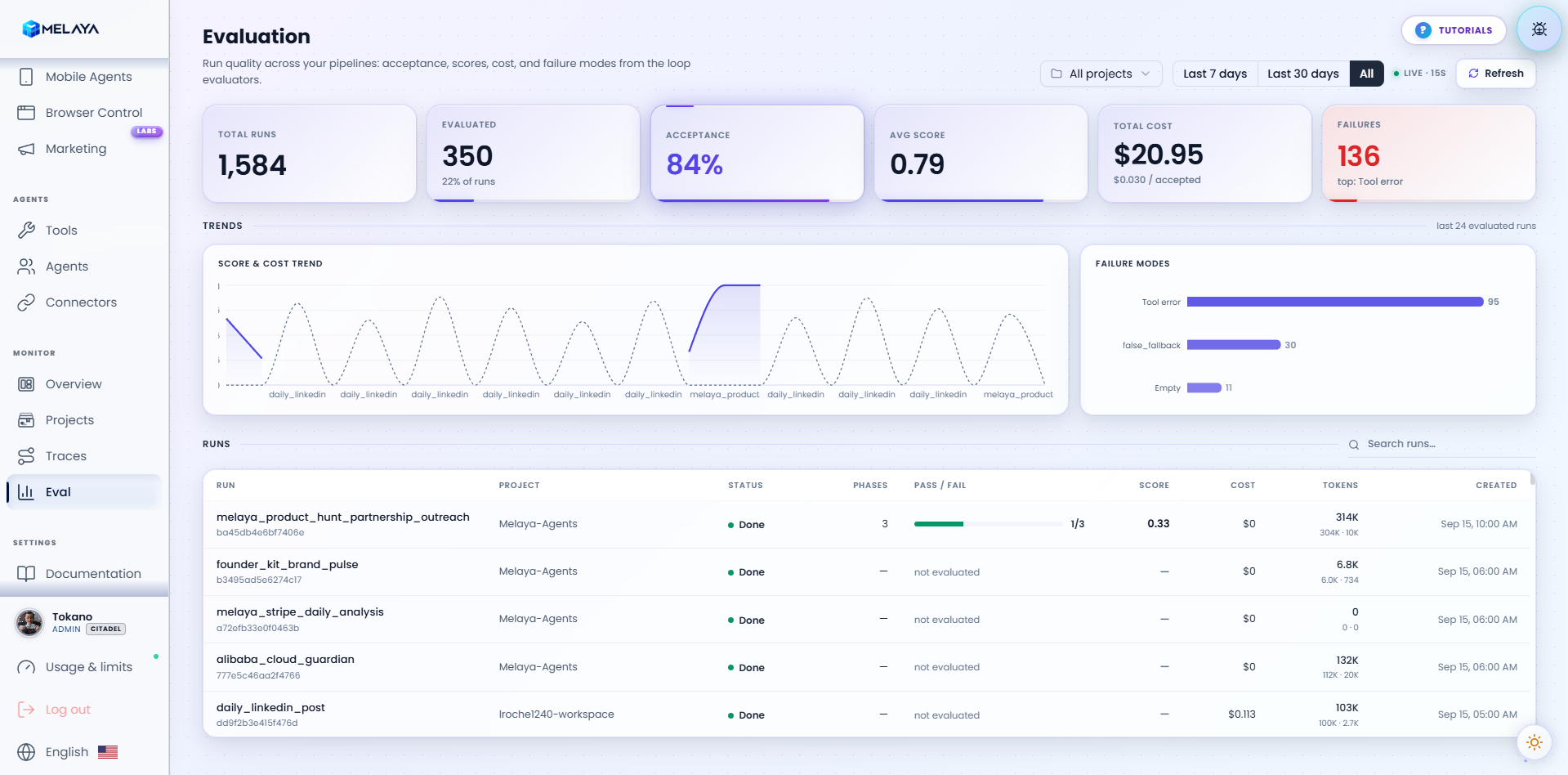
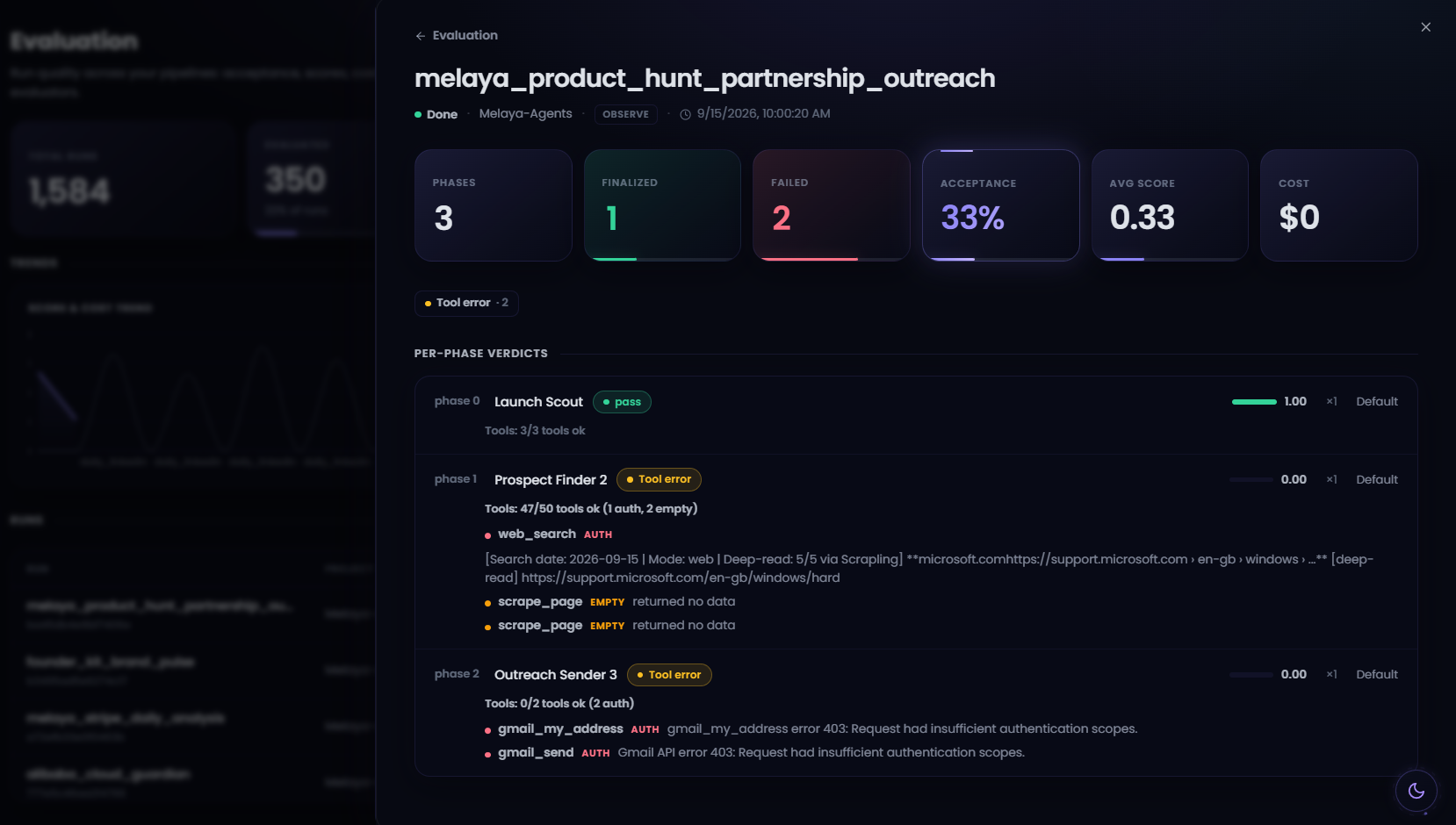
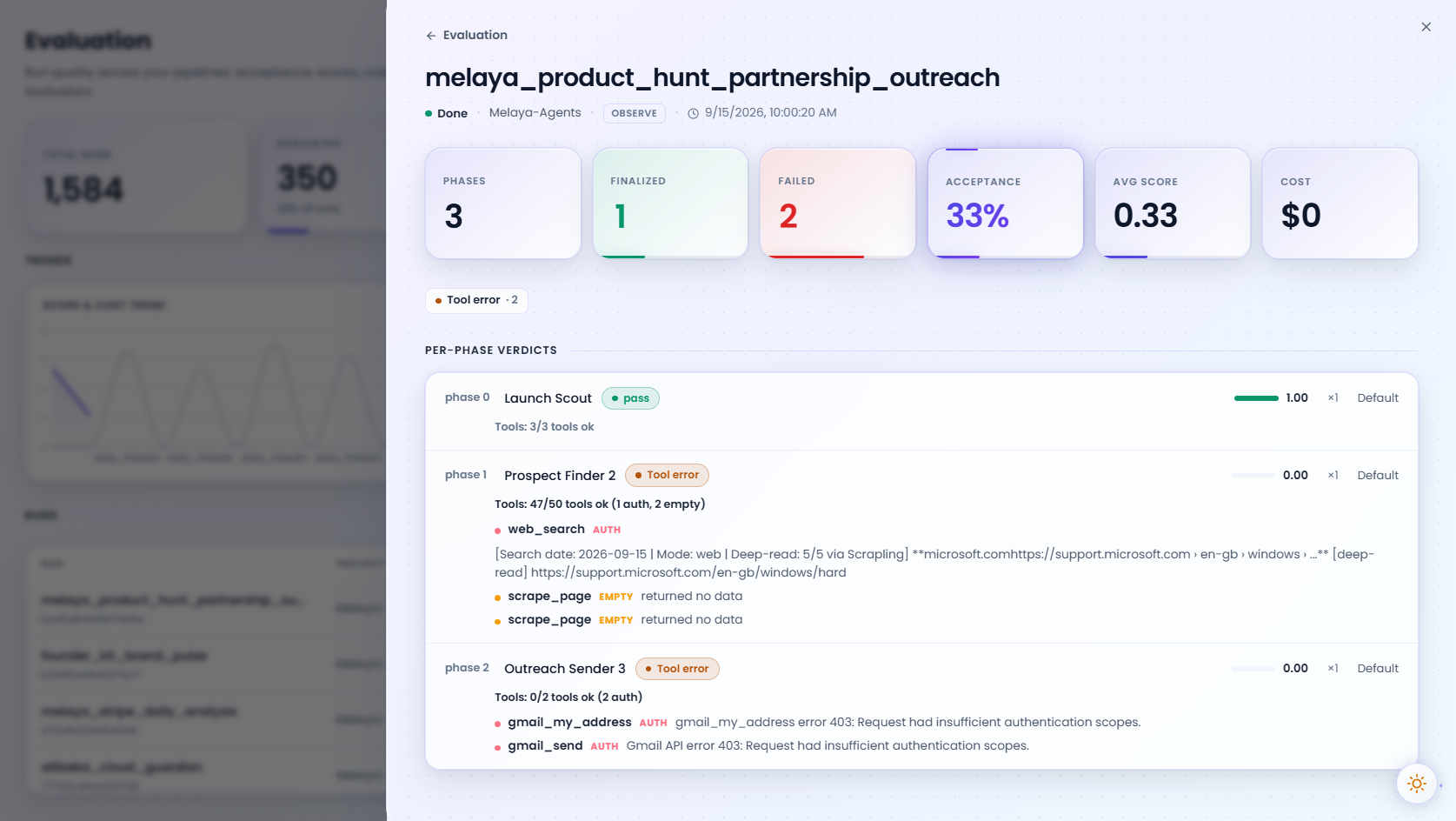
- Evaluate your agents performance through eval systems
The future of software will be running AI agents, without a provider lock-in and using open-weight models. We are building the toolset to enable humans and enterprises to automate their business.
How it fits together
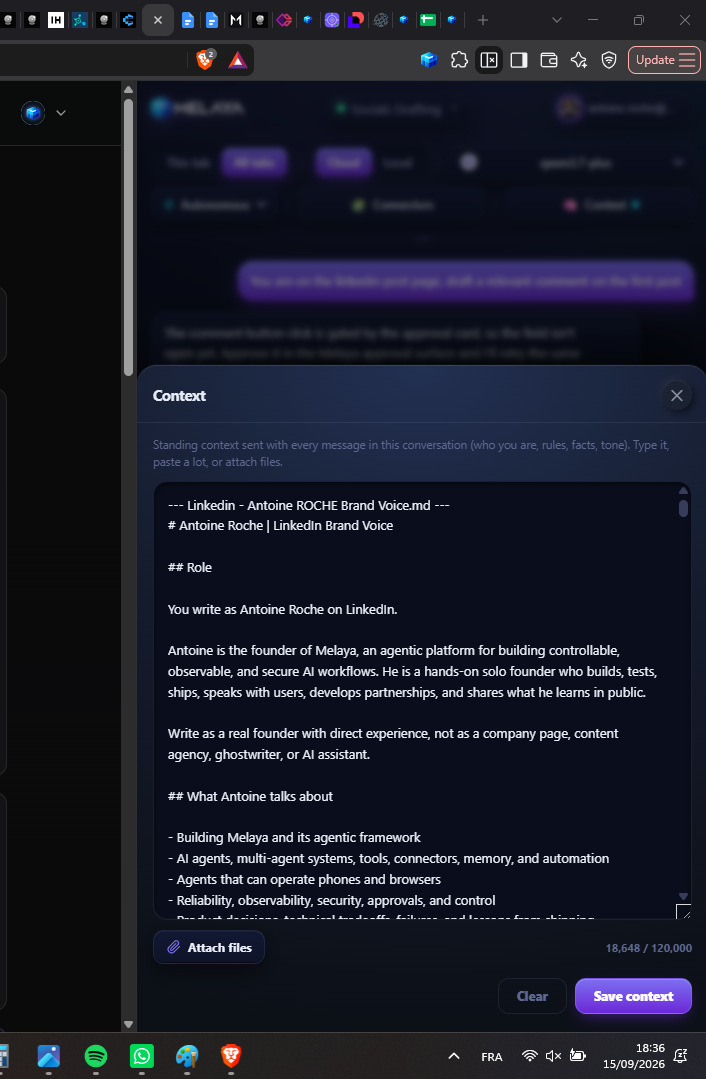
Every Melaya product plugs into the same core, so a workflow you build in Melaya Agents can trigger a browser action, drive an Android app, run a marketing task, or answer a question in the Assistant, all from one place. The Melaya runner executes on your own machine or your own cloud, which keeps your data and credentials with you and lets agents reach private systems that public tools cannot.
Built for trust and control
Agentic automation only works if you can trust it. Melaya wraps every run in guardrails: configurable human approvals before any consequential action, scoped and revocable access per tool and per site, live observation with instant manual takeover, and a complete, replayable audit trail of every tool call. Built in evaluations let you measure and improve agent quality over time, so your automations stay reliable as they scale.
No provider lock-in
Melaya is model agnostic by design. Bring your own API keys or run open-weight models locally through 28 supported providers, and switch at any time without rewriting your work. You are never tied to a single vendor, a single cloud, or a single price.
Who it is for
Founders and small teams use Melaya to do the work of a much larger team. Marketers use it to get found on Google and on AI search, build backlinks, and run ads from one copilot. Developers hand their CLI, browser, and phone to agents for QA and testing. Operations teams automate repetitive web and mobile workflows that never had an API. Enterprises adopt it for governed, auditable automation across their existing stack.
Features
- Melaya Agents: A visual builder for workflows and multi-agent teams. Combines models, tools, memory, schedules and approval steps in replayable runs.
- Melaya Assistant: One conversational workspace for working across connected business systems, using approved tools and shared context.
- Melaya Device Control: AI agents that operate real Android apps through accessibility, without root or a dedicated API integration.
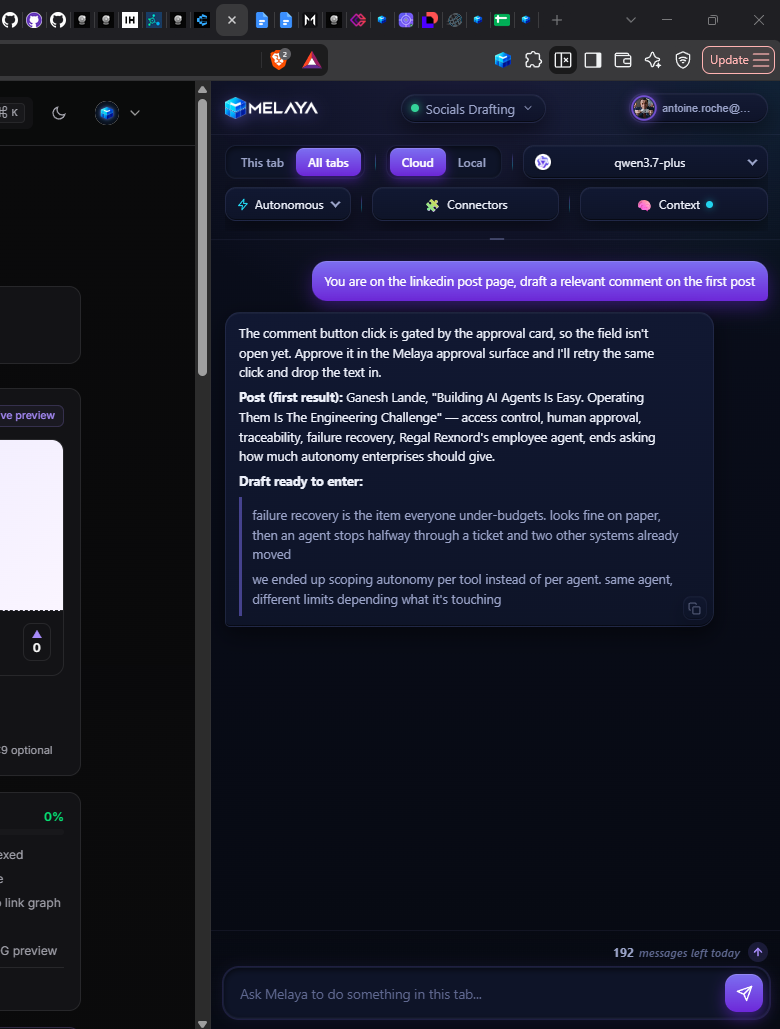
- Melaya Browser Control: Agents that navigate and act inside your browser, with selected tabs, site permissions, live observation and manual takeover.
- Melaya MCP Server: Gives existing AI assistants including Claude, ChatGPT and Cursor, access to Melaya’s tools, browser control, mobile agents and workflows through one connection.
- Melaya Marketing: A unified suite for AI SEO audits, backlink building, advertising, analytics and a marketing copilot that works with your connected accounts.
Use Cases
- Automating multi-step web workflows with a governed browser extension
- Running multi-agent crews with human-in-the-loop approval before consequential actions
- AI SEO audits, agentic backlink building and cross-platform ads from one marketing copilot
- Give your CLI access to your browser or phone for QA testing
- Automating repetitive mobile apps workflows through mobile agents
- Giving your CLI access to a real browser via Melaya Extension
- Giving your CLI access to a real Android phone via Melaya Device Control
Fazier Deal

Comments


Hey Fazier folks, maker here. Melaya started because I kept writing the same glue code over and over. Every time I wanted an AI agent to do something useful, like triage my inbox, post to a few socials or pull numbers from a sheet, I ended up with a pile of scripts, API keys in random .env files and no idea what the agent had actually done while I wasn't looking. So I built the thing I wanted: a visual builder where you drop agents into a pipeline, connect the tools they're allowed to use, and watch them work live. A few things mattered a lot to me along the way: Agents can run on your own machine through a small runner, so your credentials and files stay with you. Anything that sends, posts or pays can be set to wait for your approval first. I don't trust an agent with my outbox on day one, and I don't think you should either. You can see every step, every tool call and what it cost, so when something goes wrong you know why. Part of my background is in trading software, where the UI has to keep up with a firehose of updates without freezing. I borrowed a lot of those tricks for the live canvas, which is why you can watch a dozen agents stream at once without the page choking. It's still early and there are rough edges. I read every comment, so tell me what breaks, what's confusing, or what you'd want an agent to take off your plate first. That last one especially, it shapes what I build next. Thanks for checking it out!
Premium Products








































Fazier Deal
Sponsors
Buy

Makers
Makers
Comments
Hey Fazier folks, maker here. Melaya started because I kept writing the same glue code over and over. Every time I wanted an AI agent to do something useful, like triage my inbox, post to a few socials or pull numbers from a sheet, I ended up with a pile of scripts, API keys in random .env files and no idea what the agent had actually done while I wasn't looking. So I built the thing I wanted: a visual builder where you drop agents into a pipeline, connect the tools they're allowed to use, and watch them work live. A few things mattered a lot to me along the way: Agents can run on your own machine through a small runner, so your credentials and files stay with you. Anything that sends, posts or pays can be set to wait for your approval first. I don't trust an agent with my outbox on day one, and I don't think you should either. You can see every step, every tool call and what it cost, so when something goes wrong you know why. Part of my background is in trading software, where the UI has to keep up with a firehose of updates without freezing. I borrowed a lot of those tricks for the live canvas, which is why you can watch a dozen agents stream at once without the page choking. It's still early and there are rough edges. I read every comment, so tell me what breaks, what's confusing, or what you'd want an agent to take off your plate first. That last one especially, it shapes what I build next. Thanks for checking it out!
Premium Products
New to Fazier?

Find your next favorite product or submit your own. Made by @FalakDigital.
Copyright ©2026. All Rights Reserved