
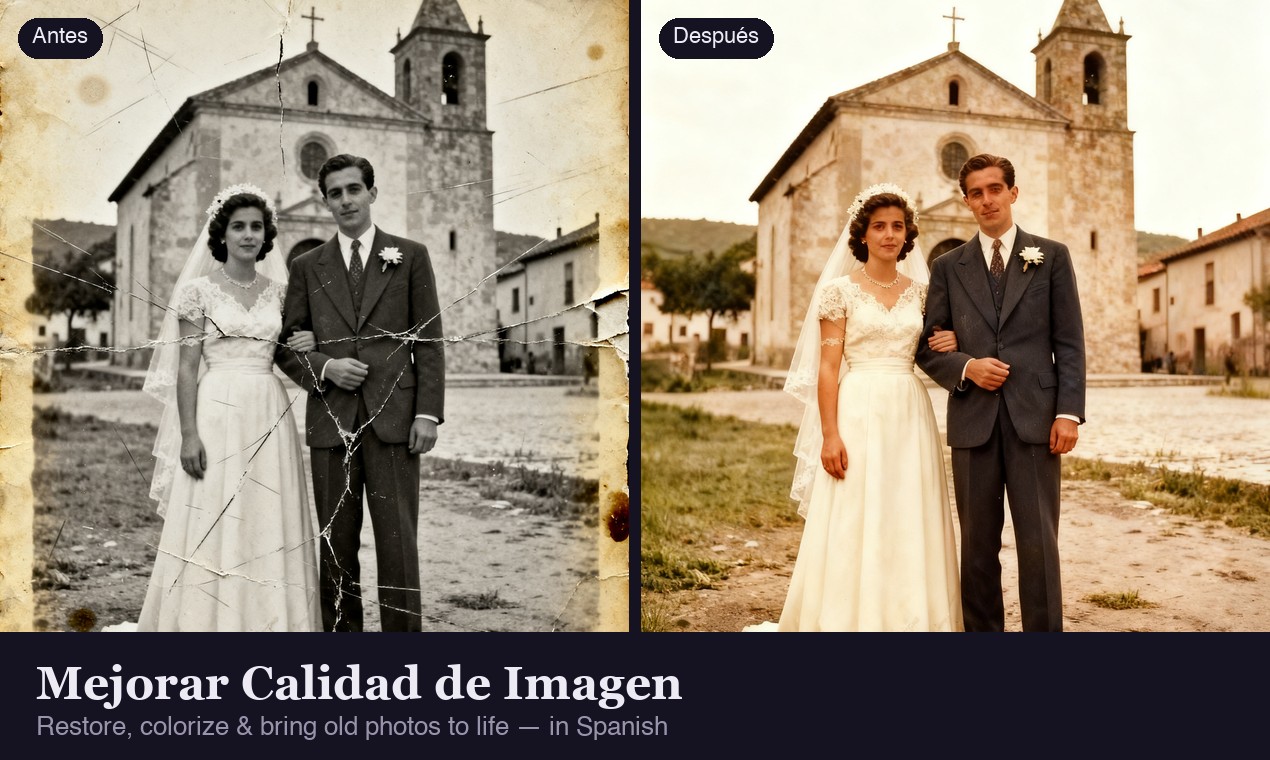
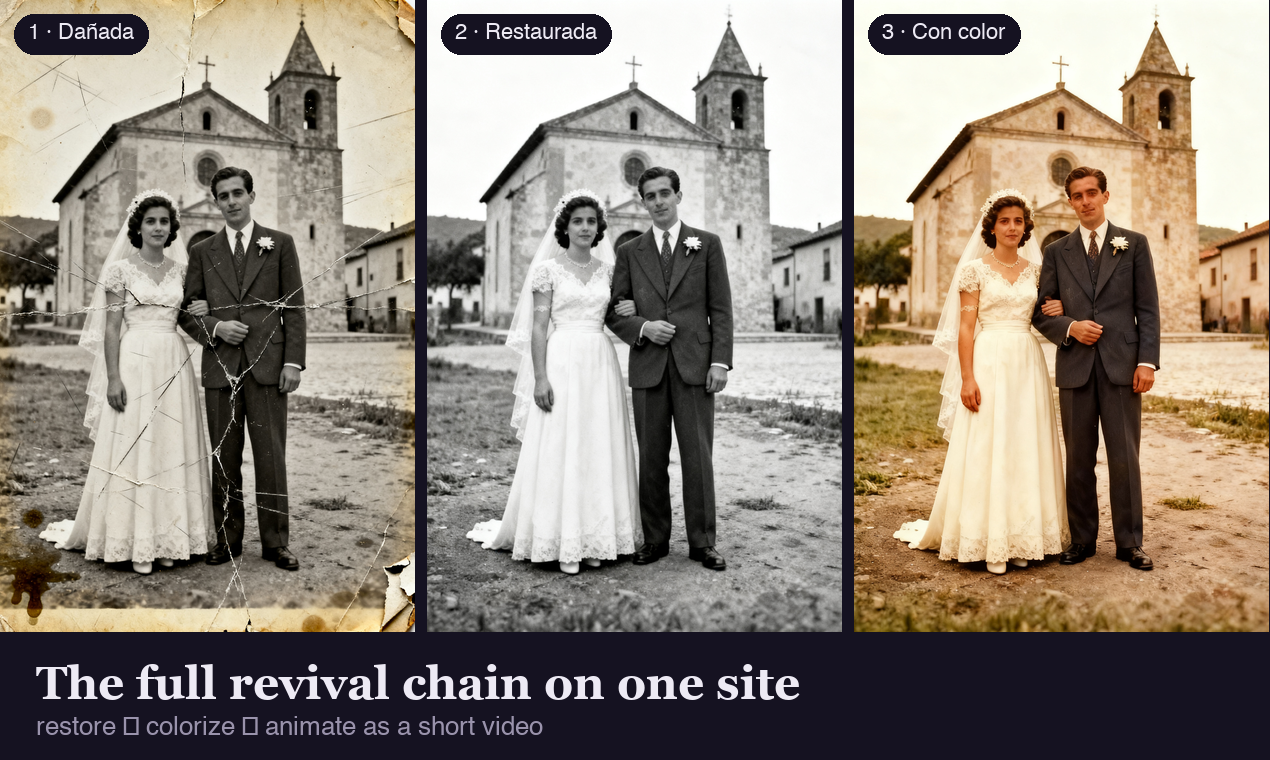
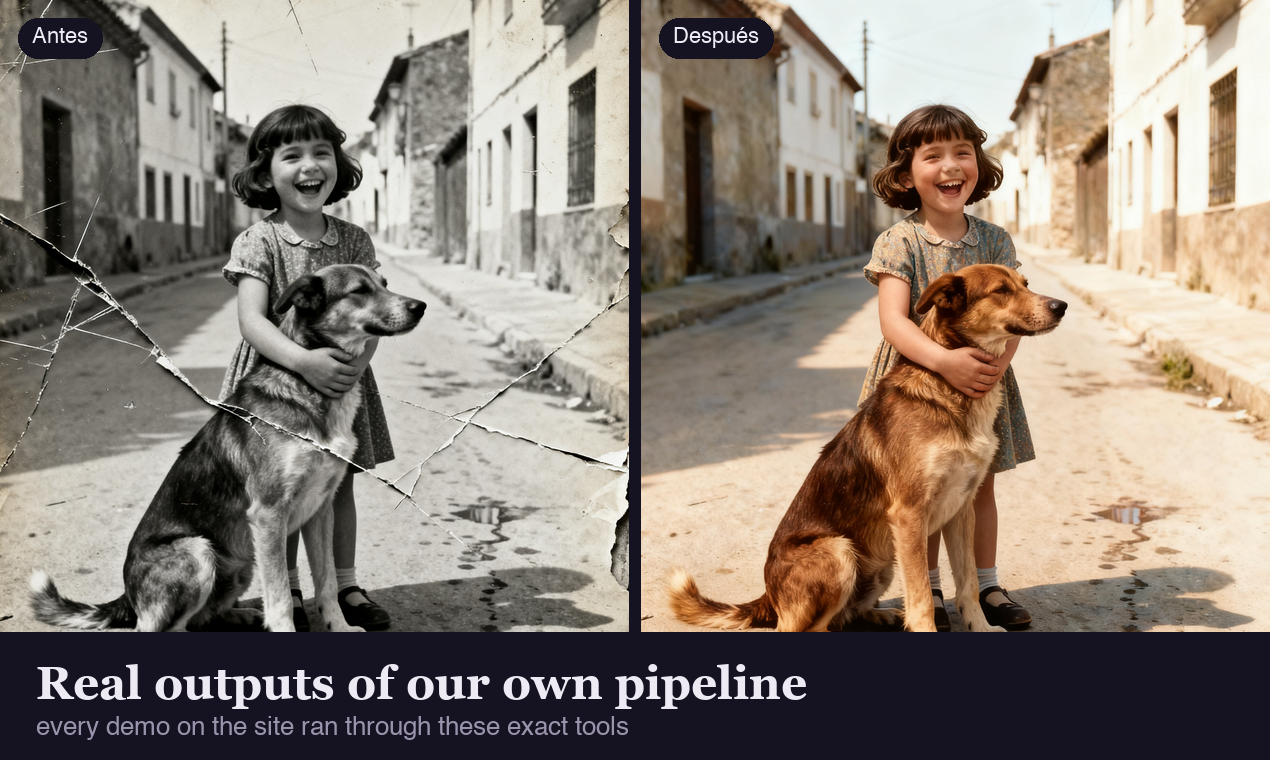
Mejorar Calidad de Imagen is a Spanish-first AI photo studio covering the full photo-revival chain on one site: restore scratched or torn old photos, colorize black-and-white images with natural period colors, sharpen, denoise, upscale 2x/4x, and clear up text in documents with an OCR check that warns if any character changed.
Restored portraits can then be animated into short videos with cinematic motion presets, and a conversational assistant chains the tools from one plain request. English interface available at /en. Freemium credits, no watermark, commercial license included.
Features
• 7 focused tools: restore, colorize, sharpen, unblur, denoise, upscale, clear text
• OCR text verification badge — warns if letters or numbers changed
• Photo-to-video: animate restored portraits with cinematic motion presets
• AI assistant that chains tools in one conversation
• Free credits at sign-up, no watermark, commercial license
Use Cases
• Bring damaged family photos back to life and share them in color
• Animate a restored portrait into a short memorial or anniversary video
• Make blurry documents, signs and screenshots readable again
• Upscale photos for large prints without losing sharpness

Comments


Hola! We built Mejorar Calidad de Imagen because most AI photo tools treat Spanish speakers as an afterthought. It is Spanish-first (English at /en), and instead of one generic enhance button you get seven focused tools - restore, colorize, sharpen, unblur, denoise, upscale, clear text - each tuned to preserve the original content. The OCR badge that warns if any letter changed and the photo-to-video animation are the parts users love most. Happy to answer anything!
Premium Products




















































Sponsors
Buy

Makers
Makers
Comments
Hola! We built Mejorar Calidad de Imagen because most AI photo tools treat Spanish speakers as an afterthought. It is Spanish-first (English at /en), and instead of one generic enhance button you get seven focused tools - restore, colorize, sharpen, unblur, denoise, upscale, clear text - each tuned to preserve the original content. The OCR badge that warns if any letter changed and the photo-to-video animation are the parts users love most. Happy to answer anything!
Premium Products
New to Fazier?

Find your next favorite product or submit your own. Made by @FalakDigital.
Copyright ©2026. All Rights Reserved