MeetingMemo
Record and summarize meetings and calls, fully on your Mac
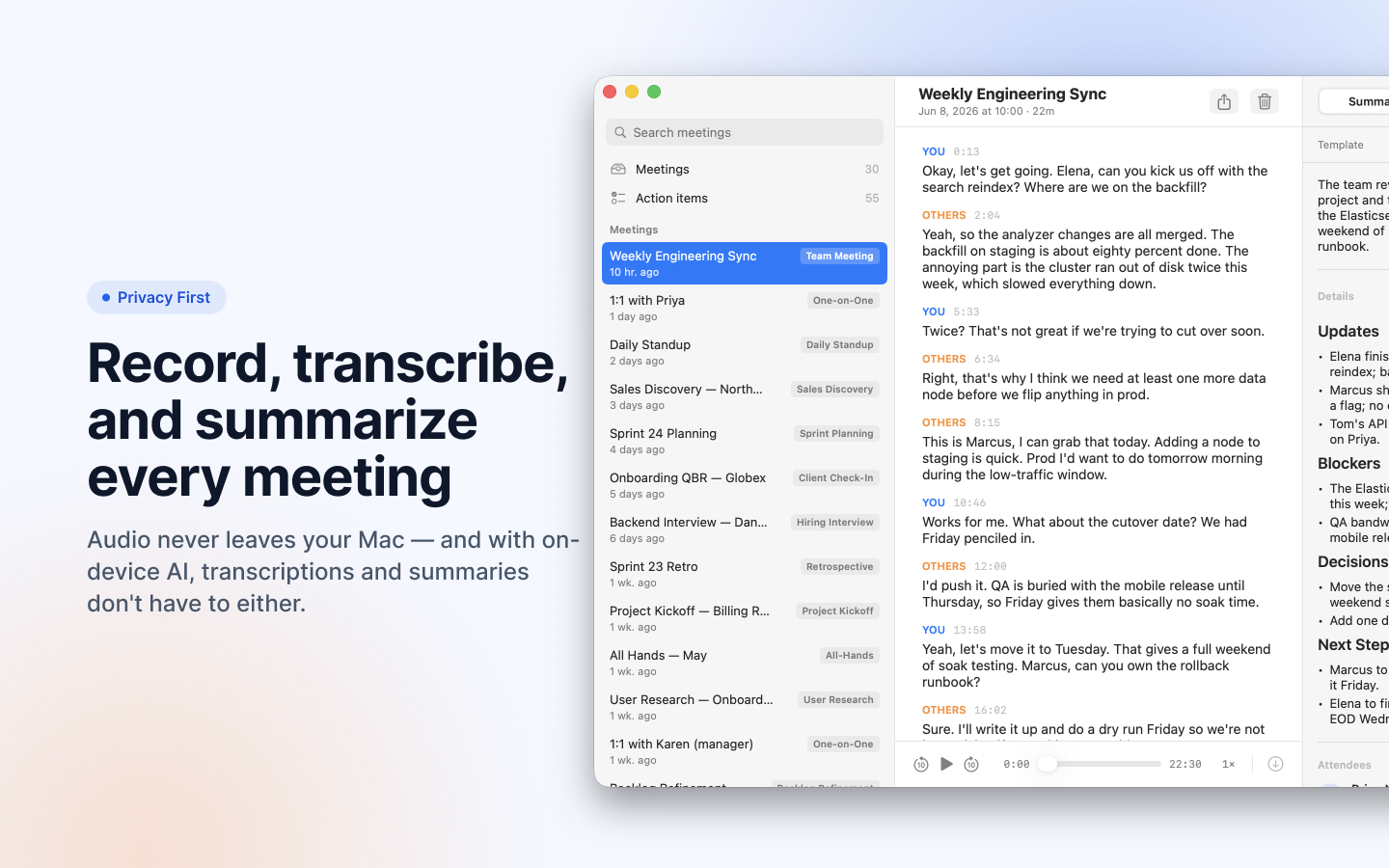
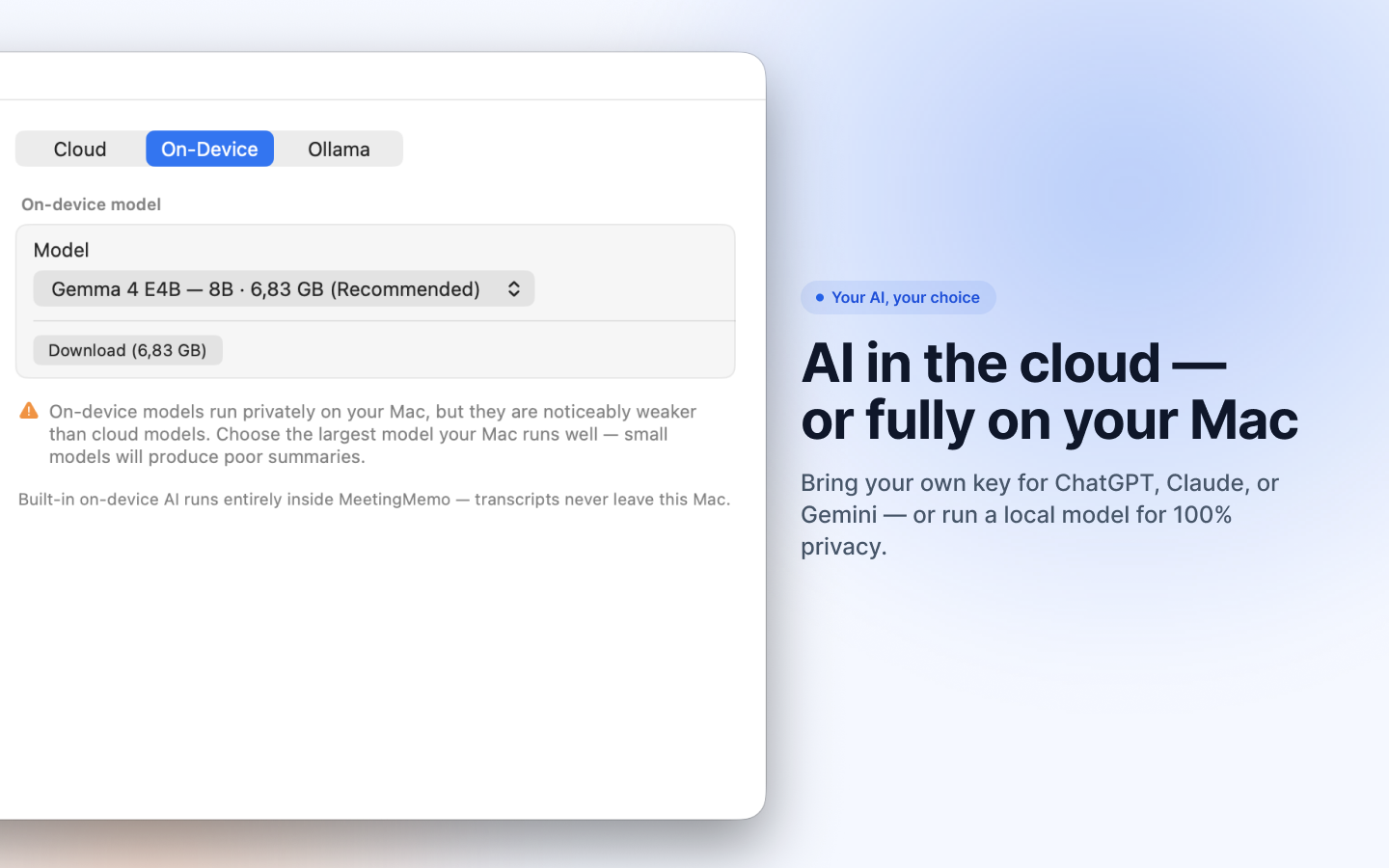
MeetingMemo records, transcribes, and summarizes your meetings and calls entirely on your Mac. The raw audio never leaves your device - transcription runs on-device, and summaries are generated by free local AI that's built in (no API key, no account, no cloud upload). If you'd rather use your own cloud model, you can bring your own key, but you never have to.
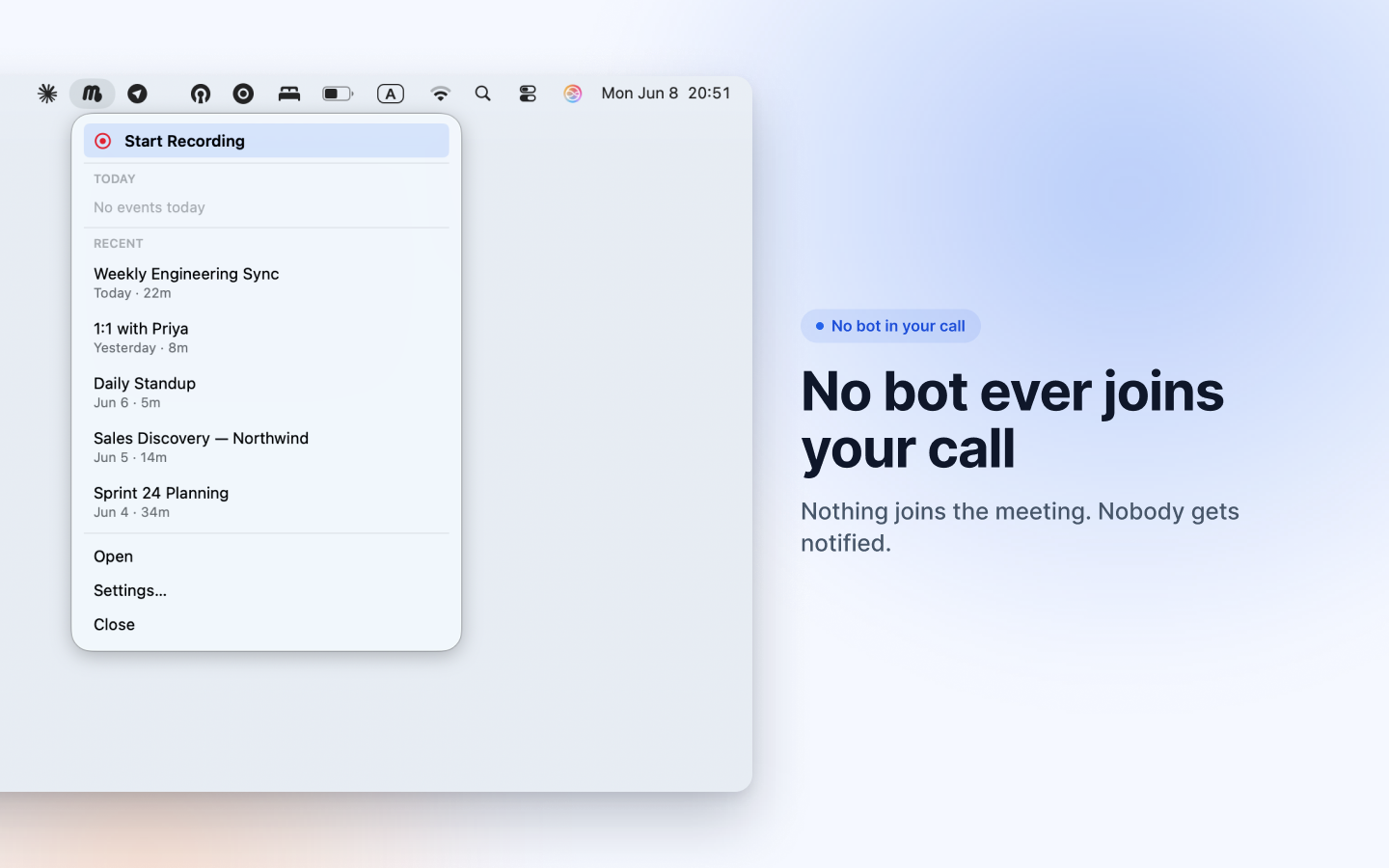
It's the privacy-first alternative to Granola, Otter, and Fathom, which all push your conversations to their servers. MeetingMemo is built for people who legally or ethically can't do that - lawyers, therapists, doctors, journalists, and consultants under NDA - and for anyone who just doesn't want their calls living on someone else's cloud.
Native macOS app, on the Mac App Store. 30-day free trial, then $29.99/year. Family Sharing for up to 6.
Features
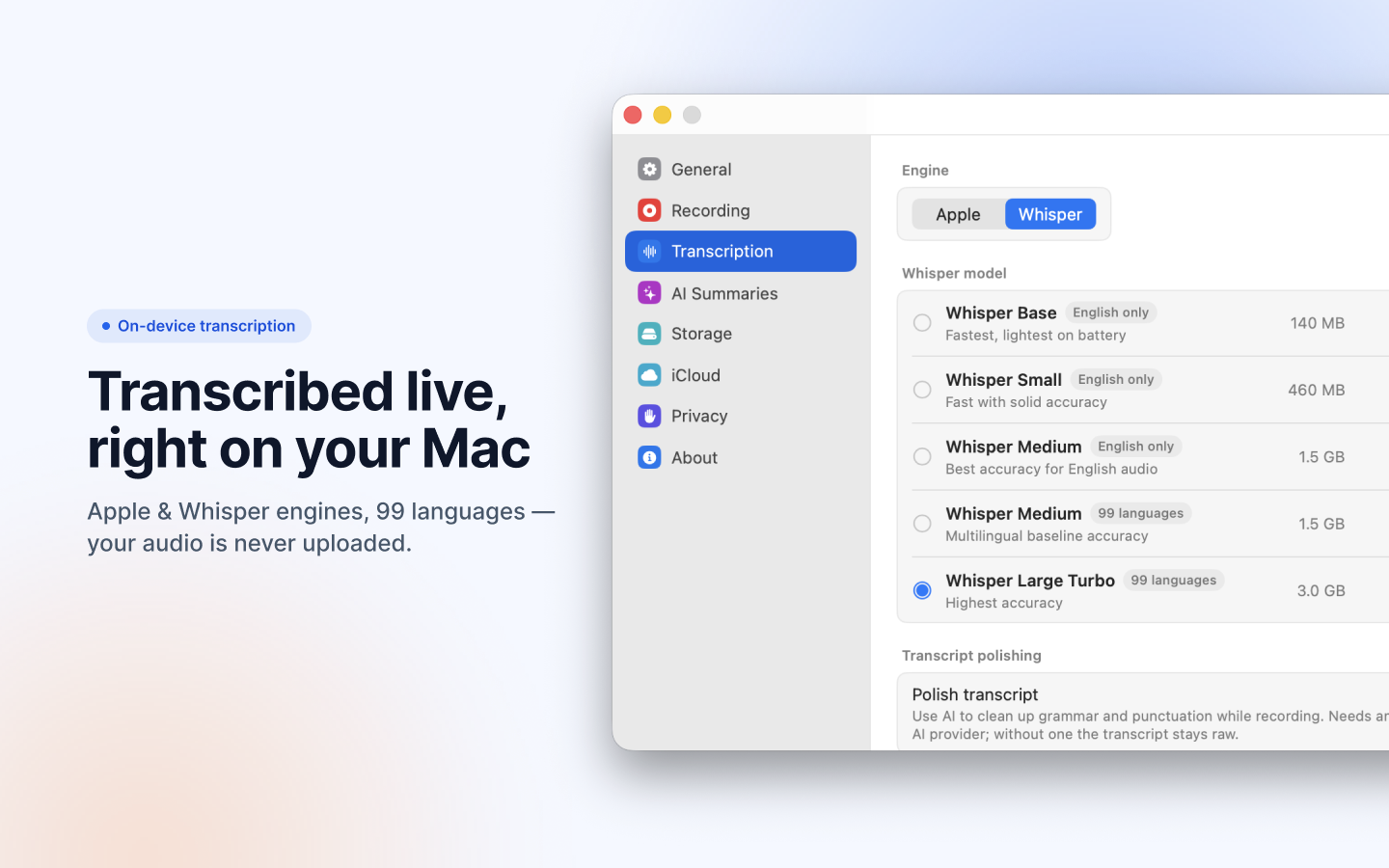
- On-device transcription - audio never leaves your Mac
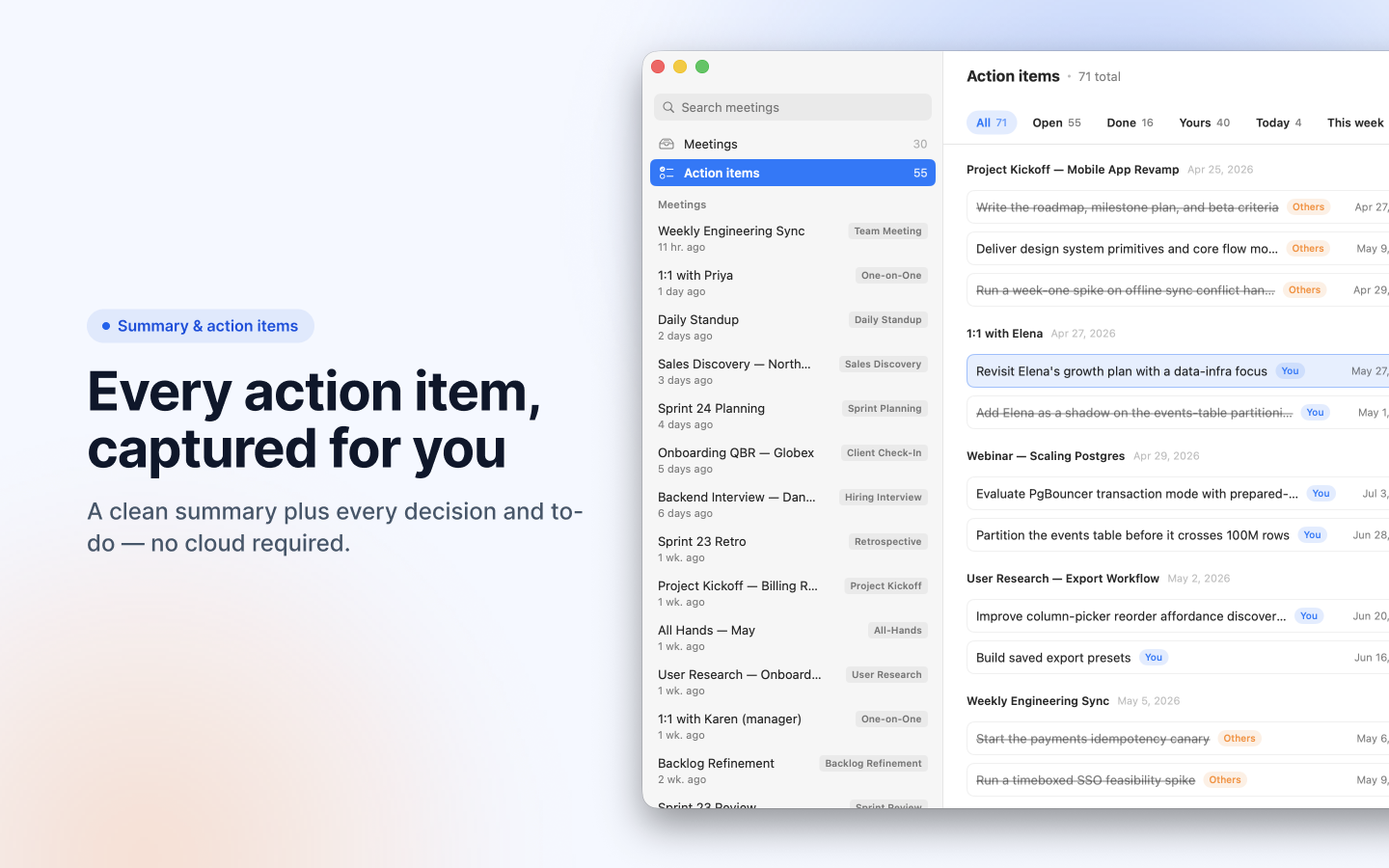
- Free built-in AI summaries and action items (bundled local models, no API key needed)
- Optional bring-your-own cloud key if you prefer your own LLM
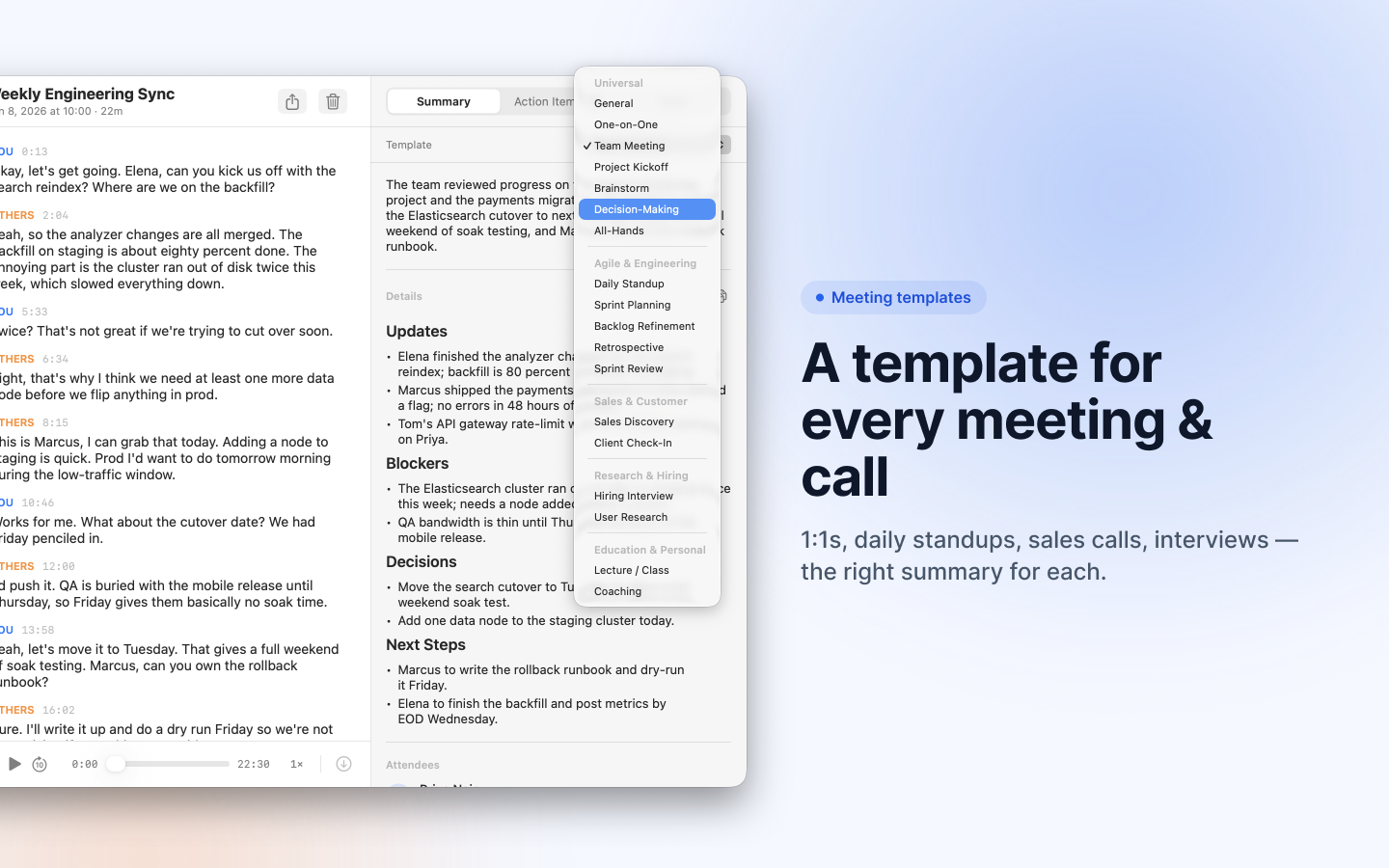
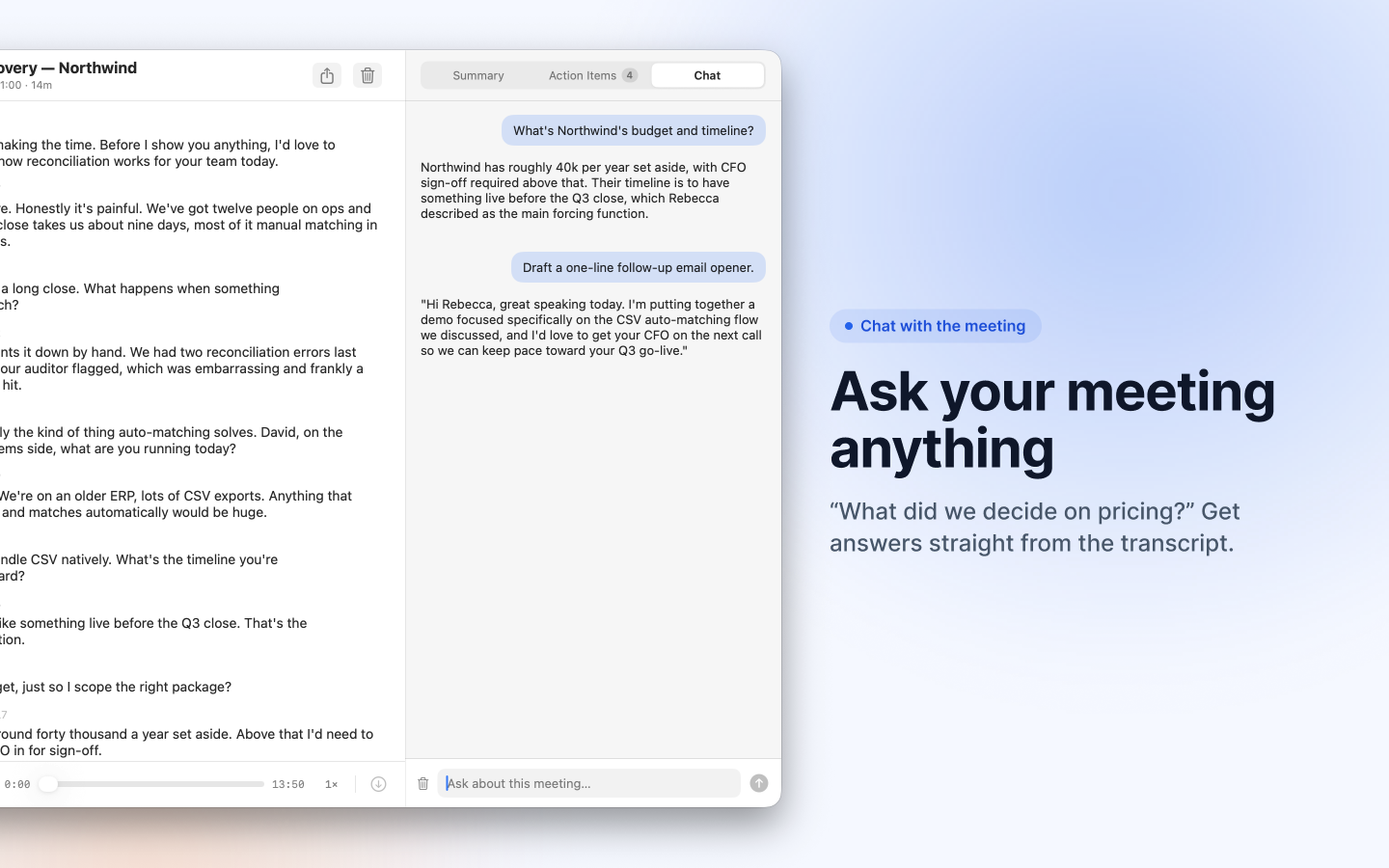
- Clean, searchable notes from every meeting and call
- Native, fast SwiftUI app made for the Mac (not Electron)
- Apple Small Business pricing + Family Sharing for up to 6
- One simple price: $29.99/year, 30-day free trial
Use Cases
- Lawyers and consultants capturing client calls under NDA without cloud exposure
- Therapists and doctors keeping session notes private and on-device
- Journalists protecting sources and off-the-record conversations
- Founders and PMs summarizing back-to-back meetings and calls into action items
- Anyone in the EU or a regulated industry who can't send recordings to a US cloud service

Comments


Hey everyone - I'm the maker of MeetingMemo. I built it because every meeting tool I tried wanted to upload my calls to its servers first. For a lot of people that's just a no-go - lawyers, therapists, doctors, journalists, anyone under an NDA - and even when it's allowed, it never felt right sending client conversations to someone else's cloud. So MeetingMemo does the opposite: the audio never leaves your Mac. Transcription runs on-device, and the AI summaries are generated by free local models that ship inside the app - no API key, no account, no upload. If you'd rather use your own cloud model you can bring a key, but you never have to. It's a native Mac app, $29.99/year with a 30-day trial. Would love feedback from anyone who lives in back-to-back meetings and calls - especially what you'd want summarized automatically.

Love that the audio stays fully on-device and the summaries run on a built-in local model with no API key — that is exactly the bar privacy-conscious Mac users want. Two genuine questions: which on-device transcription engine are you using (Apple Speech / SpeechAnalyzer vs a local Whisper), and do you do multi-speaker diarization for calls? Also curious whether the bring-your-own-key path lets you route a specific language to a cloud model when accuracy on accents matters.

The privacy angle is strong, especially for people who cannot send client calls to a cloud recorder. The detail that matters most to me here is the local summary layer: are the action items traceable back to timestamps or transcript snippets? For legal, therapy, journalism, or consulting workflows, being able to audit why a summary/action item was generated would make the local-first promise much more practical.
The on-device default is the right wedge for regulated or NDA-heavy work where cloud meeting bots are hard to justify. A feature that would make this especially useful for consultants and PMs is source-linked summaries: action items tied back to transcript snippets or timestamps, so users can audit what the local model inferred without rereading the whole call.
Premium Products













































Sponsors
Buy

Comments
Hey everyone - I'm the maker of MeetingMemo. I built it because every meeting tool I tried wanted to upload my calls to its servers first. For a lot of people that's just a no-go - lawyers, therapists, doctors, journalists, anyone under an NDA - and even when it's allowed, it never felt right sending client conversations to someone else's cloud. So MeetingMemo does the opposite: the audio never leaves your Mac. Transcription runs on-device, and the AI summaries are generated by free local models that ship inside the app - no API key, no account, no upload. If you'd rather use your own cloud model you can bring a key, but you never have to. It's a native Mac app, $29.99/year with a 30-day trial. Would love feedback from anyone who lives in back-to-back meetings and calls - especially what you'd want summarized automatically.
Love that the audio stays fully on-device and the summaries run on a built-in local model with no API key — that is exactly the bar privacy-conscious Mac users want. Two genuine questions: which on-device transcription engine are you using (Apple Speech / SpeechAnalyzer vs a local Whisper), and do you do multi-speaker diarization for calls? Also curious whether the bring-your-own-key path lets you route a specific language to a cloud model when accuracy on accents matters.
The privacy angle is strong, especially for people who cannot send client calls to a cloud recorder. The detail that matters most to me here is the local summary layer: are the action items traceable back to timestamps or transcript snippets? For legal, therapy, journalism, or consulting workflows, being able to audit why a summary/action item was generated would make the local-first promise much more practical.
The on-device default is the right wedge for regulated or NDA-heavy work where cloud meeting bots are hard to justify. A feature that would make this especially useful for consultants and PMs is source-linked summaries: action items tied back to transcript snippets or timestamps, so users can audit what the local model inferred without rereading the whole call.
Premium Products
New to Fazier?

Find your next favorite product or submit your own. Made by @FalakDigital.
Copyright ©2026. All Rights Reserved