
Mastros - Telegram Scraper
Chrome extension - save messages, members, contact, media
Mastros is a Telegram Web export Chrome extension for turning Telegram conversations, groups, contacts, and media into structured files.
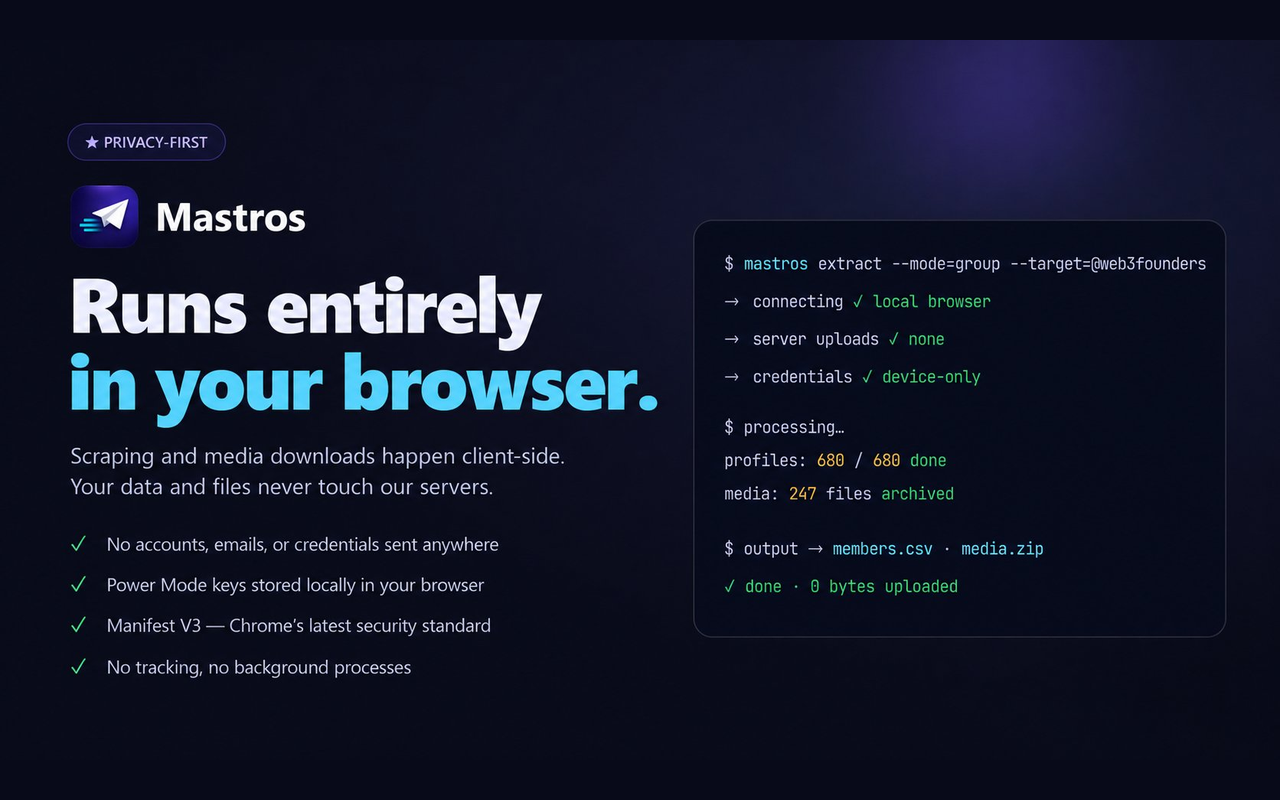
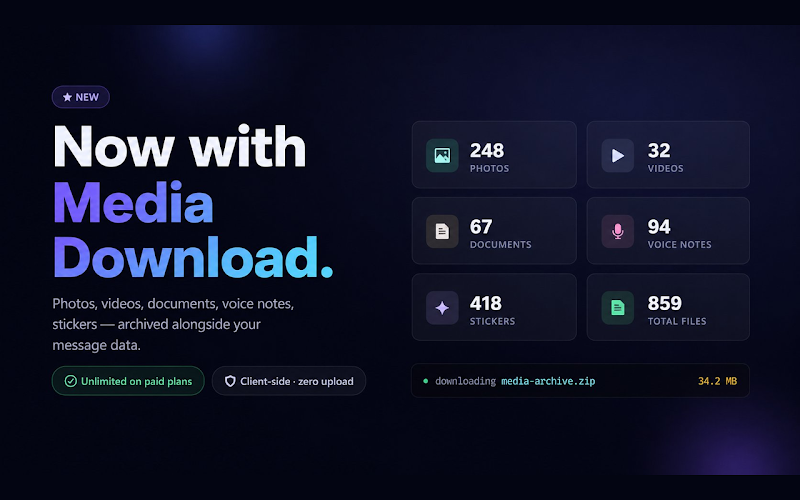
Export data from Telegram Web directly from your browser. Save chat messages, group members, contacts, mutual groups, photos, videos, voice notes, documents, and other media from conversations you can already access.
Mastros helps you move Telegram data out of the chat interface and into clean files you can organize, archive, analyze, or reuse.

Features
What you can do with Mastros:
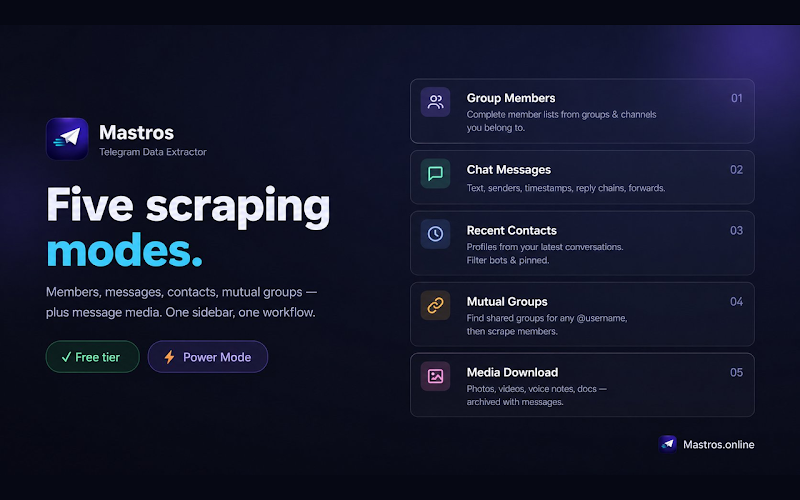
• Export Telegram chat messages
• Export Telegram group members
• Export Telegram contacts
• Find mutual groups
• Download Telegram media
• Save photos, videos, voice notes, and documents
• Export CSV, JSON, JSONL, and ZIP files
• Use browser-based Web Mode for simple exports
• Use optional Power Mode for larger workflows
Use Cases
Mastros is useful for researchers, community managers, analysts, operators, content teams, support teams, and anyone who needs to organize Telegram data outside the app.
Use it for:
• Telegram data export
• Telegram chat archiving
• Community analysis
• Research workflows
• Media backup
• Group member exports
• Message exports
• Contact organization
• Structured CSV and JSON exports

Comments


I built Mastros because Telegram is full of useful information, but most of it stays trapped inside the chat interface. Communities, channels, support chats, research groups, media, contacts, and long conversations often contain data people need to organize, archive, or analyze. The usual workaround is messy: copy messages manually, take screenshots, save media one file at a time, run scripts, or use tools that feel too technical. I would love your feedback






Premium Products










































Sponsors
Buy

Makers
Makers
Comments
I built Mastros because Telegram is full of useful information, but most of it stays trapped inside the chat interface. Communities, channels, support chats, research groups, media, contacts, and long conversations often contain data people need to organize, archive, or analyze. The usual workaround is messy: copy messages manually, take screenshots, save media one file at a time, run scripts, or use tools that feel too technical. I would love your feedback
Premium Products
New to Fazier?

Find your next favorite product or submit your own. Made by @FalakDigital.
Copyright ©2026. All Rights Reserved