MarkItDown Online
Convert files and webpages to Markdown for AI workflows
Features
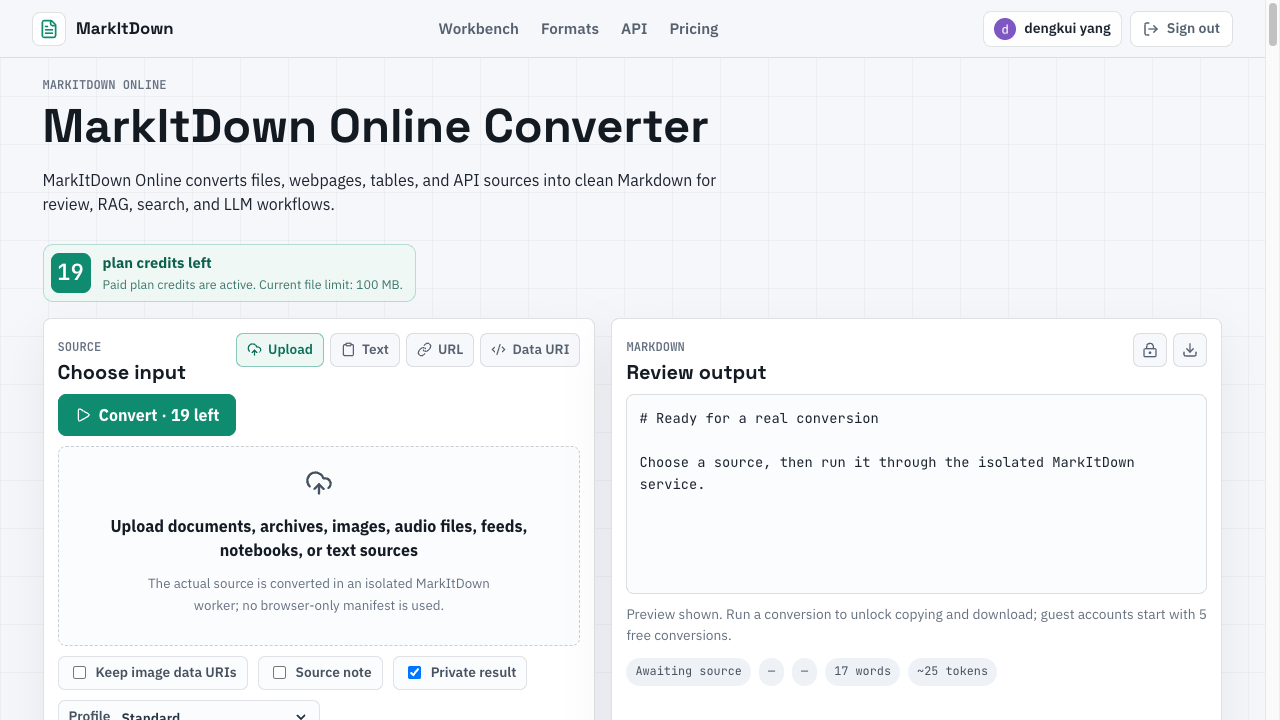
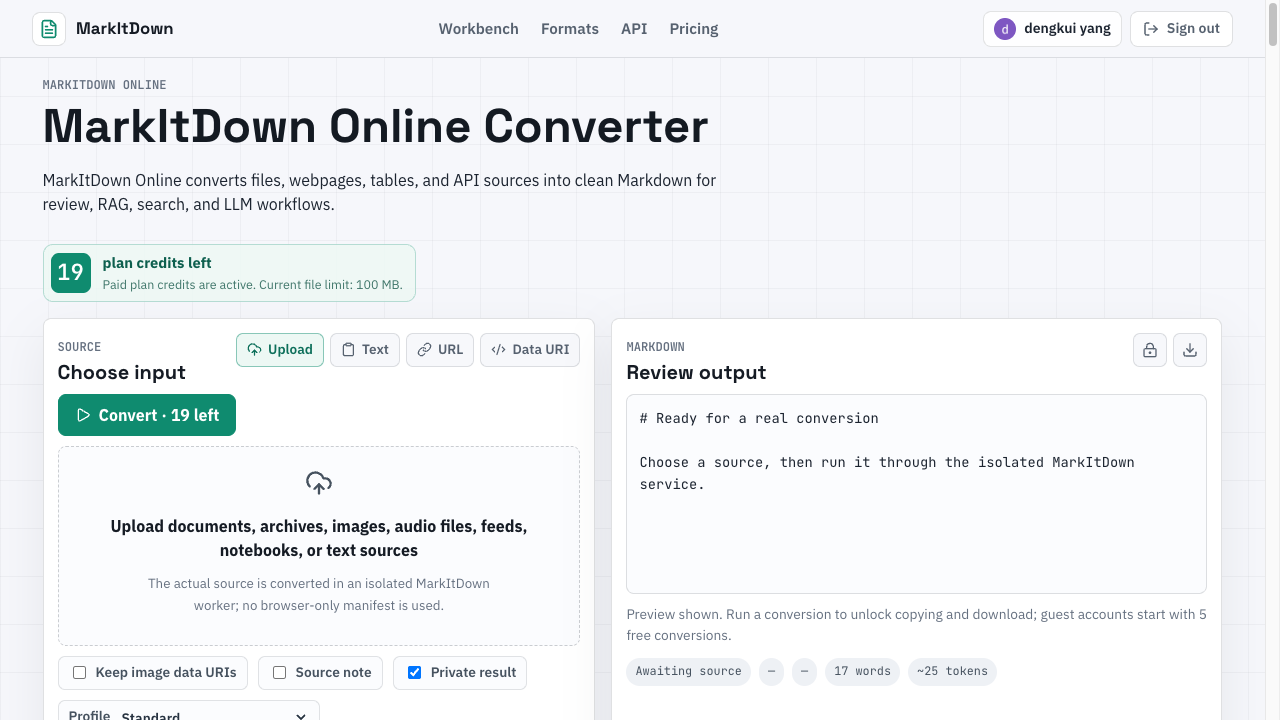
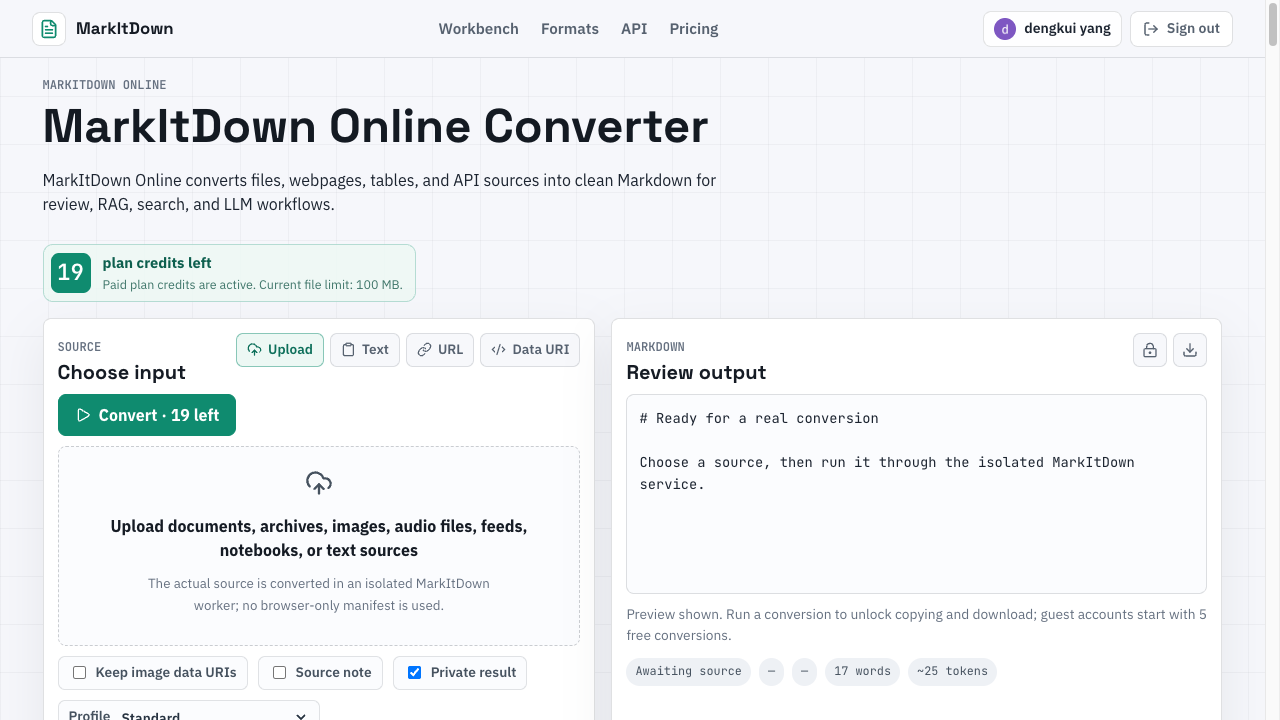
Upload files, paste text, convert public URLs, data URIs, and API sources; inspect parser warnings and source details; copy or download clean Markdown for review; use conversion profiles for different source types.
Use Cases
Prepare source material for knowledge bases, RAG pipelines, documentation, search indexes, LLM context windows, content review, and Markdown-based publishing workflows.

Comments


For public URLs, do you keep any of the page metadata (title, canonical URL, Open Graph or JSON-LD dates) as front matter? In RAG setups the canonical link and publish date are what I usually end up adding back by hand. And does it render JavaScript-heavy pages, or only read the HTML the server sends?


The mix of pasted text, URLs, data URIs and file uploads in one workspace is handy, and surfacing parser warnings before you copy the Markdown is a thoughtful touch. That review step should save a lot of cleanup for anyone feeding documents into RAG pipelines or knowledge bases. I'd find it useful to see a quick example of how tables and images are preserved in the output.

Showing parser warnings before you copy the Markdown is a smart review step, especially for scanned PDFs where headings tend to flatten. A tip for people feeding this into RAG: chunk on the Markdown headings rather than fixed token counts so sections stay intact. Do the conversion profiles let you keep code fences and table structure separate from prose?

The conversion profiles per source type are a smart idea, since a scraped webpage and a data URI need very different cleanup. Would it be possible to export the parser warnings as a small report alongside the Markdown file, so teams can track which sources keep failing in a RAG ingestion pipeline? A batch mode for a list of public URLs could also be a natural next step.


Having URLs, data URIs and API sources next to plain uploads makes this easy to drop into a pipeline without a local Python setup, which is the main friction with running MarkItDown yourself. Do you handle audio and video too, for example turning a meeting recording into a Markdown transcript with timestamped headings? A lot of the knowledge teams want in a RAG index lives in calls, not in PDFs.

Premium Products

















































Sponsors
Buy
Awards
View all
Awards
View allMakers
Makers
Comments
For public URLs, do you keep any of the page metadata (title, canonical URL, Open Graph or JSON-LD dates) as front matter? In RAG setups the canonical link and publish date are what I usually end up adding back by hand. And does it render JavaScript-heavy pages, or only read the HTML the server sends?
The mix of pasted text, URLs, data URIs and file uploads in one workspace is handy, and surfacing parser warnings before you copy the Markdown is a thoughtful touch. That review step should save a lot of cleanup for anyone feeding documents into RAG pipelines or knowledge bases. I'd find it useful to see a quick example of how tables and images are preserved in the output.
Showing parser warnings before you copy the Markdown is a smart review step, especially for scanned PDFs where headings tend to flatten. A tip for people feeding this into RAG: chunk on the Markdown headings rather than fixed token counts so sections stay intact. Do the conversion profiles let you keep code fences and table structure separate from prose?
The conversion profiles per source type are a smart idea, since a scraped webpage and a data URI need very different cleanup. Would it be possible to export the parser warnings as a small report alongside the Markdown file, so teams can track which sources keep failing in a RAG ingestion pipeline? A batch mode for a list of public URLs could also be a natural next step.
Having URLs, data URIs and API sources next to plain uploads makes this easy to drop into a pipeline without a local Python setup, which is the main friction with running MarkItDown yourself. Do you handle audio and video too, for example turning a meeting recording into a Markdown transcript with timestamped headings? A lot of the knowledge teams want in a RAG index lives in calls, not in PDFs.
Premium Products
New to Fazier?

Find your next favorite product or submit your own. Made by @FalakDigital.
Copyright ©2026. All Rights Reserved