
MarkdownCo
Markdown Converter — Free MD to PDF, Word & HTML Online Tool
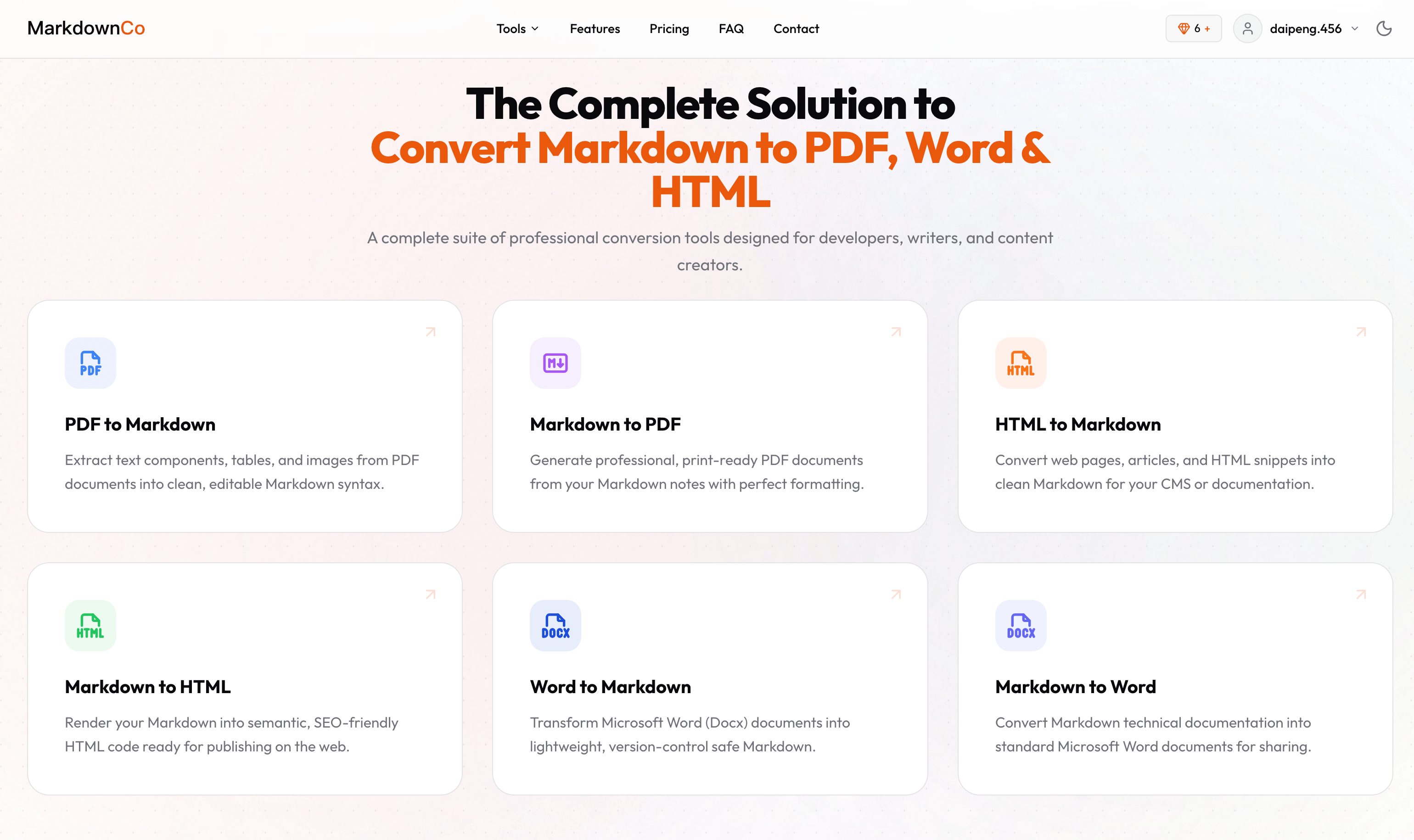
**MarkdownCo** converts Markdown to PDF, Word, HTML, Confluence, and Excel — and converts PDF, Word, HTML, and images back into clean Markdown. Nine tools, one place, both directions.
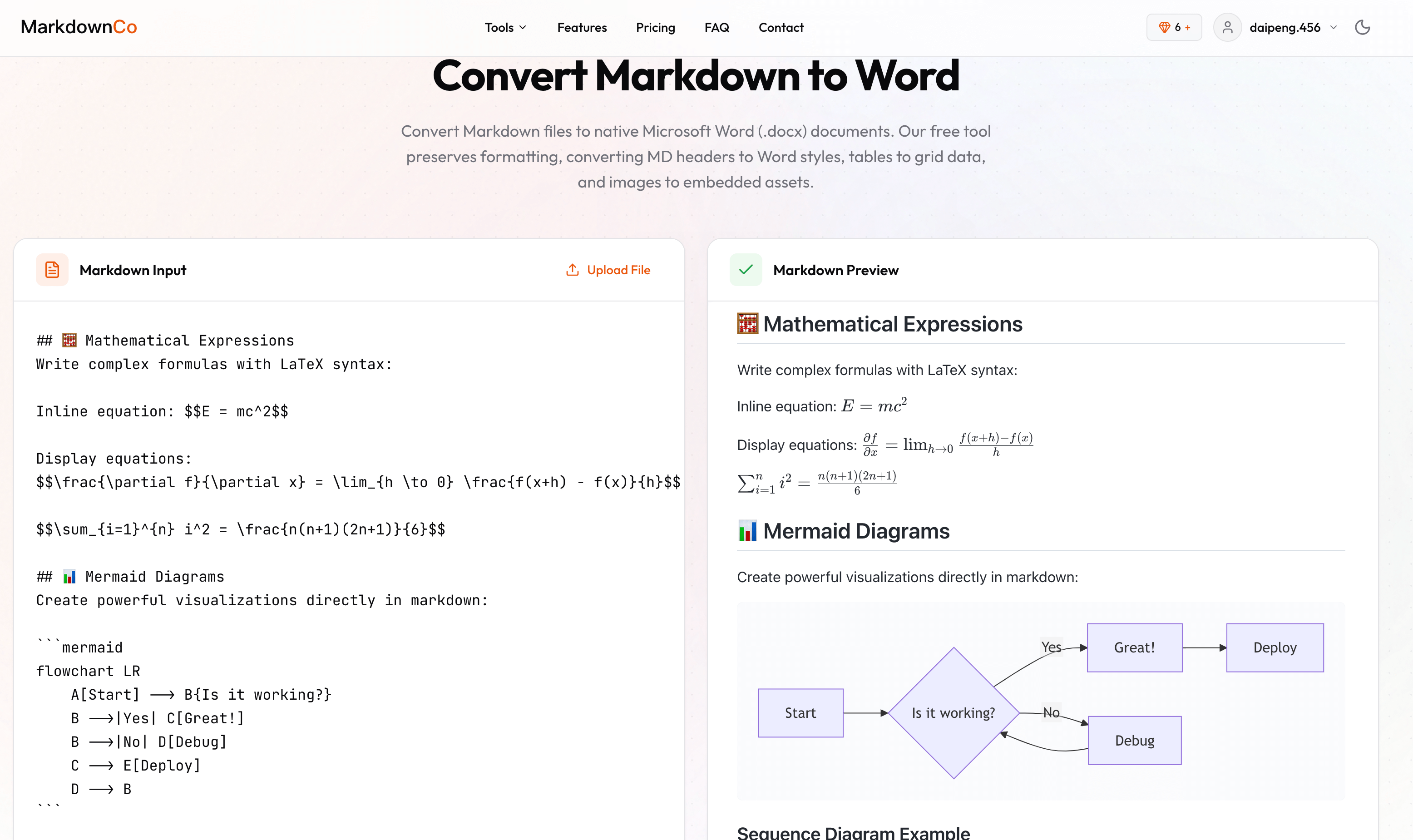
Most online converters break on the parts that matter: LaTeX equations turn into raw `$...$` text, Mermaid diagrams vanish, GFM tables collapse into paragraphs. MarkdownCo renders all of them correctly, which is why people use it for AI-generated content from ChatGPT, Claude, and Gemini, technical docs, and academic writing.
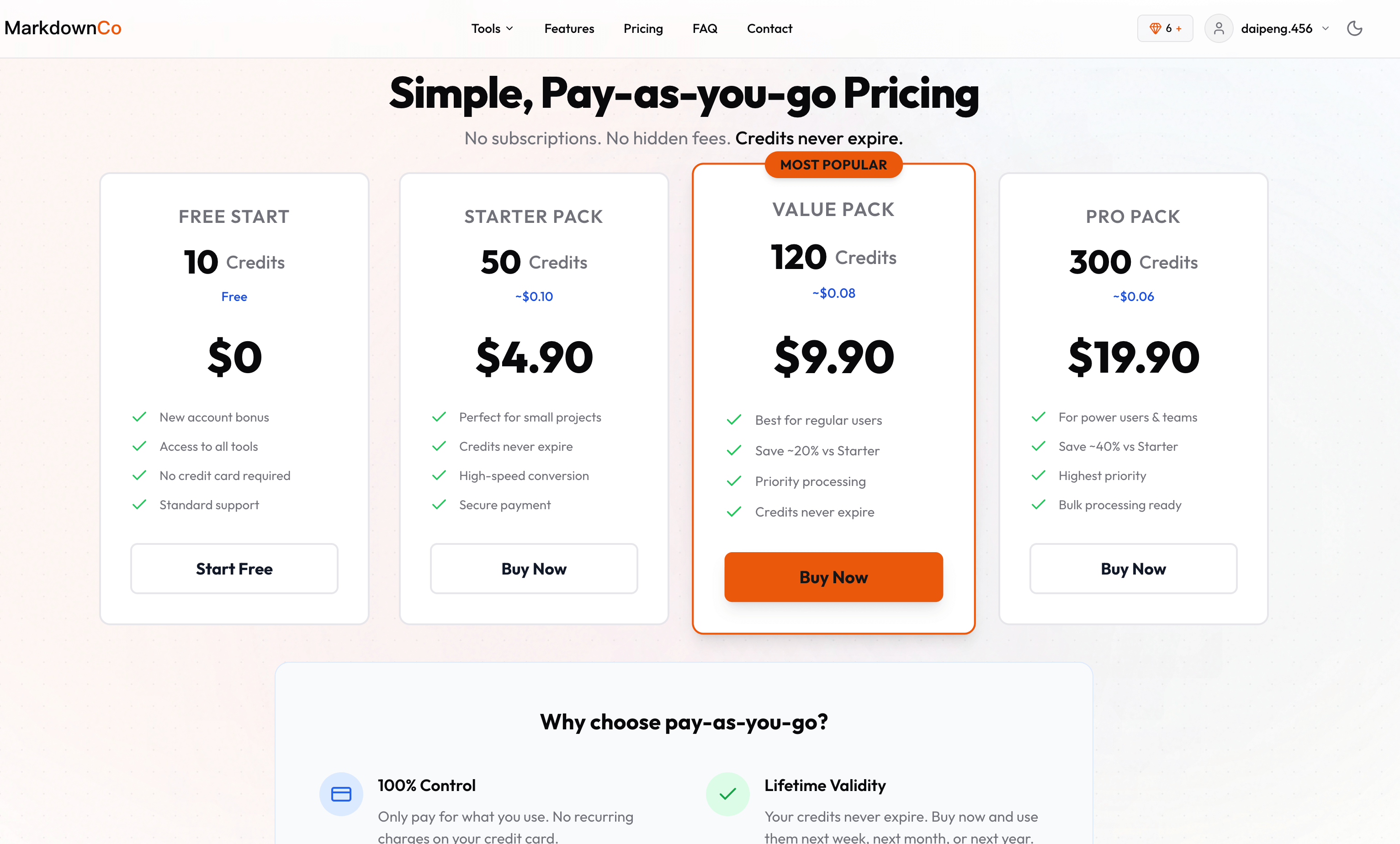
No subscription. Try one conversion a day without an account, get 5 free credits when you sign up, then pay as you go — 1 credit = 1 file, and credits never expire. Files are encrypted in transit and deleted after processing. Available in 13 languages, with a REST API on RapidAPI for developers.
[Try it free at markdownconverter.pro](https://markdownconverter.pro)
Features
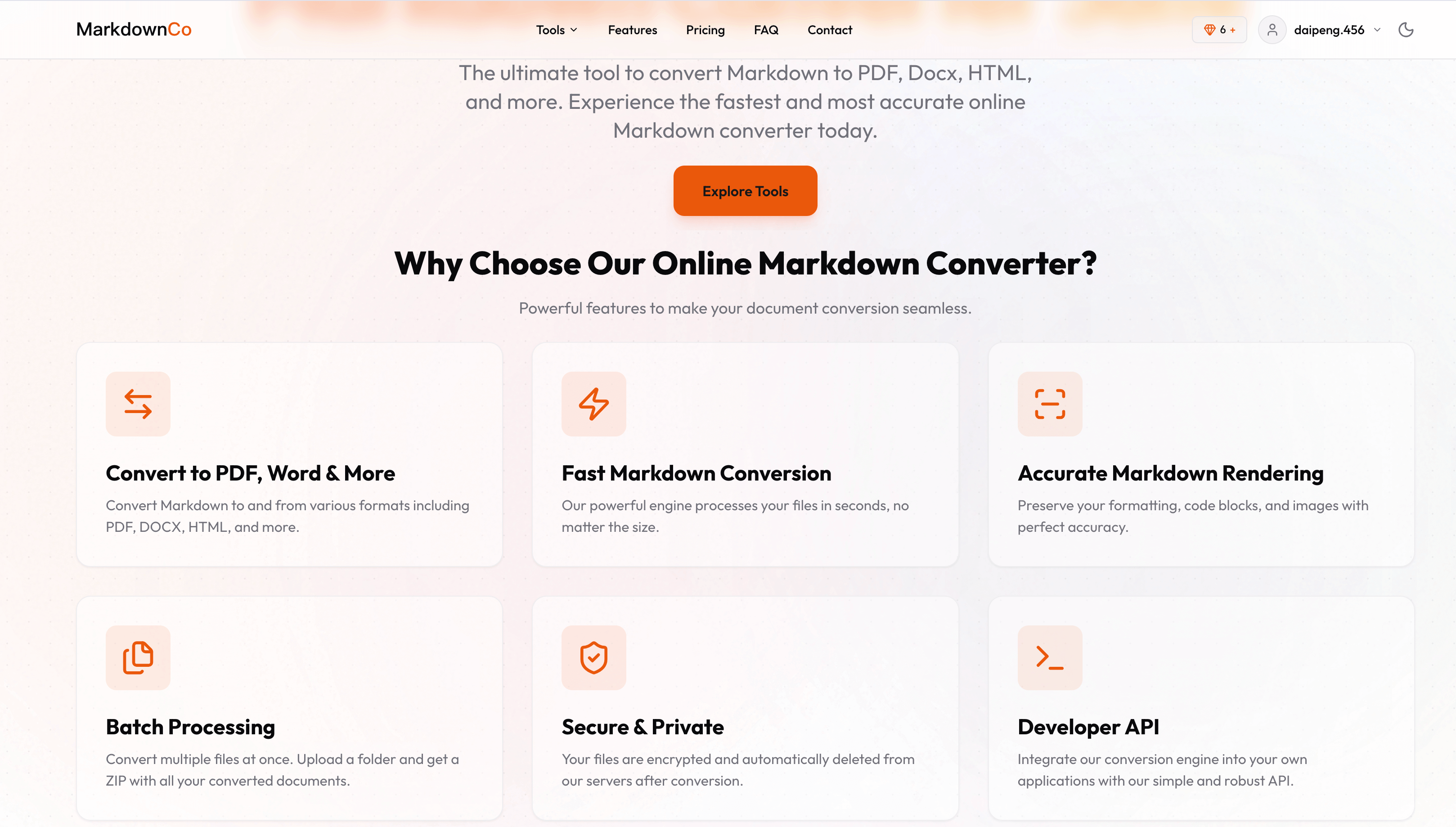
- **Nine conversion tools, both directions** — Markdown → PDF, Word (DOCX), HTML, Confluence, Excel; and PDF, Word, HTML, Image → Markdown.
- **LaTeX math that survives** — inline (`$...$`) and block (`$$...$$`) formulas render as real equations in PDF, Word, and HTML output.
- **Mermaid diagrams rendered** — flowcharts, sequence diagrams, and Gantt charts become crisp visuals instead of code blocks.
- **Full GitHub Flavored Markdown** — tables, task lists, footnotes, alerts, and syntax-highlighted code blocks in every tool.
- **Image to Markdown with OCR** — turn screenshots, scans, and photos into editable Markdown in 50+ languages, preserving tables, math, and diagrams.
- **Markdown to Excel in the browser** — tables become real XLSX/CSV cells with numbers, percentages, and links; one sheet per table, nothing uploaded.
- **Developer API** — async REST endpoints on RapidAPI for Markdown ↔ PDF/Word/HTML with LaTeX and Mermaid support, ready for CI/CD pipelines.
- **Pay-as-you-go, no subscription** — 1 credit = 1 conversion, credits never expire, 5 free credits on signup.
- **Private by design** — files encrypted in transit and permanently deleted after processing; 10MB per file.
- **13 languages** — fully localized interface, including English, Chinese, Japanese, German, Spanish, and more.
Use Cases
- **Turn ChatGPT / Claude / Gemini output into a real document** — paste AI-generated Markdown and export a PDF or Word file with equations, tables, and diagrams intact.
- **Submit academic papers and technical reports** — write in Markdown with LaTeX math, deliver a print-ready PDF or an editable DOCX for reviewers.
- **Migrate legacy documentation to Git** — convert old PDF and Word docs into Markdown so they live in version control alongside the code.
- **Move content between CMS platforms** — convert WordPress or Ghost HTML exports to Markdown, or Markdown to clean semantic HTML for Hugo, Jekyll, and static sites.
- **Publish engineering docs to Confluence** — write in Markdown, export Confluence wiki markup with code macros and math preserved.
- **Digitize screenshots and scanned pages** — OCR a whiteboard photo, a textbook page, or a slide into editable Markdown.
- **Pull Markdown tables into spreadsheets** — export tables to Excel or CSV for analysis without retyping numbers.
- **Automate conversions in your own product** — call the REST API from a build pipeline or app to generate PDFs and Word files on demand.

Comments


Maker here. Thanks for stopping by! The itch that started this: I kept writing docs in Markdown — clean, fast, version-controllable — and then hitting a wall the moment I needed to hand them off. Pasting into Word broke every table. LaTeX formulas turned into raw $\frac{a}{b}$ garbage. Mermaid diagrams? Just dead code blocks. I was spending more time fixing formatting than writing. So I built Markdown Converter Pro to do the one thing most converters fake: actually render the hard stuff. 🧮 Real LaTeX math — formulas come out as native, editable equations in Word (.docx), not screenshots or broken text 📊 Mermaid diagrams — flowcharts and sequence diagrams render as real images 🔁 Two-way — Markdown → Word / PDF / HTML, and back 🔒 No signup, no upload drama — paste, convert, done. Your content isn't your password. 🌍 Works in 13 languages It's the tool I wish I'd had every time I shipped technical docs, academic notes, or AI-generated content that came out in Markdown. It's free to try right now — no account needed. I'd genuinely love to hear: 👉 What's the one conversion that always breaks for you? Tables? Code blocks? Footnotes? Tell me and I'll see if we handle it (or make sure we do). I'll be here all day answering everything. 🙏
Premium Products























Sponsors
Buy

Makers
Makers
Comments
Maker here. Thanks for stopping by! The itch that started this: I kept writing docs in Markdown — clean, fast, version-controllable — and then hitting a wall the moment I needed to hand them off. Pasting into Word broke every table. LaTeX formulas turned into raw $\frac{a}{b}$ garbage. Mermaid diagrams? Just dead code blocks. I was spending more time fixing formatting than writing. So I built Markdown Converter Pro to do the one thing most converters fake: actually render the hard stuff. 🧮 Real LaTeX math — formulas come out as native, editable equations in Word (.docx), not screenshots or broken text 📊 Mermaid diagrams — flowcharts and sequence diagrams render as real images 🔁 Two-way — Markdown → Word / PDF / HTML, and back 🔒 No signup, no upload drama — paste, convert, done. Your content isn't your password. 🌍 Works in 13 languages It's the tool I wish I'd had every time I shipped technical docs, academic notes, or AI-generated content that came out in Markdown. It's free to try right now — no account needed. I'd genuinely love to hear: 👉 What's the one conversion that always breaks for you? Tables? Code blocks? Footnotes? Tell me and I'll see if we handle it (or make sure we do). I'll be here all day answering everything. 🙏
Premium Products
New to Fazier?

Find your next favorite product or submit your own. Made by @FalakDigital.
Copyright ©2025. All Rights Reserved