
ManualFig AI
Product photos in, clear instruction figures out
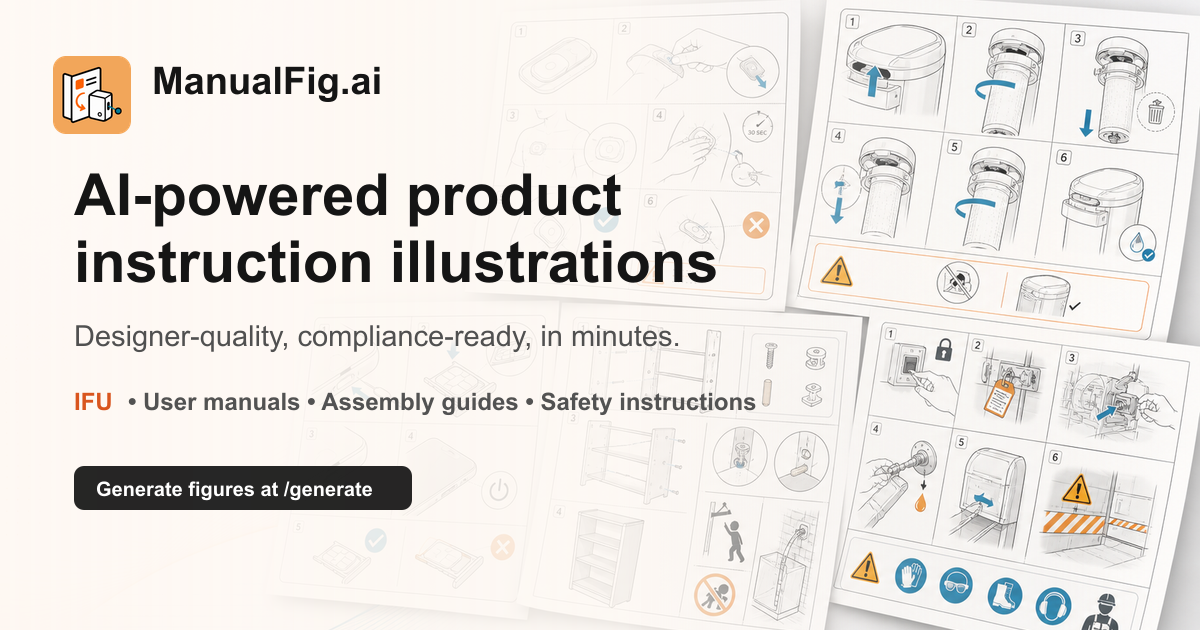
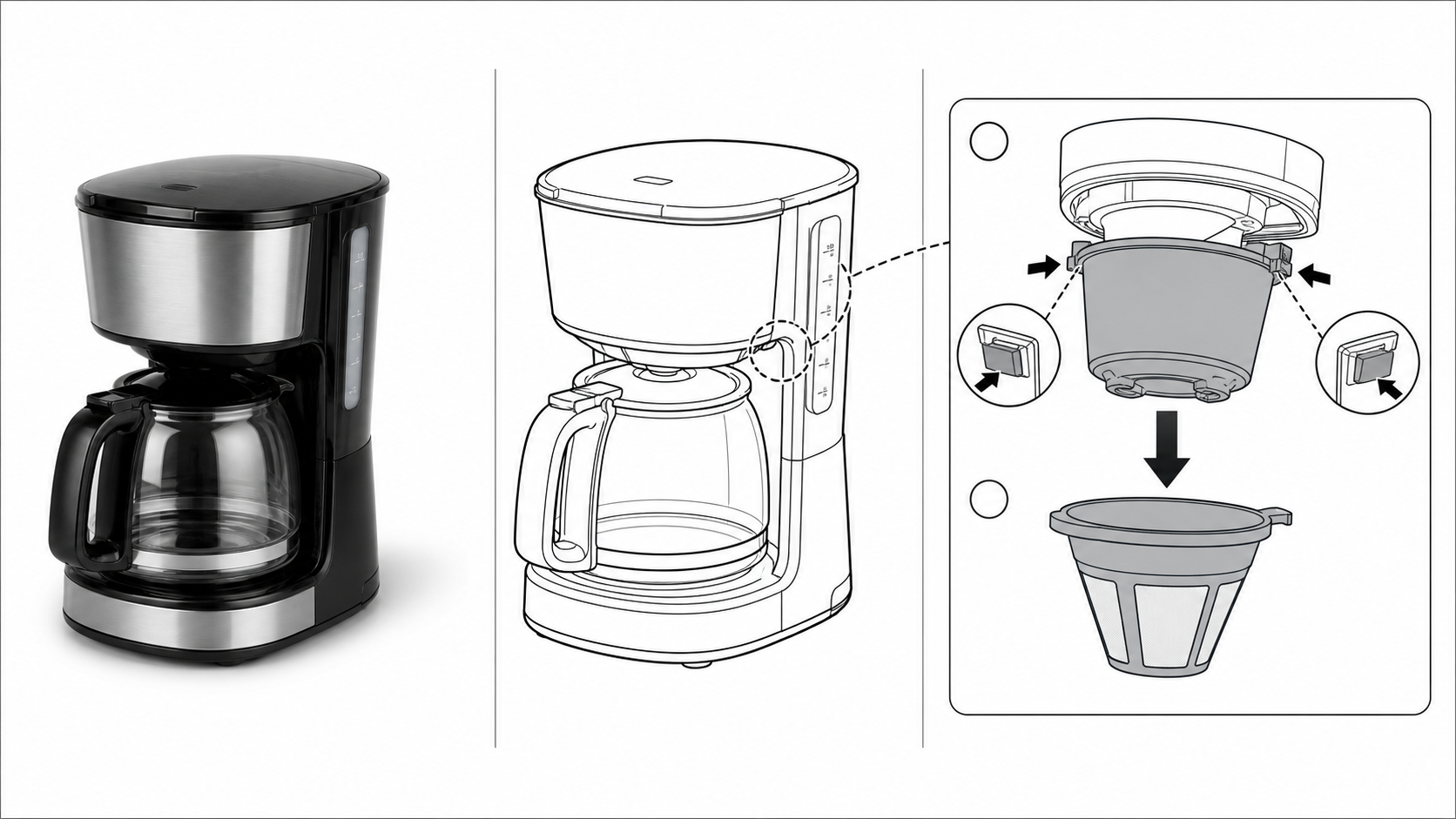
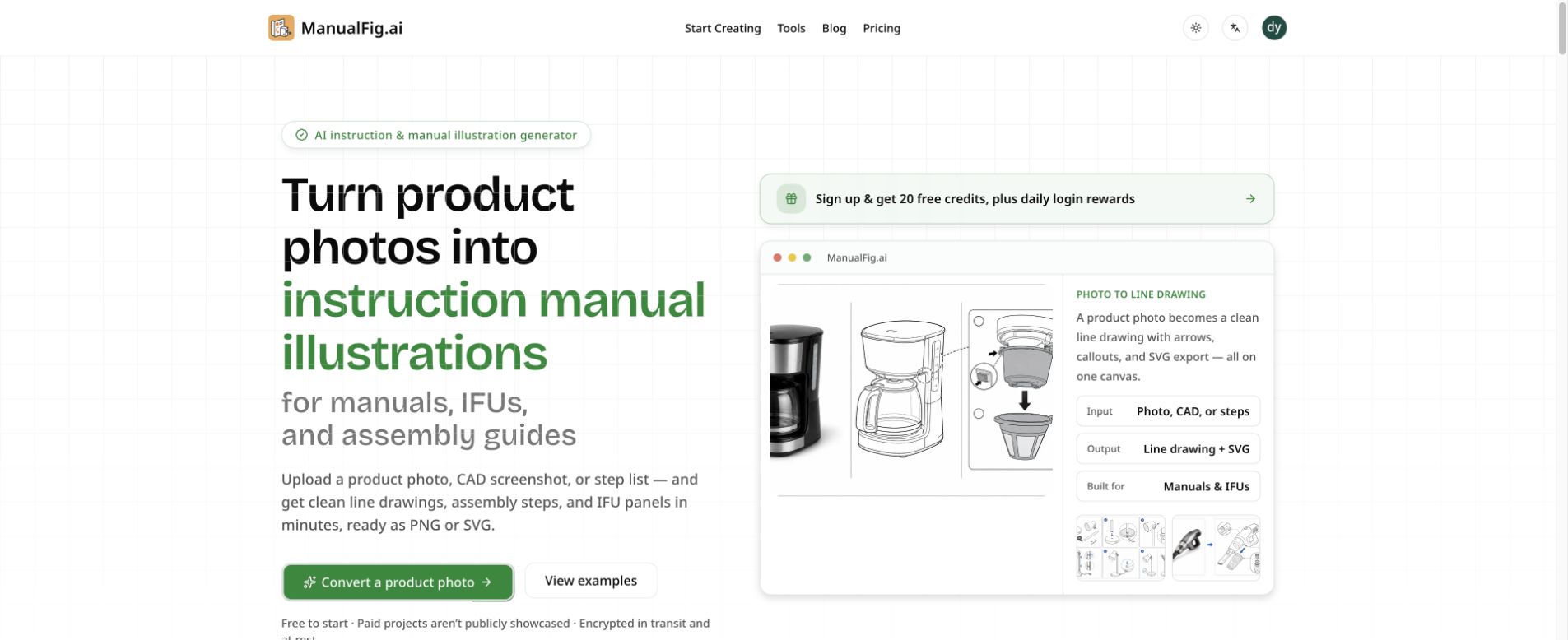
A good product manual shows the part to touch, the direction to move it, and the finished result—not just another attractive product render. ManualFig AI helps small product teams create those practical visuals from the references they already have. Start with a product photo, CAD screenshot, sketch, existing manual page, or written step list, then generate simplified line drawings and instruction panels with arrows, numbered steps, and part callouts. Use it for assembly guides, packaging inserts, quick-start cards, maintenance instructions, and help-center articles. Figures can be revised with a plain-language request, compared across versions in the same project, and exported as PNG or SVG for documentation and print layouts. It also supports drafts for medical-device instructions, which should be checked by the responsible specialists before use. The emphasis is on clear actions and a consistent illustration style across a whole guide. Free credits let users try the process, with paid plans for ongoing production.
Features
Reference-guided product line drawings from photos and CAD screenshots
Numbered instruction panels with arrows and part callouts
Plain-language revisions with project and version history
PNG and SVG export for manuals and layout tools
Assembly, maintenance, troubleshooting, and quick-start illustration workflows
Use Cases
Create packaging inserts and quick-start cards for ecommerce products
Illustrate furniture assembly with hardware callouts and numbered actions
Explain filter replacement, cleaning, and routine appliance maintenance
Prepare work-instruction figures for manufacturing documentation
Draft device-use panels for specialist-reviewed IFU documentation

Comments





Wow I'm a product developer myself (physical products I mean) and this is very interesting. Designing a product is all fun, but when you need to ship real products, you need to think about assembly or "how-to-use" instructions. And then comes the journey of producing all the assets for the packaging and the user manuals. I think it's very cool to see someone thinking about something so niche.

Turning product photos, CAD screenshots, or step lists into simplified line drawings with arrows, numbered panels, and part callouts, then exporting PNG or SVG with version history, fits instruction docs that used to be redrawn by hand. When the models behind those visuals start stacking up, we top up at pzero.studio.


This fills a real gap for small product sellers. Most can't afford a technical illustrator for a simple quick-start card. When you revise one step with a plain-language request, does the rest of the guide keep the same line weight and part labels, or do you regenerate the whole set to keep it consistent?


Hi Fazier! ManualFig AI is focused on the pictures people actually follow when using a product: which part to touch, where it moves, and what the finished step looks like. Start from a product photo, CAD screenshot, or written procedure, then build line art and numbered panels for a manual or quick-start guide. Revisions and versions stay in the same project, with PNG and SVG export. We would love feedback from product teams and technical writers on the assembly or maintenance steps that are hardest to explain visually.


A useful safeguard for technical instructions would be a clear distinction between geometry that came directly from the reference material and anything the model had to infer. For maintenance steps or medical-device drafts, a small 'needs human verification' flag on uncertain parts/callouts could reduce the risk of a polished illustration implying more certainty than the source actually provides.
Premium Products










































Sponsors
Buy

Comments
Wow I'm a product developer myself (physical products I mean) and this is very interesting. Designing a product is all fun, but when you need to ship real products, you need to think about assembly or "how-to-use" instructions. And then comes the journey of producing all the assets for the packaging and the user manuals. I think it's very cool to see someone thinking about something so niche.
Turning product photos, CAD screenshots, or step lists into simplified line drawings with arrows, numbered panels, and part callouts, then exporting PNG or SVG with version history, fits instruction docs that used to be redrawn by hand. When the models behind those visuals start stacking up, we top up at pzero.studio.
This fills a real gap for small product sellers. Most can't afford a technical illustrator for a simple quick-start card. When you revise one step with a plain-language request, does the rest of the guide keep the same line weight and part labels, or do you regenerate the whole set to keep it consistent?
Hi Fazier! ManualFig AI is focused on the pictures people actually follow when using a product: which part to touch, where it moves, and what the finished step looks like. Start from a product photo, CAD screenshot, or written procedure, then build line art and numbered panels for a manual or quick-start guide. Revisions and versions stay in the same project, with PNG and SVG export. We would love feedback from product teams and technical writers on the assembly or maintenance steps that are hardest to explain visually.
A useful safeguard for technical instructions would be a clear distinction between geometry that came directly from the reference material and anything the model had to infer. For maintenance steps or medical-device drafts, a small 'needs human verification' flag on uncertain parts/callouts could reduce the risk of a polished illustration implying more certainty than the source actually provides.
Premium Products
New to Fazier?

Find your next favorite product or submit your own. Made by @FalakDigital.
Copyright ©2026. All Rights Reserved