MakeASkill
Free personal AI instructions for ChatGPT, Claude, Gemini
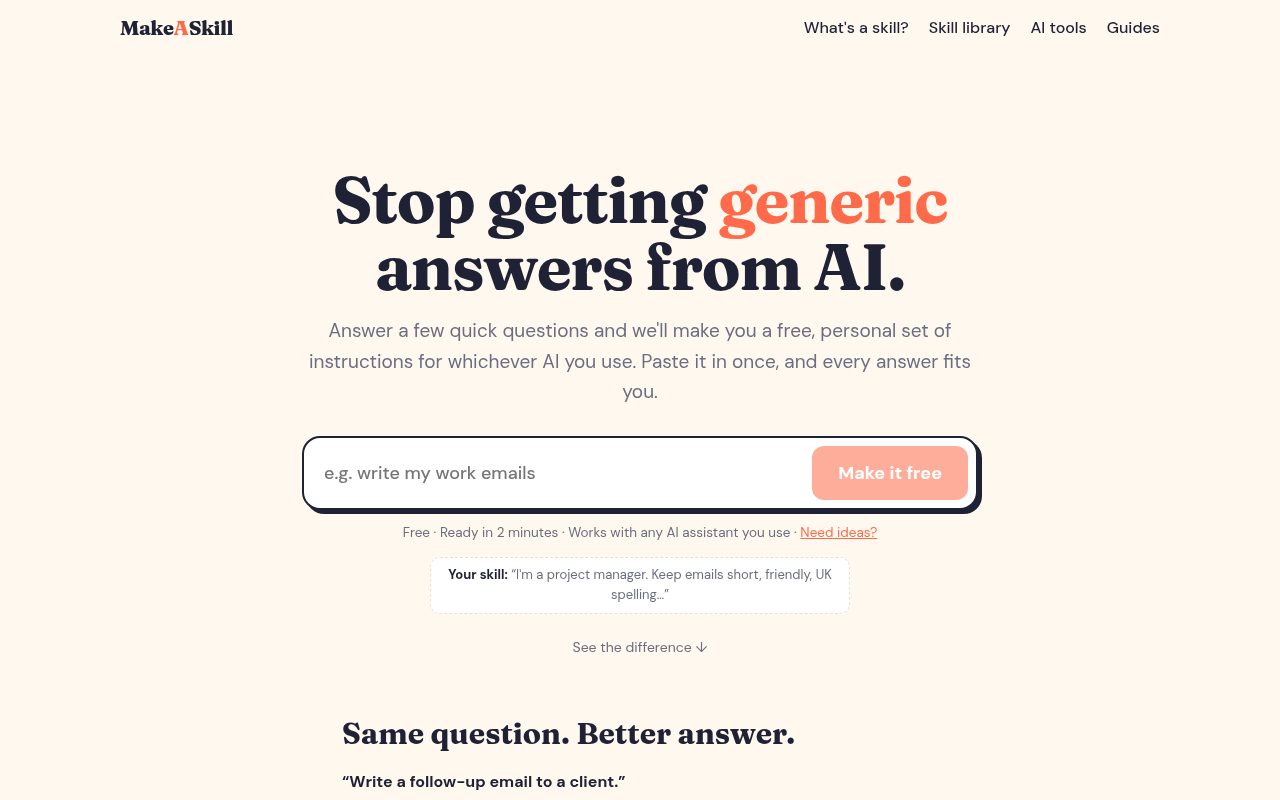
Answer a few quick questions and get a free, personal set of instructions for ChatGPT, Claude, Gemini or Copilot. Paste it in once and every answer fits you.
Most people use AI the same way: type a question, get a decent but generic answer, then spend five minutes rewriting it so it sounds like them. The AI doesn't know who you are, how you write, or what you actually need, so it guesses. MakeASkill fixes that.
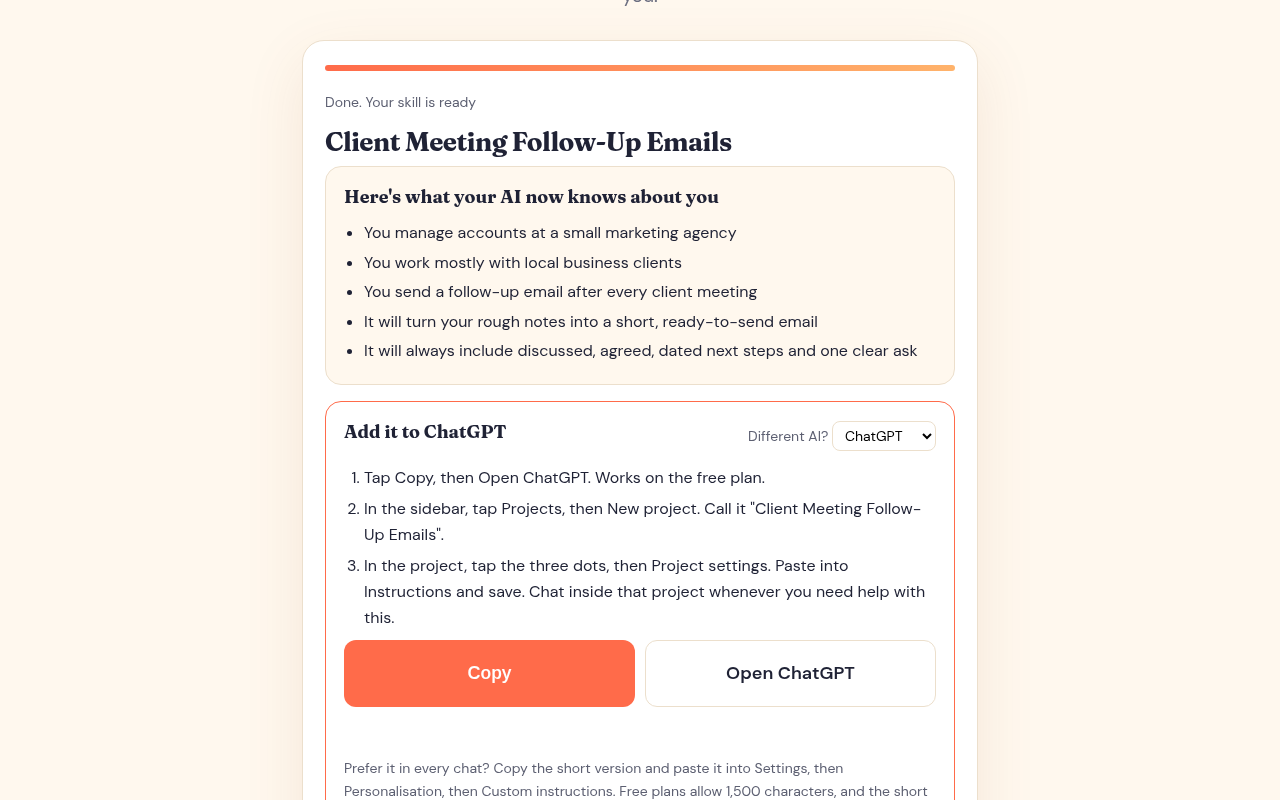
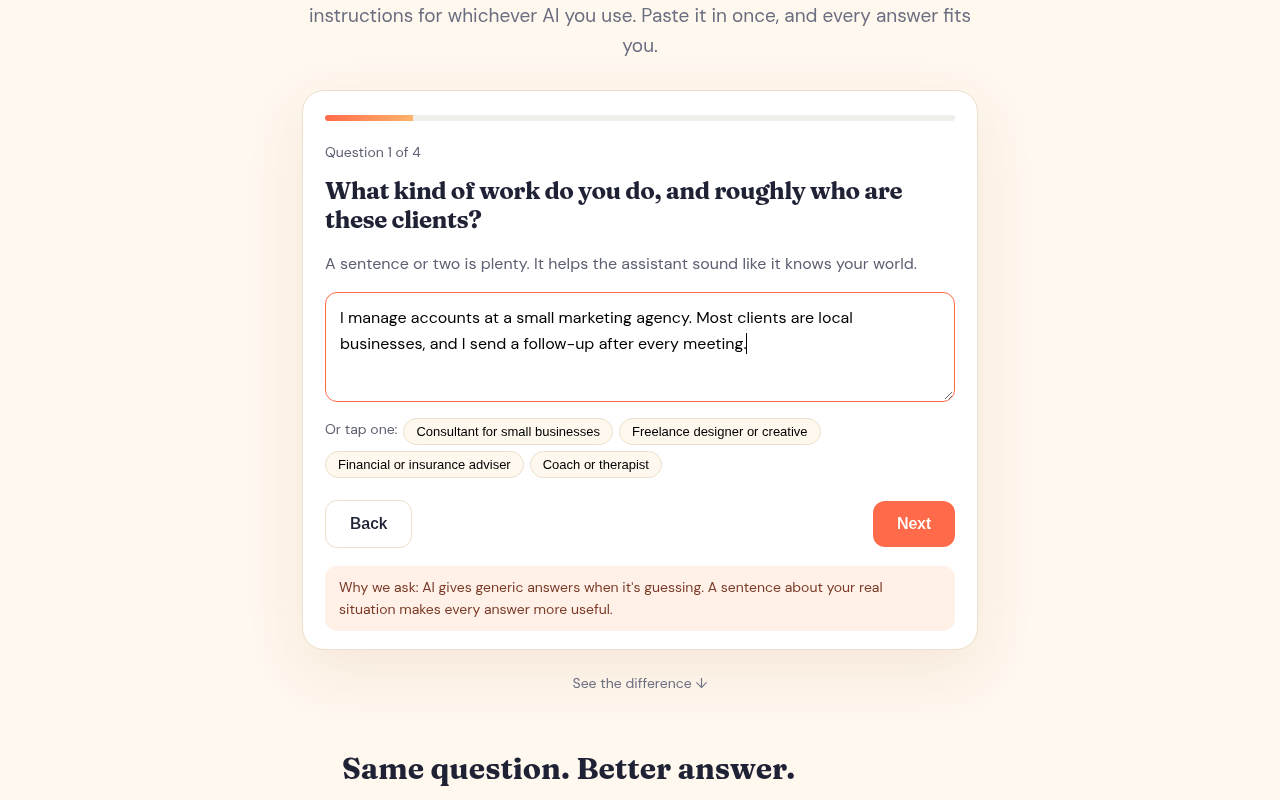
MakeASkill is a free tool that turns a few quick questions into a personal set of instructions, which we call a skill, for whichever AI assistant you use. It works with ChatGPT, Claude, Gemini, Microsoft Copilot and others. You tell us what you want help with, such as writing work emails, planning family meals, summarising research or preparing slides. We ask a handful of plain-English questions about you, your audience and how you like things done. In about two minutes you get a ready-to-paste skill that tells your AI exactly how to help you.
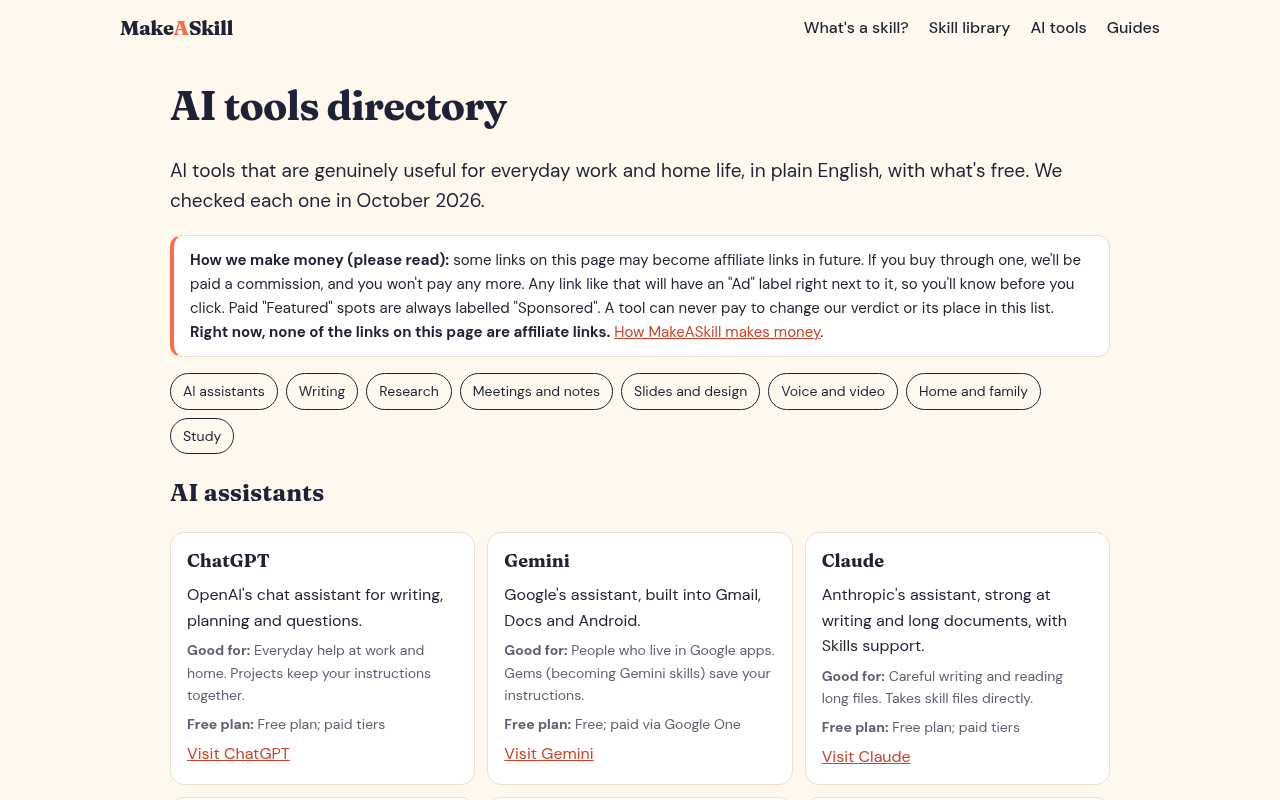
You paste it in once, in ChatGPT's custom instructions or a Project, Claude's Projects or skills, a Gemini Gem, or a Copilot notebook, and from then on every answer starts from what matters to you. No more re-explaining your job, your tone or your preferences in every chat.
A skill is just clear, structured text, so there's nothing to install and nothing technical to learn. Each one comes with simple setup steps for the assistant you chose, written for people who use AI every day but don't think of themselves as technical.
Who it's for: MakeASkill is built for everyday AI users at work and at home: office workers who want emails that sound like them, teachers and parents juggling admin, sole traders handling quotes and invoices, students organising notes, and anyone who's tired of AI answers that could have been written for anyone.
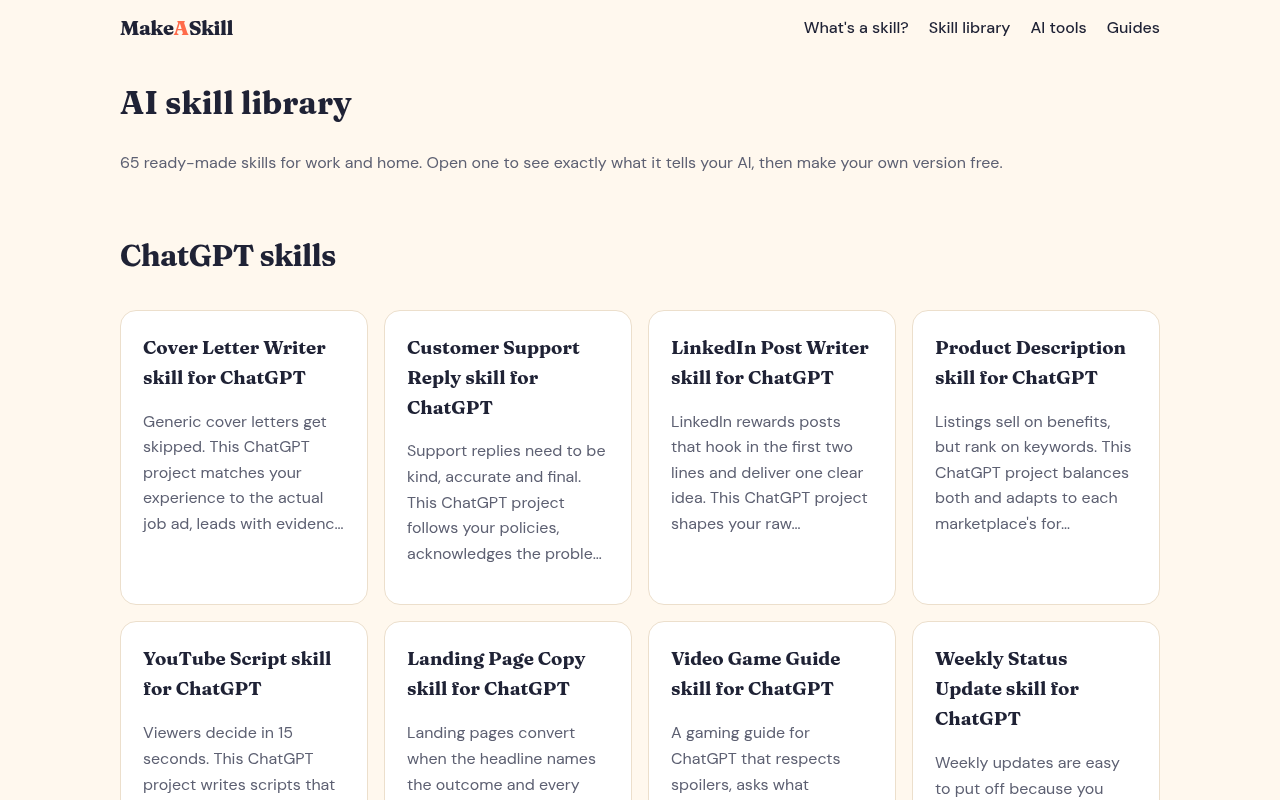
What you get: A personal skill written around your answers, not a generic template. Setup steps for your chosen assistant. A library of more than 60 ready-made skills for common tasks, from school emails to second-hand listings. An optional free account with a "My skills" library, sorted into categories such as Work, Writing, Home and Family, and Money, so you can open and copy any skill again in one click. Plain-English guides that explain what skills are and how to get more from the AI you already use.
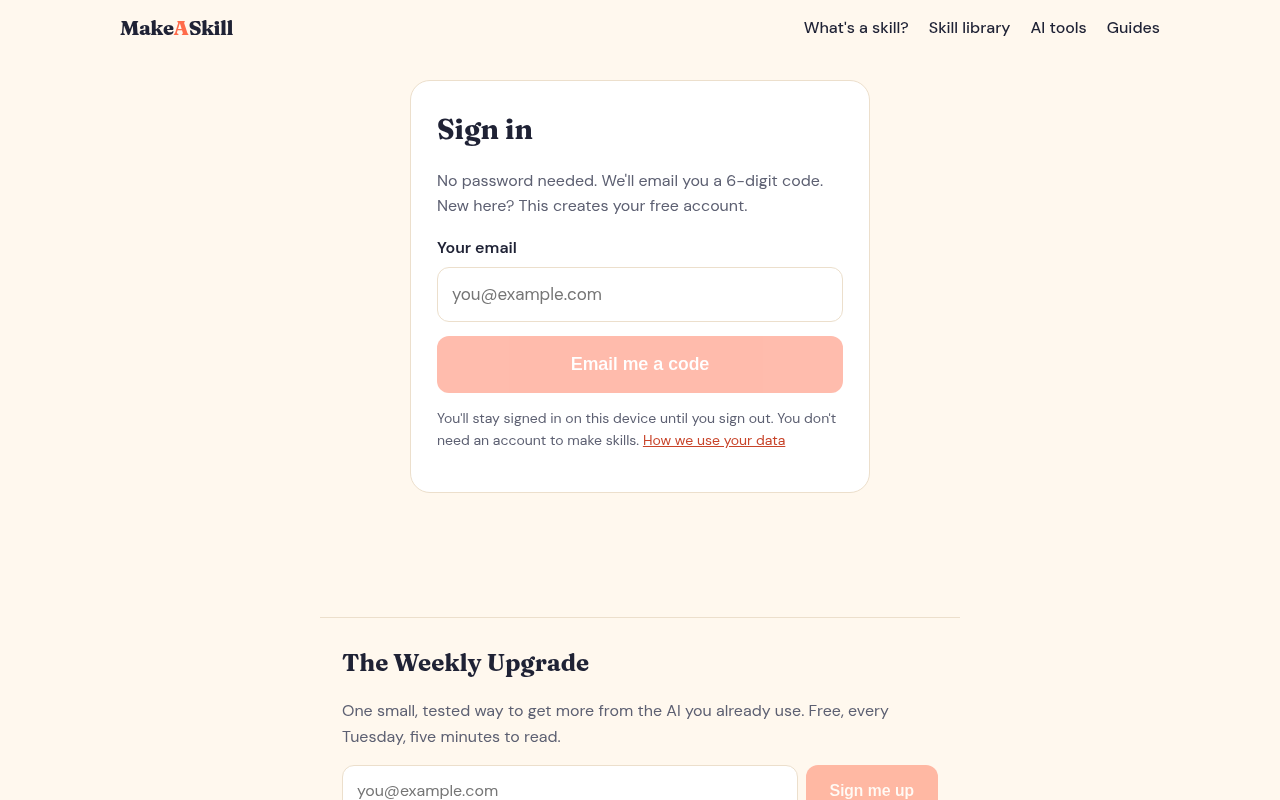
Free, with no catch: You can make up to five skills a day without signing up. If you want to keep your skills in one place, you can create a free account with a one-time email code. No password is needed and you stay signed in on your device. We only send emails if you opt in, and you can delete your account and everything in it at any time.
Why it works: AI assistants give better answers when they have context: your role, your audience, your preferred format and the things to avoid. Most people know this but never get round to writing it down properly. MakeASkill does that writing for you by asking the right questions and turning your answers into instructions an AI can follow consistently.
Try it at makeaskill.com. It's free and takes about two minutes, and it works with any AI assistant you use.

Comments

Premium Products


























































Find your next favorite product or submit your own. Made by @FalakDigital.
Copyright ©2026. All Rights Reserved