Make Look Scanned
Make any PDF look realistically scanned – Free & Private
Make Look Scanned is a browser-based PDF tool that converts clean digital documents into realistic scanned-looking files. It is designed for situations where a PDF needs to resemble a document that has been printed, placed on scanner glass, and scanned back into digital form.
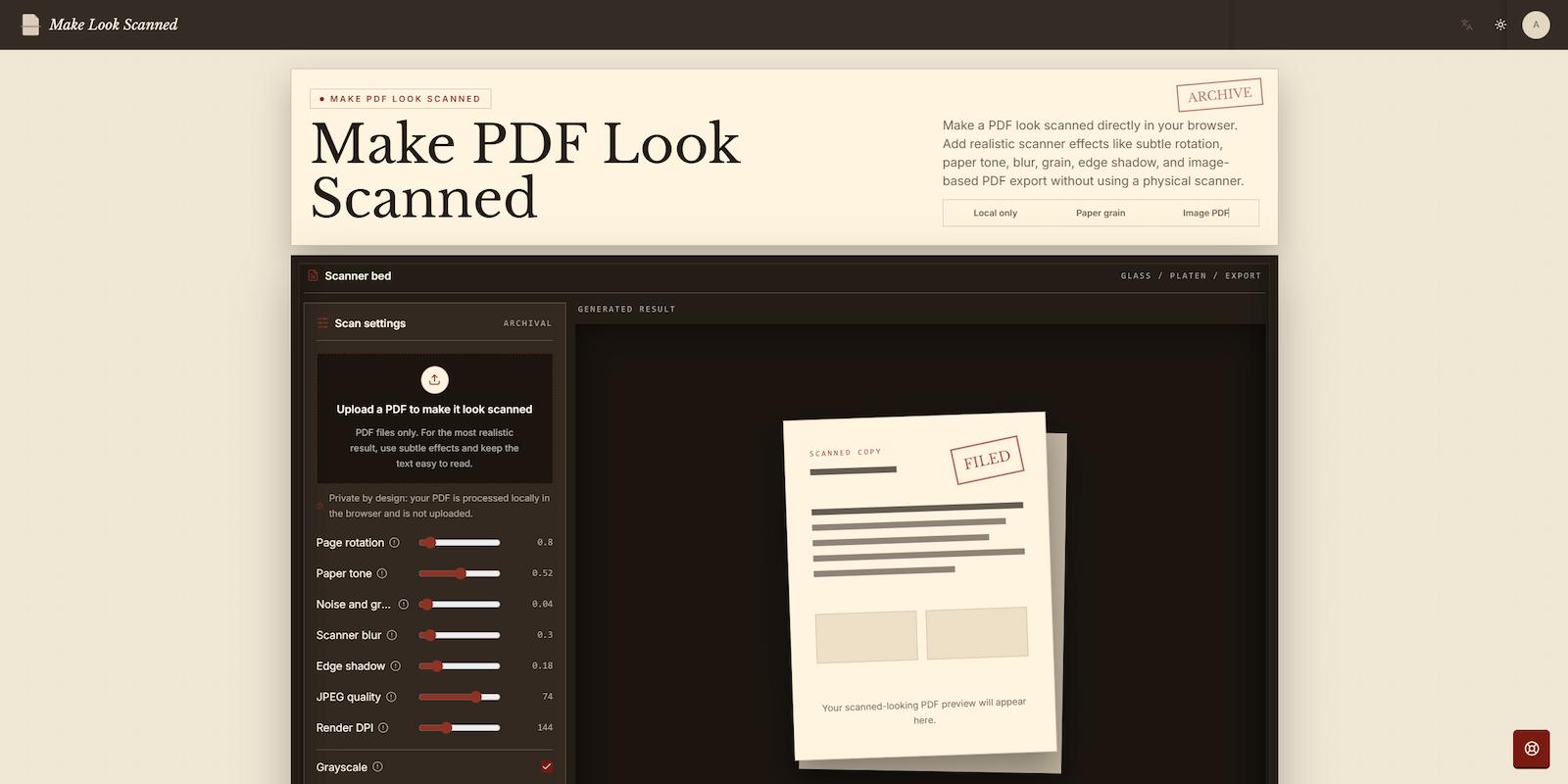
Users upload a PDF, adjust the scanner effects, preview the processed pages, and download the finished document. Available controls include subtle page rotation, paper tone, noise and grain, optical blur, edge shadows, grayscale, render DPI, and JPEG quality. Small adjustments can reproduce the slight misalignment, softened text, paper texture, shadows, and compression associated with physical scanners and document cameras.
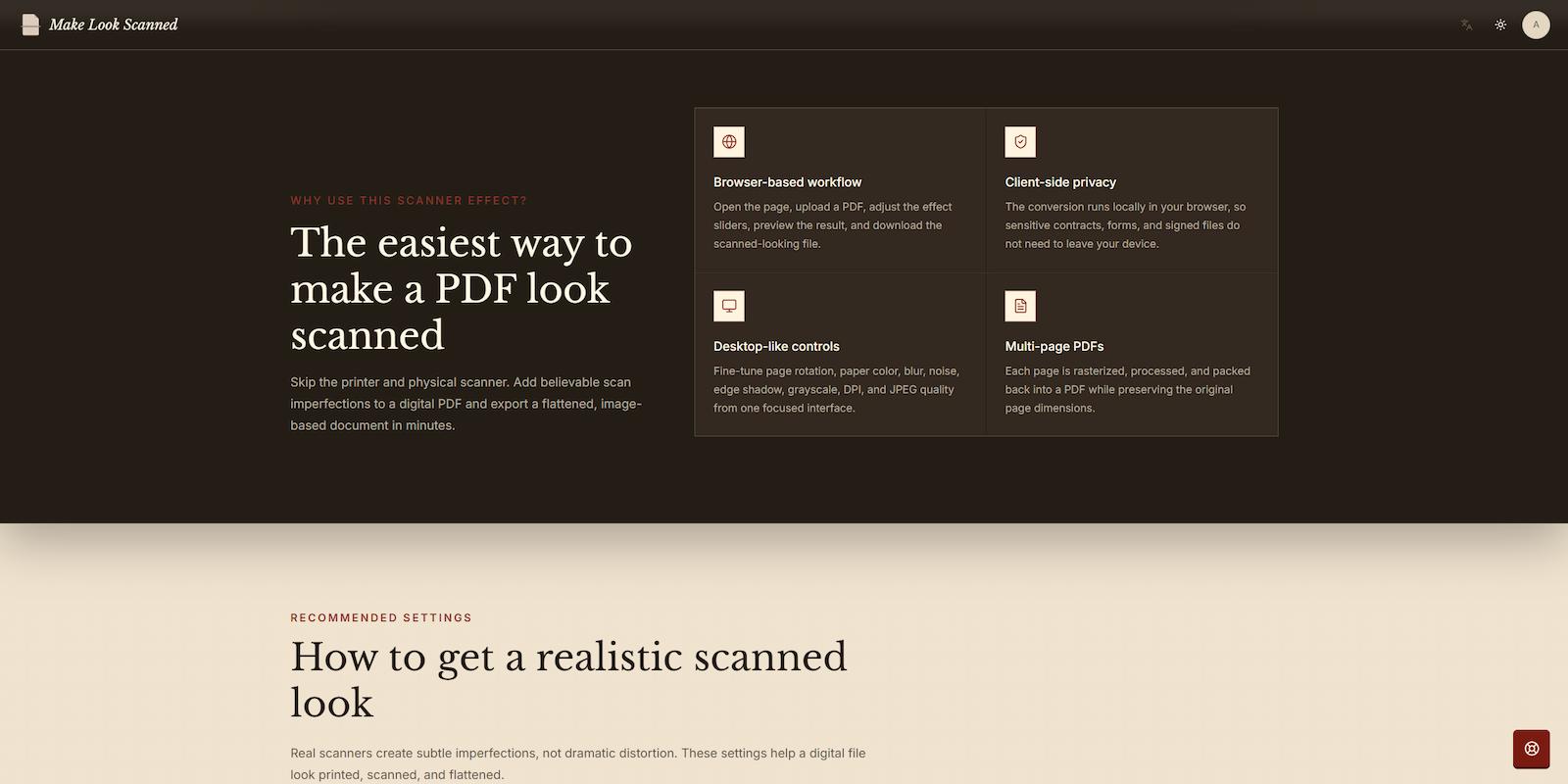
The tool supports multi-page PDFs. Every page is rasterized, processed, and embedded into a new image-based PDF while preserving the original page dimensions. This flattened output also makes the document less directly editable than a standard text-based PDF.
All processing takes place locally in the browser, so the source PDF does not need to be uploaded to a remote server. Make Look Scanned is useful for professionals, students, freelancers, and privacy-conscious users working with forms, contracts, signed files, administrative documents, and PDF submissions. It provides a focused alternative to printing and rescanning documents or manually recreating scanner effects in complex desktop software.
Features
Browser-based PDF processing
Local, client-side document conversion
Realistic scanner-style effects
Adjustable page rotation
Custom paper tone
Noise and grain controls
Scanner-style blur
Edge shadow effects
Optional grayscale output
Adjustable render DPI
Configurable JPEG quality
Multi-page PDF support
Live result preview
Flattened, image-based PDF export
Original page dimensions preserved
Use Cases
Create a scanned-style signed document
Turn a digitally signed or completed PDF into a flattened document that resembles a printed and scanned copy.
Prepare forms for submission
Add subtle paper texture, rotation, blur, and compression when a document needs a natural scanned appearance.
Process sensitive PDFs privately
Convert contracts, forms, and other confidential files locally without sending the source document to a server.

Comments

I built Make Look Scanned after realizing how often people still need documents to look like they were printed and scanned, even when they only have a digital PDF. The usual process of printing, scanning, and re-uploading felt unnecessarily slow, so I created a simple browser-based alternative. The tool lets you adjust details like paper tone, rotation, blur, grain, shadows, grayscale, and compression to create a more natural scanned appearance. Privacy was also important to me, so the document processing happens locally in the browser rather than sending files to a remote server. I’d love to hear how you use the tool, which effects feel most realistic, and what features would make it more useful for you.
Premium Products




























Sponsors
Buy

Makers
Makers
Comments
I built Make Look Scanned after realizing how often people still need documents to look like they were printed and scanned, even when they only have a digital PDF. The usual process of printing, scanning, and re-uploading felt unnecessarily slow, so I created a simple browser-based alternative. The tool lets you adjust details like paper tone, rotation, blur, grain, shadows, grayscale, and compression to create a more natural scanned appearance. Privacy was also important to me, so the document processing happens locally in the browser rather than sending files to a remote server. I’d love to hear how you use the tool, which effects feel most realistic, and what features would make it more useful for you.
Premium Products
New to Fazier?

Find your next favorite product or submit your own. Made by @FalakDigital.
Copyright ©2025. All Rights Reserved