
MailSenseAI
Email tracking for Gmail — open, click & reply signals
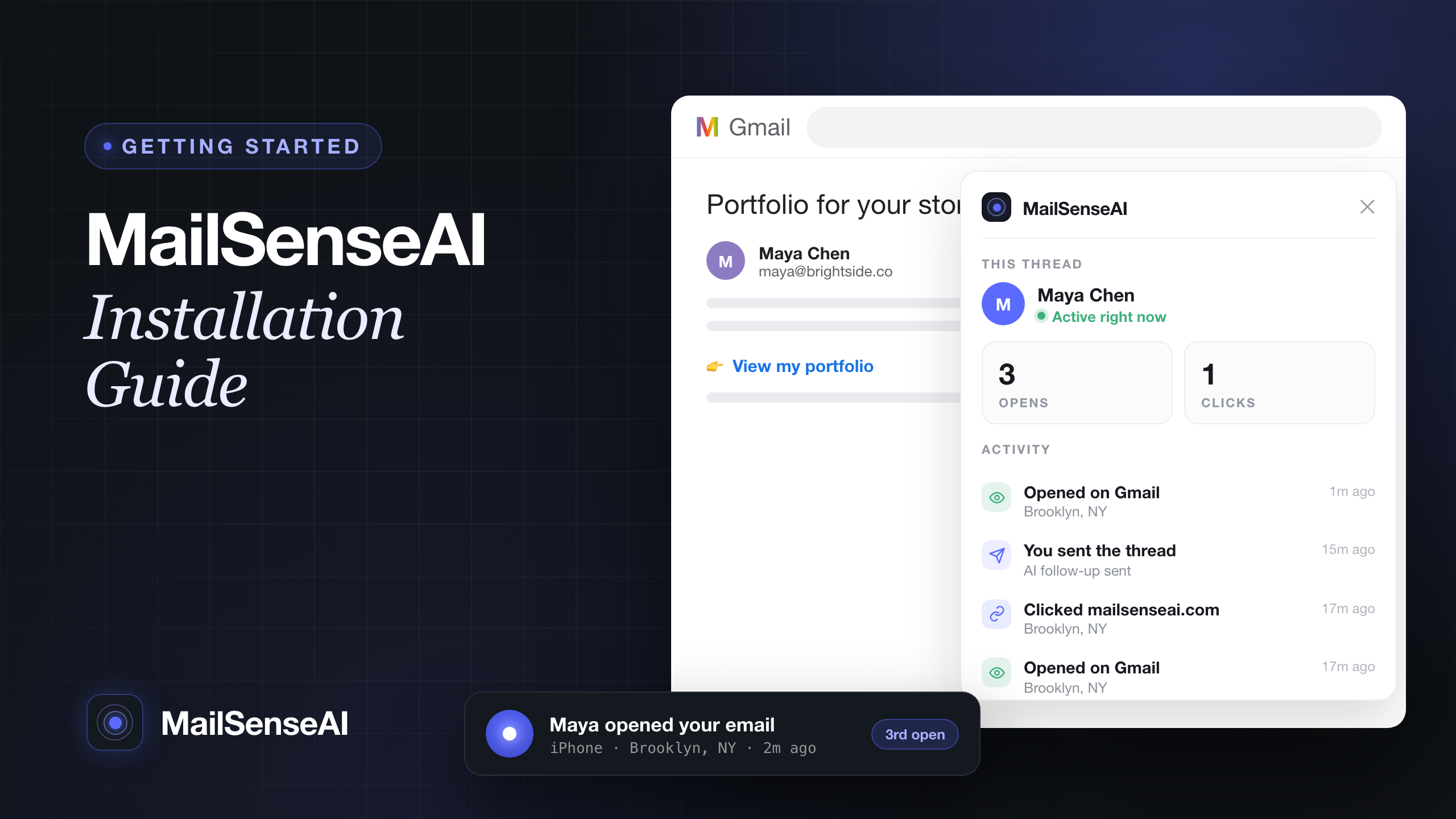
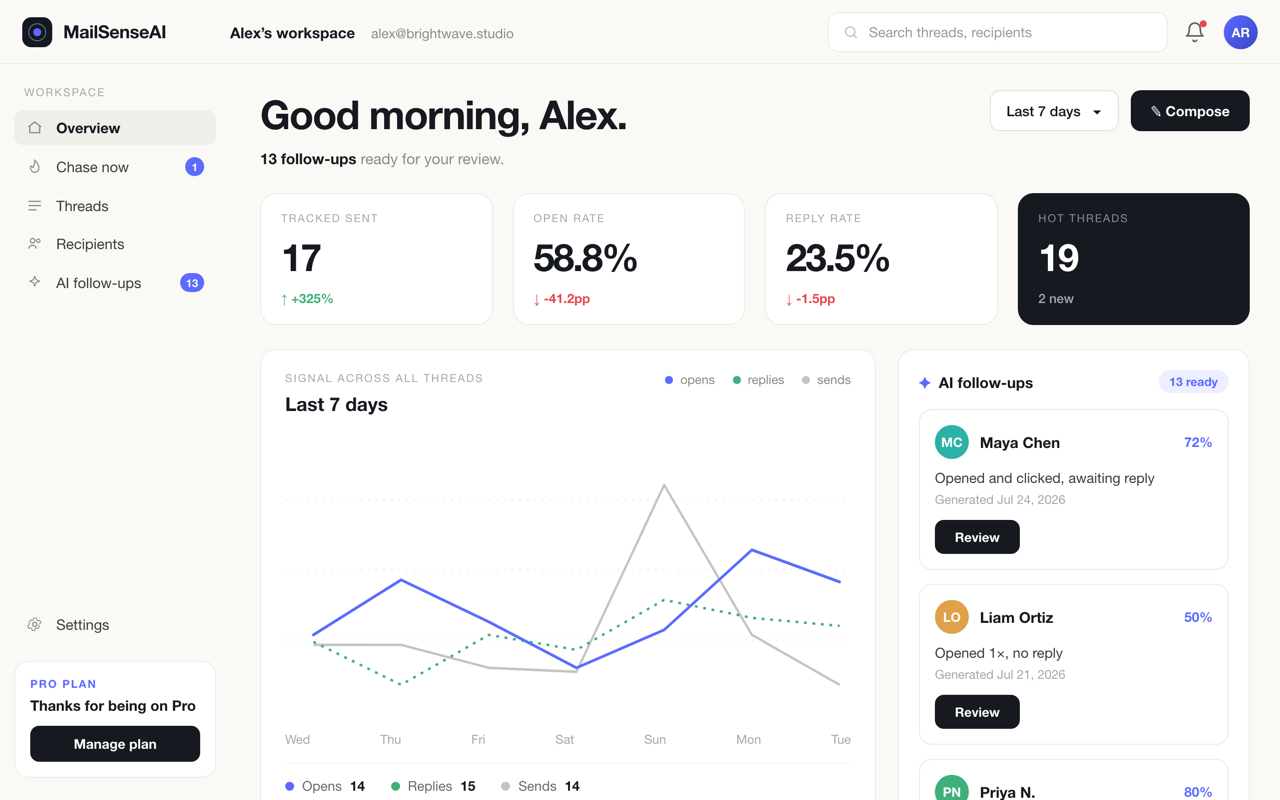
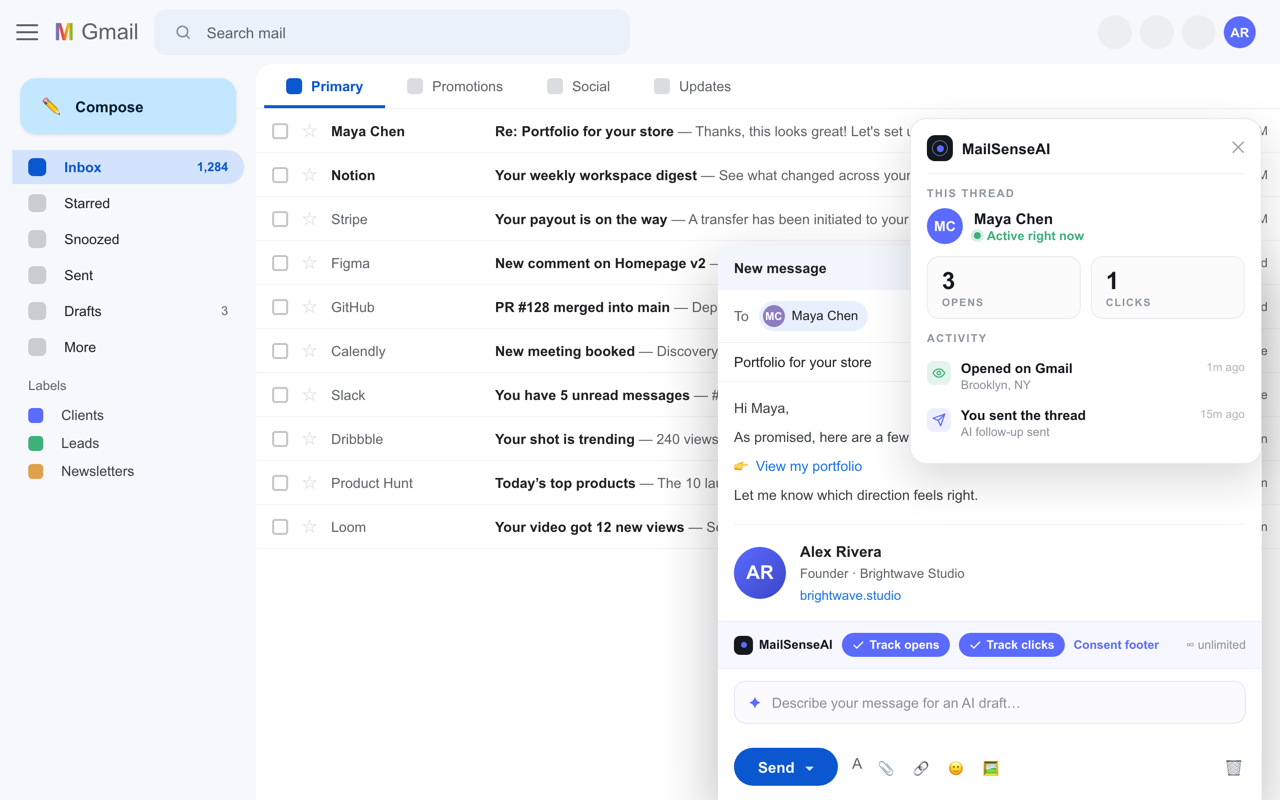
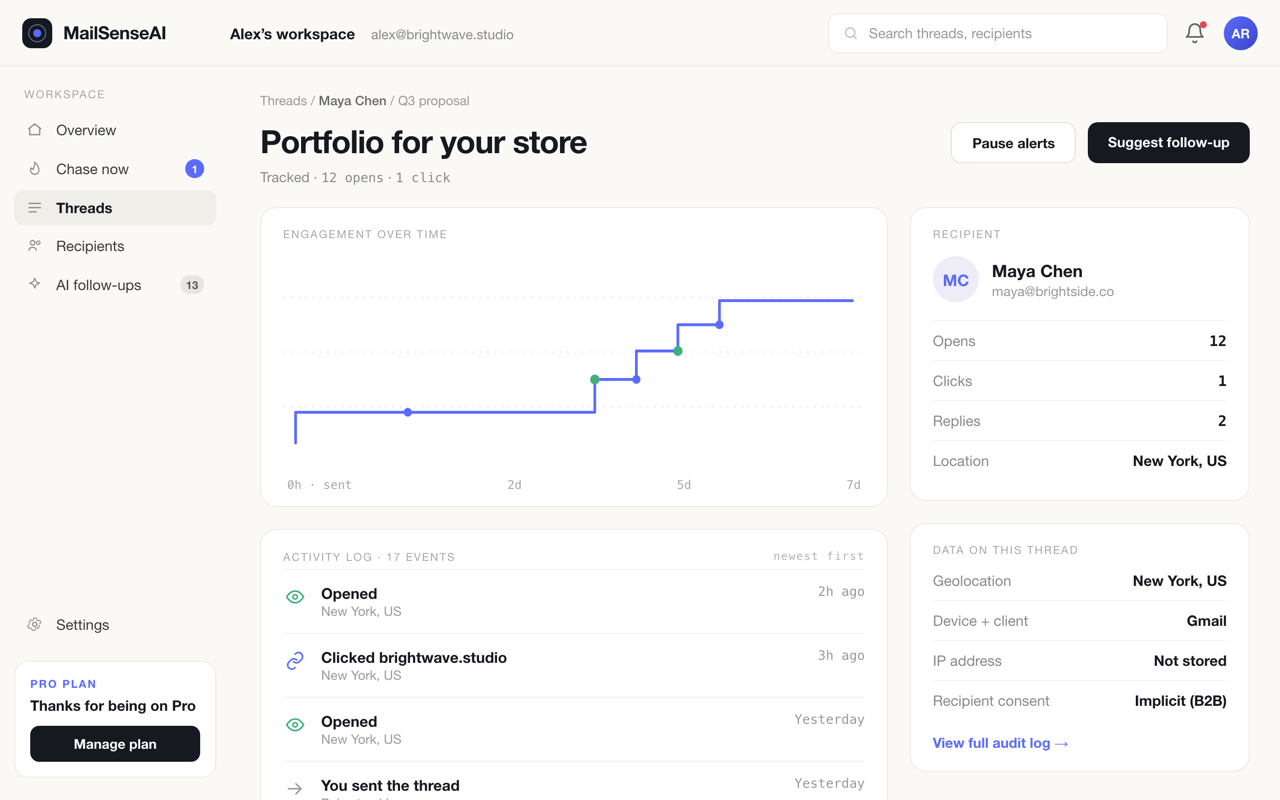
MailSenseAI is a free email tracking tool for Gmail. See real-time open, click, and reply signals right in your inbox sidebar — with no tracking footer added to your emails on any plan. It also drafts AI-powered follow-ups so you can stay on top of conversations. Built for sales teams, marketers, and anyone who wants visibility into email engagement without cluttering their messages.
Features
Real-time open, click, and reply tracking shown in your Gmail sidebar
No tracking footer added to your emails on any plan, including the free tier
AI-drafted follow-up suggestions so no conversation slips through
Works natively inside Gmail — no separate app to switch to
Free to start
Use Cases
Sales reps who want to know the moment a prospect opens a proposal or clicks a link
Founders doing cold outreach who need to see what's landing and follow up at the right time
Marketers tracking engagement on one-to-one emails without adding pixels or footers
Anyone who wants read/reply visibility in Gmail without switching to a heavier CRM

Comments


Hey Fazier 👋 I built MailSenseAI because every free Gmail tracker I tried slapped a "sent with X" footer on my emails — which kind of defeats the point when you're trying to look professional. So the core promise here is simple: unlimited open, click, and reply tracking, free, with no footer on any plan. On top of that, instead of just pinging you "opened!", it weighs the whole signal (opens, clicks, replies over 72h) and drafts the follow-up when a thread goes warm. Would genuinely love your feedback — especially on the AI follow-up suggestions. Happy to answer anything!
Putting open, click, and reply signals directly in the Gmail sidebar is a practical workflow for sales teams—especially when avoiding extra tracking footers matters for deliverability and trust. The AI follow-up drafting is a nice complement; can teams add their own tone or compliance rules before sending a suggested reply?

The open and click signals sound particularly useful for following up on proposals. We have a similar idea in EZINDRA — we notify the service provider when a client opens or responds to a quote, which makes the follow-up much more timely instead of just guessing. Keeping it inside Gmail rather than another dashboard is a nice touch too.

Premium Products













































Sponsors
Buy

Makers
Makers
Comments
Hey Fazier 👋 I built MailSenseAI because every free Gmail tracker I tried slapped a "sent with X" footer on my emails — which kind of defeats the point when you're trying to look professional. So the core promise here is simple: unlimited open, click, and reply tracking, free, with no footer on any plan. On top of that, instead of just pinging you "opened!", it weighs the whole signal (opens, clicks, replies over 72h) and drafts the follow-up when a thread goes warm. Would genuinely love your feedback — especially on the AI follow-up suggestions. Happy to answer anything!
Putting open, click, and reply signals directly in the Gmail sidebar is a practical workflow for sales teams—especially when avoiding extra tracking footers matters for deliverability and trust. The AI follow-up drafting is a nice complement; can teams add their own tone or compliance rules before sending a suggested reply?
The open and click signals sound particularly useful for following up on proposals. We have a similar idea in EZINDRA — we notify the service provider when a client opens or responds to a quote, which makes the follow-up much more timely instead of just guessing. Keeping it inside Gmail rather than another dashboard is a nice touch too.
Premium Products
New to Fazier?

Find your next favorite product or submit your own. Made by @FalakDigital.
Copyright ©2026. All Rights Reserved